-
Program logo
-
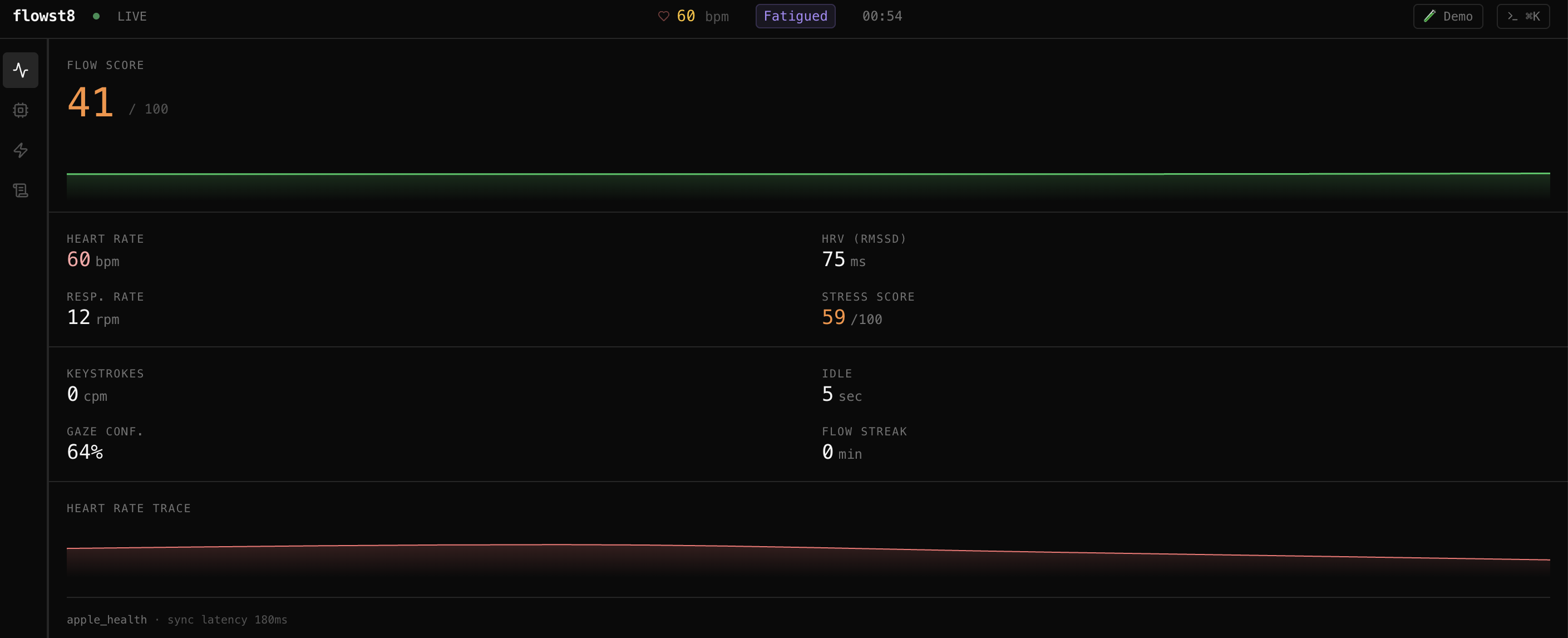
Live heart rate sensing
-
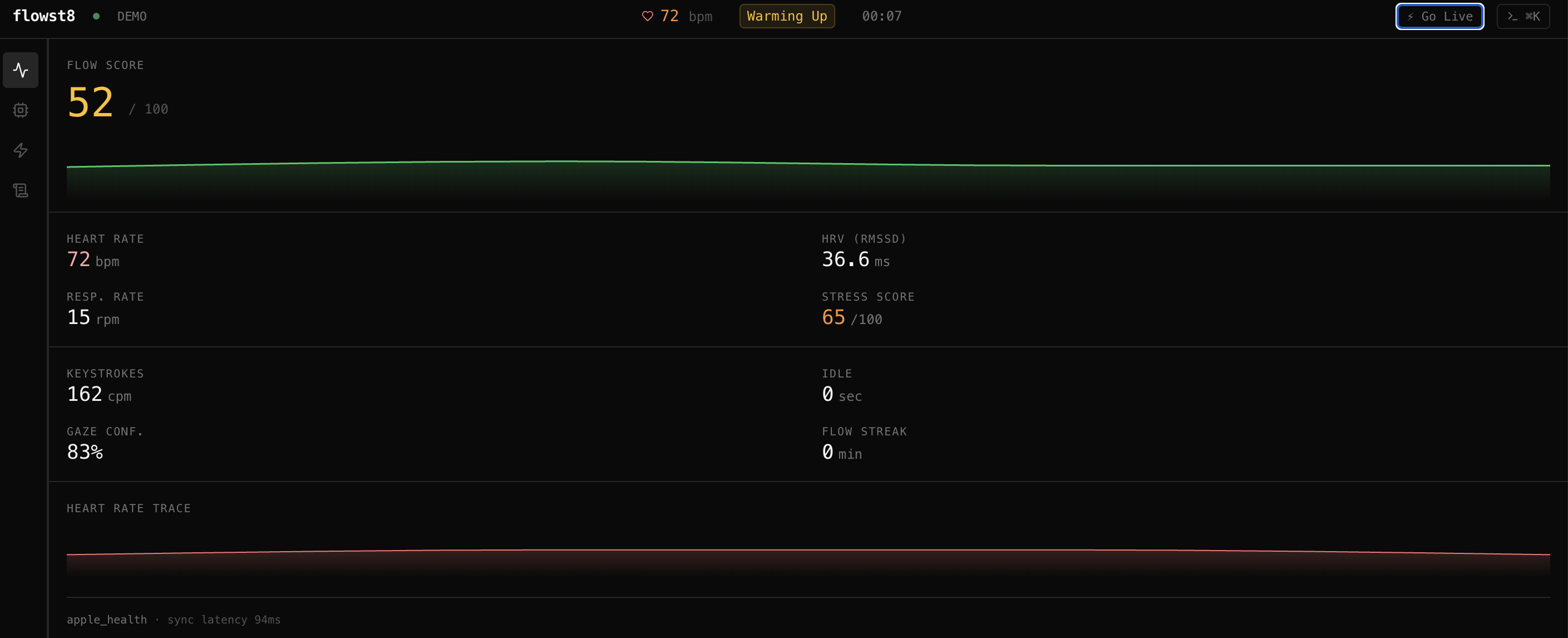
Demo data
-
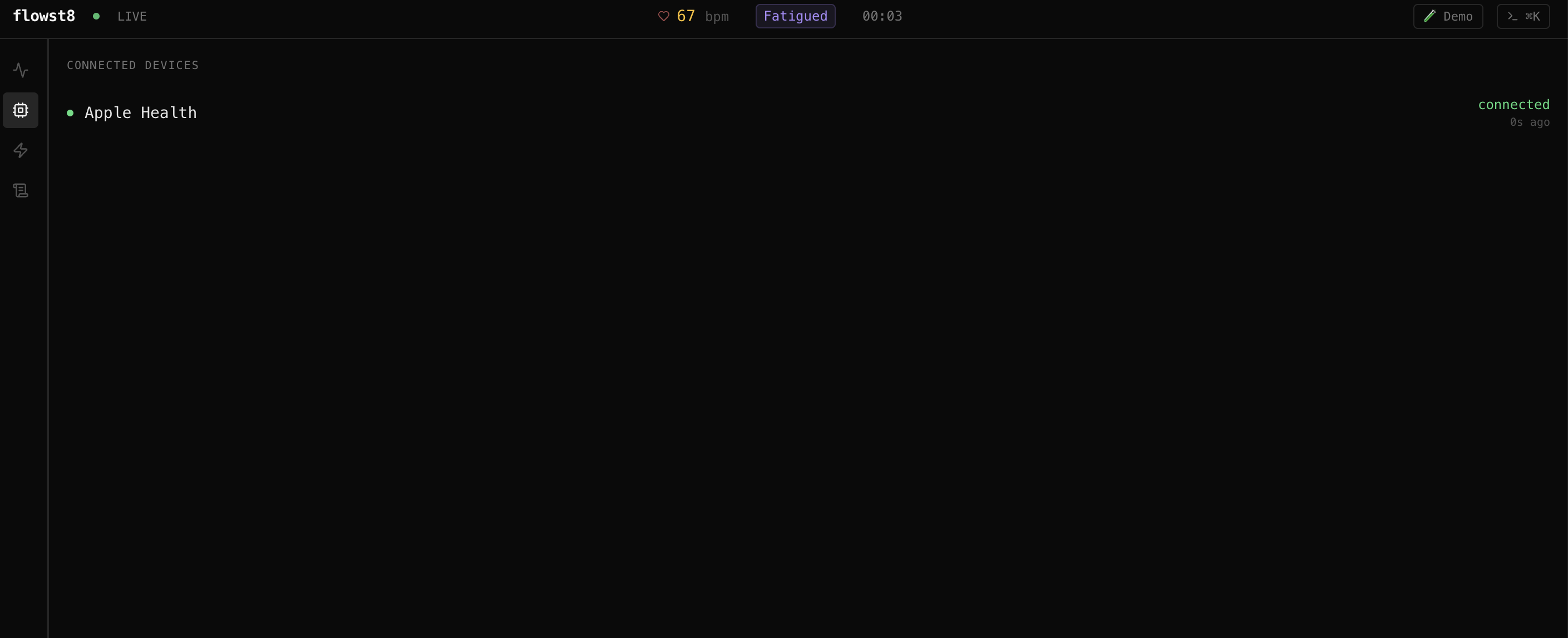
Connecting to Apple Health
-
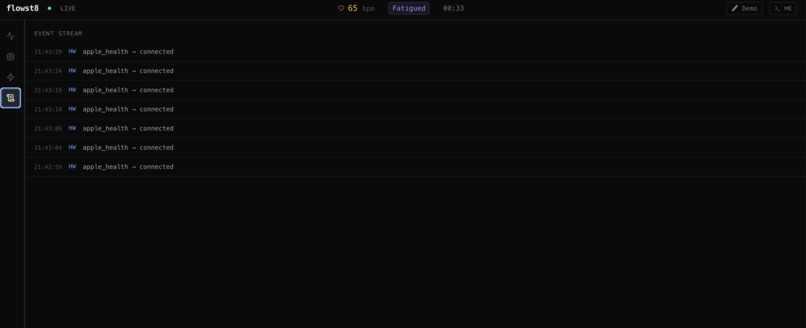
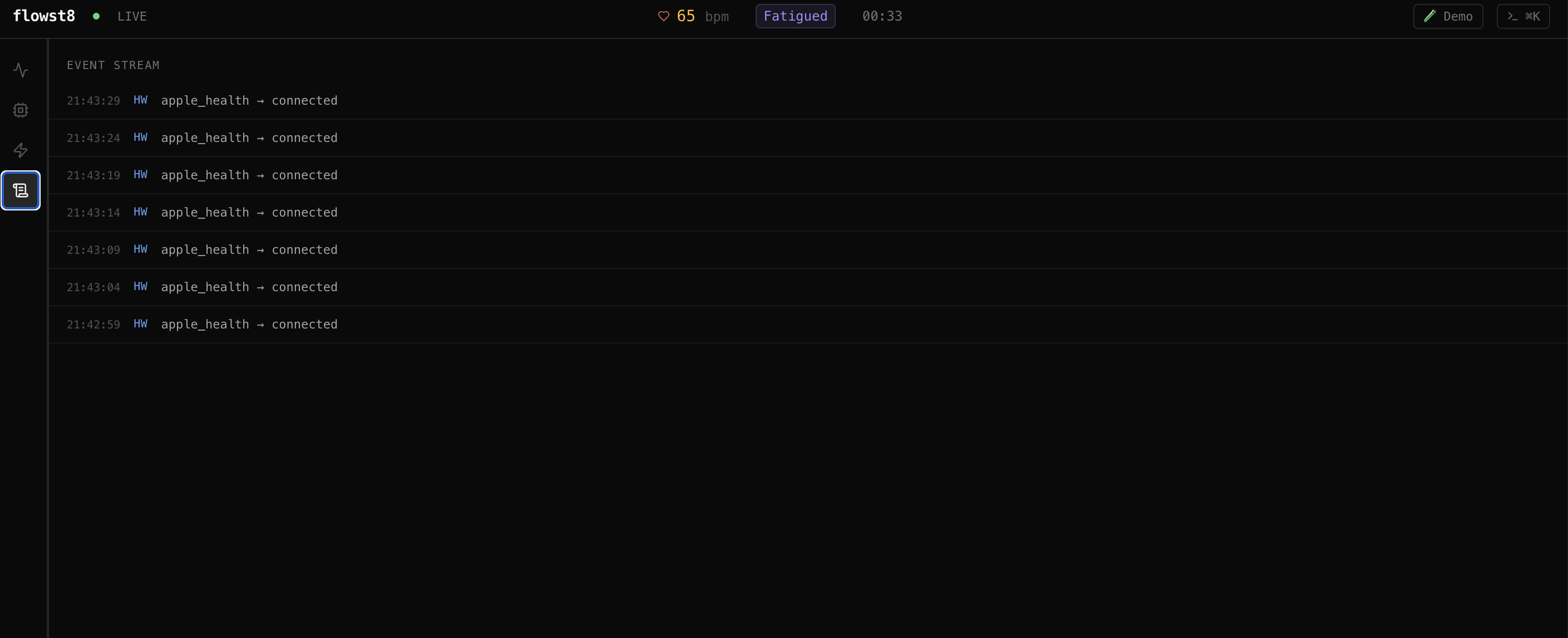
Pinging the server with heart rate data
-
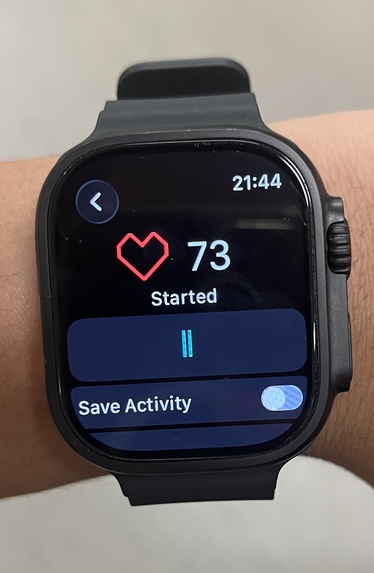
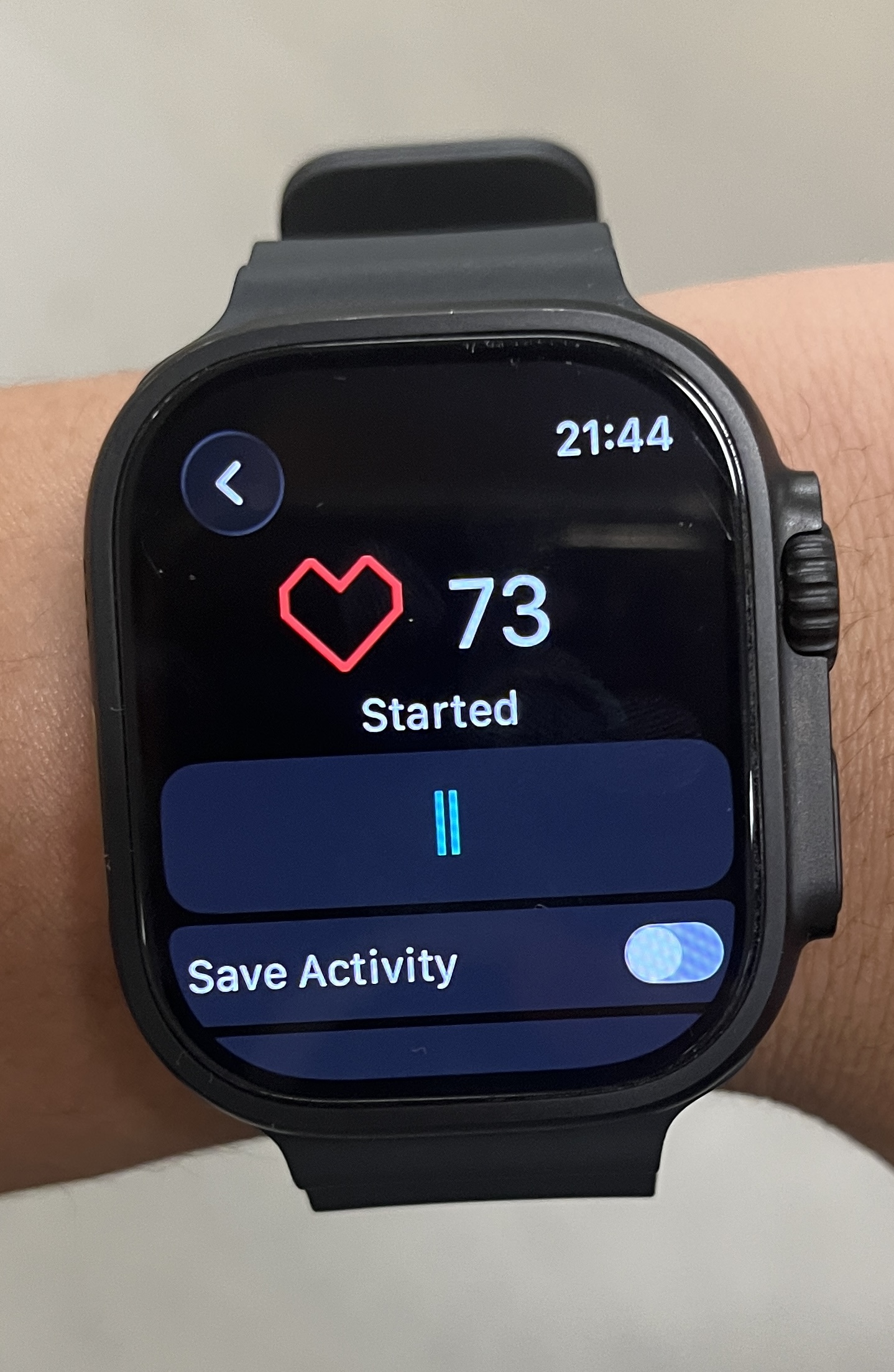
Capturing data with an Apple Watch
-
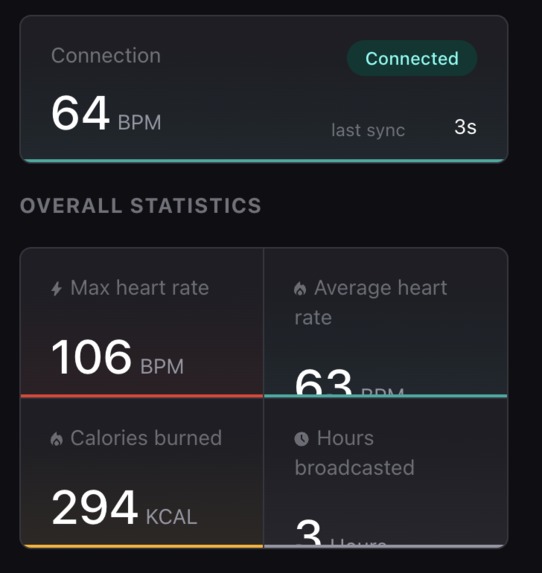
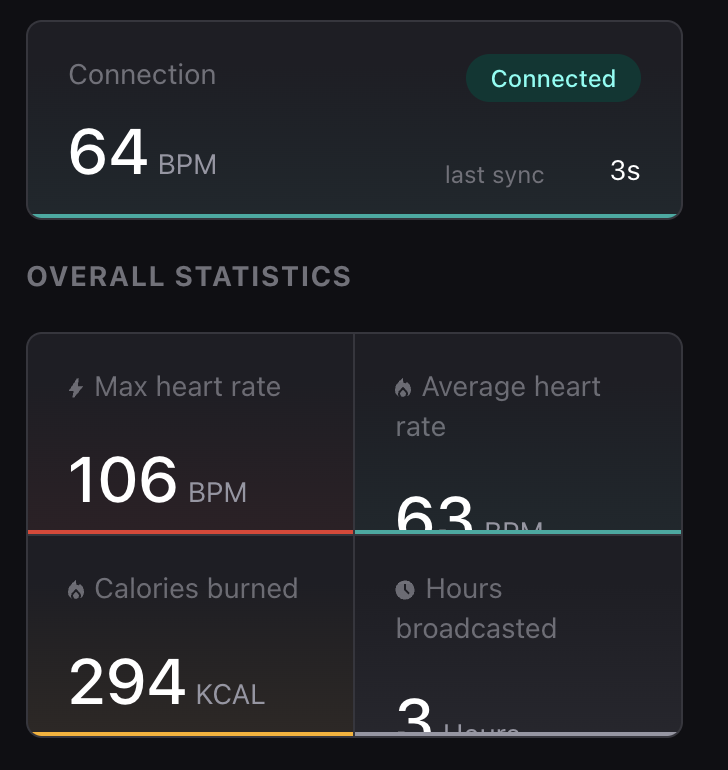
Using Pulsoid to record tracked heart rate data
flowst8
Inspiration
Every developer has experienced the same thing: that impending sense of dread when a workspace suddenly starts to feel cluttered, confusing, and overwhelming. We even experienced this ourselves while working on this project. Ultimately, this can leave you stressed, frustrated, and, most importantly, inefficient.
flowst8 was designed around the idea of building a system that understands a developer's state and knows when to tell them to take a step back, cool off, and reset.
What it does
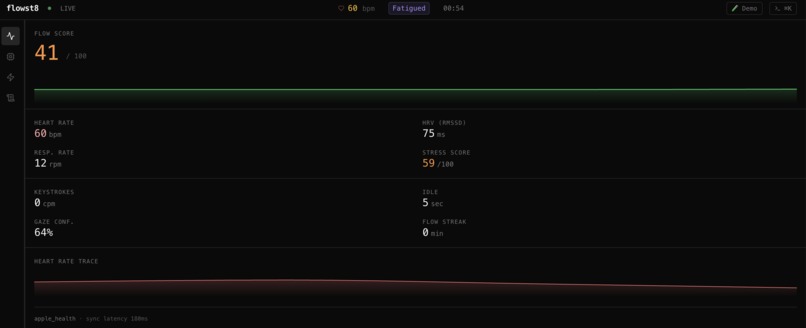
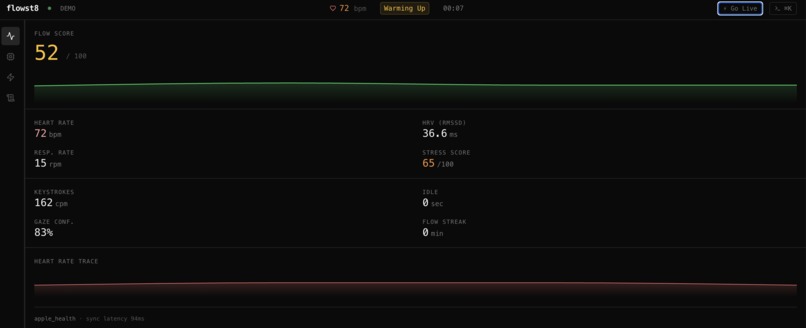
flowst8 tracks a user's focus in real time using heart rate and keyboard activity.
By analyzing changes in heart rate and keystrokes per minute (KPM), flowst8 estimates when a user may be losing focus or becoming overwhelmed. These signals are combined into an overall focus score, which represents the user's current state.
When flowst8 detects a significant decrease in focus, it can trigger an audio alert or notification, encouraging the user to take a break and reset before returning to their work.
Conceptually, the system can be represented as:
$$ \text{Focus Score} = f(\text{Heart Rate},\ \text{KPM}) $$
where the function (f) represents the processing and analysis used to translate these real-time inputs into a focus state.
How we built it
We built flowst8 using a combination of Python, FastAPI, WebSockets, TypeScript, Google Gemini, and TimescaleDB.
Our database system was TimescaleDB, which allowed us to work with the time-series data generated by the application. We used Docker to containerize and connect the different services within our system.
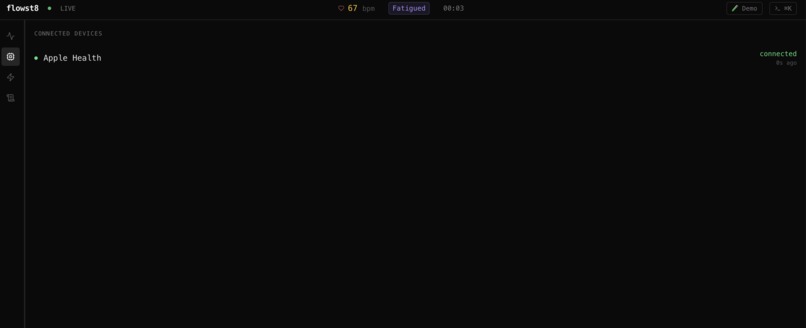
For heart-rate monitoring, we used Pulsoid, an open-source application capable of receiving data from an Apple Watch. We combined this heart-rate data with keyboard activity collected through our TypeScript implementation to determine the user's overall focus state.
We created an ingest.py component to consume the incoming raw data and pass it through the rest of our system. From there, the processed information could be used to trigger notifications or generate audio alerts based on the user's detected state.
We also used Google Gemini as part of our system and relied heavily on AI-assisted development throughout the project. AI helped us write, understand, and debug portions of our code. In today's development environment, AI is an incredibly powerful tool for rapidly developing software; however, using AI does not mean the work is done for you.
Even with the help of AI, we still needed to comprehend the created code, debug it, make changes to it, and—above all—connect all of the separate parts. Generating individual code segments with AI was frequently the simple part. It was much harder to get those elements to reliably communicate with each other.
Challenges we ran into
One of the major challenges we encountered was managing front-end to back-end communication. Whether due to communication within the team or differences between our individual implementations, connecting the back-end framework to actual visuals and a properly functioning GUI became a major complication.
We also encountered issues involving:
- Real-time data synchronization
- External service configurations
- Package installation and imports
- Front-end/back-end communication
- API integration
- Consistent coding practices across the project
- Translating raw heart-rate and KPM data into a meaningful focus measurement
Another challenge was deciding how much hardware to incorporate into the project. Originally, we considered using a Raspberry Pi 5 as a camera and a Google Home Mini for speech-to-text/text-to-speech (STT/TTS) functionality. However, due to time constraints and hardware availability, we ultimately decided to remove these peripherals from the initial implementation.
Even with AI assisting us throughout development, integrating everything into one functioning system was challenging. Individual components could work perfectly on their own, but making them work together reliably in real time required significant debugging and iteration.
Accomplishments that we're proud of
Our biggest accomplishment is simply that we were able to connect the front-end and back-end into a working product.
At times, identifying the source of an issue across numerous files and interconnected services felt like searching for a needle in a haystack. We spent a significant amount of time debugging, testing, and tracing errors, with GitHub Copilot helping us understand and resolve many of the problems we encountered.
We're particularly proud that, despite relying on AI for portions of the implementation, we were able to understand, adapt, debug, and integrate the generated code into a functional system.
We successfully connected multiple real-time inputs and built a system capable of detecting changes in focus and responding with personalized alerts.
Most importantly, the system actually works:
Apple Watch → Pulsoid → Heart-rate data
Keyboard → KPM data
Heart rate + KPM → Focus analysis → Alert/Notification
This allowed flowst8 to detect a user's heart rate through their Apple Watch, combine it with detected keystroke activity, and use these signals to estimate their current focus state.
What we learned
The most important things we learned from this project were time management, team communication, and system integration.
We also learned how challenging it is to work with real-time data and multiple APIs while keeping everything synchronized. Connecting different pieces of AI-generated code, debugging unexpected behaviour, and understanding why something was not working were still major parts of the development process.
One of our biggest takeaways was that building a project is not necessarily about how complex the individual pieces of code are. Instead, a major part of software engineering is managing those individual components and making them function together as one cohesive system.
AI can generate an individual function, class, or even an entire component extremely quickly. However, getting dozens of independently developed components to communicate correctly is a different problem entirely.
That integration process is something we are particularly proud to have accomplished with flowst8.
What's next for flowst8
Our next goal is to make flowst8 more accurate and personalized by incorporating additional signals and allowing the system to learn each user's individual focus patterns.
We also want to:
- Improve the focus detection model
- Incorporate additional biometric and behavioural signals
- Expand the notification and alert system
- Improve real-time data processing
- Allow flowst8 to learn a user's individual baseline
- Integrate flowst8 more directly into existing developer workflows
We also want to revisit the peripherals we originally planned to use. In future versions, we would like to integrate devices such as the Raspberry Pi 5 and Google Home Mini to make flowst8 more accessible and convenient for users who want a more hands-free experience.
Ultimately, we want flowst8 to evolve from simply detecting when a developer is losing focus into a personalized productivity companion that understands when you should keep pushing—and when you should step away.
Built With
- css
- docker
- elevenlabs
- gemini
- html
- javascript
- json
- next
- node.js
- python
- tigerdata
- timescaledb
- tsx
- typescript


Log in or sign up for Devpost to join the conversation.