-
-
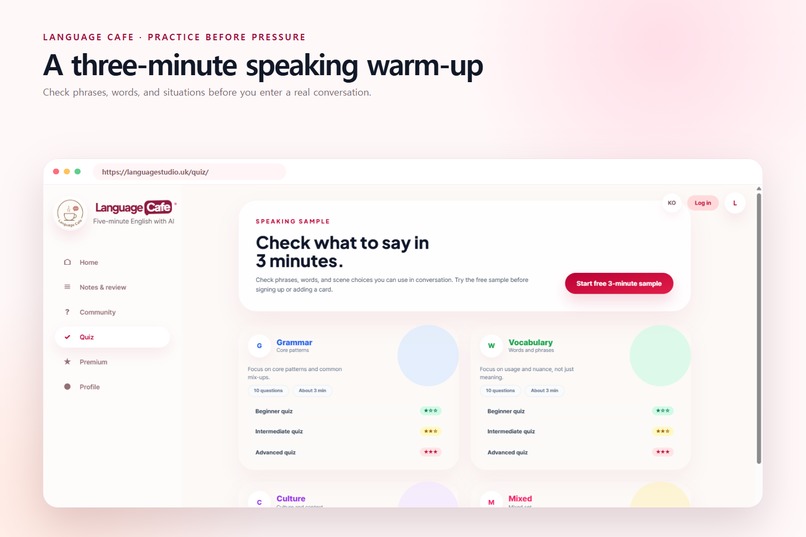
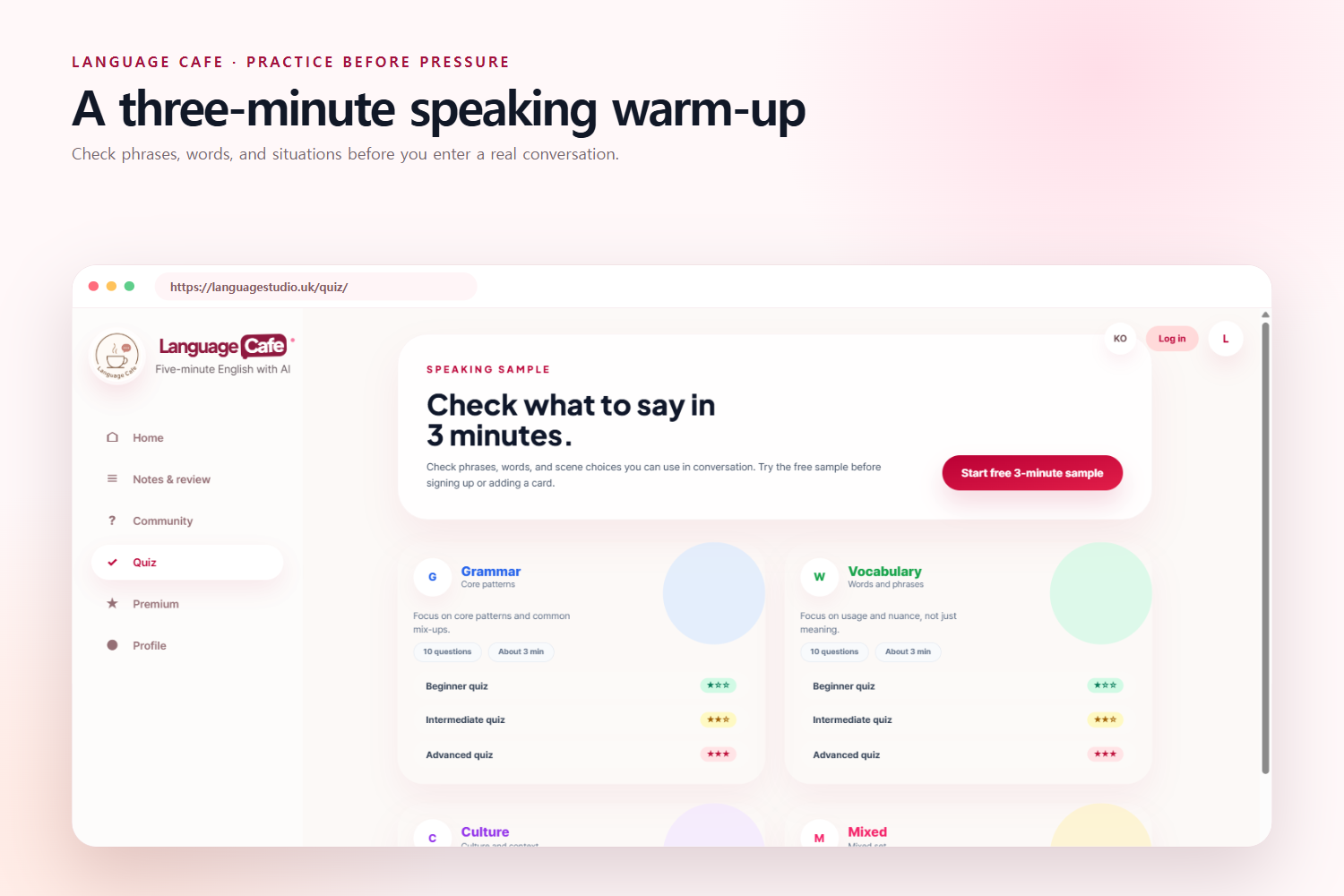
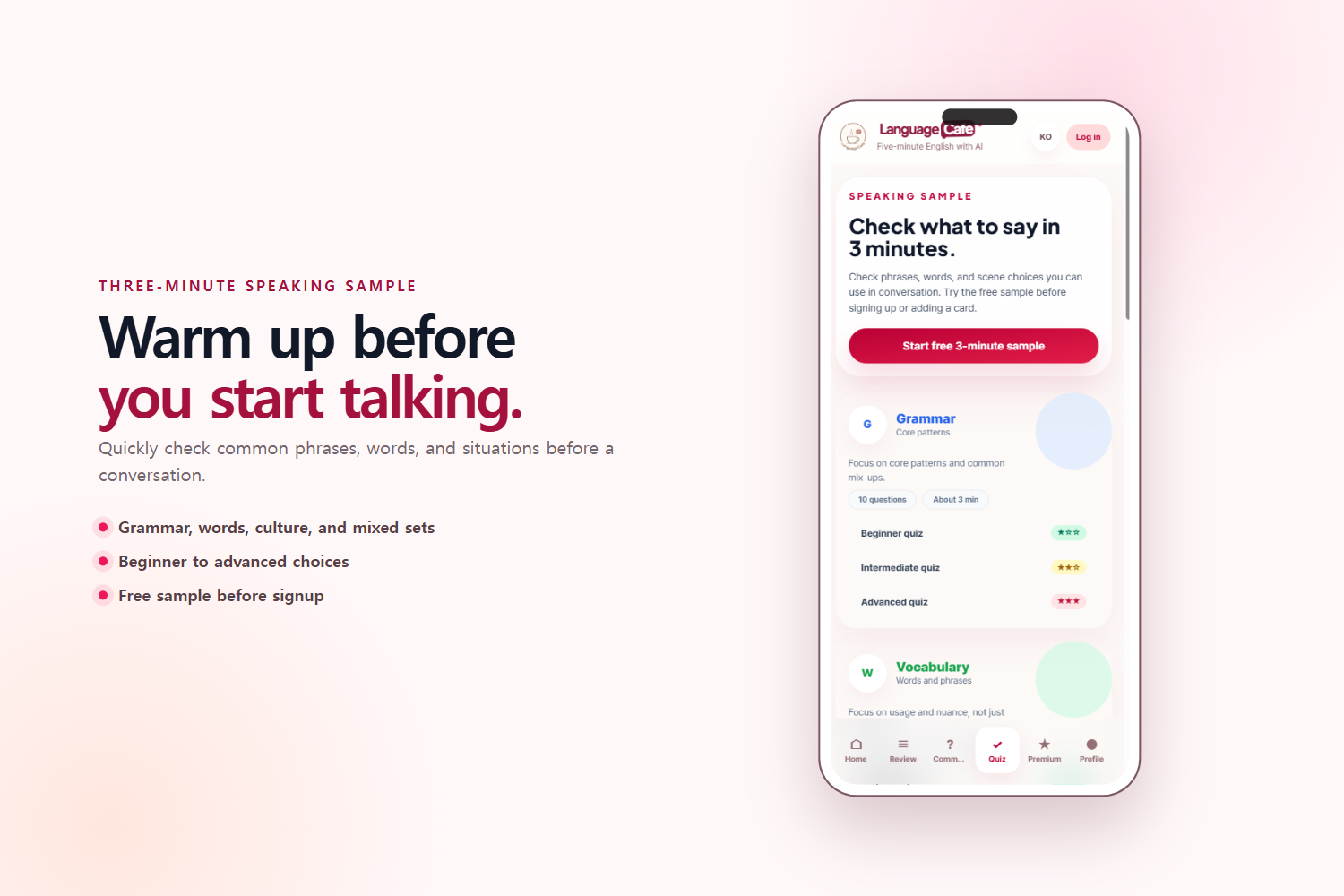
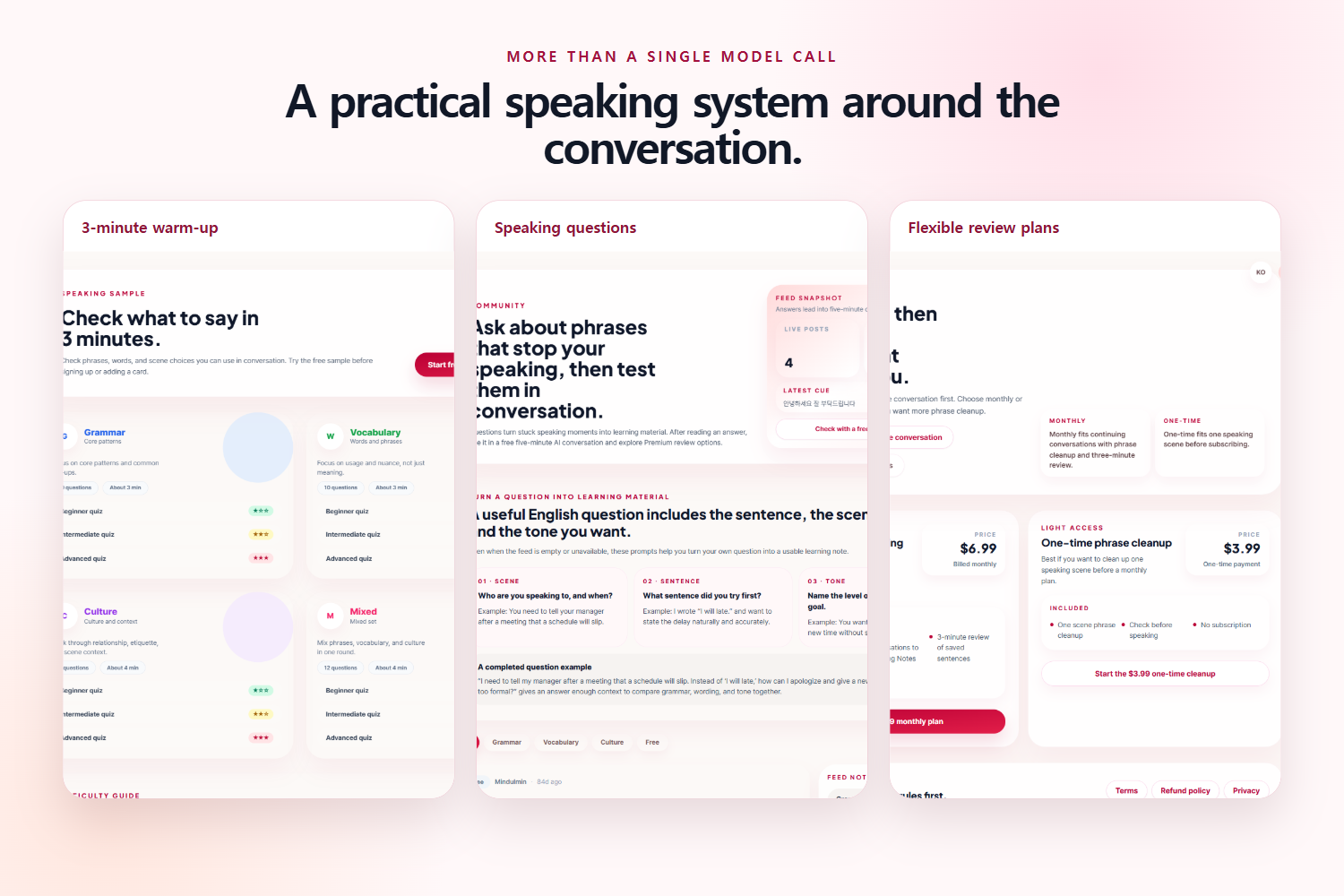
A three-minute speaking warm-up helps learners prepare useful words and phrases before talking.
-
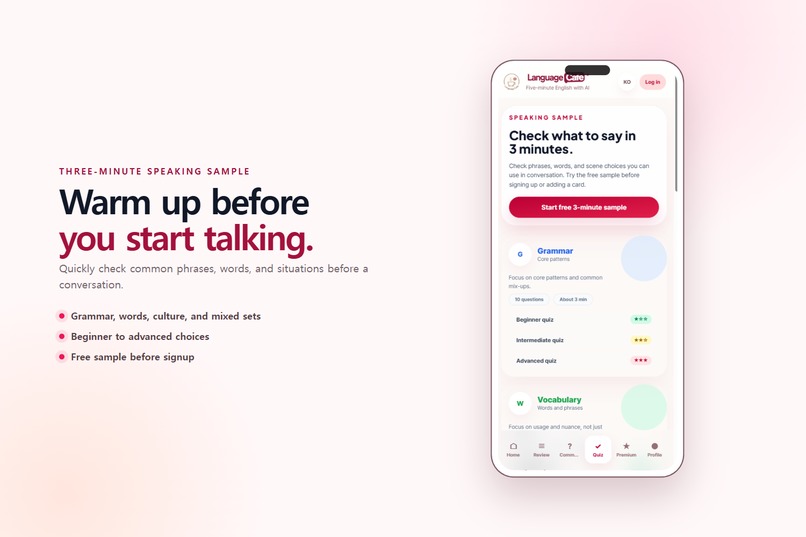
Short mobile quizzes help learners warm up their grammar, vocabulary, and practical expressions.
-
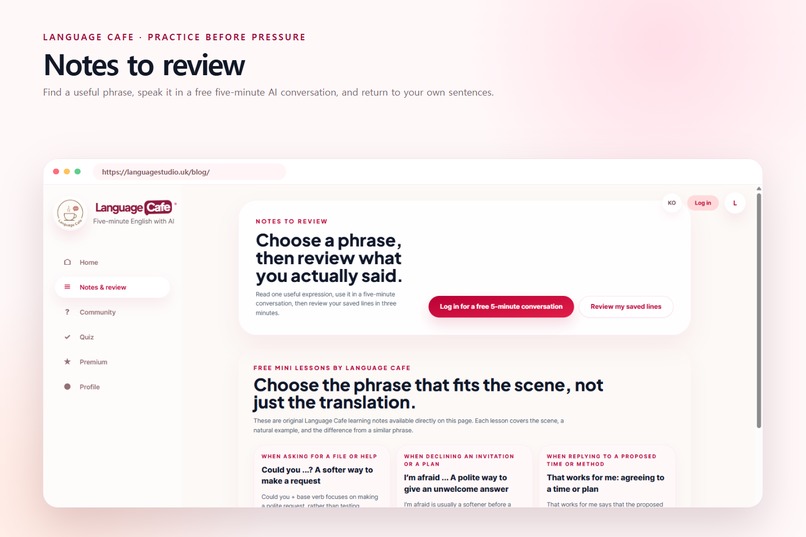
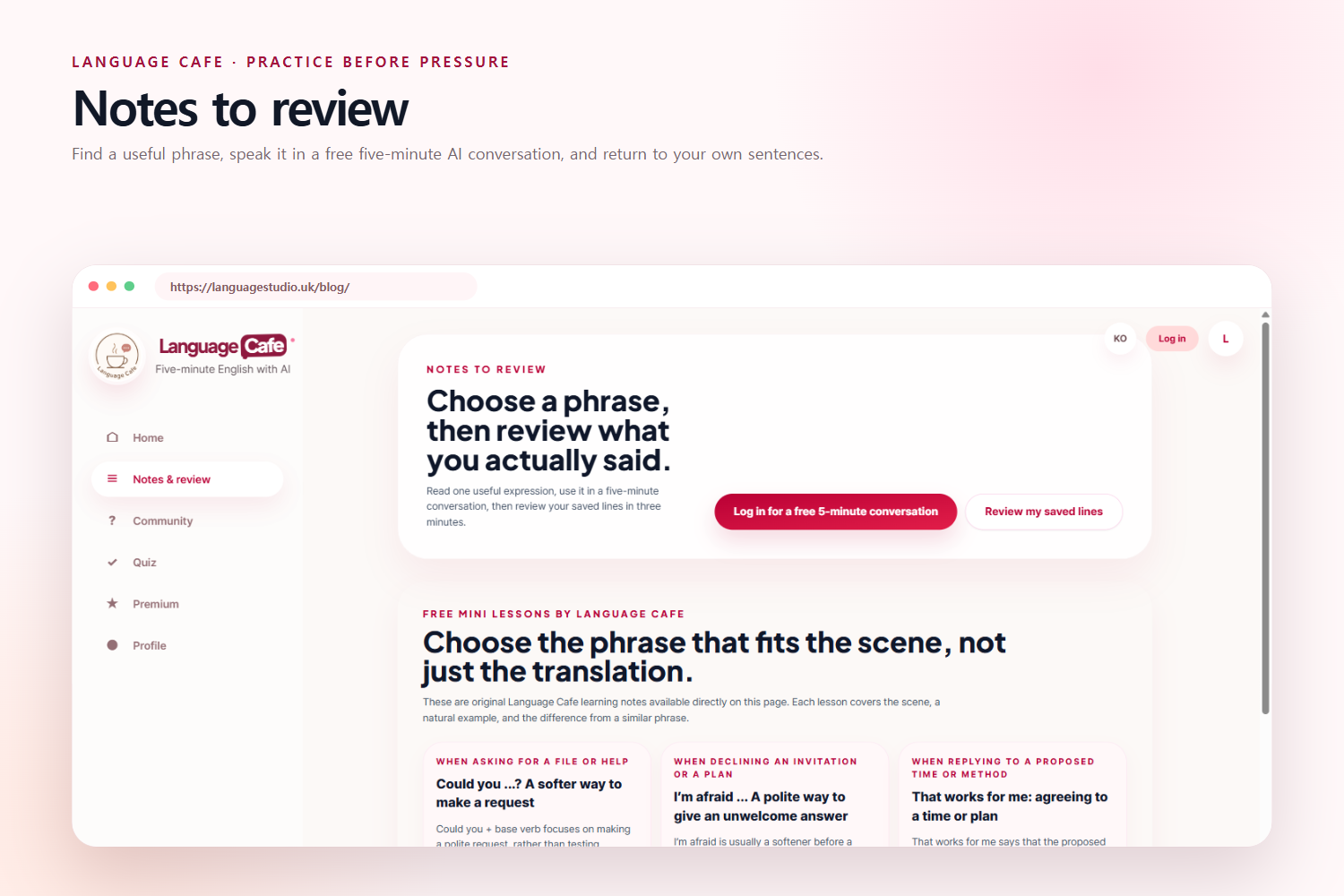
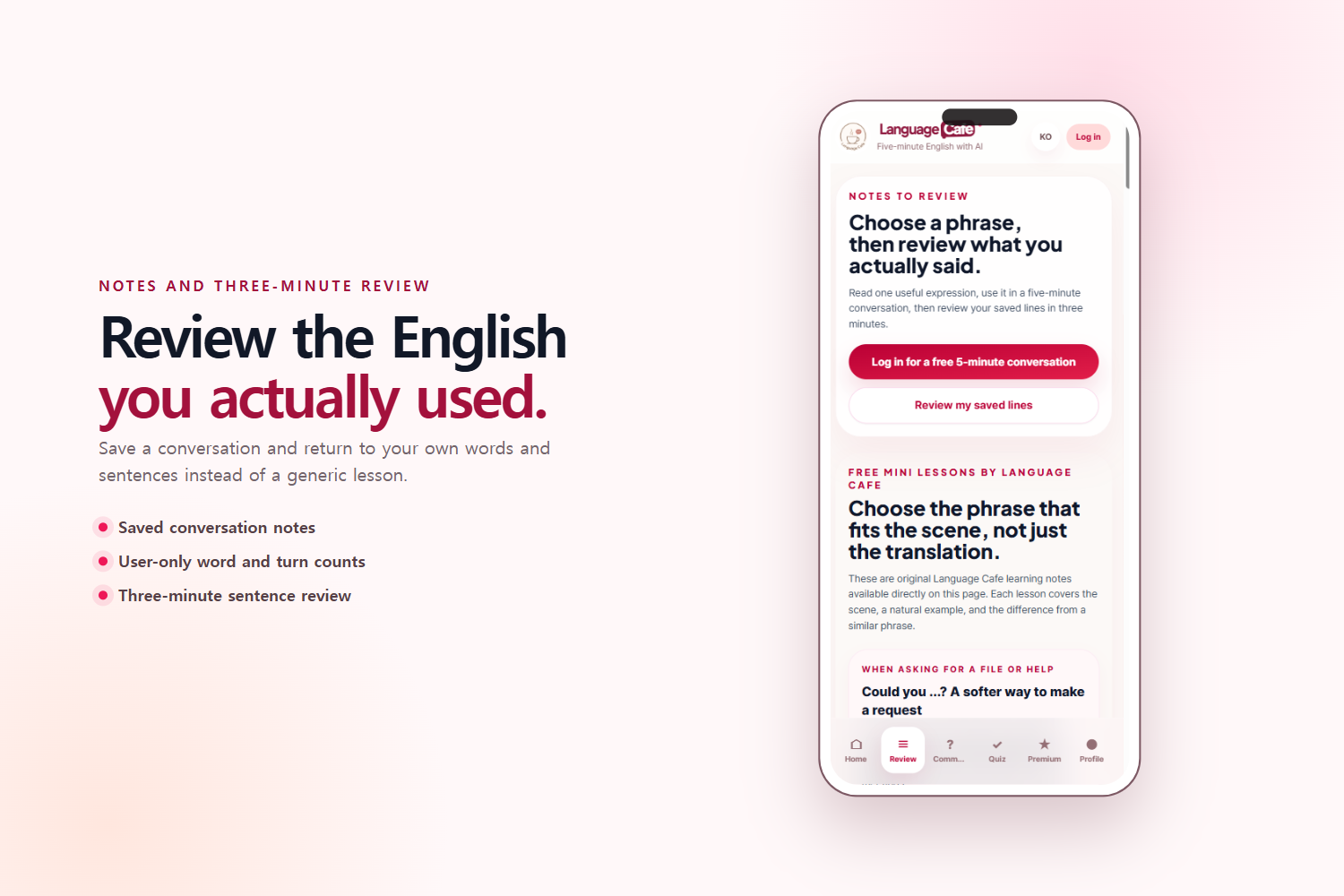
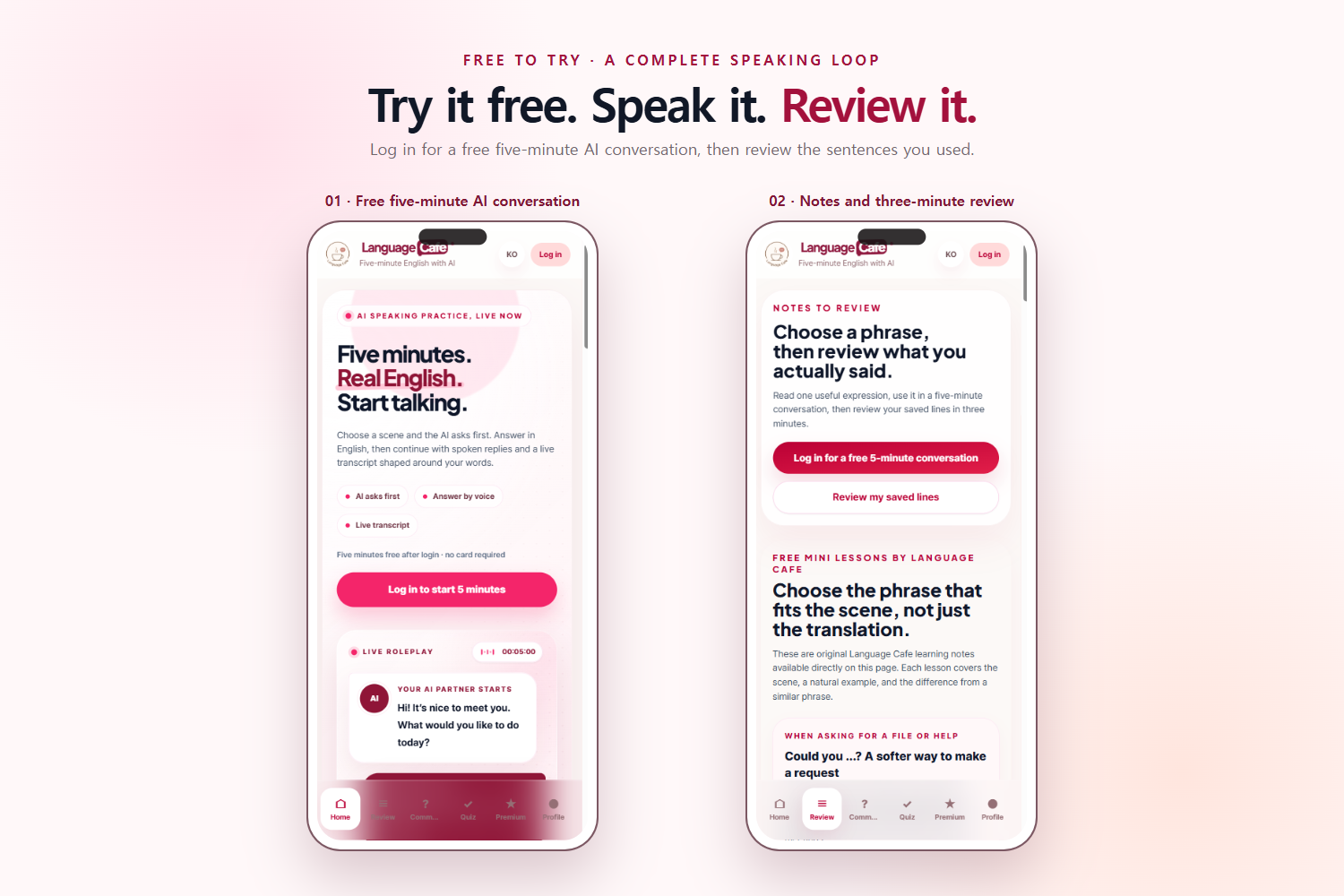
Choose a useful expression, practice it in a conversation, and review what you actually said.
-
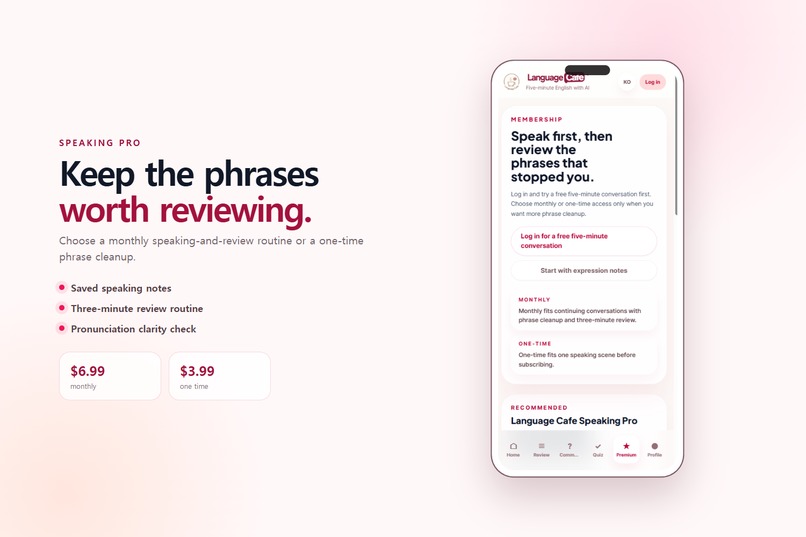
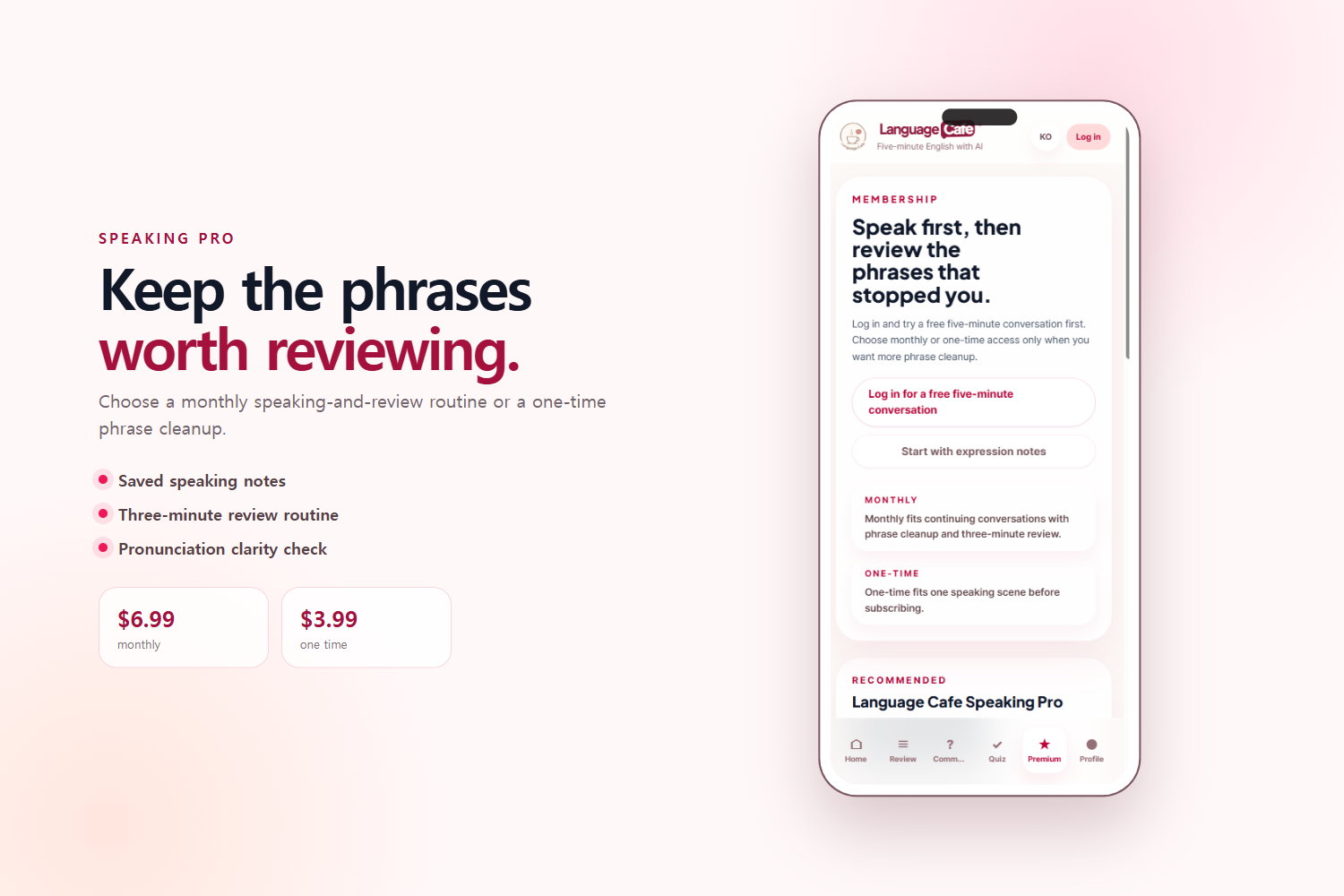
Speaking Pro provides continued phrase organization and review for learners who need more practice.
-
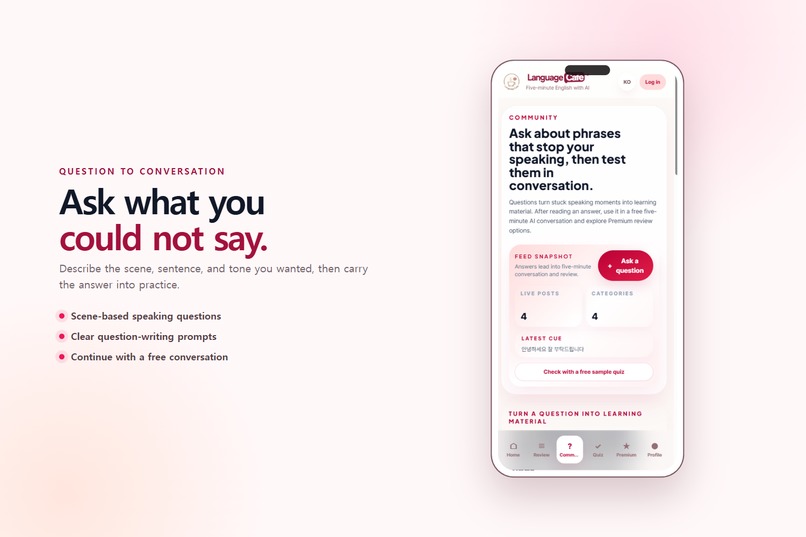
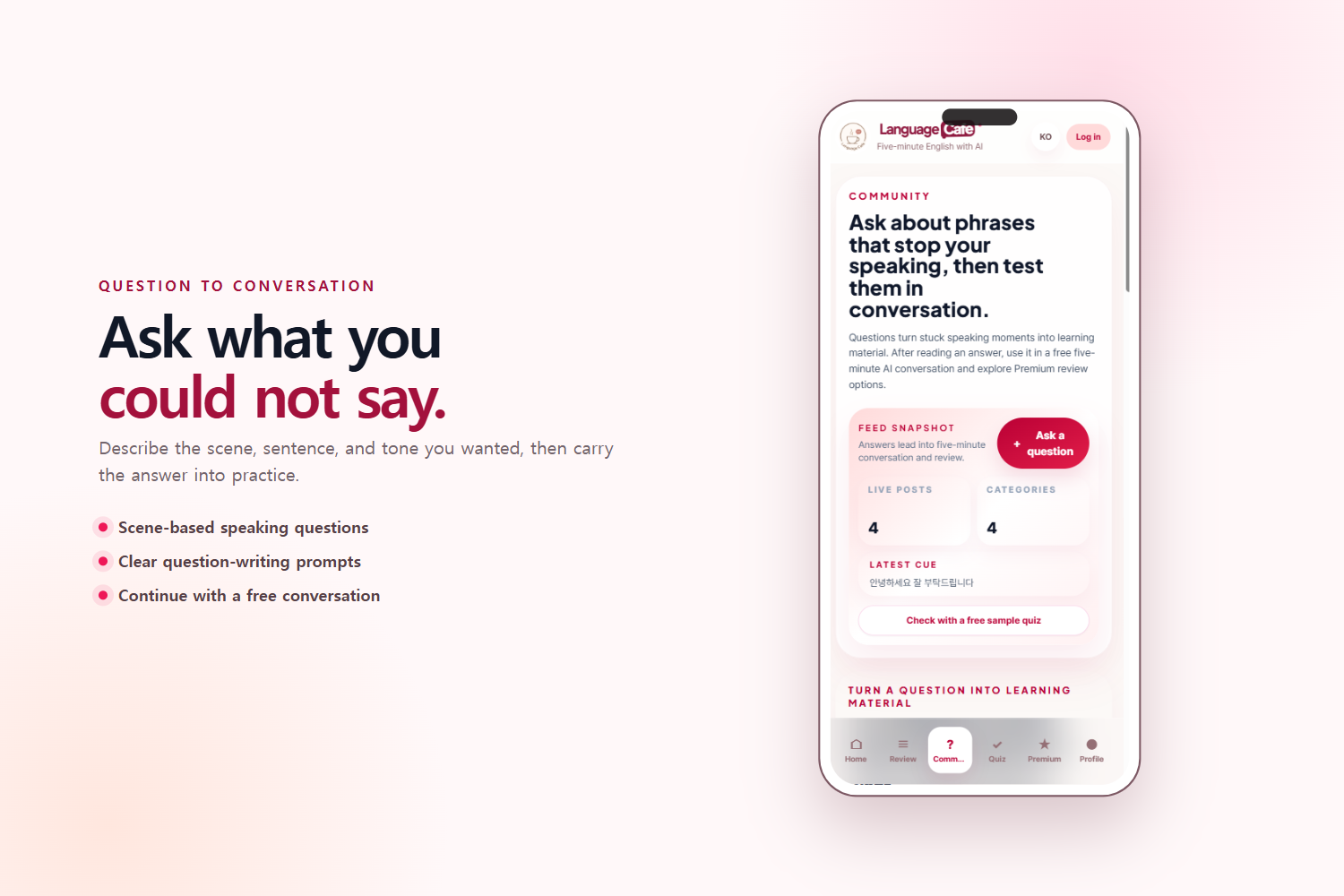
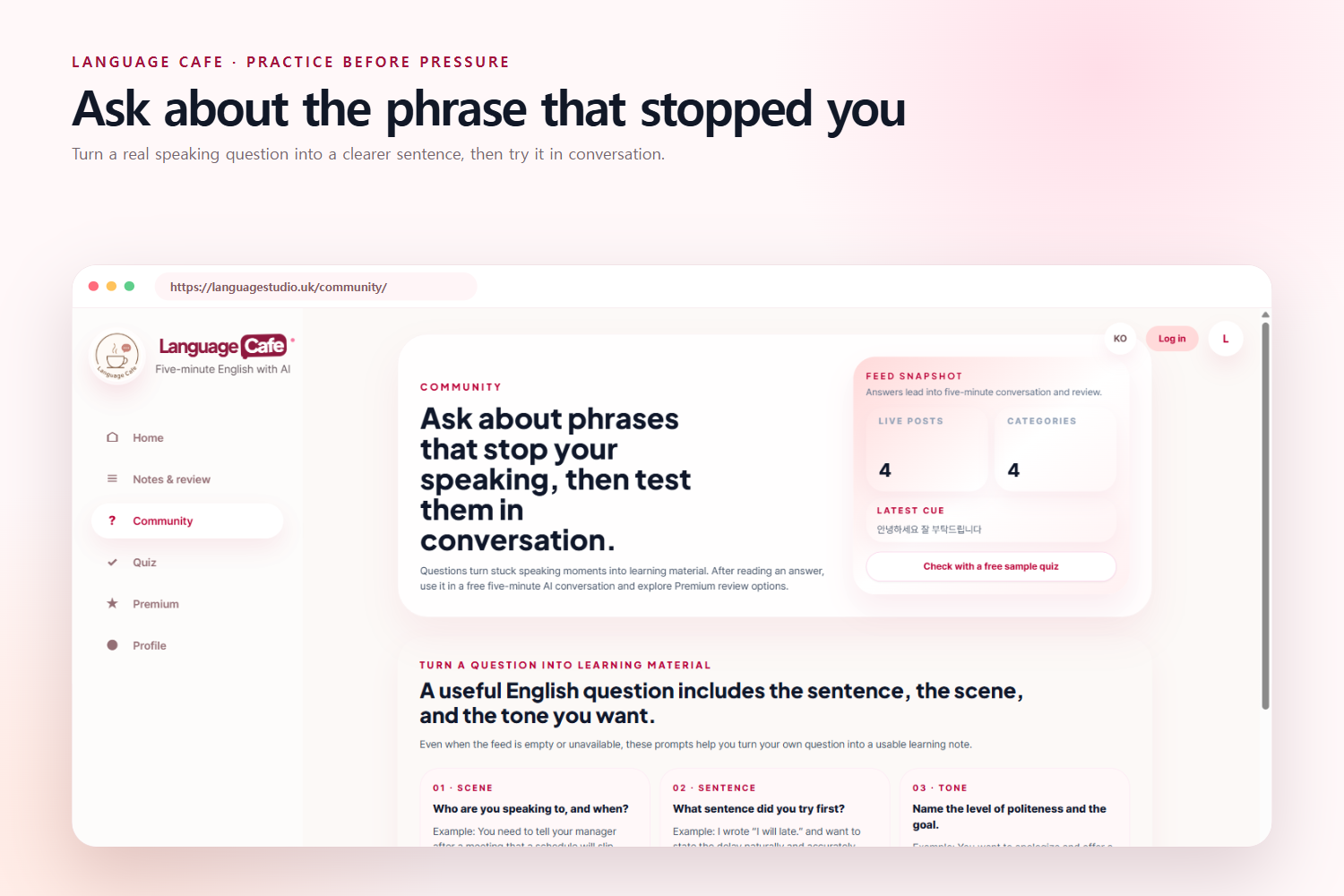
The mobile community turns real speaking questions into reusable learning material.
-
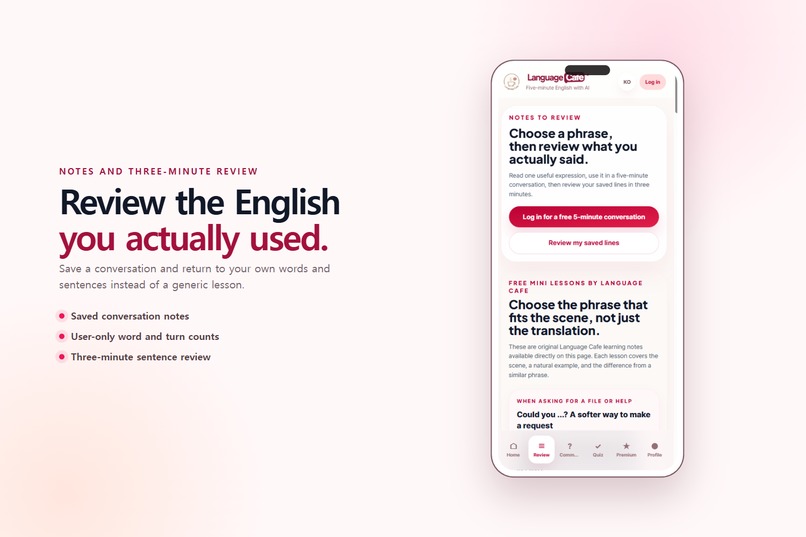
Saved conversations become personal speaking notes for a focused three-minute review.
-
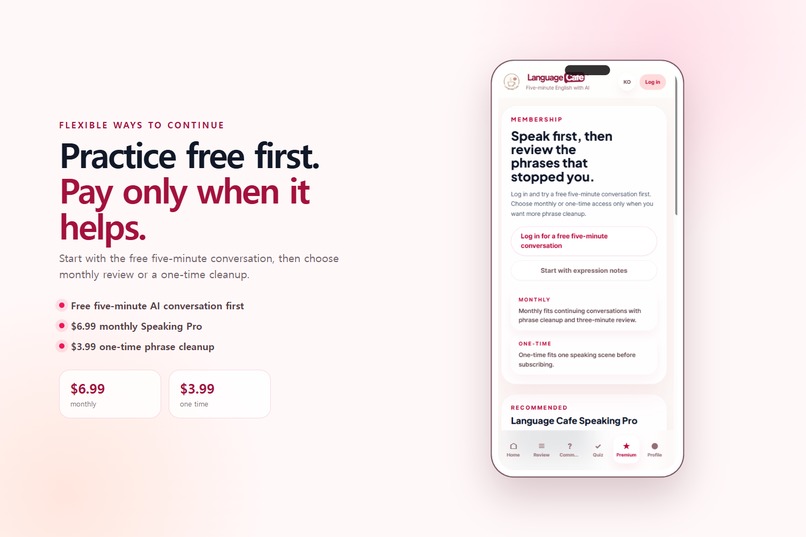
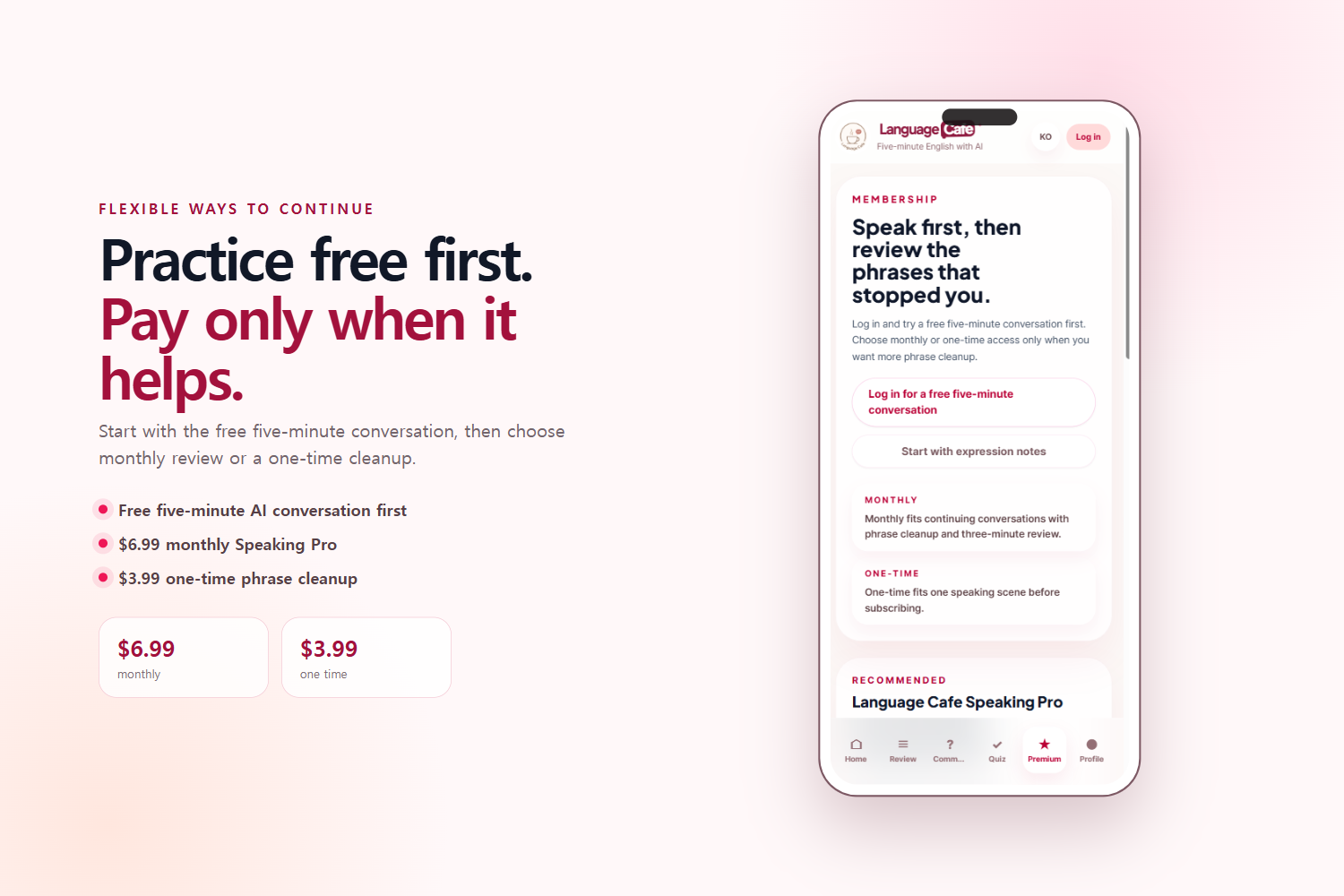
Start with a free conversation, then choose a monthly or one-time review option only when needed.
-
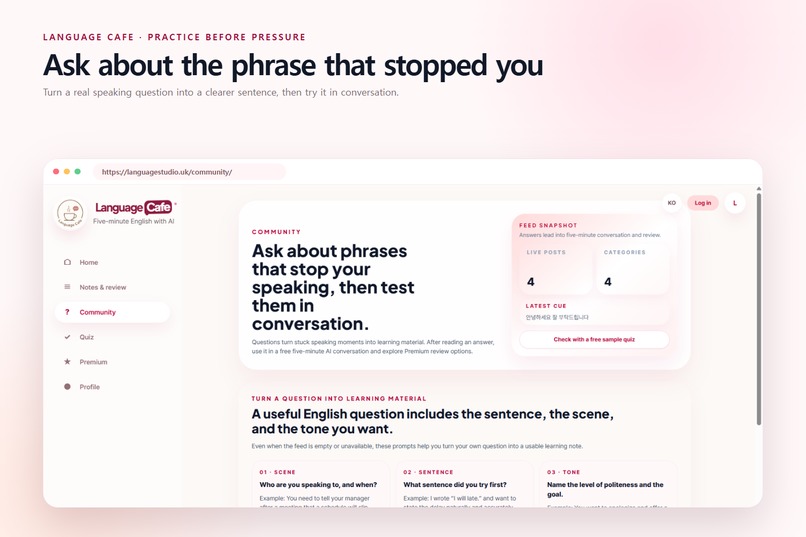
Learners can ask the community about phrases that stopped them and test the answers in conversation.
-
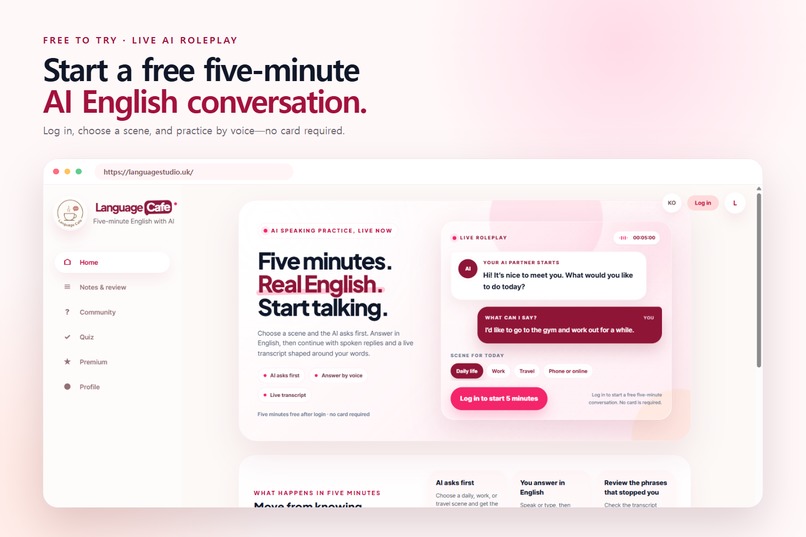
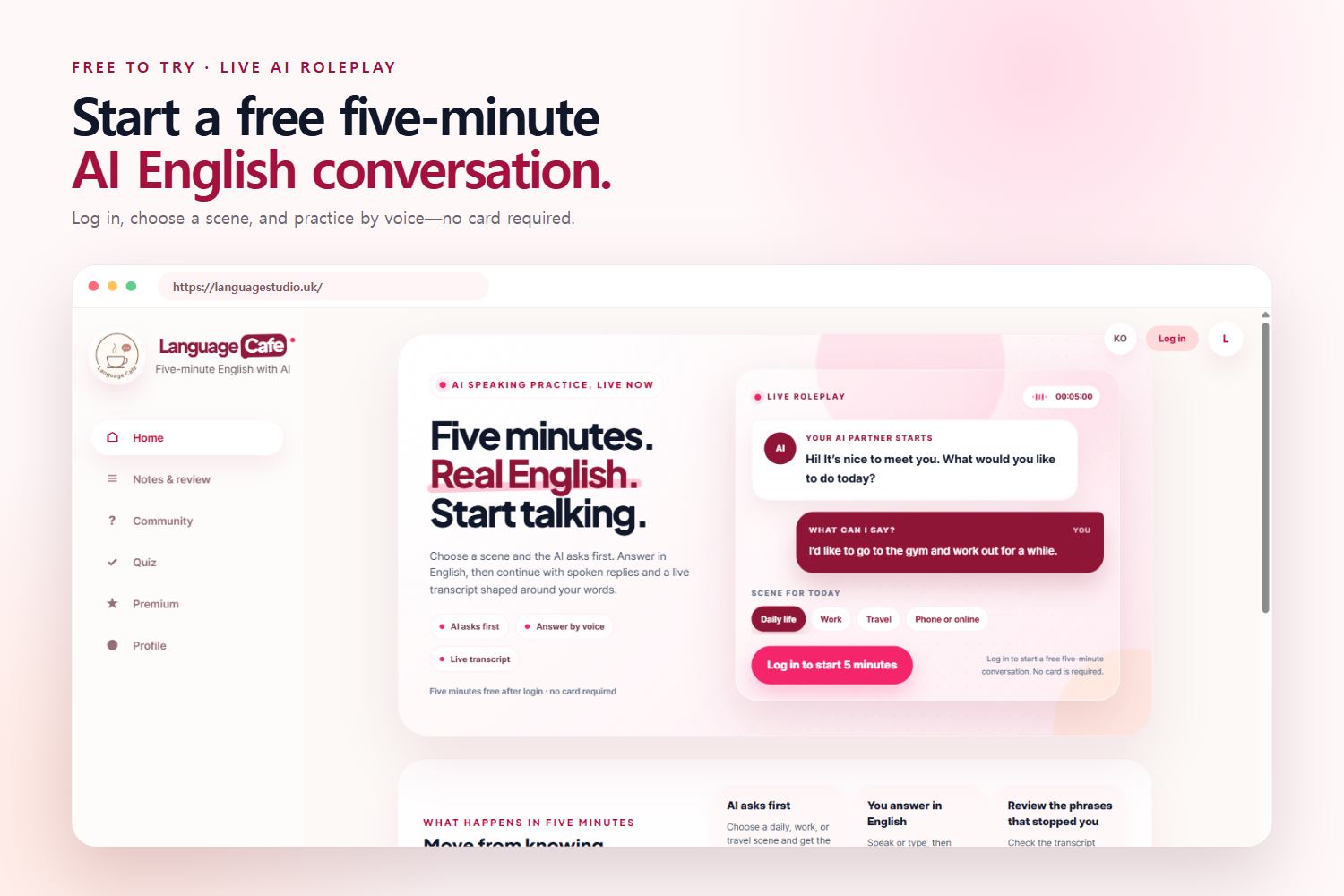
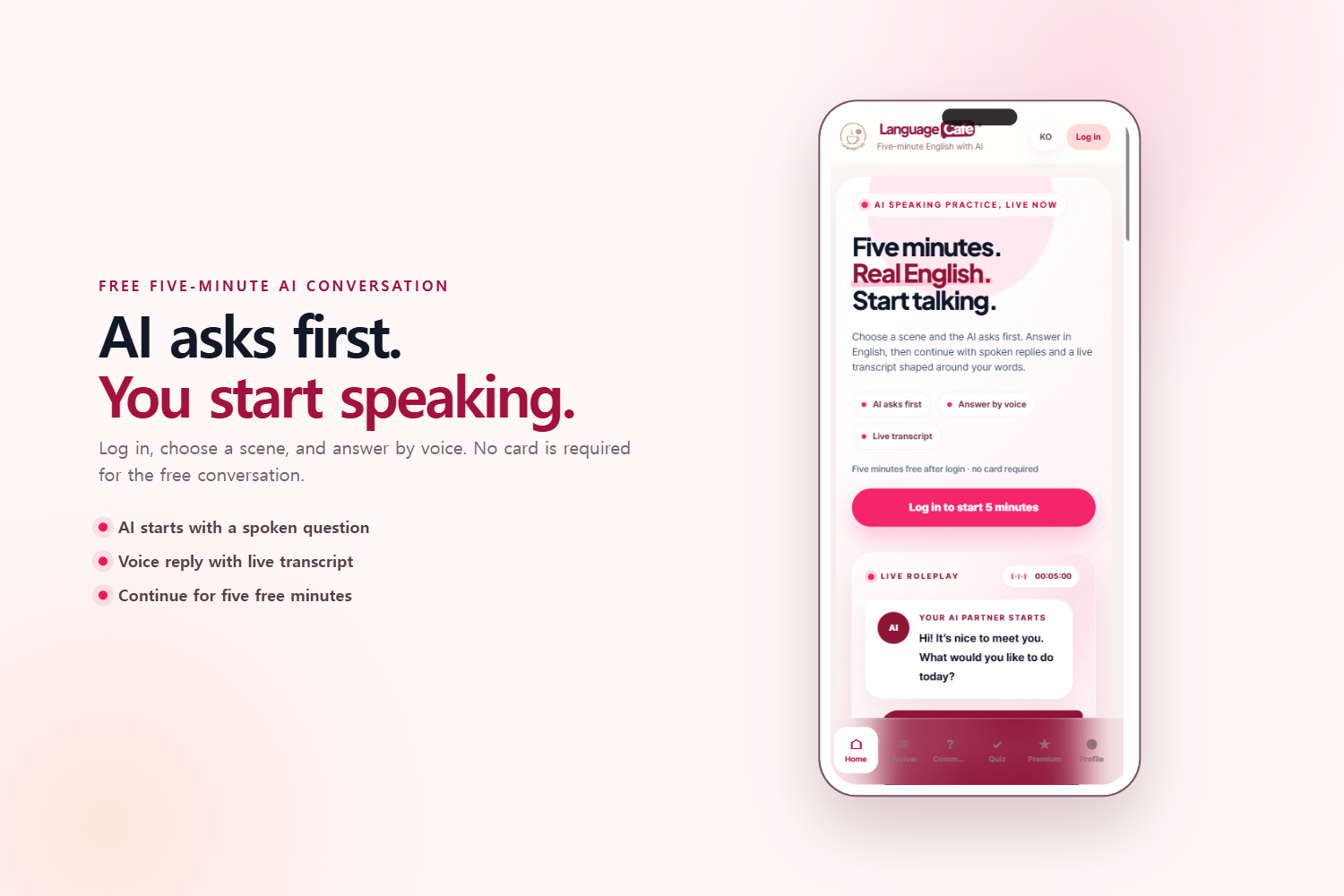
Start a free five-minute AI English conversation after logging in—no card required.
-
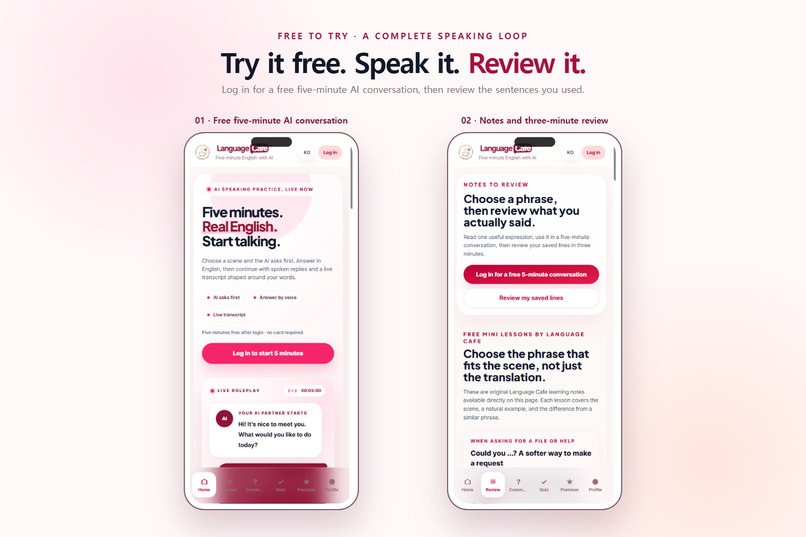
The complete mobile learning loop: start speaking, save difficult phrases, and review them again.
-
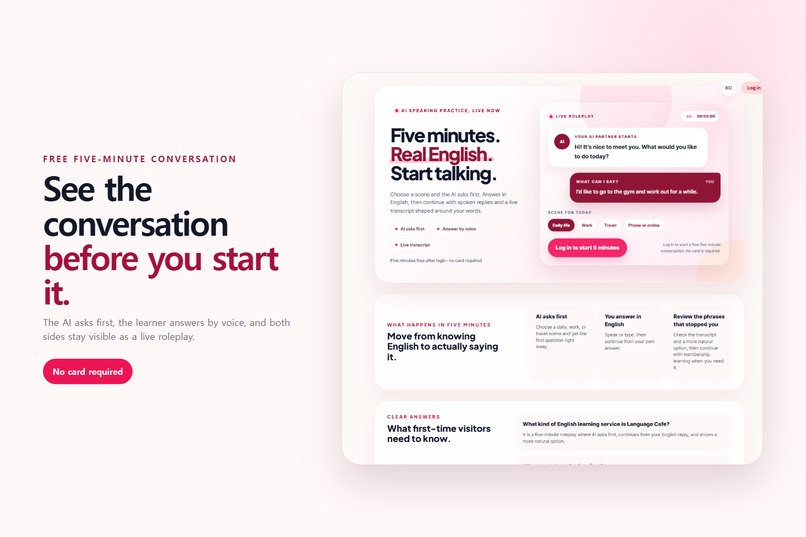
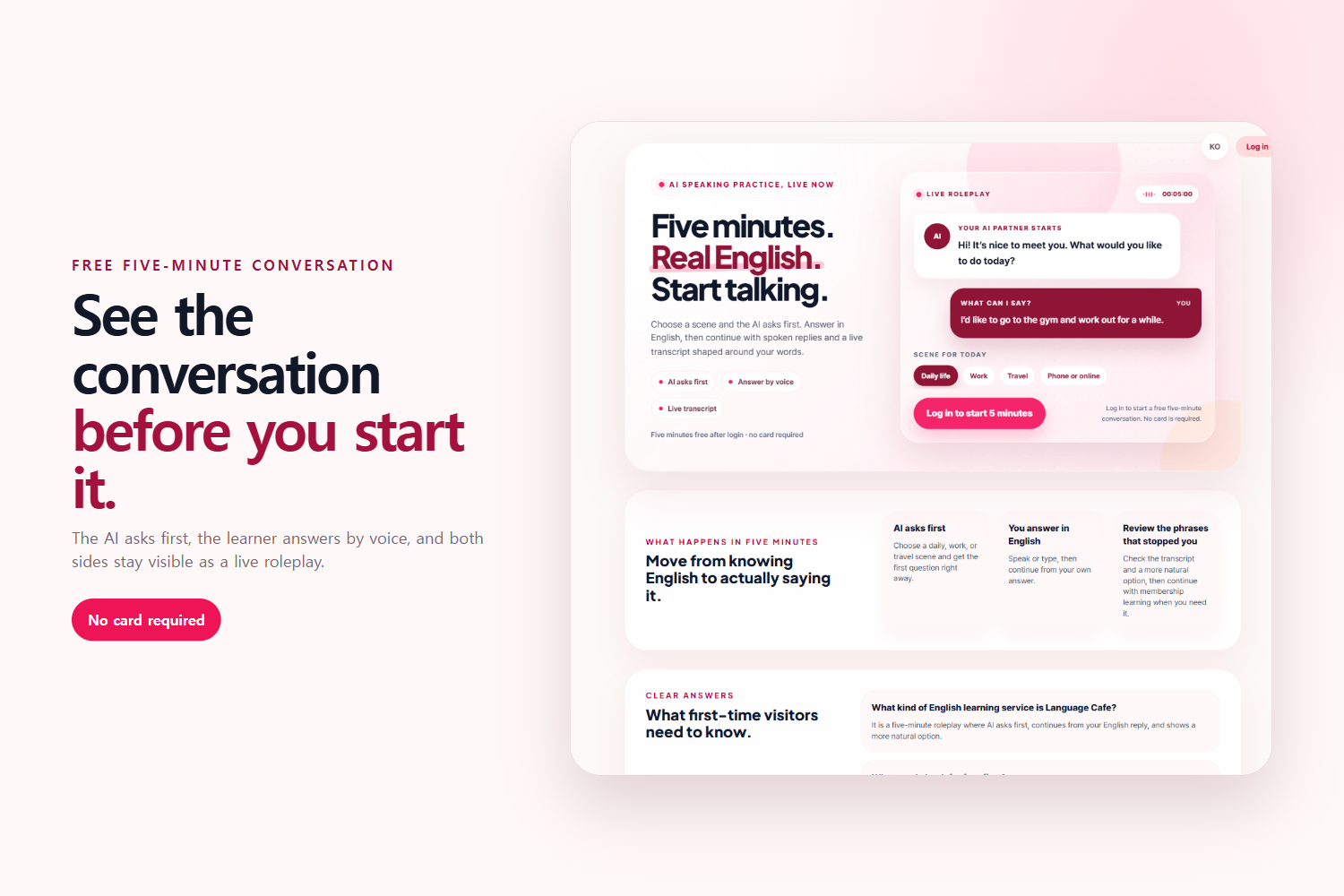
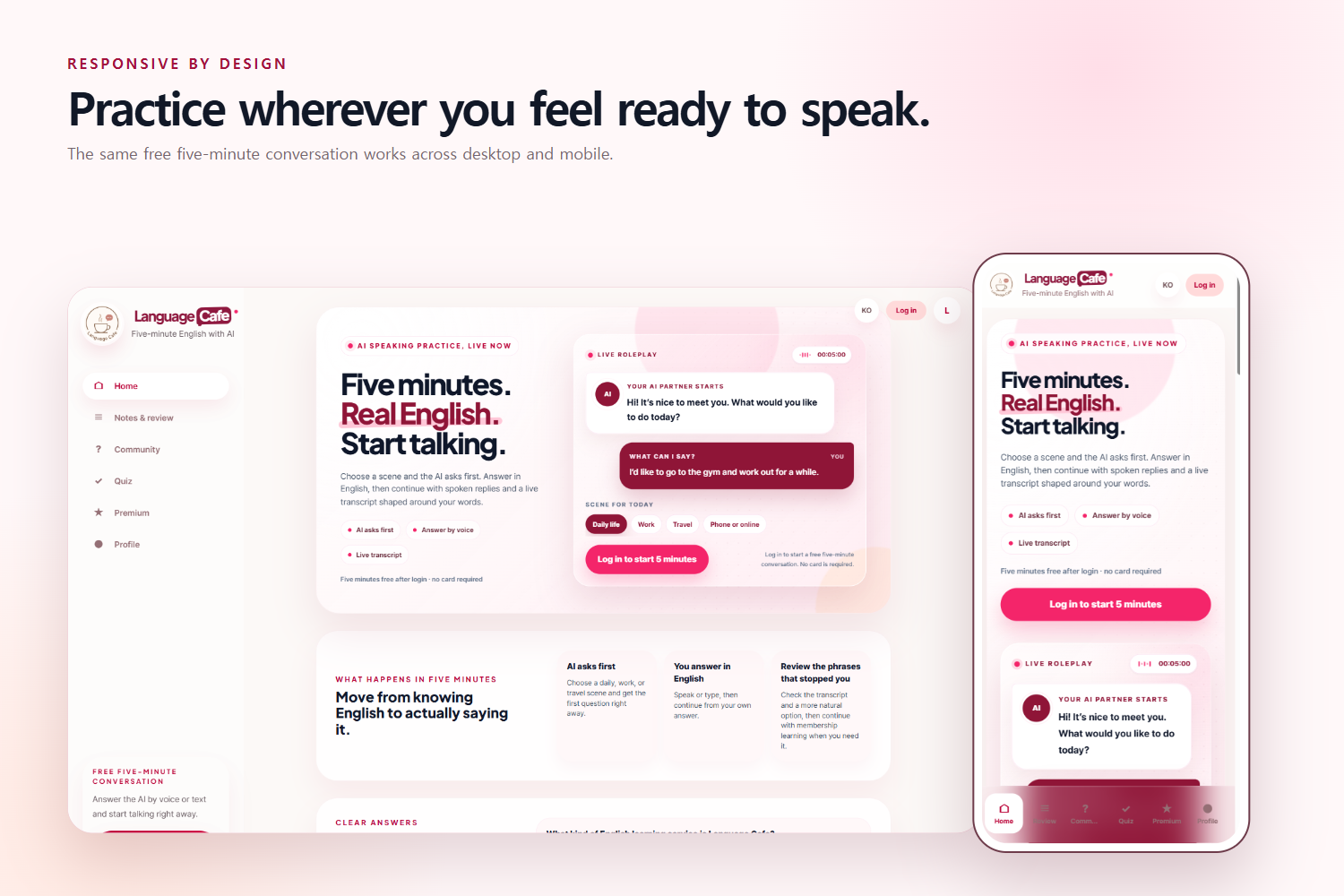
The live roleplay shows the AI asking first, the learner answering, and both sides appearing as captions.
-
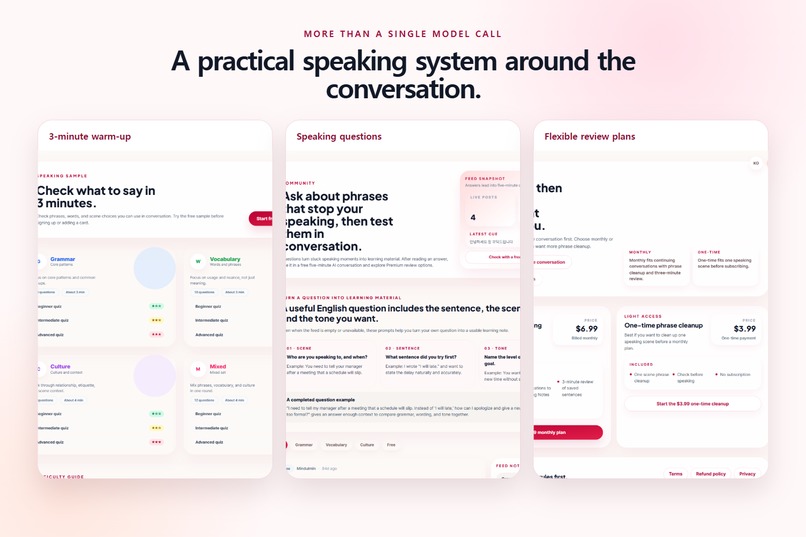
Quizzes, community questions, speaking notes, and flexible review plans support the core conversation experience.
-
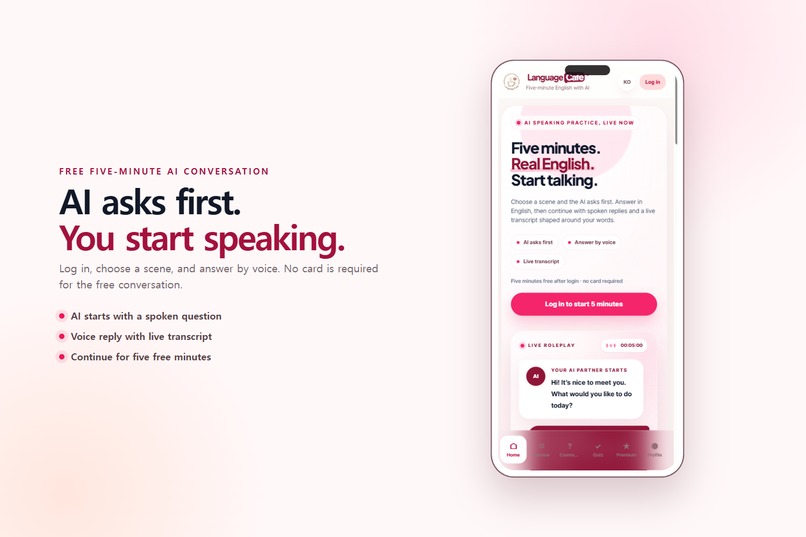
The mobile conversation flow lets learners choose a scene and start speaking with AI immediately.
-
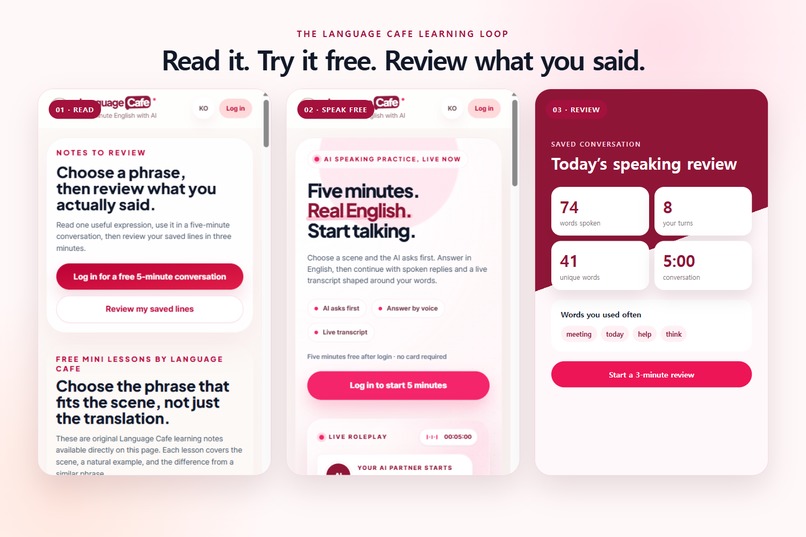
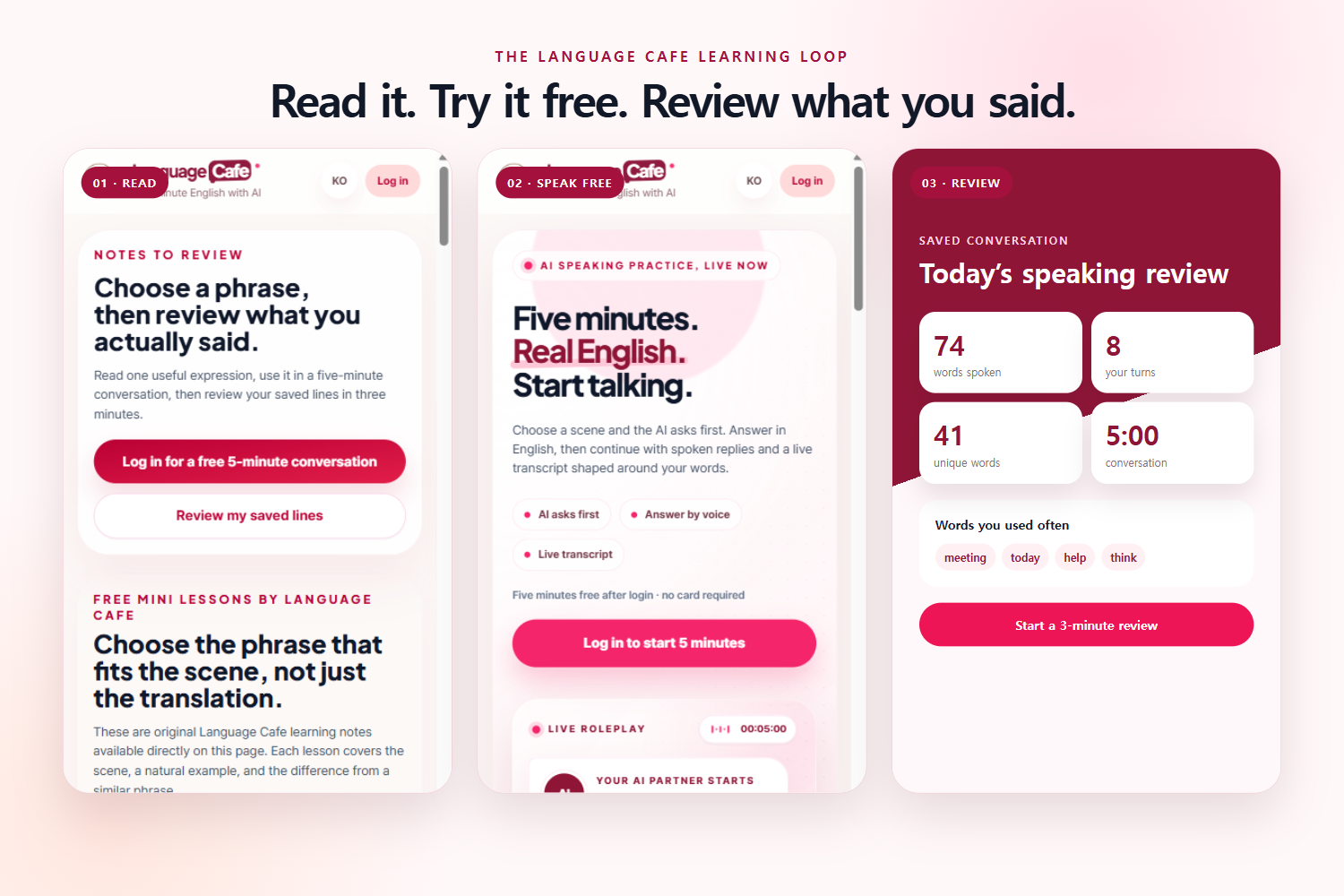
Language Cafe connects reading, free speaking practice, saved notes, and review in one learning loop.
-
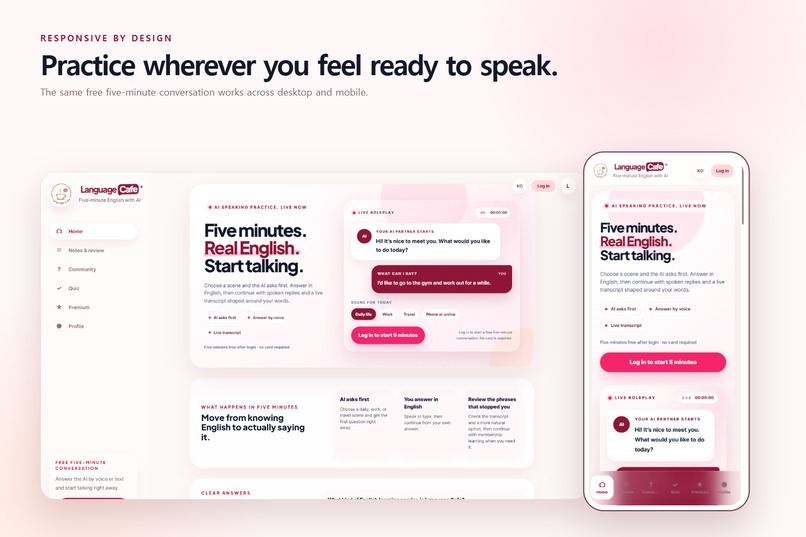
Language Cafe works across desktop and mobile, allowing learners to practice whenever they feel ready to speak.
Language Cafe: Five-Minute AI English Conversations
Inspiration
Many English learners understand vocabulary and grammar but still freeze when they need to speak.
The problem is not always a lack of knowledge. Learners often lack opportunities to turn what they already know into a real conversation.
Most learning services separate reading, speaking, feedback, and review. A learner may read a useful expression but never say it aloud, or complete an AI conversation without reviewing the sentences they struggled with.
We built Language Cafe to connect these activities in one simple learning loop:
Read a useful expression → Speak with AI for five minutes → Save the conversation → Review your own sentences in three minutes
Our goal was to make speaking practice feel approachable and playful while still providing meaningful learning feedback.
You can try the project at Language Cafe.
What It Does
Language Cafe is an AI-powered English speaking service built around short, practical conversations.
Users can:
- Select a real-life scene such as daily life, work, travel, or online communication.
- Start a five-minute voice conversation where the AI asks the first question.
- Answer naturally by voice and receive spoken AI responses.
- Follow the conversation through a live transcript.
- Save useful conversations as personal speaking notes.
- See how many words they spoke and how many times they answered.
- Check frequently used words from saved conversations.
- Review their own sentences in a focused three-minute session.
- Record a sentence again and check how clearly it was understood.
Language Cafe also includes original expression notes and practical examples.
A learner can read an expression, use it as the topic of an AI conversation, and then return to their own sentences for review.
How We Built It
The frontend was built with React, TypeScript, Vite, and Tailwind CSS.
We designed the interface as a responsive web application that works on both desktop and mobile devices.
For real-time voice conversations, we used the OpenAI Realtime API with WebRTC. This allows the learner to speak naturally and hear the AI respond without waiting for a traditional request-and-response cycle.
The browser never receives our permanent OpenAI API key. A private Cloudflare Worker creates a short-lived Realtime client secret and returns only the temporary credential required for the conversation.
We used Supabase for authentication and PostgreSQL-based storage.
Saved speaking notes can include:
- Conversation scene
- User and AI transcript
- Conversation duration
- Review sentences
- Review history
- Usage information
The review page analyzes only messages marked as the user’s speech. AI responses are excluded when calculating the learner’s word count and speaking turns.
The application is hosted on Cloudflare Pages and automatically deployed through GitHub.
Challenges We Faced
Making It Feel Like a Real Conversation
Our first voice prototype could recognize speech, but it did not feel like a conversation.
The AI responses were too repetitive, and the learner’s turn sometimes ended too quickly when they paused to think.
We redesigned the experience as a multi-turn roleplay. The AI now asks the first question, listens to the learner’s answer, and continues based on what the learner actually said.
We also adjusted voice activity detection and silence handling so learners have more time to think before their turn ends.
Securing Realtime API Access
A permanent API key cannot safely be included in frontend code.
We implemented an ephemeral client-secret flow through a private Cloudflare Worker. The browser receives only a short-lived credential for the Realtime session.
We also encountered a regional restriction while creating Realtime sessions from our original server environment. We resolved it by securely routing token creation through a Worker deployed in a supported region.
Turning Conversation into Learning
A transcript alone is not enough.
Long conversation logs can become another piece of content that learners never revisit. We therefore created a three-minute review experience that extracts the learner’s own sentences and turns them into short speaking prompts.
The daily word count is not intended to be only a progress number. It leads directly to sentences the learner can practice again.
Reducing Navigation and Cognitive Load
As the project grew, expression notes, conversations, reports, quizzes, and reviews began competing for attention.
We combined expression notes and speaking review into one Notes & Review section.
This made the learning journey clearer:
- Find something useful to say.
- Say it in an AI conversation.
- Save the conversation.
- Review what actually came out.
What We Learned
The most important lesson was that speaking practice should begin before correction.
If learners see too many explanations before speaking, the experience starts to feel like another traditional lesson.
Language Cafe lets the learner enter a conversation first. Corrections and review appear afterward, when the feedback has context.
We also learned that an AI learning product requires more than a model call.
Voice latency, turn detection, secure token handling, mobile layouts, transcript storage, and the transition from conversation to review all affect whether learners will return.
Finally, we learned that product copy must match the real feature precisely. For example, speaking statistics are clearly described as being based on conversations the learner chose to save.
What’s Next
Our next priorities are:
- Automatically saving completed conversations without creating duplicates.
- Adding weekly speaking and review trends.
- Showing consecutive learning days.
- Recommending review scenes based on frequently used or difficult words.
- Improving pronunciation feedback while focusing on intelligibility rather than imitating a native accent.
- Adding stronger usage limits and cost controls for Realtime conversations.
Language Cafe is designed to help learners move from:
“I know this expression.”
to:
“I can actually use it in a conversation.”
Built With
- cloudflare-pages
- cloudflare-r2
- cloudflare-workers
- github
- i18next
- openai-api
- openai-realtime-api
- postgresql
- react
- supabase
- supabase-auth
- tailwind-css
- typescript
- vite
- webrtc


Log in or sign up for Devpost to join the conversation.