-
-

Home Screen
-
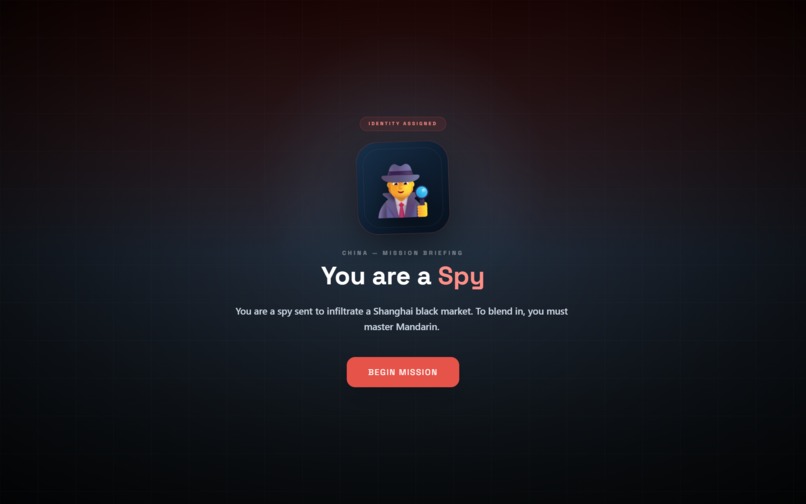
Role Screen
-
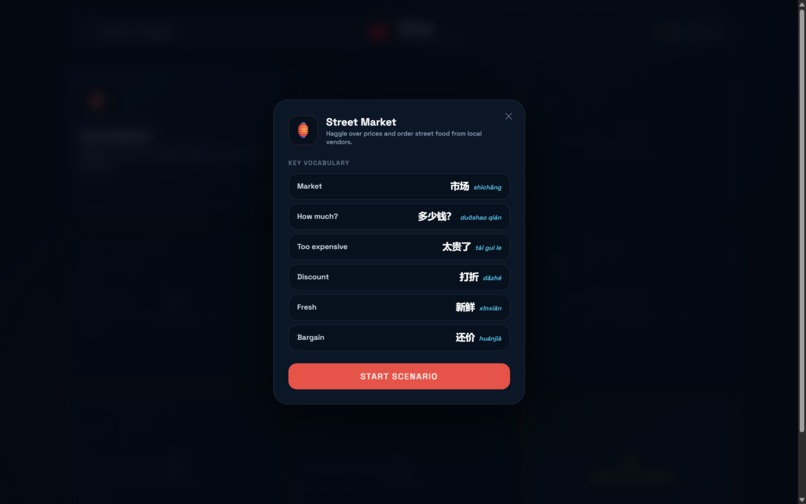
Scenario Screen (1)
-
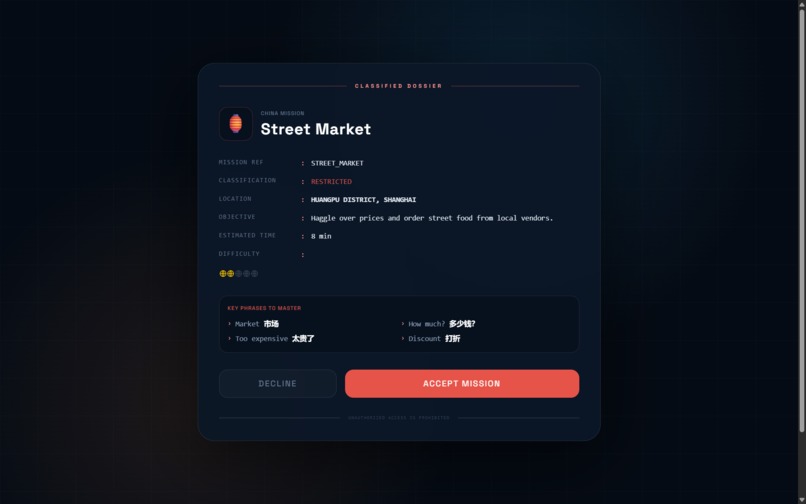
Scenario Screen (2)
-
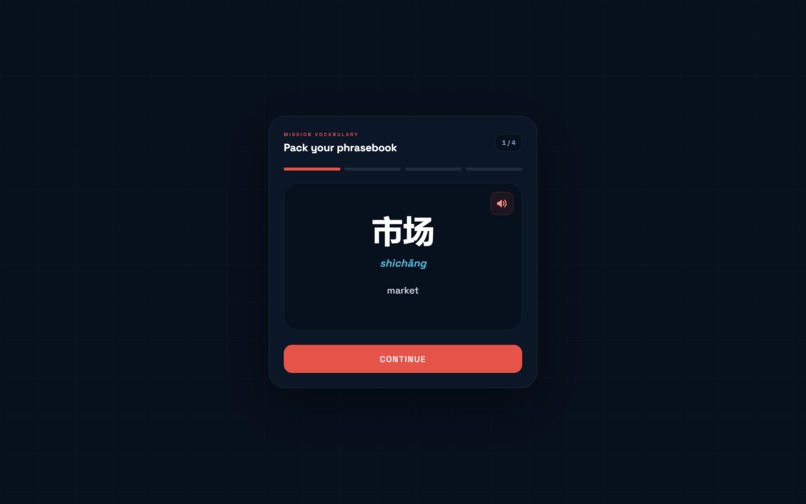
Scenario Loading Screen
-
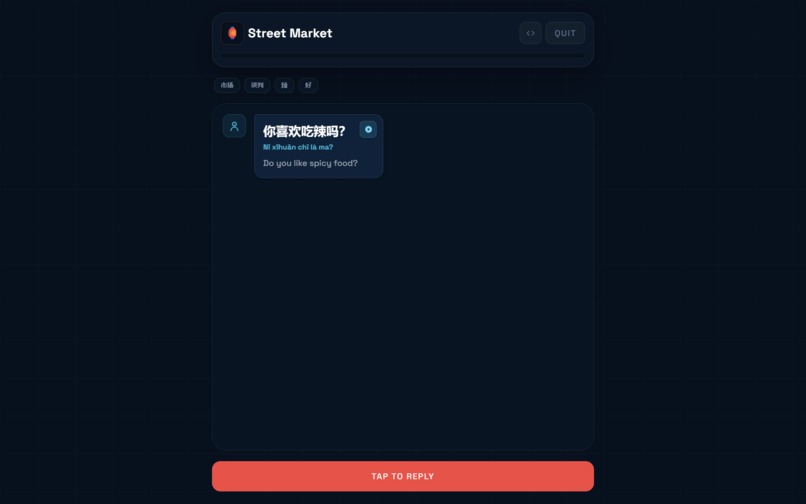
Scenario Conversation Screen
-
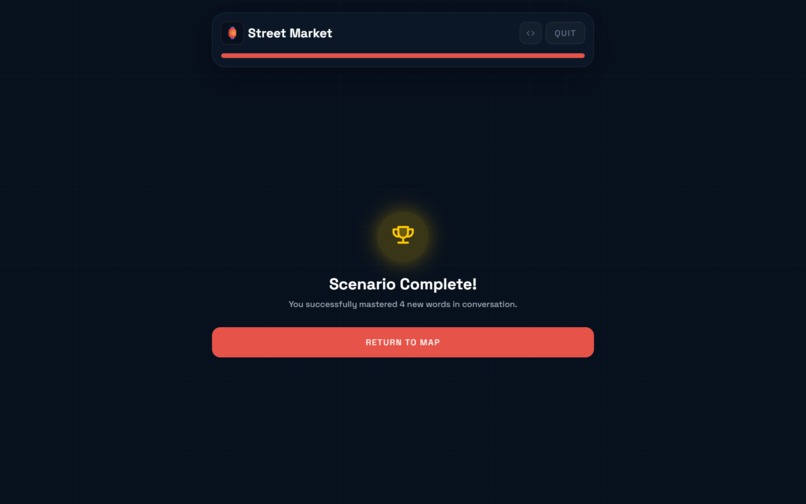
Scenario Complete Screen
-
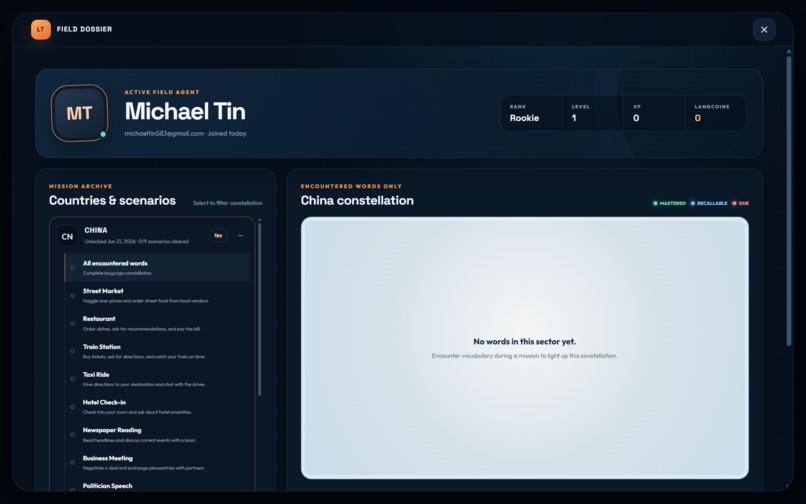
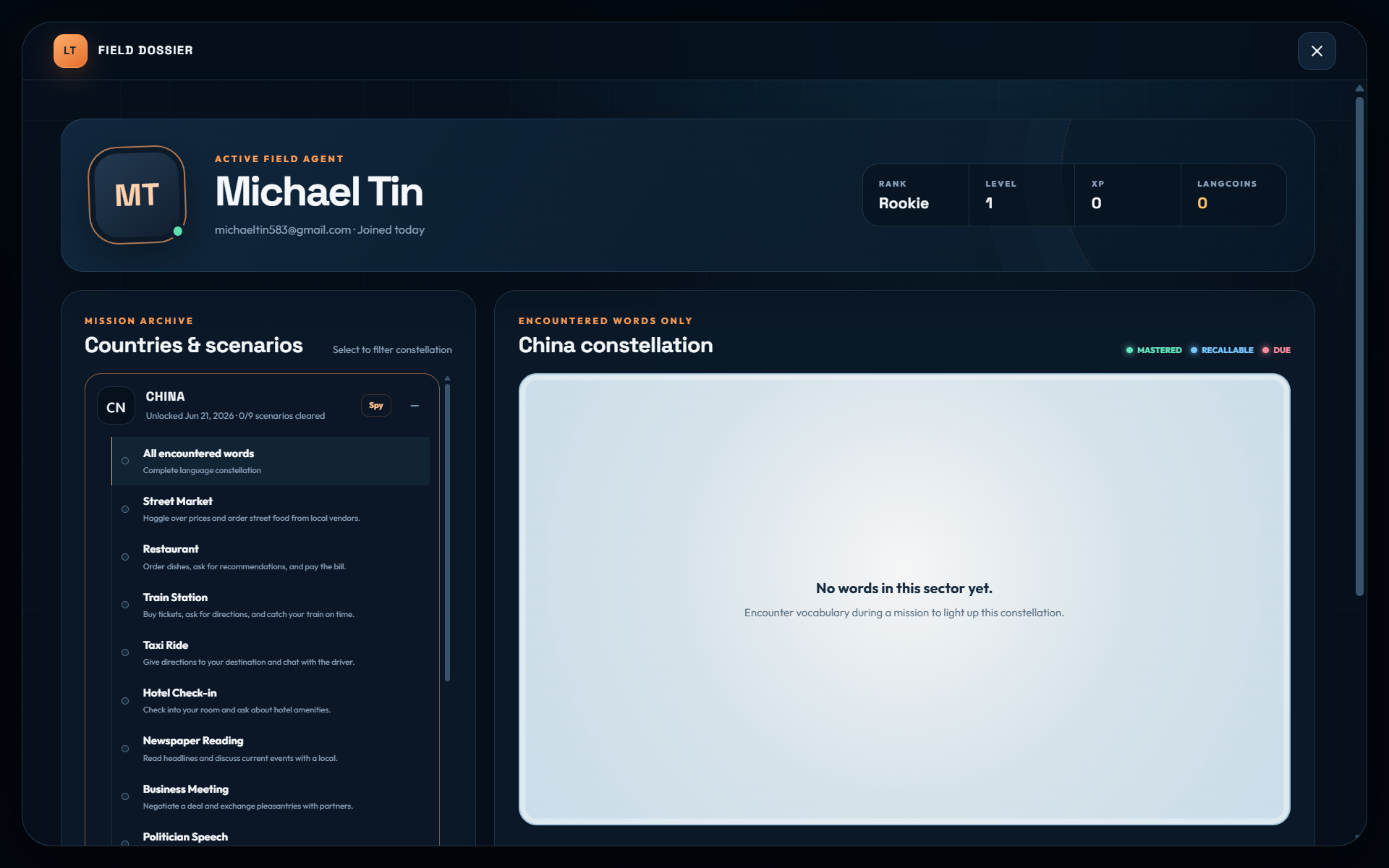
User Dashboard


Inspiration
The inspiration for Langtour was born out of frustration with traditional language apps. Rote memorization and highly scripted lessons often strip away the most crucial part of language: human connection and context. We wanted to build something that bridges the gap between studying vocabulary and actually speaking it. By dynamically generating real life scenarios, we aim to transform language learning into an interactive and practical adventure.
What it does
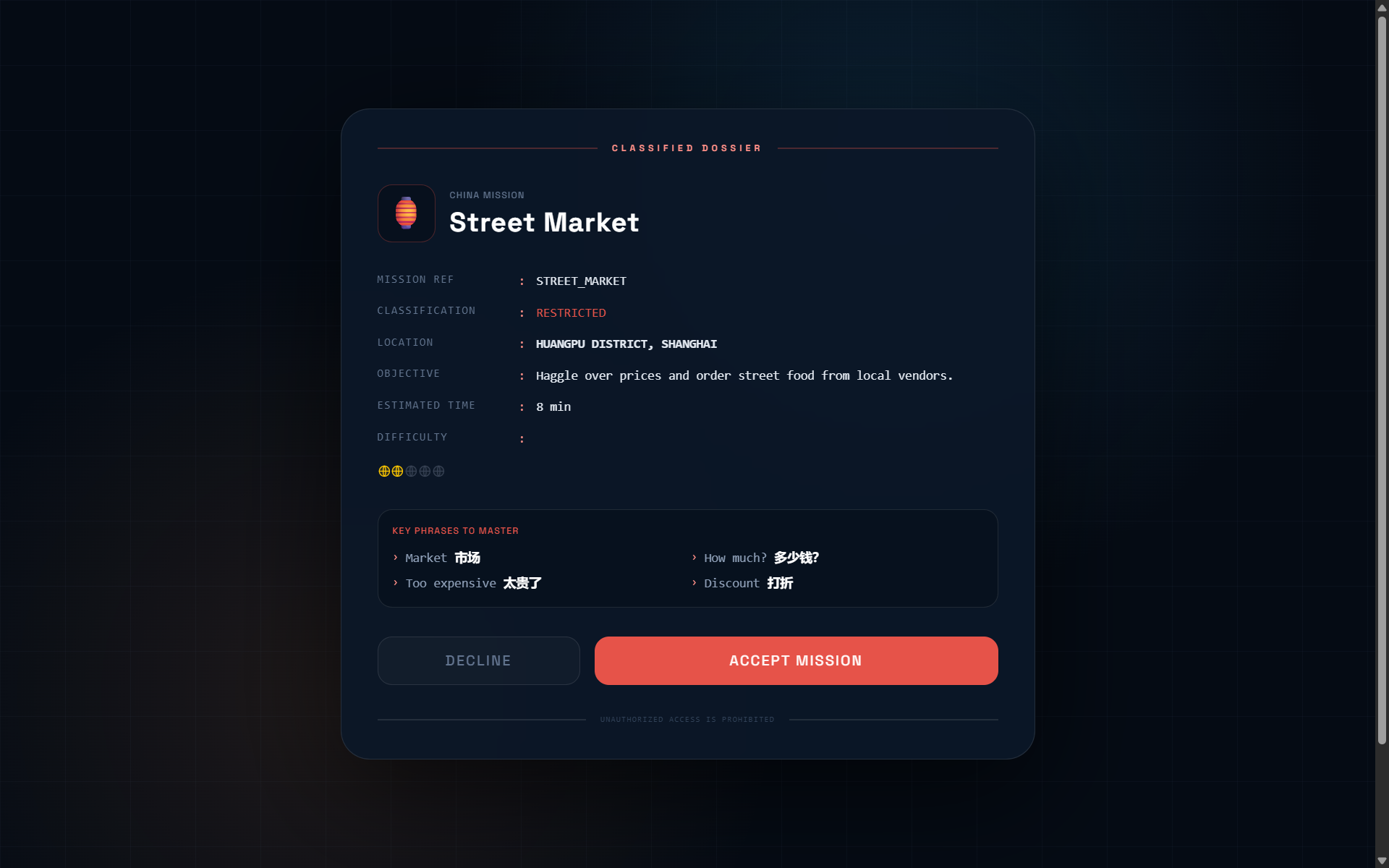
Langtour gamifies language learning by immersing players in a global storyline. Players begin on an interactive 3D globe displaying the target language. Starting with an initial balance of LangCoins, players unlock their first country, causing the globe to rotate to that location. Upon entering a new country, a story pop-up assigns the player a unique role, such as an undercover spy, adding narrative stakes to the lessons.
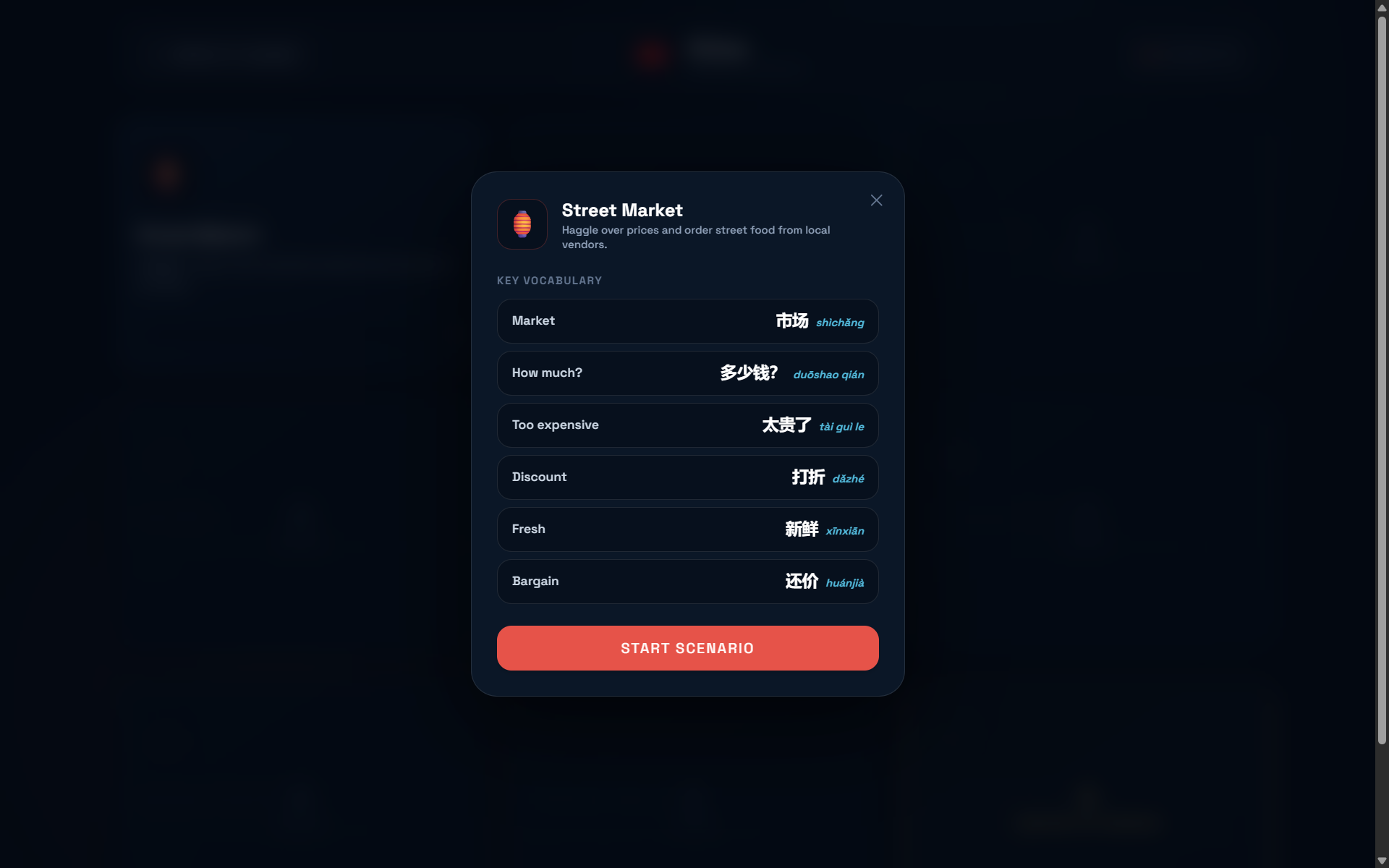
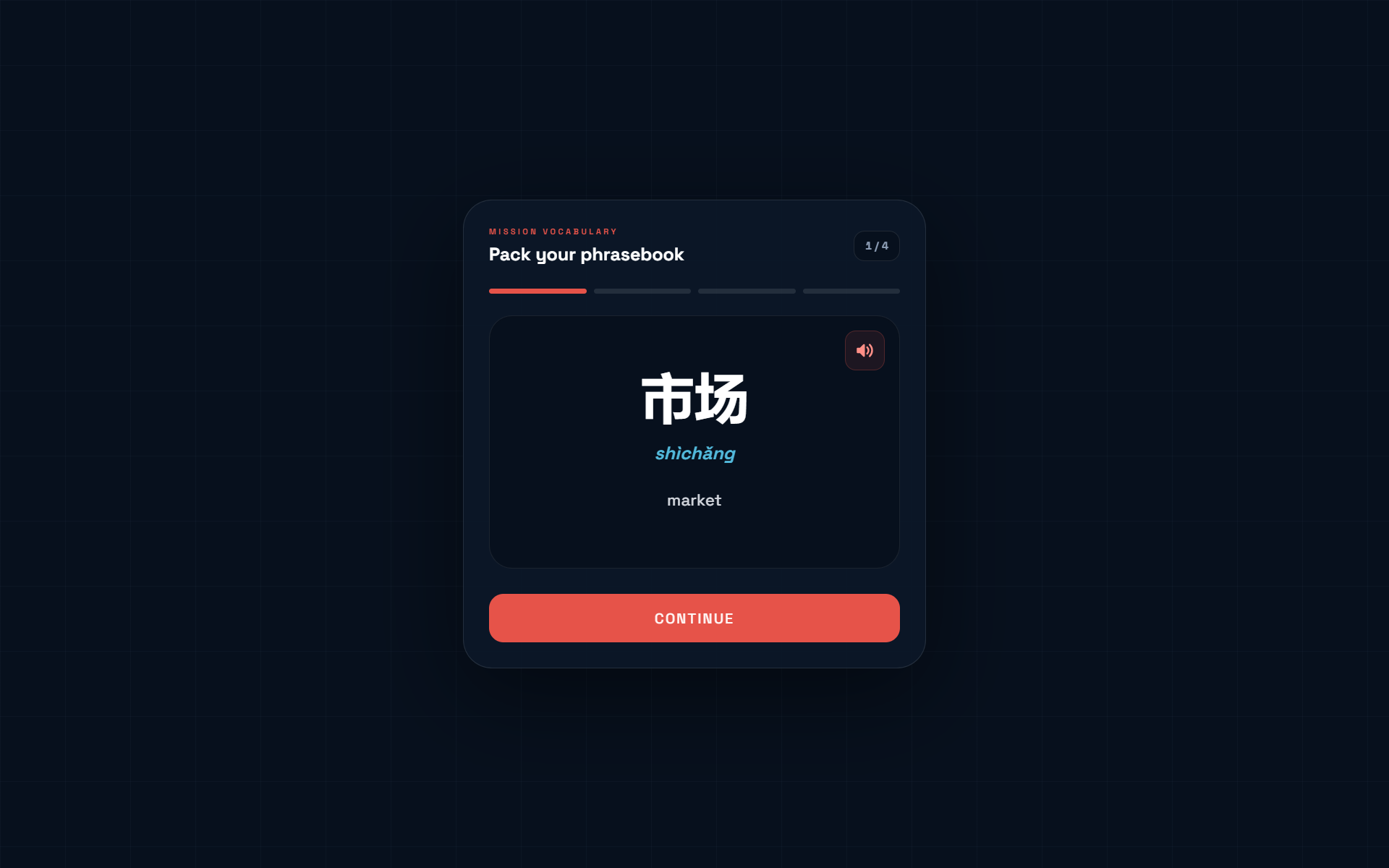
As players navigate a country, they face multiple scenarios presented in a grid. Each scenario acts as a distinct level representing a real life situation, like ordering at a restaurant or decoding a local newspaper. Before tackling a scenario, players are equipped with customized lessons tailored to their current vocabulary. Scenarios must be unlocked sequentially, with an adaptive AI dynamically dictating progression based on the player's improvements.
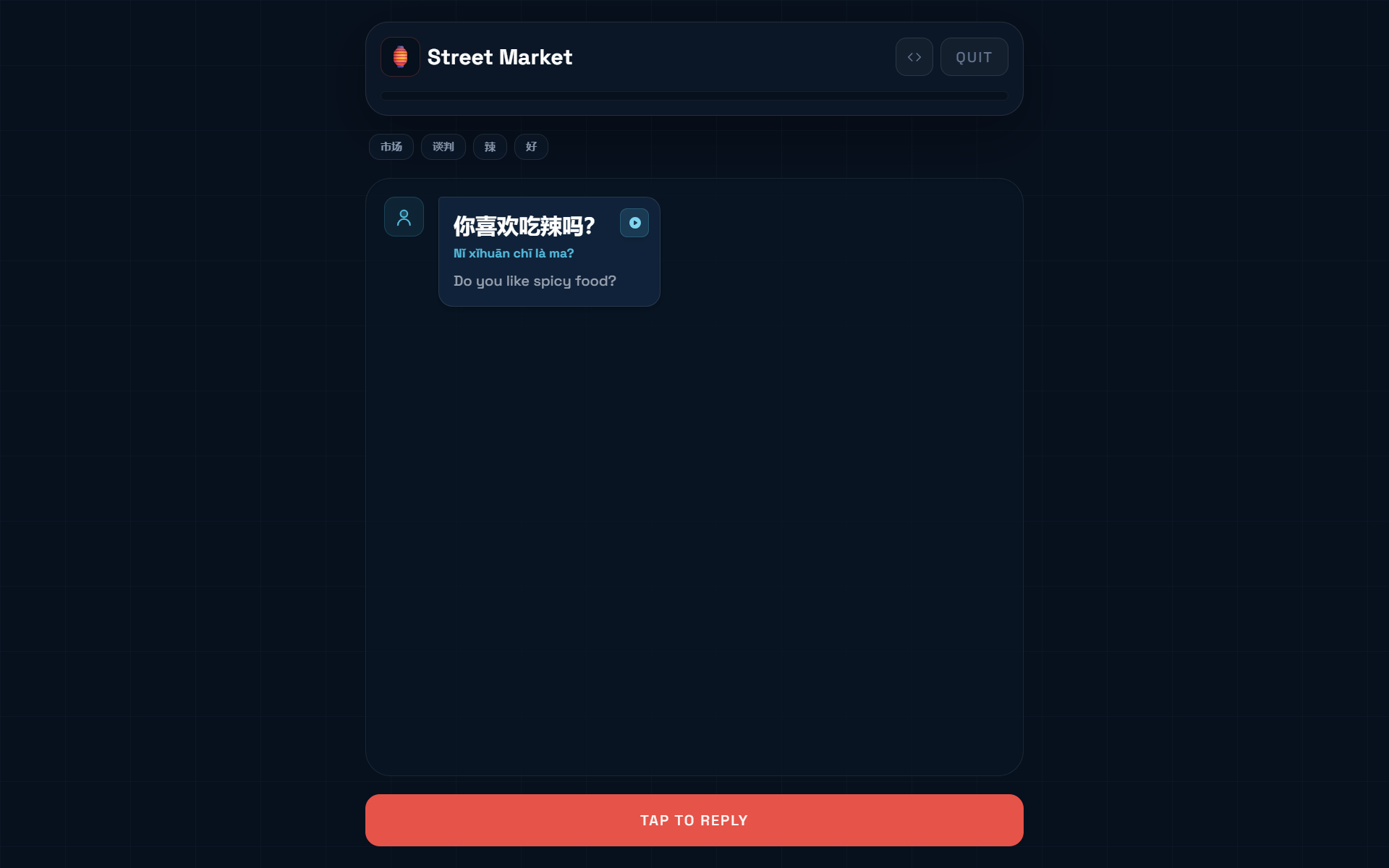
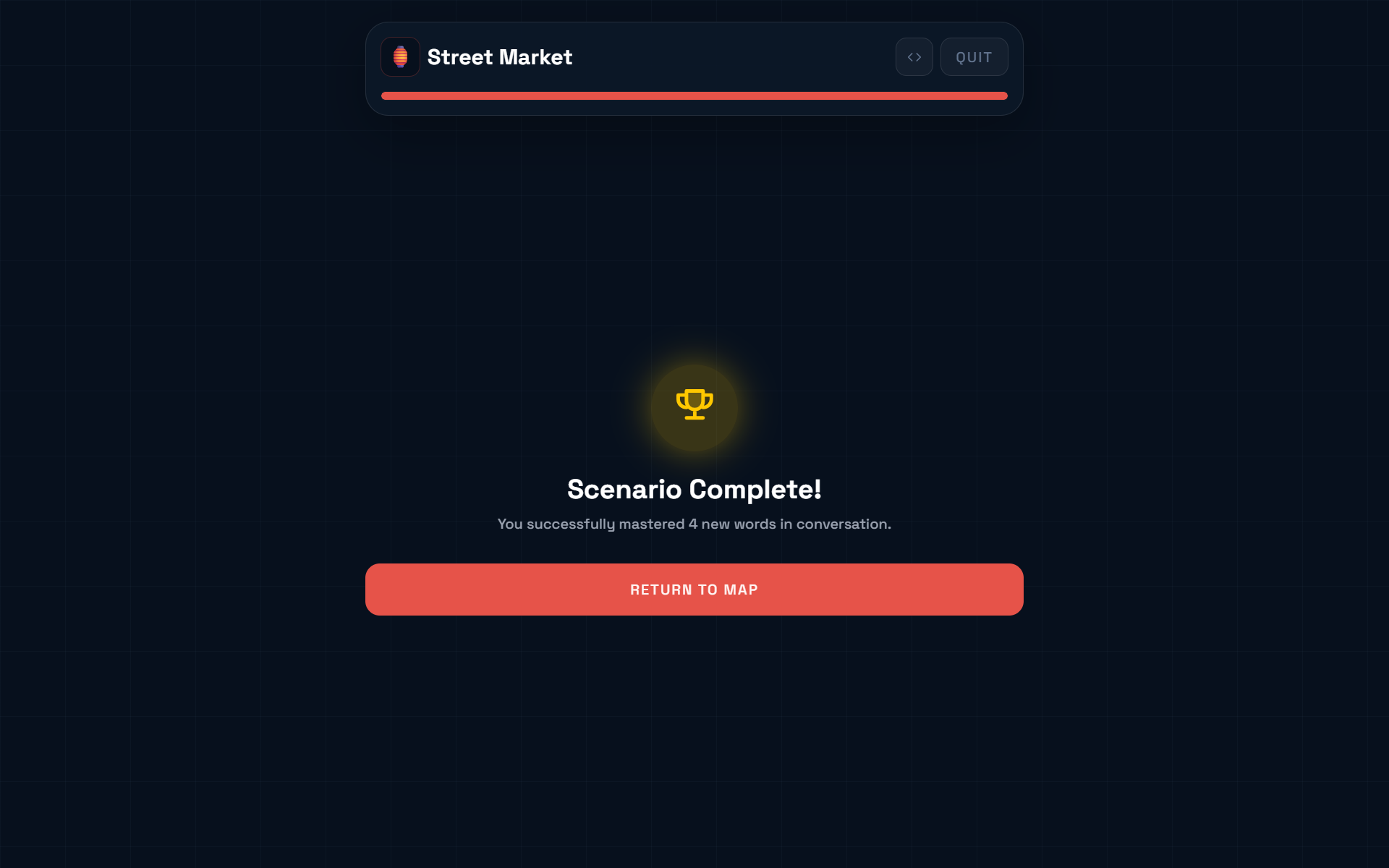
Inside a scenario, the core interaction is entirely voice powered using speech-to-text (STT). Players speak directly into the microphone in response to dynamic NPC prompts. An AI agent provides real time, forgiving feedback and pronunciation improvements. User progress is saved as an expanding conceptual word graph. Mastering vocabulary in one scenario automatically unlocks related scenarios with overlapping terminology. The capstone of every country is the "Boss Level," an unscripted, real life conversation created on the fly by the AI. Conquering it finishes the country and awards the LangCoins necessary to unlock the next destination.
How we built it
Under the hood, Langtour uses a modern stack (React/Vite/Three.js frontend, Node.js/Express/Supabase backend) to drive an adaptive procedural loop:
- Scenario Initialization & Vocabulary Selection: When a player starts a scenario, the backend dynamically calculates the optimal target vocabulary. It queries the Supabase database via
fsrs.js(Free Spaced Repetition Scheduler) to inject words that are due for review. Simultaneously,@ai-sdk/google(gemini-embedding-2) embeds the scenario topic and calculates cosine similarity against unknown vocabulary, selecting new words that are highly relevant to the context and anchored to words the user already knows well. - Contextual Dialog Generation: With the target vocabulary selected, the backend uses the Vercel AI SDK to prompt
gemini-2.5-flash. The prompt includes the scenario context and the chosen target words, instructing the AI to generate the next NPC dialogue line specifically designed to elicit those words from the user naturally. - Speech-to-Text & Real-Time Evaluation: The user speaks their reply into the microphone, which is transcribed in real time via the Deepgram STT API. The transcribed response is sent back to the backend, where a secondary AI prompt acts as an evaluator. It checks the transcription to ensure the user appropriately utilized at least one target word in context, while forgiving minor grammatical mistakes.
- Memory Tracking & Progression Updates: If the evaluator marks the response as successful, the backend automatically updates the
fsrs.jsstability and difficulty metrics for the successfully used target word. This transaction is saved to the Supabase database, adjusting the expanding word graph and influencing which scenarios and review words will appear next.
Challenges we ran into
The most formidable hurdle was minimizing latency within our voice and AI pipelines. In order for the conversation to be immersive, the dialogue must mimic the natural cadence of a real conversation. We leveraged Deepgram to ensure our system could efficiently process audio, transcribe it, analyze grammar, and generate a contextual response. Their ultra-low latency API solved our biggest bottleneck, allowing us to focus our optimization efforts purely on the LLM prompt engineering. Balancing the strictness of the Spaced Repetition System with the leniency needed for flowing conversation also took meticulous tuning.
Accomplishments that we're proud of
We are proud of our app's integration with Deepgram, which serves as the lightning-fast, highly accurate backbone for all of our voice-powered interactions. Building a seamless, real time conversational interface wouldn't have been possible without it. Additionally, constructing the dynamic vocabulary discovery engine from scratch was a major achievement. We learned how to correctly manage our backend and Supabase database to seamlessly bridge a complex Spaced Repetition System with a semantic word graph.
What we learned
Building Langtour taught us how to orchestrate multi-agent AI workflows. We learned how to coordinate specialized agents, assigning one to handle narrative dialogue and another to act as a linguistic evaluator. We also gained a deep appreciation for the complexities of memory tracking algorithms like FSRS, and learned how to apply semantic vector embeddings to create interconnected learning paths.
What's next for Langtour
Moving forward, we plan to expand the interactive globe, unlocking dozens of new countries and introducing a wider array of languages. We aim to deepen the multi-agent scenarios, introducing branching narratives and more complex situations. Finally, we want to bring this experience to mobile devices, allowing users to practice their language skills seamlessly on the go.
Setup & Installation
You must have Node.js installed and provide your own Deepgram API key and Google Gemini API key. If you are cloning this project from GitHub on a completely fresh machine, follow these steps to get everything working:
1. Install Dependencies
Because this project is structured with a separate frontend (client/) and backend (node/), you must install the dependencies in three different folders:
# 1. Install the root dependencies (for the 'concurrently' tool)
npm install

# 2. Install the backend dependencies
cd node
npm install

# 3. Install the frontend dependencies
cd ../client
npm install

# Return to the root folder
cd ..
3. Configure Environment Variables
You need to manually create two environment files (.env and .env.local) in the root directory to store your API and database keys securely:
.env file:
DEEPGRAM_API_KEY=your_deepgram_key_here
GEMINI_API_KEY=your_gemini_key_here
SUPERMEMORY_API_KEY=your_supermemory_key_here
.env.local file:
NEXT_PUBLIC_SUPABASE_URL=your_supabase_url
NEXT_PUBLIC_SUPABASE_PUBLISHABLE_KEY=your_supabase_publishable_key
CLIENT_ID=your_google_client_id
CLIENT_SECRET_KEY=your_google_client_secret
SUPABASE_SERVICE_ROLE_KEY=your_supabase_service_role_key
(Make sure to replace the placeholder values with your actual API keys).
4. Start the Application
Once the dependencies are installed and the keys are provided, you can spin up both the Vite frontend and Express backend simultaneously from the root folder using concurrently:
npm run dev
The app will now be running locally.

Log in or sign up for Devpost to join the conversation.