-
-
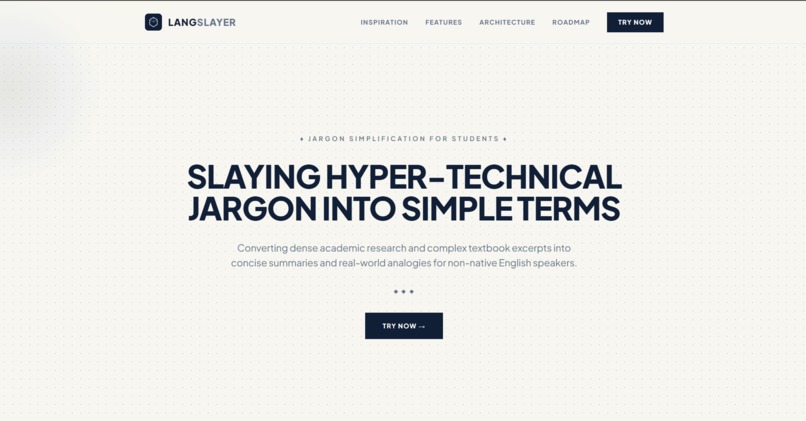
Landing Page
-
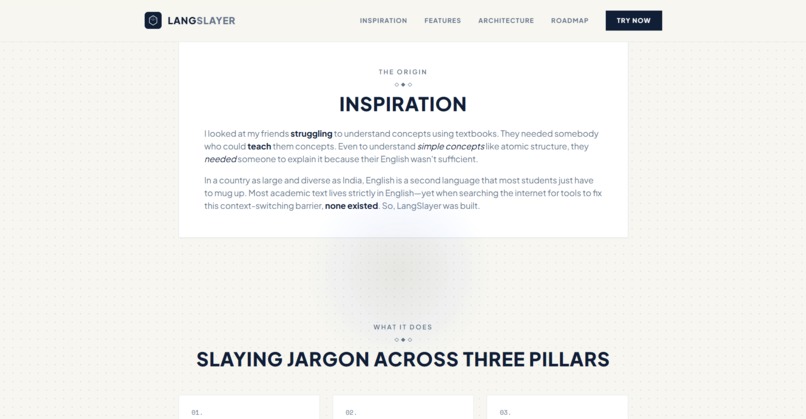
Inspiration
-
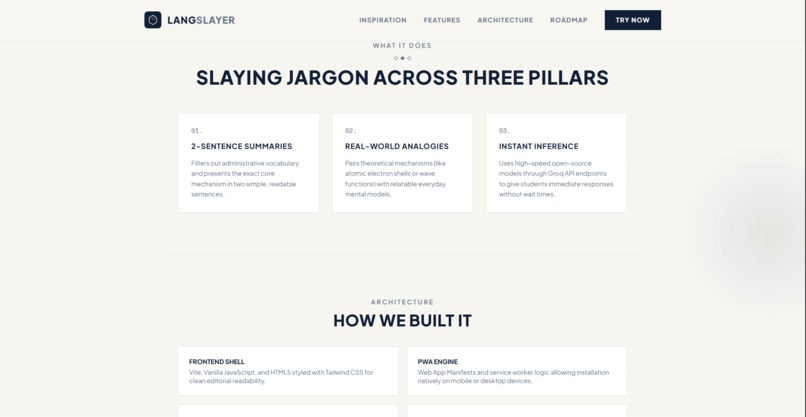
Features
-
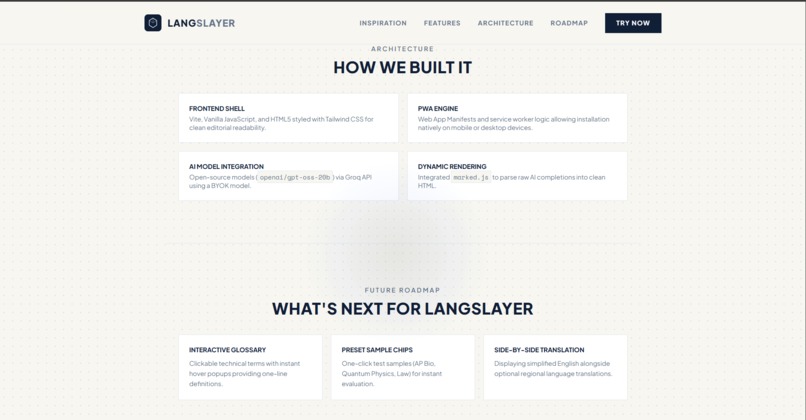
Architecture
-
Roadmap
-
App Page
LangSlayer ⚡
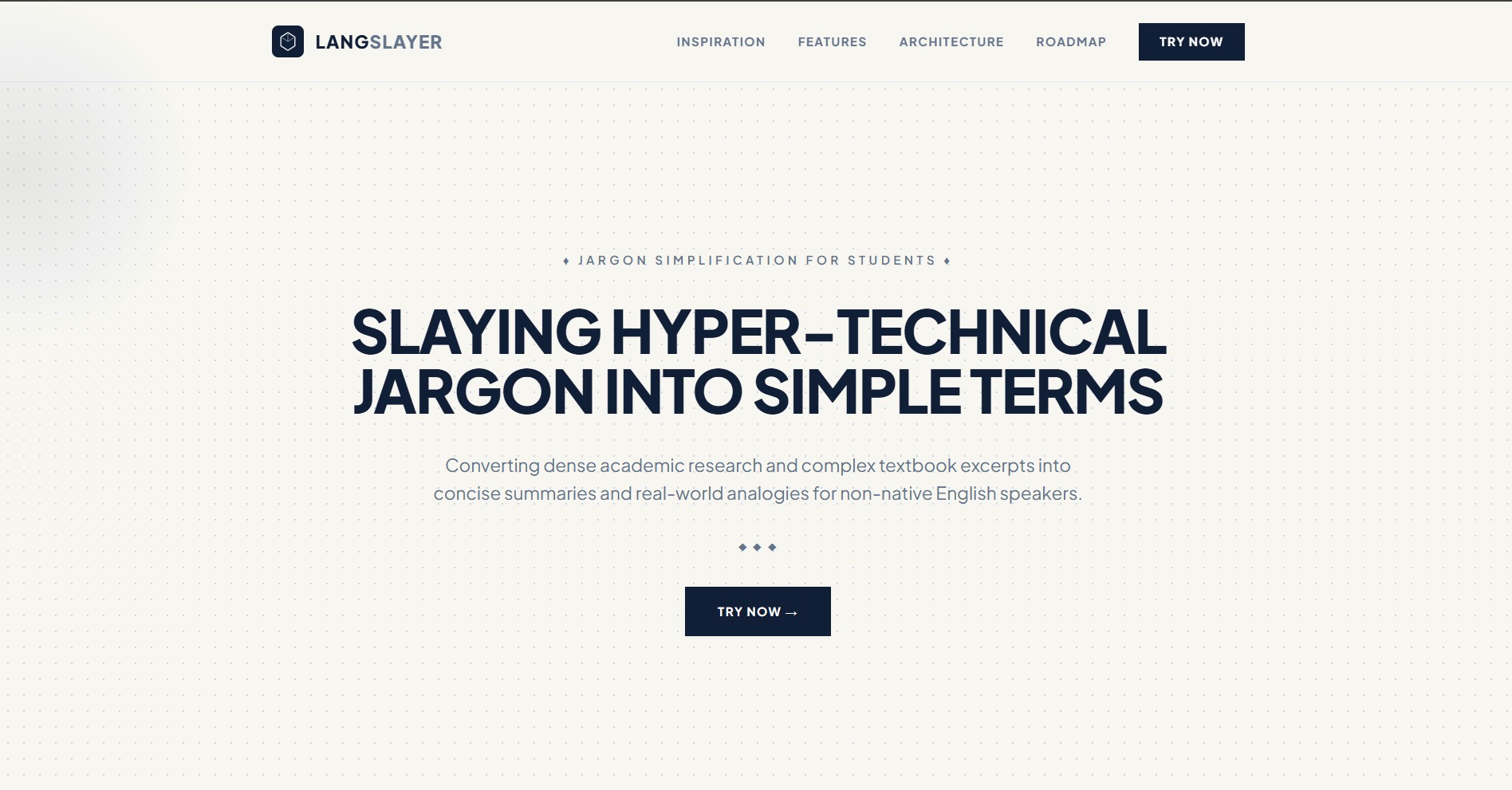
Slaying hyper-technical jargon into simple, digestible terms.
A fast, lightweight PWA designed to convert dense academic research and complex textbook excerpts into concise summaries and real-world analogies for non-native English speakers.
Inspiration
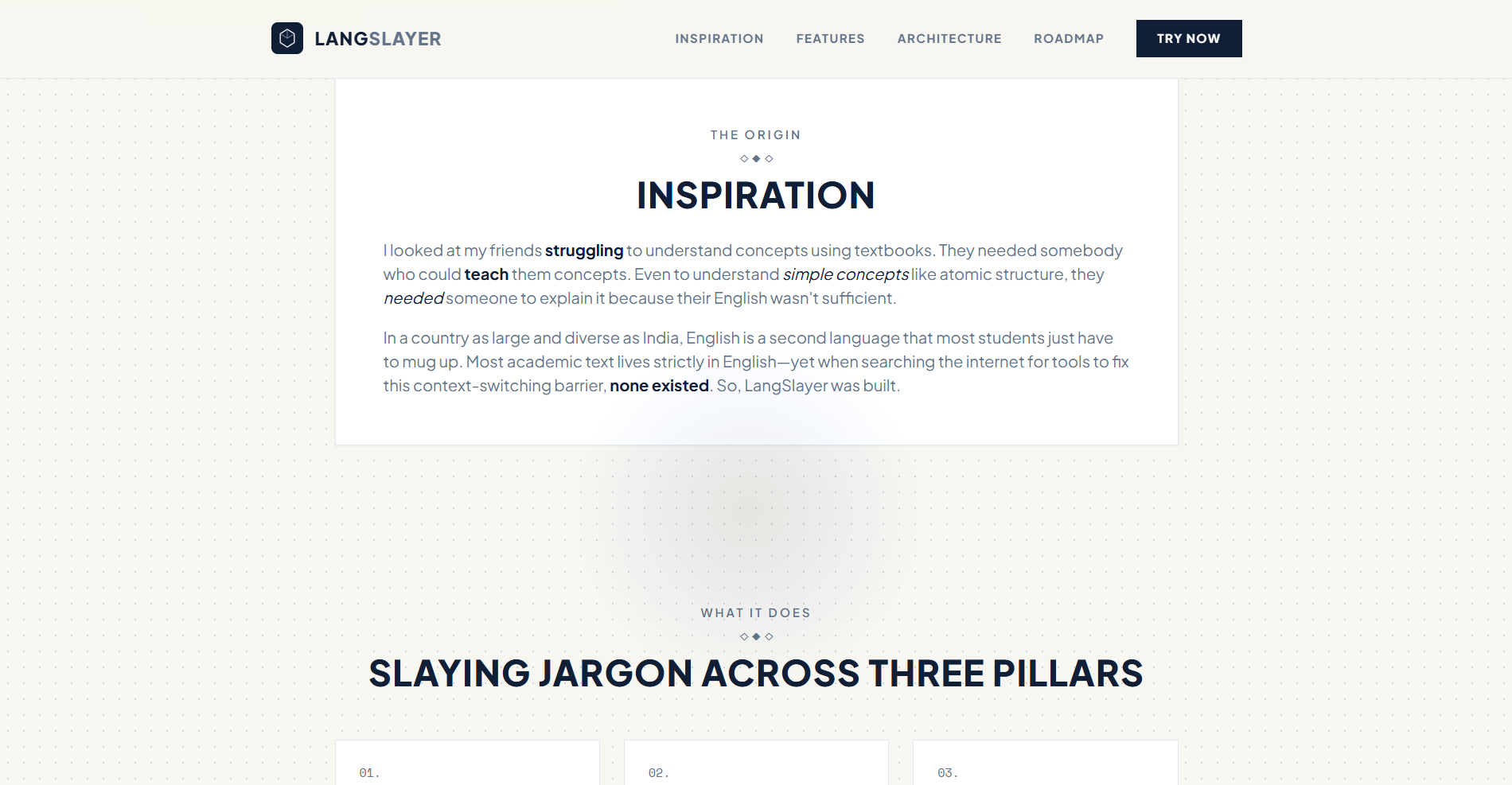
I looked at my friends struggling to understand concepts using textbooks. They needed somebody who could teach them concepts. Even to understand simple concepts like atomic structure, they needed someone to explain it because their English wasn't sufficient.
In a country as large and diverse as India, English is a second language that most students just have to mug up. Realizing that most academic text lives strictly in English completely changed my mindset. So, I looked around the internet for tools or apps that solve this problem or at least something like it—and turns out, none existed. So, LangSlayer was built.
What it does
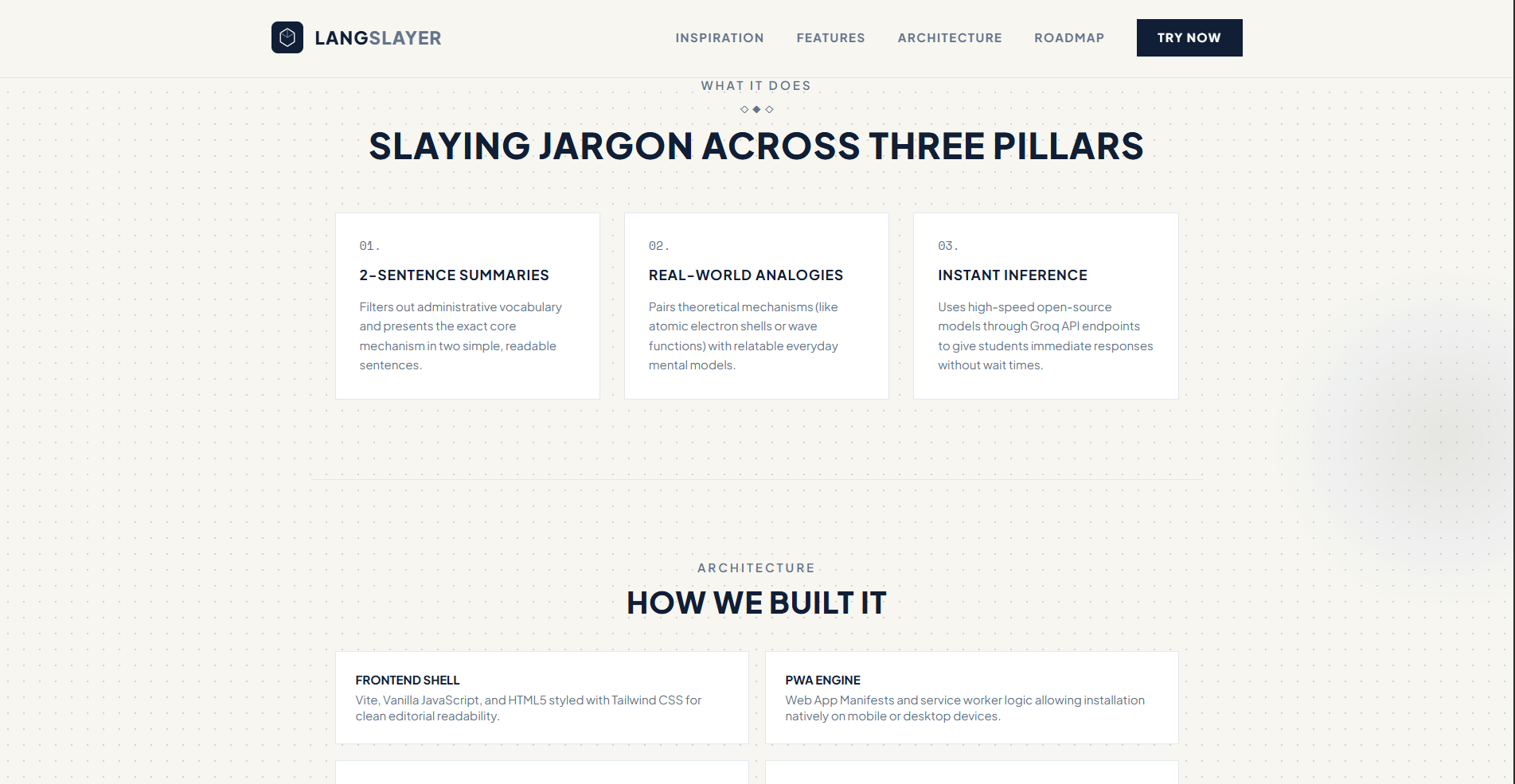
LangSlayer takes complex textbook excerpts and breaks down the jargon into simple, everyday English. Instead of performing literal word-for-word translation (which ruins scientific context), it outputs:
- A 2-Sentence Summary: Filters out administrative vocabulary to present the exact core mechanism in two readable sentences.
- Real-World Analogies: Pairs theoretical concepts (like electron shells or wave functions) with relatable everyday mental models.
- Instant Inference: Leverages high-speed open-source models so students get immediate responses without wait times.
Mandatory AI & Dataset Disclosures
- AI Models Used: Groq API running open-source models (
openai/gpt-oss-20b).[cite: 1] - AI Coding Assistants Used: Gemini (used for UI scaffolding, CSS adjustments, prompt engineering, and documentation refining).
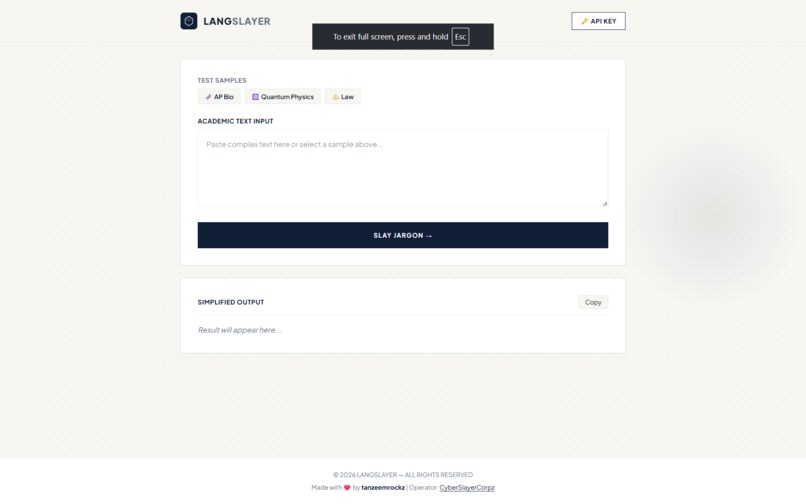
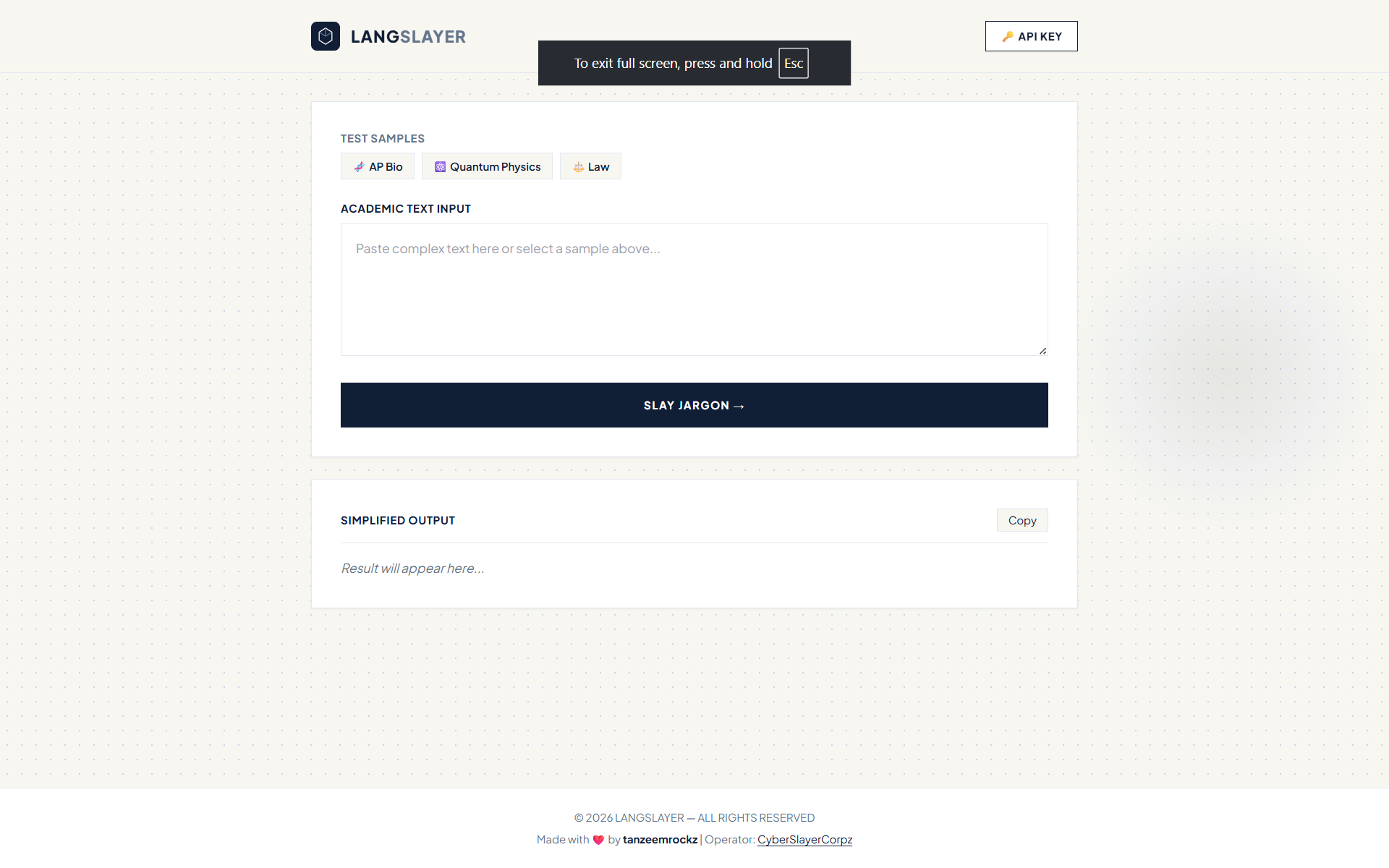
- Datasets Used: None (built-in preset sample excerpts used for AP Biology, Quantum Physics, and Law).
Aesthetic & Design Language
Inspired by the Suvidha Hackathon paper aesthetic:
- Typography: Pure sans-serif typography utilizing Plus Jakarta Sans for modern headers and body text, accompanied by Space Mono for lightweight tags.
- Color Palette: Warm off-white background canvas (
#F7F6F0) with a subtle grid-dot pattern, clean slate-blue structural lines (#E2E8F0), and dark navy elements (#101E36). - Interactive Micro-Animations:
- Cursor Spotlight Aura: A dynamic radial torch tracking mouse movements to highlight grid paper dots.
- Floating Paper Cards: Smooth cubic-bezier elevation animations (
translateY(-6px)) when hovering over container blocks.
- UI Elements: Editorial card layouts, minimalist button borders, diamond separators (
◇ ◆ ◇), and lightweight sample chips for instant testing.
How we built it
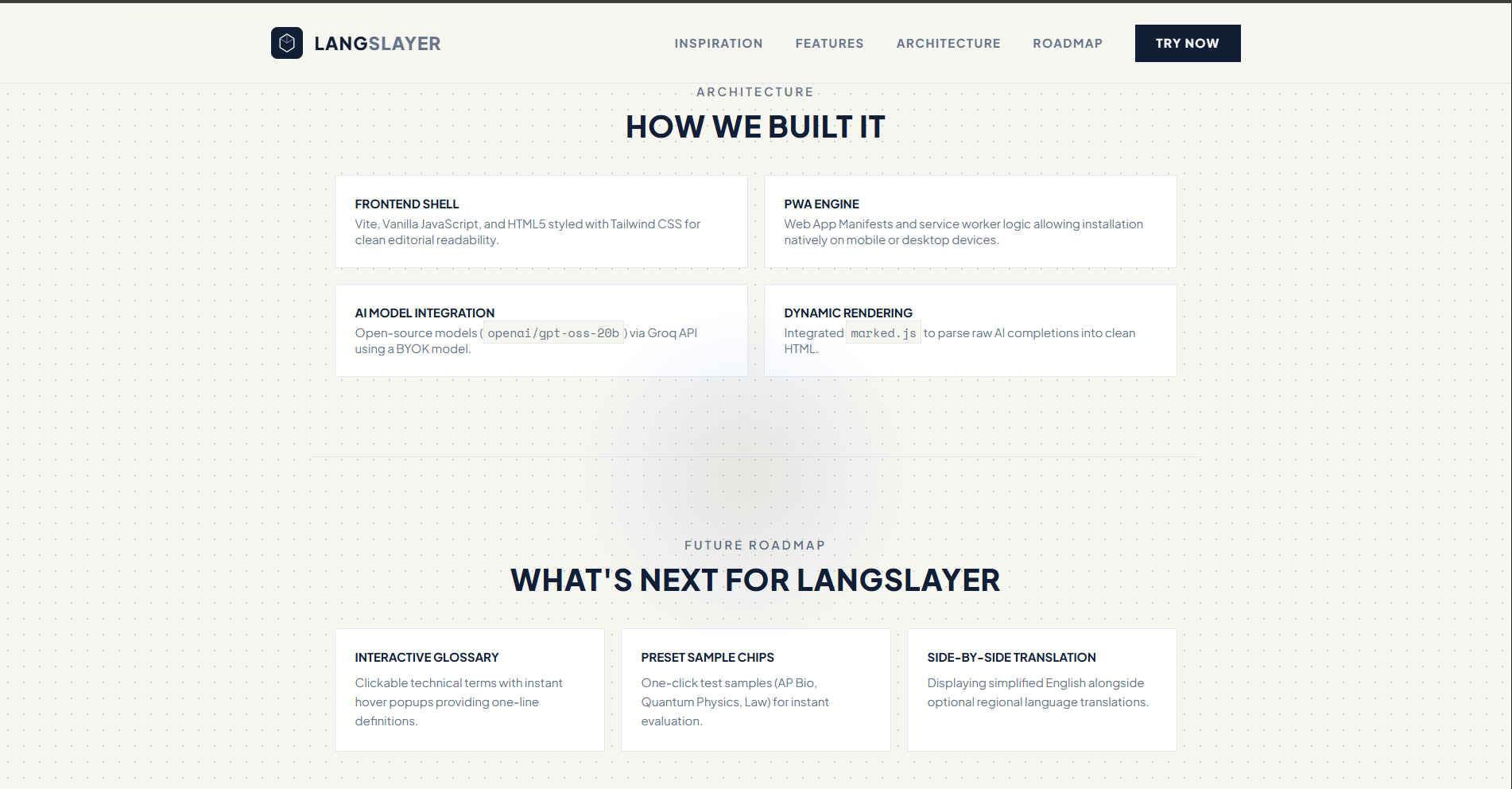
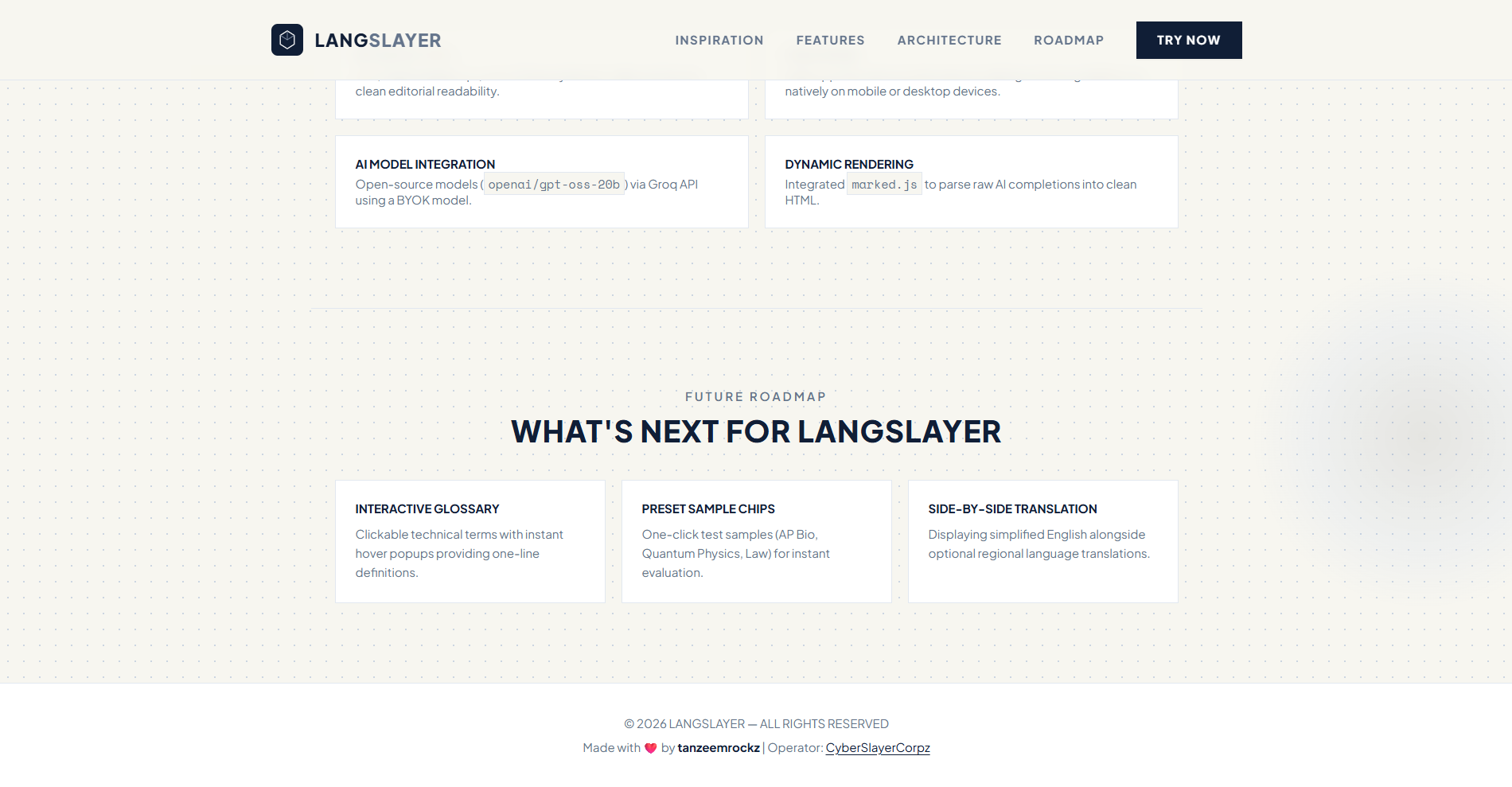
- Frontend Shell: Built using Vite, vanilla JavaScript, and HTML5, styled with Tailwind CSS for a clean, grid-paper editorial reading experience.
- PWA Engine: Configured with Web App Manifests and service worker logic so the app can be installed natively on mobile or desktop devices.
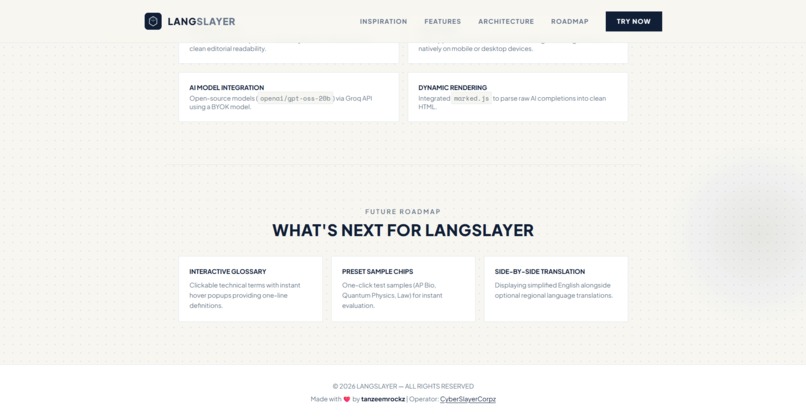
- AI Model Integration: Connected directly to open-source models (
openai/gpt-oss-20b) via the Groq API for sub-second inference speeds using a "Bring Your Own Key" (BYOK) model. - Dynamic Rendering: Integrated
marked.jsto parse raw AI completion payloads into formatted, scannable HTML.
Challenges we ran into
- Aesthetic Alignment: Moving away from a generic dark/cyberpunk look to construct a clean, warm editorial paper interface while maintaining crisp UI contrast.
- Smooth Physics & Cursor Tracking: Implementing an ultra-lightweight cursor spotlight aura and hardware-accelerated float transitions without causing frame drops or layout shifts.
- Model Lifecycle Management: Finding an active, stable open-source model endpoint on free-tier routes required testing multiple model strings and adapting to API deprecations.
Accomplishments that we're proud of
- Zero-Latency Feel: Achieving rapid response times using Groq's high-speed inference engine, making jargon simplification feel almost instantaneous.
- Value-First UI: Designing a dual-page system (
/for story/landing,/gofor workspace) with subtle tactile hover states and paper typography. - Context Preservation: Crafting a system prompt that generates effective, accurate real-world analogies instead of flat, robotic translations.
What we learned
- How to combine dynamic DOM mouse tracking with CSS radial gradients for smooth spotlight effects.
- How to build scalable CSS transition physics for interactive card elevation (
hover-float). - How to construct and register PWA manifests and service workers for cross-platform web installation.
What's next for LangSlayer
- Interactive Glossary: Clickable technical words that pull up mini-popups with instant, one-line definitions.
- Multi-Language Side-by-Side: Displaying simplified English alongside optional regional language translations.
- Saved History: Storing recently slayed excerpts in browser memory for quick offline review.
Built With
- css3
- html5
- javascript
- tailwind
- vite

Log in or sign up for Devpost to join the conversation.