-
-
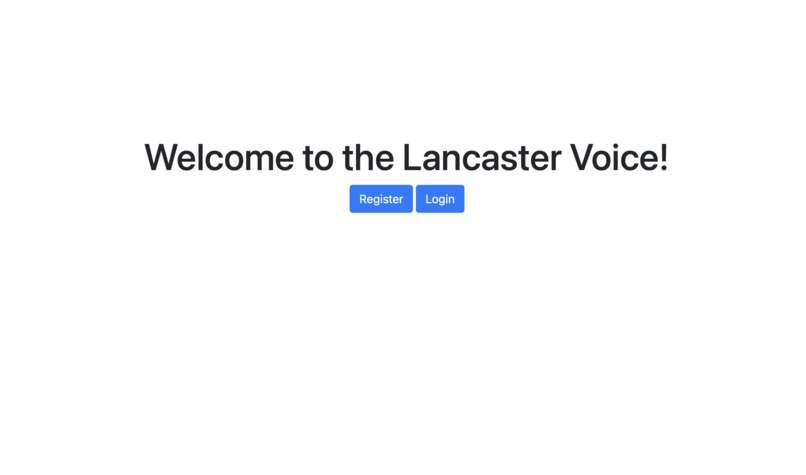
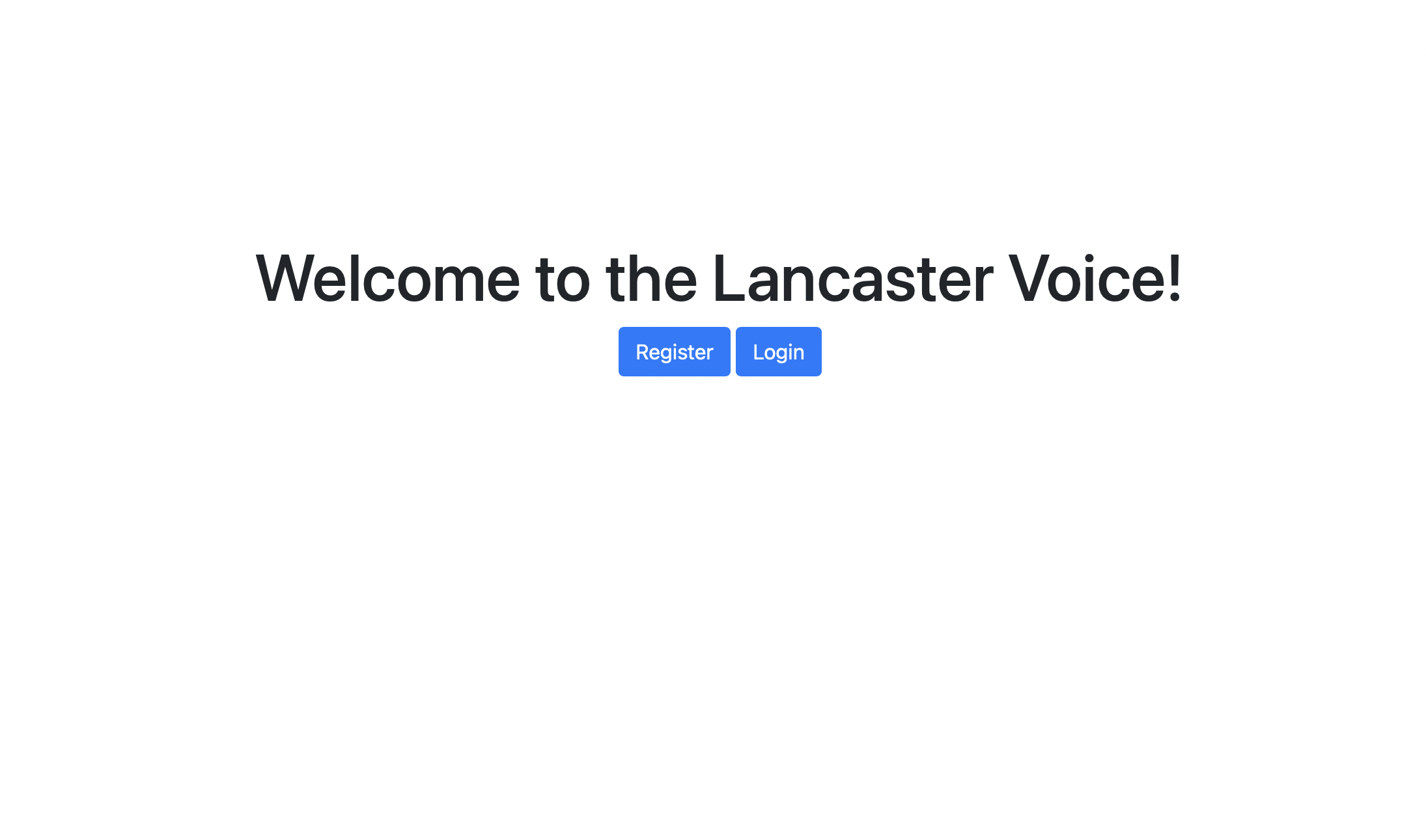
Starting Page
-
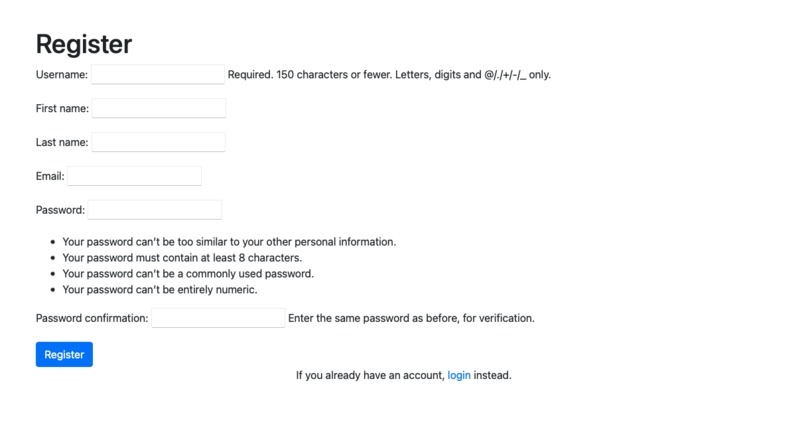
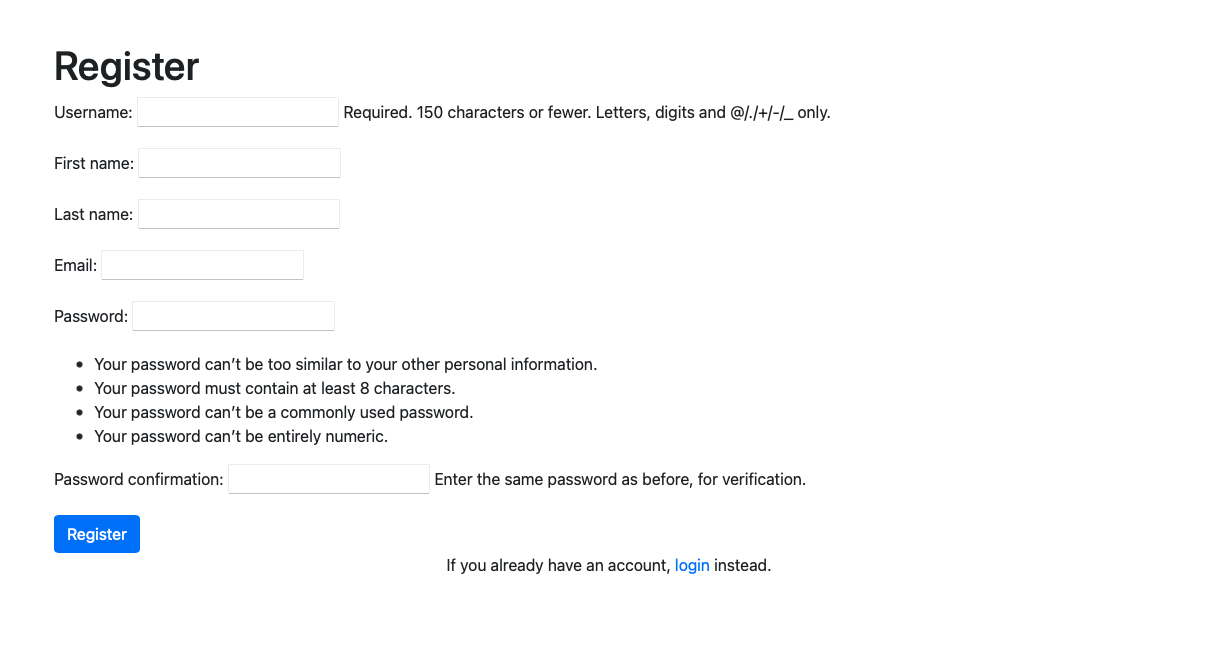
Register Page
-
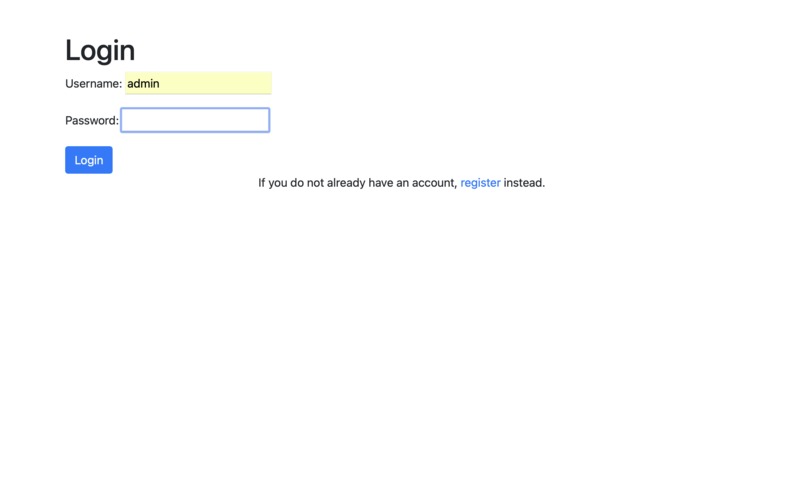
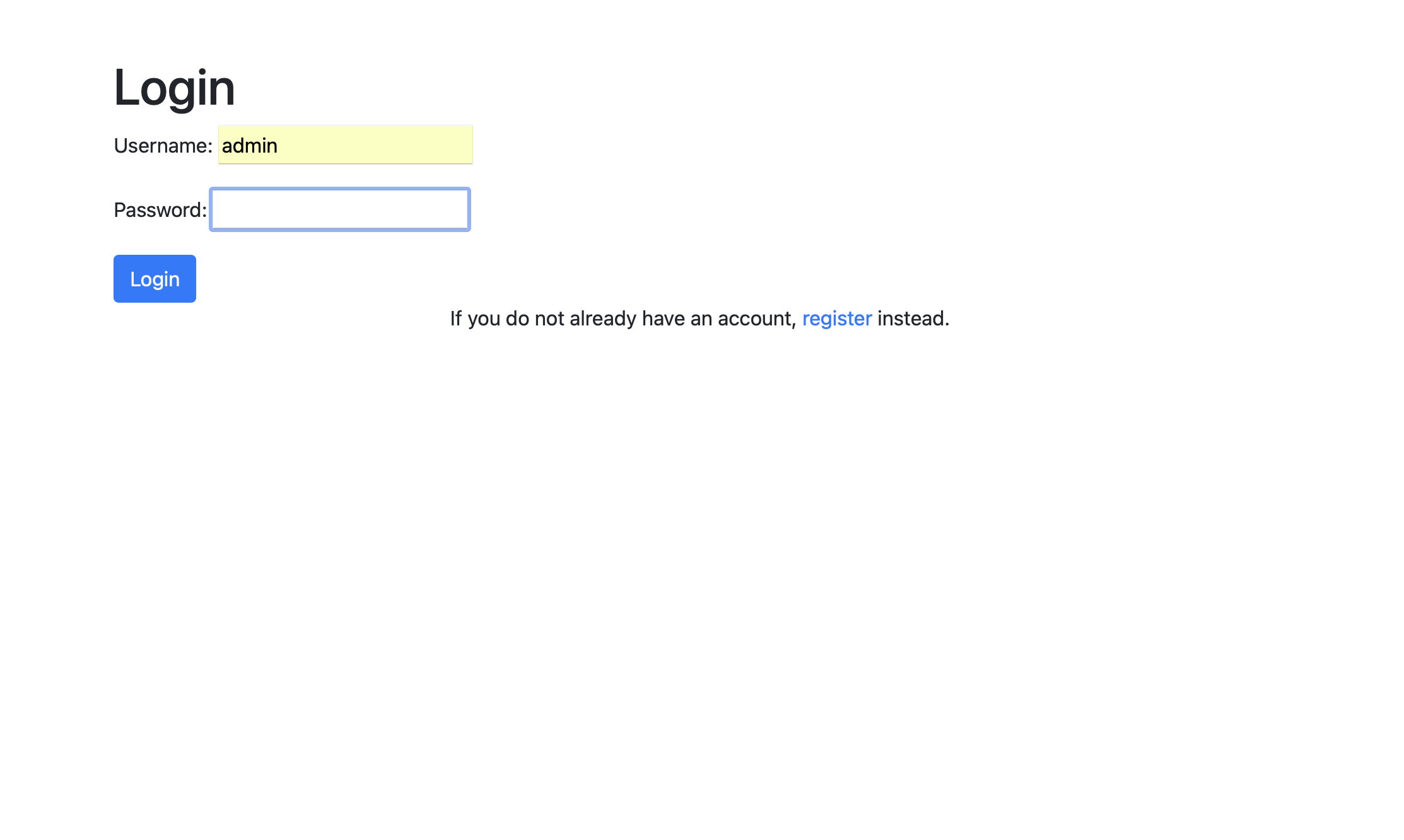
Login Page
-
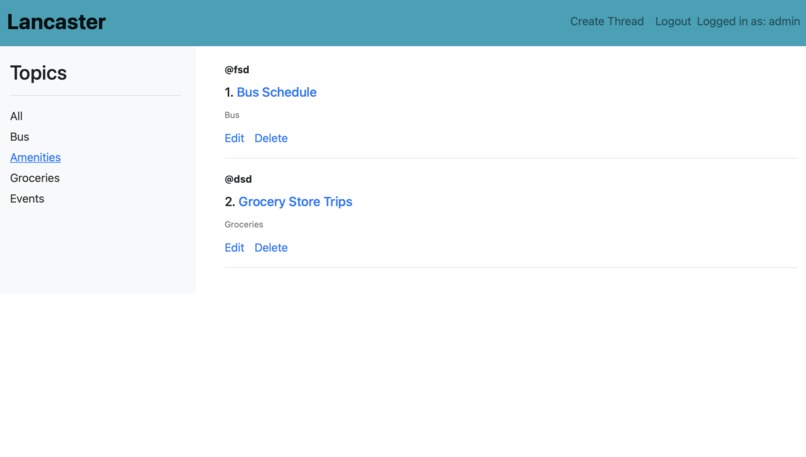
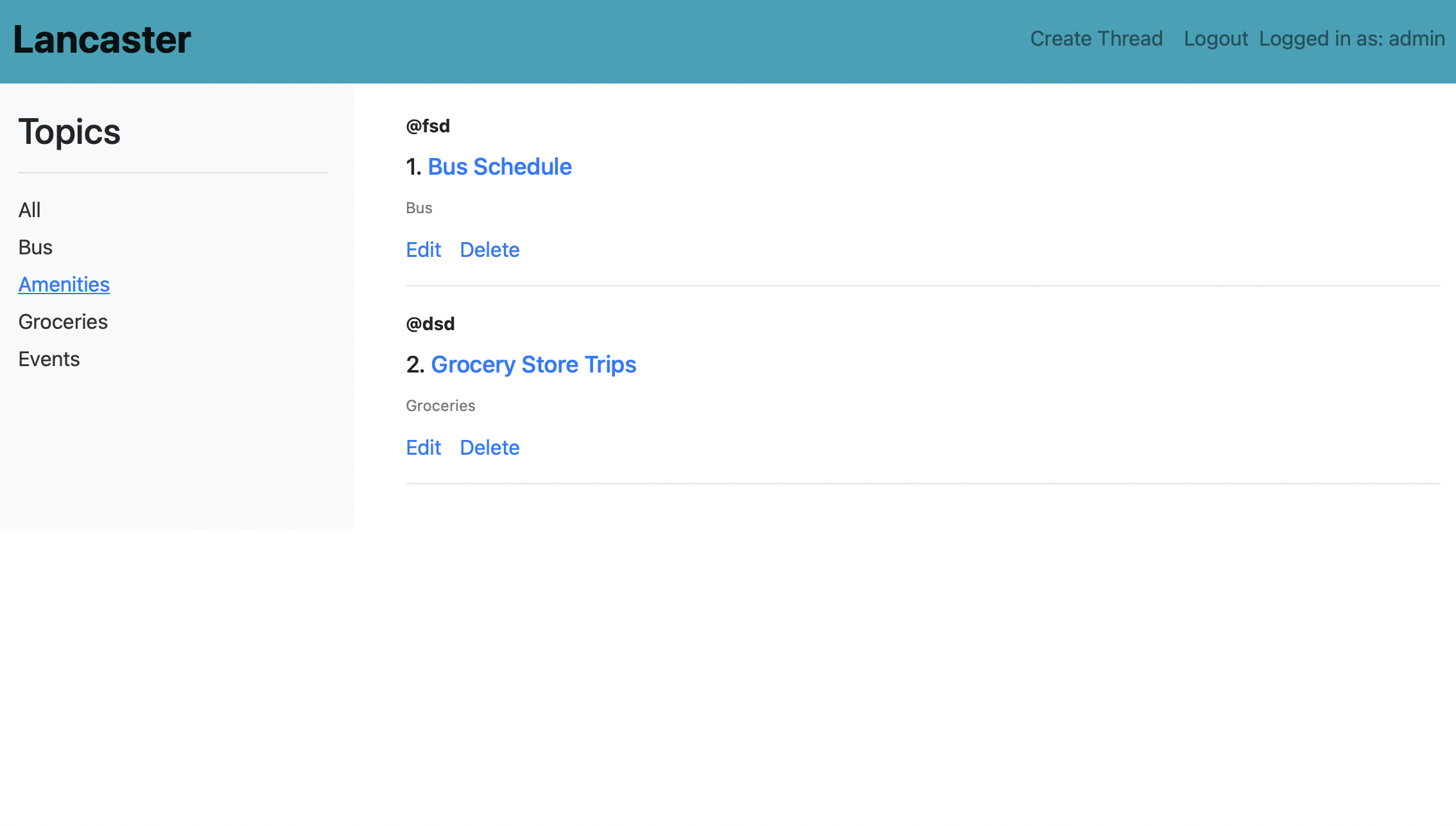
Home page after logging in. There are threads under each labels/topics. Topics are listed on the left.
-
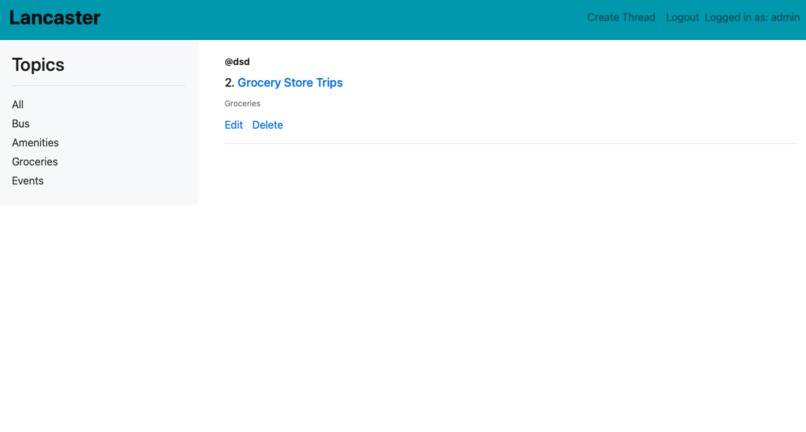
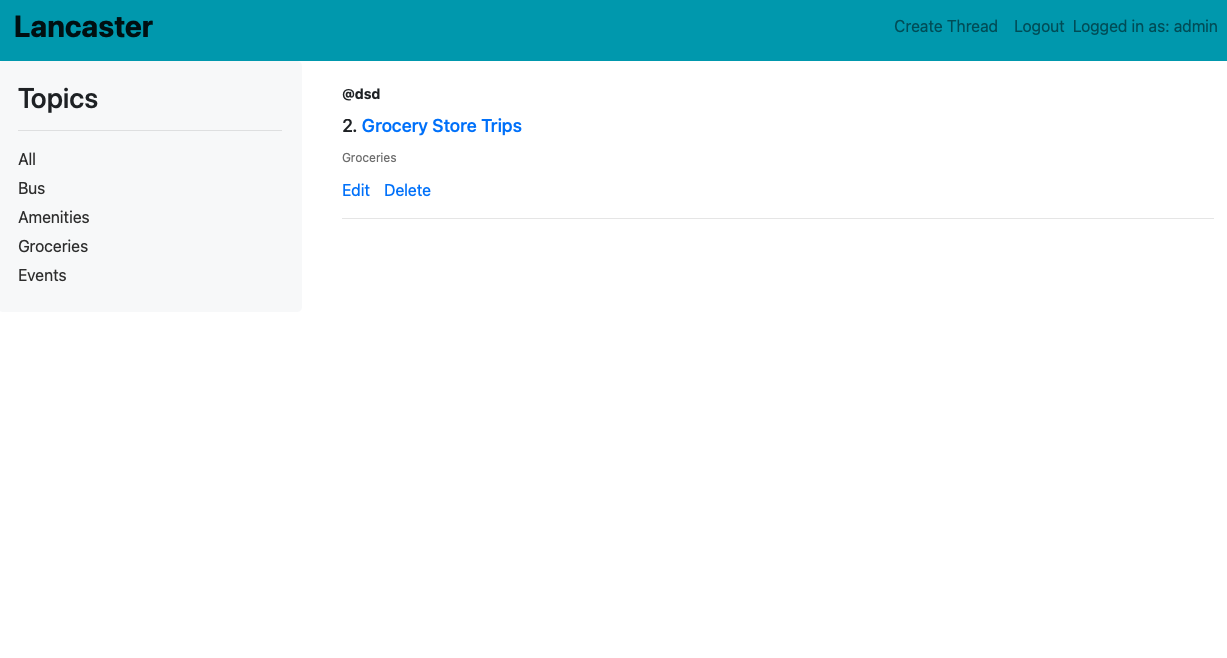
You can filter threads based on label/topic. As you can see, if you click on Groceries, only threads under that label will show
-
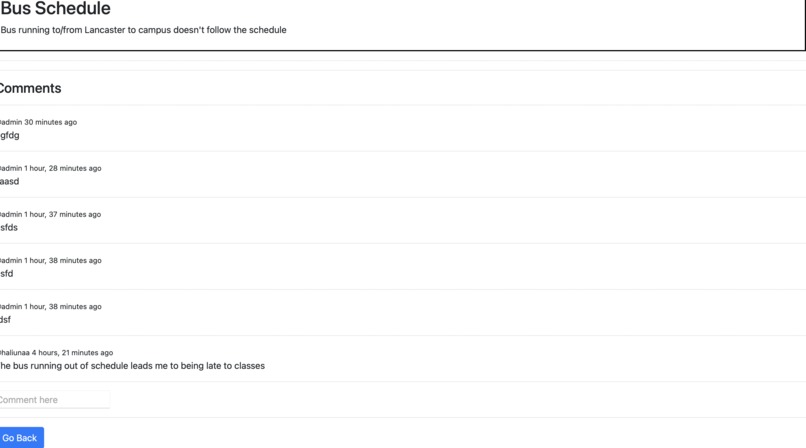
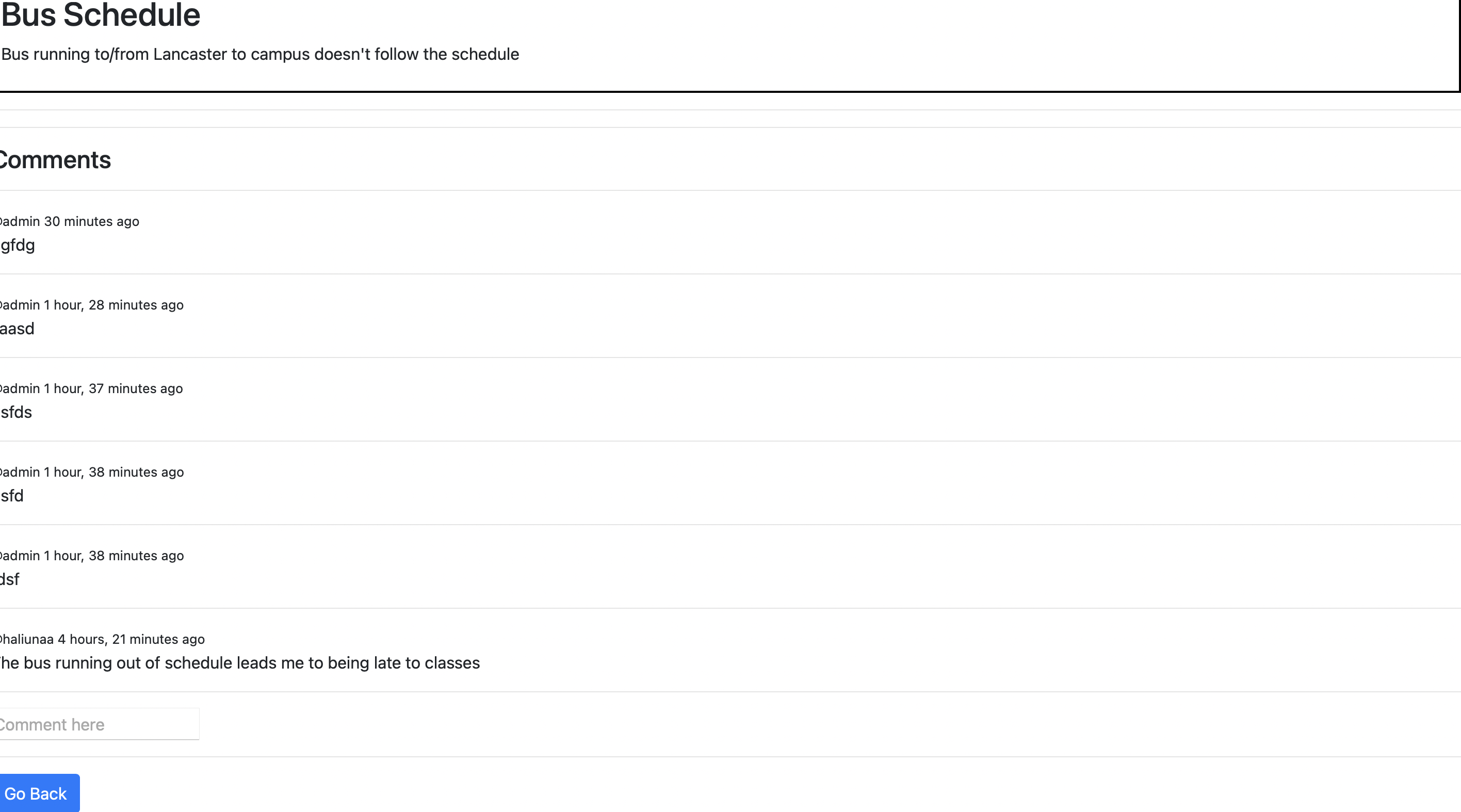
Thread page for a specific topic where users can add comments
-
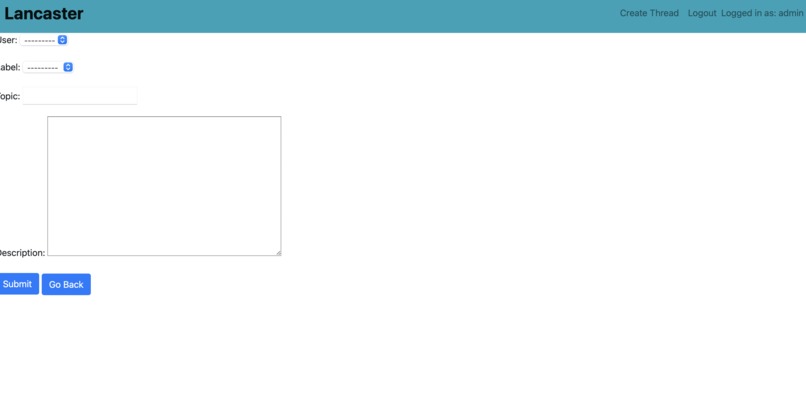
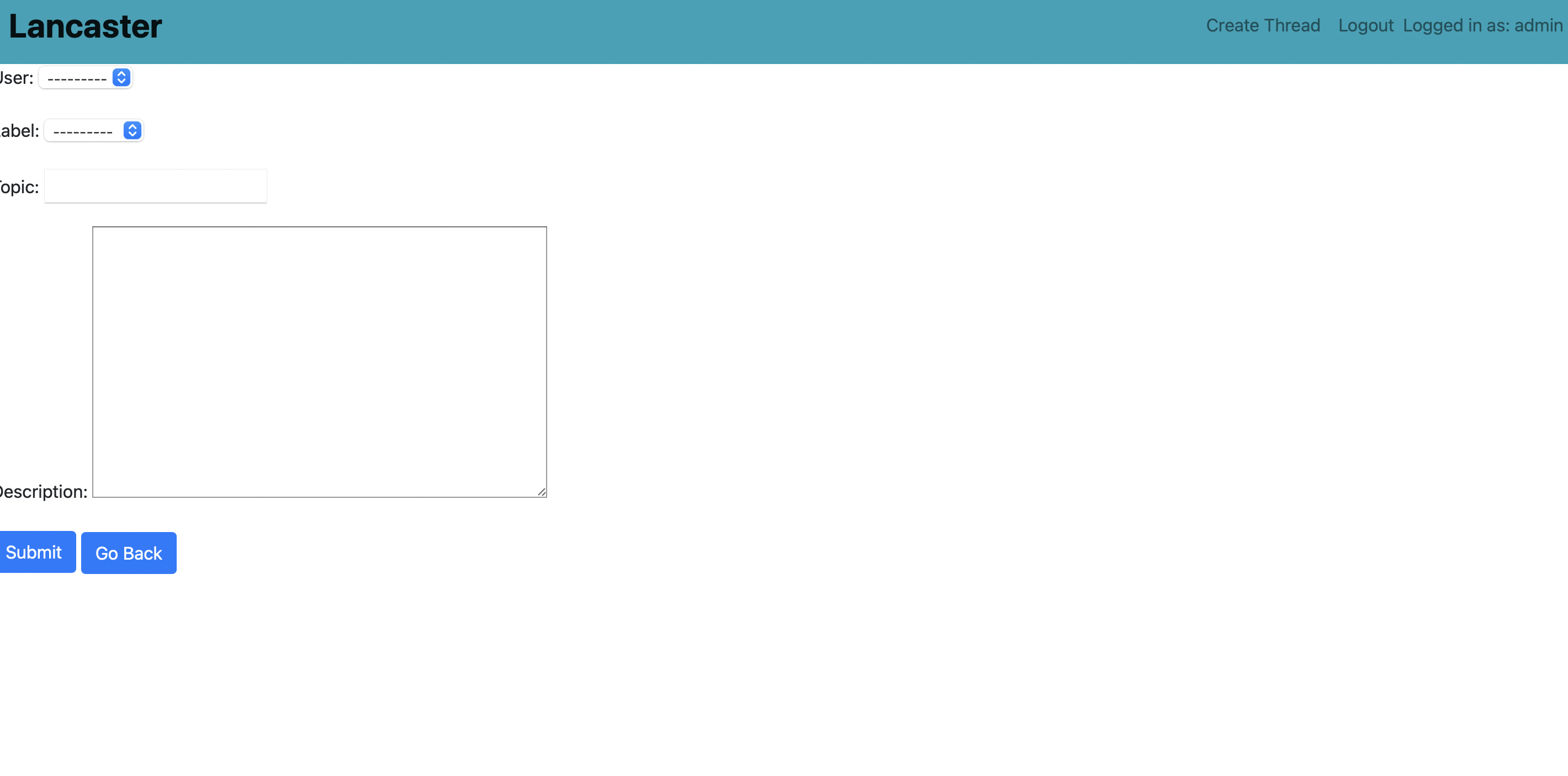
You start a new threads under a new topic.
-
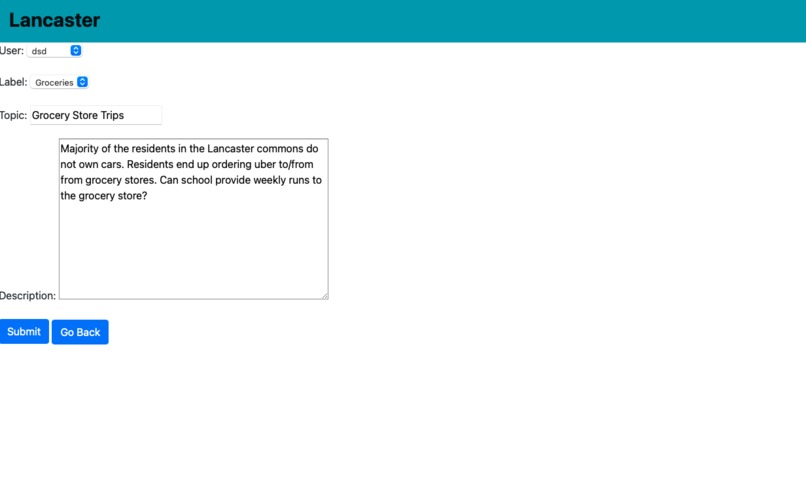
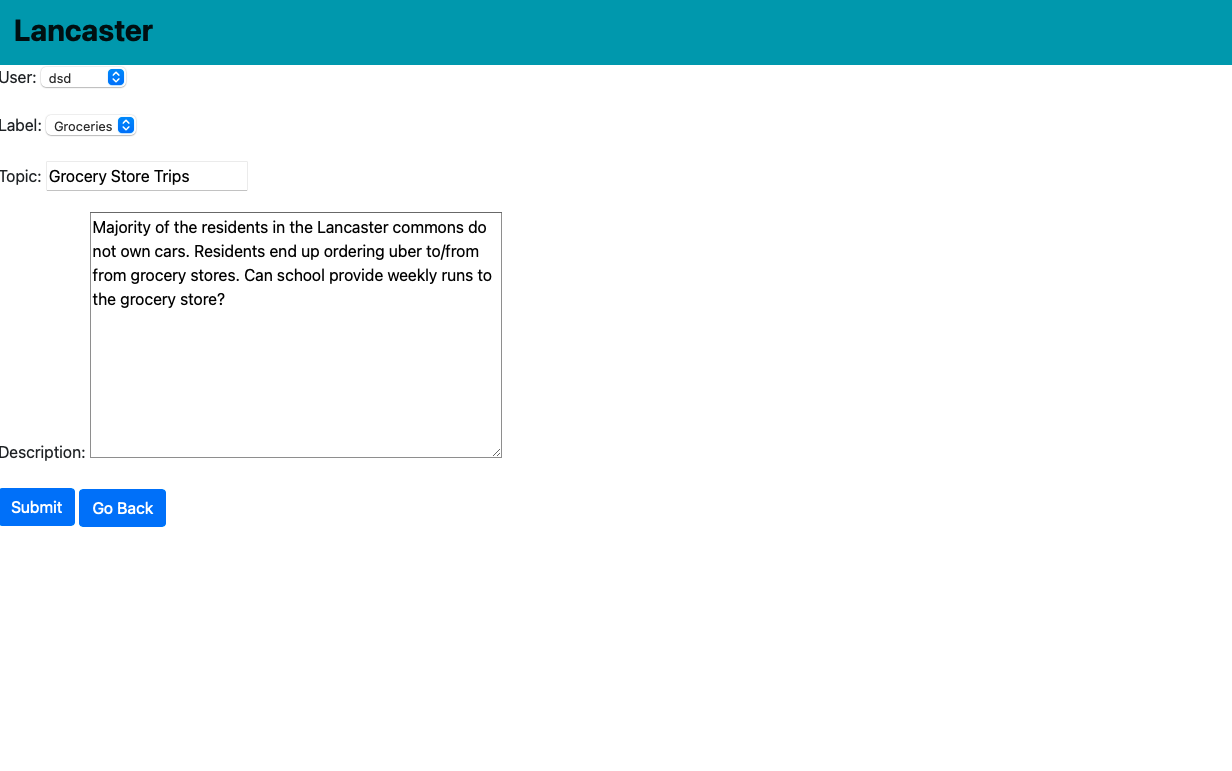
You can update a thread.
-
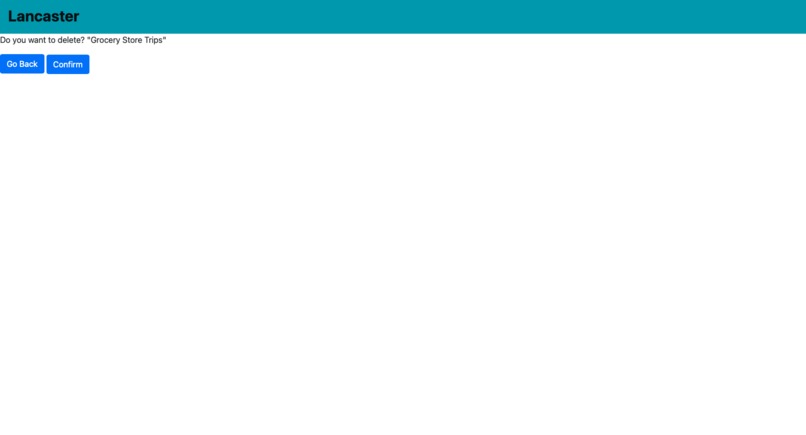
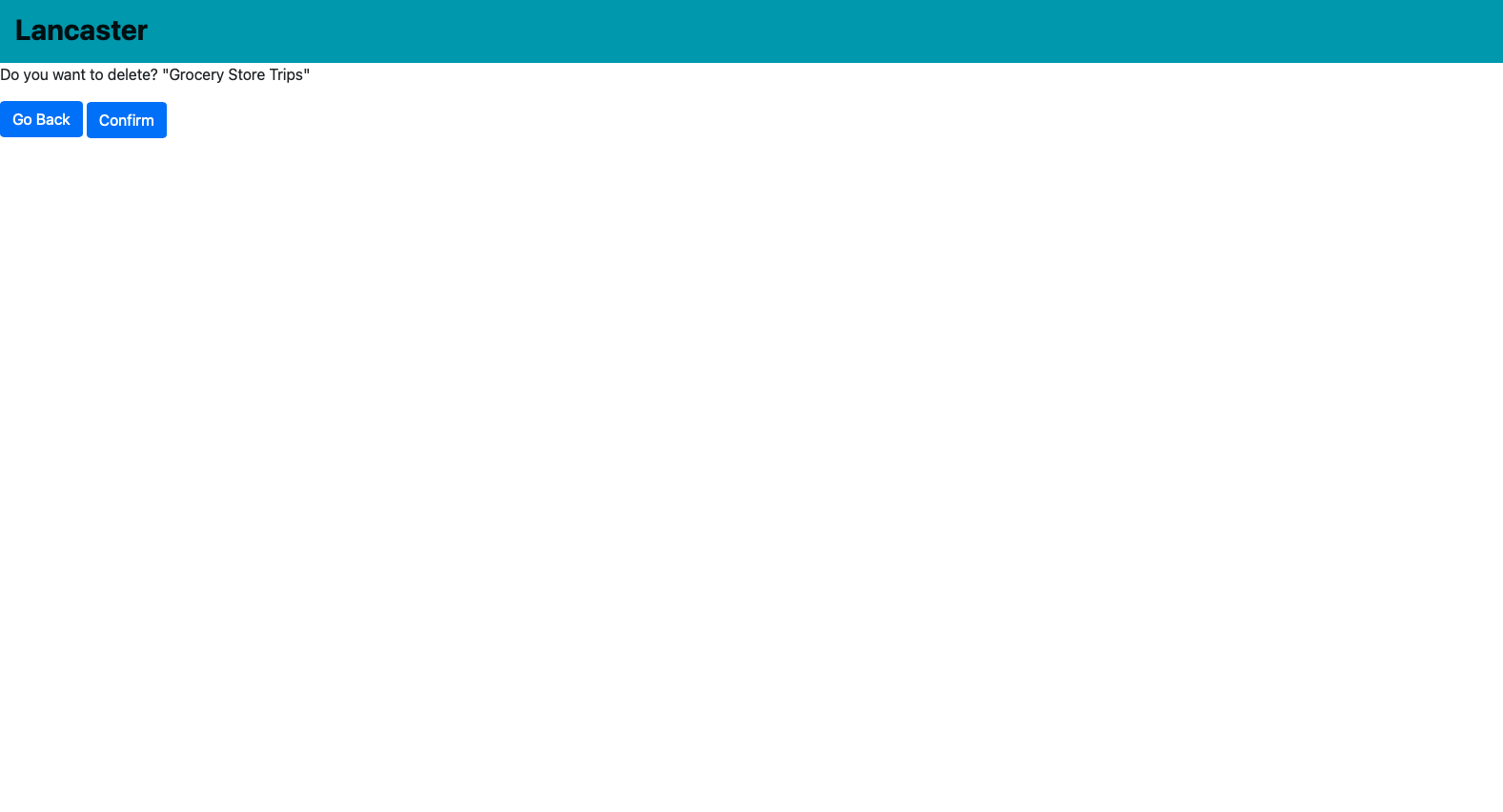
You can a delete a thread.
Inspiration
I and 100+ other grad students live in an apartment complex that is run by our school. Students who live here have been sending one off email requests (i.e requesting printer for the apartment) to the school admins but haven't been receiving much help from.
What it does
Students/residents are able to create new conversation threads under certain topic/label. Other users are then able to comment on those threads to share thoughts.
How we built it
I strictly followed the tutorial linked below as I wanted to gain more Django knowledge/experience: https://www.youtube.com/watch?v=PtQiiknWUcI&t=15069s
Django, HTML, a bit of CSS used
Challenges we ran into
Because I followed the tutorial, I didn't have much trouble. However, I want to further expand on the tutorial and pay more attention to user authorization.
Accomplishments that we're proud of
What we learned
Prior to this, I had done 1 team-based Django project only. During that project, I didn't fully grasp Django but this time, I took my time to learn.
What's next for Lancaster Voice
Build like/dislike button Improve user authentication (be able to edit/delete own post only) Let users create labels Build database for the residents to avoid random people registering and adding comments

Log in or sign up for Devpost to join the conversation.