-
-
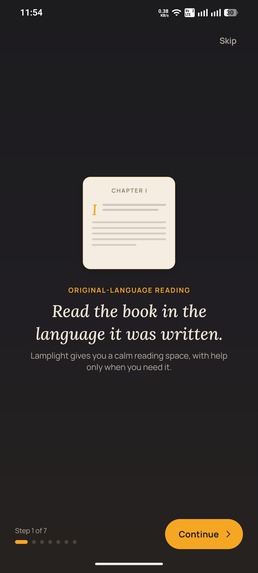
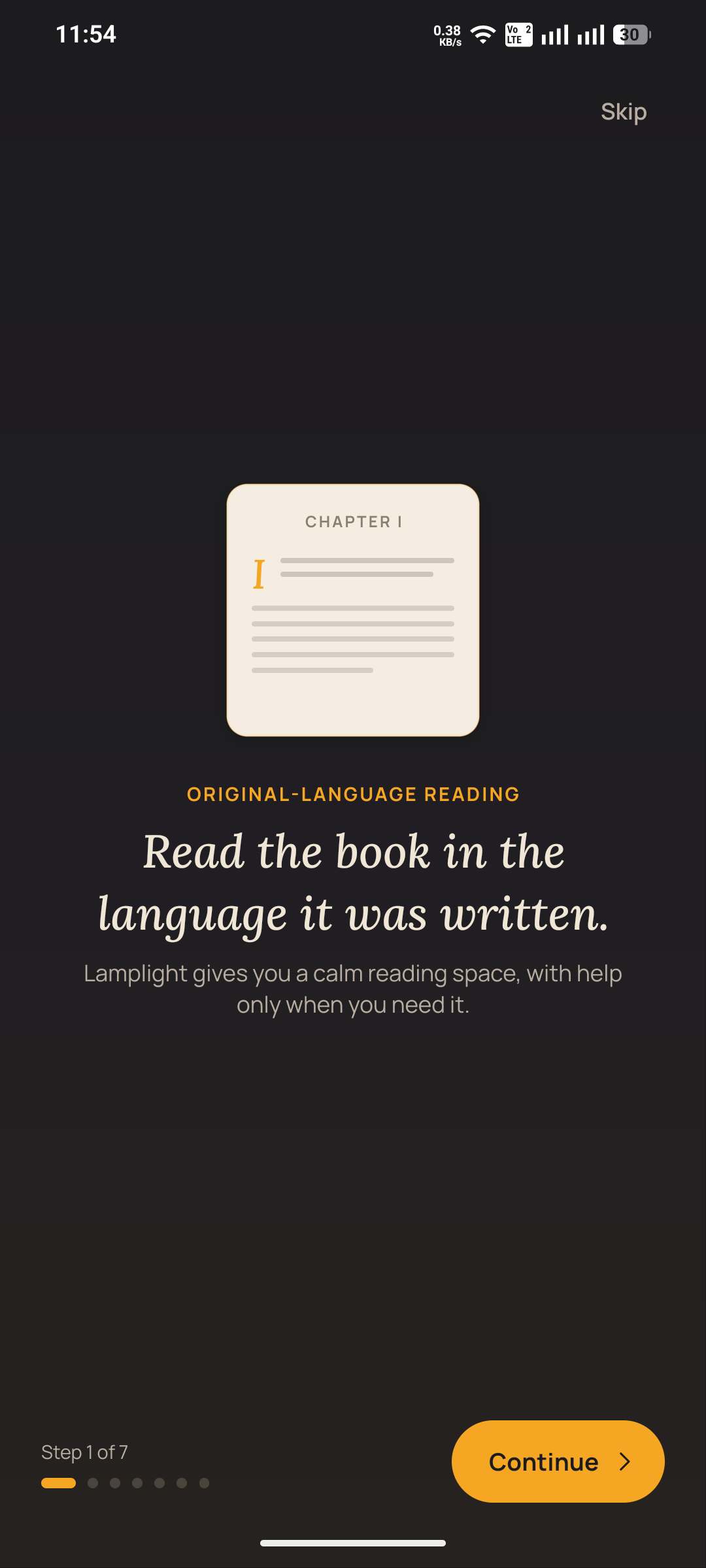
Onboarding Screen 1
-
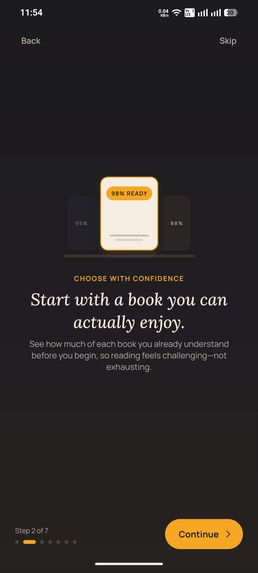
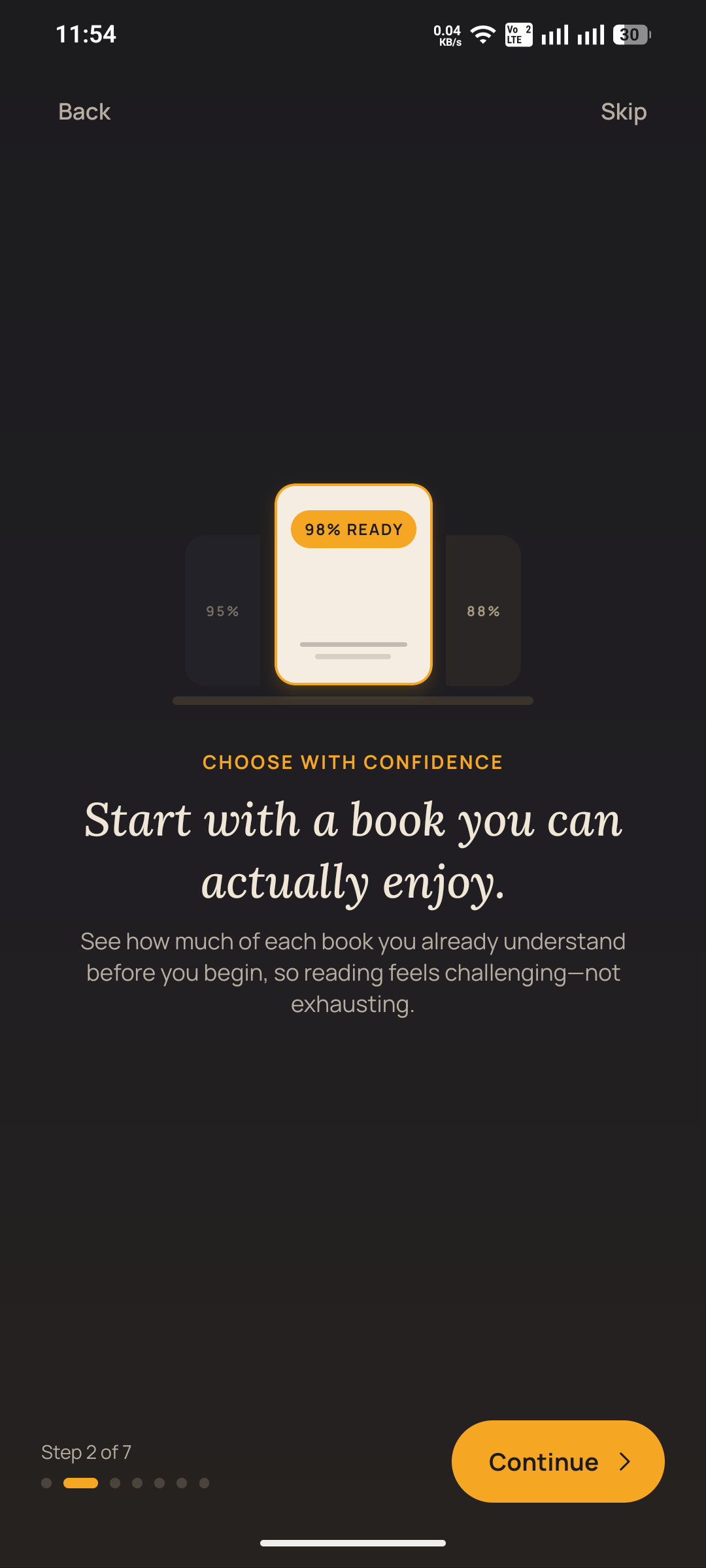
Onboarding Screen 2
-
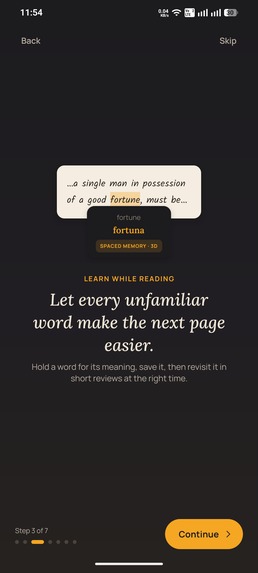
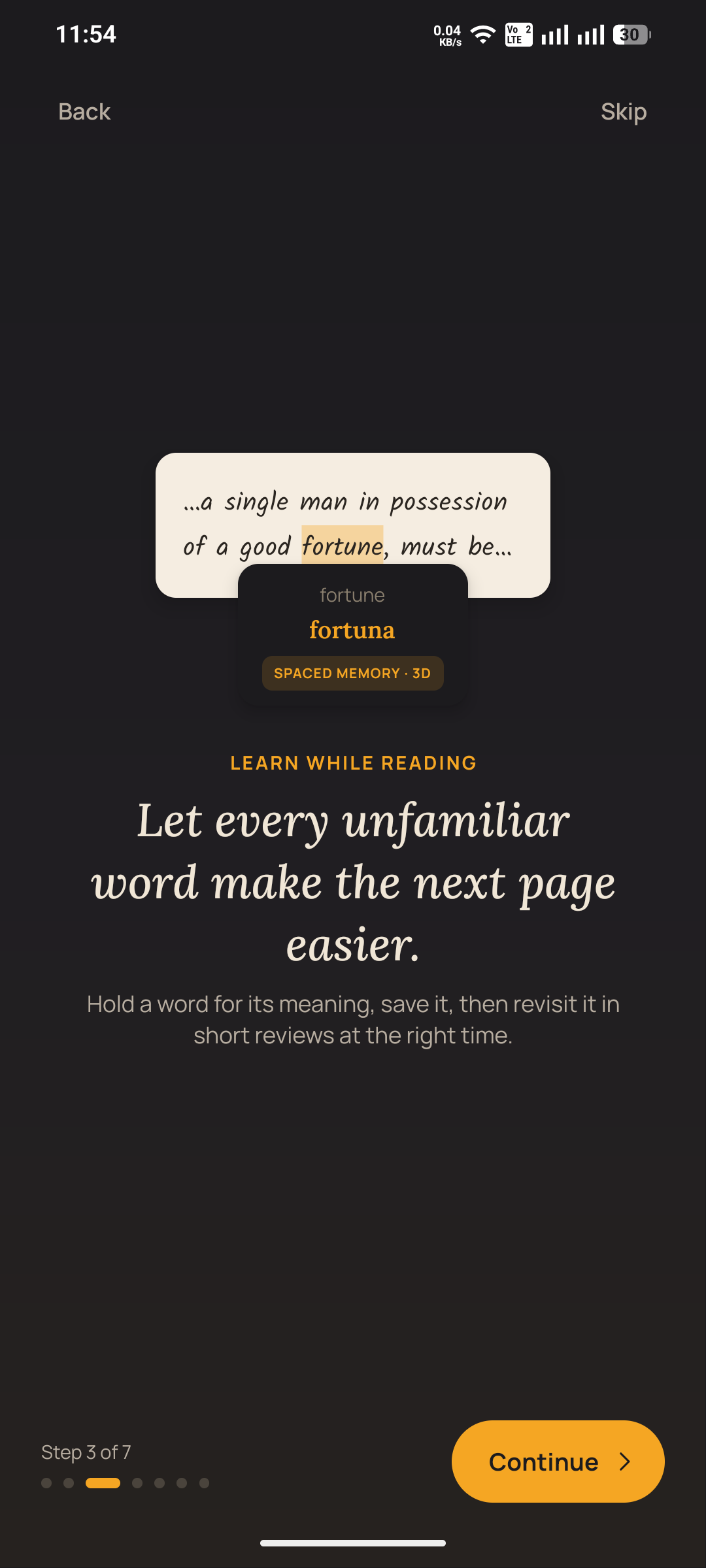
Onboarding Screen 3
-
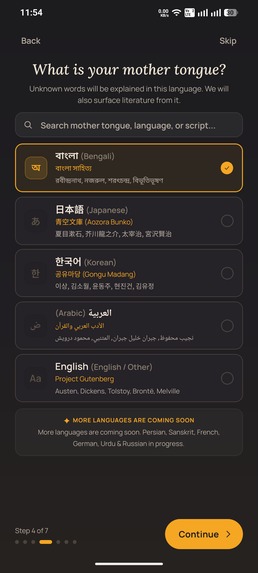
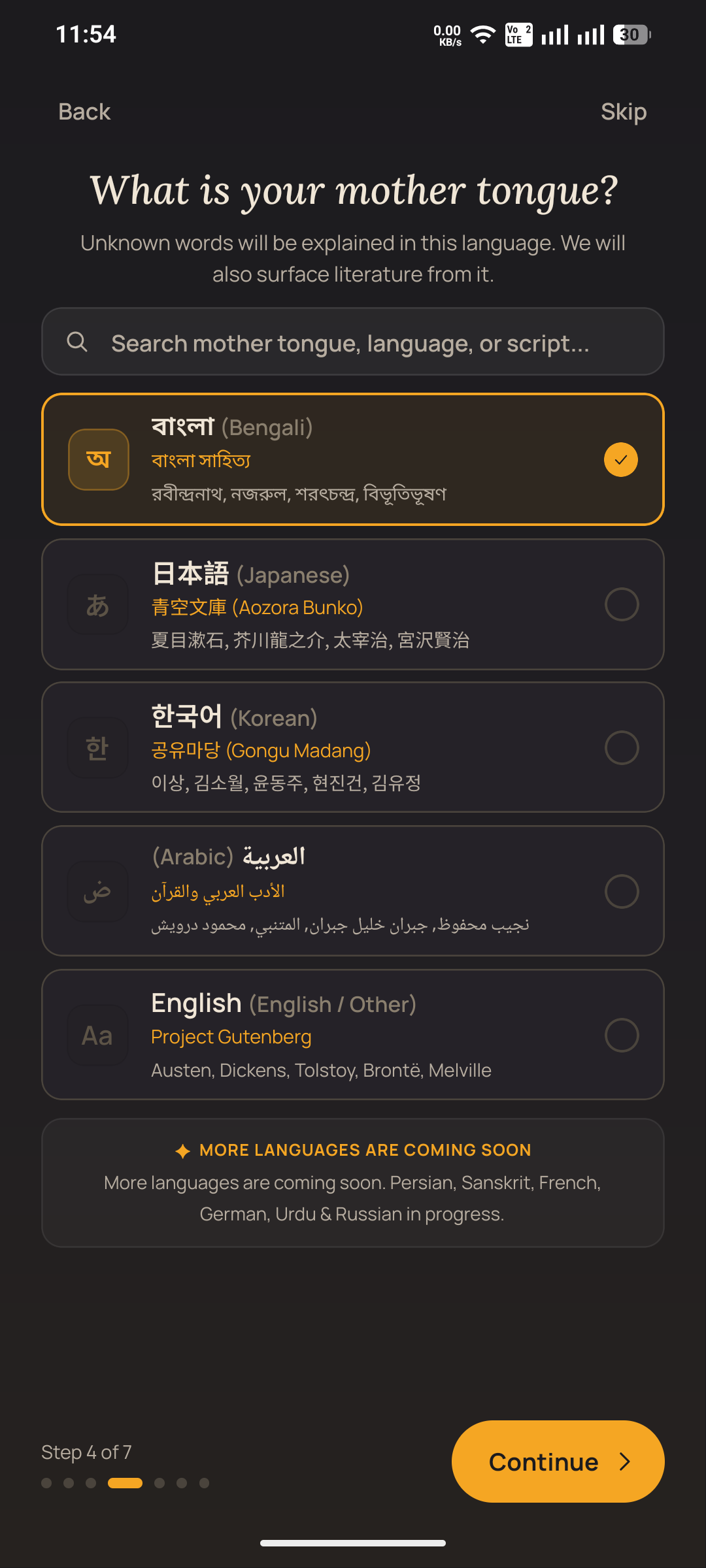
Mother Tongue Selection
-
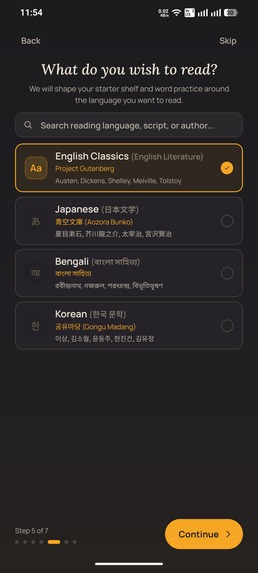
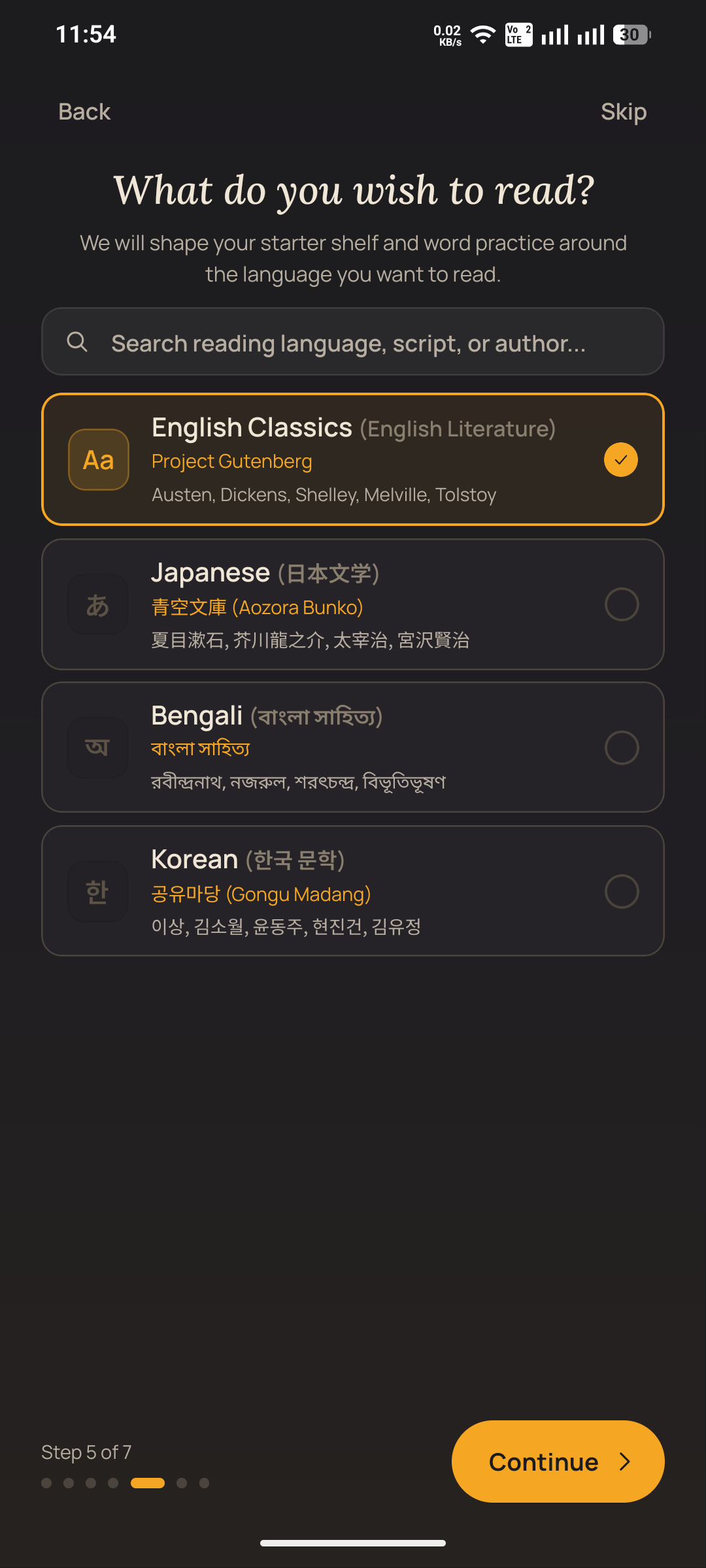
Target Language Selection
-
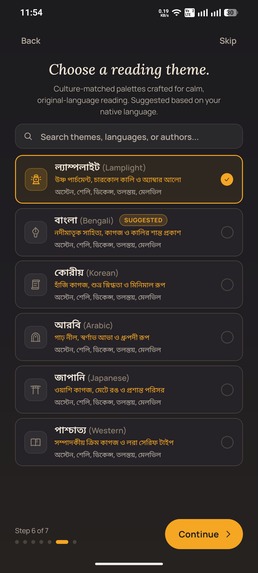
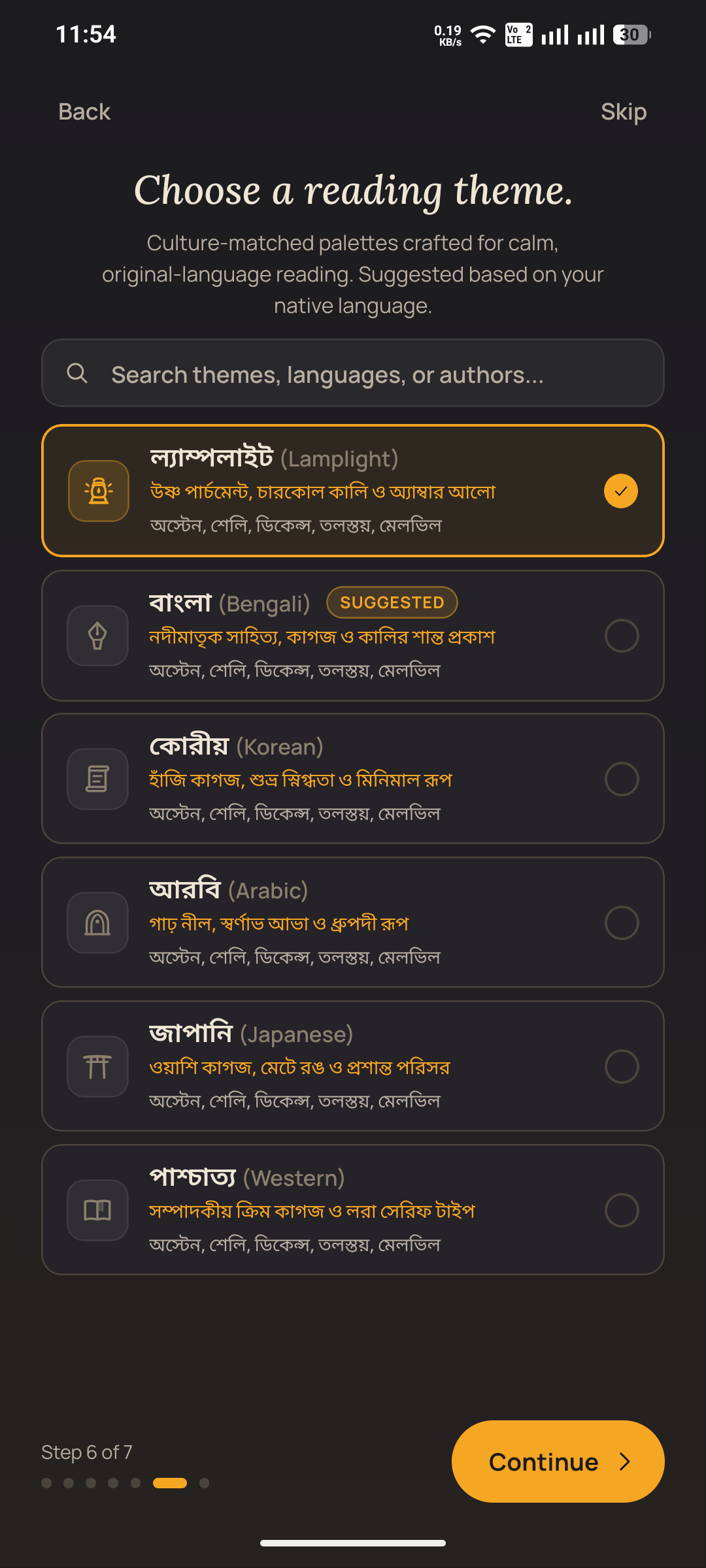
Theme Selection
-
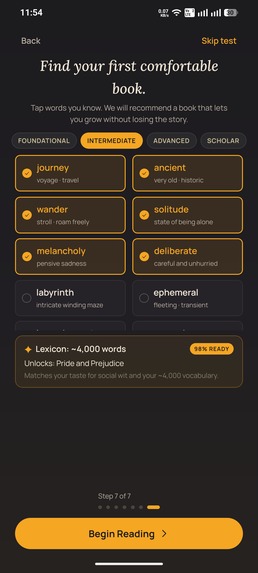
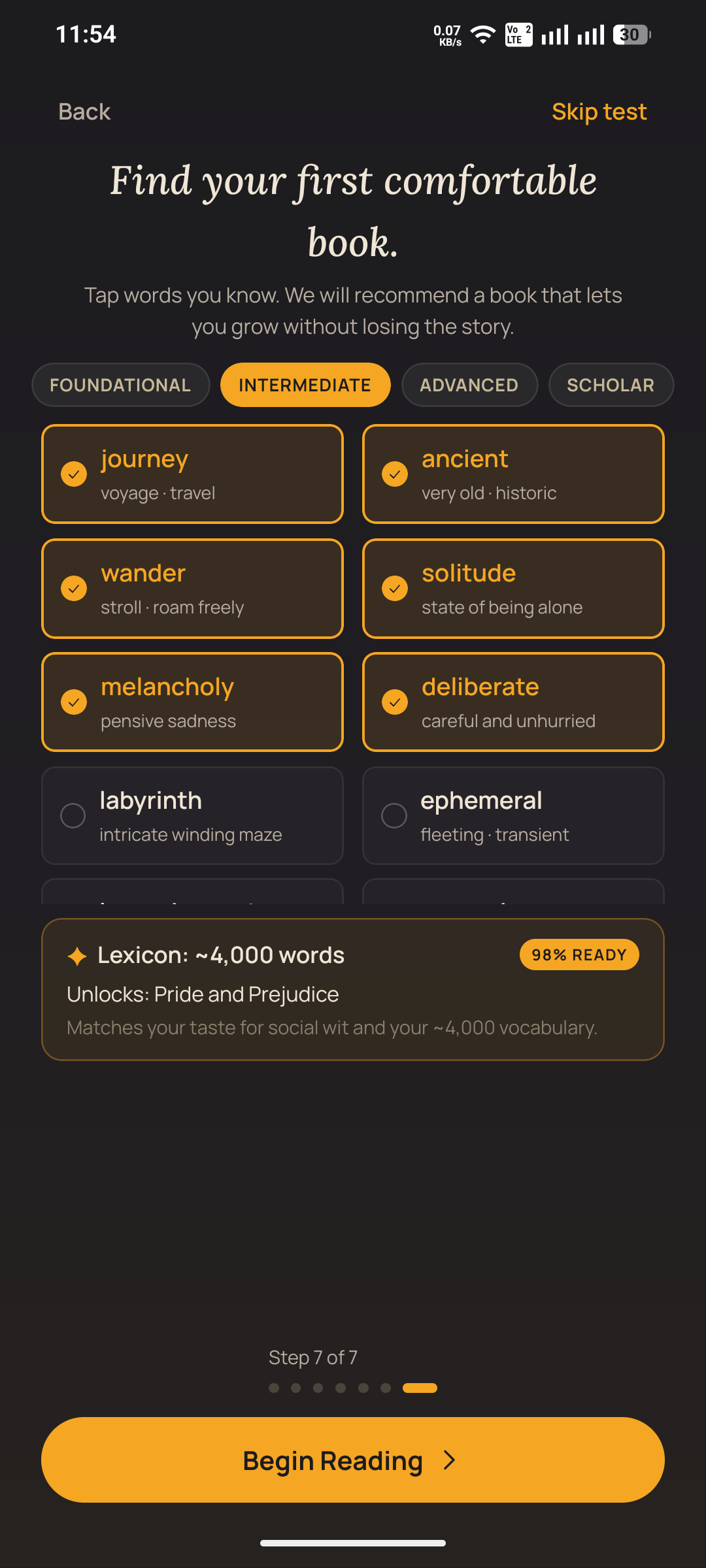
Vocubulary test
-
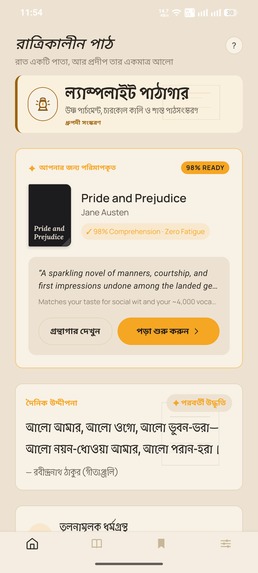
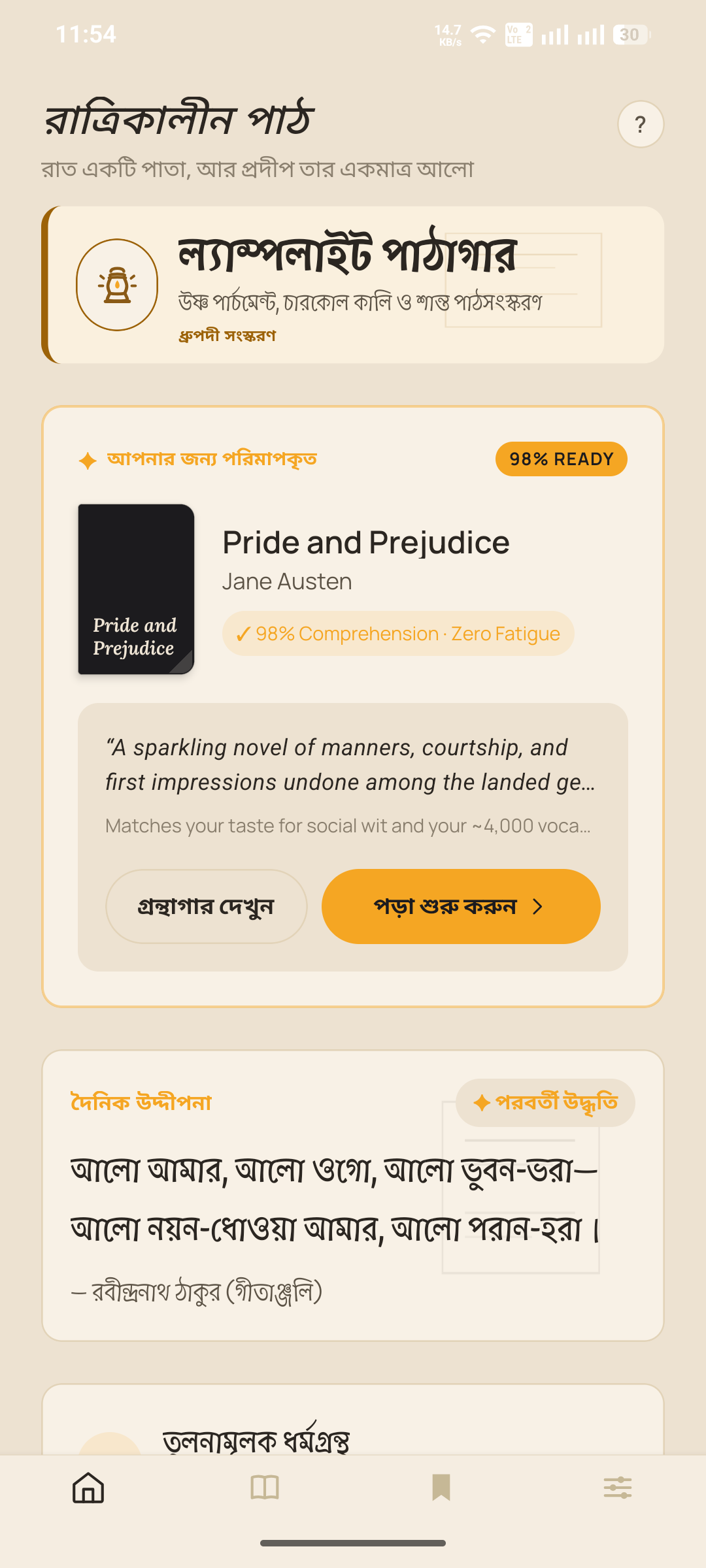
Homepage
-
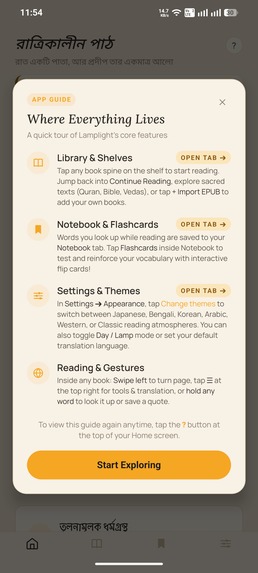
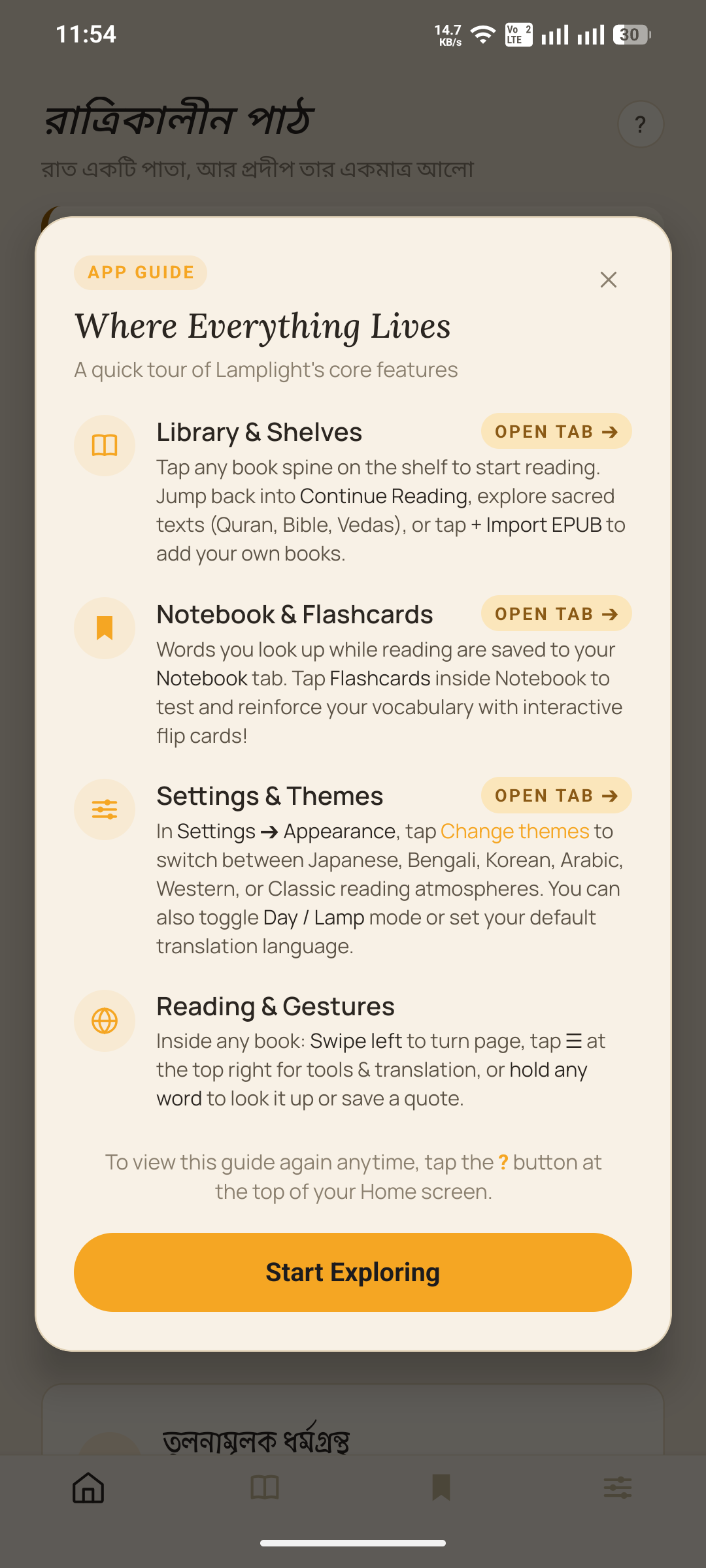
Guide Modal
-
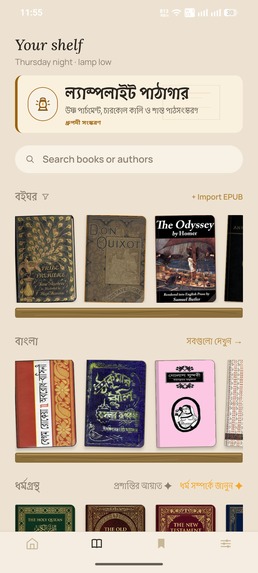
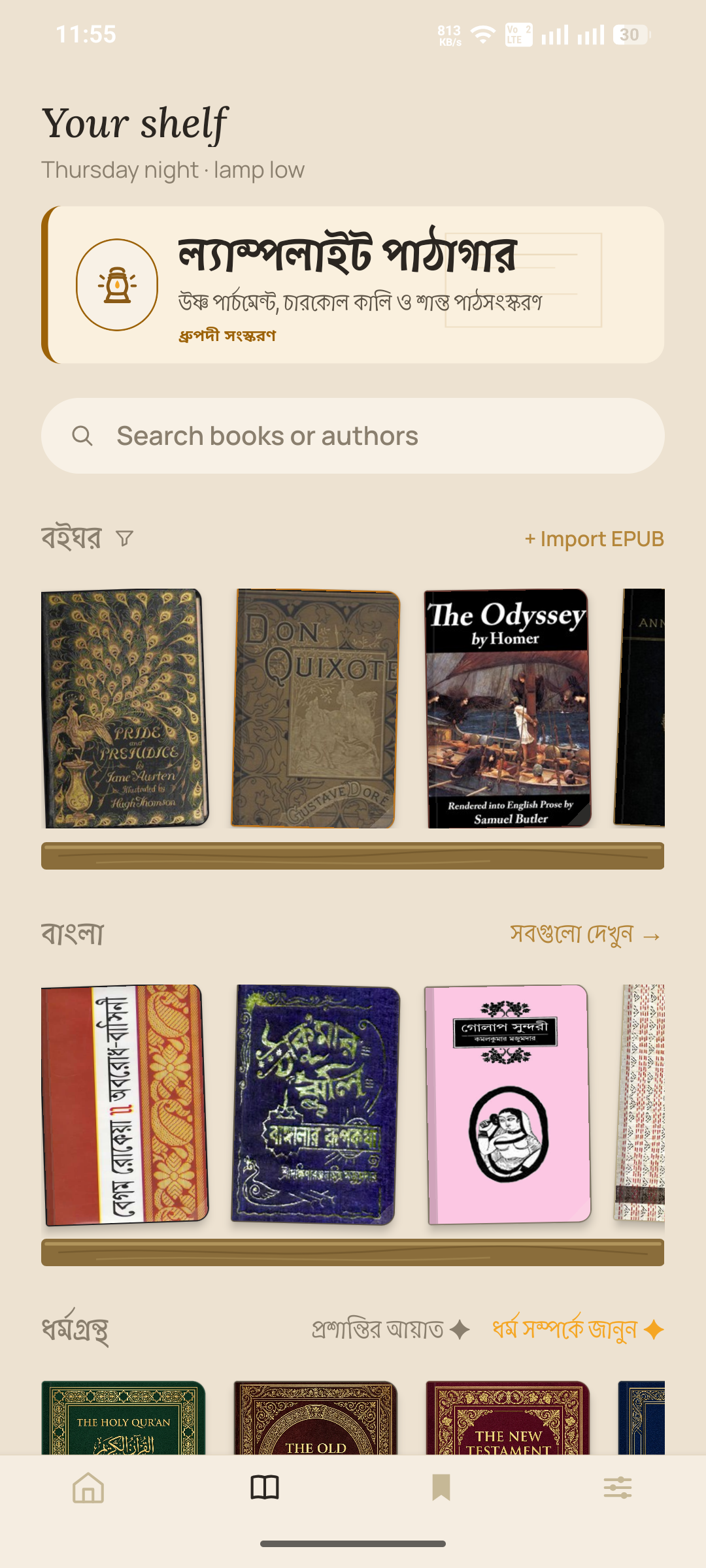
Shelves
-
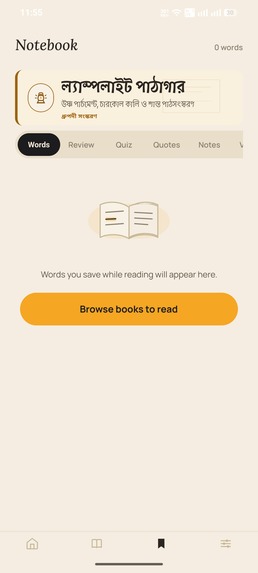
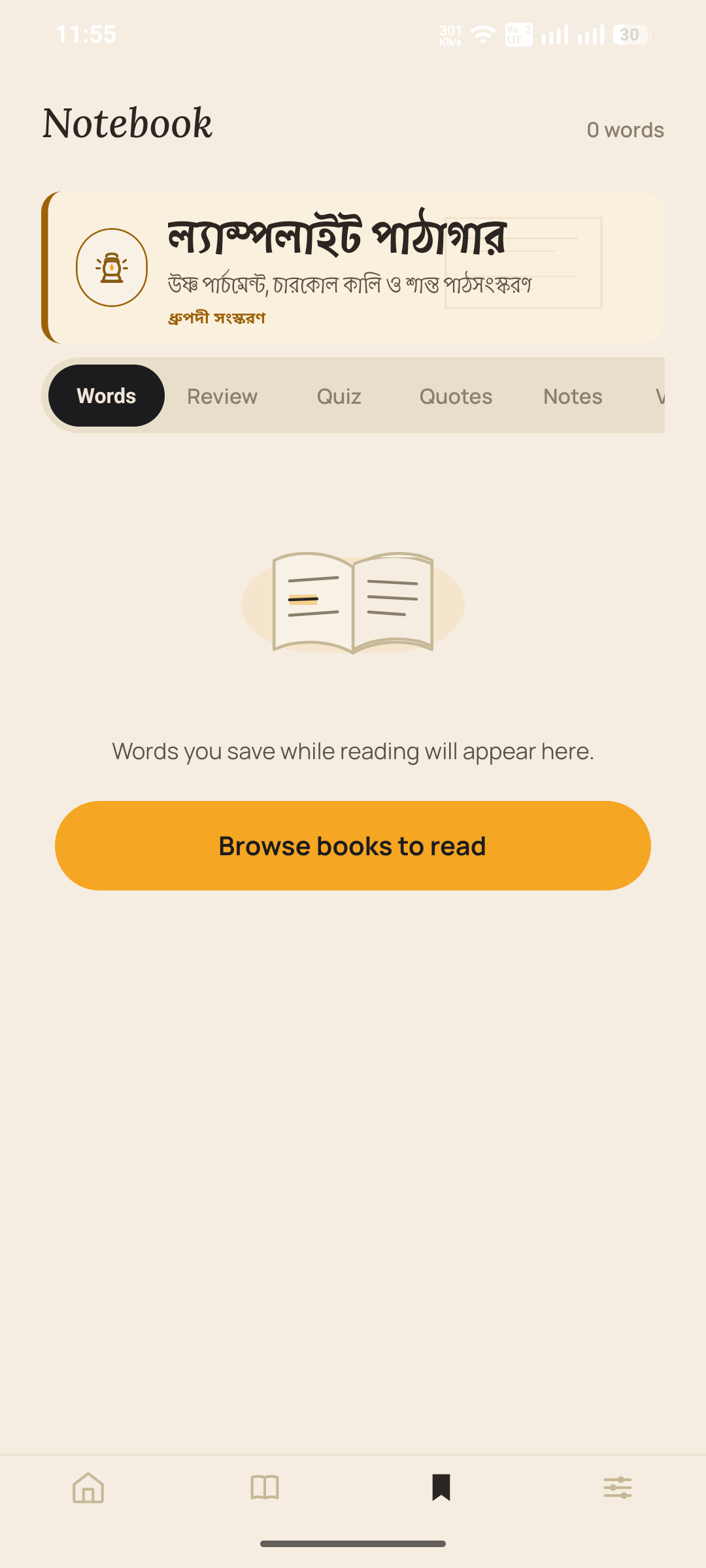
Notebook page
-
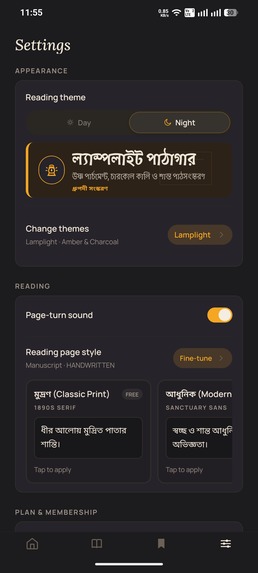
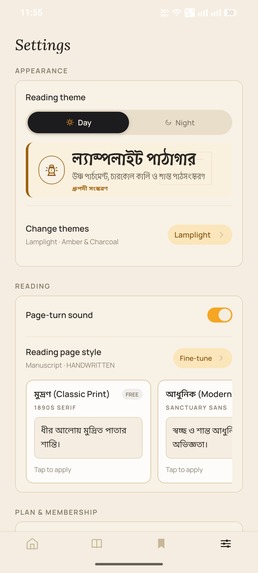
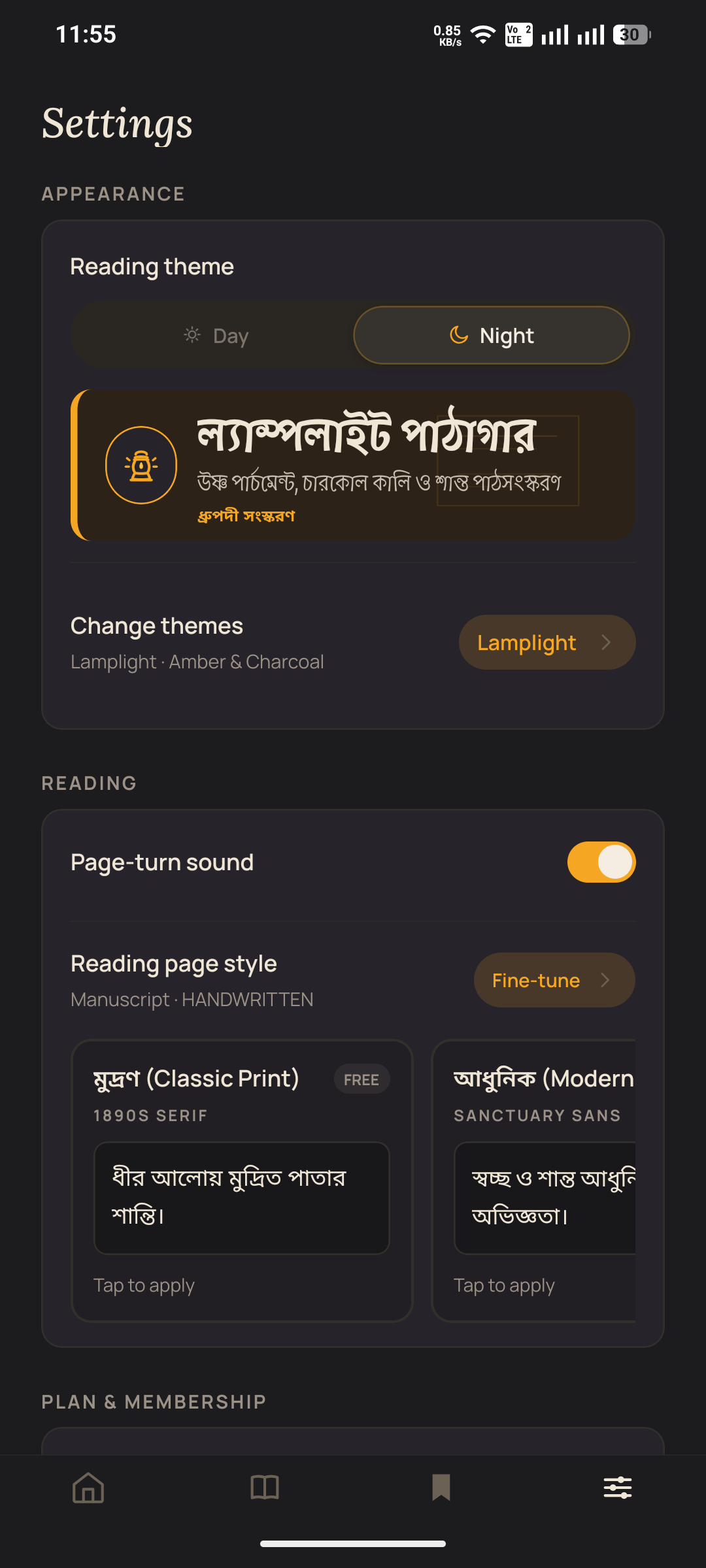
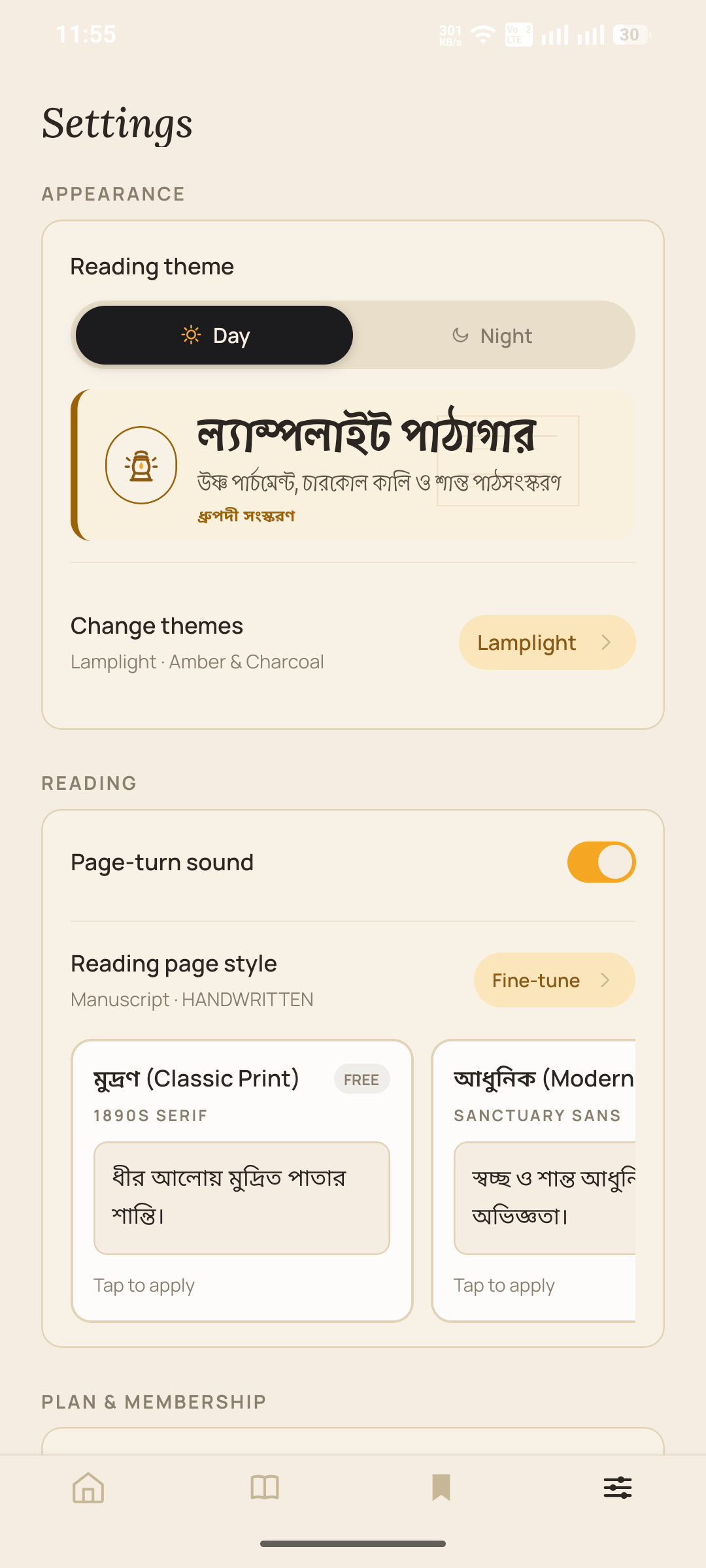
Settings menu
-
Books
-

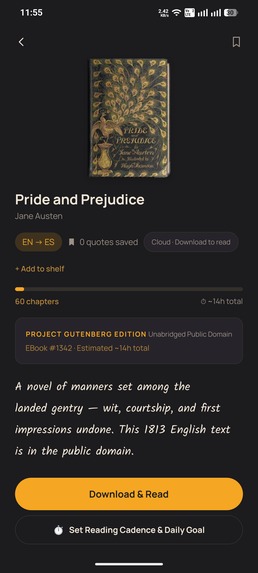
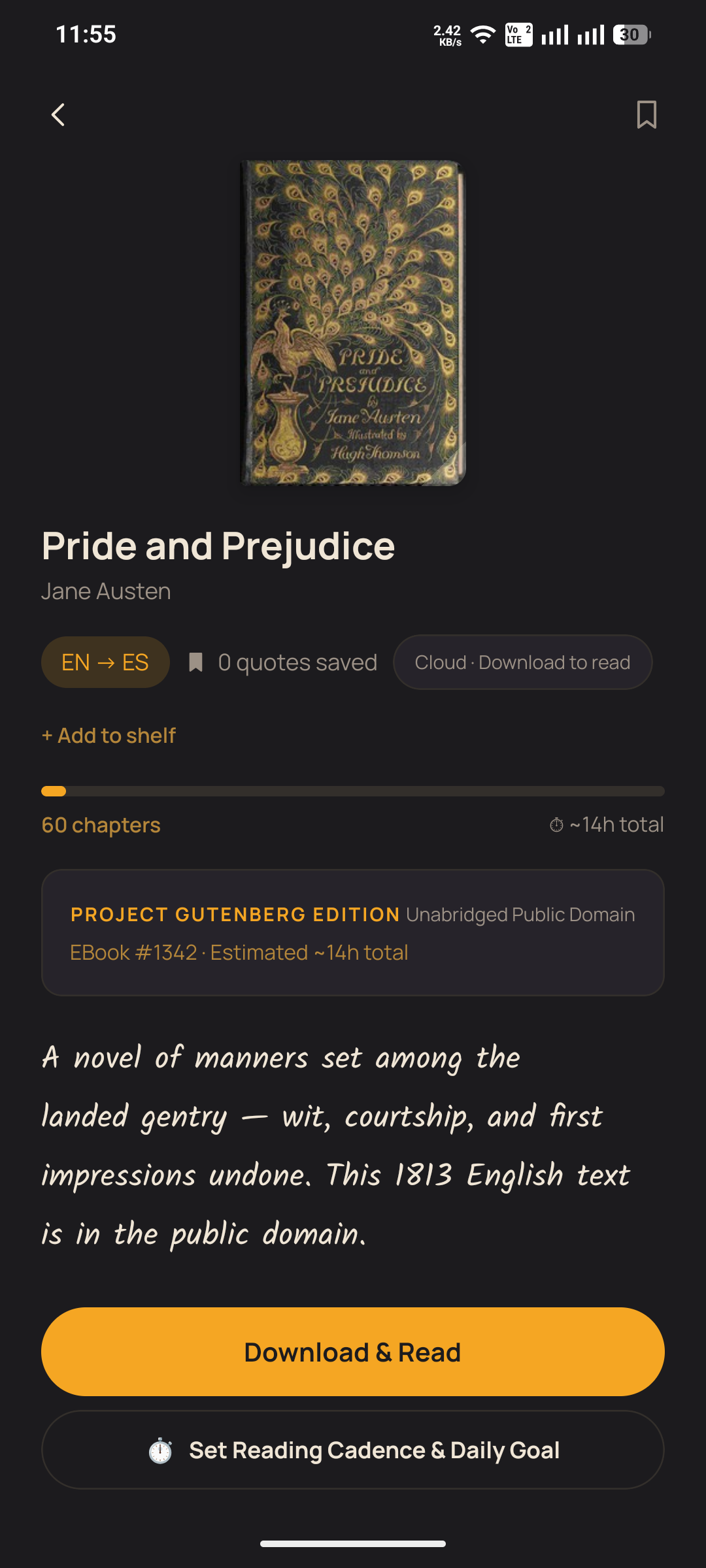
Book page
-
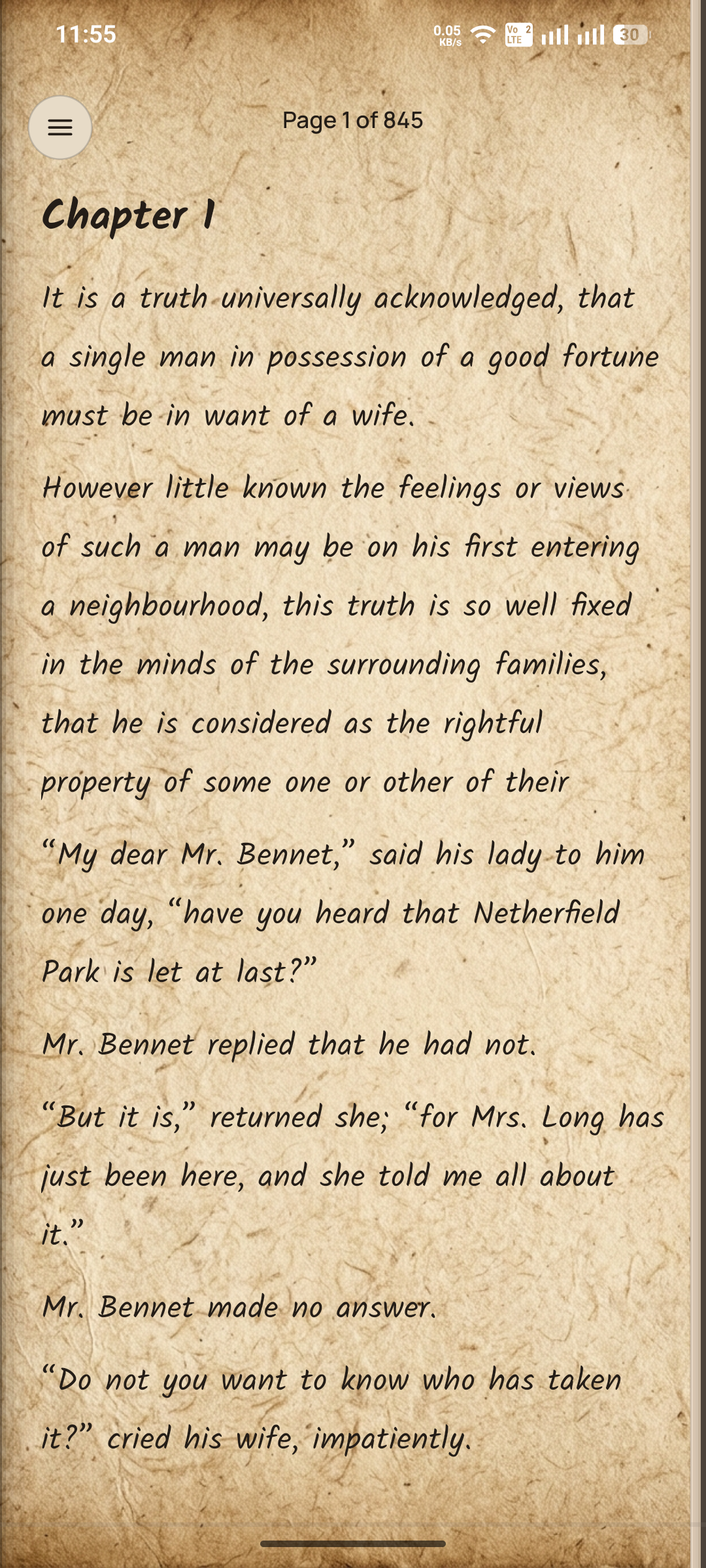
Inbook Options
LampLight: Learn Languages Through Living Books
Read real stories in the language you're learning, with translation close enough to help but quiet enough to let you keep reading.
Inspiration
Learning a language through isolated exercises is useful, but reading a real story creates a different kind of connection.
Growing up in Bangladesh, we often found ourselves reading literature in another language with a book in one hand and a phone dictionary in the other. Looking up a word meant leaving the page, opening another app, finding the translation, and then trying to remember where we were in the story. The same problem becomes even harder with languages and writing systems that are poorly supported by existing bilingual reading tools.
We built LampLight around a simple idea: language learning should happen inside meaningful reading.
Instead of replacing books with exercises, LampLight puts real literature at the center and keeps language assistance available when the reader needs it.
What It Does
LampLight is a mobile reading app for people who want to improve a language by reading actual books.
Two-Shelf Library
The library is divided into two shelves: books in the reader's familiar language and books in the language they are learning.
LampLight currently supports collections across English, Bengali, Japanese, Korean, and Arabic, including public-domain literature from sources such as Project Gutenberg and Aozora Bunko.
Parallel Bilingual Reading
Readers can tap a sentence or word to see its translation without leaving the page or losing their reading position.
The goal is not to translate everything automatically. It is to make help available exactly when it is needed.
Contextual Flashcards
Any word can be saved while reading.
LampLight turns saved words into review cards and schedules them using the SM-2 spaced-repetition algorithm, allowing vocabulary review to come directly from the books the reader is actually reading.
Bring Your Own Books
Readers can import their own EPUB files and use the same reading, translation, and vocabulary features with them.
Culturally Adapted Reading Environments
Different literary collections have their own visual treatment inspired by their cultural and writing traditions, including Bengali paper textures, Japanese washi-inspired details, Korean hanji elements, and Arabic geometric patterns.
These are used to change the atmosphere of the reading experience without changing the underlying reading system.
Quote Cards
Readers can turn passages they like into formatted quote cards for saving or sharing.
The Sacred Table
LampLight also includes a separate reading space for the Quran, Bible, Torah, and Vedas, with references attached to the text so readers can explore primary sources directly rather than relying only on secondhand explanations.
Offline Reading
Books, saved words, flashcards, and core reading features continue to work without an internet connection.
LampLight also includes ambient rain and forest sounds, native pronunciation, warm reading themes, and an offline-first architecture designed for uninterrupted reading.
Who It's For
LampLight is designed for language learners who already enjoy reading and want to use books as part of their learning process.
It is especially useful for readers dealing with languages that use different scripts or writing conventions, where switching between books, dictionaries, and translation tools can interrupt the reading experience.
Business Model
The core reading experience is free and includes unlimited reading, EPUB import, and offline downloads.
The free plan includes:
- 50 translations per day
- 30 saved words per book
- 15 saved quotes
- 4 quote-card styles
- Starter soundscapes
LampLight Premium costs $5.99/month or $44.99/year.
Premium removes the usage limits and adds unlimited translations, custom vocabulary decks, all quote-card themes, and the complete soundscape collection.
Subscriptions, purchases, and restore flows are handled through RevenueCat.
How We Built It
Mobile: React Native with Expo SDK 57, Expo Router, and React Native Reanimated.
Local storage: expo-sqlite with an asynchronous serialized database queue. This prevents concurrent database operations from interfering with each other during rapid page turns, word saving, and background synchronization.
Pagination: We built a custom typography and pagination system that measures actual glyph widths instead of treating every character the same. This was important for Bengali ligatures, Japanese kanji, and other non-Latin writing systems.
Backend: Supabase for authentication, database services, and server-side functionality.
Subscriptions: react-native-purchases with RevenueCat for subscriptions and restore flows. A Supabase Edge Function verifies subscription events and synchronizes entitlements, while the app maintains a 72-hour offline grace period.
Literary assistance: Gemini Flash with Groq as a fallback for contextual literary lookups and translation-related features.
Challenges We Overcame
Making Different Writing Systems Behave Like Real Books
Traditional pagination assumptions break quickly with Bengali, Japanese, and other scripts.
We had to account for actual glyph widths, line height, margins, and script-specific behavior to prevent clipping, awkward breaks, and inconsistent pages.
Reliable Offline Storage
Reading and writing data at the same time caused SQLite locking problems on Android, particularly when users rapidly turned pages, saved words, and triggered background synchronization.
We solved this by serializing database operations and using Write-Ahead Logging.
Keeping Assistance Out of the Way
Translation is useful only when it does not destroy the reason someone is reading.
A major part of the design was making translation, vocabulary saving, audio, and other tools easy to reach without covering the page or forcing the reader into another screen.
Accomplishments We're Proud Of
We built a reading experience where an unfamiliar language does not immediately feel like a barrier.
We also built the app around offline use rather than treating offline support as an afterthought. Reading, saved vocabulary, and flashcard review can continue without a constant connection.
Most importantly, we brought literature from multiple writing systems and cultures into the same reading system without forcing them into the same visual treatment.
What We Learned
A language-learning app does not have to feel like a language class.
During development, we found that many of the hardest problems were not about adding more features. They were about typography, pagination, storage reliability, and deciding when the app should stay completely out of the reader's way.
The best interaction is often the one that helps without interrupting.
What's Next
We plan to expand the library with Spanish, French, German, and Urdu literature and continue improving support for different writing systems.
We also want to improve contextual translation so that sentence meaning can take surrounding narrative context into account, add synchronized read-along narration, and make it possible to download entire author collections for offline reading.
Judge Access
To test Premium features without restrictions:
Settings → Redeem promo code → SHIPATON2026
The code grants 30 days of full Premium access.
A free trial is also available directly from the paywall.
Built With
- android
- eas
- expo.io
- google-gemini
- groq
- oauth
- react-native
- revenuecat
- sqlite
- supabase
- turso
- typescript


Log in or sign up for Devpost to join the conversation.