-
-
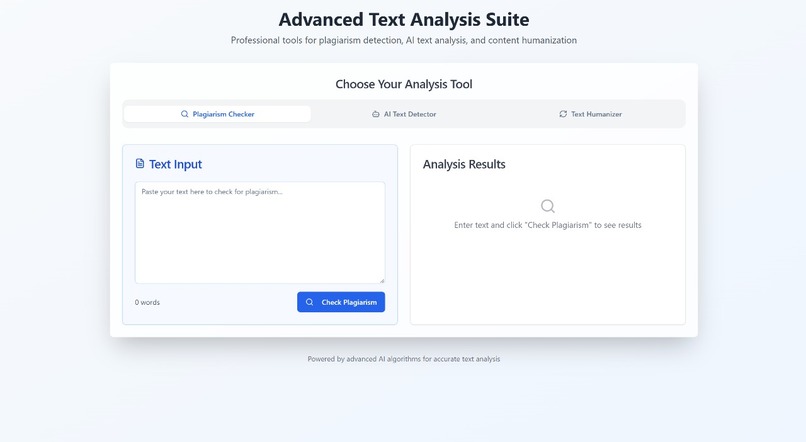
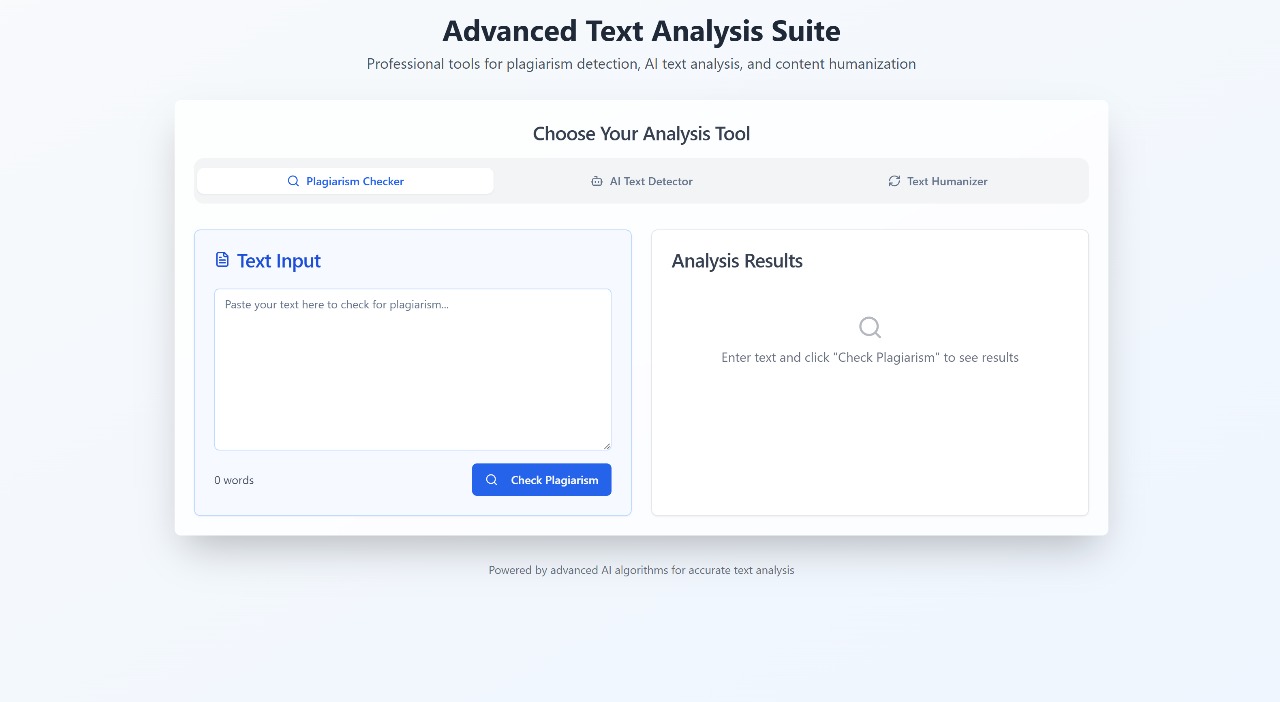
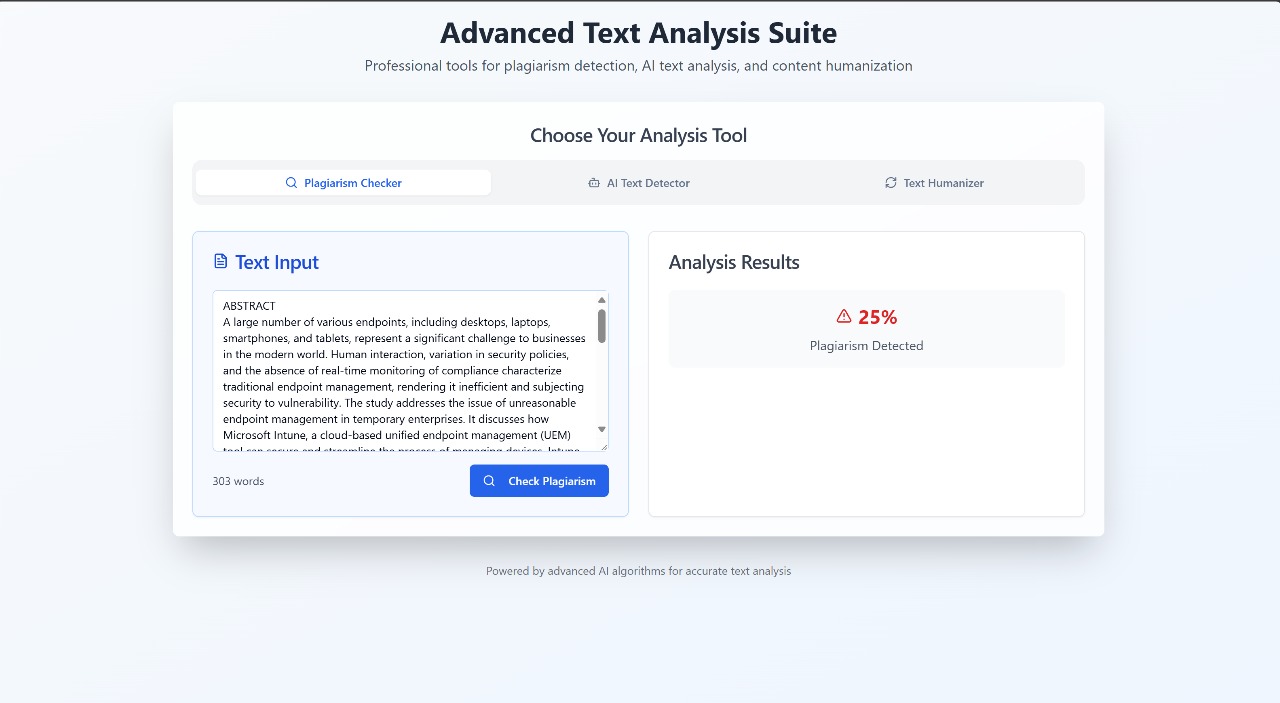
A gateway to ethical content creation: easily check any text against plagiarism risks, powered by scalable serverless architecture.
-
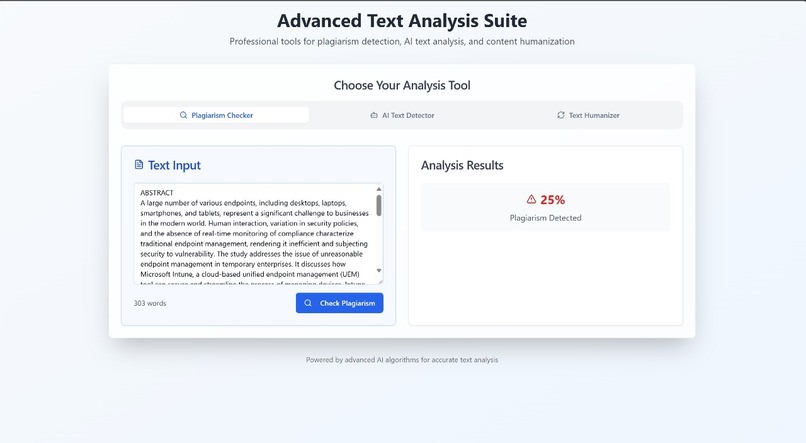
Championing originality — instantly spot potential plagiarism with our real-time checker, protecting creators and fostering trust.
-
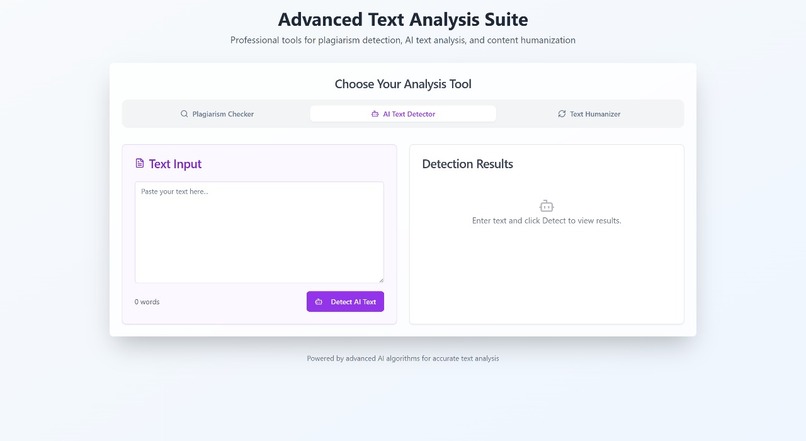
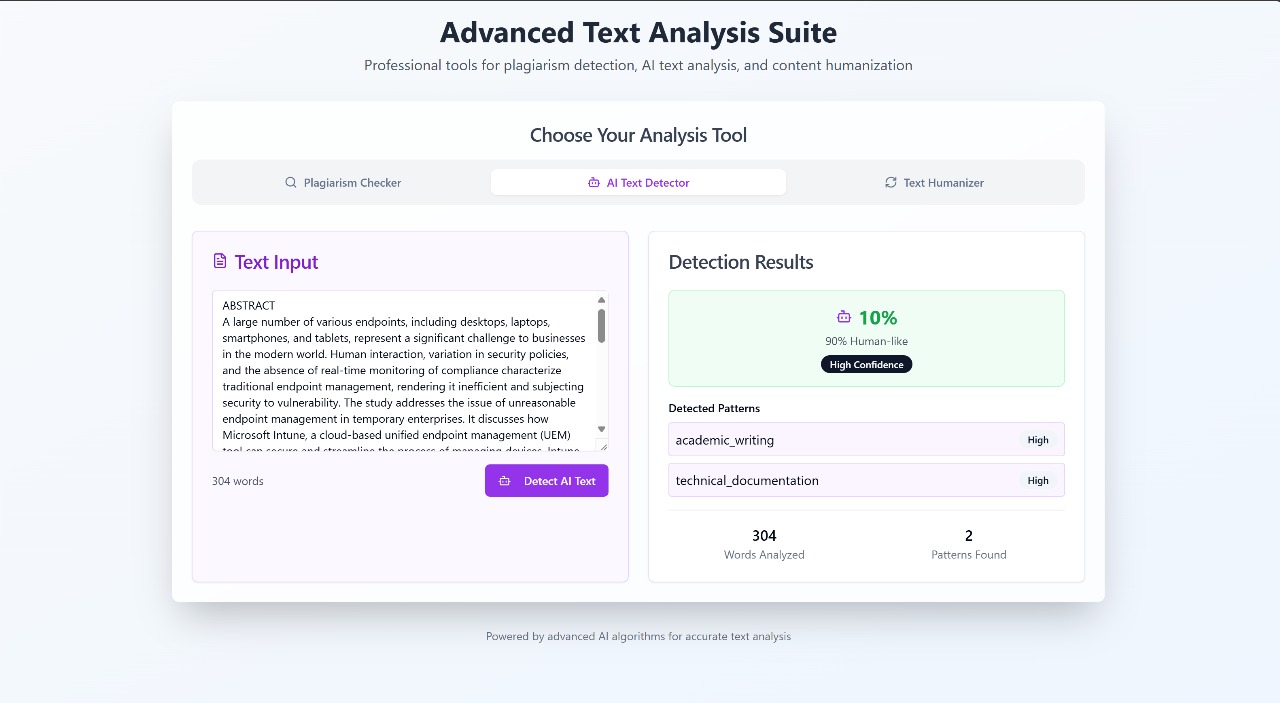
A simple interface backed by sophisticated AWS-powered intelligence, ready to analyze any text for AI signatures in seconds
-
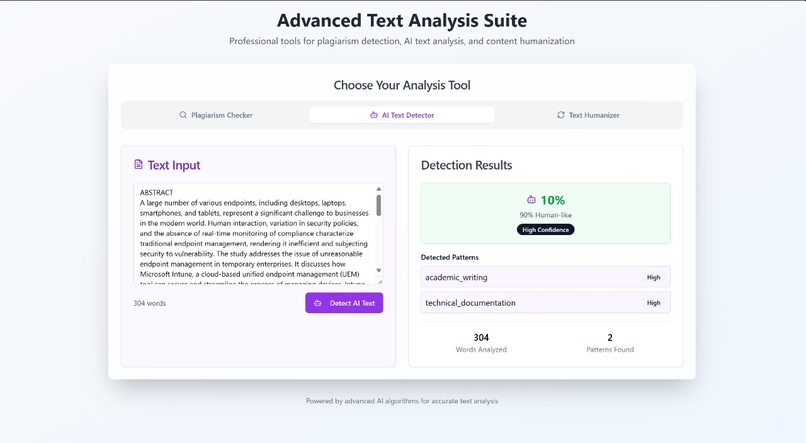
Driving ethical AI adoption — our advanced detector pinpoints robotic patterns, helping users maintain integrity & transparency in writing
-
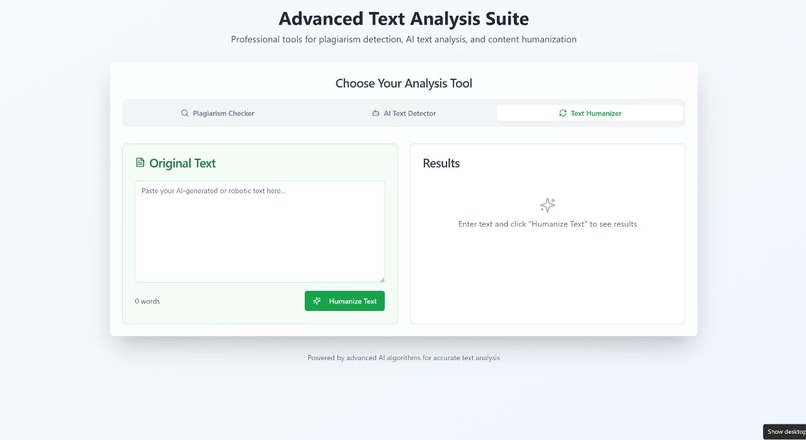
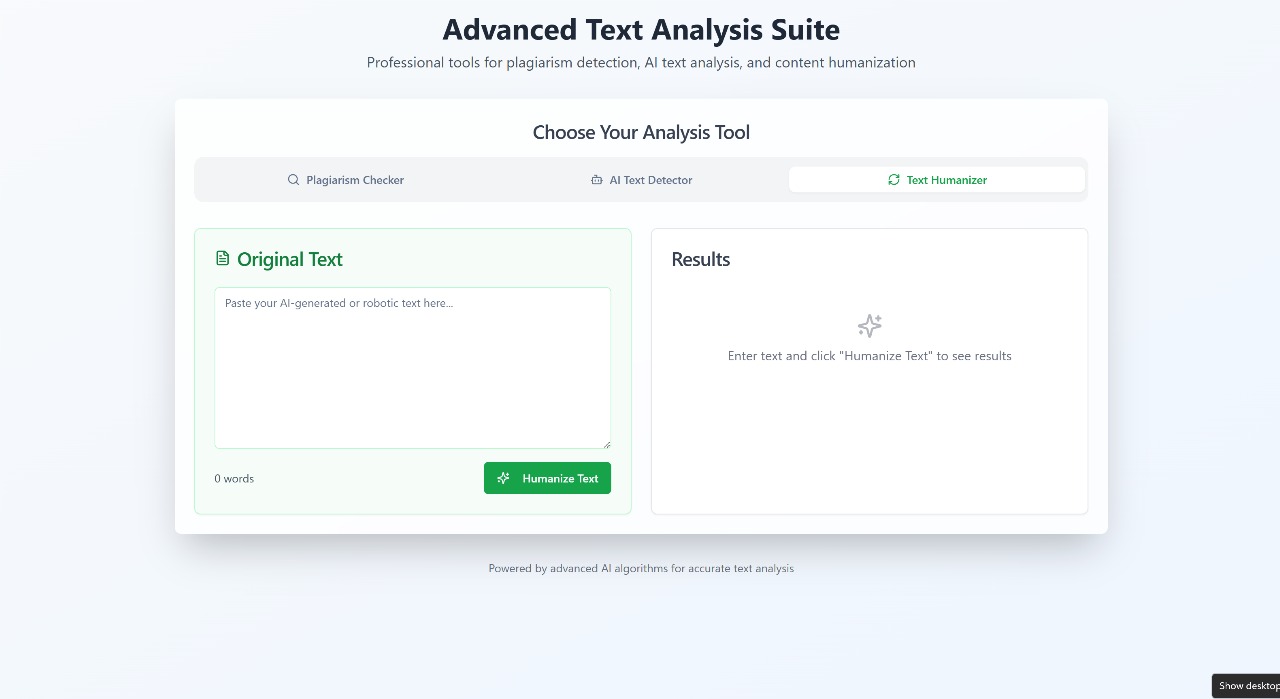
Empowering users with a clean, intuitive tool to easily humanize AI content lowering barriers to authentic communication, one click at time.
-
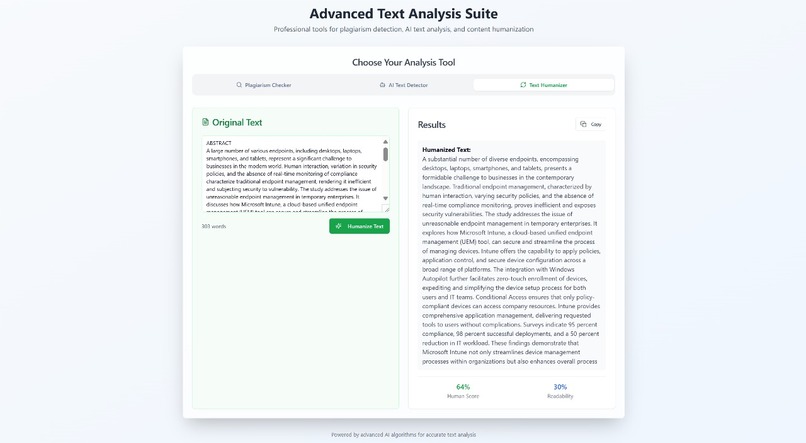
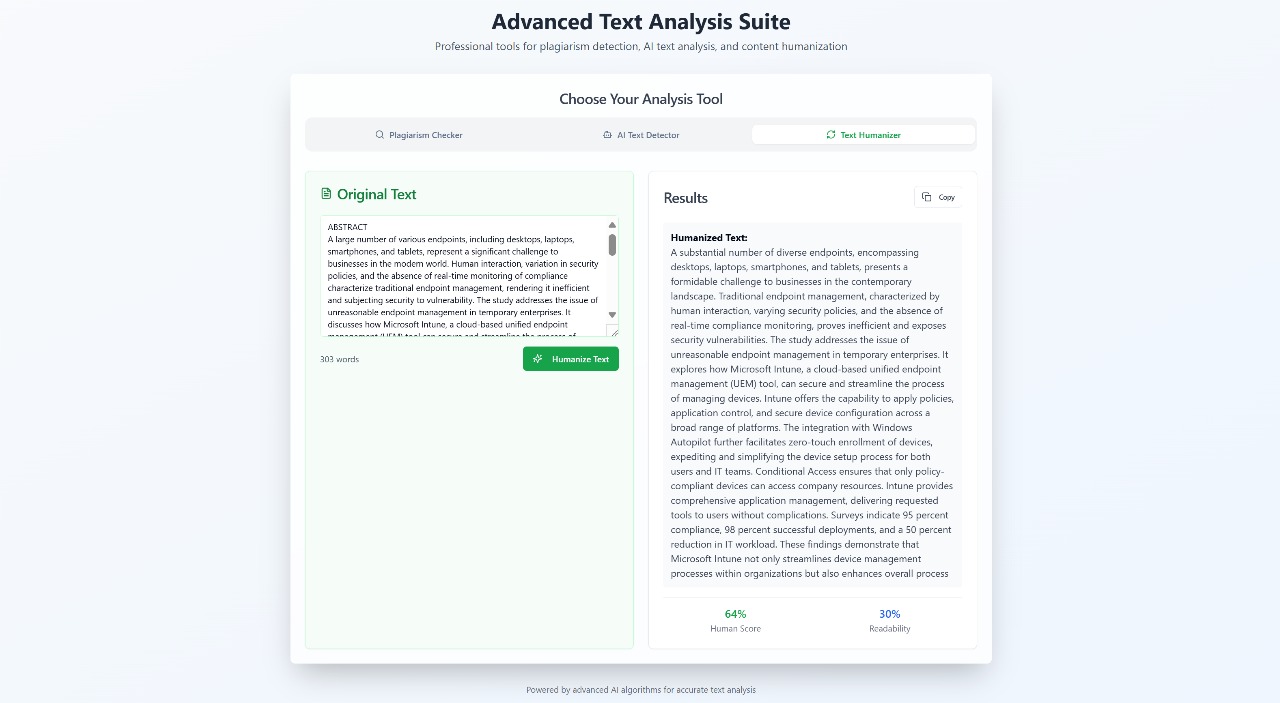
Refining content — our AI humanizer transforms rigid text into natural prose, powered by AWS Lambda, API Gateway, and Claude on Bedrock
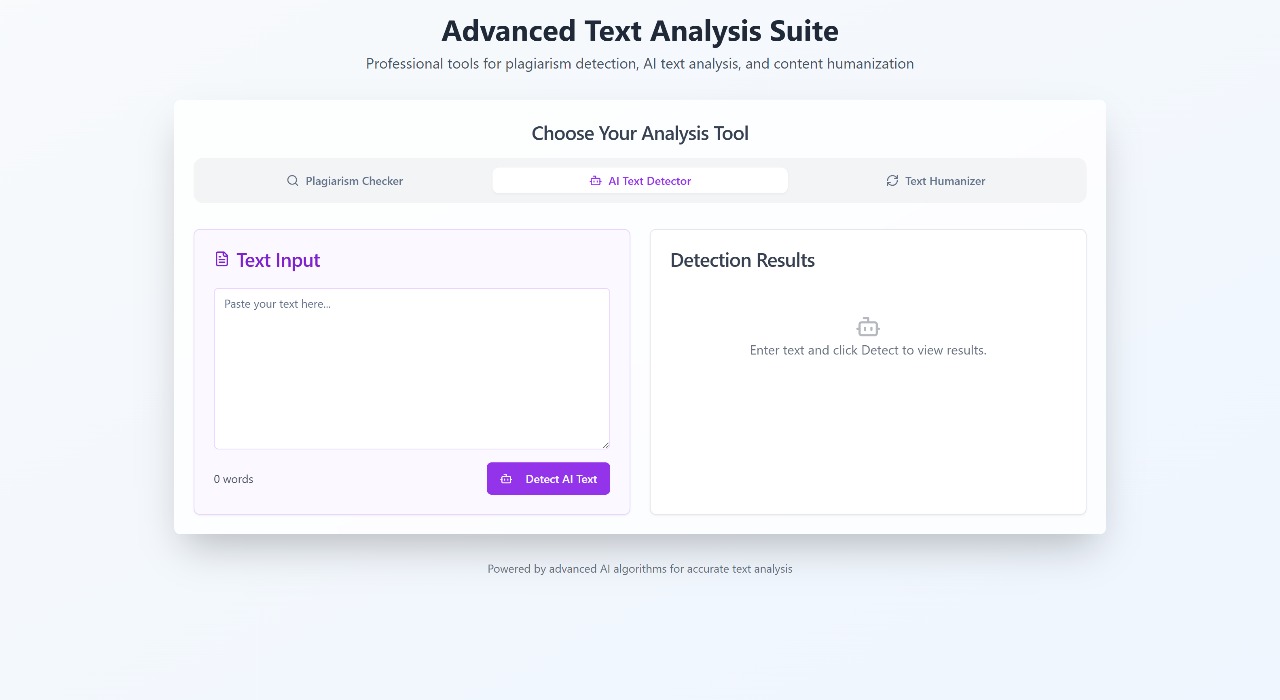
Inspiration
As AI becomes mainstream, people from students to professional writers are heavily relying on generative tools to produce content. This brings enormous productivity but also significant concerns — is this content truly original? Does it sound robotic? Could it be flagged for plagiarism or automated authorship?
We wanted to build a tool that doesn't just detect AI-written content, but also empowers people to refine it into natural, human-like language while maintaining originality. This idea grew into AI Content Guardian, our project for the AWS Lambda Hackathon.
What it does
AI Content Guardian is a unified platform that offers:
- Humanizer Engine: Rewrites stiff, robotic text into more natural, human-like language, perfect for blogs, essays, or even marketing copy.
- AI Content Detector: Analyzes input text and estimates how likely it is to be generated by an AI, giving users a sense of authenticity.
- Plagiarism Checker: Reviews the content for duplication patterns, helping maintain originality and academic or professional standards.
These three tools can be used independently or together, providing a holistic check and transformation workflow.
How we built it
- Frontend: Built using React (with Vite for blazing fast dev) and Tailwind CSS for clean, responsive design.
- Backend: Serverless, using AWS Lambda written in Node.js.
- API Gateway: Exposes secure REST endpoints for each feature (
/humanize,/detect,/plagiarism). - Amazon Bedrock (Claude 3 Sonnet): Powers all natural language processing — from rewriting to detection — via carefully engineered prompts.
- IAM: Manages permissions for Lambda to securely access Bedrock and write logs.
- CloudWatch Logs: Used to debug, monitor, and optimize Lambda invocations.
This modular, serverless architecture ensures low cost, effortless scaling, and quick iteration.
Challenges we ran into
- Crafting effective, balanced prompts for Claude to accurately detect or humanize content without losing core meaning.
- Managing the JSON payloads and staying within model token limits, while still providing detailed context.
- Fine-tuning detection thresholds so borderline text wouldn’t be falsely flagged as fully AI.
- Ensuring that humanization retained important facts or style nuances (especially for user-provided samples).
Accomplishments that we're proud of
- Built a robust three-function pipeline on AWS that seamlessly integrates Lambda and Bedrock.
- Developed a humanization feature that truly makes content sound less robotic, while preserving user intent.
- Created a platform that’s fully serverless, so it can scale to thousands of requests without any infrastructure headaches.
- Packaged it all behind a clean, intuitive React interface so it’s easy for anyone to use.
What we learned
- How to design nuanced, context-sensitive prompts for Claude 3 Sonnet to get reliable detection and rewriting results.
- The best practices for deploying modular serverless architectures on AWS.
- Strategies to keep costs predictable while using pay-per-invoke AI APIs like Bedrock.
- The critical value of writing tools that don’t just flag issues, but actively help improve content.
What's next for AI Content Guardian
- Add grammar correction and stylistic enhancement tools using Claude’s advanced instructions.
- Enable document uploads (PDF/DOC) with automatic chunking and full-document rewriting or detection.
- Incorporate multilingual support so users can check and humanize content in various languages.
- Integrate user-level dashboards with saved history and detailed reports, backed by DynamoDB.
- Build a "before vs after" diff visualizer to help users see exactly what changed post-humanization.


Log in or sign up for Devpost to join the conversation.