-
-
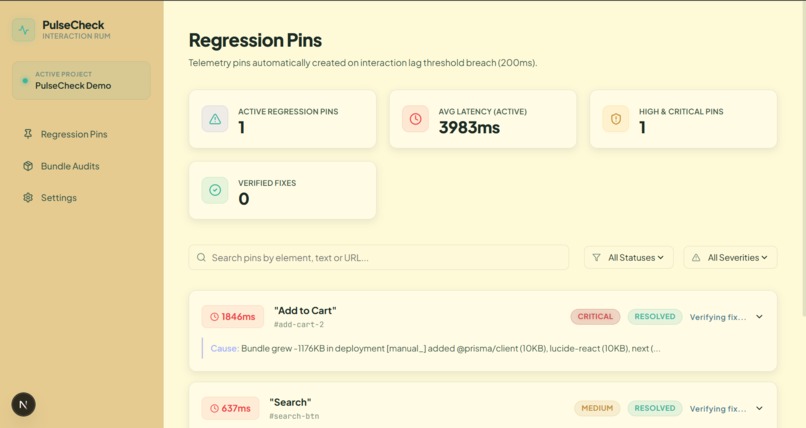
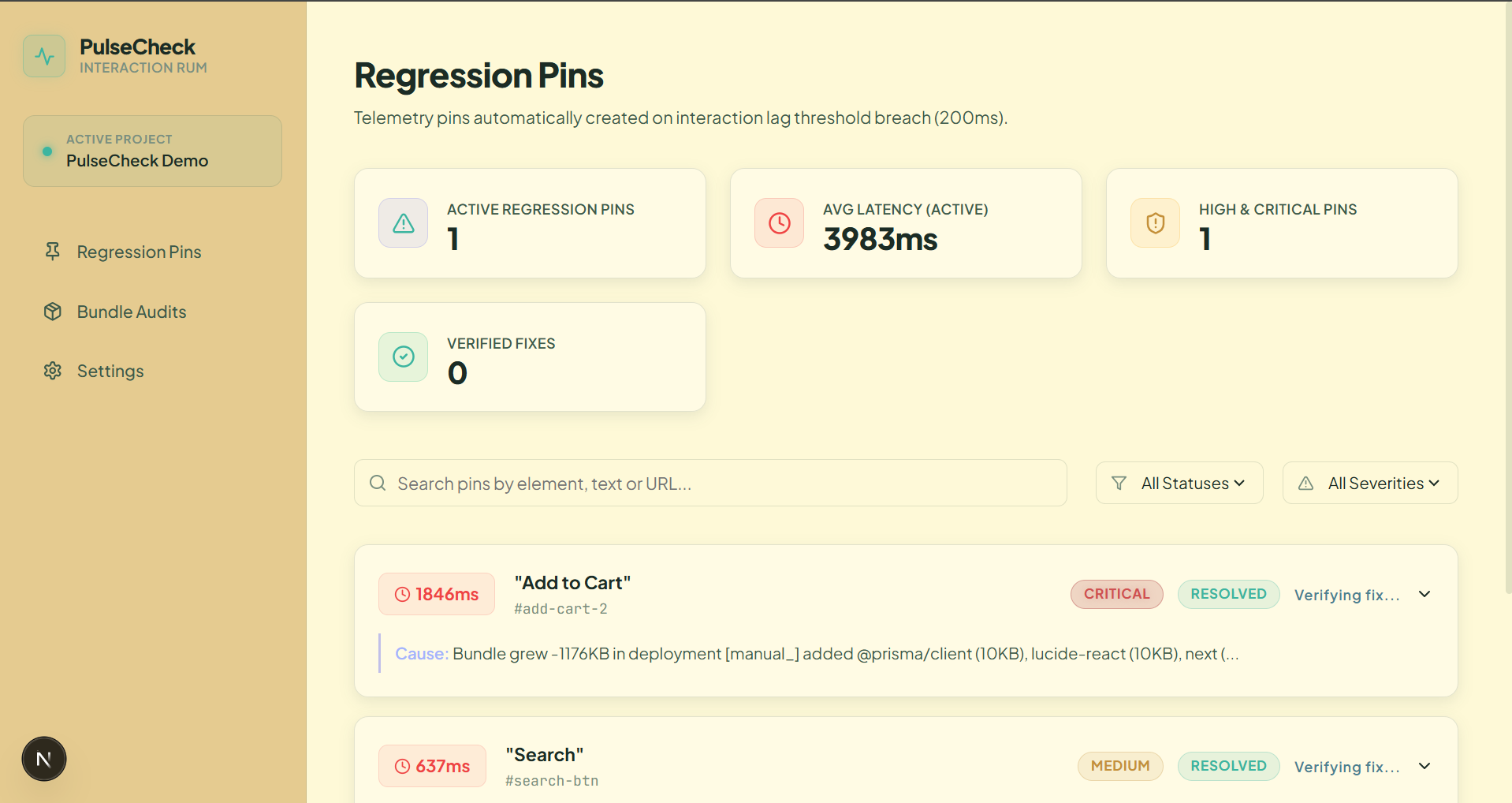
Registration pins
-
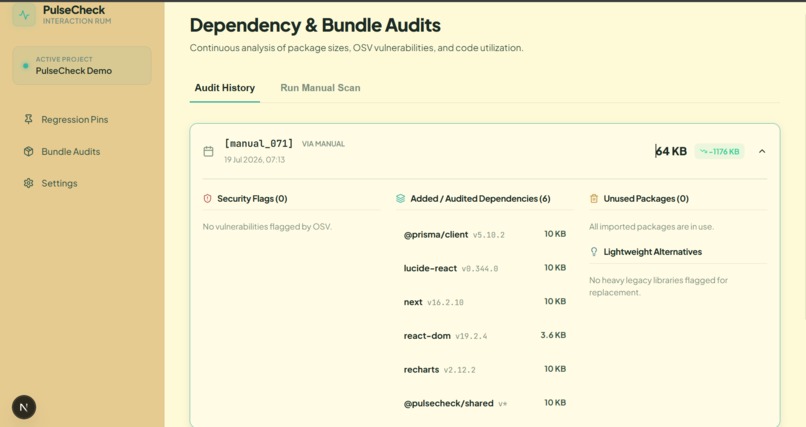
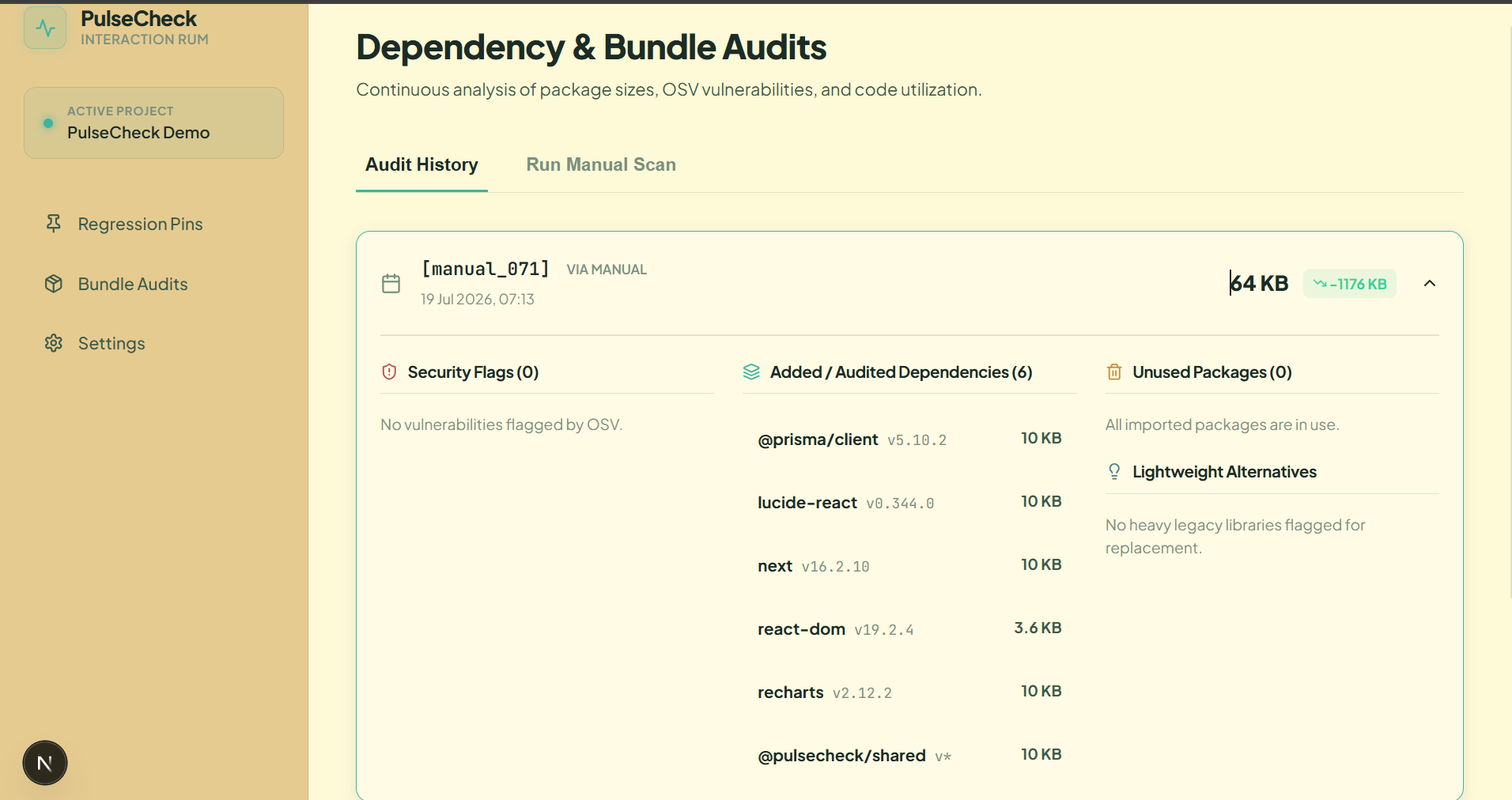
Dependencies and Bundle audits
LagLens
LagLens is a lightweight Real User Monitoring (RUM) platform that helps developers understand not only when their application becomes slow, but also why it became slow.
Traditional performance tools provide metrics, scores, traces, and dashboards. LagLens goes one step further by automatically correlating real user interaction latency with deployment and dependency changes, producing a plain-English explanation of the likely root cause.
For example, instead of simply reporting that a button interaction took 840ms, LagLens can identify that a newly added dependency increased the bundle size by 350KB and contributed significantly to the slowdown.
Key Features
- Real user click-to-response latency measurement
- Automatic slow interaction detection
- Deployment-aware performance analysis
- Dependency change tracking
- Bundle size comparison across deployments
- Root-cause annotations generated automatically
- Audit history for deployment snapshots
- Lightweight SDK with minimal integration effort
Installation
Prerequisites
Before running LagLens, ensure you have:
- Node.js 18 or later
- npm or pnpm
- A modern browser (Chrome, Edge, Firefox, or Safari)
Setup
Clone the repository and install dependencies:
git clone <repository-url>
cd laglens
npm install
Configure environment variables:
cp .env.example .env
Initialize the database:
npx prisma migrate dev
Start the development environment:
npm run dev
Once running:
- Dashboard:
http://localhost:3000 - Demo Application:
http://localhost:4000
SDK Integration
LagLens is designed to be integrated with minimal effort.
Script Tag Installation
<script src="https://your-sdk-url/laglens.js"></script>
NPM Installation
npm install laglens-sdk
Initialization
LagLens.init({
  projectId: "demo-project",
  threshold: 200
});
The SDK immediately begins monitoring user interactions and reporting slow experiences to the dashboard.
How It Works
LagLens consists of three core components:
1. Monitoring SDK
The client-side SDK observes user interactions and calculates the actual latency experienced by users. It captures:
- Click events
- DOM updates
- Network requests
- Response completion times
This provides real-world interaction timing rather than synthetic benchmark data.
2. Correlation Engine
When a slow interaction is detected, the correlation engine:
- Identifies the deployment active at that time
- Compares it against previous deployments
- Detects dependency additions or removals
- Evaluates bundle size changes
- Generates a human-readable root-cause explanation
3. Dashboard
The dashboard provides:
- Slow interaction pins
- Deployment audit history
- Bundle growth tracking
- Dependency analysis
- Security and package insights
Supported Platforms
LagLens can be integrated into:
- React
- Next.js
- Vue
- Angular
- Vanilla JavaScript applications
- Any web application that supports JavaScript injection
Browser Support
- Google Chrome
- Microsoft Edge
- Mozilla Firefox
- Safari
Testing the Project
To verify functionality:
- Start both the dashboard and demo application.
- Open the demo store.
- Trigger an interaction such as Add to Cart.
- A simulated delay will generate a slow interaction event.
- Open the LagLens dashboard.
- Navigate to the Pins page.
- Confirm that a new interaction record appears.
- Open the interaction details to inspect:
- Measured latency
- Related network requests
- Automatically generated root-cause annotation
- Visit Audit History to review deployment snapshots and dependency changes.
Expected Outcome
Within seconds, LagLens should correlate the detected slowdown with deployment metadata and produce a plain-English explanation describing the likely cause of the performance regression.
Current Limitations
This project is currently an MVP and includes the following limitations:
- Single-project support
- SQLite database
- No authentication system
- No production alerting
- No session replay functionality
Future Roadmap
Planned enhancements include:
- Automated GitHub Actions deployment auditing
- Multi-project support
- Multi-tenant architecture
- Real-time alerting and notifications
- Session replay for slow interactions
- Advanced performance analytics
- Team collaboration features
Vision
The goal of LagLens is simple:
Developers should not spend hours investigating why a website became slow.
By connecting real user latency data with deployment history and dependency changes, LagLens turns performance debugging from a manual investigation into an automated answer.
Built With
- css
- html
- nextjs
- node.js
- prisma
- sqlite
- typescript

Log in or sign up for Devpost to join the conversation.