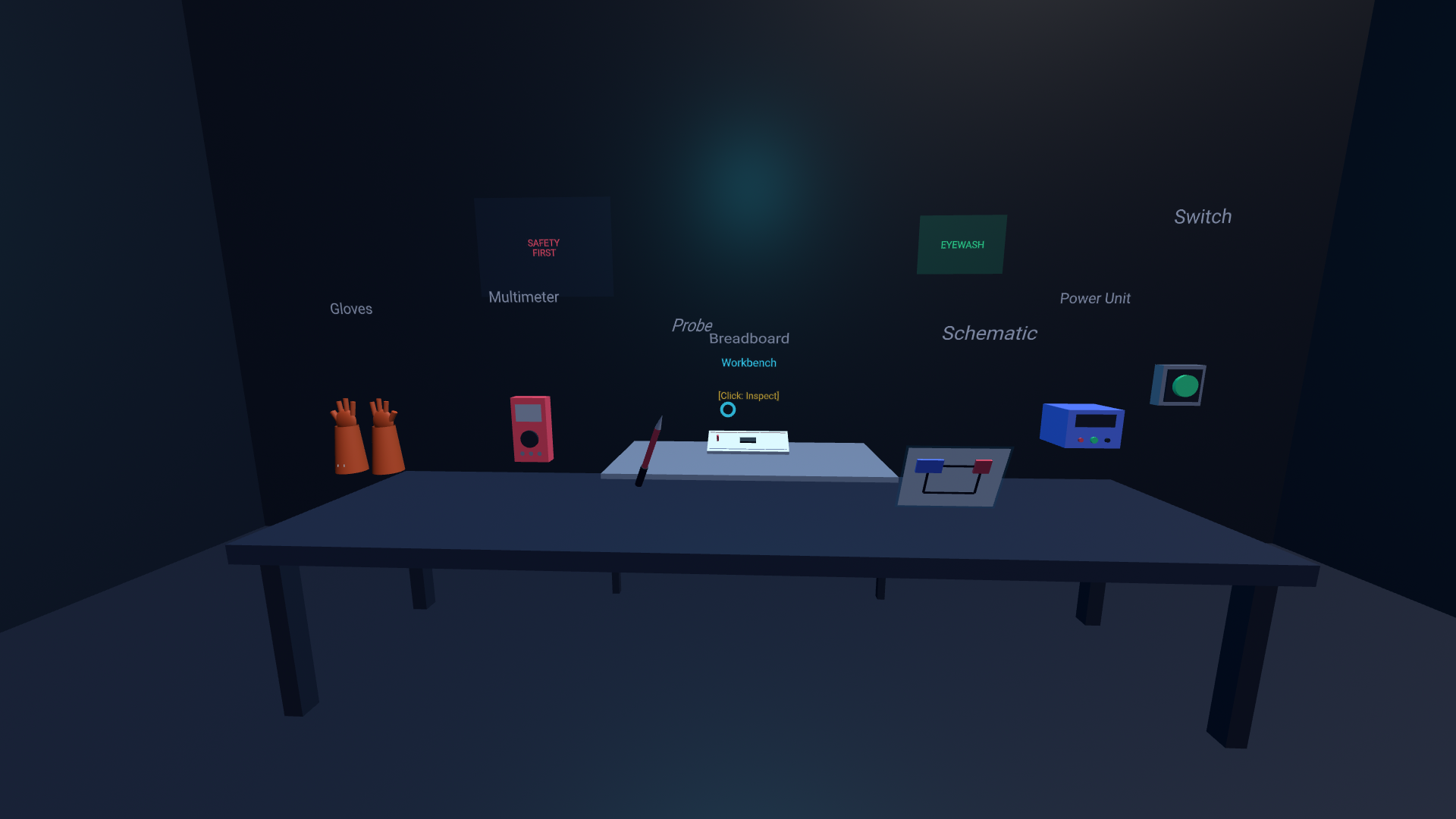
LabSafe XR : Immersive Lab Safety Training Platform
Inspiration
We were inspired by a simple but serious gap in lab education: students often understand theory, but still make dangerous procedural mistakes when they first enter a real lab. In chemistry and electrical labs, one wrong action can quickly become a safety incident.
We also saw this through the lens of the digital divide: the gap between learners who have adequate broadband access and those who do not. In practice, this appears as three barriers. The digital access divide is inequitable access to connectivity, devices, and digital content. The digital design divide is inequitable access to professional learning that helps educators design meaningful technology-enabled learning experiences. The digital use divide is inequitable implementation of assignments and learning experiences that use technology in meaningful ways.
At Cambridge, we wanted to build something practical, measurable, and immediately useful for institutions facing both safety and equity constraints. Some students struggle to access consistent digital learning, and many labs do not have enough apparatus for every student to participate equally in hands-on practice. Instead of another static safety module, we focused on immersive rehearsal where students can make mistakes safely, learn instantly, and improve before touching real equipment.
What it does
LabSafe XR is an immersive safety training platform for education.
Students can:
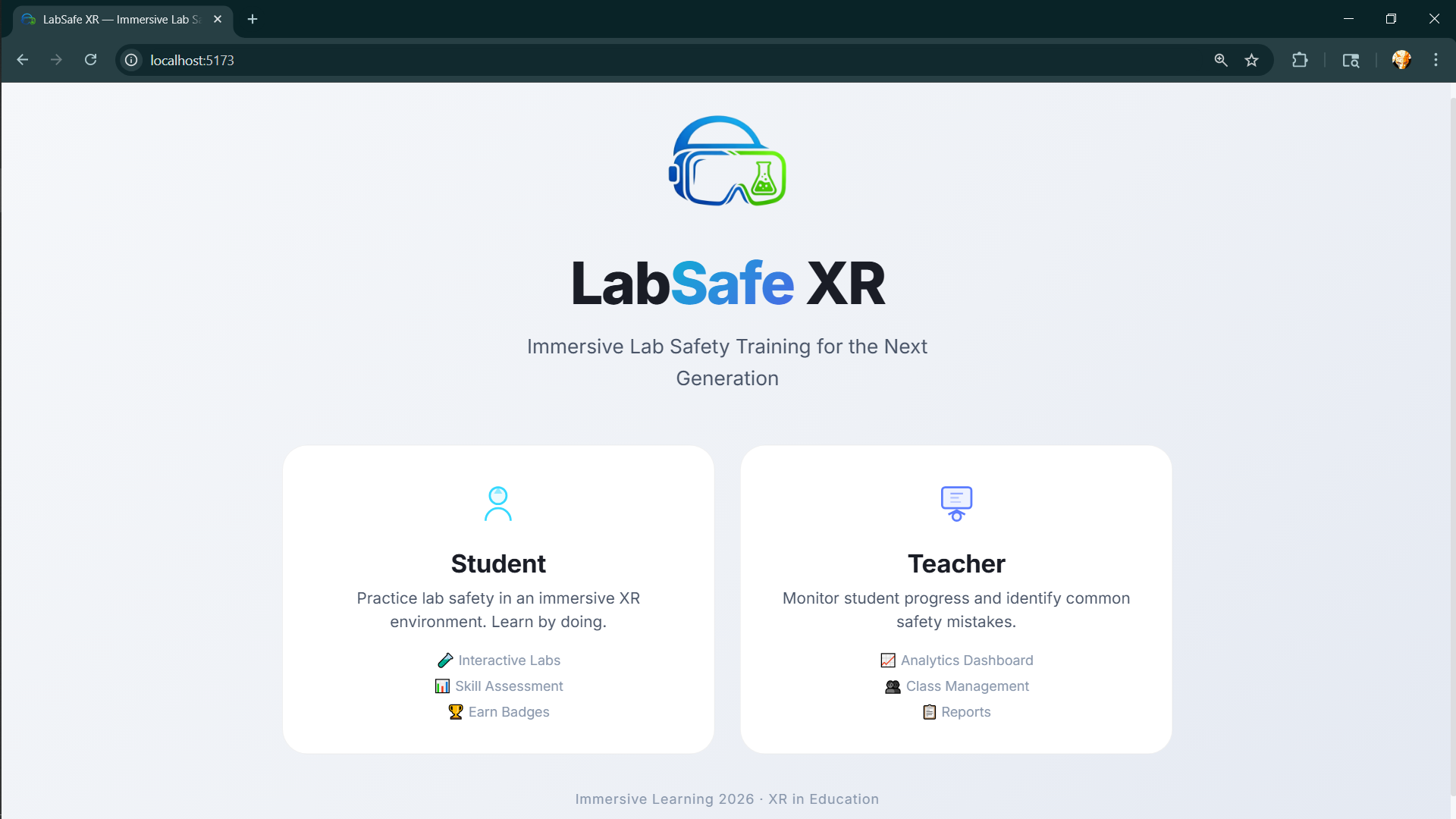
- Choose a role and start quickly in guest mode.
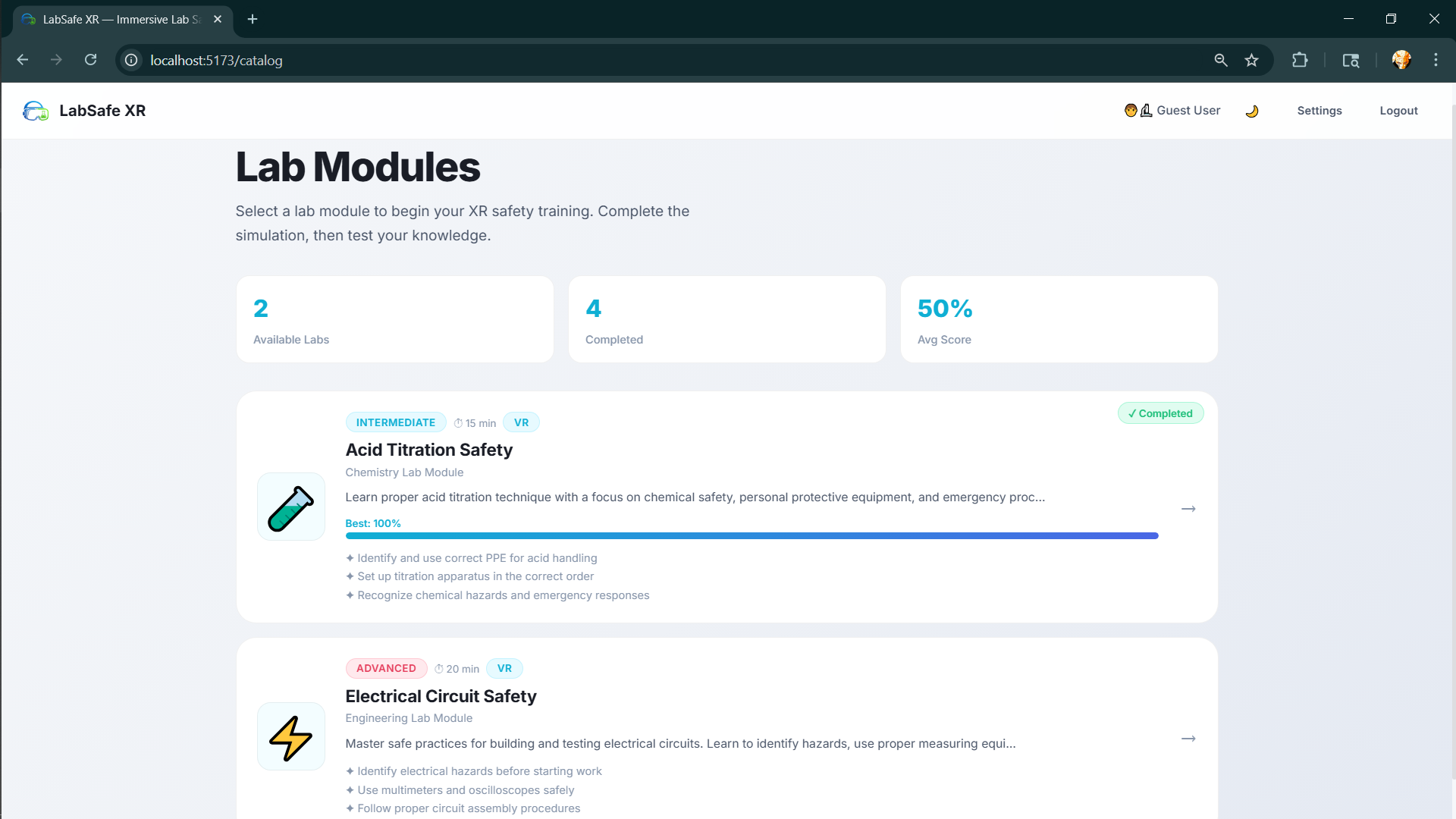
- Select a module (currently acid titration safety and electrical circuit safety).
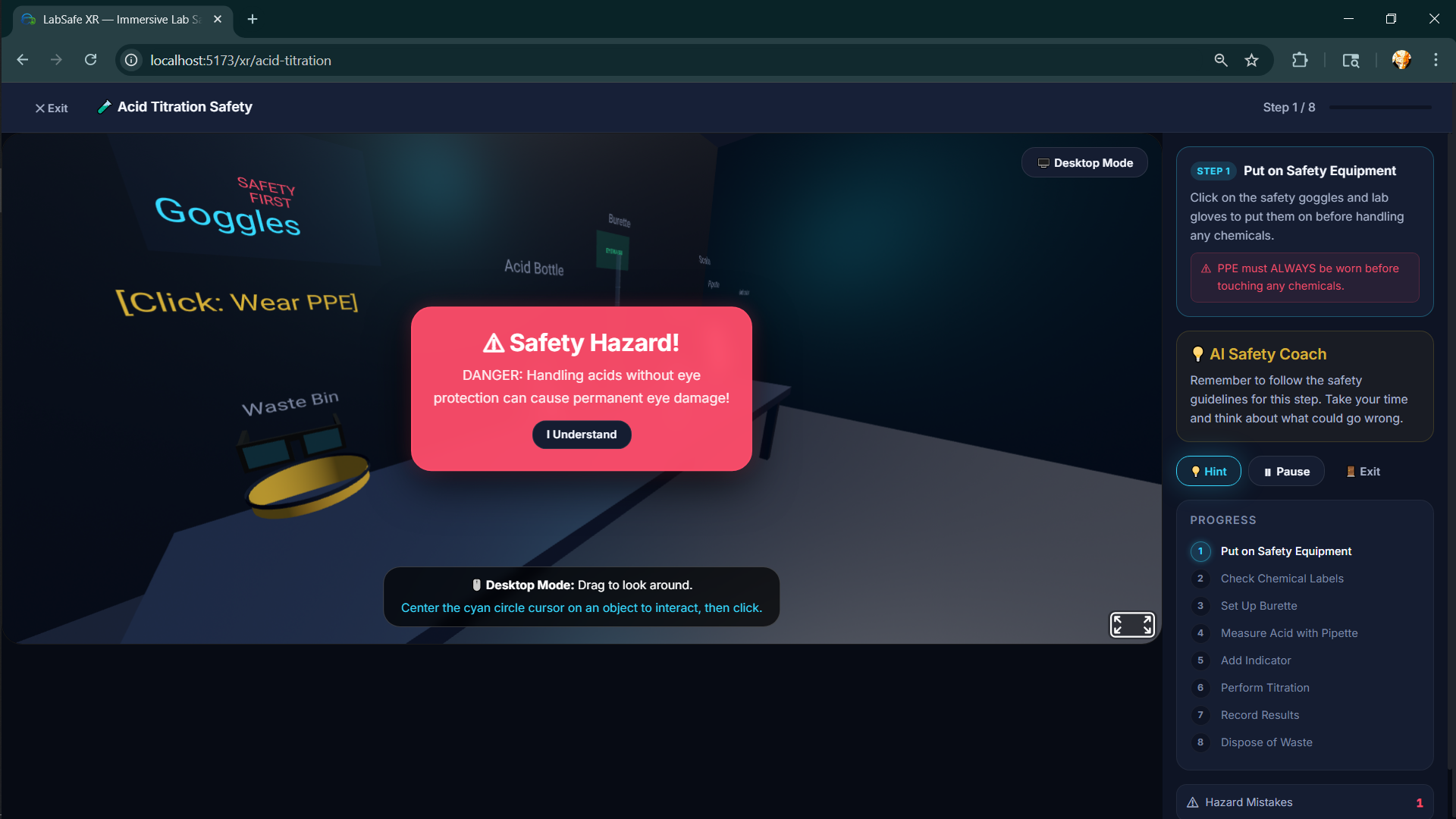
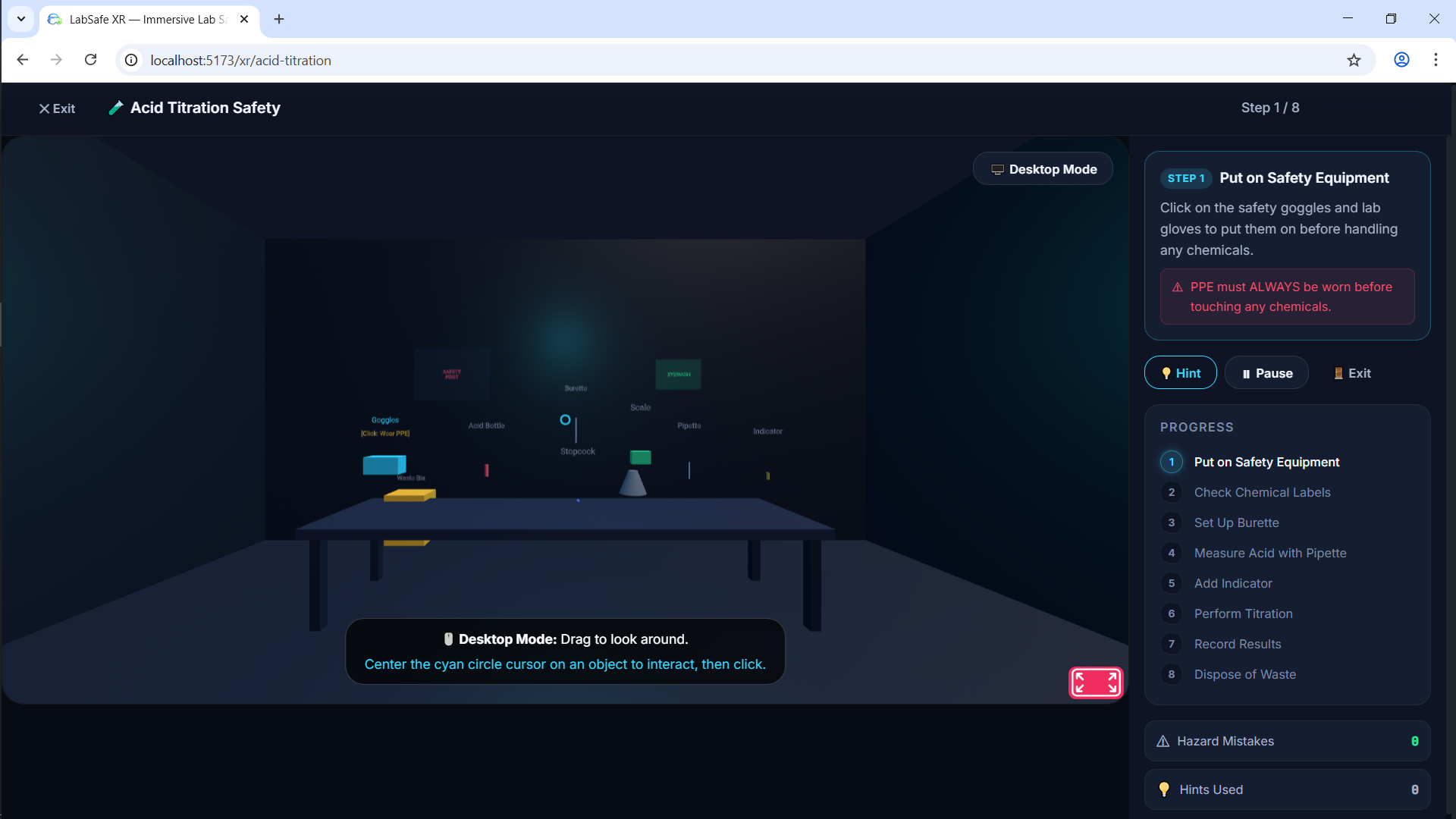
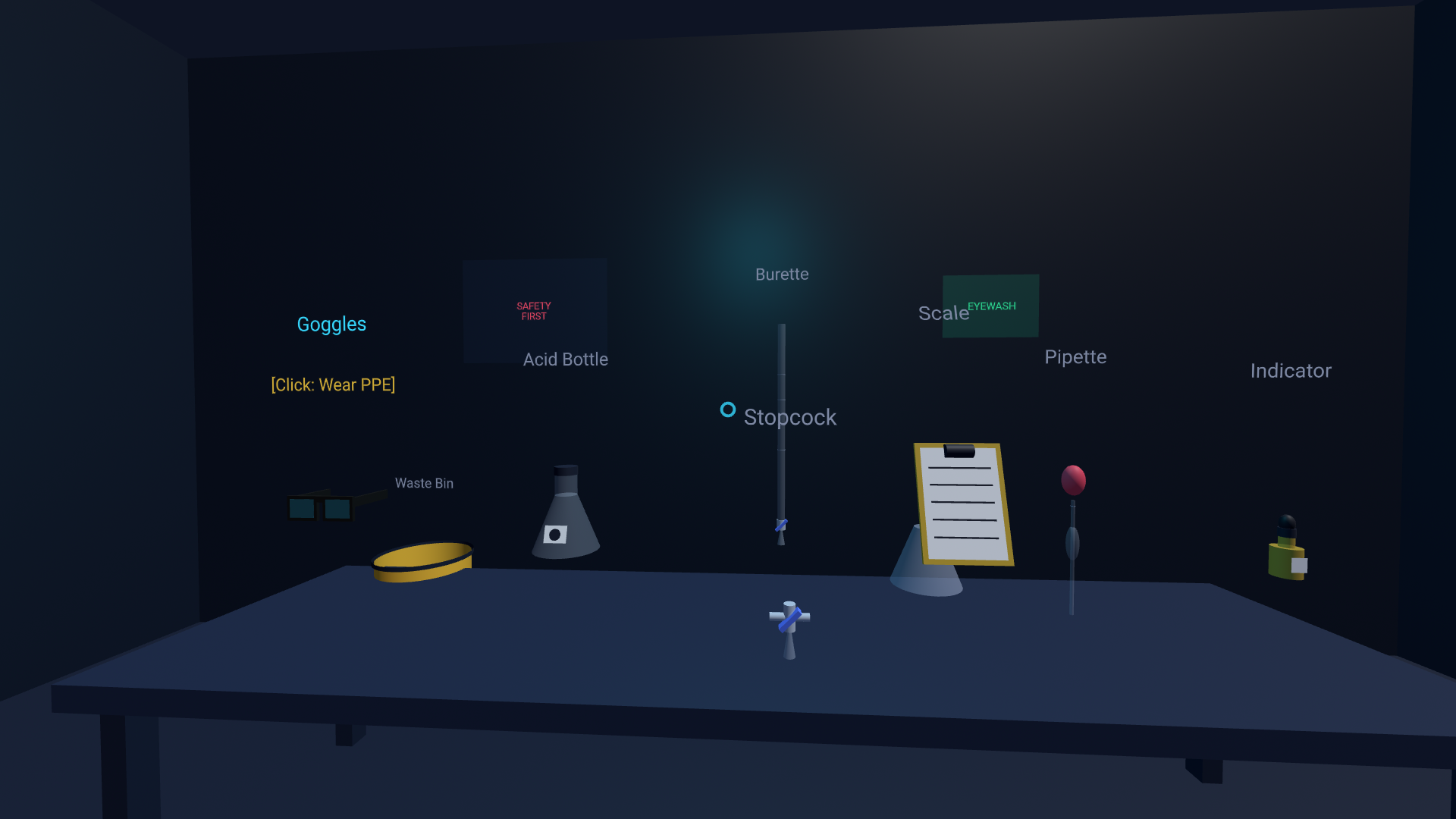
- Enter an XR lab simulation with step-by-step guidance.
- Interact with objects in sequence and receive hazard alerts for unsafe actions.
- Request AI safety hints in natural language during a step.
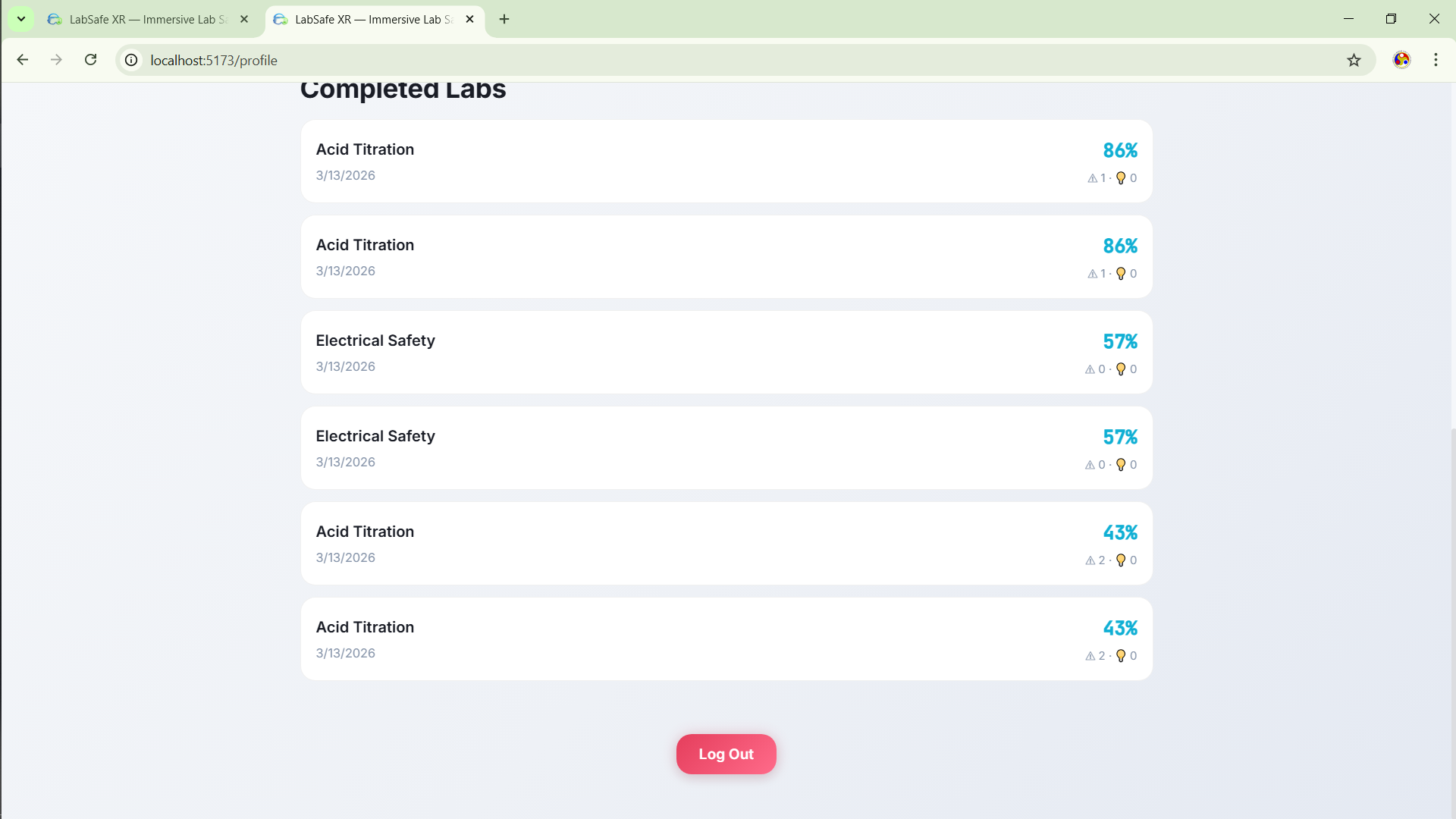
- Complete a post-lab assessment and get concept-wise results.
- Continue practicing core procedures in simulation when physical lab apparatus is limited.
Teachers can:
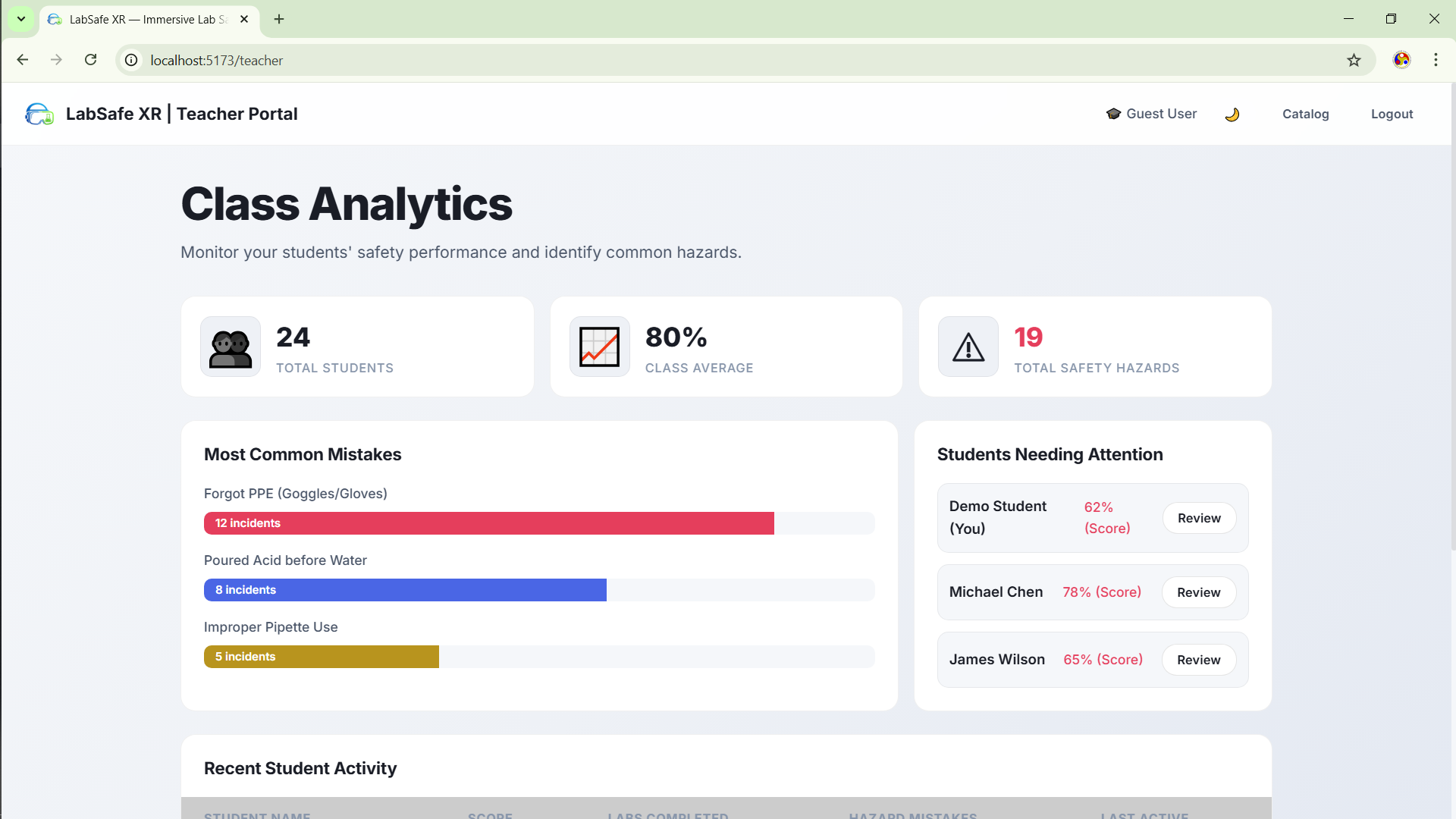
- View class-level analytics and common mistake patterns.
- Identify students who need intervention.
- Use module completion and score trends to monitor progress.
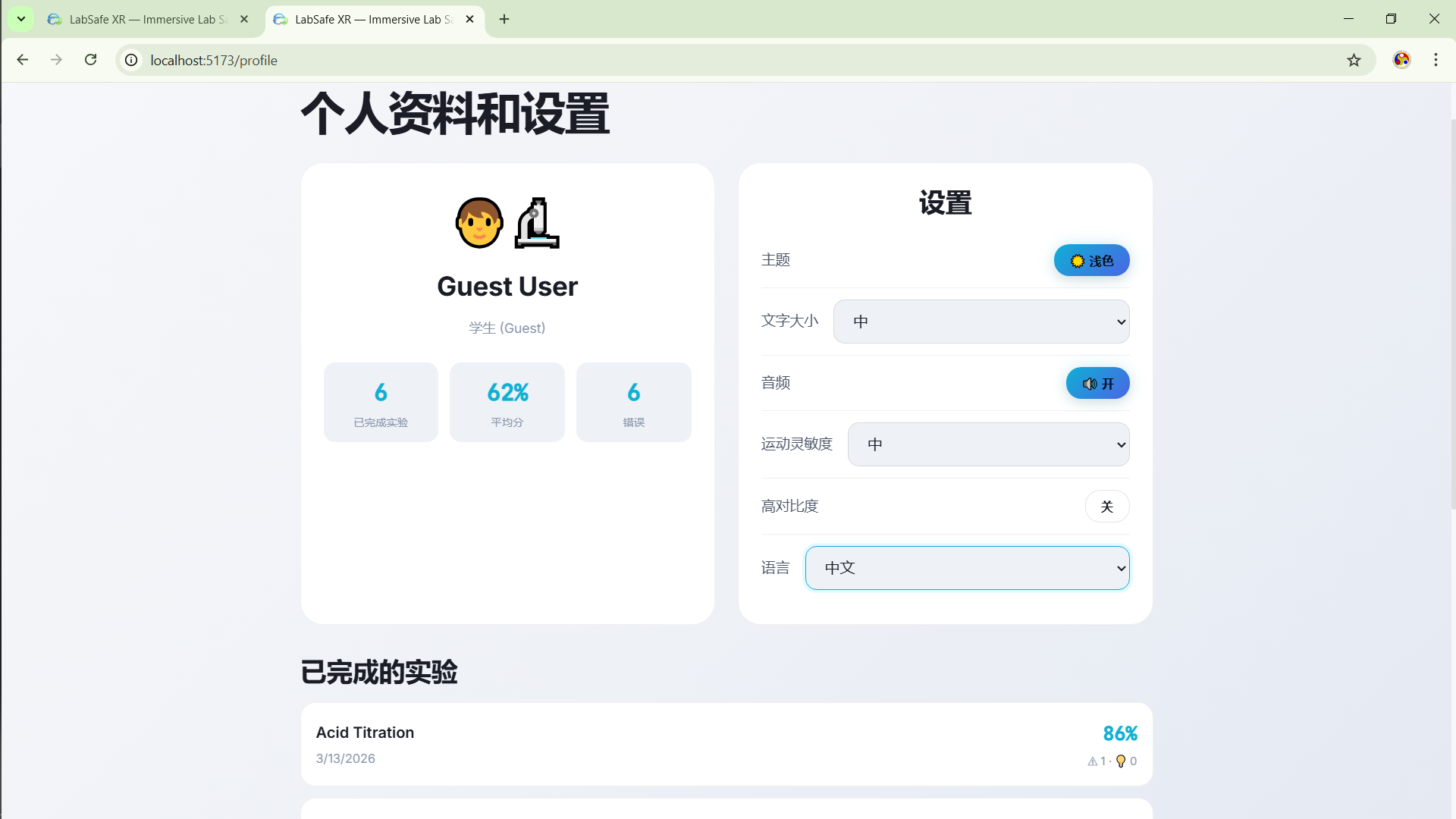
The platform also supports profile/settings personalization including language, text size, audio, motion sensitivity, and high-contrast mode.
How we built it
We built LabSafe XR as a web-first application for fast accessibility and demo reliability.
- Frontend: React + TypeScript + Vite
- Routing: React Router
- State management: Zustand with persisted stores
- XR scene layer: A-Frame (desktop mode with optional VR toggle)
- AI support: Gemini API for dynamic safety hints
- UX system: custom premium design tokens and responsive CSS
Our flow is: Role Select -> Access -> Catalog -> Lesson Brief -> XR Session -> Assessment -> Results -> Profile/Teacher Dashboard.
For learning measurement, we tracked quiz accuracy and safety behavior: $$ \text{Accuracy (%)} = \frac{\text{Correct Answers}}{\text{Total Questions}} \times 100 $$ $$ \text{Safety Burden} = \text{Hazard Mistakes} + 0.5 \times \text{Hints Used} $$
These metrics help quantify both knowledge and operational safety readiness.
Challenges we ran into
- Balancing realism vs. time: We needed a believable XR lab experience without overbuilding 3D complexity.
- Interaction clarity: Early object placement caused confusion, so we redesigned spacing, labels, and highlight logic.
- Scope pressure: We had to lock MVP features and avoid turning the project into a full LMS.
- Data quality for demo: We needed meaningful analytics while working with limited real user data, so we combined live session outputs with structured demo scenarios.
- Accessibility and comfort: We added settings to reduce friction for different user preferences and motion sensitivity levels.
- Equity constraints in delivery: Some students had inconsistent access to broadband/devices, and limited lab apparatus reduced equal participation opportunities, so we designed for low-friction access and simulation-first practice.
Accomplishments that we're proud of
- Built an end-to-end, role-based XR education workflow with measurable outcomes.
- Implemented AI safety coaching directly in-session, not as a separate chatbot.
- Delivered concept-level assessment and result analytics instead of only pass/fail feedback.
- Added teacher-side visibility for hazards and low-performing learners.
- Designed a premium UI system with strong clarity under immersive contexts.
What we learned
- In education XR, learning outcomes matter more than visual wow-factor alone.
- Guest-first onboarding significantly improves first-session completion.
- Safety training benefits from immediate corrective feedback, not delayed review.
- A constrained MVP with strong metrics is more convincing than a broad but shallow platform.
- Product storytelling (problem -> intervention -> measurable result) is as critical as technical execution.
What's next for LabSafe XR
- Add AR mode for mobile-first deployment in institutions without headsets.
- Expand module library (biological safety, mechanical workshops, emergency response).
- Introduce cohort-level analytics, exportable reports, and instructor assignment workflows.
- Add longitudinal tracking (pre-test vs. post-test gains over time).
- Pilot with a real school or university lab and validate outcome improvements at scale.


Log in or sign up for Devpost to join the conversation.