-
-
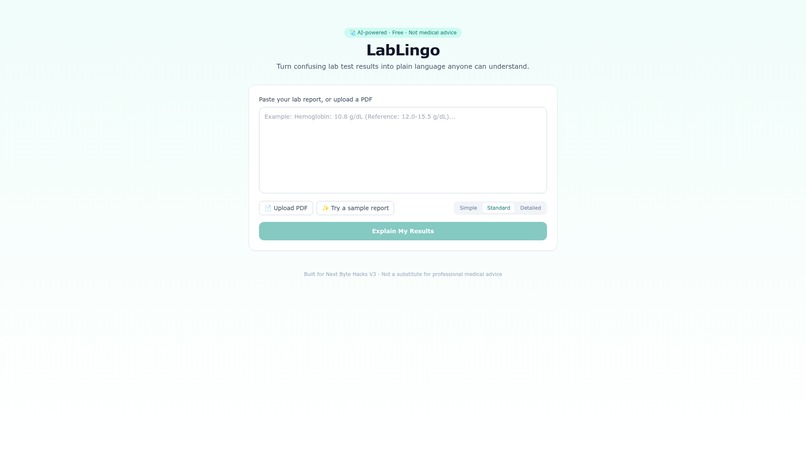
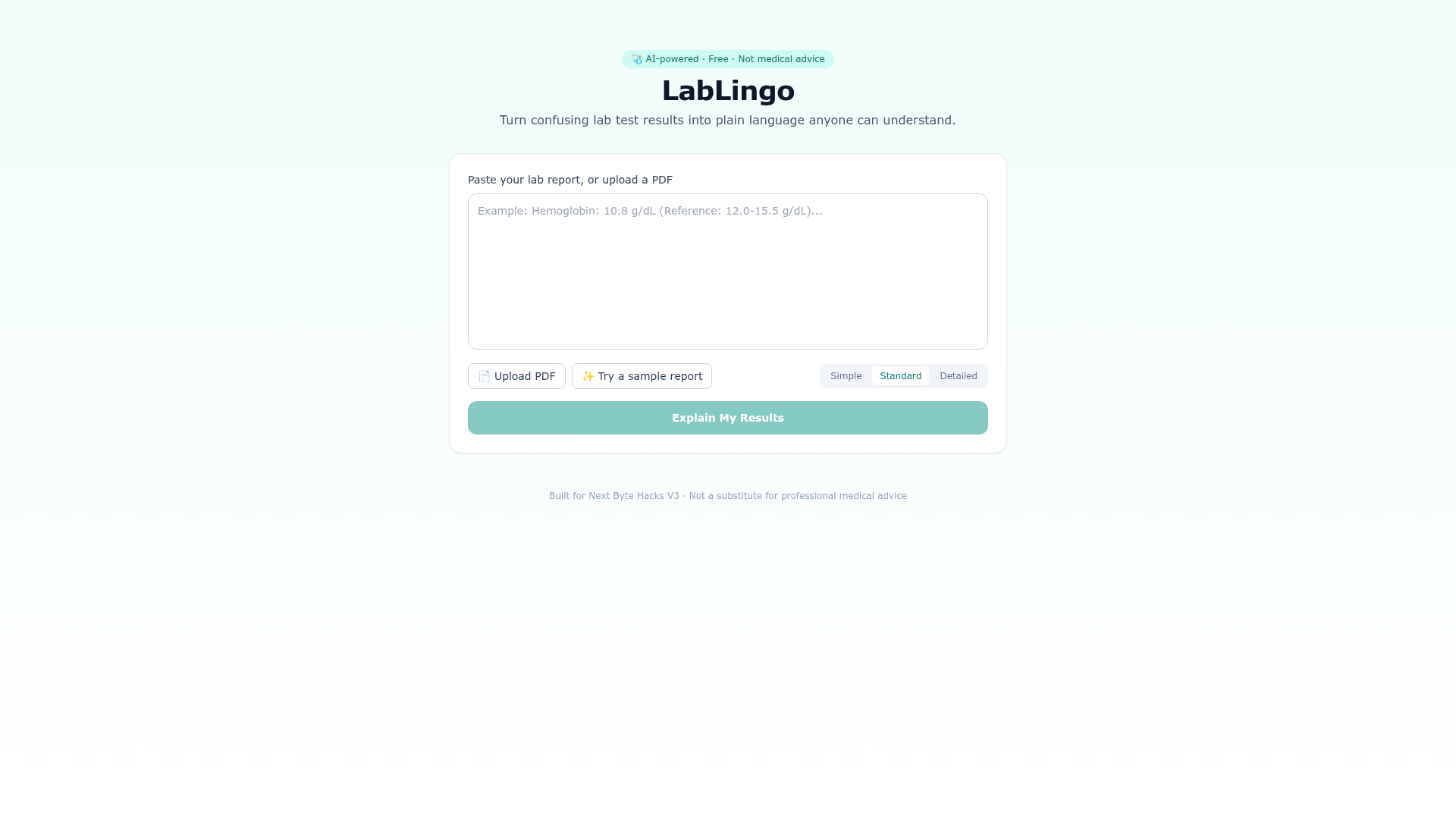
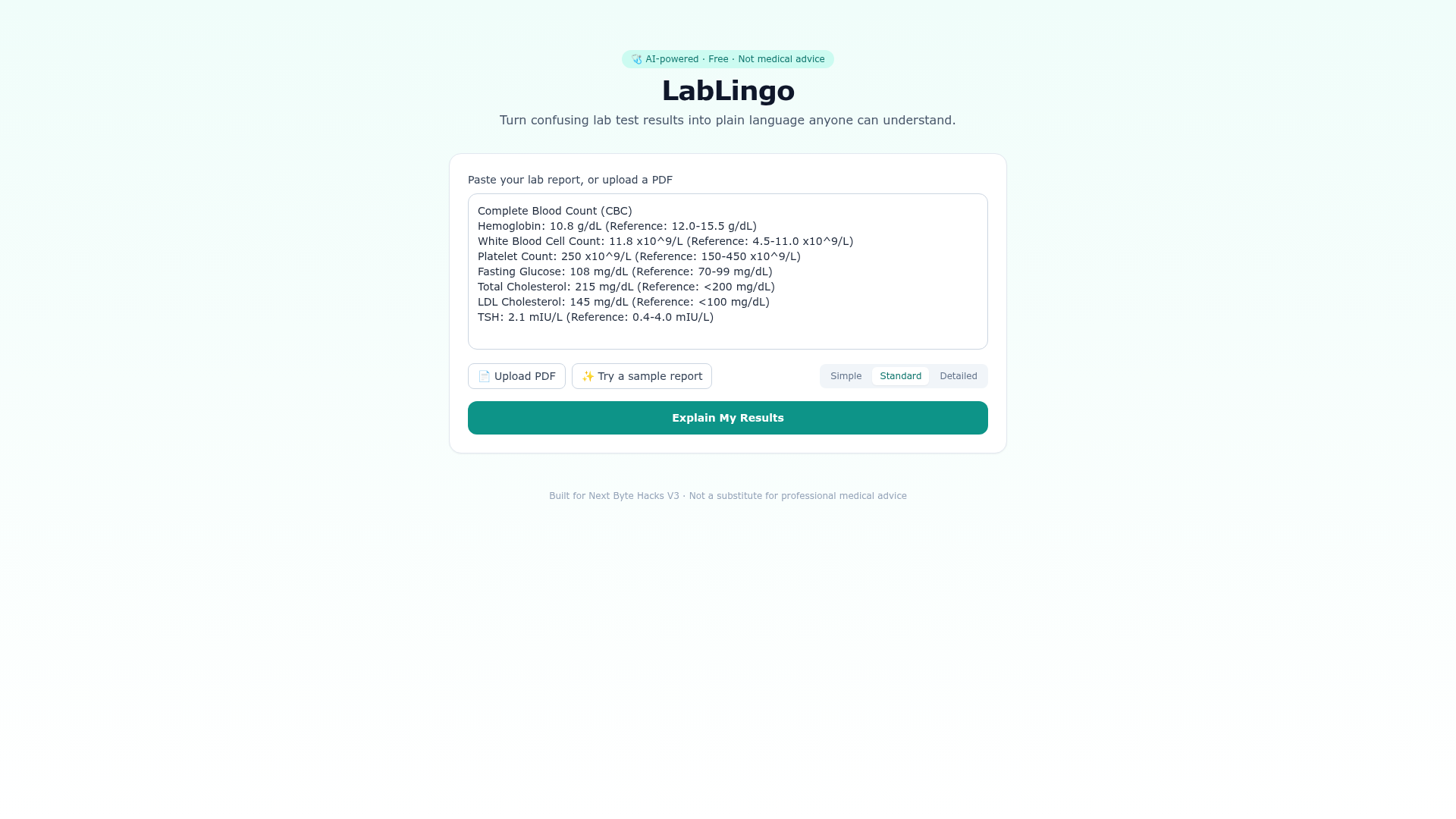
LabLingo — paste or upload a lab report, pick a reading level
-
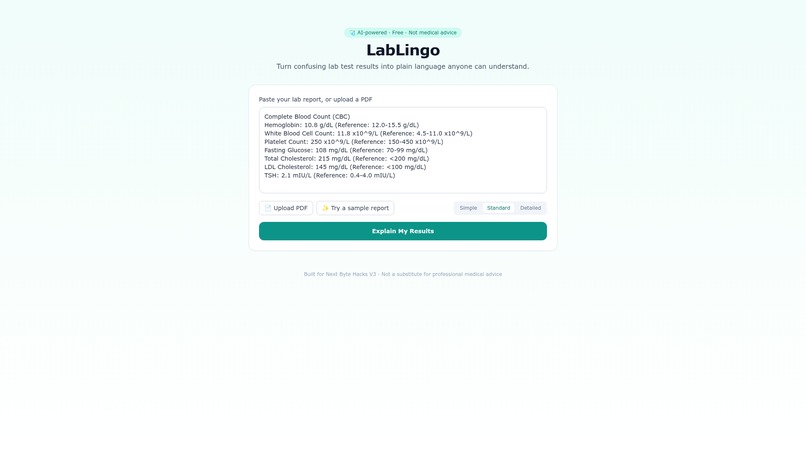
One-click sample report for instant testing — no real data needed
-
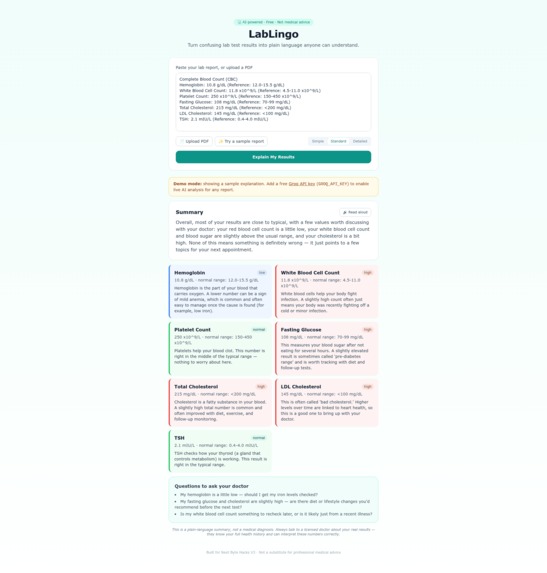
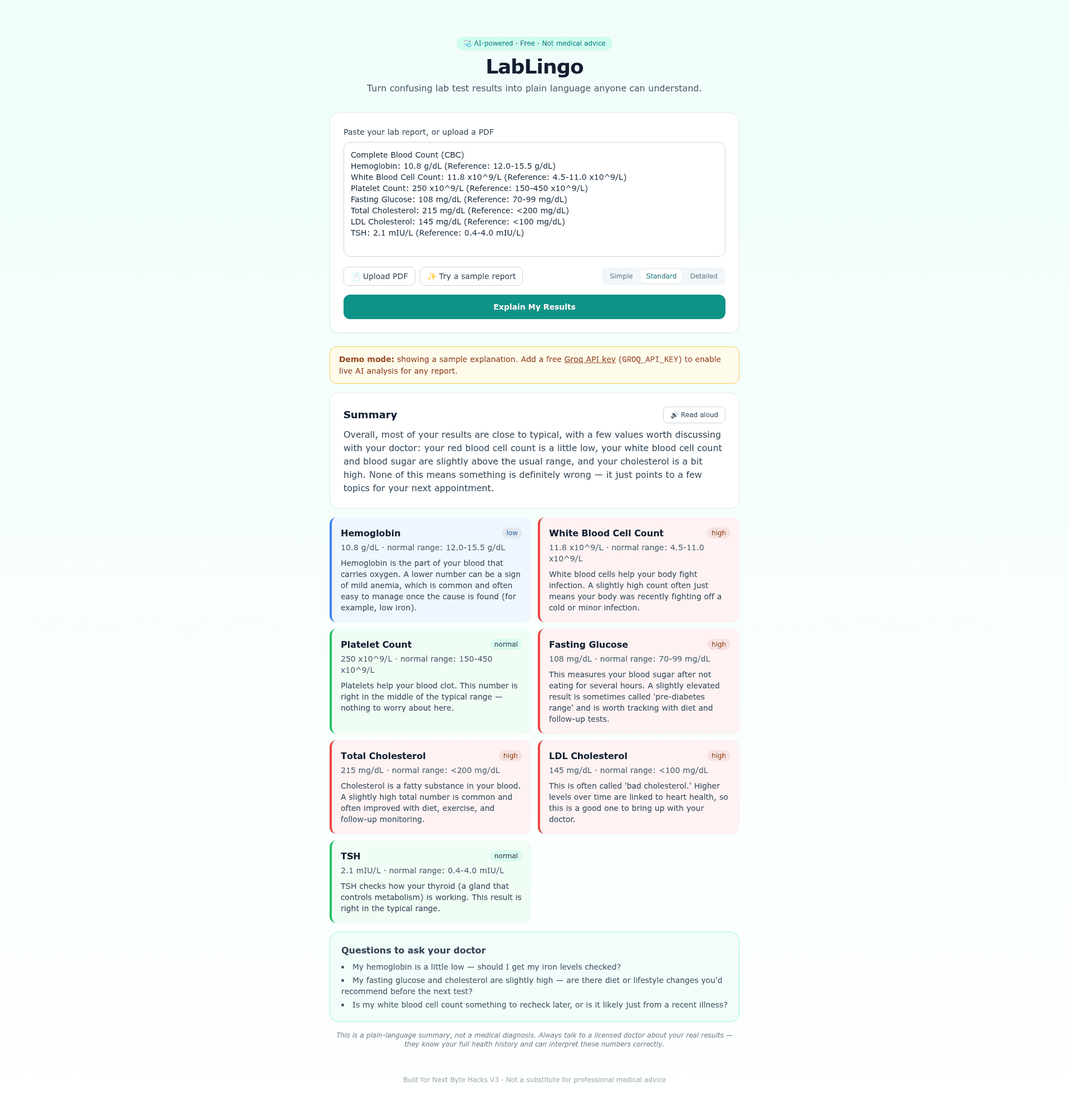
Plain-language summary, color-coded markers, and doctor questions
Inspiration
Getting lab results back is one of the most common — and most confusing — moments in healthcare. Reports are full of abbreviations, units, and reference ranges with zero context, and the person who could explain it (your doctor) is often weeks away. That confusion hits hardest for people with lower health literacy, non-native speakers, and anyone without quick access to a doctor to just ask "is this bad?". We wanted a tool that closes that gap immediately, safely, and for free.
What it does
- Paste a lab report as text, or upload the PDF directly (text is extracted automatically).
- Choose a reading level: Simple (5th-grade), Standard, or Detailed.
- Get back: a plain-language summary, a card for every marker (name, value, reference range, status, and a jargon-free explanation), and three suggested questions for your next doctor's visit.
- Tap "Read aloud" to have the summary read out loud using the browser's built-in text-to-speech — useful for accessibility and low-literacy users.
- No account, no database, nothing saved — paste in, get an answer, done.
How we built it
Next.js 14 (App Router) + TypeScript + Tailwind CSS on the frontend, with two serverless API
routes: one that extracts text from an uploaded PDF (unpdf), and one that sends the report text
to Groq's free llama-3.3-70b-versatile model with a system prompt that forces strict JSON
output and hard safety rules (never diagnose, never suggest medication changes, always recommend
seeing a real doctor). The frontend renders the structured response as color-coded marker cards
and uses the browser's native Web Speech API for read-aloud, so there's zero added cost or
dependency for that feature. If no AI key is configured, the app gracefully falls back to a
labeled "demo mode" with a realistic sample explanation, so the live deployment is always
testable — even before judges set up their own key.
Challenges we ran into
Getting a fast, free model to reliably return strict, well-shaped JSON — instead of prose, markdown-wrapped JSON, or JSON with trailing commas — took several rounds of prompt tuning and a defensive parser with fallback extraction/repair steps. The bigger challenge was tone: getting the model to explain an out-of-range result honestly without sounding alarming, and to consistently refuse to diagnose, required very explicit rules in the system prompt rather than relying on the model's judgment.
Accomplishments that we're proud of
A tool that a genuinely non-technical person — someone anxious about a lab result at 11pm with no one to ask — could open and understand in one screen, with no signup and no cost. And it degrades gracefully: even without any API key configured, the deployed demo still works and shows exactly what the real experience looks like.
What we learned
Most of the hard design work in an "explain this to a normal person" tool isn't the UI — it's the constraints you put on the model. A model that's technically correct but alarming, or technically correct but diagnosing, both fail the actual goal.
What's next for LabLingo
- Multi-language output (Spanish, Portuguese) for non-English speakers.
- Support for more report types (urinalysis, more detailed lipid panels, imaging reports).
- A "compare two reports" view that explains what changed between visits, in plain language.
- One-click PDF export of the plain-language summary to bring to an appointment.
Built With
- groq
- llama-3.3-70b
- next.js
- react
- tailwindcss
- typescript
- unpdf
- vercel
- web-speech-api

Log in or sign up for Devpost to join the conversation.