-
-
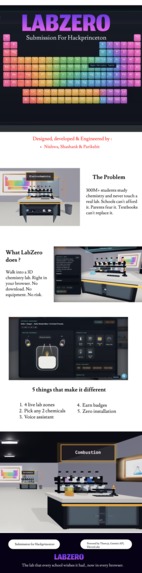
Lab Zero Poster
-
-
-
-
-
-
-
-
-
Inspiration
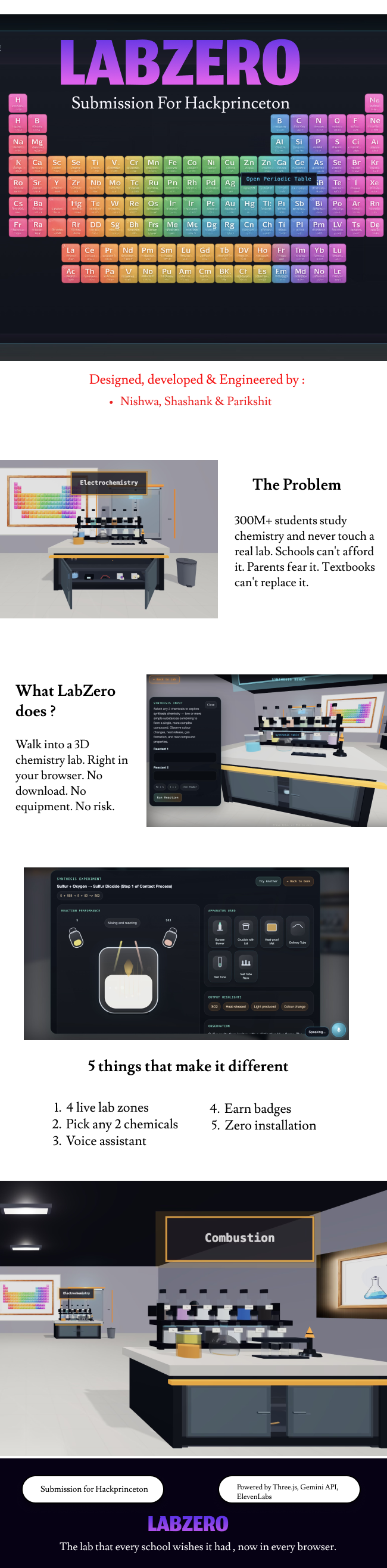
Every chemistry teacher has said it at least once: "Don't worry, we'll do this experiment next week." Next week never comes. Lab equipment is expensive, chemicals are hazardous, and for millions of students around the world, hands-on science simply isn't available.
We didn't want to build another video or a static simulation. We wanted to build the lab that every school wishes it had — one where students can run real reactions, hear a voice explain what happened, and learn from failure without anyone getting hurt.
The core philosophy behind LabZero is simple: failure is the curriculum. The best chemistry education doesn't come from always getting it right. It comes from breaking things, understanding why, and trying again.
What it does
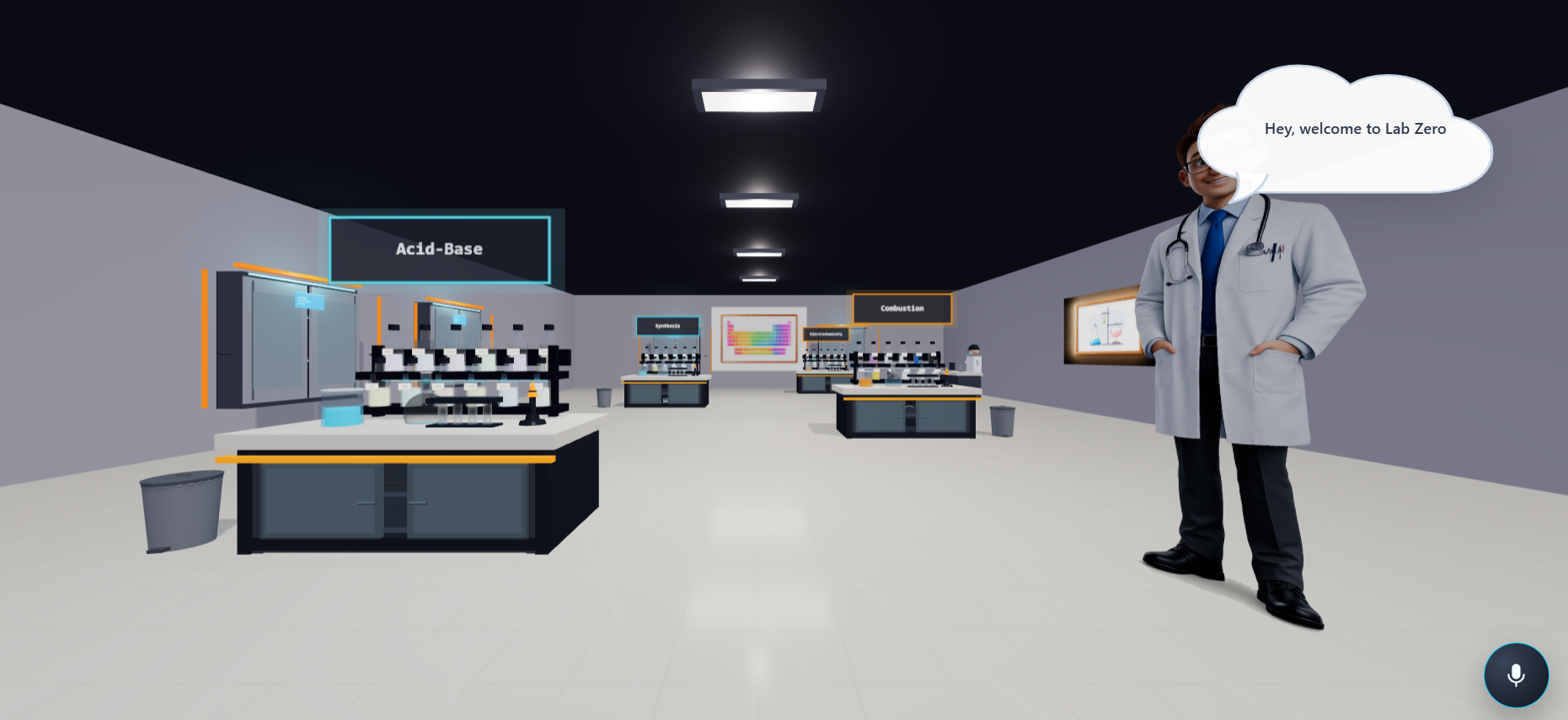
LabZero is a browser-based 3D virtual chemistry lab — no downloads, no installs, no hardware required.
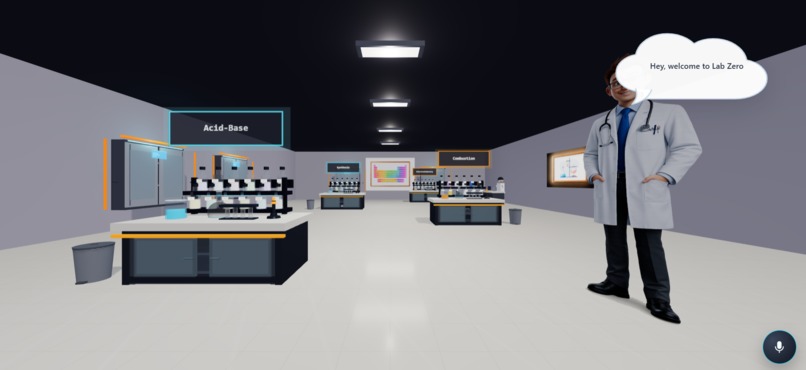
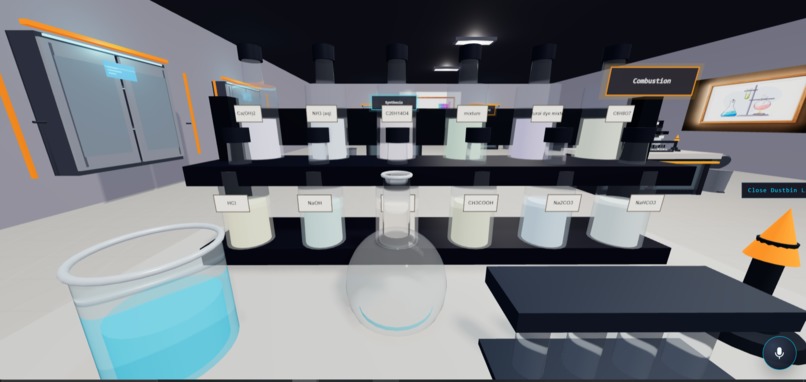
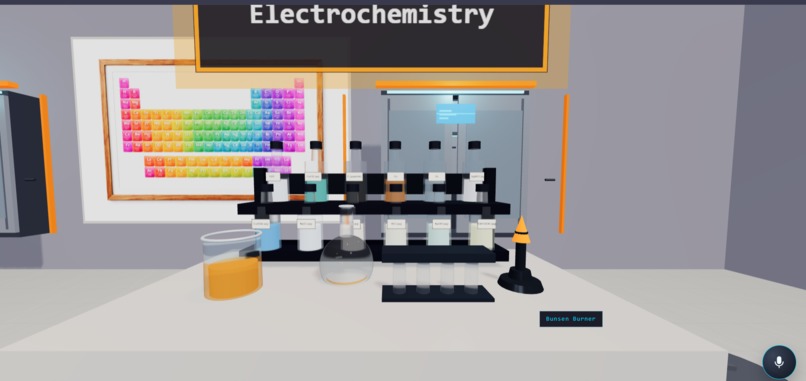
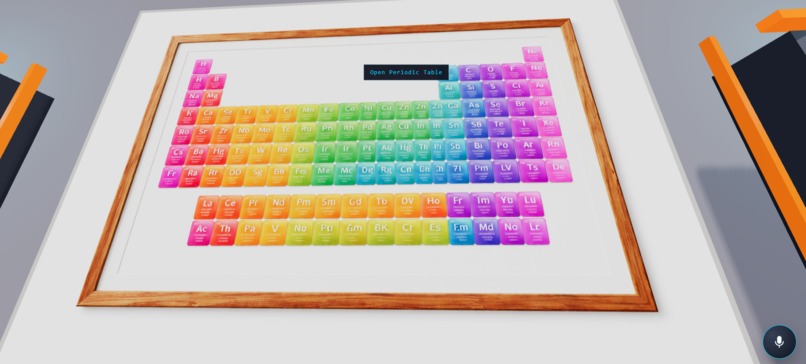
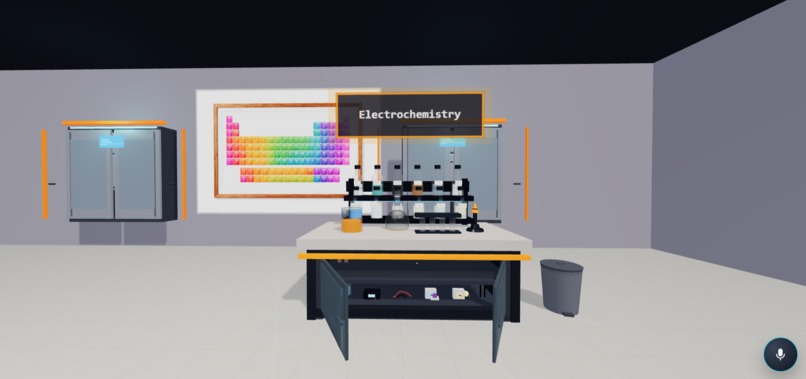
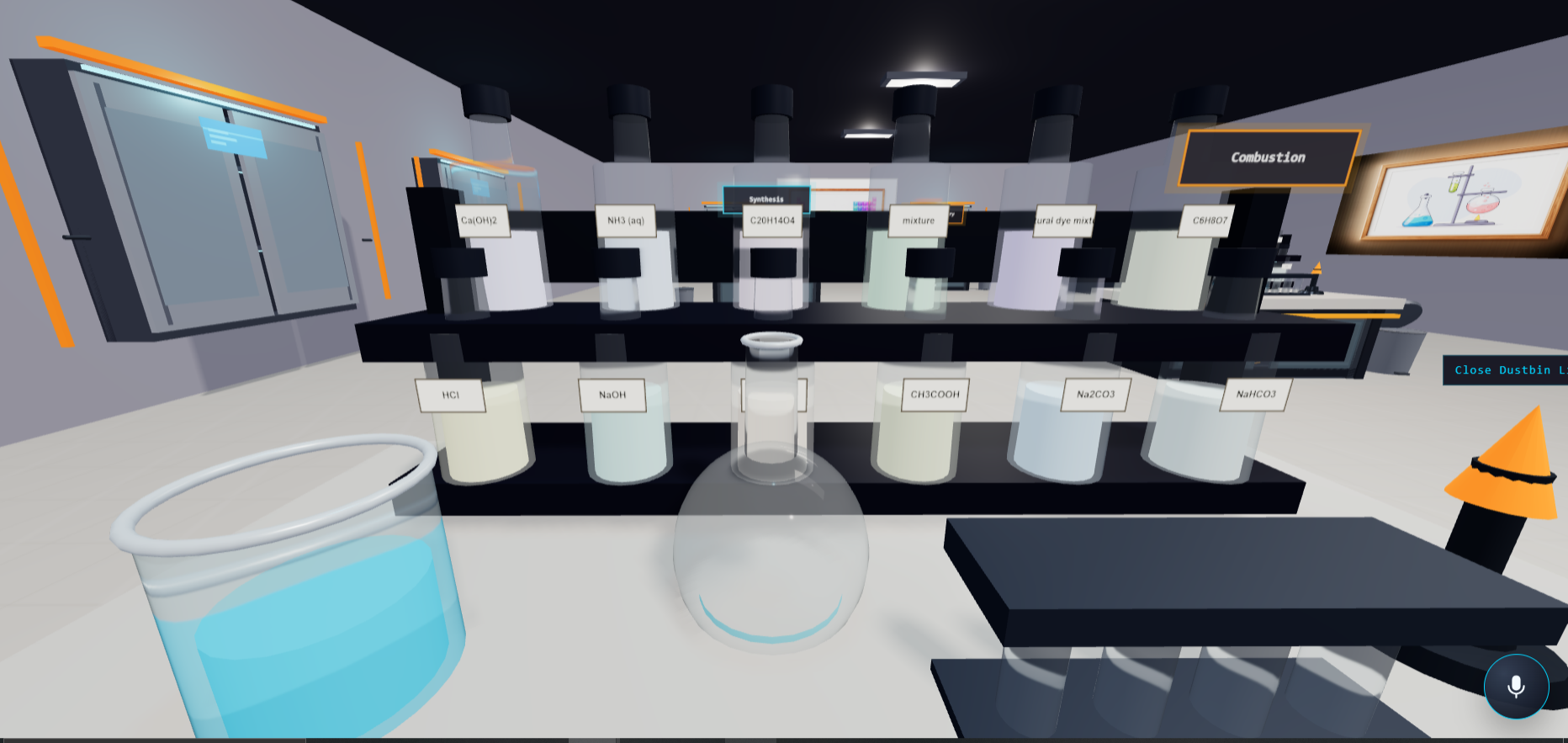
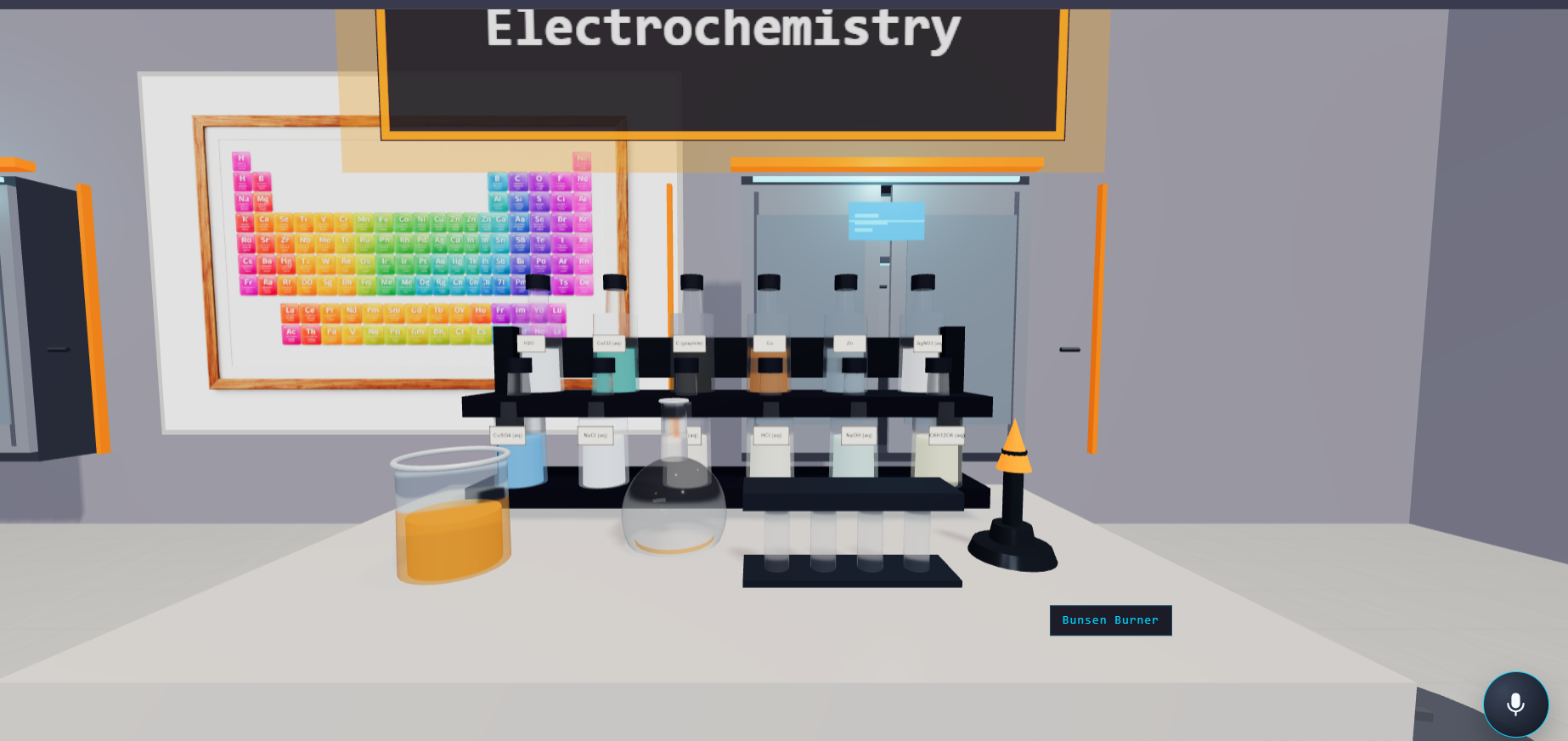
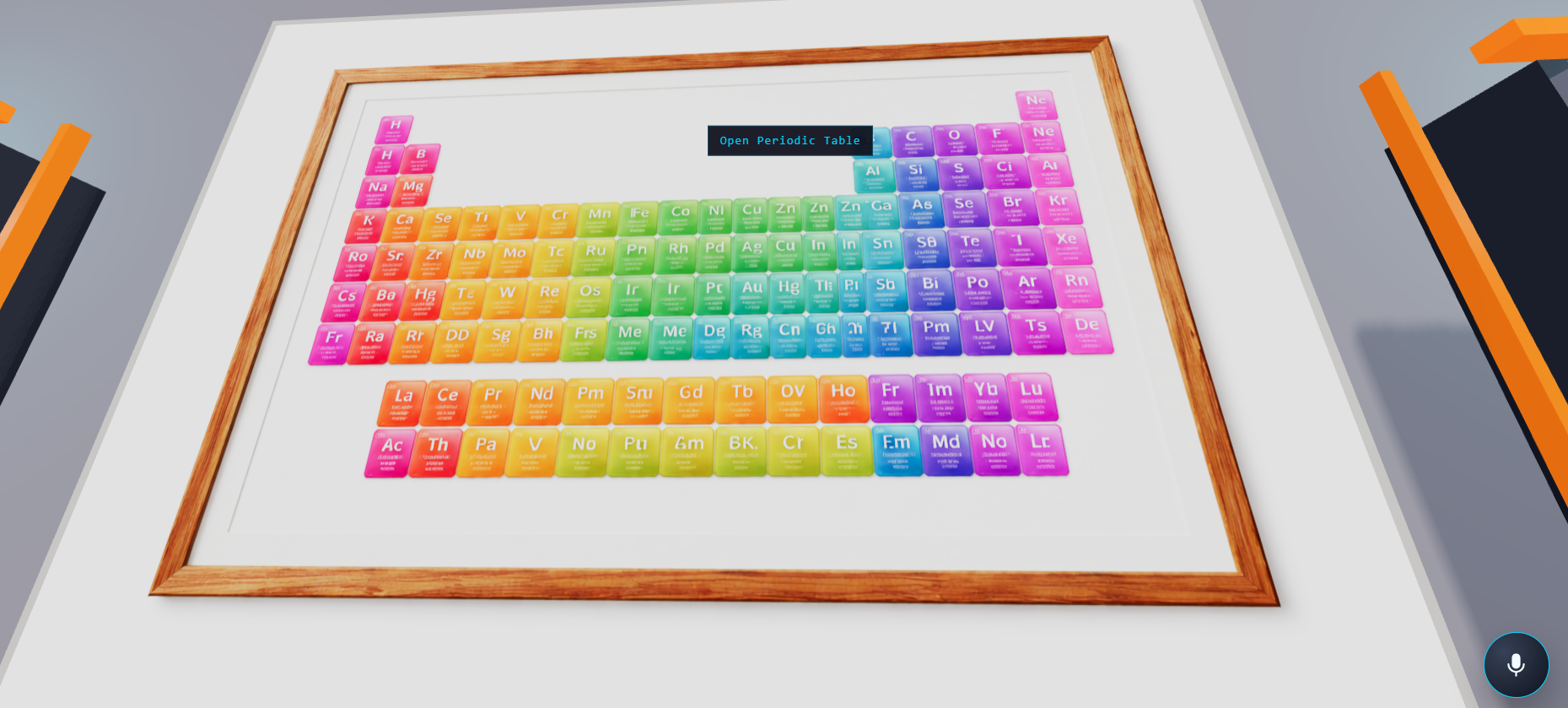
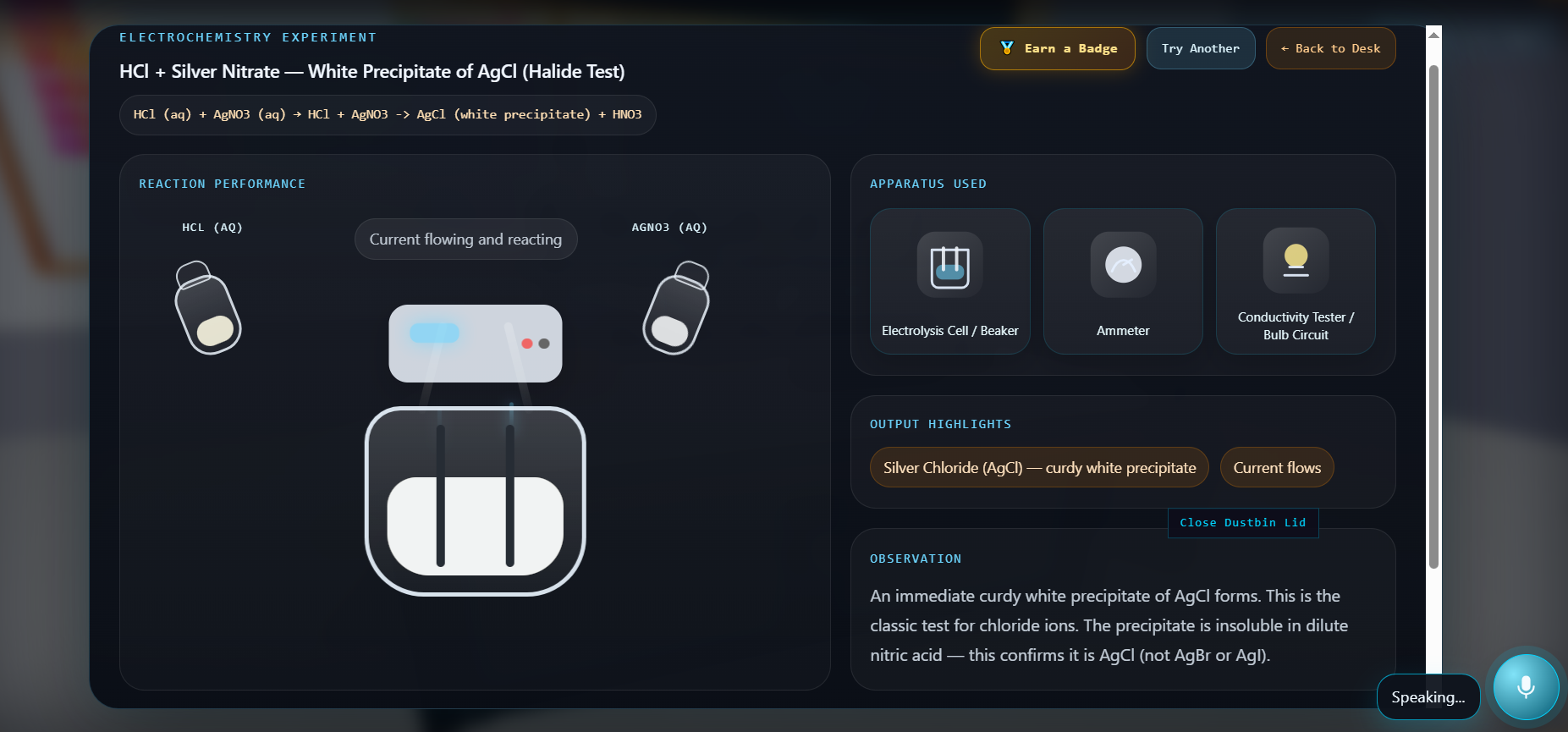
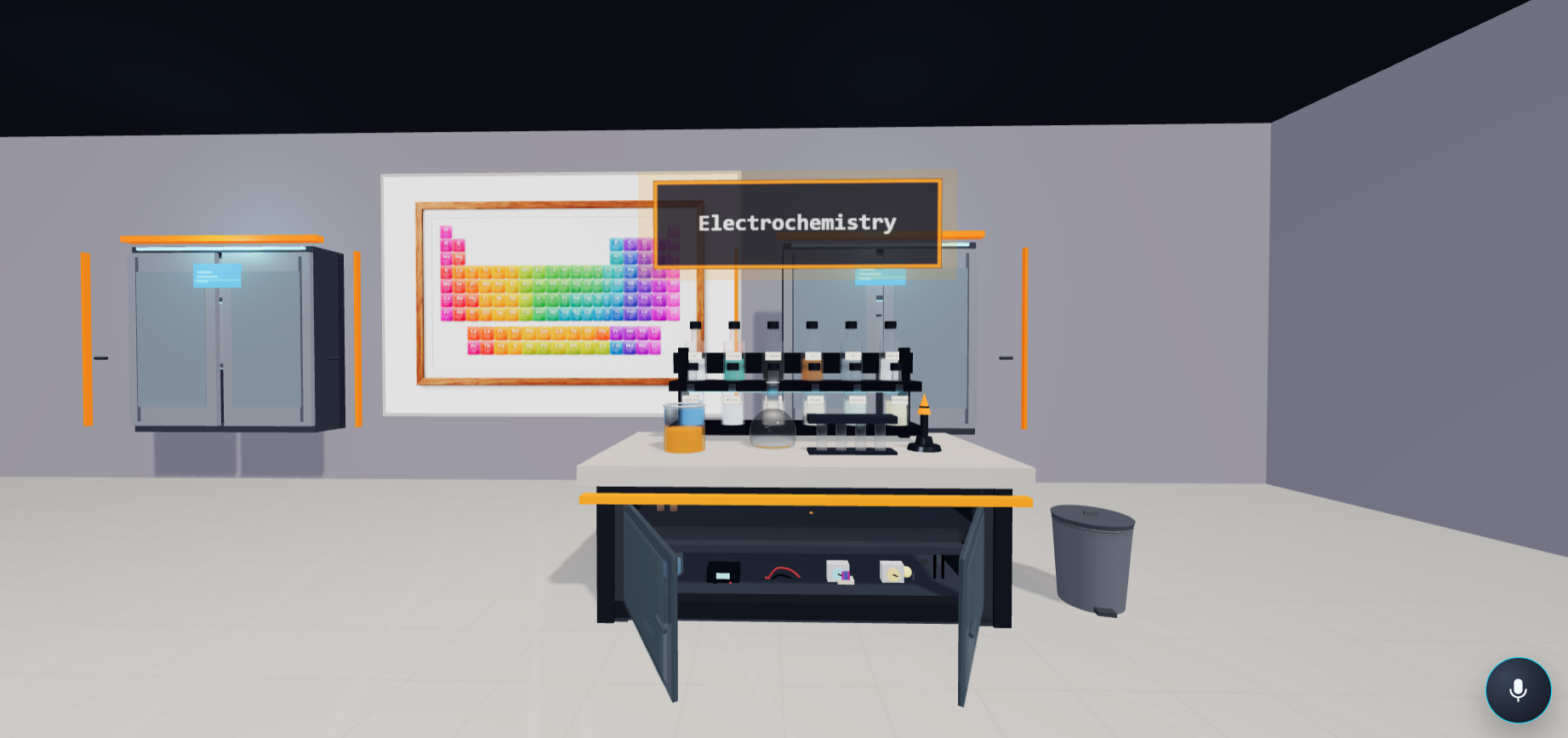
Students enter a sci-fi styled research facility rendered entirely in Three.js. The lab has four active experiment desks: Acid-Base, Combustion, Synthesis, and Electrochemistry. Each desk has its own set of chemicals and apparatus.
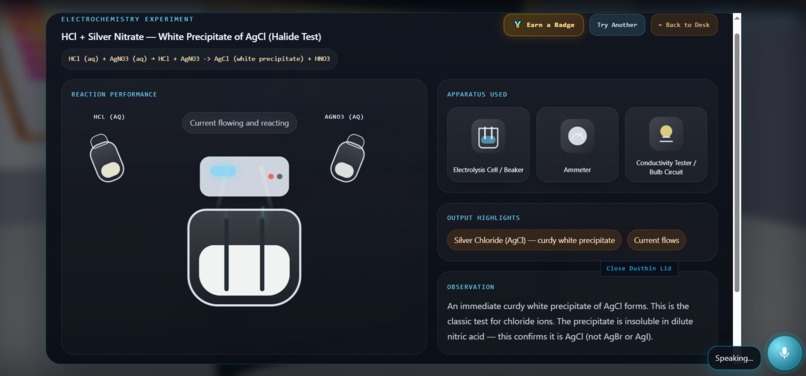
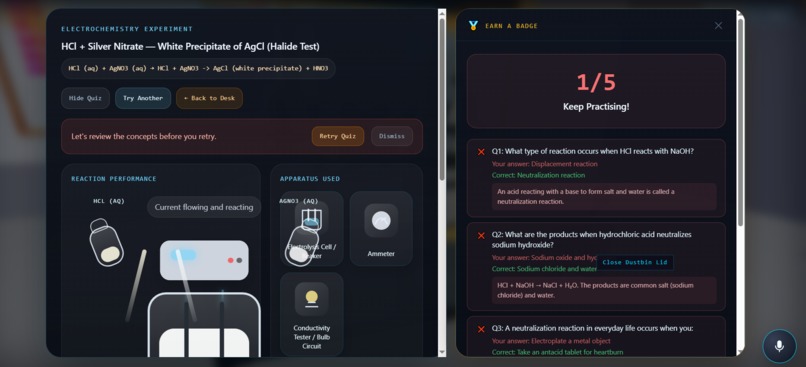
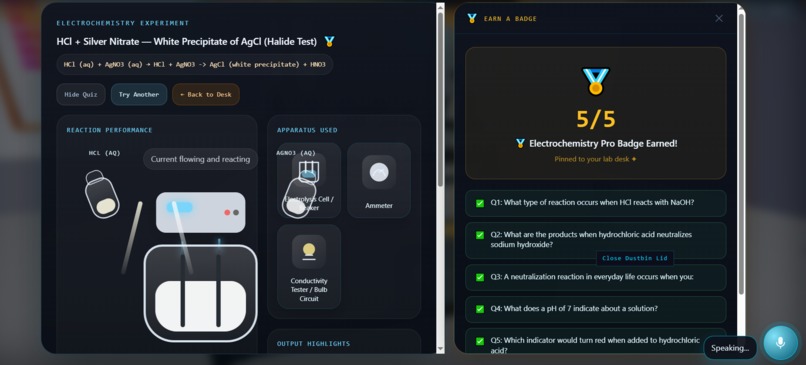
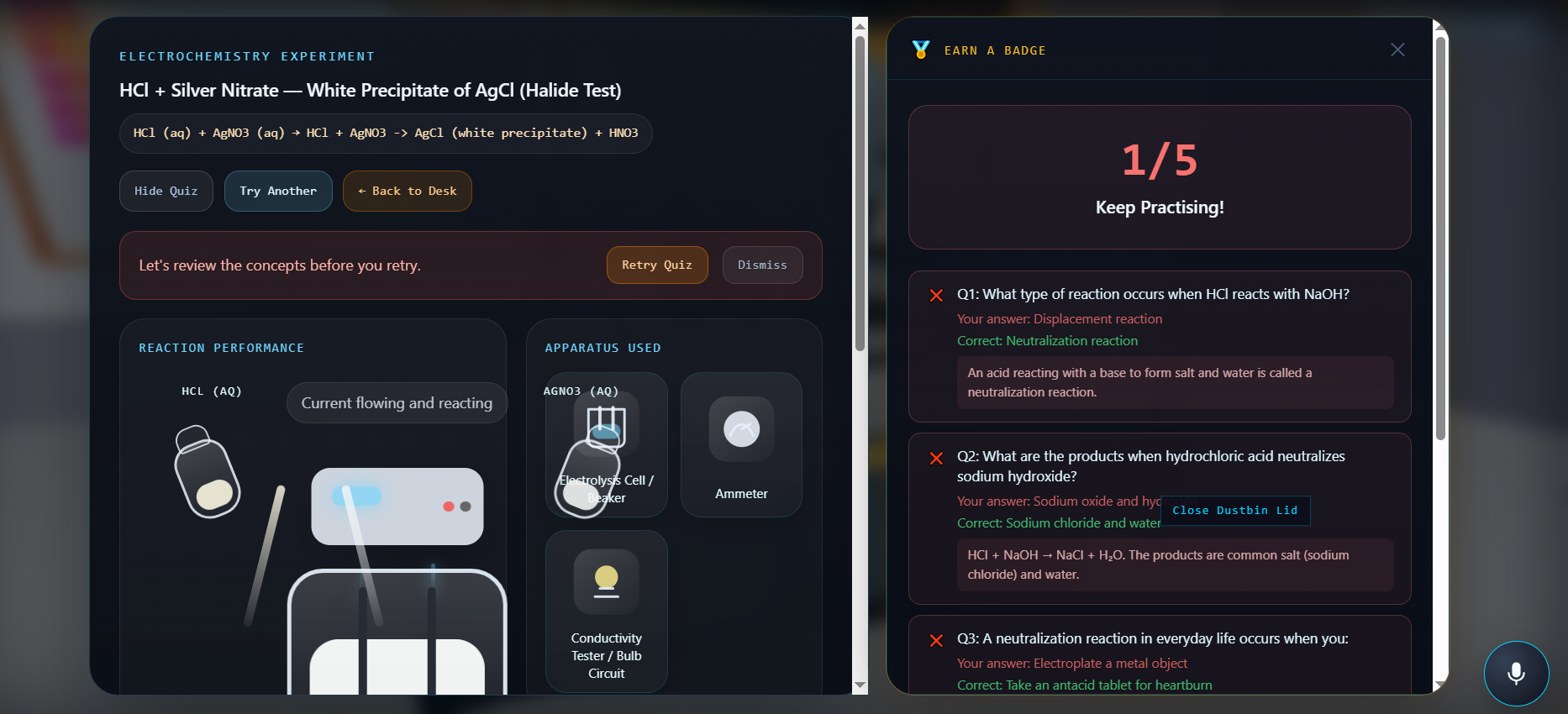
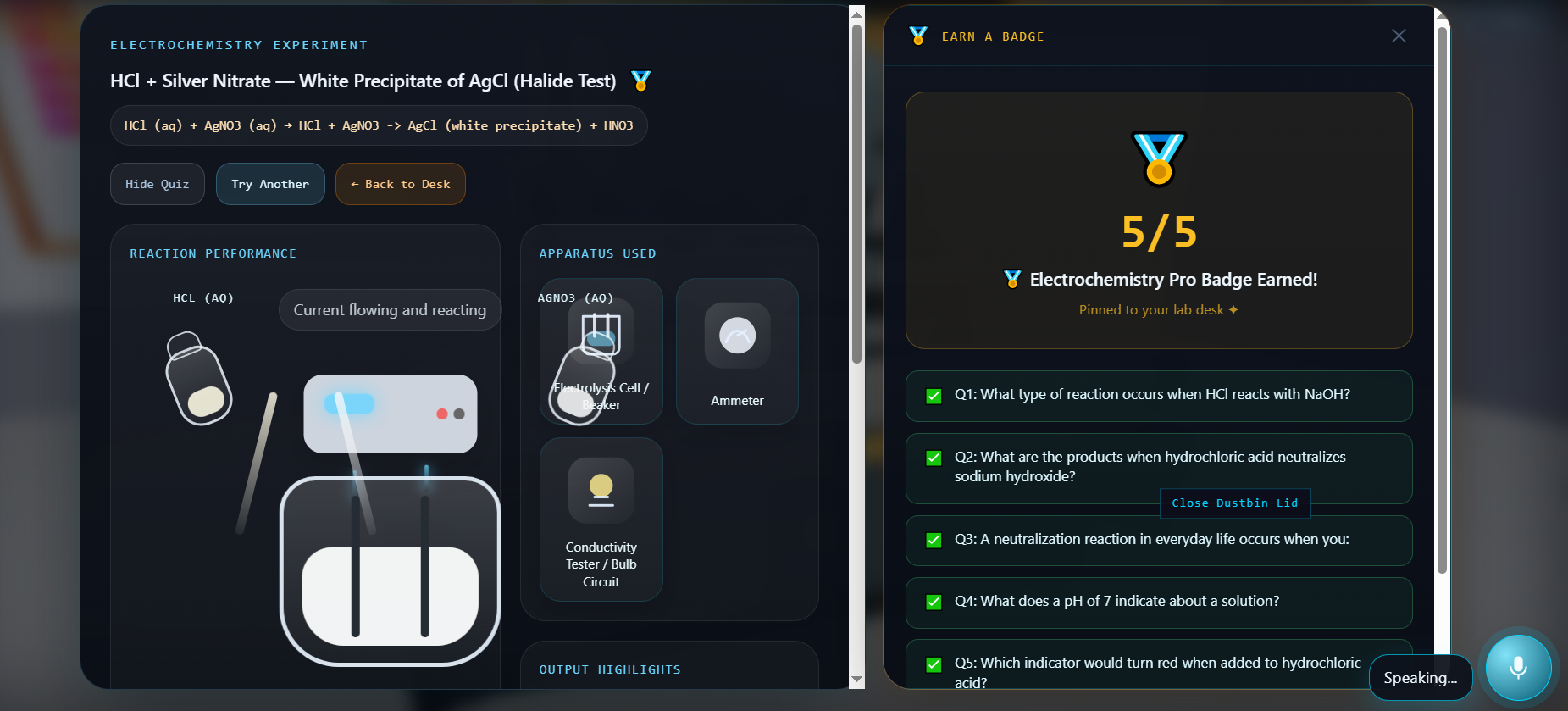
Students select two reagents from a desk and trigger the reaction An animated reaction scene plays out with visual feedback An ElevenLabs AI voice narrates the result in real time — like a human lab mentor standing next to you After every reaction, a Claude-powered voice assistant asks the student what they think happened, listens to their spoken answer via microphone, and explains the real-world uses of the product they created Students can then open a Quiz Panel — a side-by-side split layout where five reaction-specific questions appear one at a time with a 30-second countdown timer Score 5/5 and earn a reaction badge saved to your profile. Score below 3 and the assistant offers to re-explain before you retry Every AI service has a complete hardcoded fallback — the lab works with zero API calls if needed.
How we built it
The 3D lab is built on Three.js r165+, with four bench zones positioned across the scene. A GSAP 3 camera dolly system moves the camera smoothly between waypoints — desk approaches, cabinet close-ups, and bench focus points — mimicking the physical feel of walking through a real lab.
React 18 sits on top of the Three.js canvas as a UI layer, handling all overlays, panels, and state. The two systems communicate through a custom event emitter — never through direct DOM manipulation.
The backend is a Node.js + Express API proxy. All credentials stay server-side. Three AI services run the experience:
ElevenLabs — voice narration (TTS) and live student voice capture (STT) with Web Speech API fallback Anthropic Claude — live Q&A after reactions and quiz question generation (5 MCQ per reaction with explanations and hardcoded fallback coverage for every reaction type) Google Gemini — chemical item info when a student selects a reagent The quiz uses a split-panel layout — the experiment window shrinks to 58% and the quiz slides in from the right. Questions appear one at a time with animated transitions, progress dots, and a score-based voice response at the end.
Challenges we ran into
Three.js and React staying cleanly separated. Any state bleed between the canvas layer and React UI caused unpredictable re-renders and scene glitches. We enforced a strict rule: Three.js only talks to React through a custom event emitter. Nothing crosses that boundary directly.
ElevenLabs free-tier voice IDs. Many community voices silently return payment_required on free accounts with no clear documentation. We had to identify compatible voice IDs through trial and error.
Gemini quota exhausted mid-build. Both Gemini API keys hit their daily free-tier limits during active development. Rather than stop, we replaced the live Q&A layer with Anthropic Claude and wrote rich hardcoded fallback answers covering every reaction in the lab. The demo actually became more resilient as a result.
A subtle race condition in the speech fallback. The browser voice fallback was silently failing. The root cause: a ref was being reset to false and then immediately overwritten back to true by a cancelSpeech() call that ran just after. A one-line reorder fixed it — but it took significant debugging to isolate.
Windows port conflicts with Node. Running node --watch caused EADDRINUSE errors on server restarts because the old process still held the port. Standard Unix lsof commands don't apply on Windows — we worked around it with PowerShell process termination.
Accomplishments that we're proud of
A 3D chemistry lab with four fully interactive experiment desks running entirely in the browser A voice assistant that listens, responds contextually to student answers, and never shows an error — across three AI layers with complete fallback coverage A quiz system with reaction-specific questions generated live by Claude, with hardcoded backup for every reaction type so the demo never breaks A badge system that persists across sessions and ties student achievement to reactions they actually mastered An architecture where no single API failure can break the student experience What We Learned The hardest part of building an educational tool isn't the technology — it's designing for the moment a student gets something wrong. Most educational software treats failure as an error state. LabZero treats it as the primary teaching moment.
We also learned that multi-service AI architectures need fallback design from day one, not as an afterthought. Every time a service failed during development, having a fallback in place meant we kept building instead of stopping.
Keeping Three.js and React strictly separated through an event emitter — rather than sharing state directly — was the single best architectural decision we made. It made the codebase maintainable and prevented an entire class of bugs.
What we learned
We learned that clean data contracts matter as much as visuals in an educational simulation. Once the JSON shape is reliable, features like reaction lookup, highlighting, and playback become much easier to scale. We also learned that 3D UX needs special care: visibility, hover feedback, and selection clarity are just as important as correctness. On the architecture side, we learned the value of separating scene rendering from reaction state management, and the importance of designing for failure cases early, especially when the frontend depends on local APIs.
What's next for Lab Zero
Scale Shift — Scroll into a reaction and zoom from the macroscopic lab view down to molecular animations. Watch electrons transfer in real time.
Mistake Engine — Two challenge modes: Sabotage Mode (find the deliberately broken experiment) and Fix the Lab (diagnose and repair a failed setup). Built for classroom use.
Full Curriculum Coverage — Expand from 4 reaction desks to 40 reactions covering GCSE, AP Chemistry, and IB syllabi.
Lab Passport — A shareable portfolio card recording every reaction completed, every badge earned, and every mistake made.
The real goal: a $8/student/month SaaS for schools that cannot afford physical labs. 300 million students have no lab access. LabZero is built for them.
Built With
- anthropic-claude
- css3
- elevenlabs
- express.js
- google-gemini
- gsap
- html5
- javascript
- node.js
- npm
- react
- tailwind-css
- three.js
- vite
- web-speech-api

Log in or sign up for Devpost to join the conversation.