-

Whole output after giving report
-
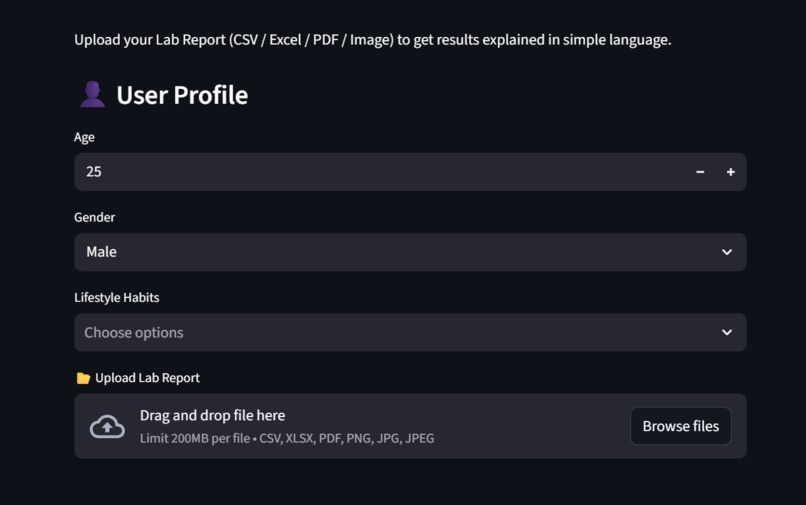
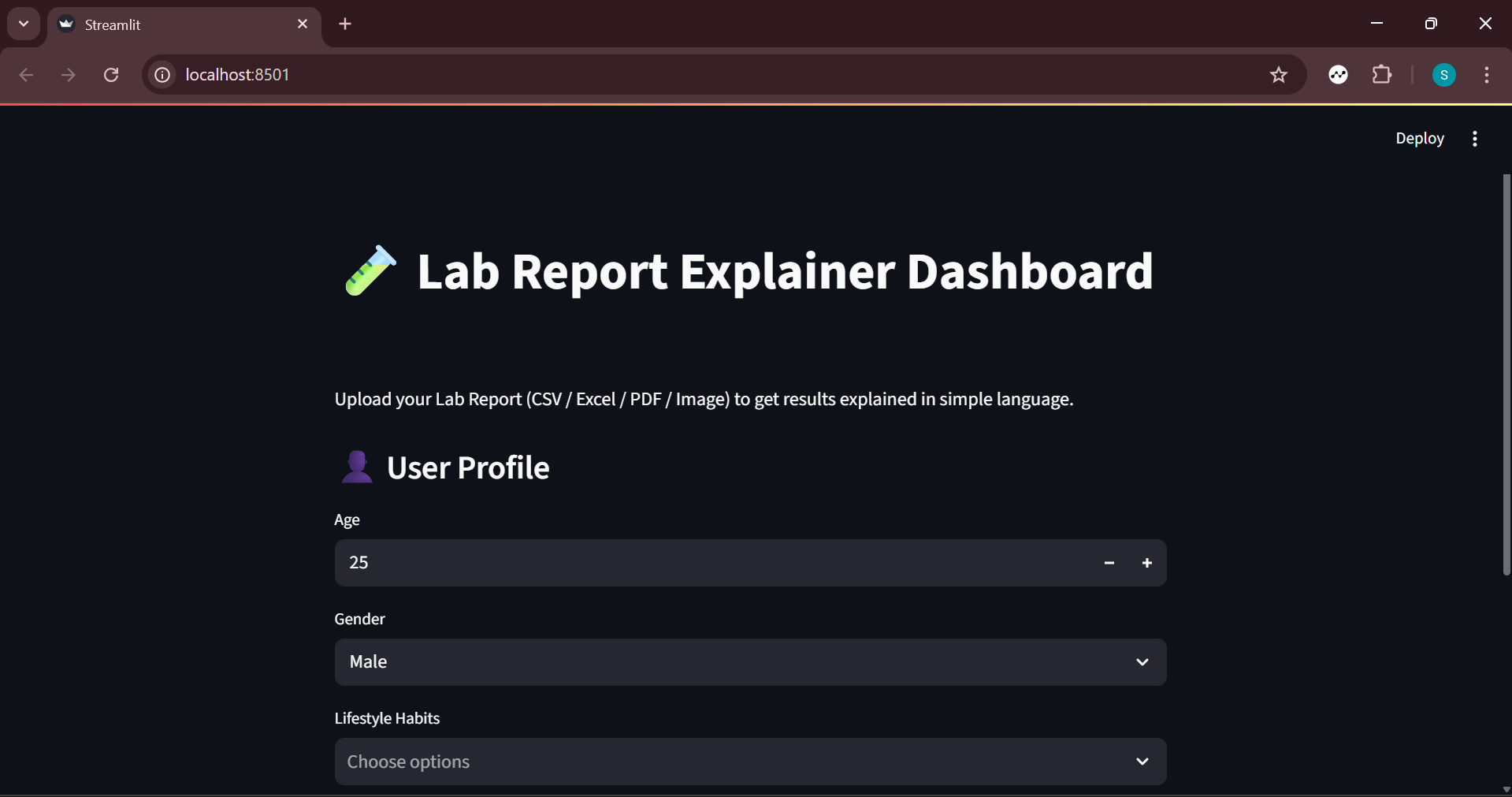
here the some input fields for personlization
-
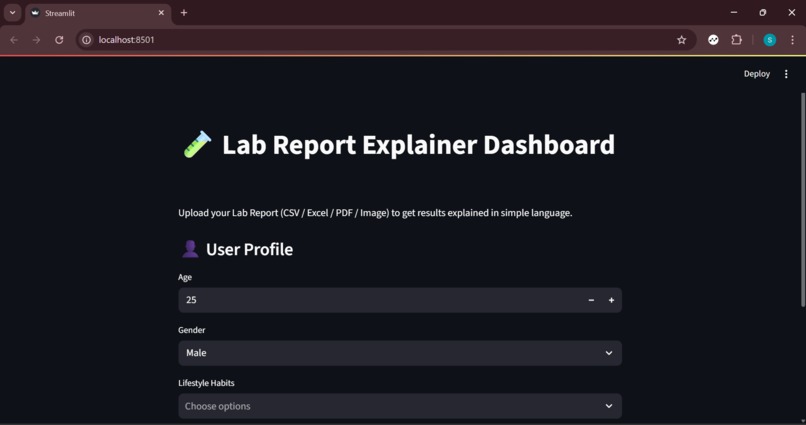
this is starting interface
-
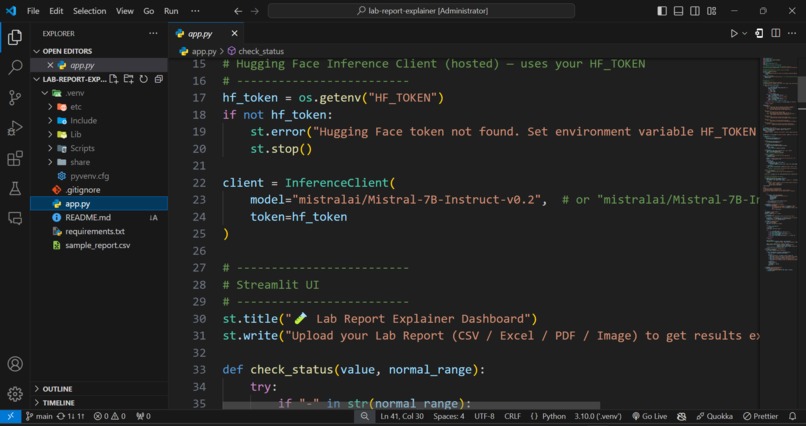
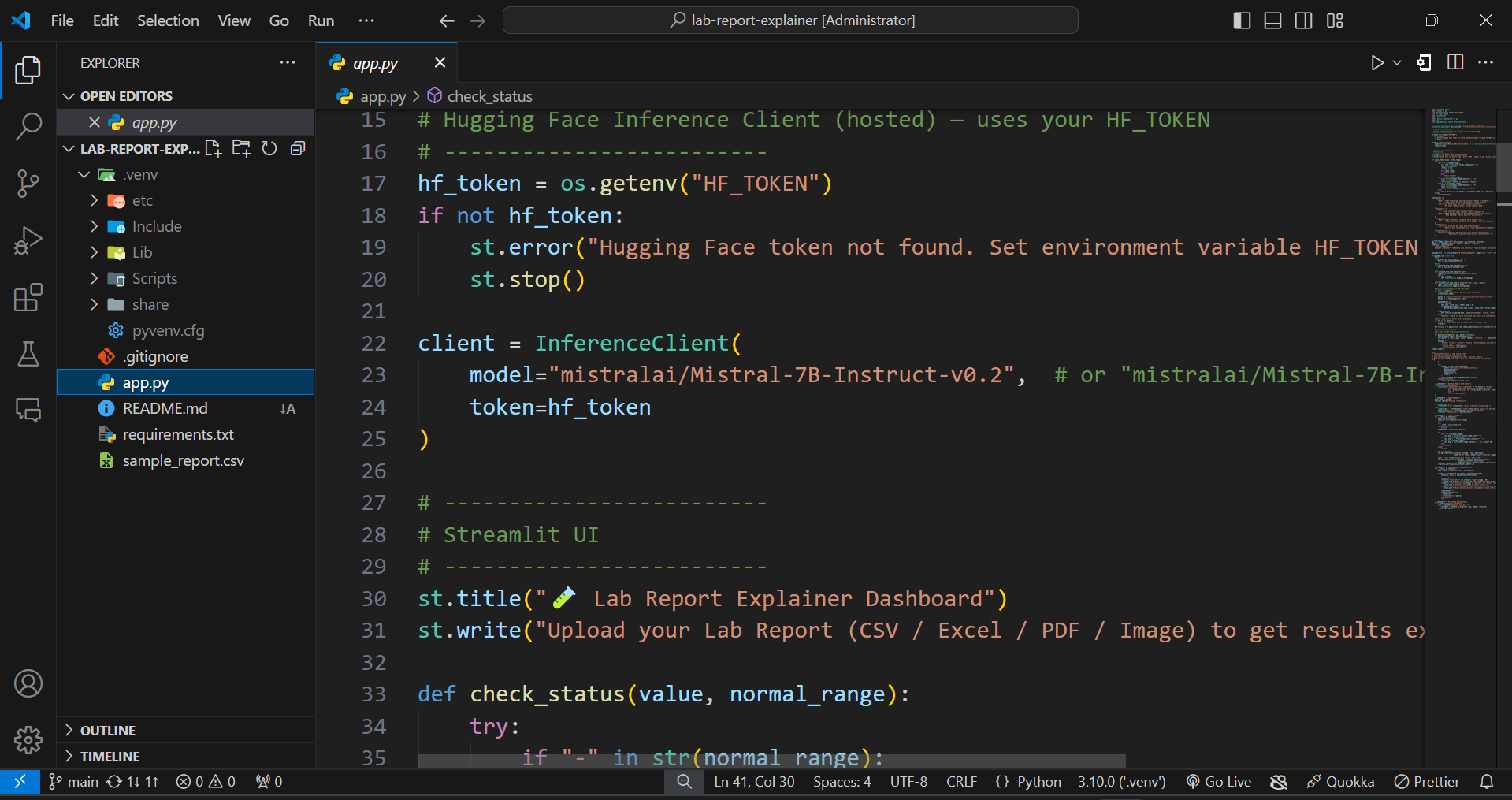
app.py whole code is here

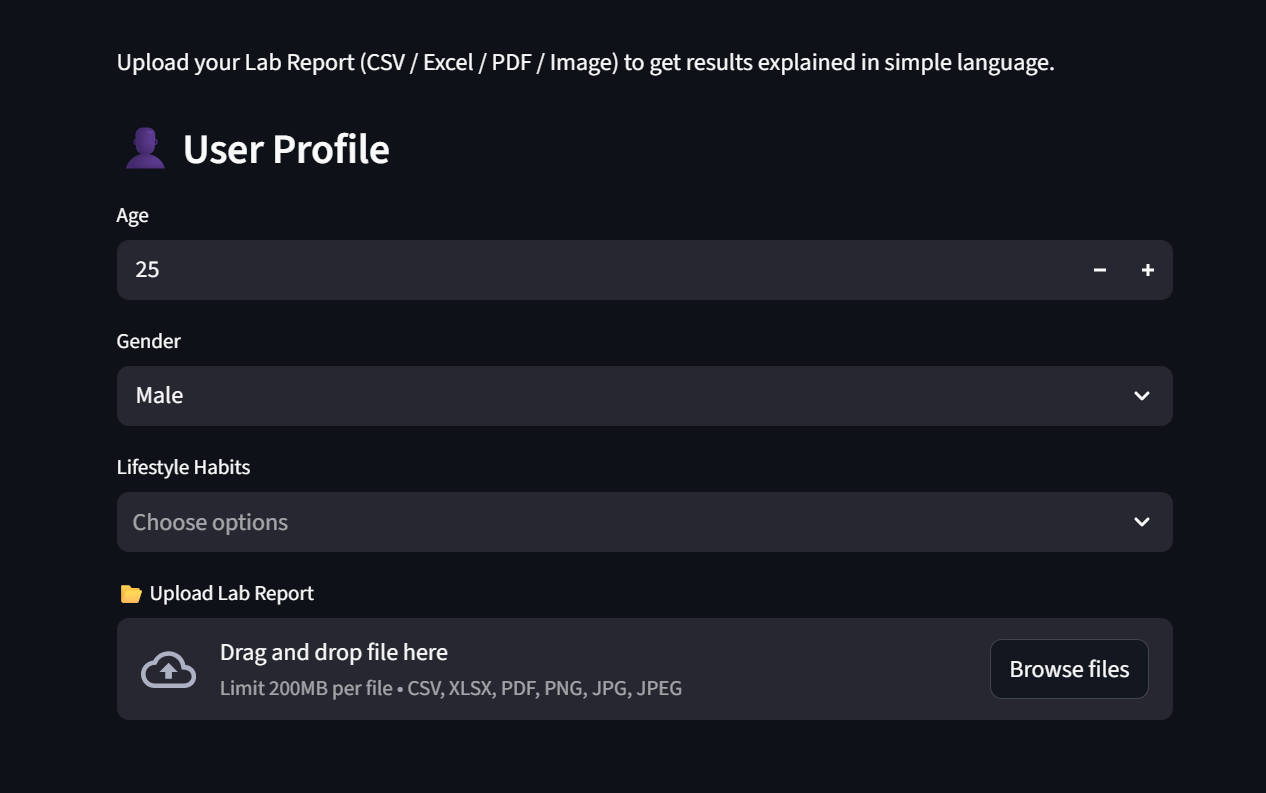
🧪 Lab Report Explainer Dashboard
This is a Streamlit web app that helps users understand their medical lab reports. Upload your report (CSV, Excel, PDF, or image), and the app extracts test results, checks for abnormalities, and gives easy-to-understand explanations with recommendations. It also uses AI (Mistral model via Hugging Face) for enhanced insights.
Features
- Upload lab reports in CSV, Excel, PDF, or image formats.
- Extract test results using OCR for PDFs and images.
- Highlight abnormal results and provide explanations.
- Interactive visual charts of test values vs. normal ranges.
- AI-generated friendly summary report and lifestyle recommendations.
- Custom recommendations based on age, gender, and lifestyle habits.
Here is the Project video on google drive you can watch https://drive.google.com/file/d/1VuQxOzPWimc5gMkVIP02Dx61RZmV09aw/view?usp=sharing
Requirements
- Python 3.9+
- Libraries: see
requirements.txt
pip install -r requirements.txt
Tesseract OCR installed (for PDFs/images):

Windows: set pytesseract.pytesseract.tesseract_cmd path

Linux/macOS: install via package manager

Hugging Face Token (HF_TOKEN) for AI-powered explanations:

Create a token on Hugging Face

Set it as an environment variable:

streamlit run app.py
Open the app in your browser.

Enter age, gender, and lifestyle habits.

Upload a lab report file.

See parsed results, status, visual insights, and AI summary.

Notes

OCR works best with clear scans of lab reports.

AI report requires a valid Hugging Face token.

Free deployment options: Streamlit Cloud or Hugging Face Spaces.

License

MIT License

---

💡 **Tip:** You can also add a screenshot of your app and a “Demo” section if you deploy it online. This makes it more attractive to others on GitHub.

If you want, I can **write a fully polished README** with badges, a screenshot placeholder, and deployment instructions ready to paste in your repo. Do you want me to do that?
Built With
- huggingface
- python
- streamlit


Log in or sign up for Devpost to join the conversation.