-
-
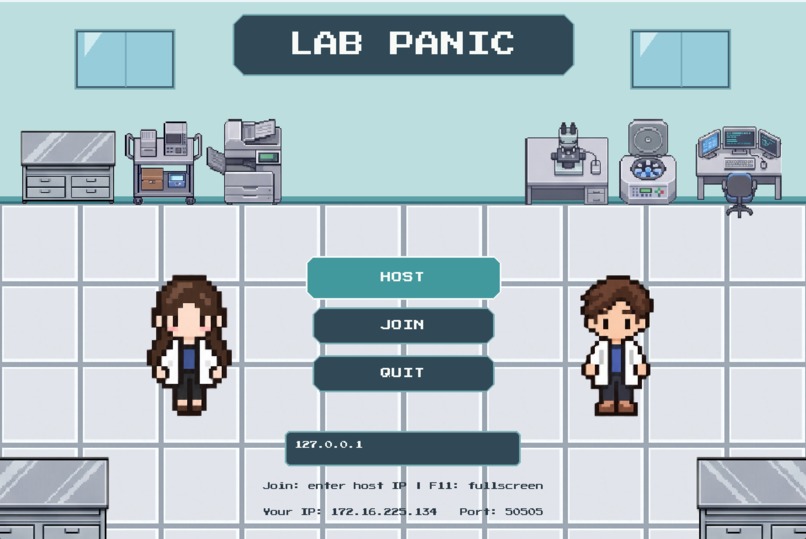
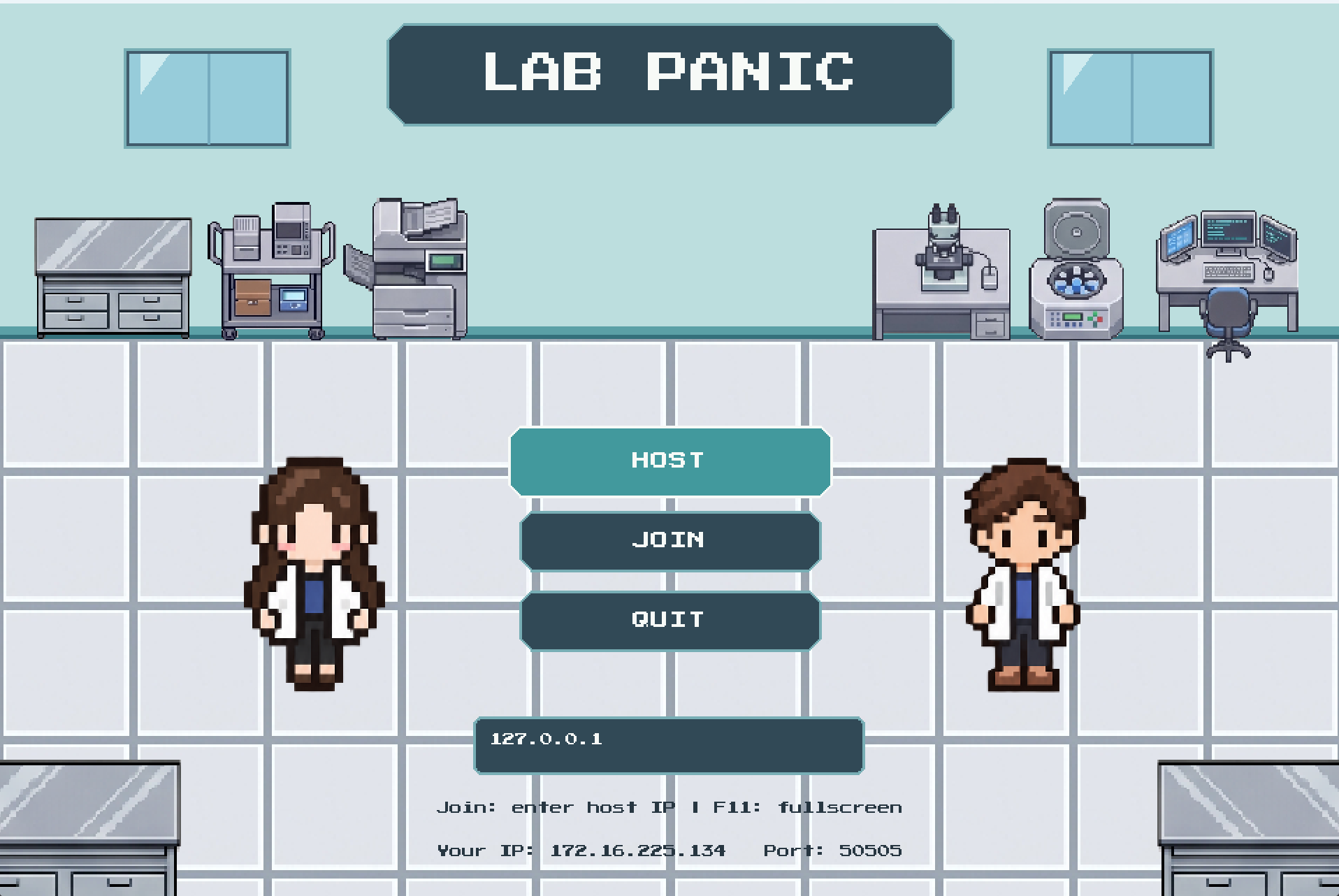
Title screen
-
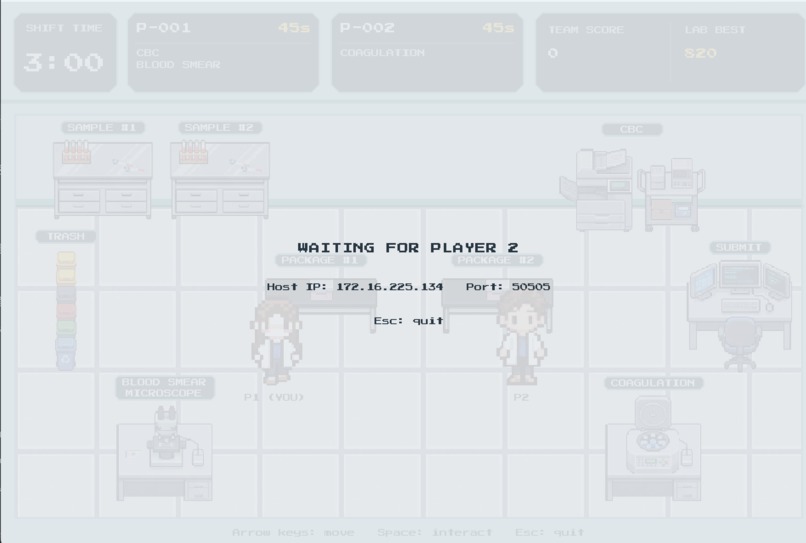
Host Screen
-
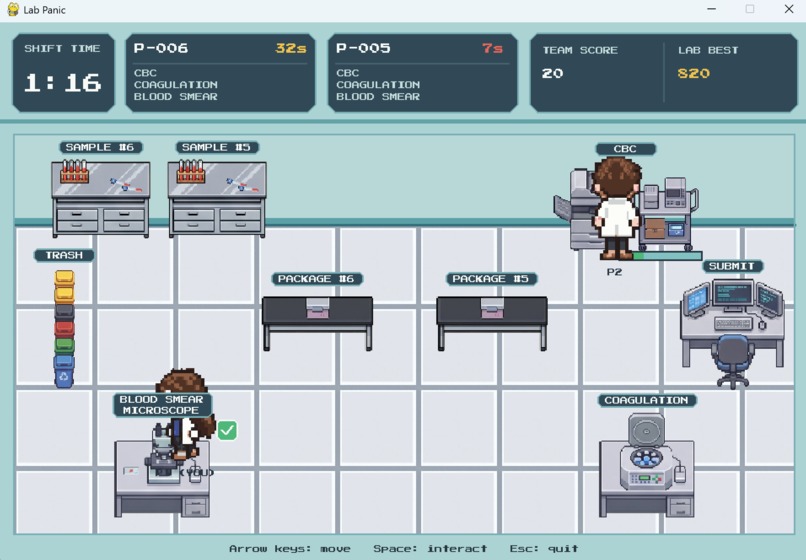
Processing the sample with station
-
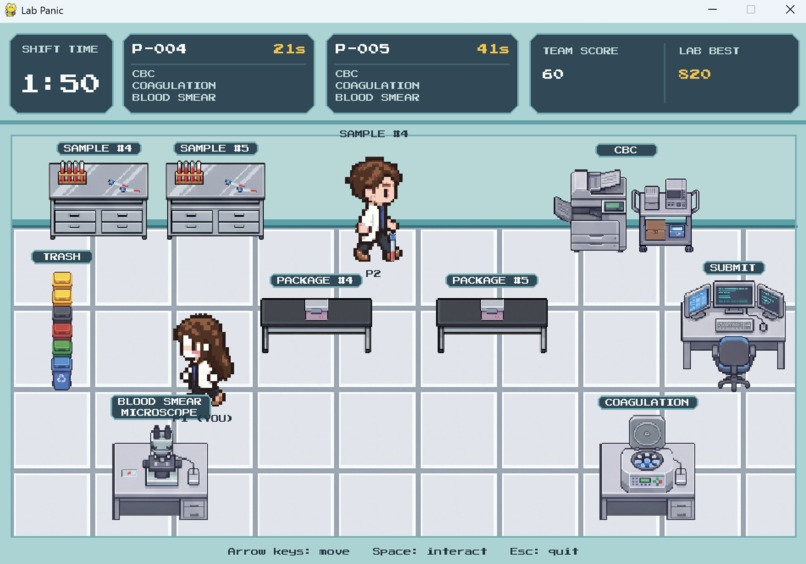
Running...
-
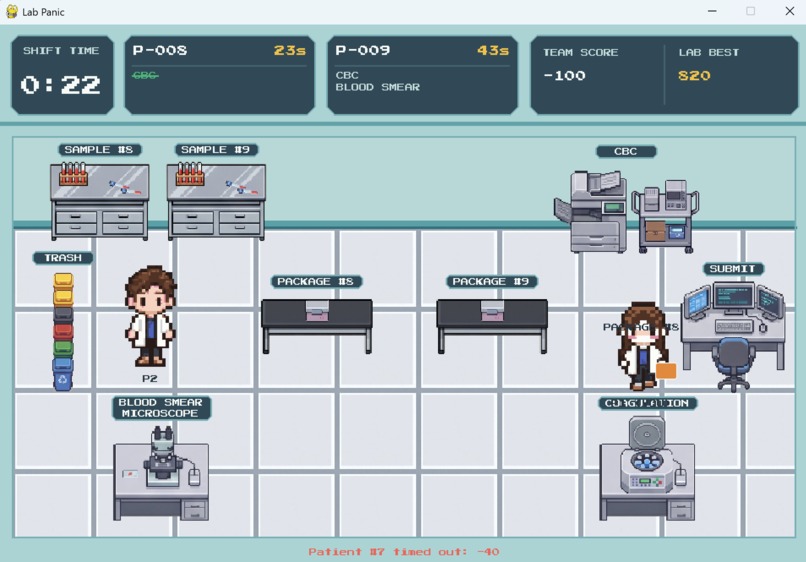
bring the package to the submit station
-
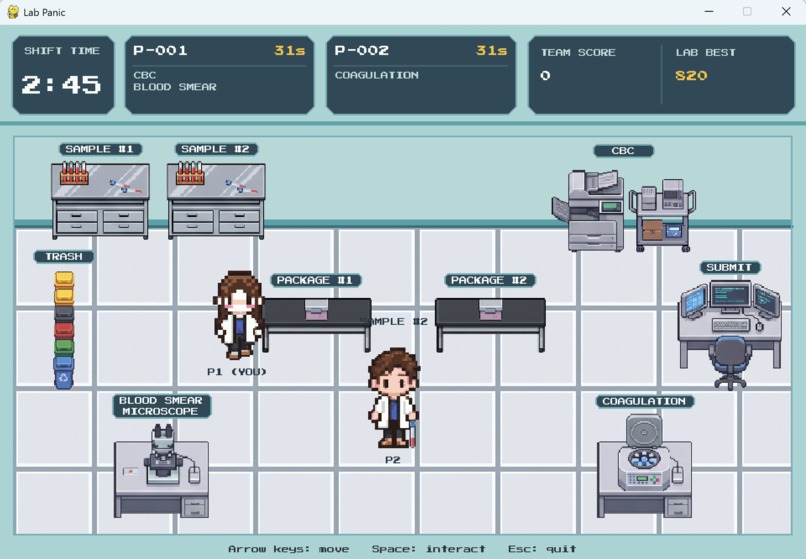
Game Start!
-
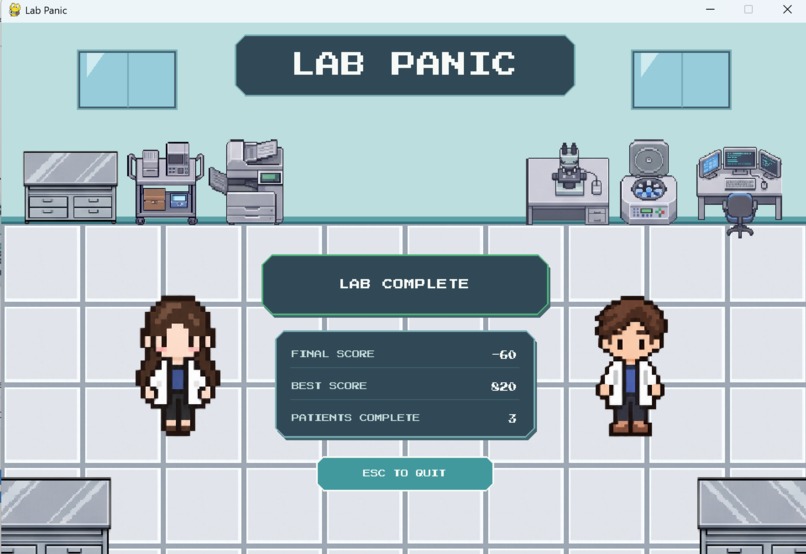
Wining!
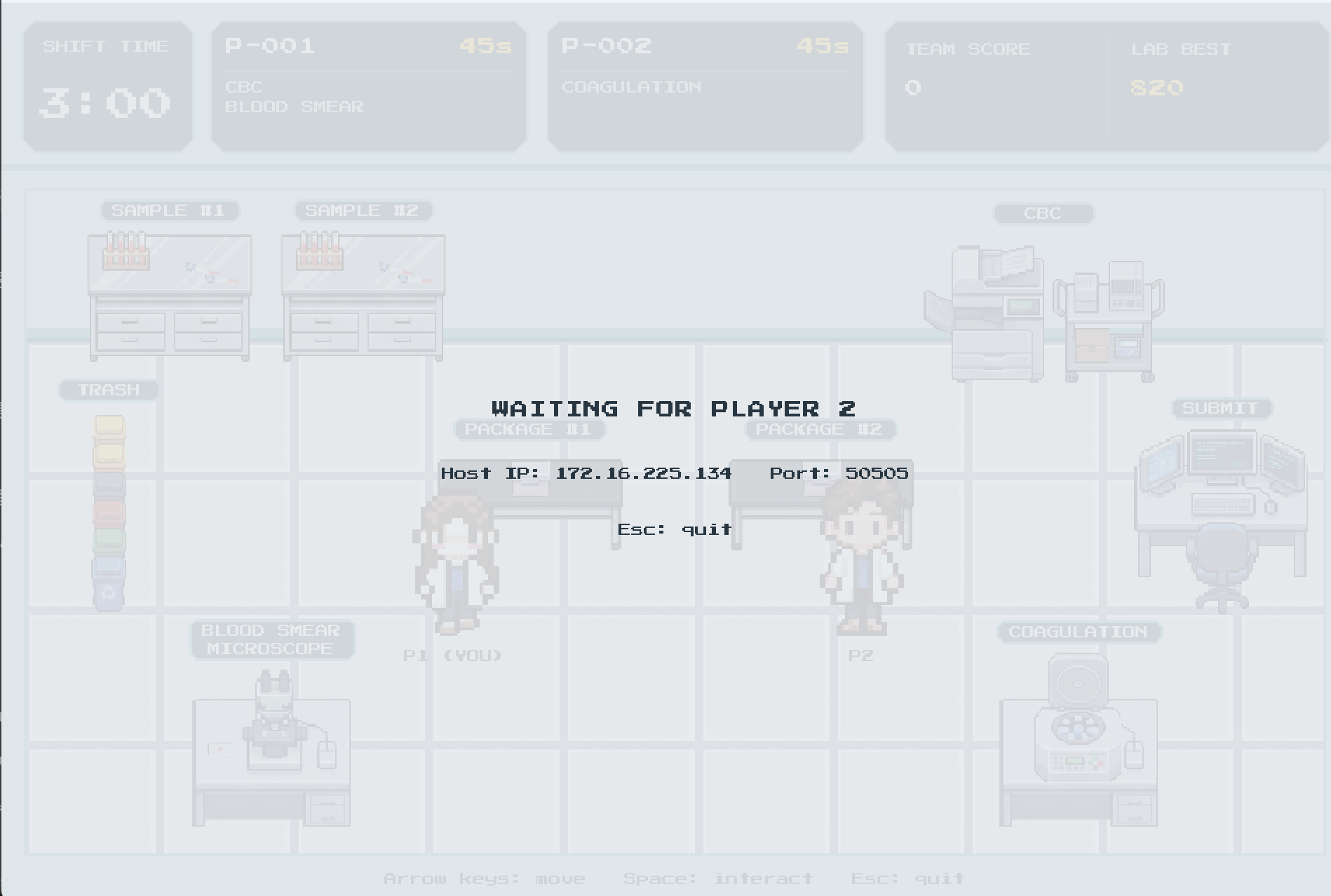
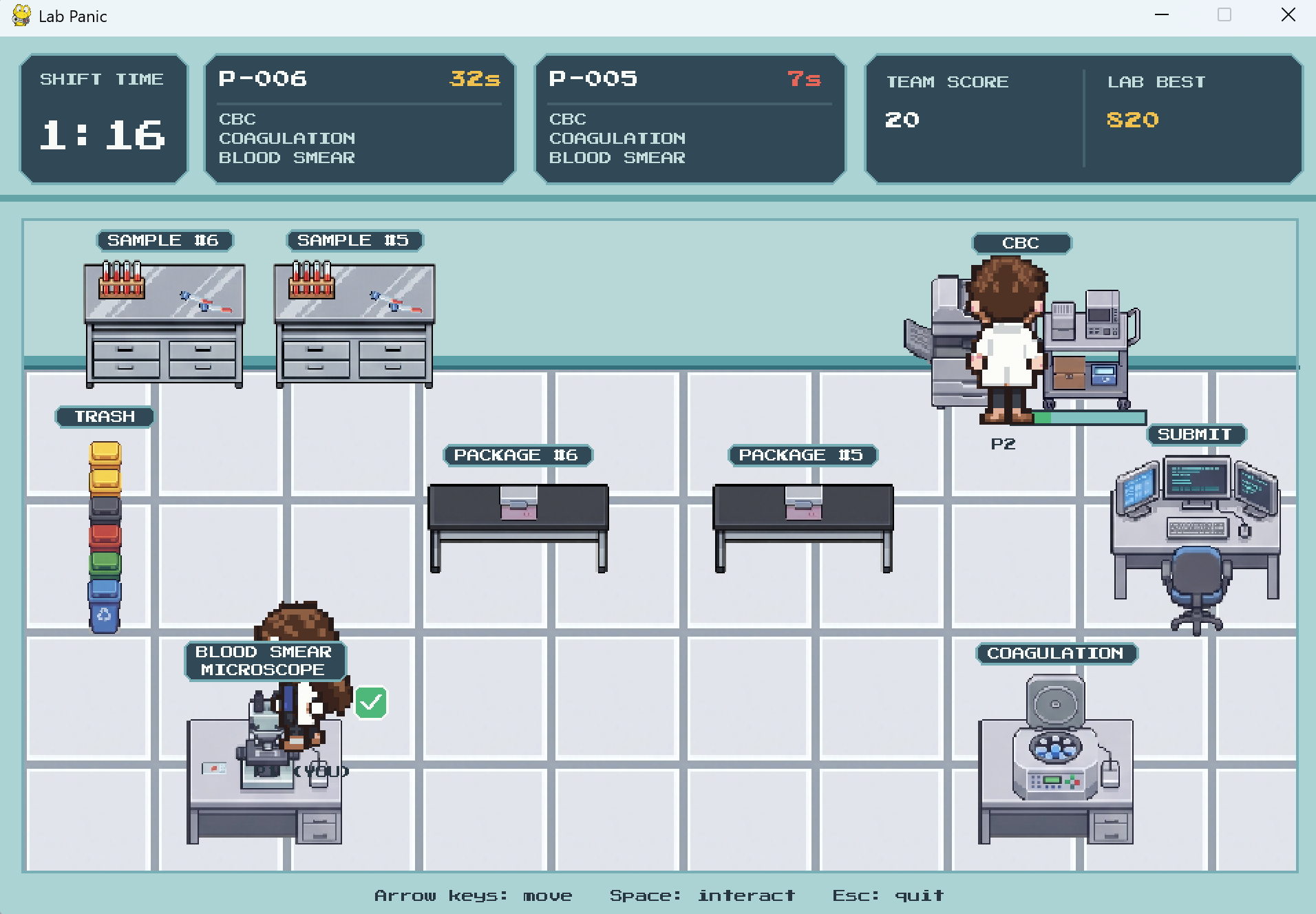
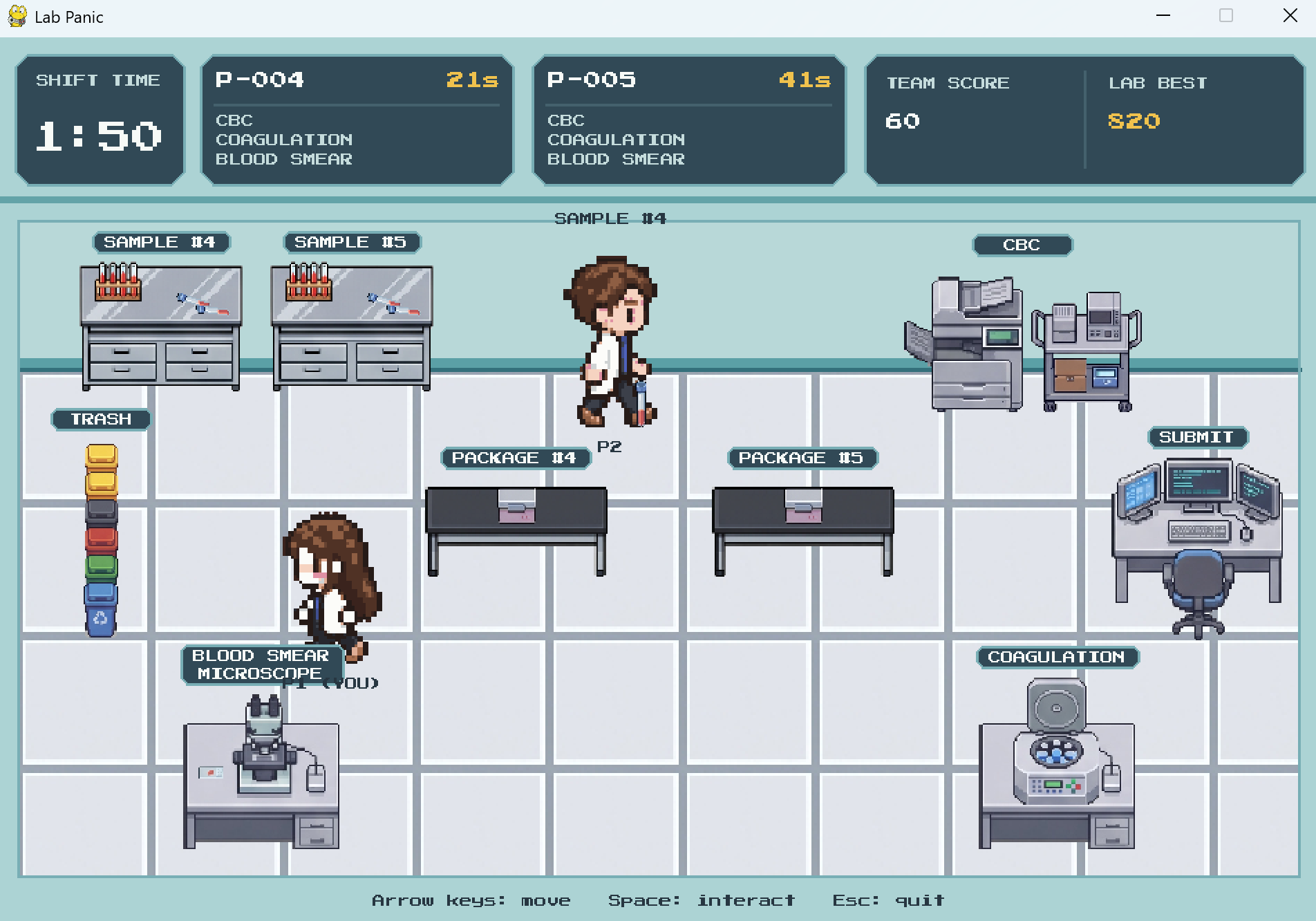
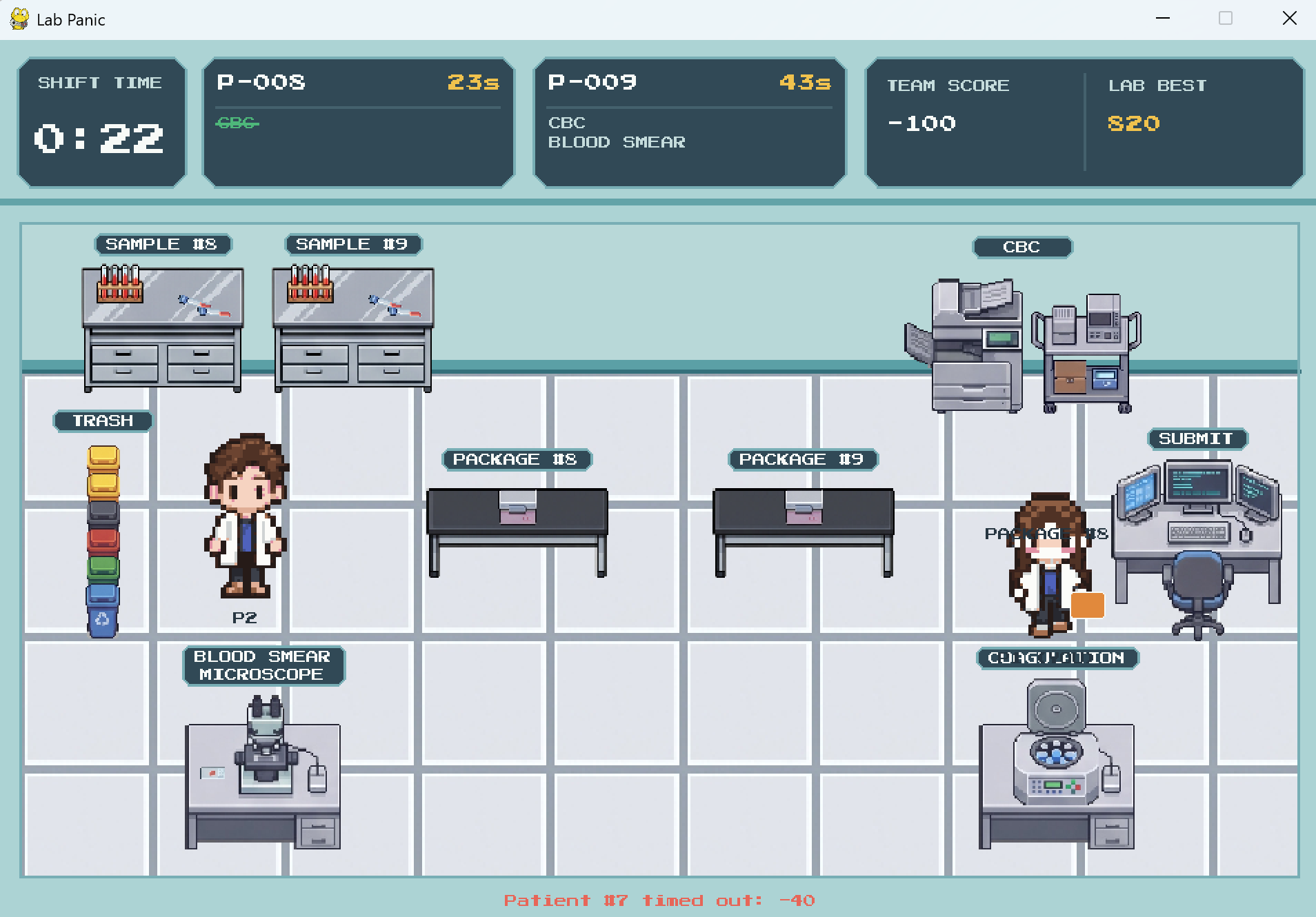
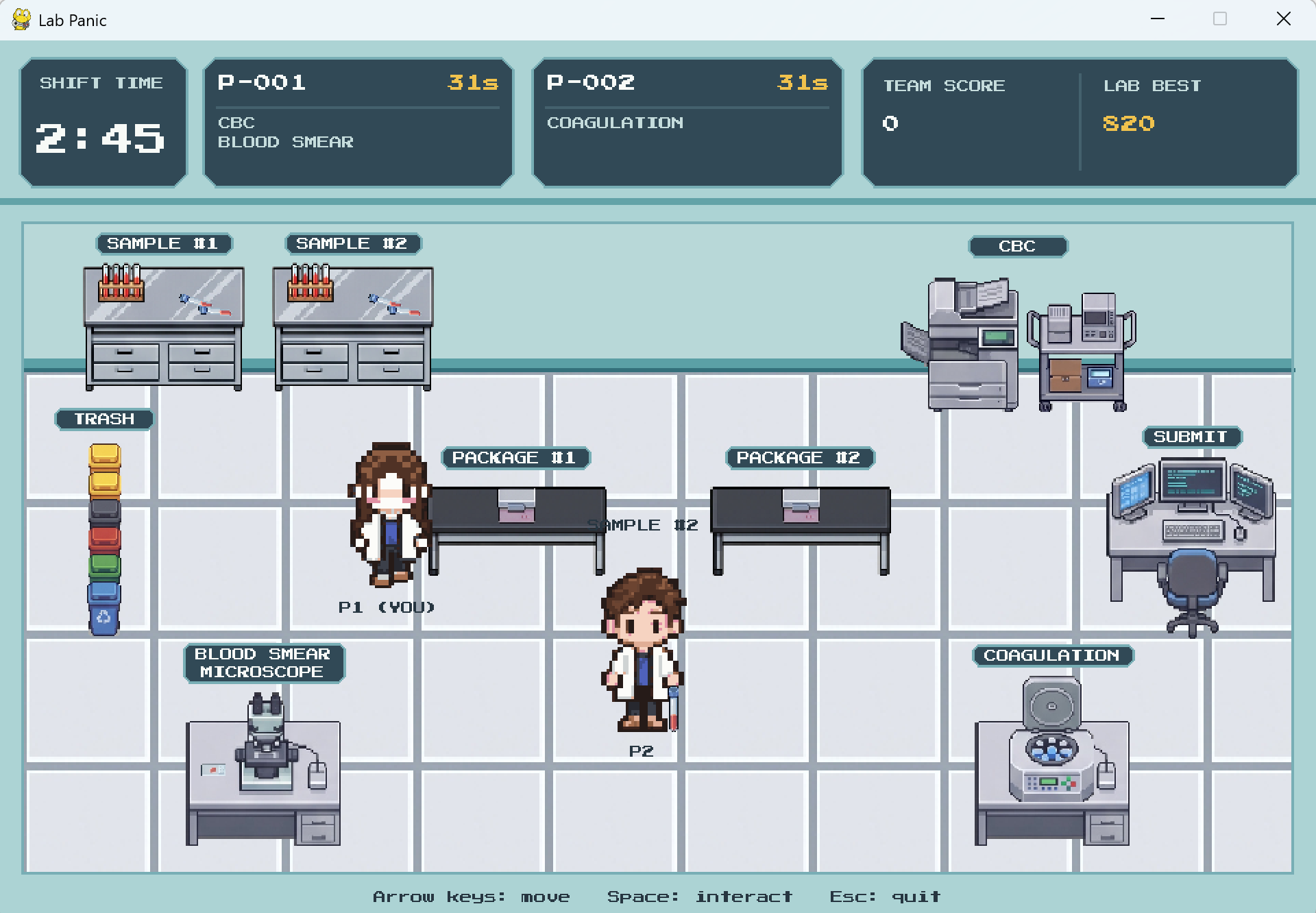
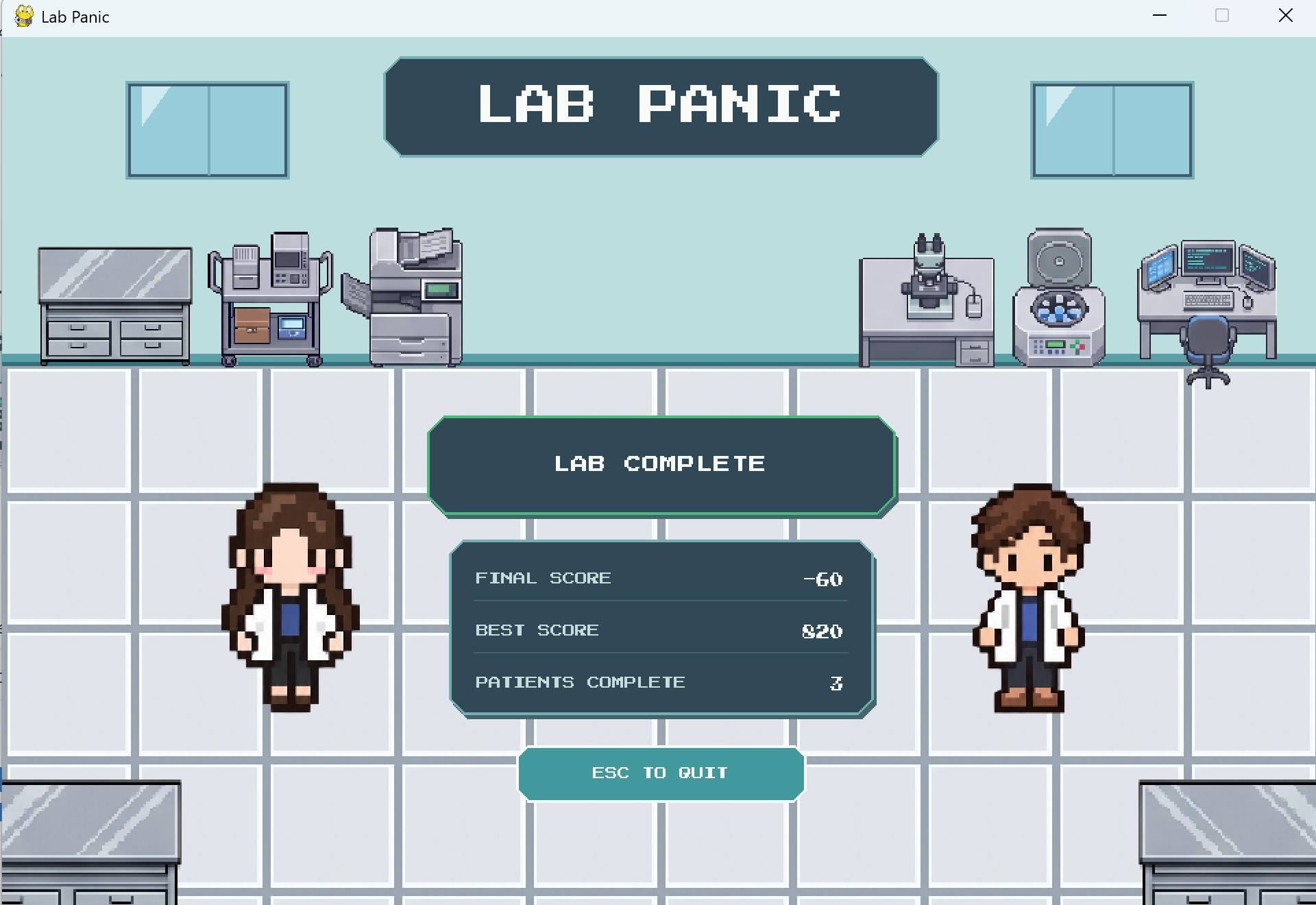
To try the game, you’ll need Python 3.12 or 3.13 and two computers on the same Wi-Fi or local network.
- Download the main branch from GitHub: click Code → Download ZIP, then extract it.
- Install Python 3.12 or 3.13.
- On Windows, double-click Start Lab Panic.bat. On macOS, open Start Lab Panic.command. The first launch needs internet access to install dependencies.
- One player selects HOST GAME. The other enters the IP address shown on the host’s screen and selects JOIN GAME. Allow network access on your private network if the firewall prompts you.
- Use arrow keys to move, Space to interact, F11 for full screen, and Esc to quit. The game starts when the second player connects.
Inspiration
Inspired by Overcooked 2, we wanted to create a cooperative game where simple tasks turn into chaotic teamwork. We brought that energy into a hospital laboratory, where players must coordinate, process samples, and race against the clock.
What it does
Lab Panic is a chaotic two-player cooperative game set in a hospital laboratory. Players collect blood samples, run tests at different stations, package reports, and submit completed patient orders during a three-minute shift. Each patient has different test requirements and a limited deadline. Players must divide responsibilities and keep track of which samples and reports belong to which patient. The laboratory workflow is simplified and fictional, designed for fun rather than medical training.
How we built it
We built Lab Panic using Python and Pygame, creating the gameplay logic, pixel-art interface, keyboard controls, and sound feedback. The game uses a host-and-client connection so two players can play on the same local network. The host manages the shared game state, including player positions, patient orders, processing timers, and scoring.
Challenges we ran into
One of our biggest challenges was making the game challenging without making it confusing. We used overlapping patient orders, different test requirements, and short deadlines to encourage teamwork while keeping the core controls simple. Designing the game scene was another challenge. We had to arrange stations so players could understand their purpose, move around them, and read important information during a busy round. Balancing the visual style with clear labels, character movement, and collision boundaries took several iterations.
Accomplishments that we're proud of
We’re proud of turning our idea into a playable cooperative game with its own setting. Combining the pressure of a laboratory shift with the teamwork of Overcooked 2 gave us a concept we were excited to build. As a team of mostly beginners, bringing the gameplay, interface, audio, and networking together was a meaningful accomplishment.
What we learned
Most of us were new to game development, so this project gave us hands-on experience creating game UI and designing gameplay. We learned how visual feedback helps players understand what is happening, and how timers and objectives shape difficulty. We also practiced integrating changes by using Git and improving our design through iteration.
What's next for Lab Panic
We want more people to try Lab Panic and have fun! Our next step is to gather feedback, test the game across more computers, and make it easier to download and play. We also hope to add more interactive station tasks, giving players something hands-on to do before each test begins processing.
Arts assets in this project on https://comshadow.itch.io/modern-laboratory-pixel-art-tileset-pack!


Log in or sign up for Devpost to join the conversation.