-
-
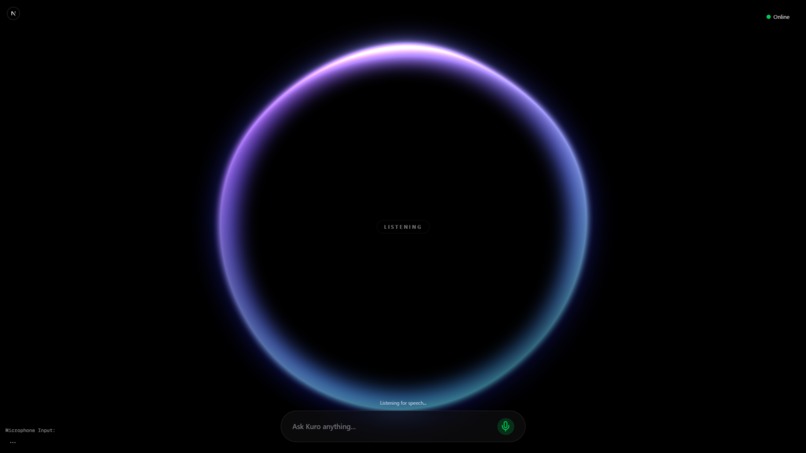
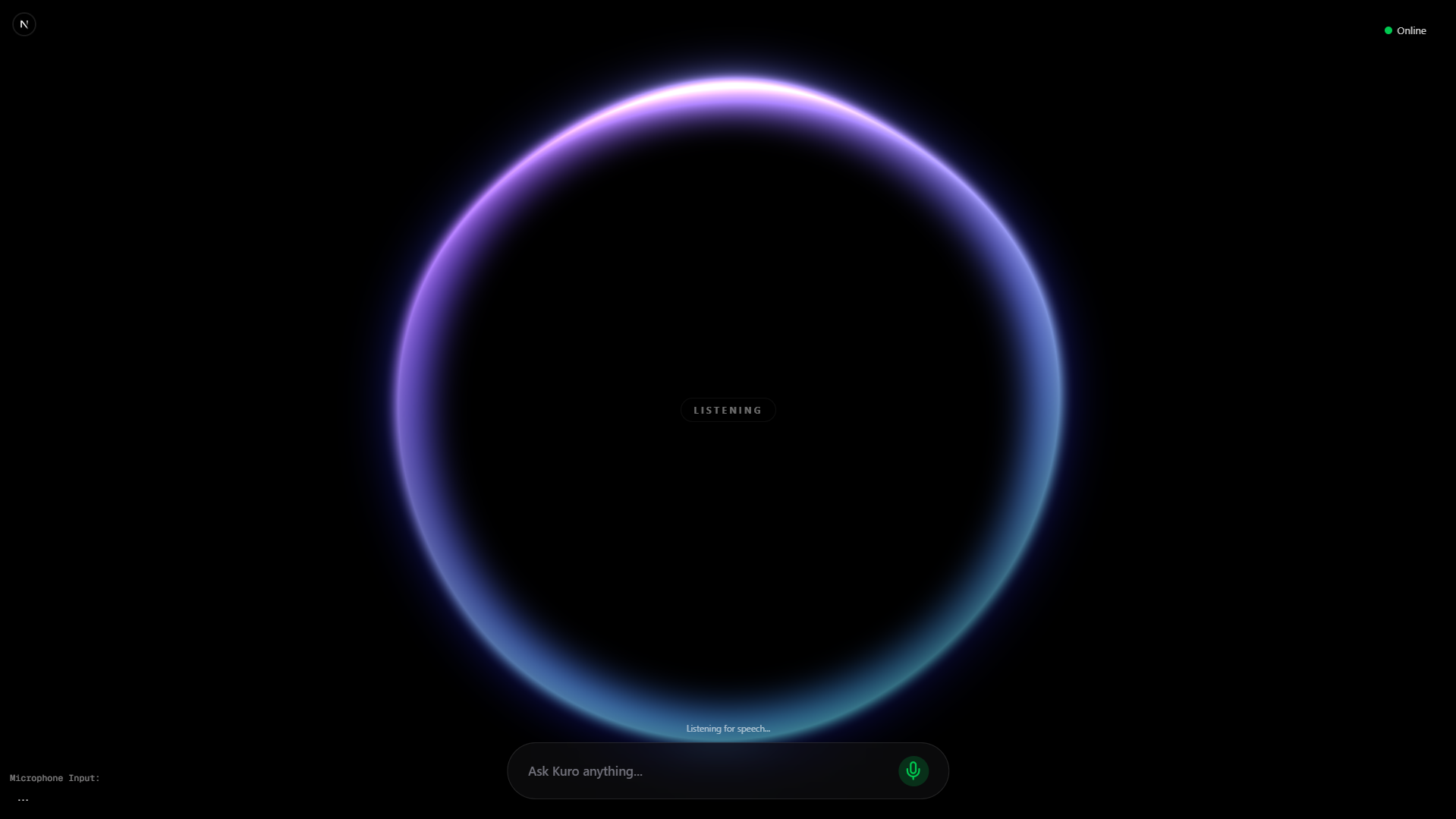
Listening to commands
-
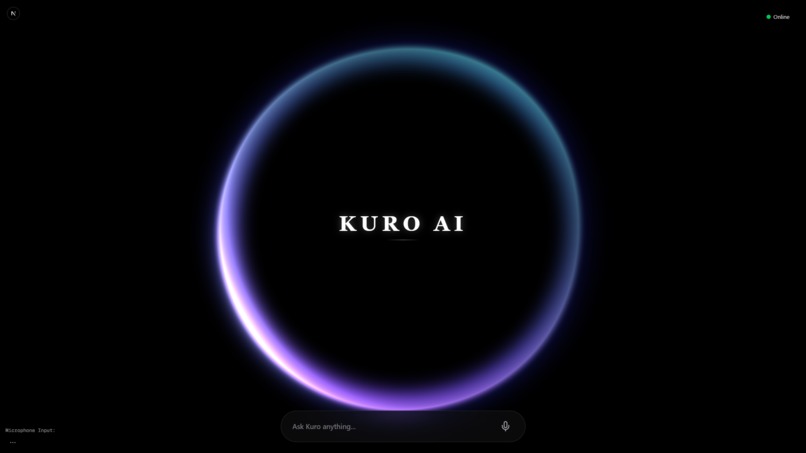
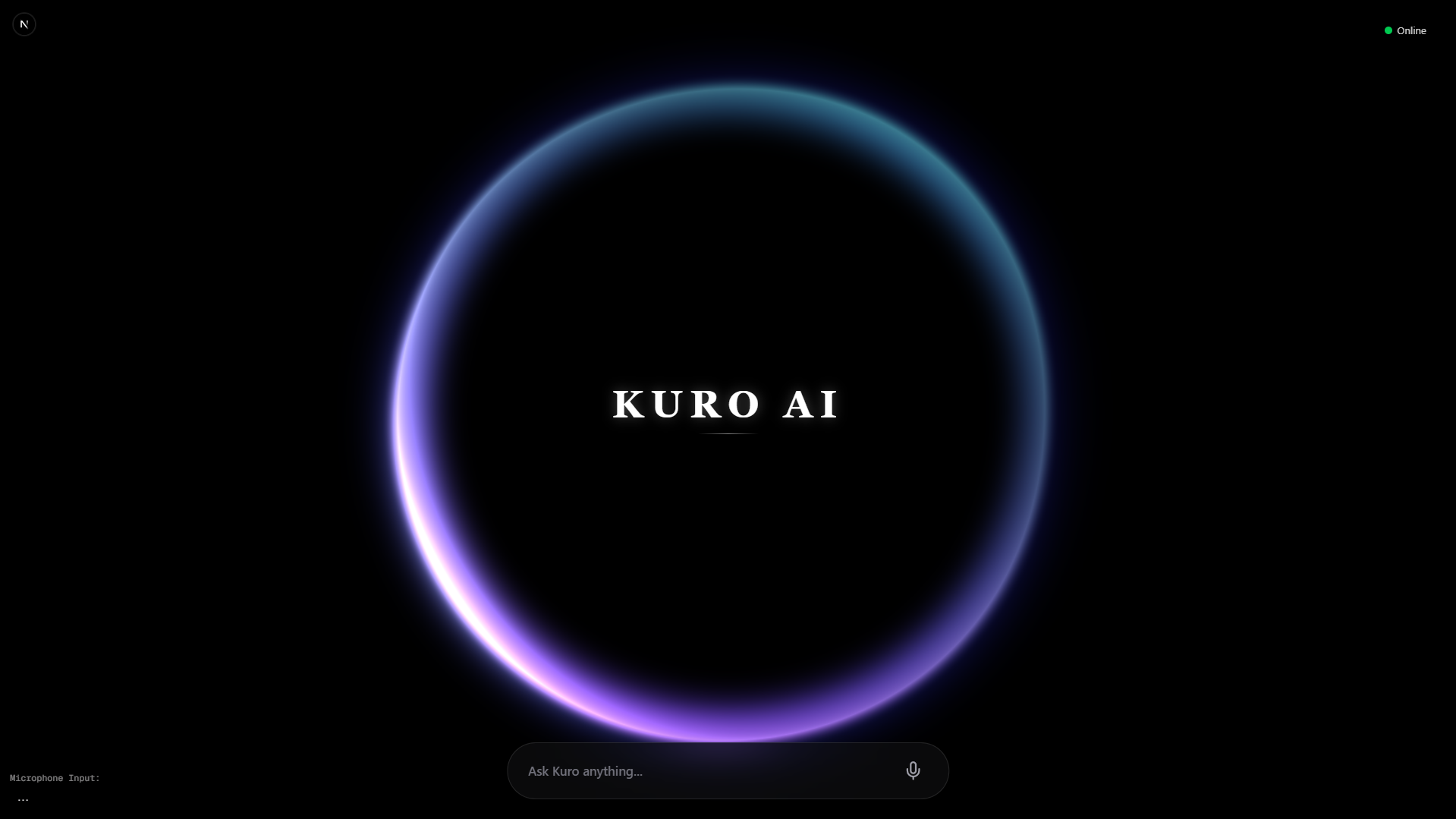
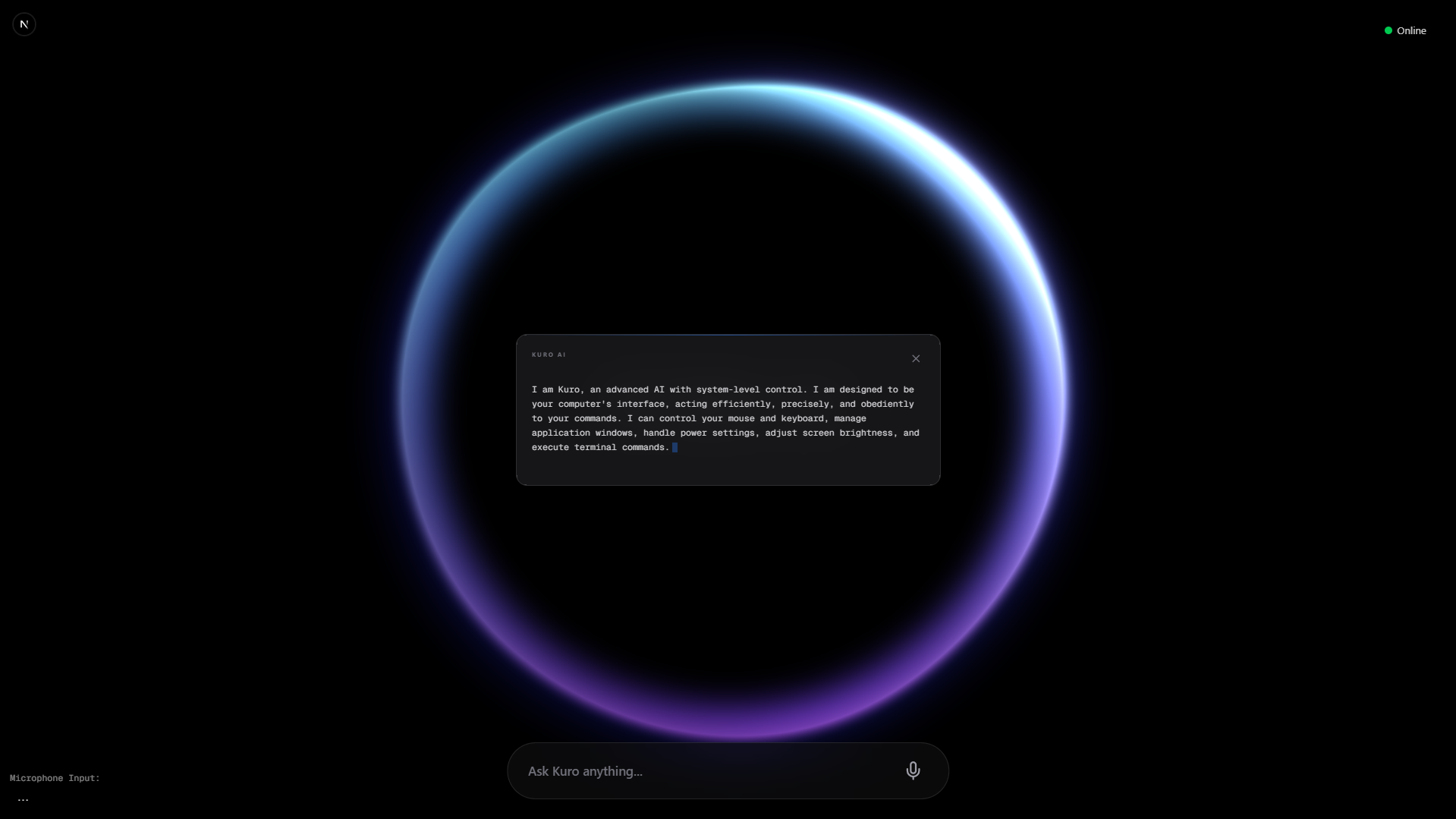
Intial Interface
-
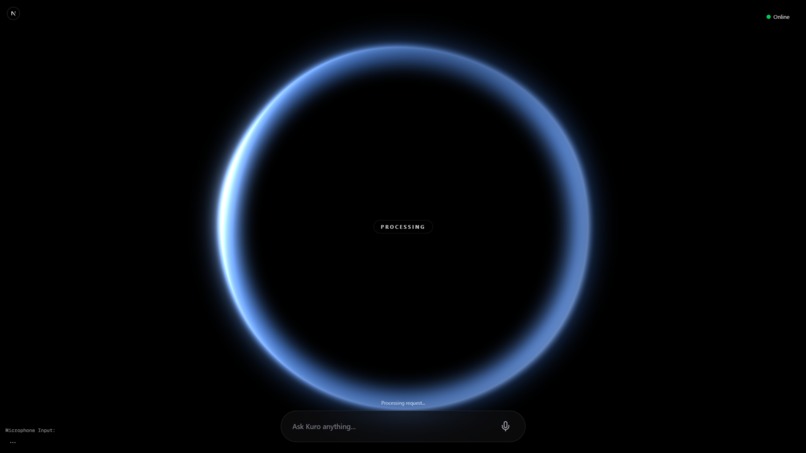
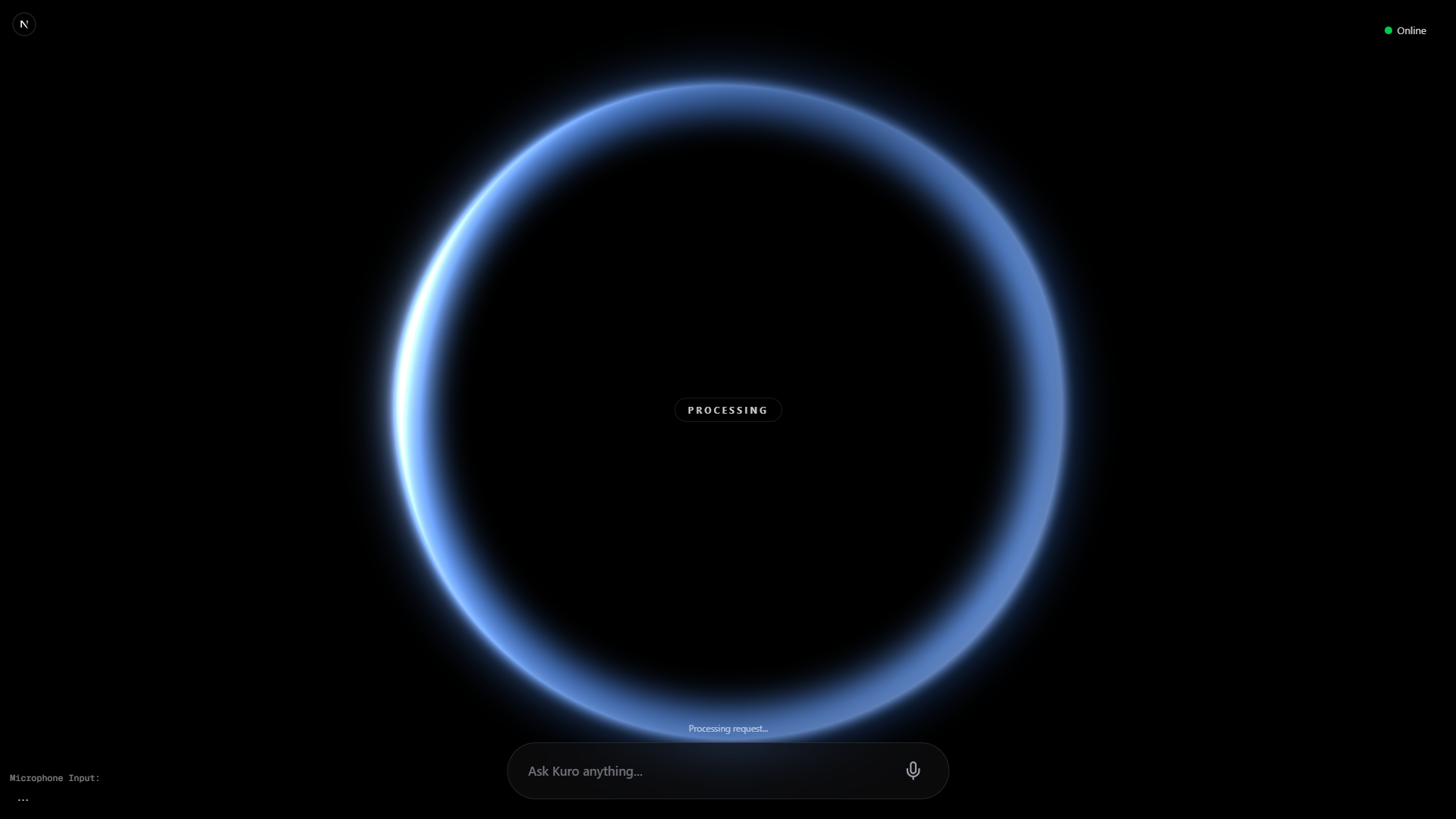
Processing of commands
-
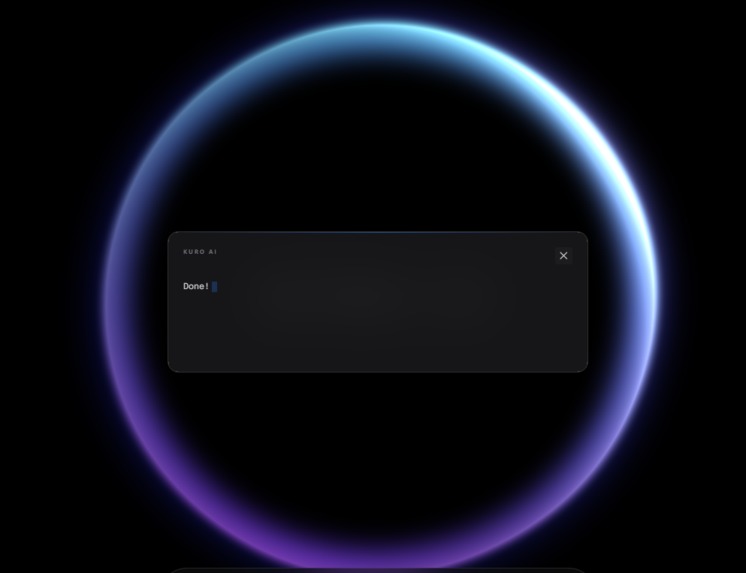
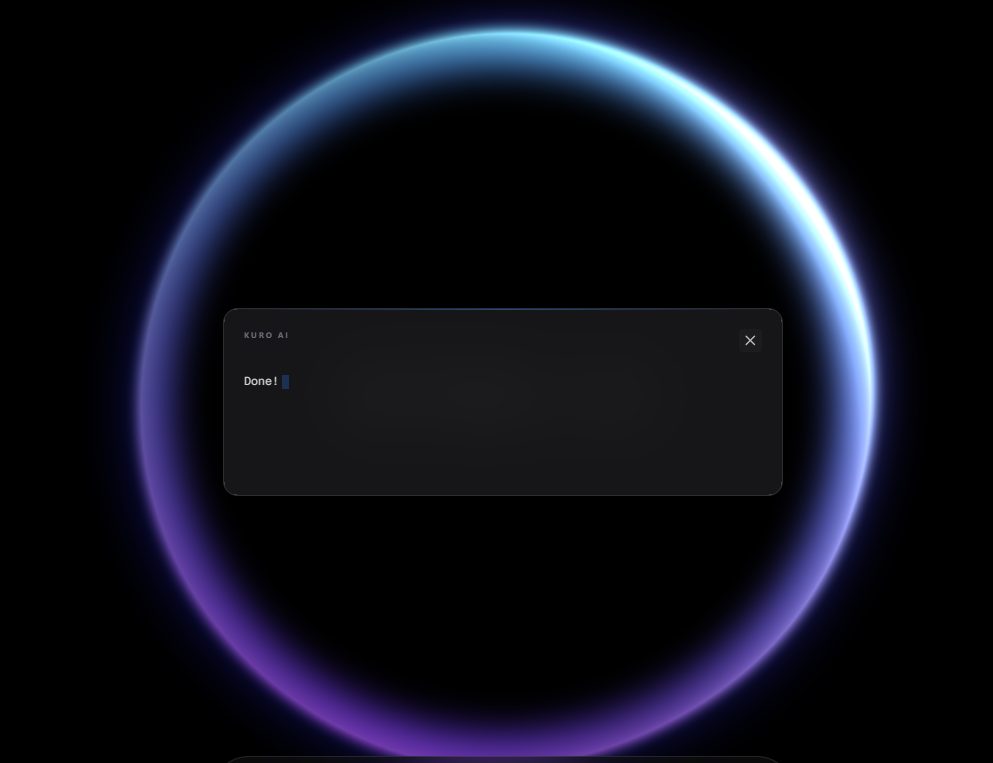
Command Executed
-
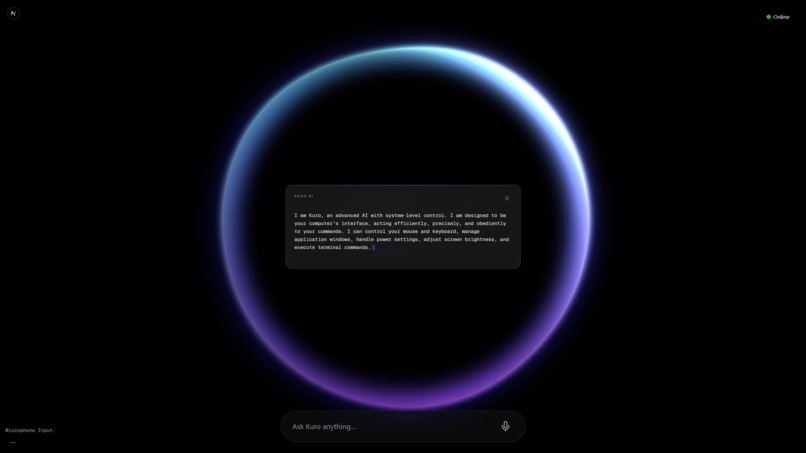
Answer Generated
Kuro AI Assistant





Inspiration
I've always been fascinated by sci-fi assistants like JARVIS from Iron Man or SAMantha from Her. The idea of a computer that isn't just a tool, but a companion that understands you, has always been the ultimate goal of human-computer interaction.
However, most current assistants (Siri, Alexa) are rigid and command-based, while modern LLMs (ChatGPT) are trapped in text boxes and disconnected from the operating system. They can write a poem, but they can't turn down my volume or open my favorite coding workspace.
I wanted to bridge this gap—to build an assistant that has the intelligence of a modern LLM, the agency to control the computer, and the personality of a cinematic AI.
What it does
Kuro is a voice-first, fully agentic desktop assistant that runs locally on your machine (with cloud intelligence).
- Real-time Voice Interaction: You speak, and Kuro responds instantly with a natural, synthesized voice. No wake words needed once authorized—it flows like a real conversation.
- System Control ("Silent Actions"): Kuro can control your PC hardware. Ask it to "dim the screen," "mute the volume," or "open Spotify," and it just does it. Crucially, we implemented a "Silent Action" protocol: for system tasks, it executes silently (visual feedback only), but for questions, it replies vocally. This prevents the annoying "Okay, I turned down the volume" repetition.
- Long-Term Memory: Powered by Pinecone vector database, Kuro remembers facts about you ("My favorite color is blue," "I'm working on a React project"). It recalls this context in future conversations.
Intelligent Decision Routing: Kuro acts as a router. It decides dynamically whether your request needs a function call (open app, system control), a memory storage action, or just a conversational reply.
Cinematic UI: The interface isn't a boring chat window. It's a living, breathing "Orb" that pulses when you speak, glows when it thinks, and animates when it talks.
How we built it
We used a hybrid architecture to get the best of both worlds: React's UI capabilities and Python's powerful backend ecosystem.
- Frontend: Built with Next.js 14, TypeScript, and Tailwind CSS. We used Framer Motion extensively to create the fluid "Orb" animations that react to state changes (listening, processing, speaking).
- Backend: A robust Python FastAPI server. Python allows us to easily hook into system-level libraries (for volume/brightness control) and manage the AI logic.
- The "Brain": We use Google Gemini 1.5 Flash. Its speed and huge context window are perfect for real-time voice interactions.
- Memory: We integrated Pinecone to store embedded vector memories, giving Kuro persistent context.
- Voice Pipeline:
- Input: Web Speech API for low-latency browser-based recognition.
- Output: A custom TTS engine (Kokoro) running via the backend to generate high-quality, human-like speech.
# The Core Intelligence Loop
@app.post("/kuro")
async def kuro_endpoint(request: KuroRequest):
    # 1. Retrieve Context
    context = retrieve_context(request.message)

    # 2. Decide Action (Gemini)
    decision = decide_action(request.message, context)

    # 3. Execute Silent Actions or Reply
    for action in decision:
        execute_function(action)

    return generate_natural_response(results)
Challenges we ran into
- Latency is Authority: In a voice assistant, even a 1-second delay feels broken. We spent a lot of time optimizing the pipeline—switching to Gemini Flash and refining the WebSocket/HTTP handshakes to shave off milliseconds.
- The "Silent Action" Logic: Initially, Kuro would reply to everything. "Turn volume up" -> "Okay, turning volume up." It got annoying fast. We had to build a semantic arbitration layer that categorizes actions as "conversational" (needs reply) or "operational" (needs silence), which was trickier to tune than expected.
- State Management: Syncing the visual "Orb" state with the backend's actual status was complex. Handling race conditions where the user speaks while the AI is thinking required a robust state machine in the frontend hooks.
Accomplishments that we're proud of
- The "Vibe": It genuinely feels premium. The dark glassmorphism UI combined with the fluid orb animations makes it feel like software from a movie.
- Seamless Memory: Seeing it actually work—telling it something on Monday and having it bring it up on Friday—feels magical.
- Hybrid Function Calling: Successfully mixing system-level Python scripts (OS control) with high-level AI reasoning in a single cohesive loop.
What we learned
- Context is King: The difference between a "stateless" bot and one with memory (RAG) is night and day for user immersion.
- Feedback Loops: Visual feedback (the orb pulsing) is crucial when audio feedback isn't appropriate. It confirms "I heard you" without breaking the flow.
- The Power of "Small" Models: We learned that for an assistant, speed often trumps raw IQ. Gemini Flash was far better for this use case than larger, slower models.
What Kuro Can Do
We designed Kuro to be more than just a chatbot. It has a suite of native capabilities that allow it to control your computer:
⚙️ System Control
- Volume: "Turn it up," "Mute the audio," "Set volume to 50%"
- Brightness: "Dim the screen," "Maximum brightness"
- Power: "Put the PC to sleep," "Restart the system"
- Stats: "How much RAM am I using?" "Check battery status"
🚀 Apps & Workflow
- Launch Apps: "Open Spotify," "Launch VS Code," "Open Calculator"
- Window Management: "Minimize this window," "Close Chrome"
- Terminal: "List files in this folder," "Ping google.com"
🧠 Memory & Knowledge
- Store Facts: "Remember that my API key is in .env"
- Recall: "What did I say about the project structure?"
🌐 Web Automation
- Search: "Search for Next.js 14 documentation"
- Browse: "Open youtube.com"
- Input: "Type 'Hello World'" (Simulate keyboard input)
What's next for Kuro AI
- Vision Capabilities: We want to let Kuro "see" the screen. Imagine saying "Summarize this article" or "What's wrong with this code?" while looking at your IDE.
- Deeper OS Integration: File system management, calendar integration, and email handling.
- Customizable Personalities: Allowing users to swap "brain" prompts to make Kuro cheeky, professional, or succinct.


Log in or sign up for Devpost to join the conversation.