-
-
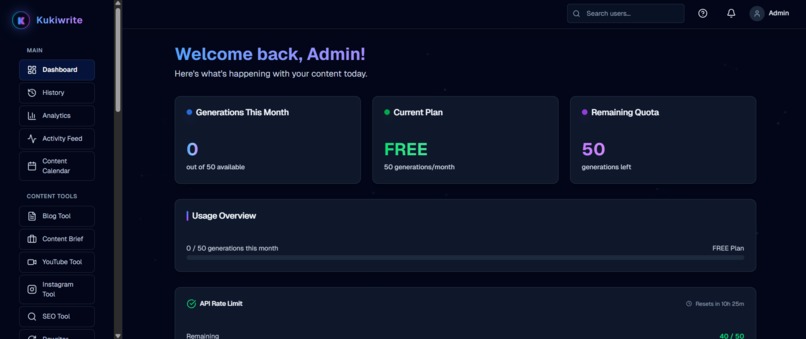
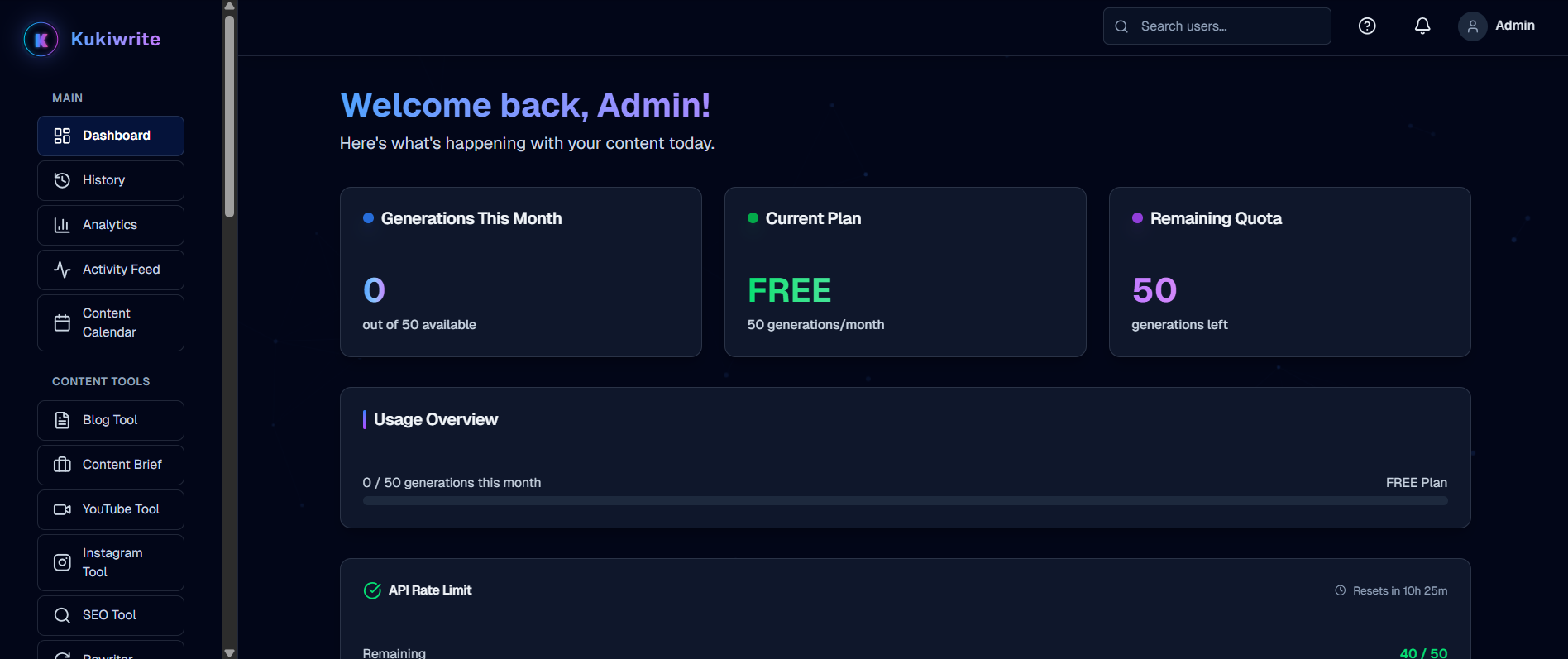
User dashboard showing monthly generations, current plan, remaining quota, and usage overview for AI content tools.
-
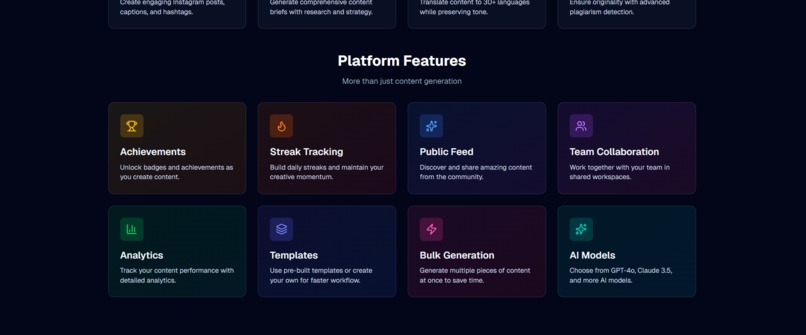
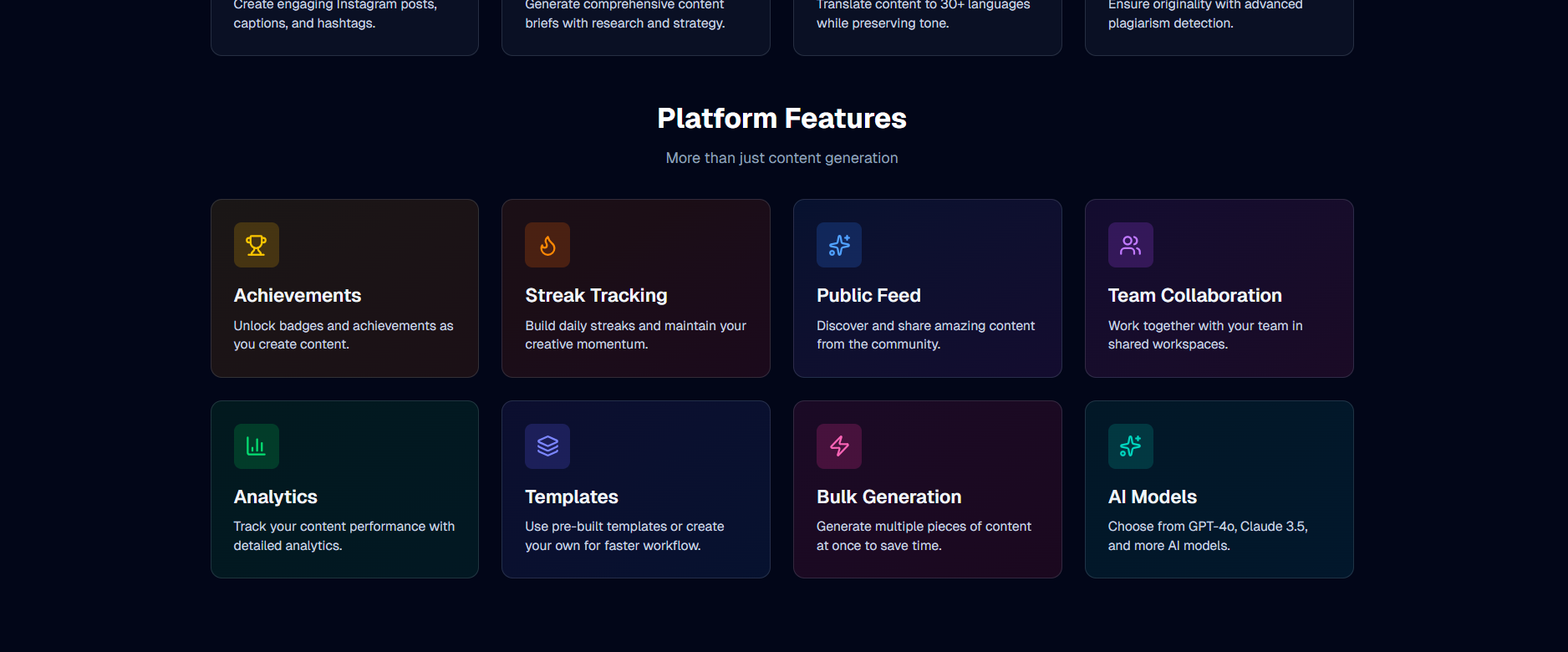
Platform feature cards highlighting achievements, streak tracking, public feed, team collaboration, analytics, templates, bulk generation,.
-
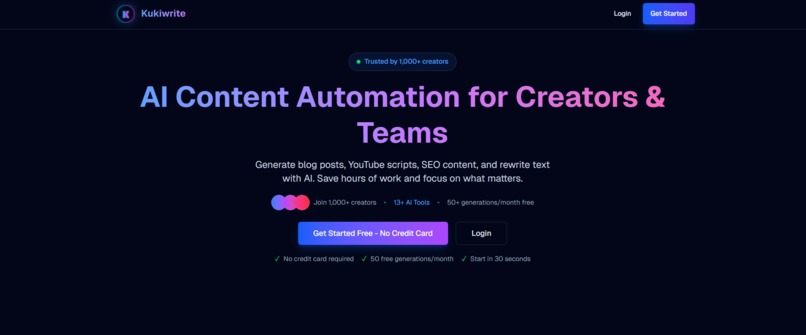
KukiWrite landing page showcasing AI content automation for creators and teams with a clear call to action
-
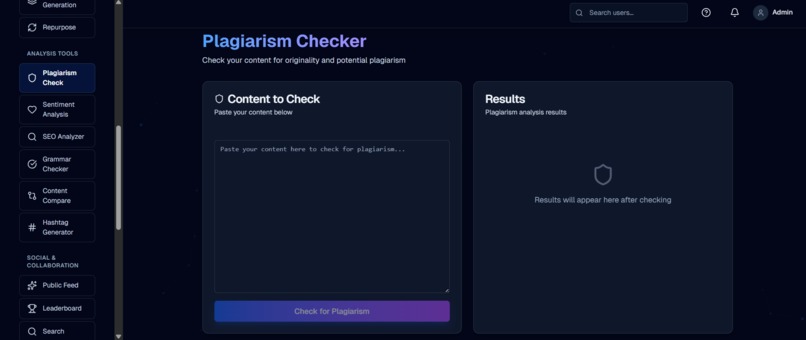
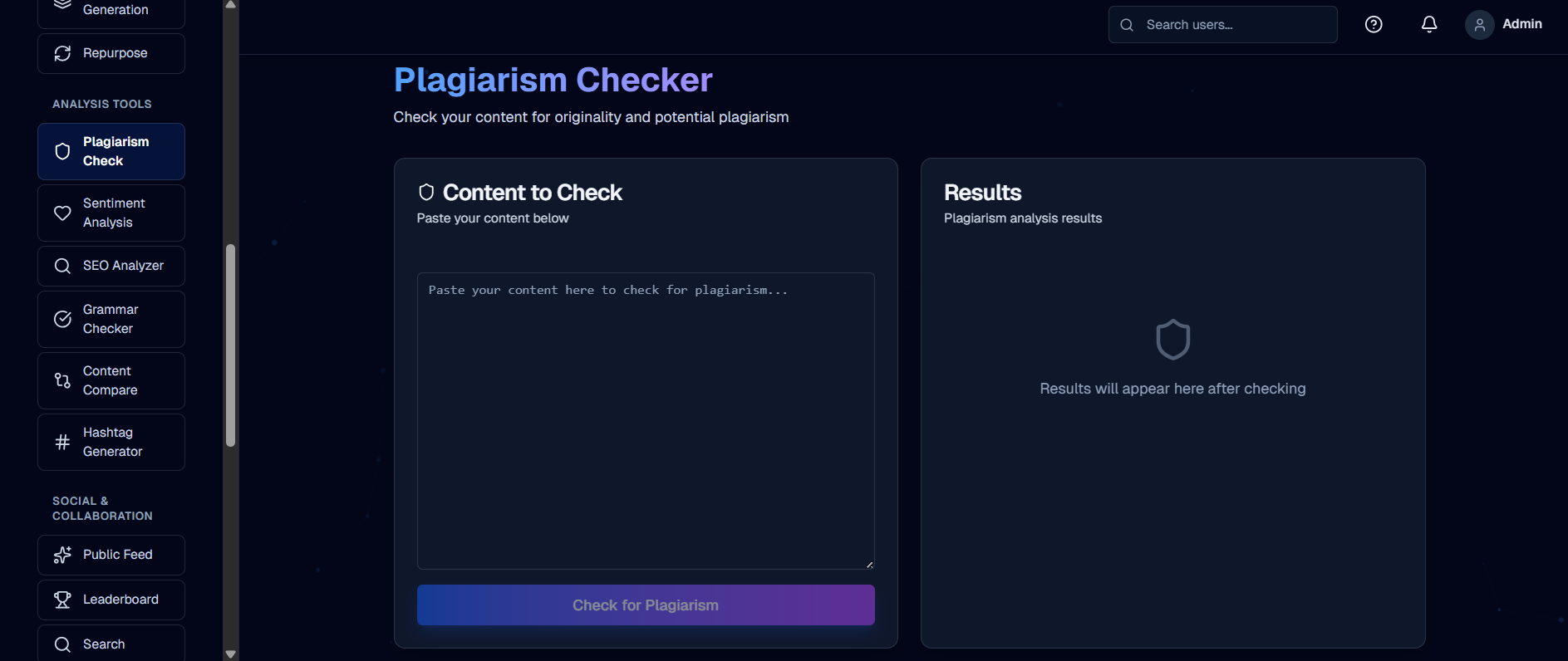
Plagiarism Checker interface for analyzing content originality with results panel on the right
-
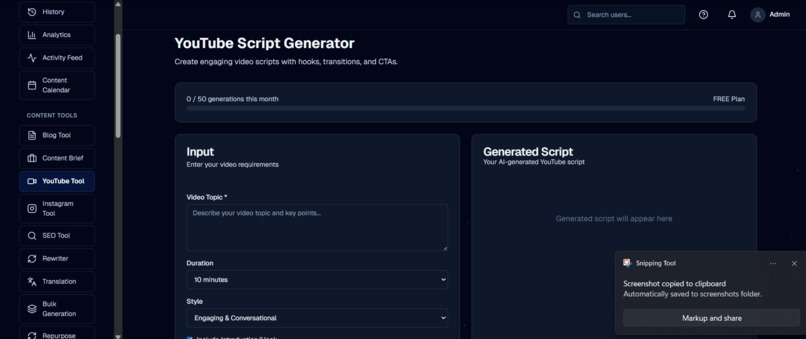
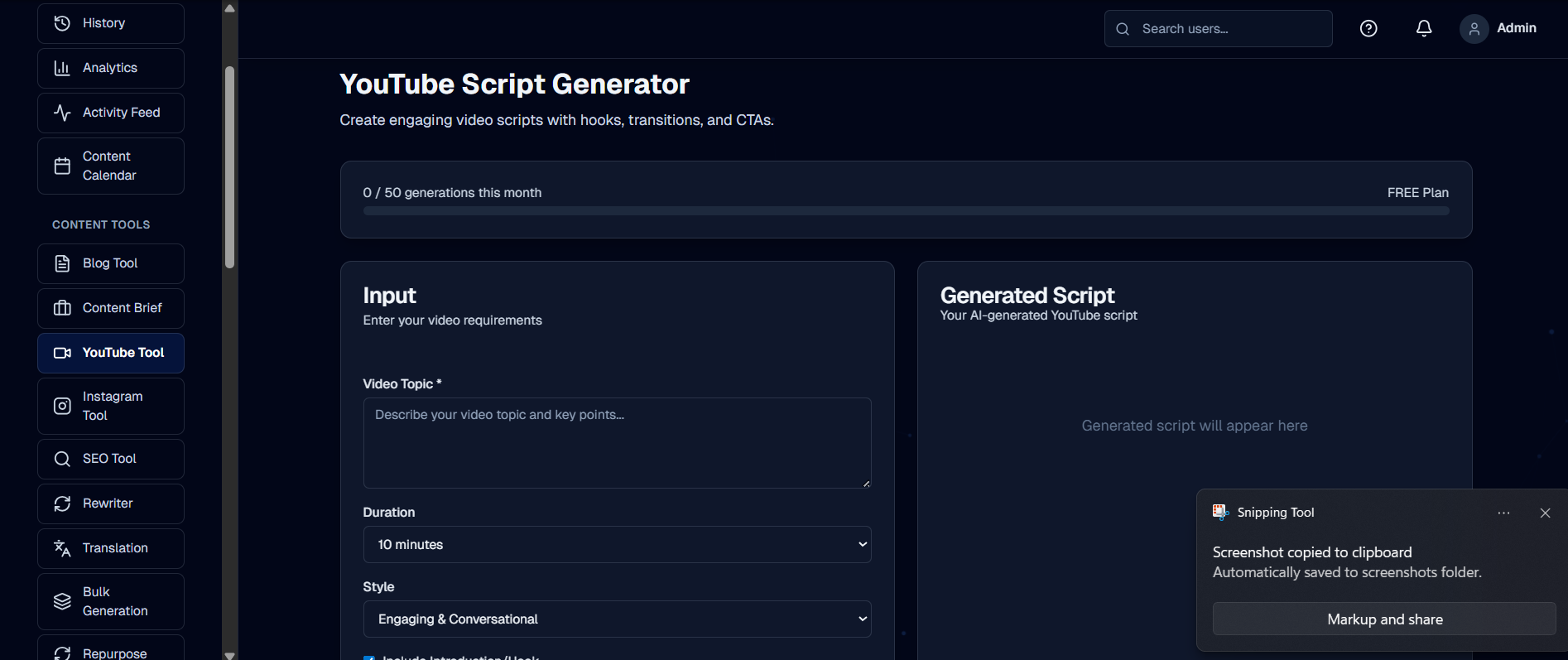
YouTube Script Generator tool where users input video details and get a complete AI‑generated script
-

Creator leaderboard ranking top users by activity, quality, and engagement across the platform
-
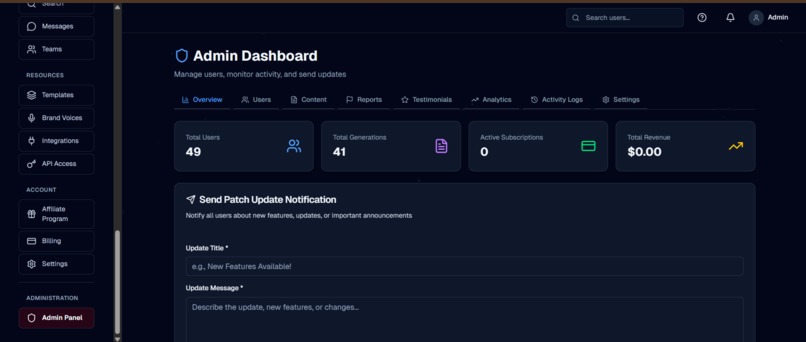
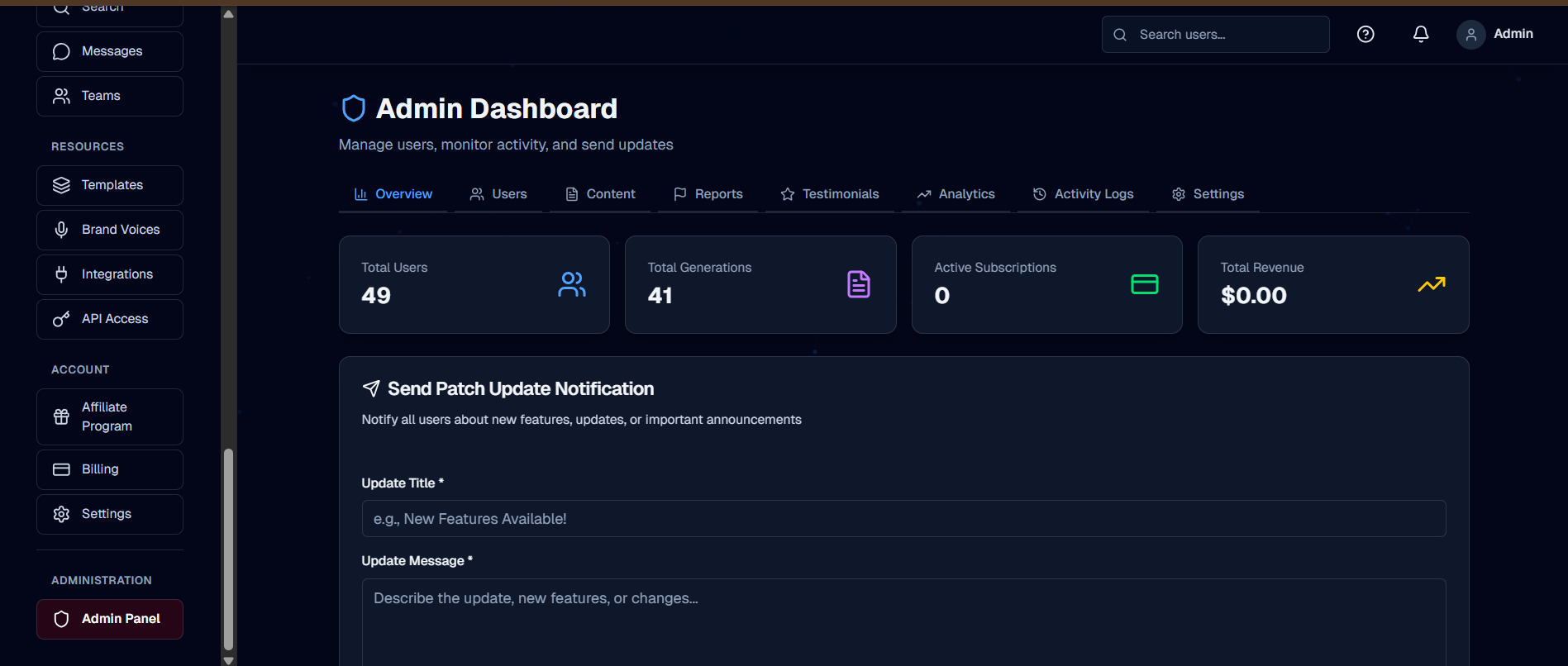
Admin dashboard with total users, total generations, active subscriptions, revenue, and tools to send platform‑wide updates
-
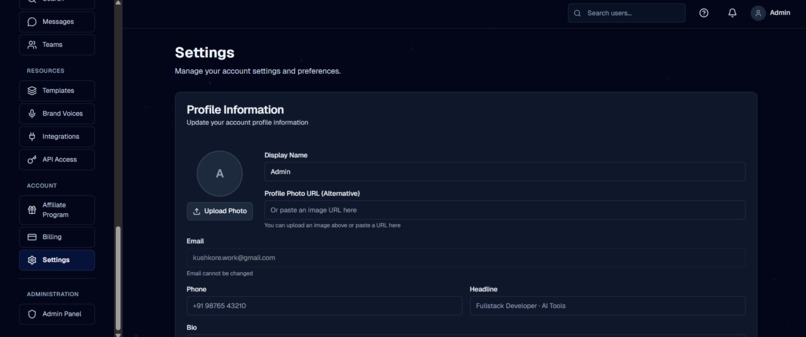
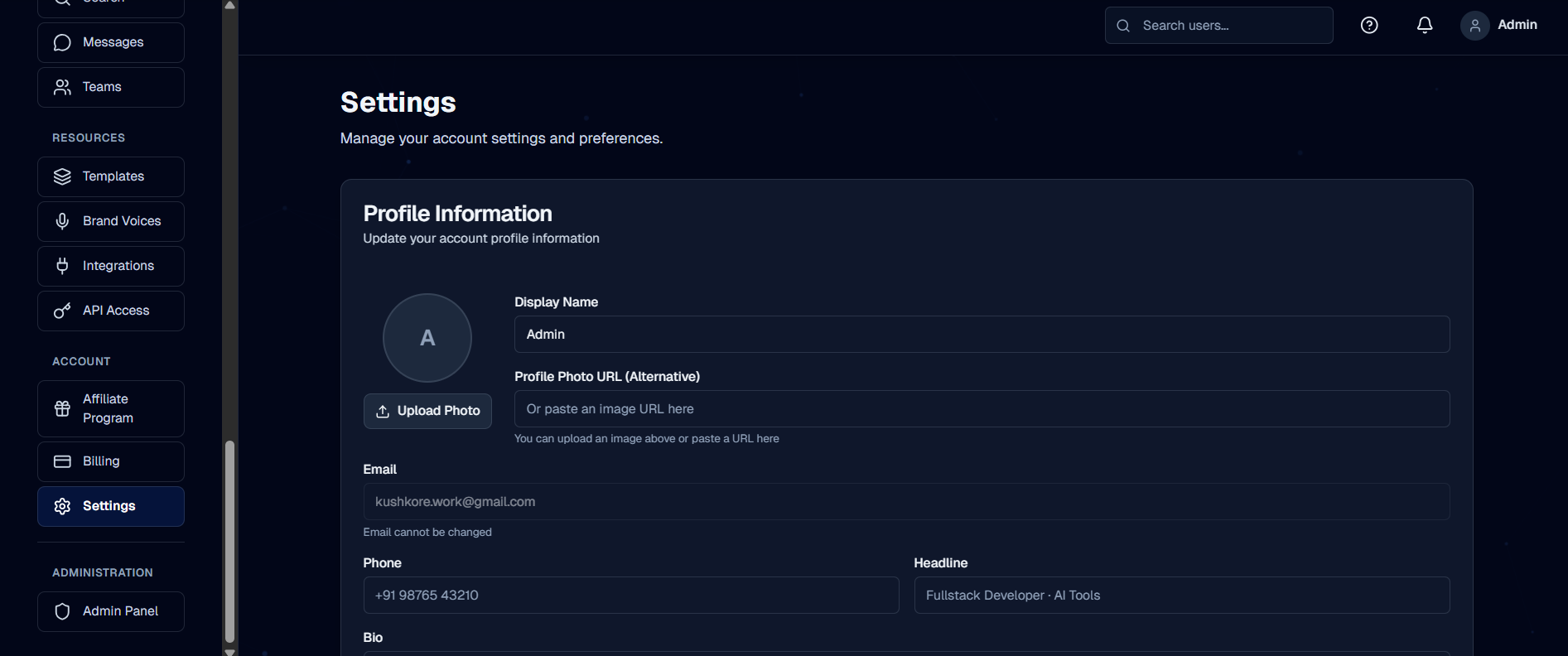
Account settings page where users manage profile info, contact details, and personal preferences


Inspiration
We were inspired by how much time creators and small teams lose jumping between tools chatbots for ideas, separate editors for drafting, SEO checkers, and analytics dashboards. Instead of one focused workspace, content work becomes a messy workflow spread across tabs. We wanted to build a single AI‑powered content workspace where people can ideate, write, optimize, and repurpose content, with real SaaS features (auth, billing, analytics) so it feels like a product, not just a demo.
What it does
KukiWrite is an AI Content Automation Workspace that helps users: Generate content: blog posts, YouTube scripts, outlines, and marketing copy. Optimize and rewrite: SEO‑optimize drafts, improve structure, and change tone. Track usage and plans: enforce free vs Pro limits, view simple usage analytics. Use it like a real SaaS: sign up, log in, manage profile, and upgrade via Stripe. It combines multiple specialized AI tools into one dashboard, instead of a generic chat UI, so each tool has a clear purpose and predictable output.
How we built it
We built KukiWrite as a modern full‑stack SaaS using: Frontend & UX Next.js App Router (React + TypeScript) for routing and server components. Tailwind CSS and a reusable UI component library for consistent design. Separate marketing pages and dashboard pages for a clean user flow. Backend & Data PostgreSQL (Neon) with Prisma for database models, migrations, and type‑safe queries. API routes for AI tools, user data, billing, and usage tracking. Auth & Payments NextAuth.js for email/password plus optional OAuth. bcrypt for secure password hashing. Stripe for subscriptions, with webhooks to sync subscription status and limits. AI Integration OpenAI and Anthropic, behind a small abstraction layer. Each tool has its own prompt + validation, wired through a unified AI API helper. Deployed on Vercel with environment‑based configuration so the same code runs locally and in production.
Challenges we ran into
Designing clean usage limits: Getting free vs Pro limits right required careful schema design and logic so limits are enforced correctly without hurting UX. Stripe + webhooks complexity: Handling subscription lifecycle events (upgrade, cancel, renew) and keeping our database in sync was tricky to get fully reliable. Multi‑model support: Supporting both OpenAI and Anthropic while keeping the codebase maintainable pushed us to design a clear abstraction for AI calls. Balancing power and simplicity in the UI: It was challenging to offer many tools without overwhelming the dashboard, so we iterated on layout, naming, and defaults.
Accomplishments that we're proud of
End‑to‑end SaaS flow: Users can sign up, log in, use AI tools, hit a free limit, and upgrade to Pro with Stripe—like a real production app. Stable AI tooling architecture: Adding a new AI tool is now mostly about the prompt and UI; the infrastructure (auth, billing, usage tracking) is already done. Clean, responsive UI: The dashboard works well on both desktop and mobile, with a consistent visual language. Production‑oriented setup: Environment variables, database pooling, and deployment scripts are ready for real‑world use, not just local testing.
What we learnedBuilding with AI is as much about product as it is about models. Most of the work is in auth, billing, limits, error handling, and UX—not in writing a single “magic” prompt.
Abstractions matter for AI providers. A thin, well‑designed AI layer makes it easy to experiment with different models without rewriting the app. Usage and analytics are crucial from day one. Without tracking, it’s hard to design fair plans, monitor costs, or understand how people actually use the tools. Good DX = faster iteration. Typed APIs, Prisma, and a solid component library let us make product changes quickly and safely.
What's next for KukiWrite – AI Content Automation Workspace
More content formats: Social media post generators, email campaigns, and LinkedIn threads. Team collaboration features: Shared workspaces, comments, and simple approval workflows. Content history and versioning: Save generations, compare versions, and restore previous drafts. Deeper analytics: Per‑tool usage insights, cost dashboards, and performance over time. Integrations: Export and publish directly to platforms like WordPress, Notion, and popular newsletter tools. KukiWrite aims to grow from a powerful AI demo into a fully‑featured content OS for creators and small teams.
Built With
- anthropic-api
- framer-motion
- neon
- next.js
- nextauth.js
- openai-api
- postgresql
- prisma
- react
- stripe
- tailwind-css
- typescript
- vercel
- zod

Log in or sign up for Devpost to join the conversation.