-
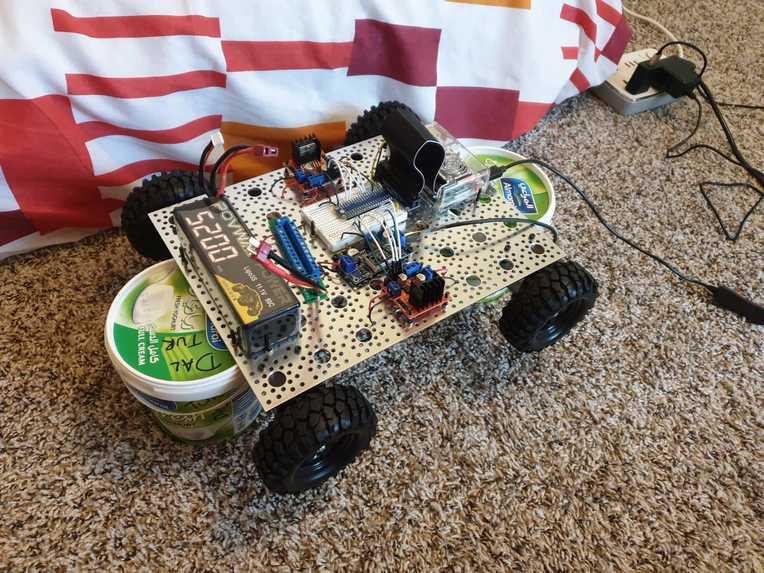
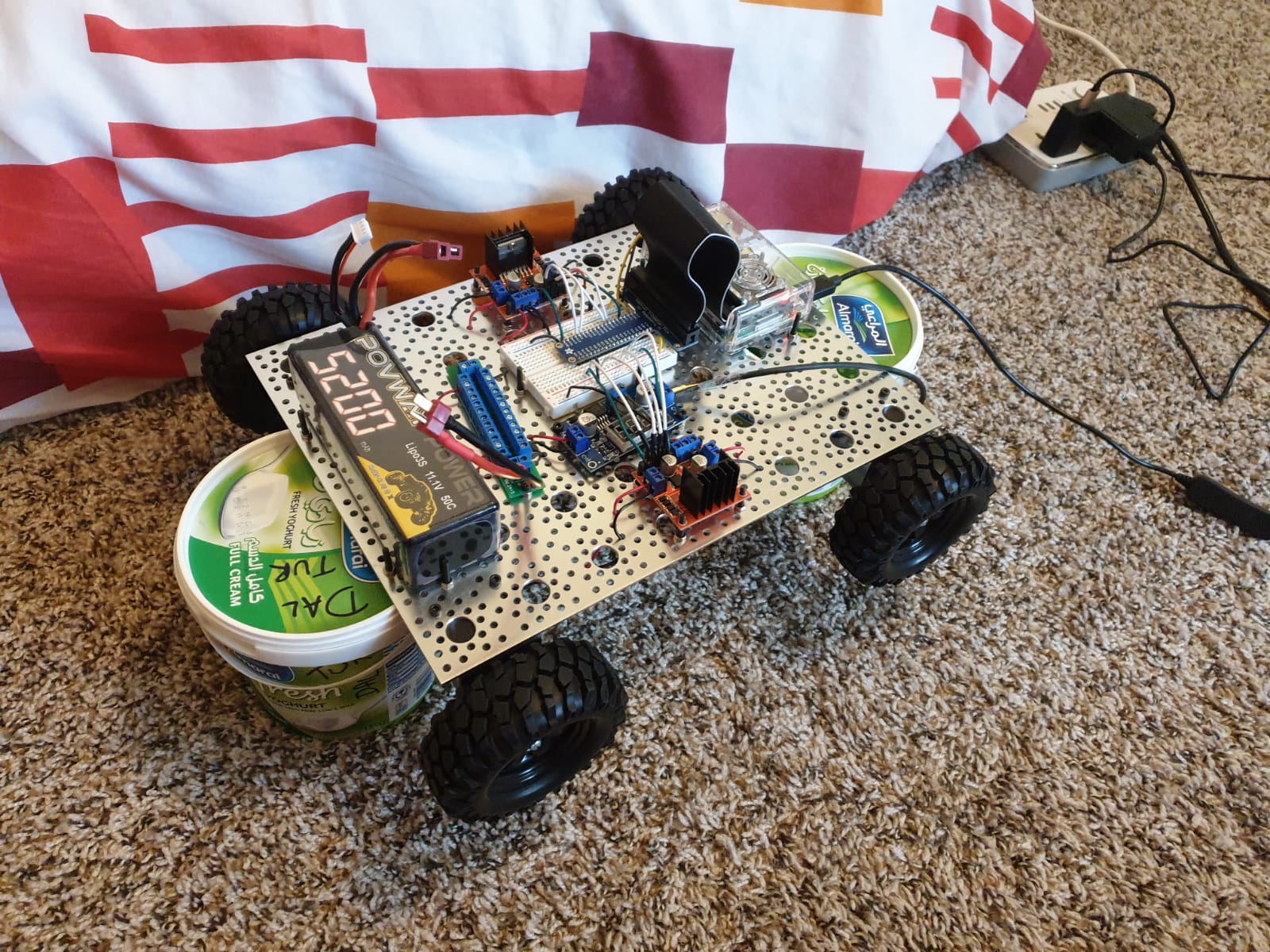
The mobile robot which can be controlled via the internet
-
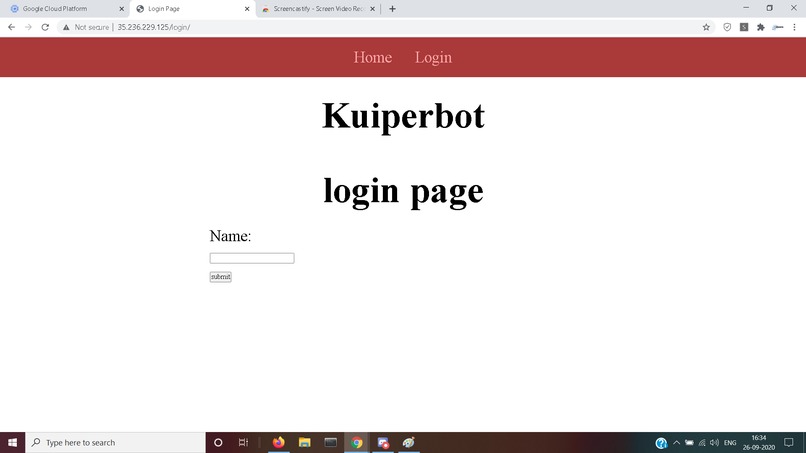
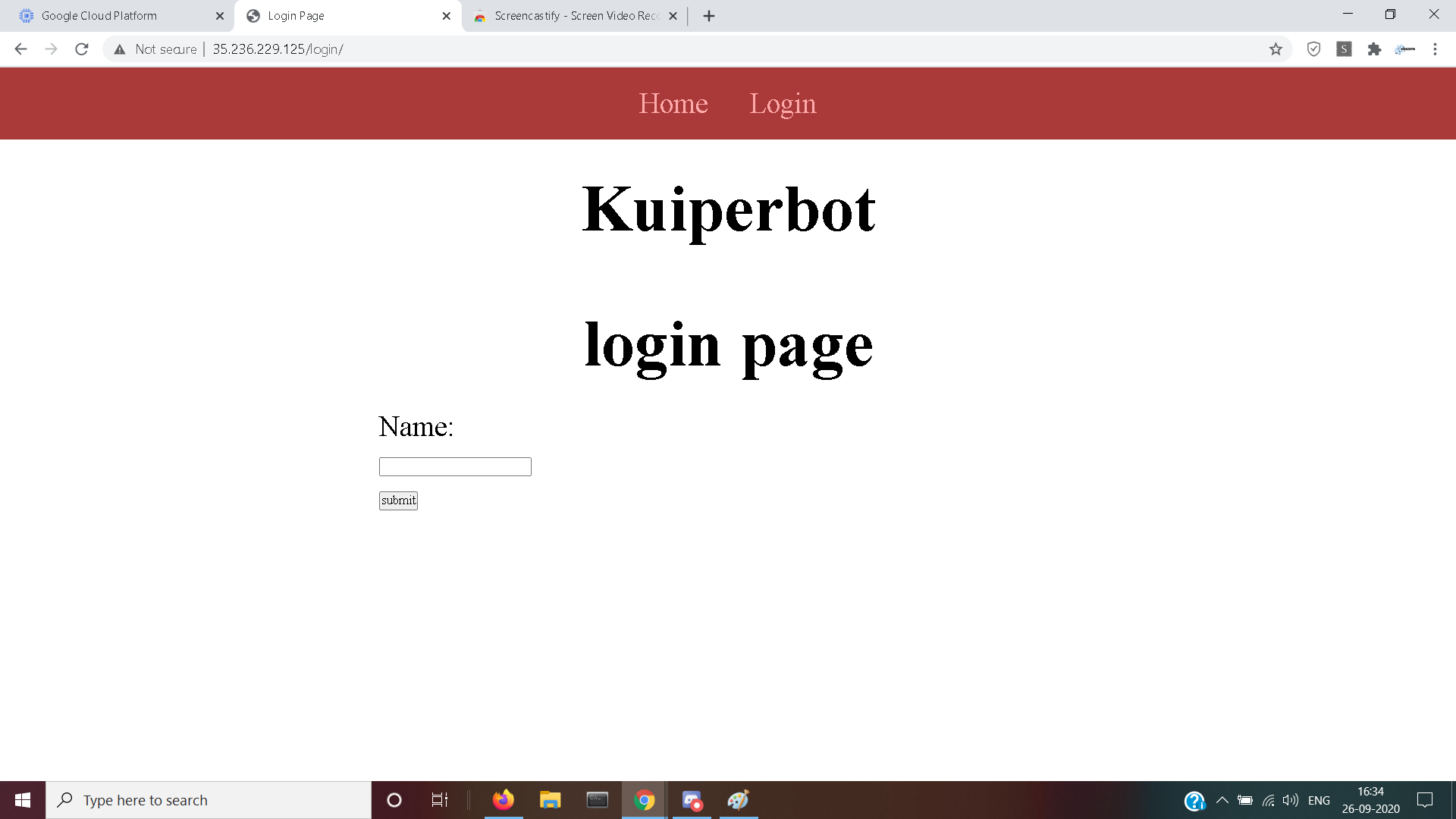
login page of website. For now, it simply takes in the name
-
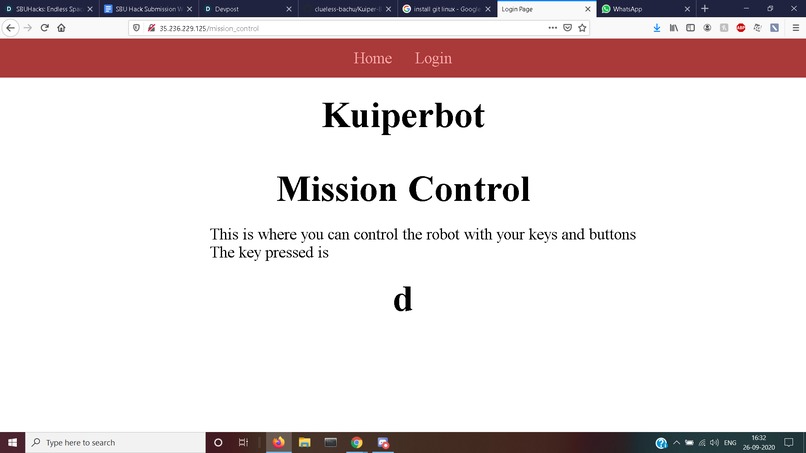
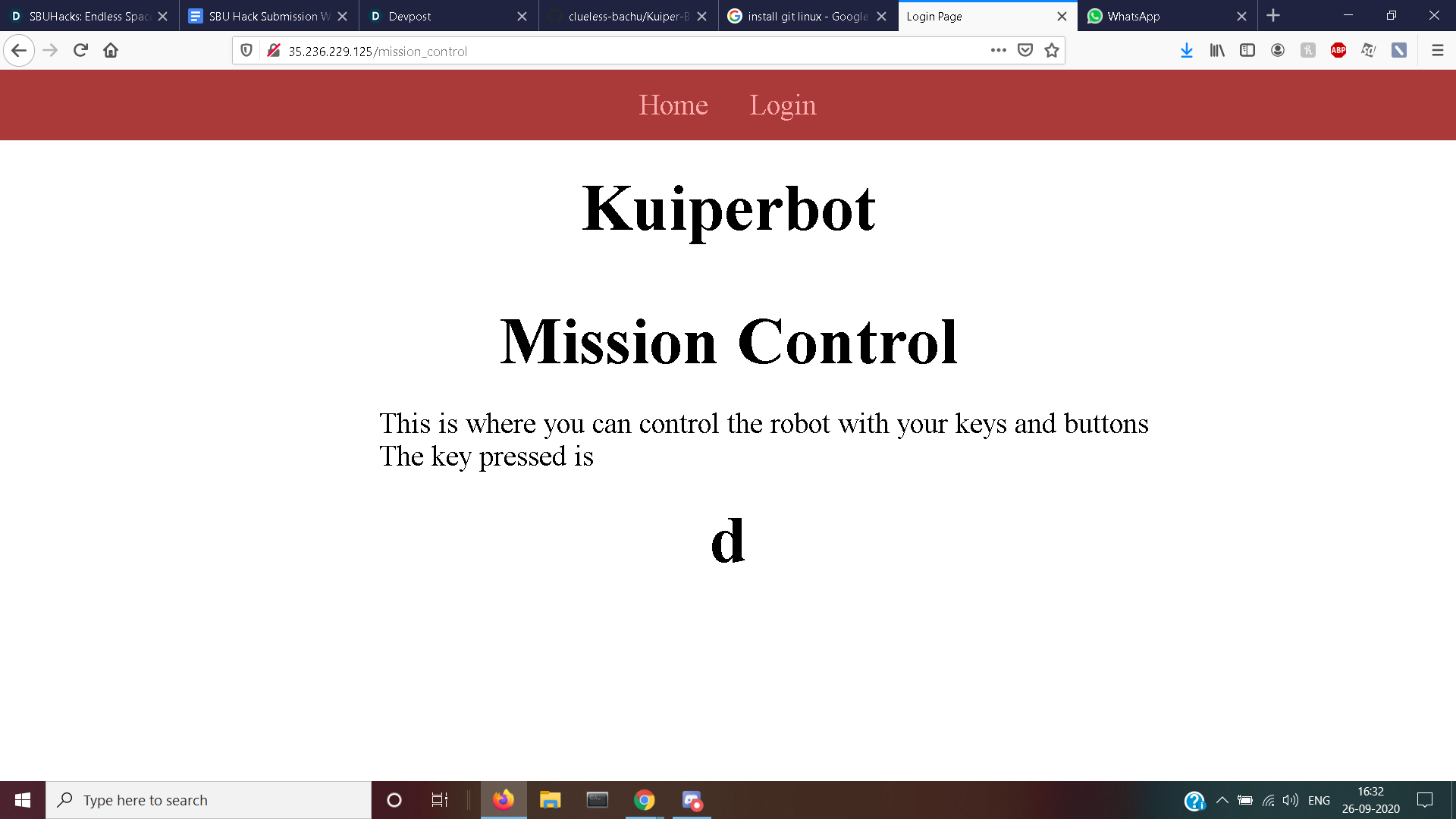
Mission control webpage, where the key pressed is displayed
-
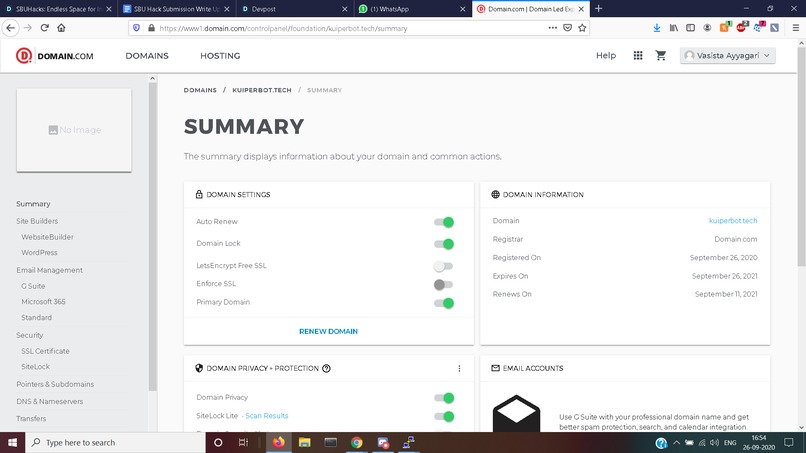
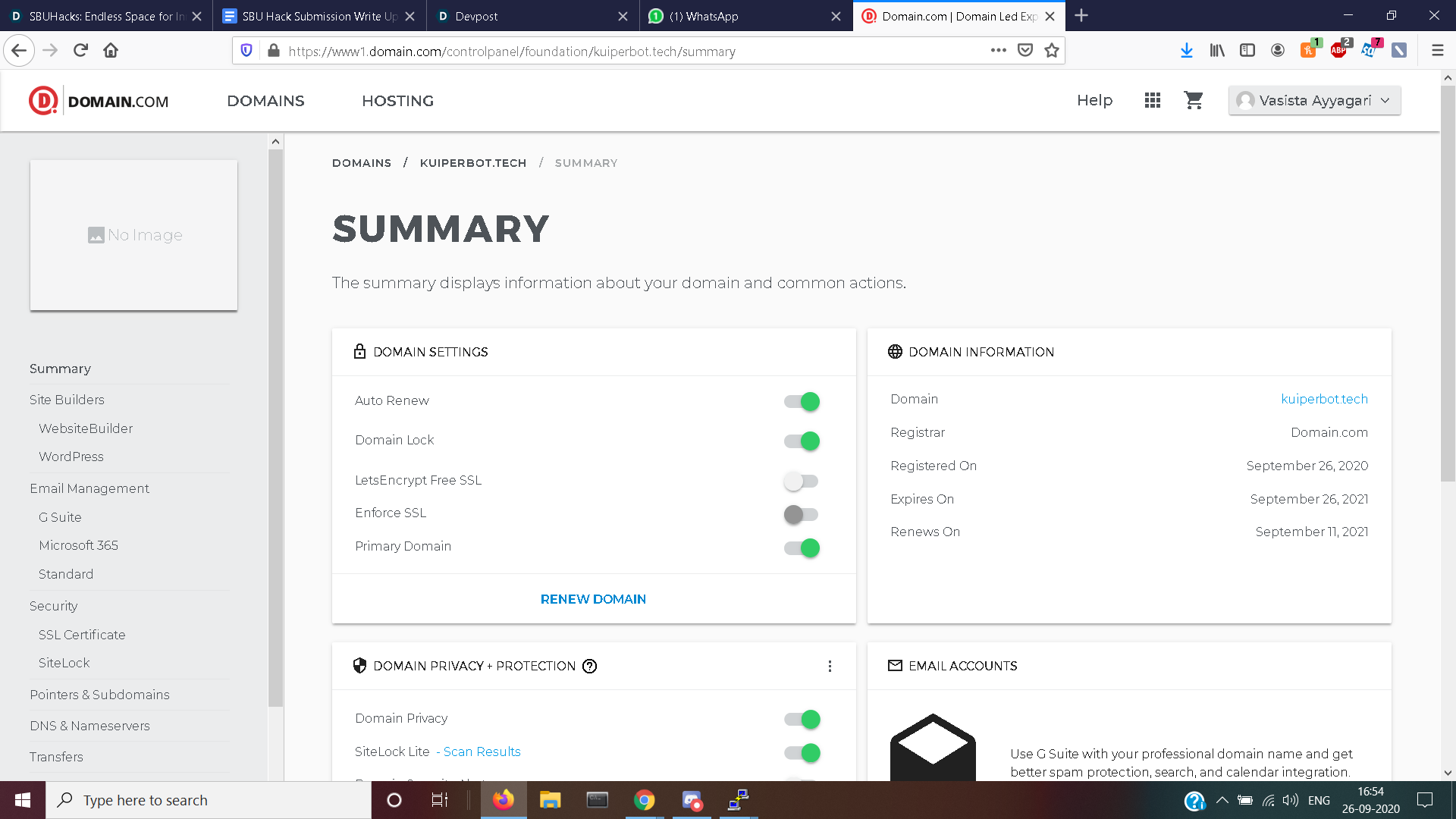
I applied to this domain- kuiperbot.tech to host website # applying for domain prize
Inspiration
When I was an undergraduate student, I was studying in a remote town in India without access to any robots for experiments or learning. I could not build one because of lack of funding and knowledge. Without access to robots, it became a major hindrance for learning. That is why I decided to make a robot that can be accessed by anybody with the internet. I am inspired to create a system of robots all that are connected to the internet. A simple login can give anybody access to a physical robot which they can use however they please and an interface intuitive even for kids to enjoy.
What it does
Our focus is teleoperation of personal robots. Remote operation of robots can potentially happen via bluetooth, wifi or the internet (IoT). Using Bluetooth and wifi limits its range to a few yards (or a campus if you have wifi all over your campus). So this can reliably occur only in structured environments.Now there are two challenges. The first is to have the ability to control the robot from anywhere in the world. Secondly, the control should be intuitive and simple.
For the real world, where robots want to roam free, the internet is the only way for worldwide connectivity. However, the existing technology is either proprietary or comes as bits and pieces instead of a coherent pipeline or API. Secondly, the human-robotic interaction limits the potential users to a esoteric group of industrialists and academics.
I want to solve the problem of the teleoperation of robots from the internet using a simple API call. Basically, make a website which can send commands to the robot directly. Next make the website interactive in a way that is convenient for everybody to understand.
How I built it
First ingredient is to have a robot which can connect to the internet. This was fairly simple. I bought the parts, assembled the robot, installed the operating system. The onboard computer is a raspberry pi.
The next step is to build a website with some key elements. A simple login page to allow only registered users. A mission control room (or in this case a webpage) which takes commands from the keyboard and relays the message to the server
Next was to connect the robot with the website with an API service that responds to a request with the current pressed keyboard button.
Finally, I used Google cloud to host my website and created a domain for it(although it seems it would take some time until the domain is operational)
Challenges I ran into
The main challenges I ran into were moving data from python to html to javascript to python to the robot onboard computer. The biggest hurdle being relaying the key command that was in javascript to the central server which was written in python.
Other challenges included in making a intuitive UI with a dynamic display without reloading the webpage.
Accomplishments that I'm proud of
I am super proud of the fact that all elements were created and every element has been properly integrated with each other. I can call the website, login, and start pressing buttons to control the robot
I named it Kuiperbot because the kuiper belt is in the farthest entity in our solar system. My project signifies that even if you are far away from the robot, you are still connected.
What I learned
I learnt how to code in javascript, create a website server and host a website to the real world. Because I made a complete product development, I learnt everything from formulation to testing.
What's next for Kuiperbot
The major hurdle is that the key strokes overwhelm the server. The next task is to adjust the rate of key strokes read which can be processed in time and not create major lag issue.
Moreover, I still need to run 3-4 commands before everything is working. I want to reduce this to a single command

Log in or sign up for Devpost to join the conversation.