-
-
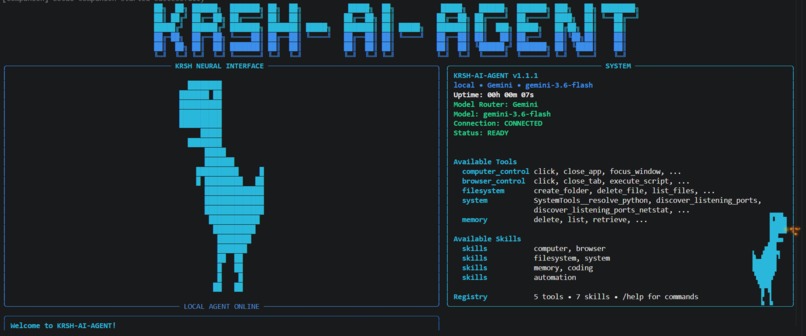
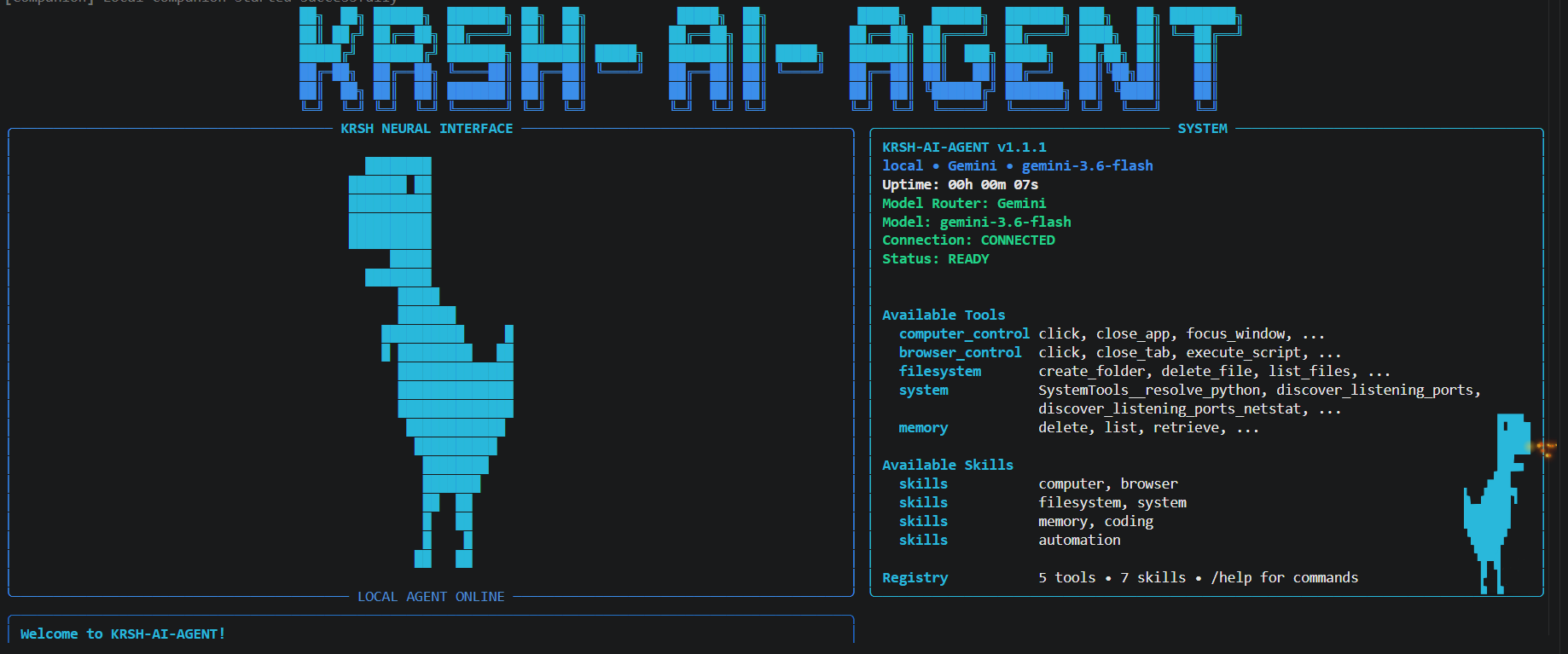
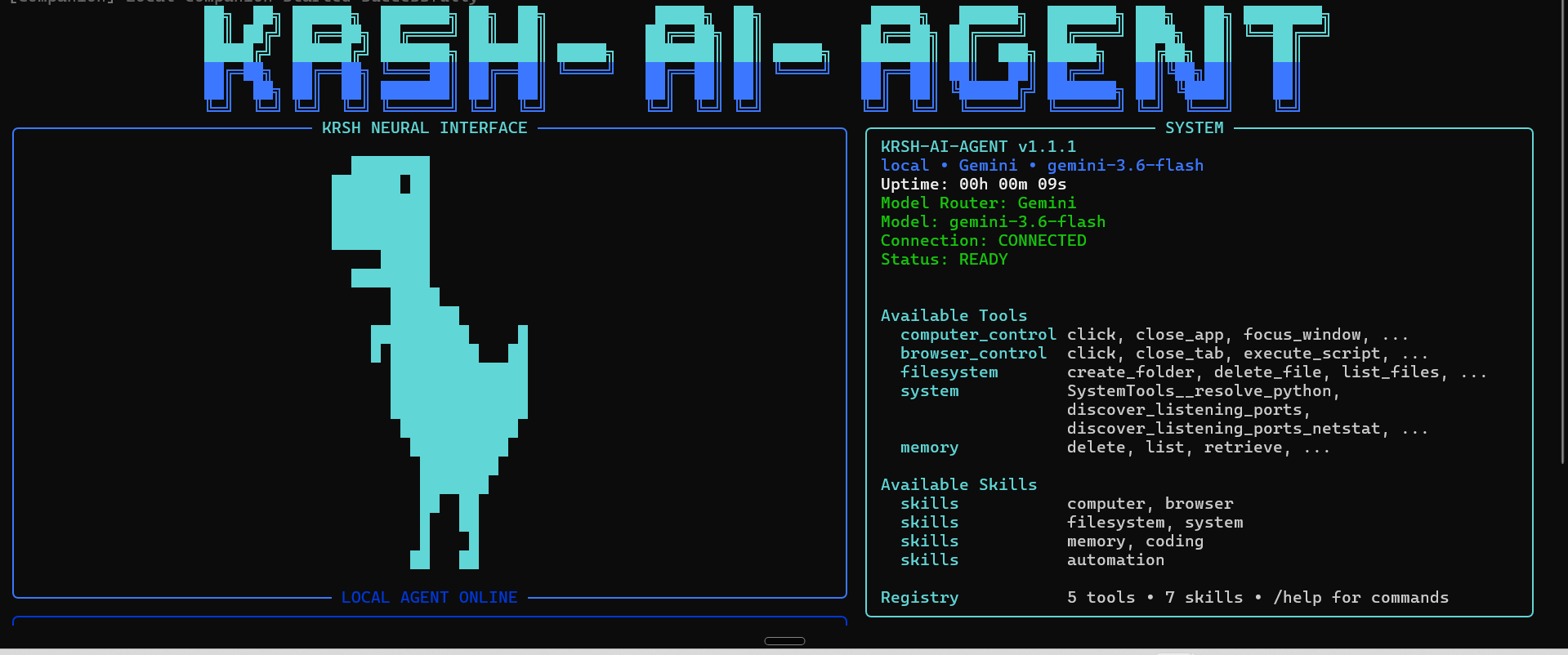
KRSH-AI-Agent CLI interface
-
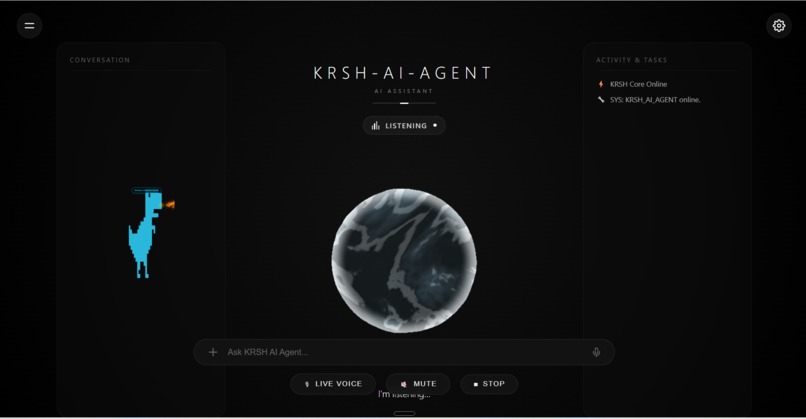
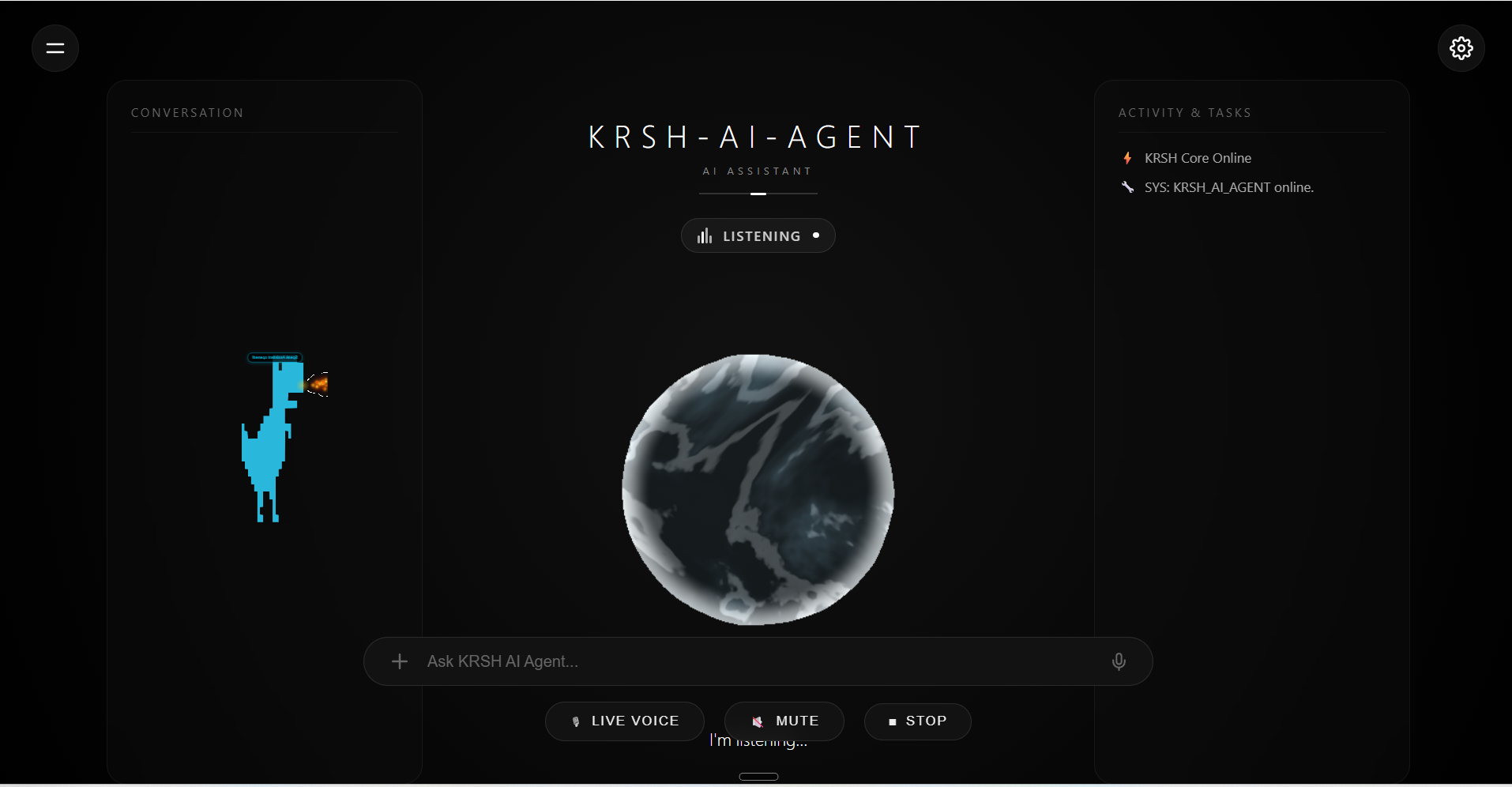
KRSH-AI-Agent listening interaction
-
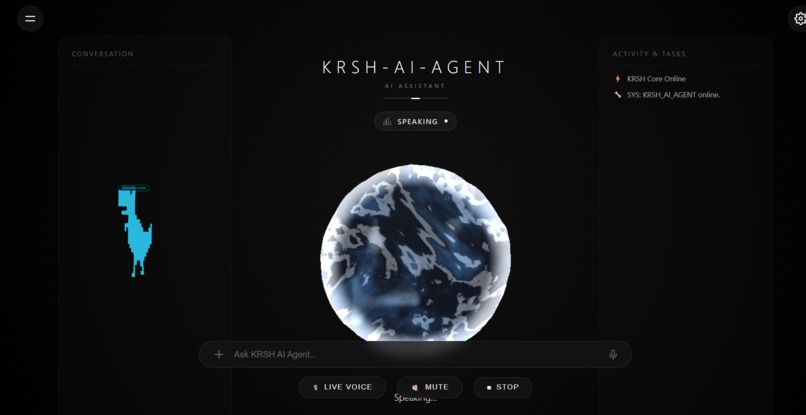
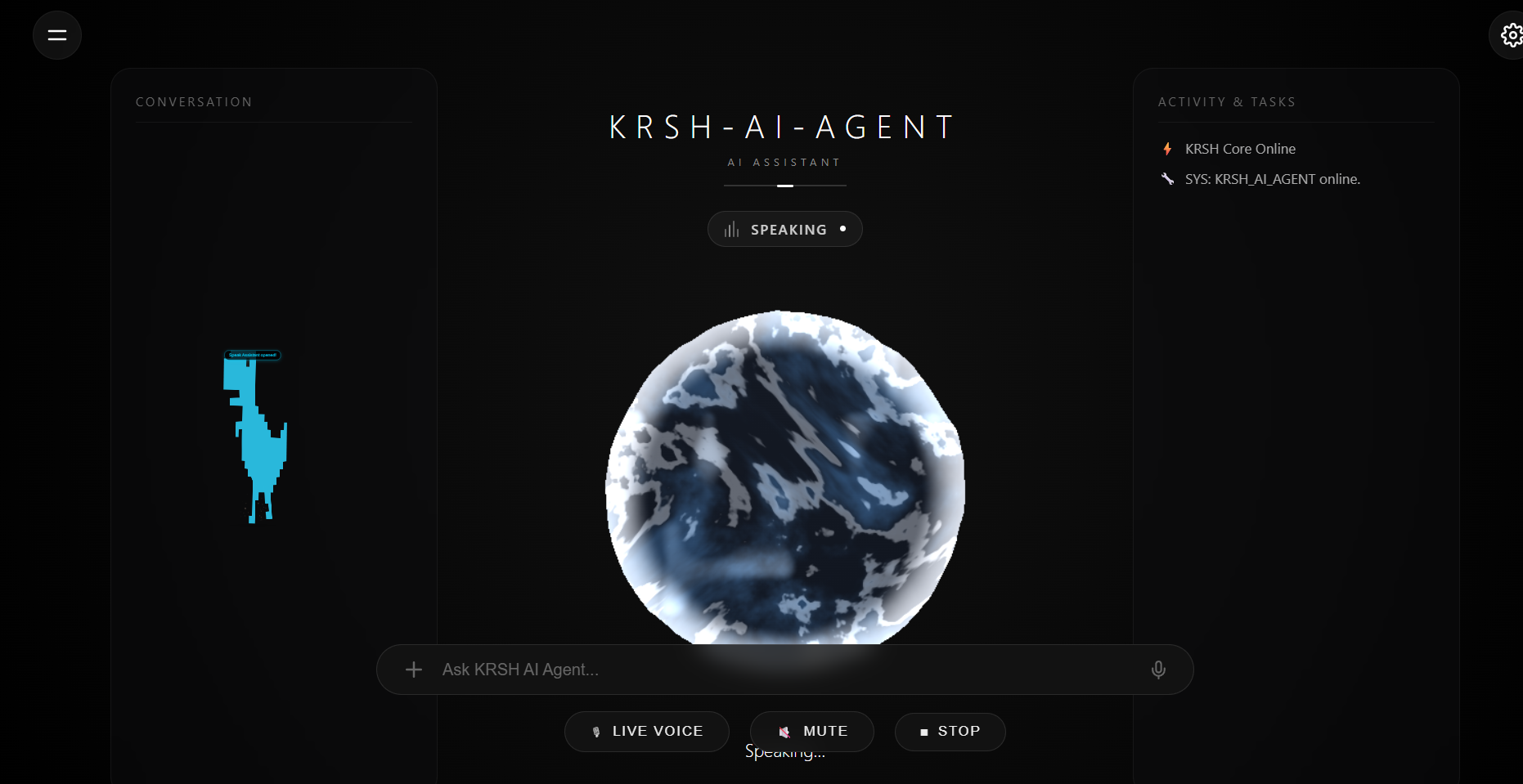
KRSH AI-Agent speaking interface
-
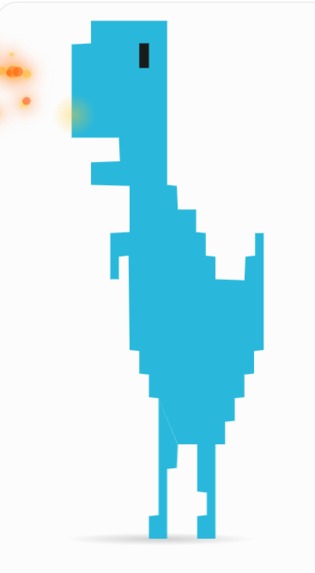
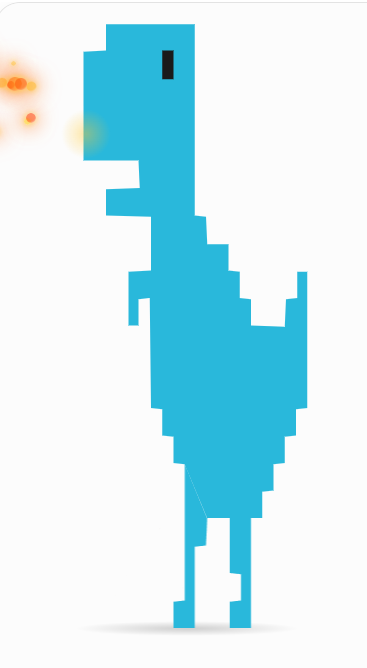
Pet of the KRSH AI-Agent
-
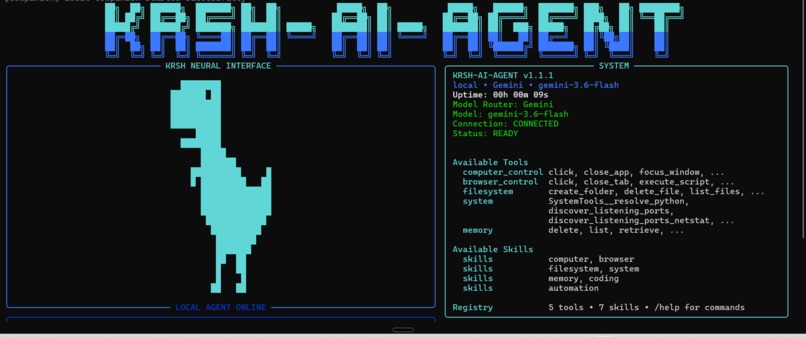
PowerShell interface
Inspiration## Inspiration
We wanted to build an AI assistant that does more than just talk.
Most AI assistants are excellent at answering questions, but when a user actually wants something done on their computer, they often still have to perform the actions themselves. We wanted to change that.
That idea led to KRSH AI-Agent — a desktop AI agent designed to understand what the user wants and actually take action.
What We Built
KRSH is a local-first AI agent that can interact with a Windows computer and perform real tasks.
It combines AI reasoning with tools for computer control, browser automation, file management, system operations, memory, coding, and web-based tasks.
Instead of simply responding with instructions like:
"Open the browser and search for this."
KRSH is designed to actually perform the workflow.
It also includes a desktop companion that gives the agent a visual presence and provides feedback while the agent is working.
How We Built It
KRSH is primarily built with Python and uses a modular architecture.
The system includes:
- Gemini as the AI model
- Google ADK / Google agent technologies
- Google Gen AI SDK
- A model and provider router
- Tool registry and tool execution
- Browser automation with Playwright
- Windows computer control
- SQLite-based local memory
- Task management
- Verification and recovery systems
- FastAPI services
- An Electron desktop companion
The desktop companion uses HTML, CSS, SVG, and JavaScript to create an interactive AI pet that can move around the desktop and provide a more natural interface for the agent.
What We Learned
One of the biggest things we learned is that building an AI agent is very different from building a chatbot.
An agent needs to understand a task, select the right tools, execute actions, maintain state, handle failures, verify results, and recover when something goes wrong.
We also learned how important good model routing and error handling are. Authentication failures, unavailable providers, rate limits, quotas, and tool failures all need to be handled without making the entire agent unusable.
During development, we also gained practical experience with API authentication, model compatibility, quotas, cloud infrastructure, deployment dependencies, and designing systems that can adapt when external services are unavailable.
Challenges
The biggest challenge was bringing many different capabilities together while keeping KRSH simple for the user.
We had to integrate model providers, Gemini, Google agent technology, browser automation, computer control, memory, task execution, recovery, and a desktop interface into one system.
Another challenge was making the agent reliable rather than simply making it work once. We added verification, retries, recovery mechanisms, improved error handling, and extensive automated testing to make the system more robust.
We also attempted to set up the cloud infrastructure needed for the project, including creating a Cloudflare account. However, the payment integration and account-verification process repeatedly produced errors, and we were unable to complete that setup.
Rather than stopping development, we adapted our approach and focused on making the core KRSH agent functional locally. For AI development and testing, we created a fresh Google AI Studio account and API key specifically for the project.
We initially attempted to connect KRSH using Gemini 2.5 Flash, but the model connection was not successful in our environment. We then moved to Gemini 3.6 Flash, which successfully connected and allowed us to continue development and testing.
Because of these infrastructure and model-access limitations, some specific tasks that depended on those services could not be demonstrated exactly as originally planned. However, we continued improving the project by fixing API-key and configuration handling, improving Gemini error and quota detection, strengthening model routing and recovery, and testing the system extensively.
These challenges became an important part of the learning process. They showed us that a reliable AI agent needs to be resilient not only to software failures, but also to authentication problems, model availability, quotas, infrastructure limitations, and external service dependencies.
Despite these infrastructure and model-access limitations, we tried our best to build, test, and demonstrate as much of the intended KRSH experience as possible.
What's Next
We want KRSH to become a more capable personal desktop agent that can understand increasingly complex workflows and complete them with minimal user interaction.
Our goal is simple:
Don't just tell the user how to do it. Do it.


Log in or sign up for Devpost to join the conversation.