-
-
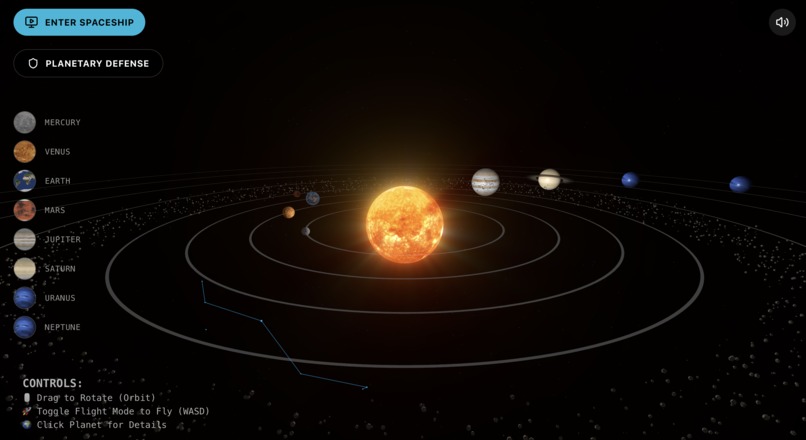
overview
-
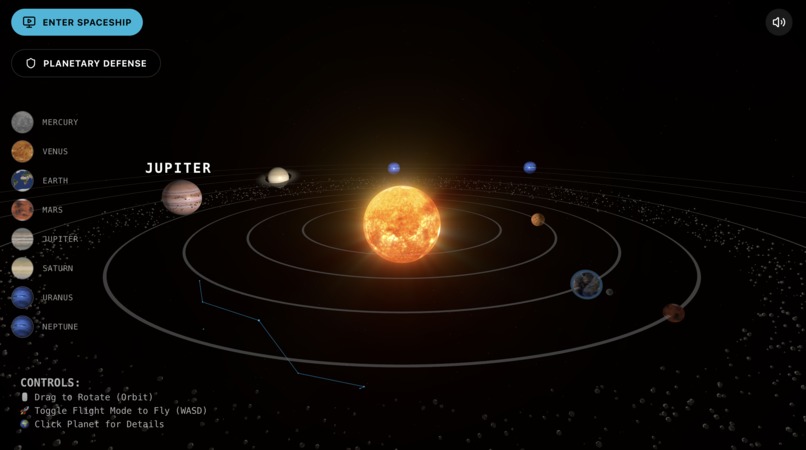
planets naming
-
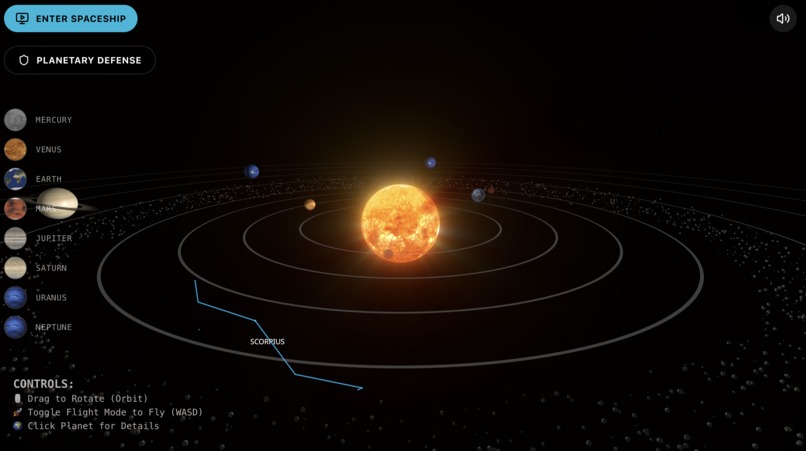
constellation naming
-
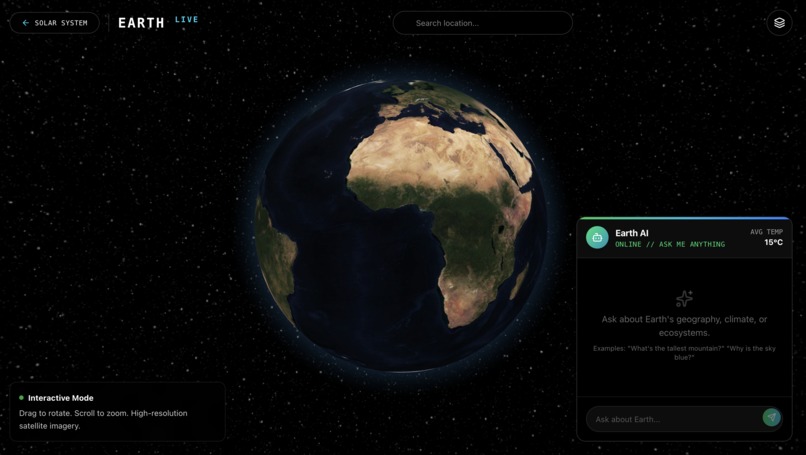
find any location on earth
-
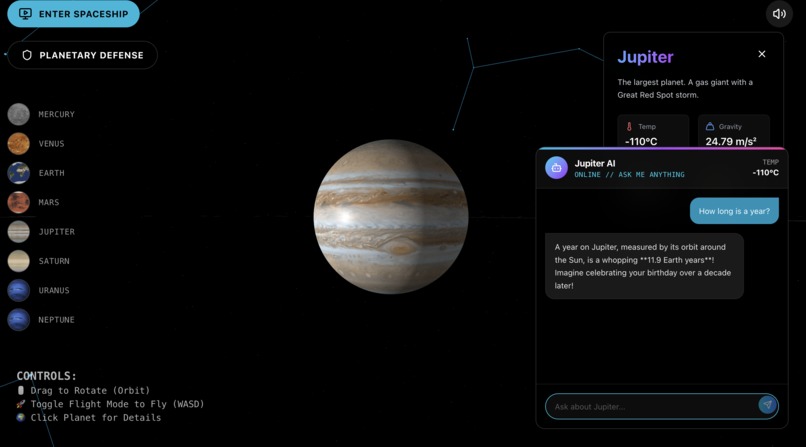
ask questions about different planet
-
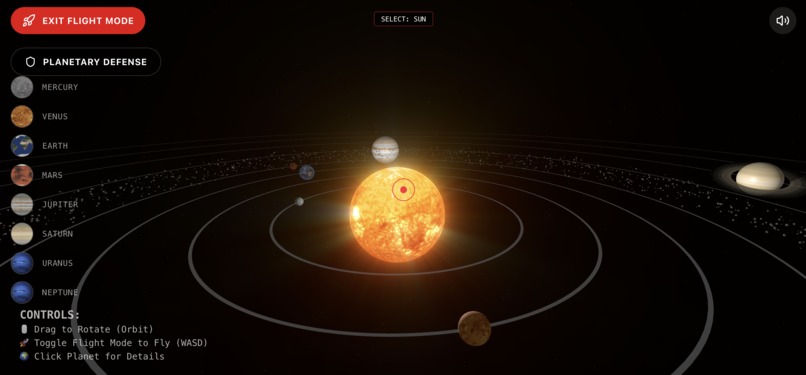
flight mode helps you travel using WASD
-
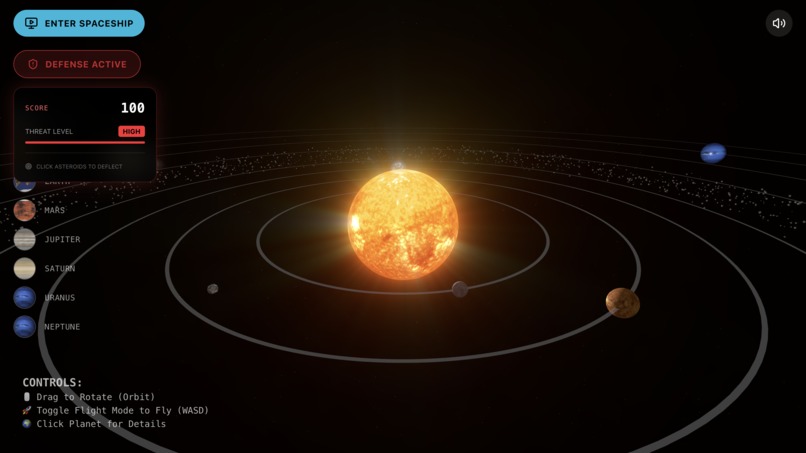
planetary defense for deflecting asteroids
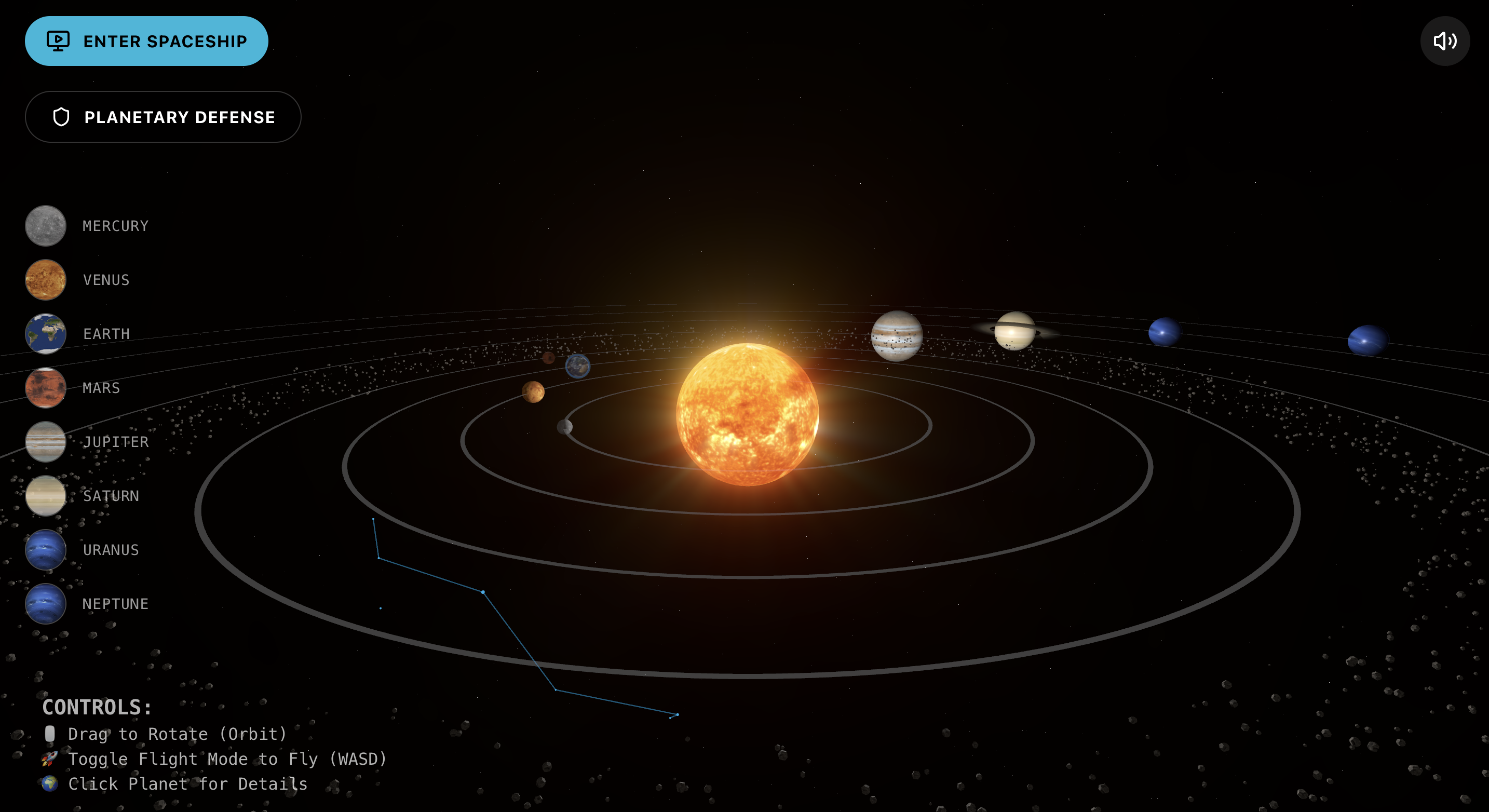
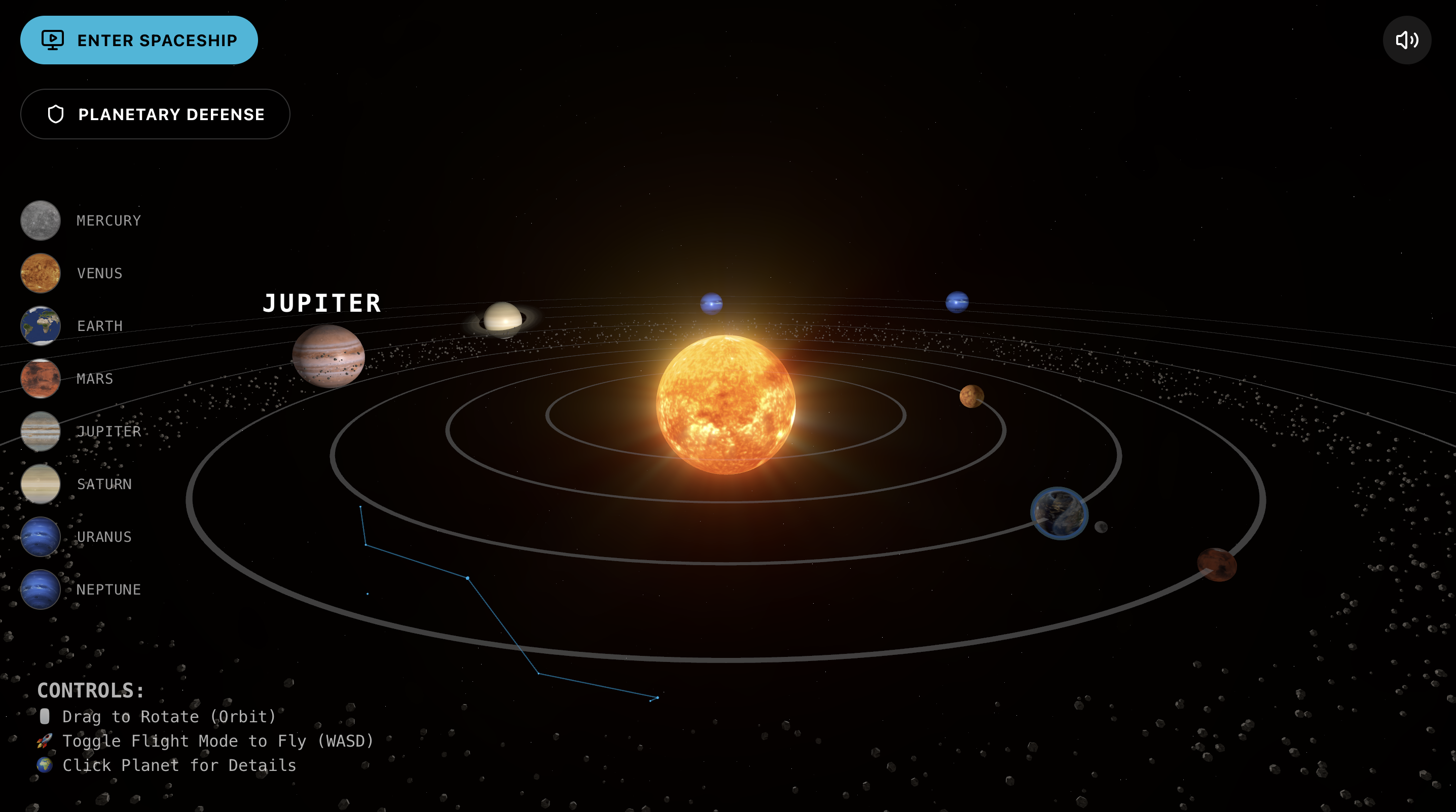
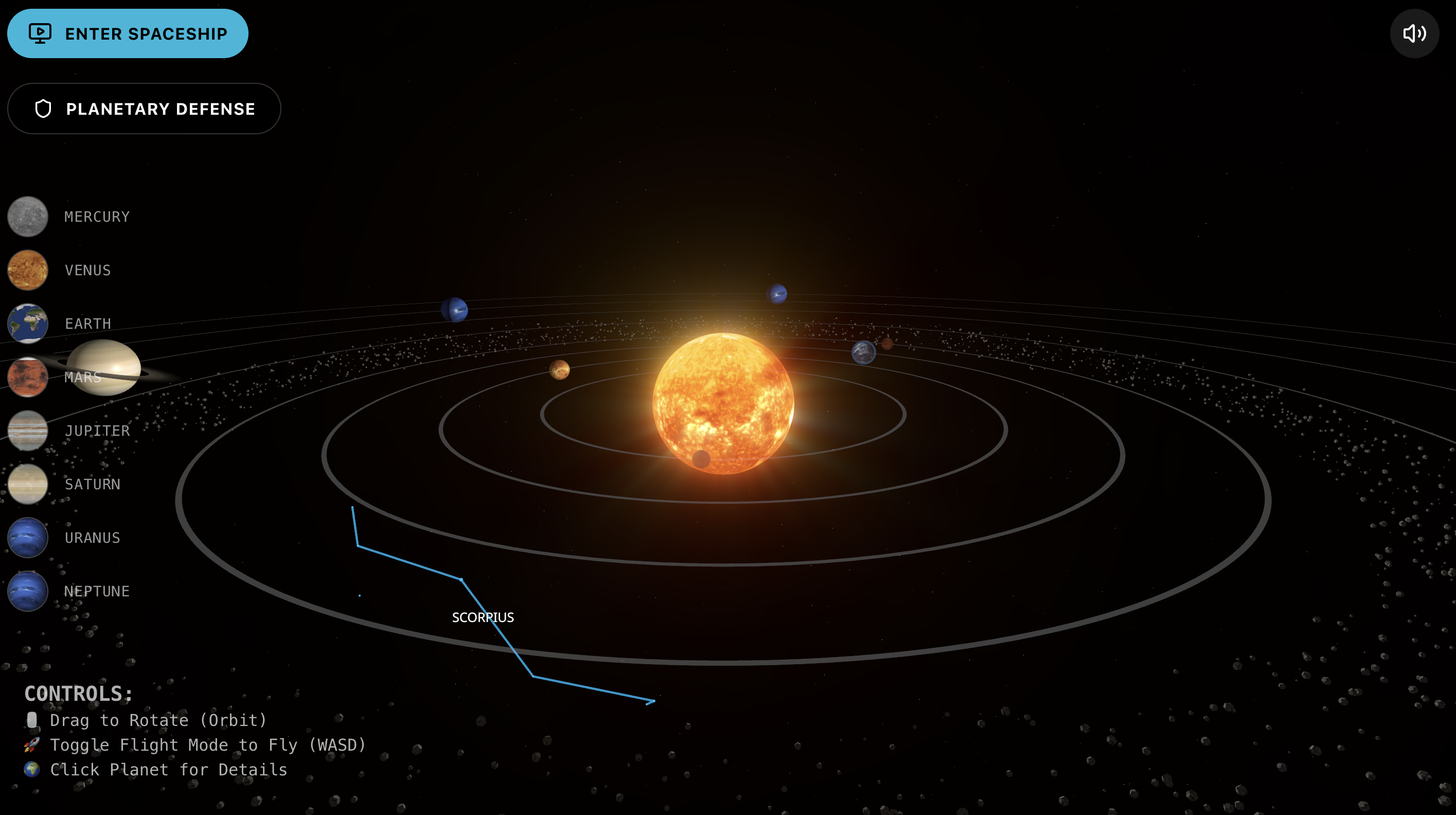
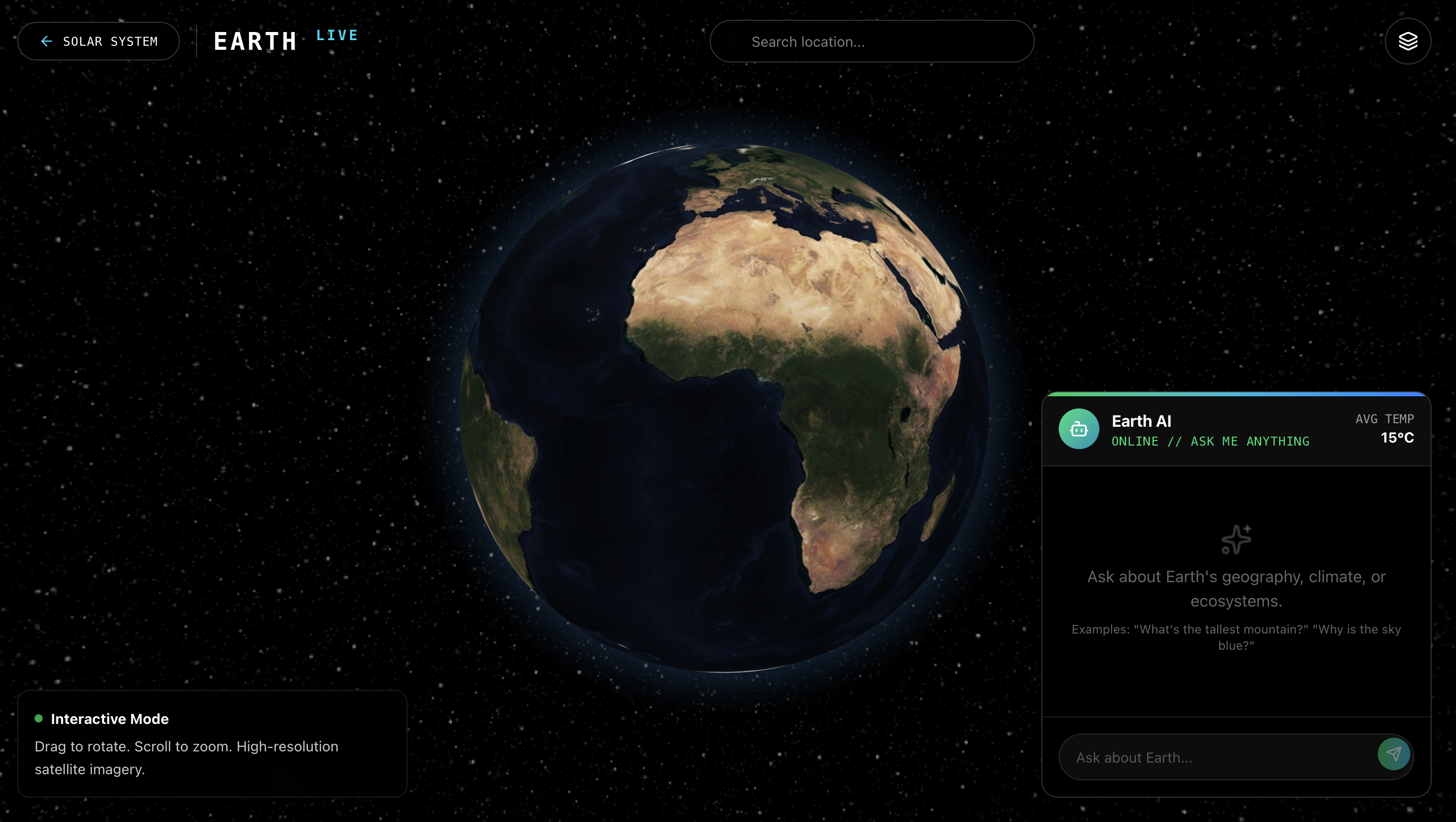
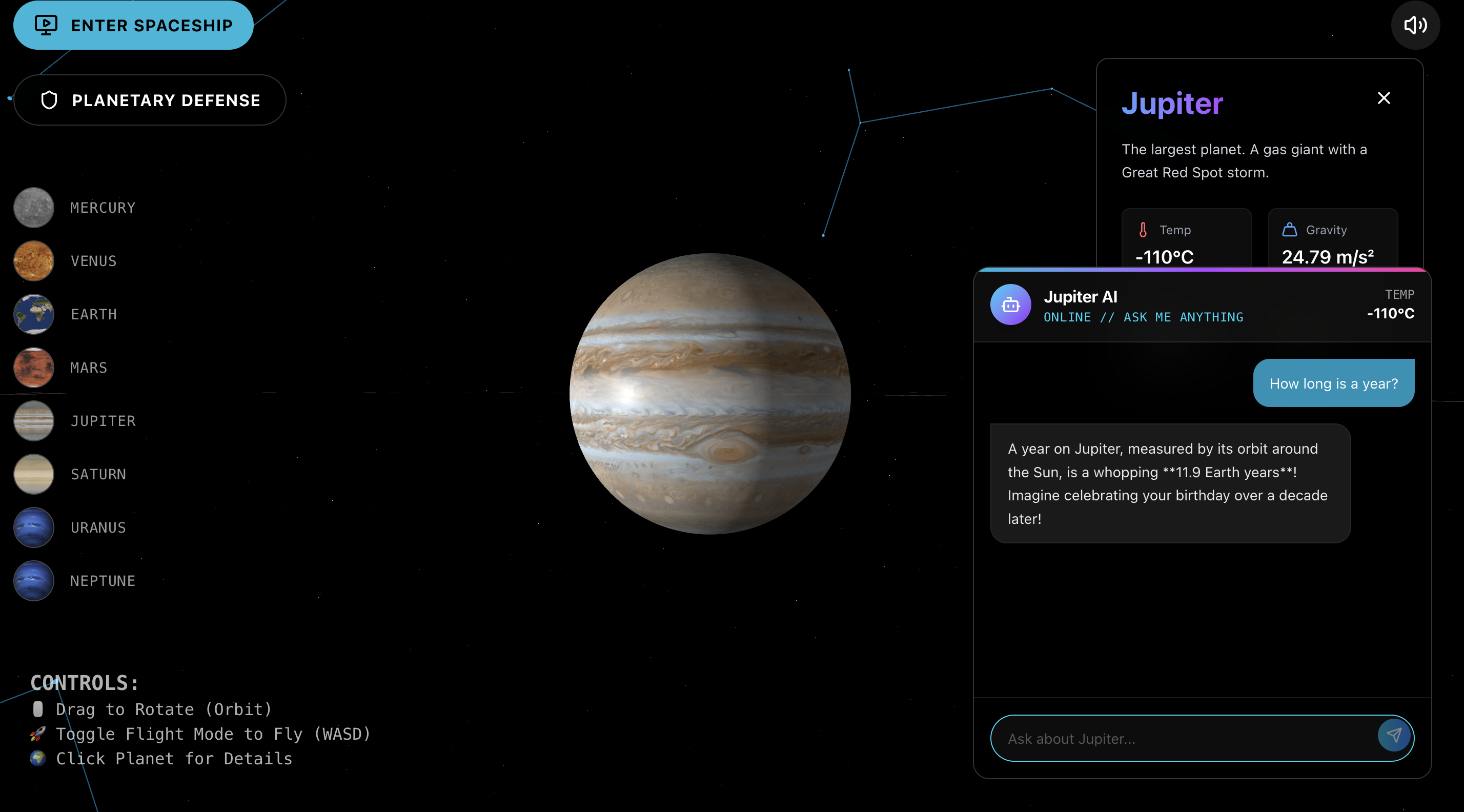
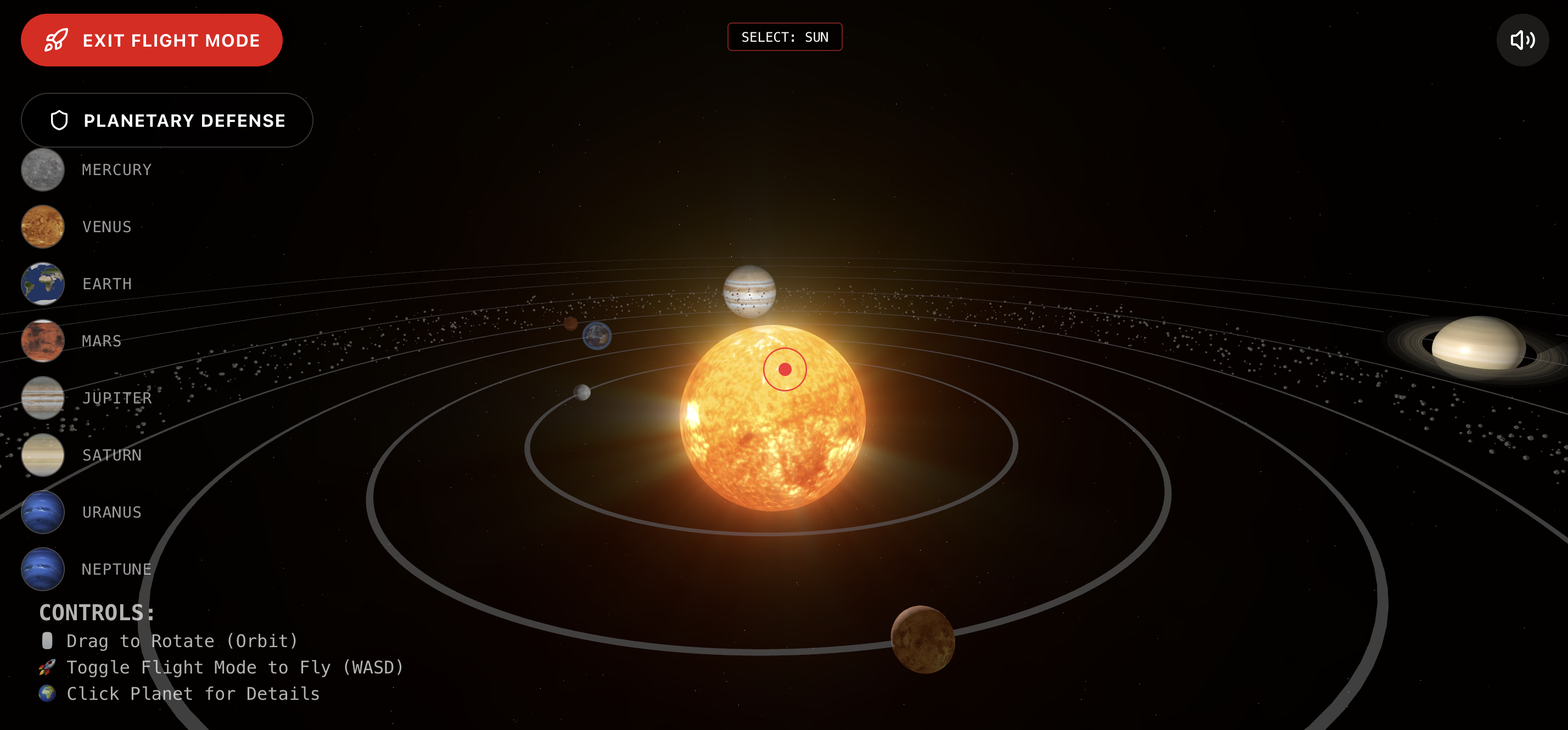
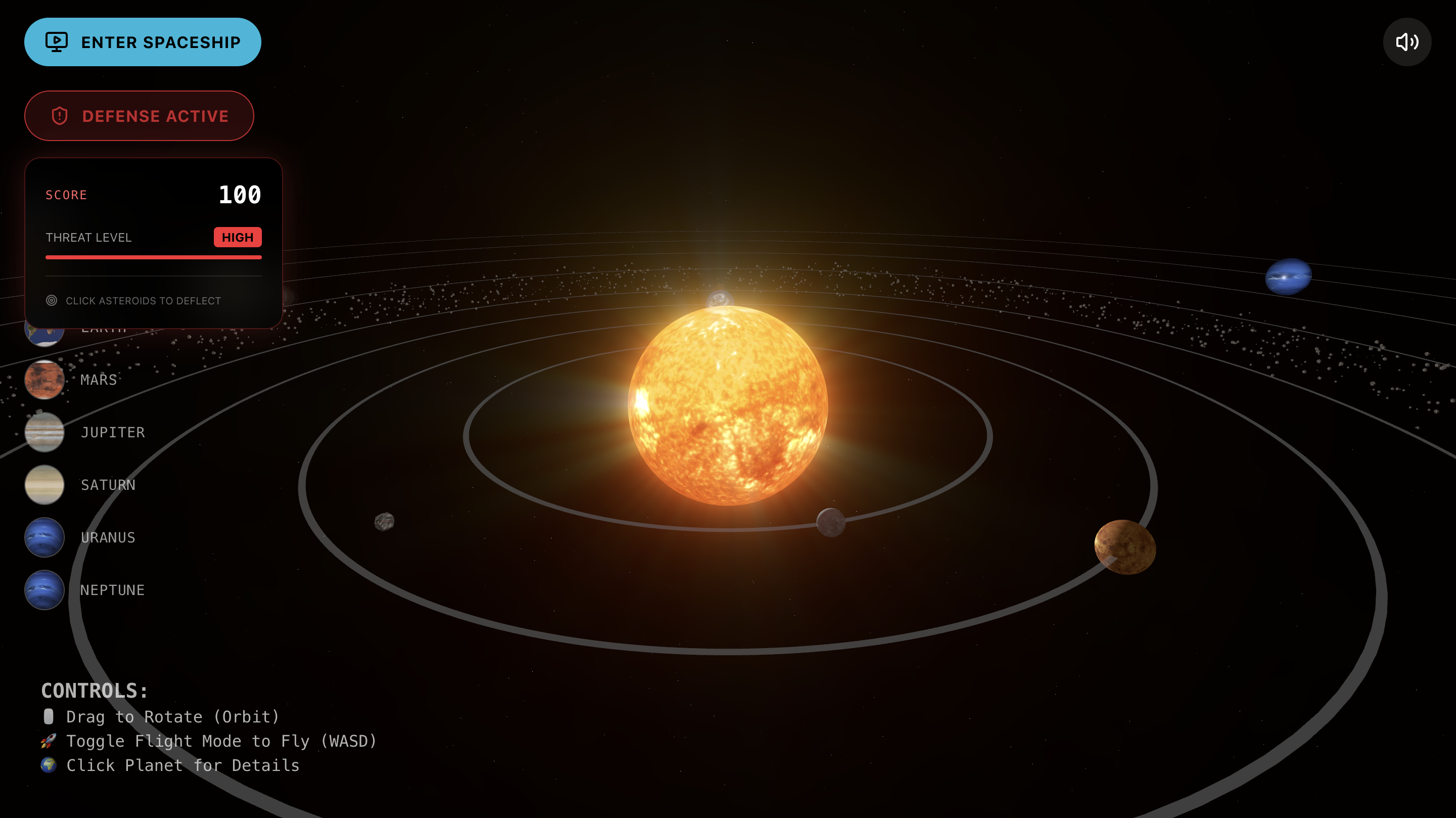
Explore the Galaxy to Master the Science
Inspiration: Why I Built This
Space has always fascinated me. Like many, I grew up awestruck by movies like Interstellar and Star Wars, captivating us with the sheer scale and beauty of the cosmos. But I noticed that learning about space in school often felt flat—textbooks and static images just couldn't capture the grandeur of the universe.
I wanted to bridge that gap. My goal was to build an interactive educational experience that feels less like a classroom and more like a video game. I wanted kids (and adults!) to not just read about planets, but to fly to them, see the sun's glow, and feel the vastness of space right in their browser.
key Learnings
This project was a massive learning journey, particularly because it was my first time working with 3D on the web.
React Three Fiber: I discovered how to bring 3D rendering into the React component world, bridging the gap between game development and web development.
The Balance of Performance vs. Visuals: I learned that making something "look cool" is easy, but making it run smoothly on a web browser without crashing is the real challenge.
Spaceship Physics: Implementing flight controls gave me a newfound appreciation for game physics—getting the drift, speed, and rotation to feel "weighty" and realistic took significant trial and error.
How we Built It (The Tech Stack)
I built this application using a modern, high-performance web stack:
Framework: Next.js 16 (React 19) for a fast, server-rendered foundation.
3D Engine: React Three Fiber (Three.js), which allowed me to render the planets, stars, and asteroid fields declaratively.
Visual Effects: I used @react-three/postprocessing for cinematic effects like Bloom (for the glowing sun) and God Rays, giving the scene a premium, movie-like quality.
AI Integration: To make the app truly interactive, I integrated Google's Gemini API (@google/generative-ai) to create an "AI Astronomer." This acts as a knowledgeable guide that users can chat with to ask questions about specific planets, making the learning experience personalized and conversational.
Styling: Tailwind CSS for a sleek, unobtrusive UI that floats above the 3D scene.
Challenges I Faced
Browser Performance: My initial versions helped crash the browser! rendering thousands of stars, an asteroid belt, and high-fidelity planets was too much. I had to learn optimization techniques like reusing geometries and limiting high-cost render passes.
Flight Controls: Creating a "Flight Mode" that felt intuitive on a 2D screen was difficult. Navigating a 3D space with keyboard inputs (WASD) required complex mapping to update the camera's position and rotation smoothly without inducing motion sickness.
UI & 3D Integration: A common "gotcha" was the UI blocking the 3D interaction. I had to carefully manage z-indexes and event propagation so users could click buttons without losing control of their spaceship.
Final Thoughts
Building this project proved to me that the web is capable of incredible immersive experiences. It’s not just for documents anymore; it’s a canvas for worlds. "Explore the Galaxy. Master the Science" isn't just a tagline—it's exactly what I hope every user gets to do.

Log in or sign up for Devpost to join the conversation.