-
-
Arts and crafts
-
Finished product
Inspiration
Me and Nate were inspired to build this project after the countless times driving to Mitchell Hall with our roommates and finding that the parking lot was full. This caused us to have to park over at Beamish Munro and walk over late to the ARC for intramural volleyball. This was a considerable pain and we vowed to find a solution for this problem and never be late to volleyball ever again (only one of those statements came true).
What it does
KPark is an AI assistant that tracks and displays available parking on streets and lots in Kingston. The data is pulled from real life sensors and live updates which spots are free, the cost, and where to find it. KPark is also a navigational assistant and has the ability to give directions to a given destination and suggest parking spots within a nearby radius. The user can filter parking spots for many requirements including accessibility parking, EV charging, and vehicle height. Additionally, user can conversate with KPark through a chat and ask for the best parking destination given a variety of factors. Finally, to improve the UI/UX, we have included a light and dark mode and users can access KPark via any mobile device.
How we built it
We created a React and TypeScript web app with a Leaflet map showing live parking in downtown Kingston. Static parking data (streets/lots with availability, pricing, EV/accessibility parking) is stored in code and visualized with polylines and custom status icons. The UI supports search (geocoding and radius filtering), interactive filters (EV, accessibility, height, free parking), and step by step driving/walking directions using OSRM. Our clean mobile layout uses a bottom sheet for locations on phones. Live sensor data from Arduino hardware is collected via a Node.js serial bridge, sent to an Express API, and polled by the frontend to show live spot counts. The entire SPA is built with Vite and deployed on GitHub Pages.
Challenges we ran into
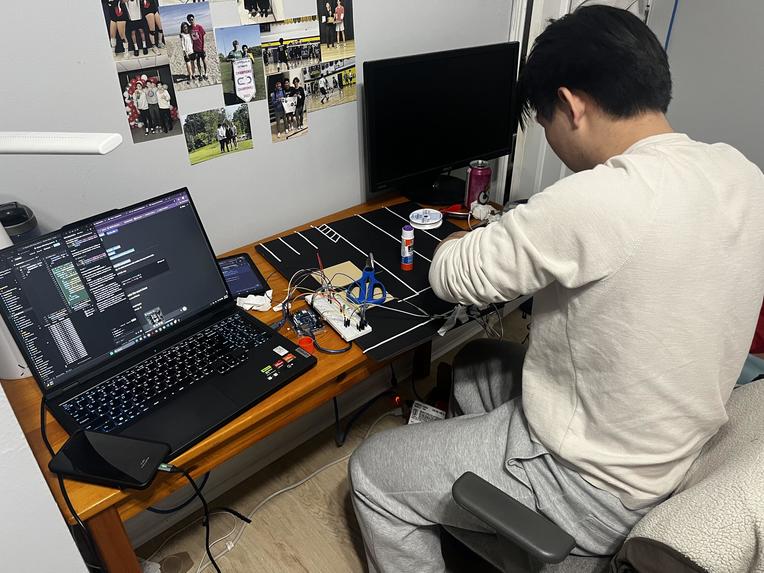
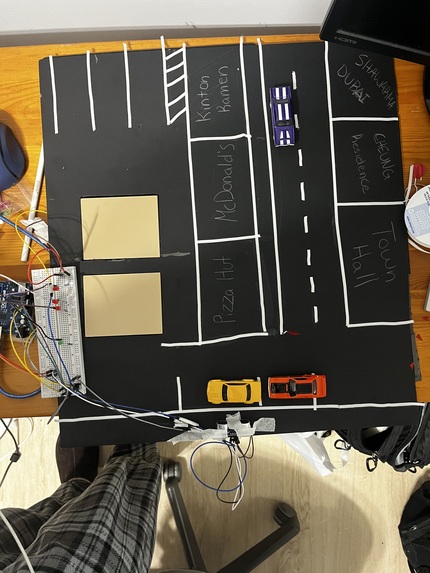
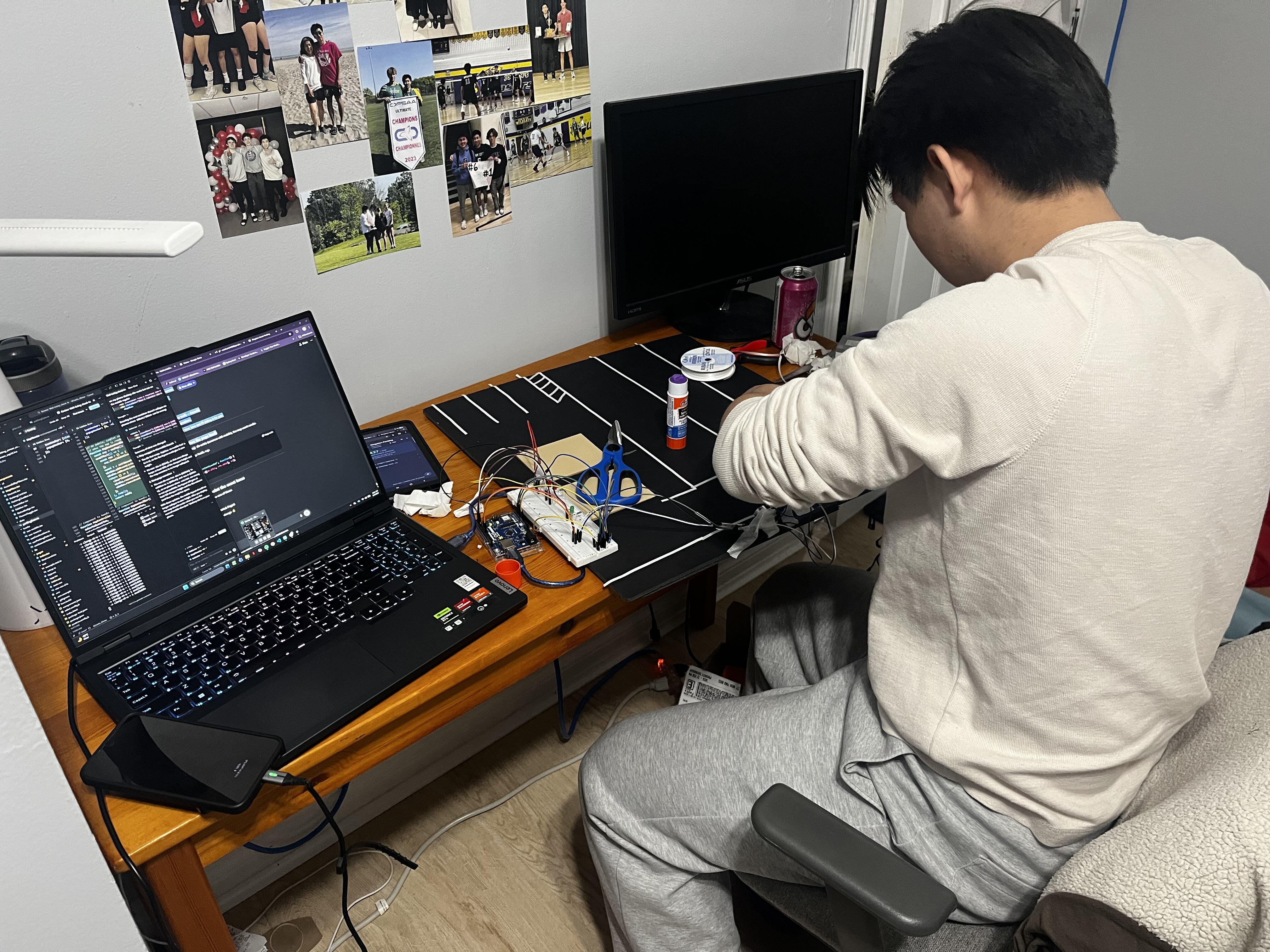
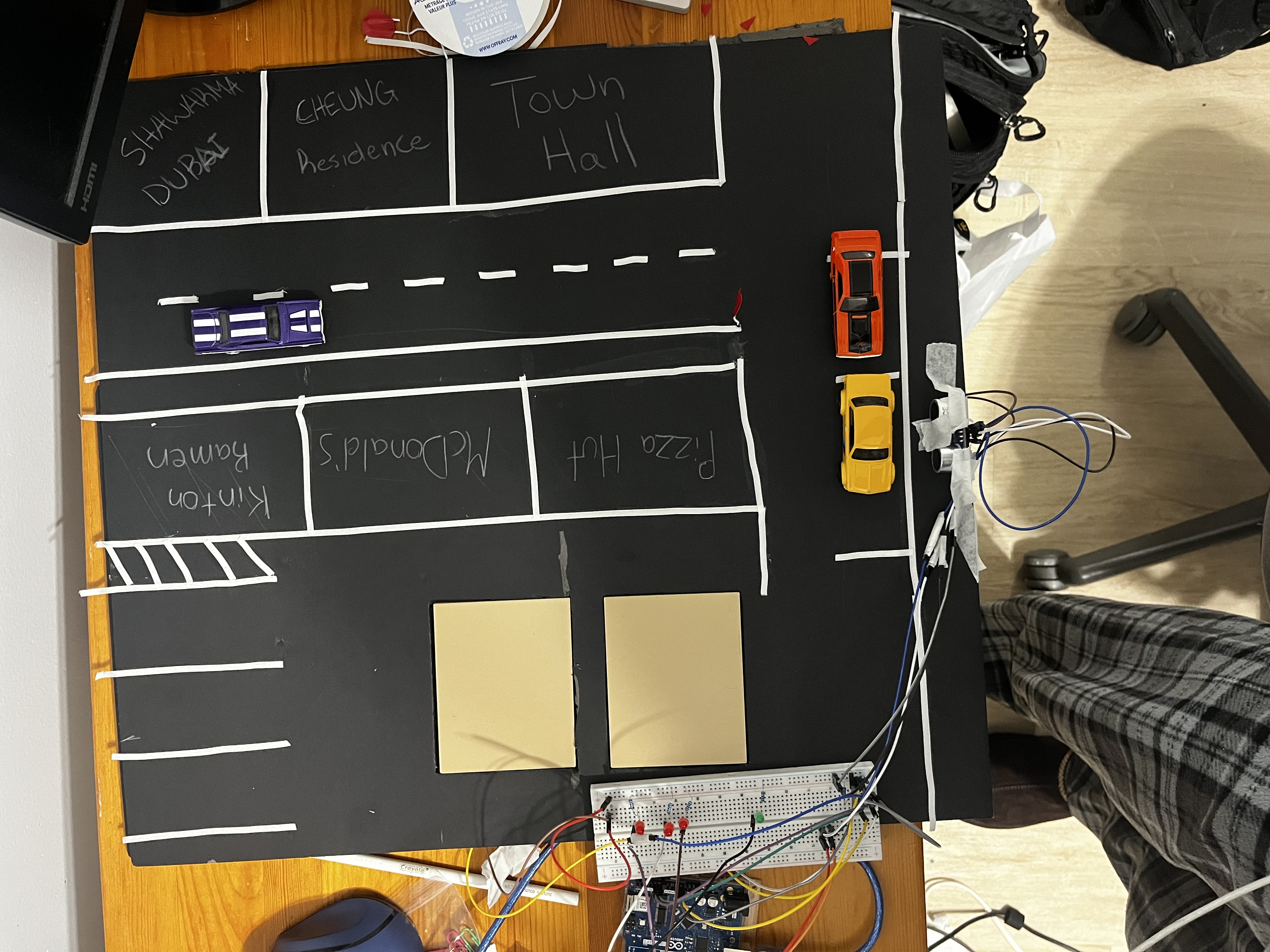
It quickly became clear that training a model to understand what a parking space was and if it was free was too large of a task to achieve in a single weekend. Although we couldn't use computer vision, we still wanted some sort of physical model. Thus we built a small scale parking lot and street and tracked if spots were full with an Arduino and some sensors. This was surprising difficult as well, as we didn't have many resources for the Arduino and hardware prototyping was tedious. Eventually, we were able to get a functioning physical model which we could pull data from to update our web app live!
Accomplishments that we're proud of
We have a lot to be proud of with KPark. If I had to narrow it down to a few accomplishments, I think we're most proud of the fact that: 1.) KPark can live update it's page when it reads information from an Arduino microcontroller. 2.) Our hardware implementation of the Arduino and its sensors. 3.) KPark's chatbot feature that feels immersive and lifelike. 4.) The mobile implementation of KPark on phones and tablets. 5.) Our impressive arts and craft skills when building our small scale parking model.
What we learned
We learned many skills and information over the weekend including: 1.) How to connect data from an Arduino to a live updating web app. 2.) How to use Leaflet and other technologies to create a navigational map. 3.) How to keep each other accountable and work as a team to meet tight deadlines.
What's next for KPark
Implementing computer vision and improving the AI chatbot! We hope that we can train KPark to identify parking spaces, and whether they're full or not. We also hope that we can get the AI to draw upon past data from events (ie. Frontenacs Hockey game) and divert the user accordingly. If we're really lucky, we'd love the chance to implement a pilot version and expand.
Built With
- arduino
- c++
- css
- html
- javascript
- leaflet.js
- react
- shadcn-ui
- tailwind
- typescript
- vite


Log in or sign up for Devpost to join the conversation.