-
-

Personal ai creative director
-
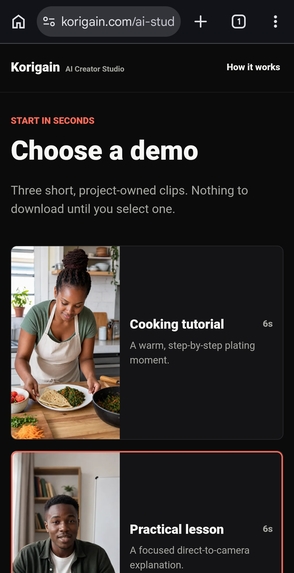
Analyze your own video
-
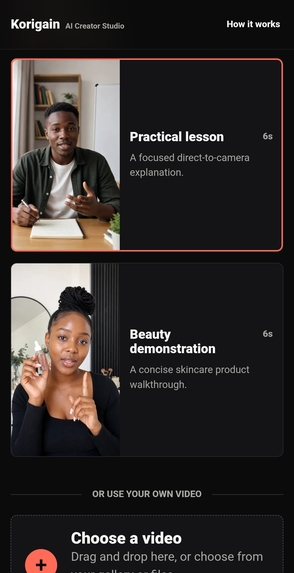
Upload once let ai process
-
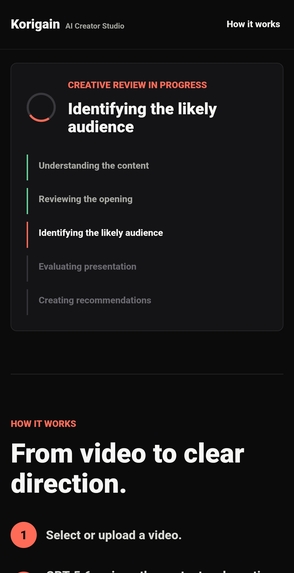
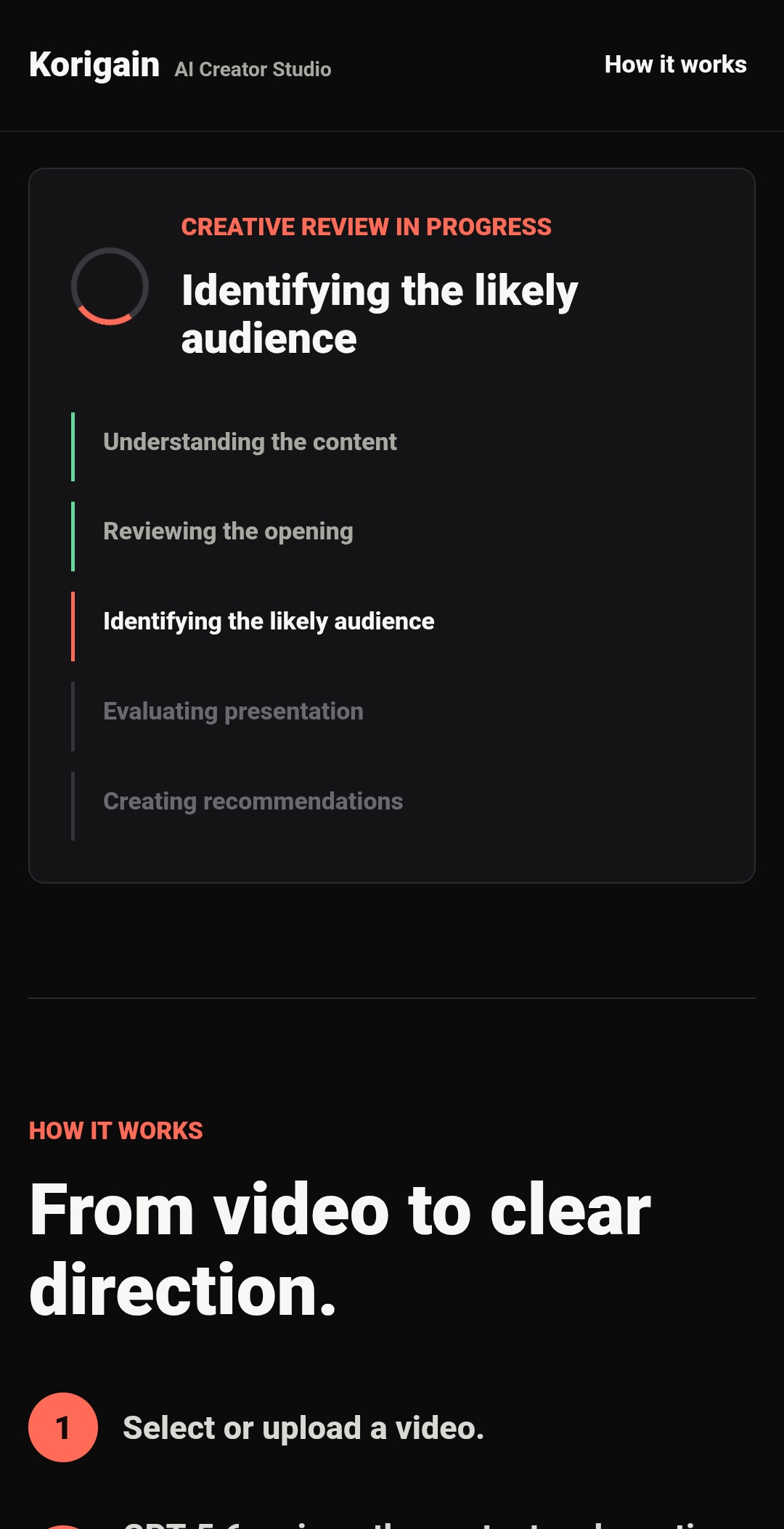
gpt 5.6 analyzes your content in seconds
-
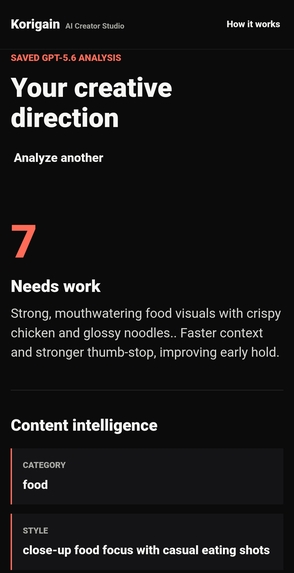
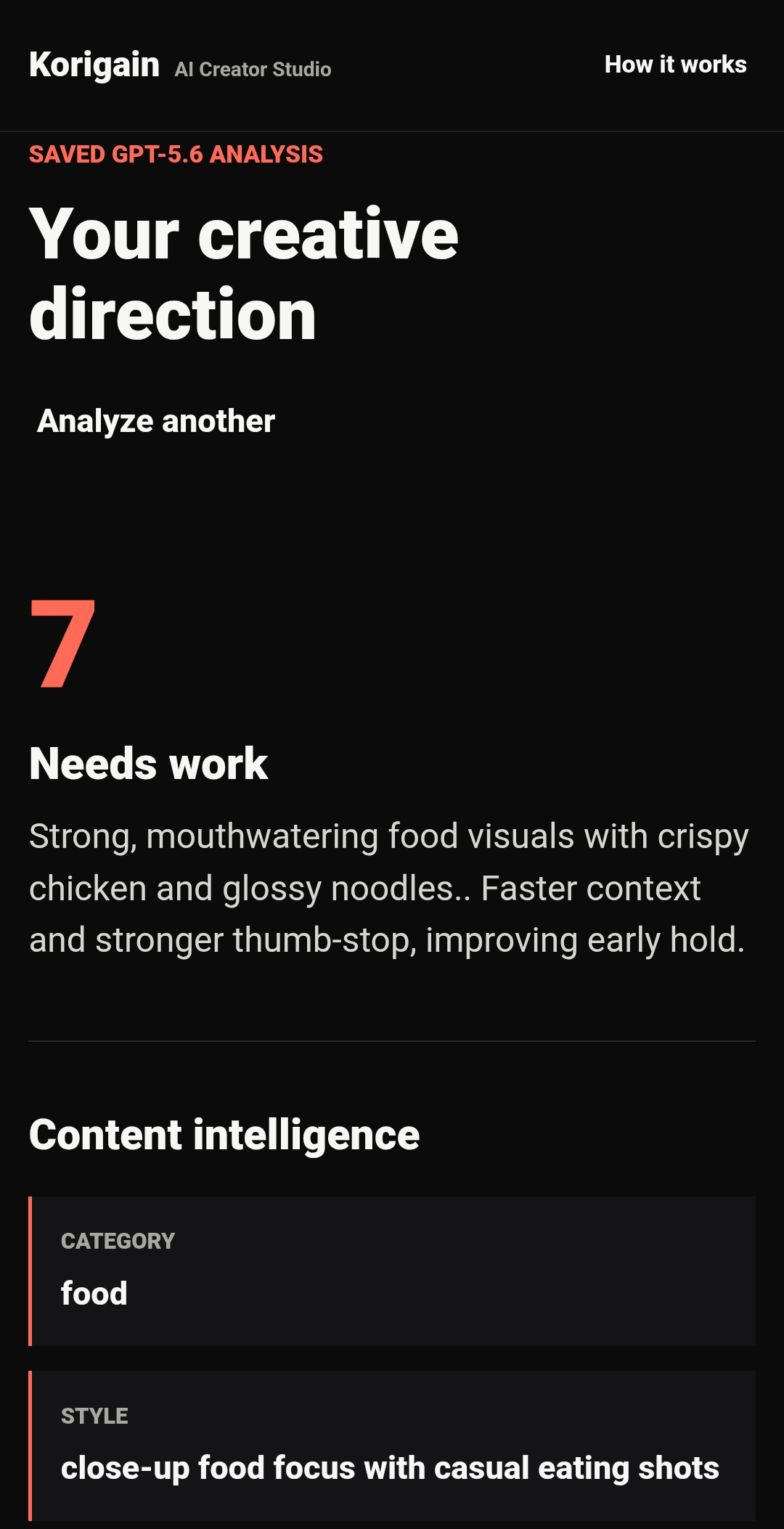
Get an instant creative verdict
-
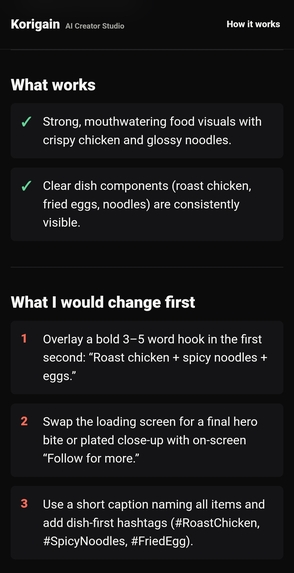
Ai understands your content not just keywords
-
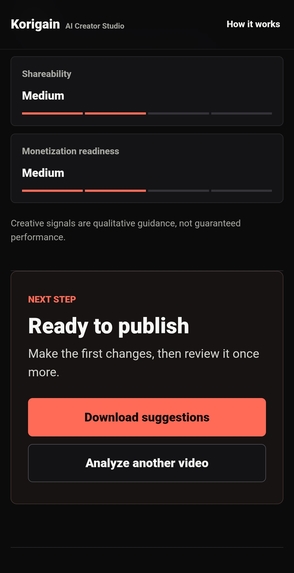
Discover what already captures attention
-
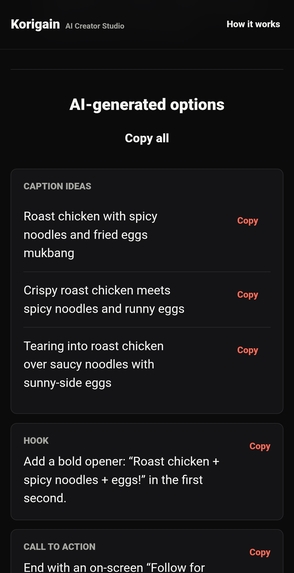
Generate captions,hooks,call to action and hashtag
-
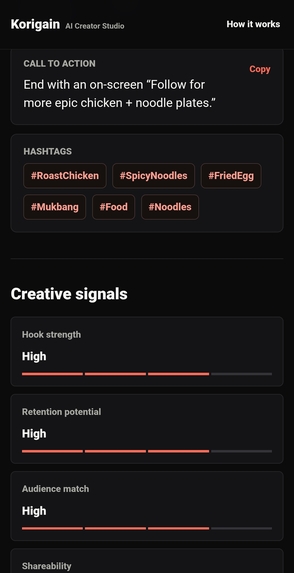
publish with confidence
-
-

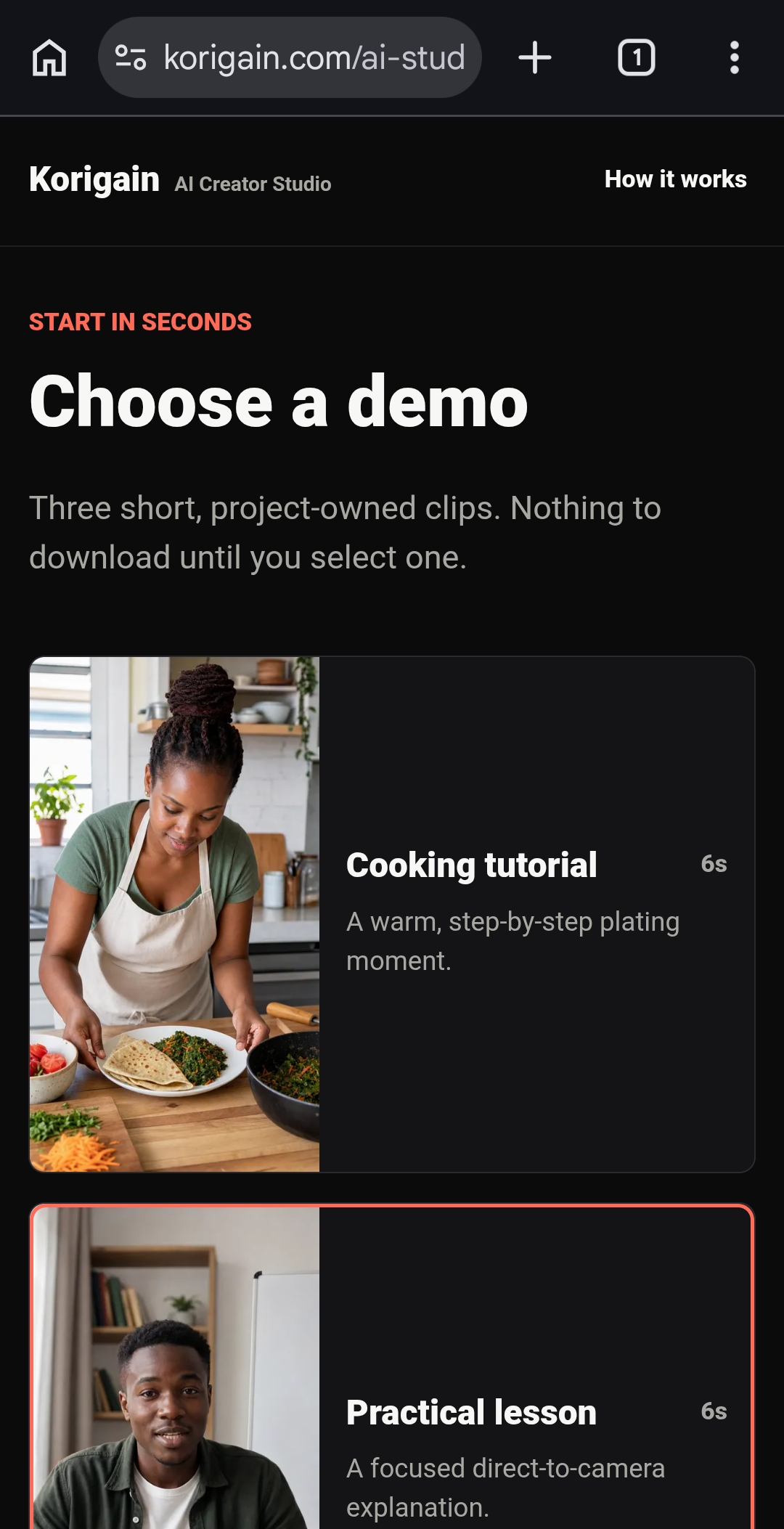
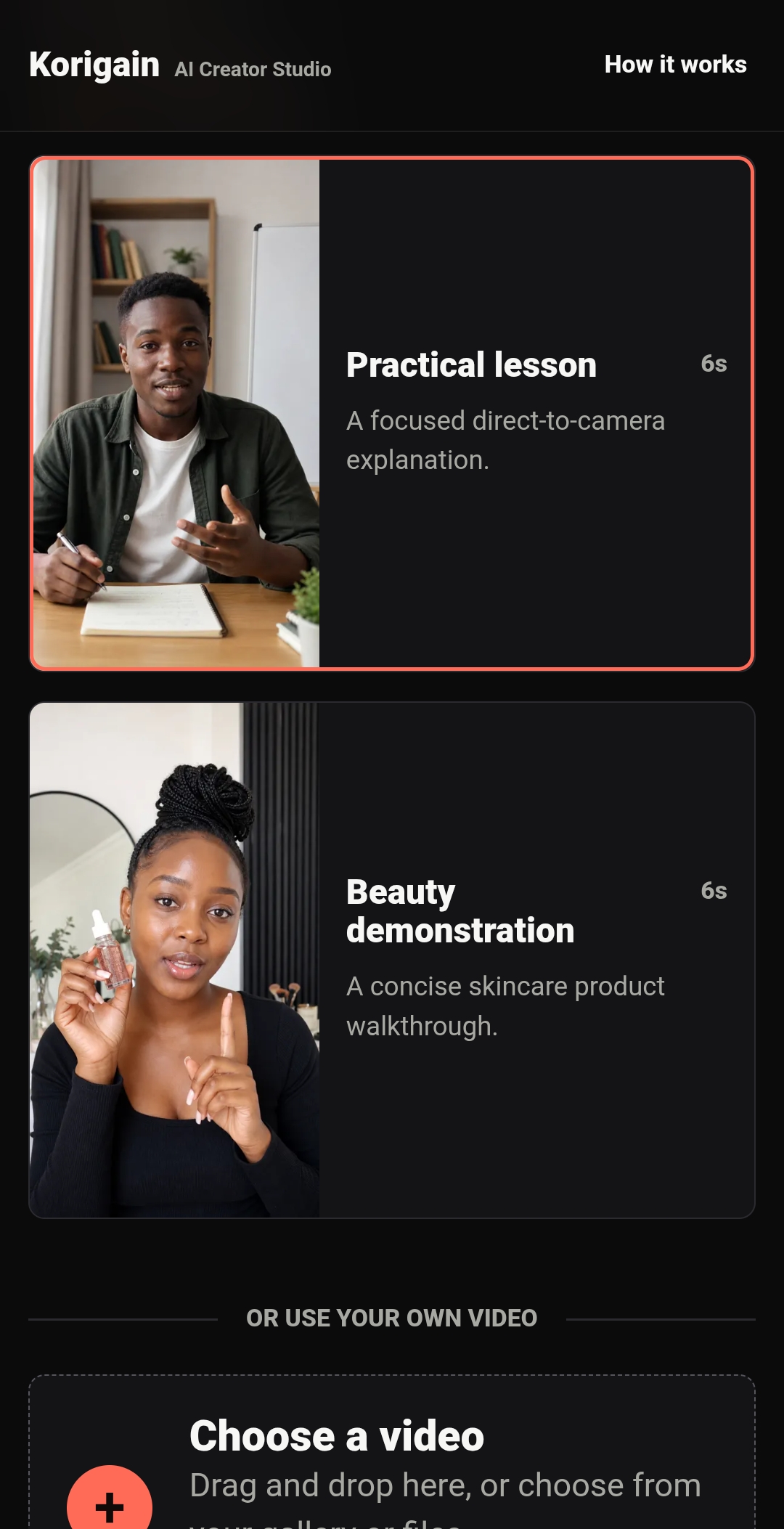
Korigain AI Creator Studio
Inspiration
Content creators spend hours recording and editing videos, but they often have no reliable way to know whether a video is engaging before publishing it. Most feedback only comes after the content is already live, when it's too late to make improvements.
I wanted to build a tool that gives creators actionable feedback before they publish. Instead of relying on guesswork, creators can upload a video and receive AI-powered insights on how to improve it.
That idea became Korigain AI Creator Studio.
What it does
Korigain AI Creator Studio analyzes creator videos before they are published.
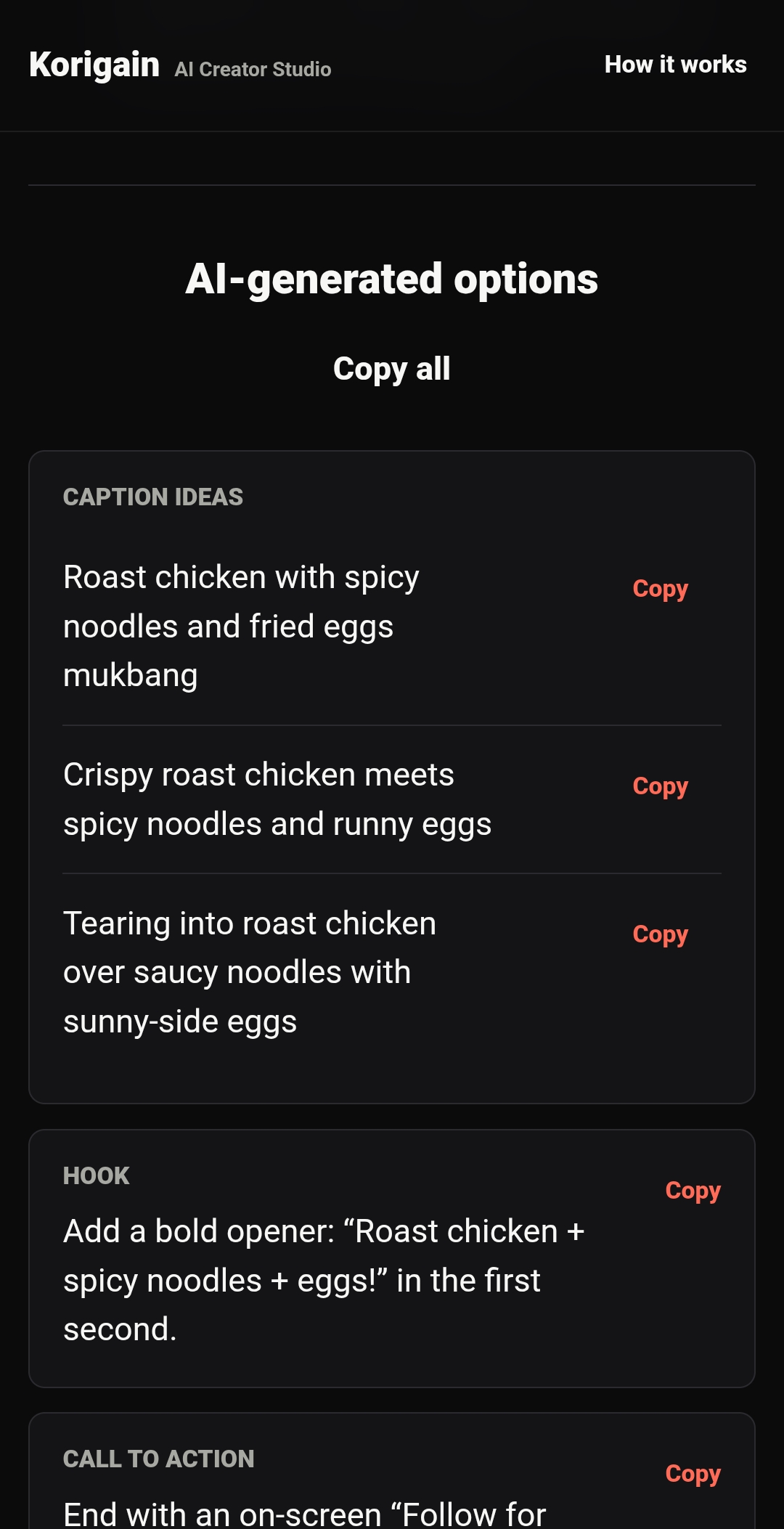
Using selected video frames together with creator-provided information such as captions, hashtags, transcripts, and metadata, the system provides:
- AI quality scoring
- Content category detection
- Hook analysis
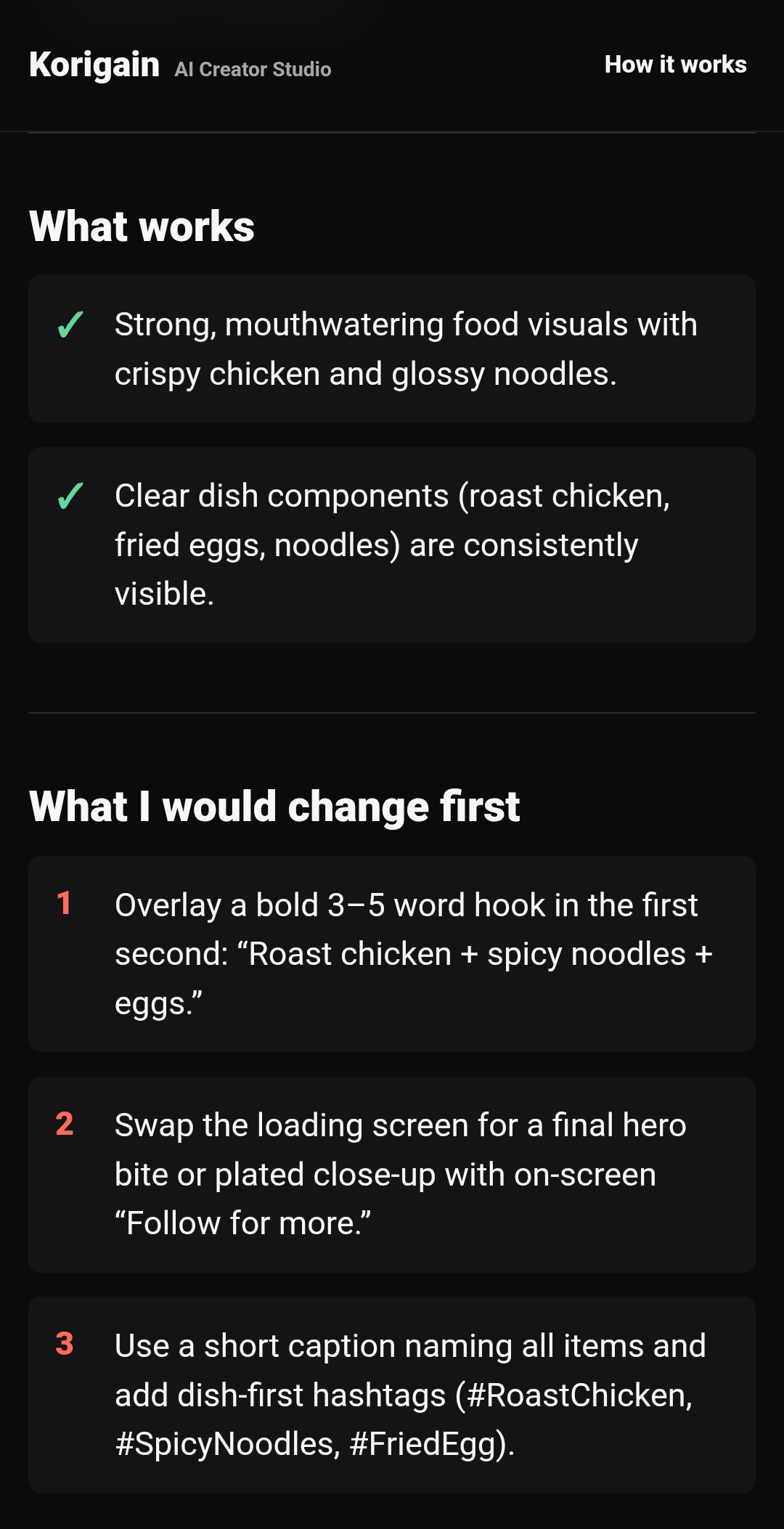
- Creative strengths
- Areas for improvement
- Priority action recommendations
- Caption suggestions
- Alternative captions
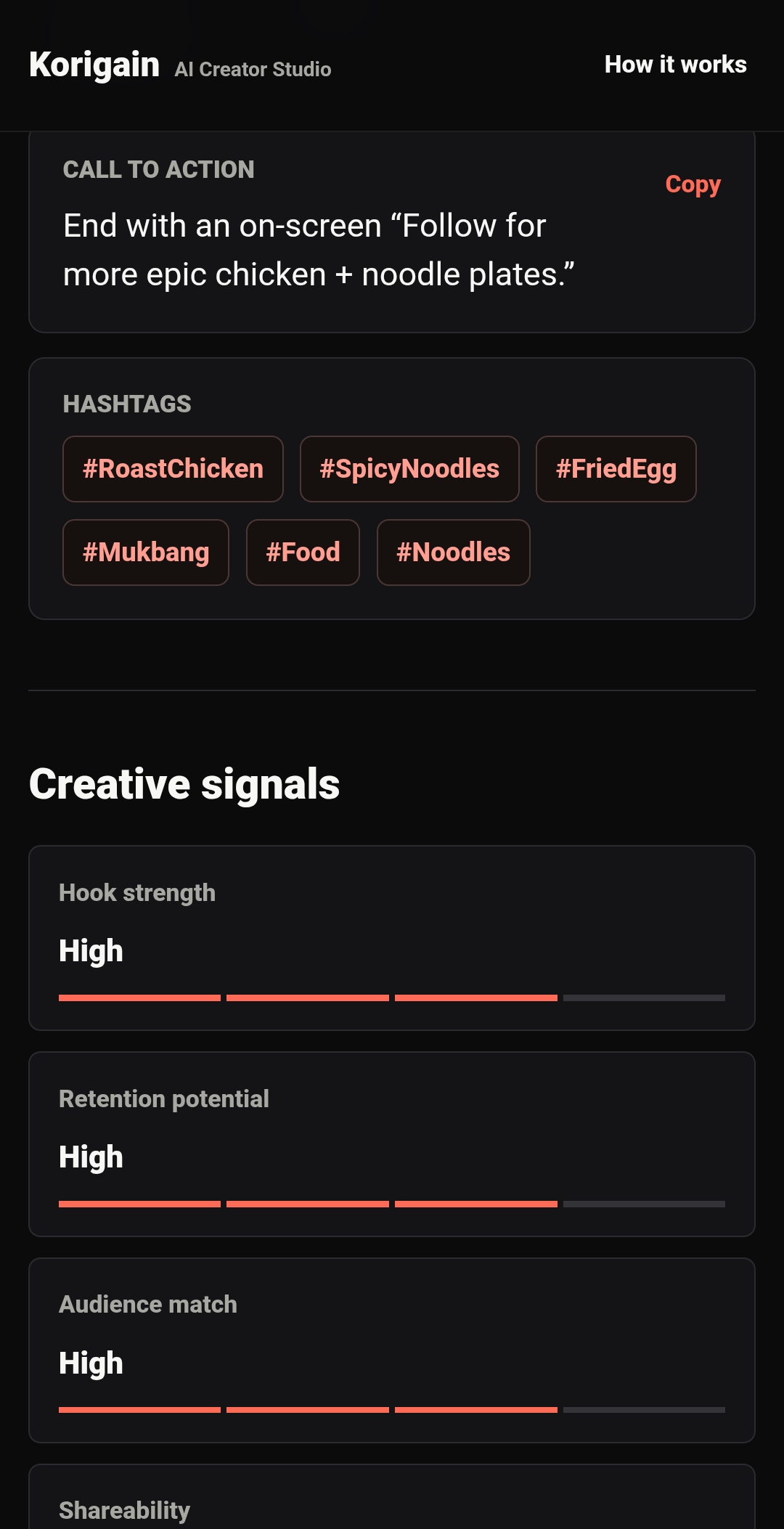
- Relevant hashtags
- Audience recommendations
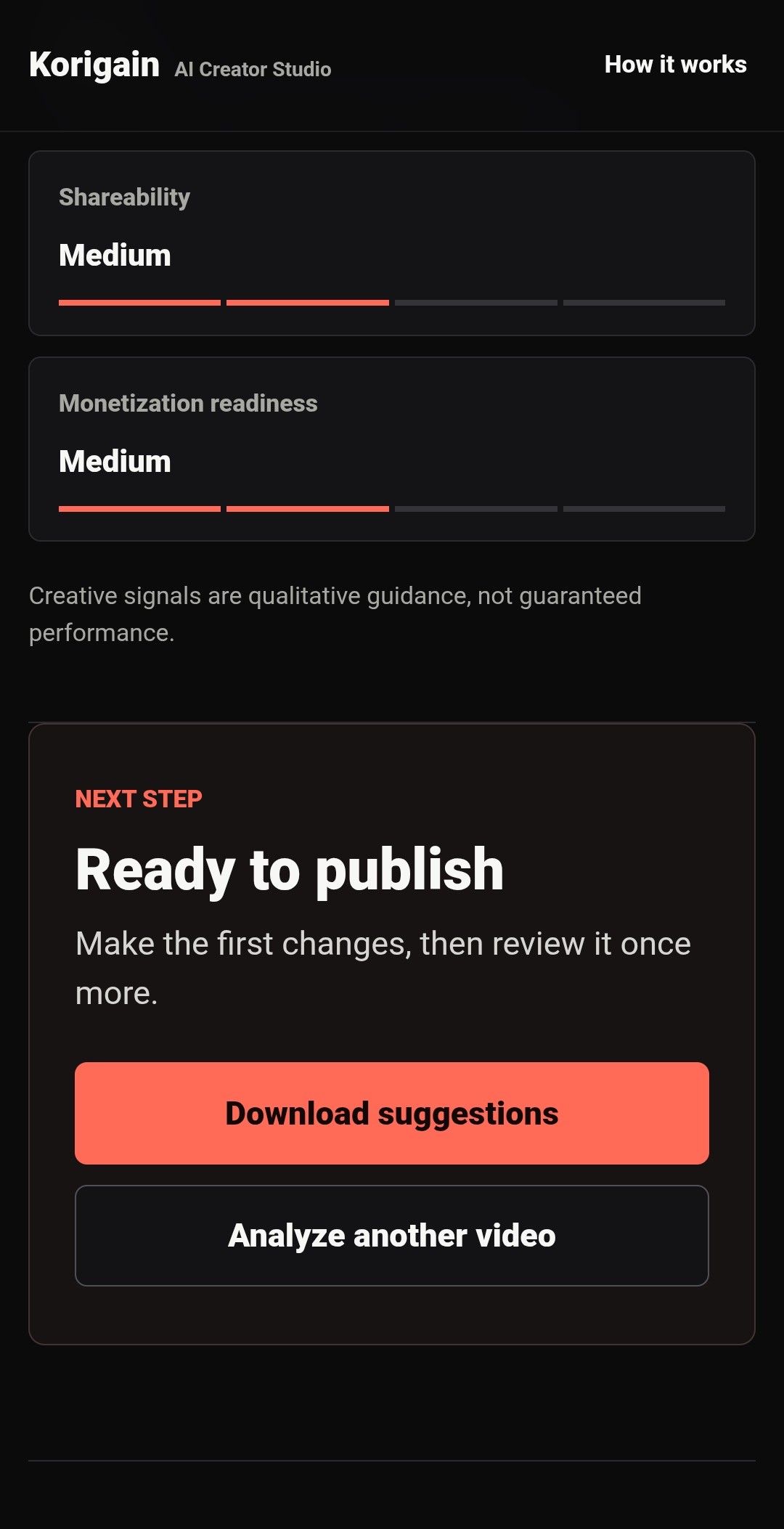
- Creative signal analysis
- Accessibility suggestions
The goal is to help creators make better publishing decisions before their content goes live.
How we built it
The project combines a web application with OpenAI's latest models.
The backend is written in PHP with MySQL for data storage.
For AI analysis, the application uses the OpenAI Responses API together with GPT-5, Structured Outputs, and JSON Schema validation to generate consistent, structured creator feedback.
Instead of uploading entire videos to the model, the application extracts representative video frames and combines them with creator metadata. This reduces processing cost while still giving the AI enough context to generate meaningful recommendations.
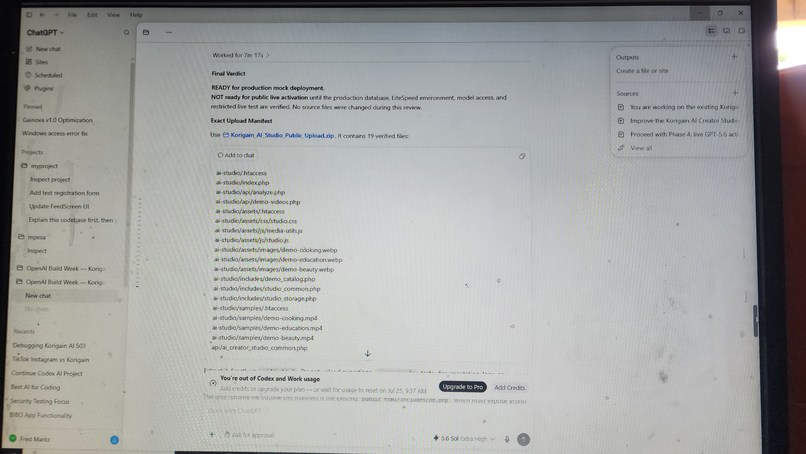
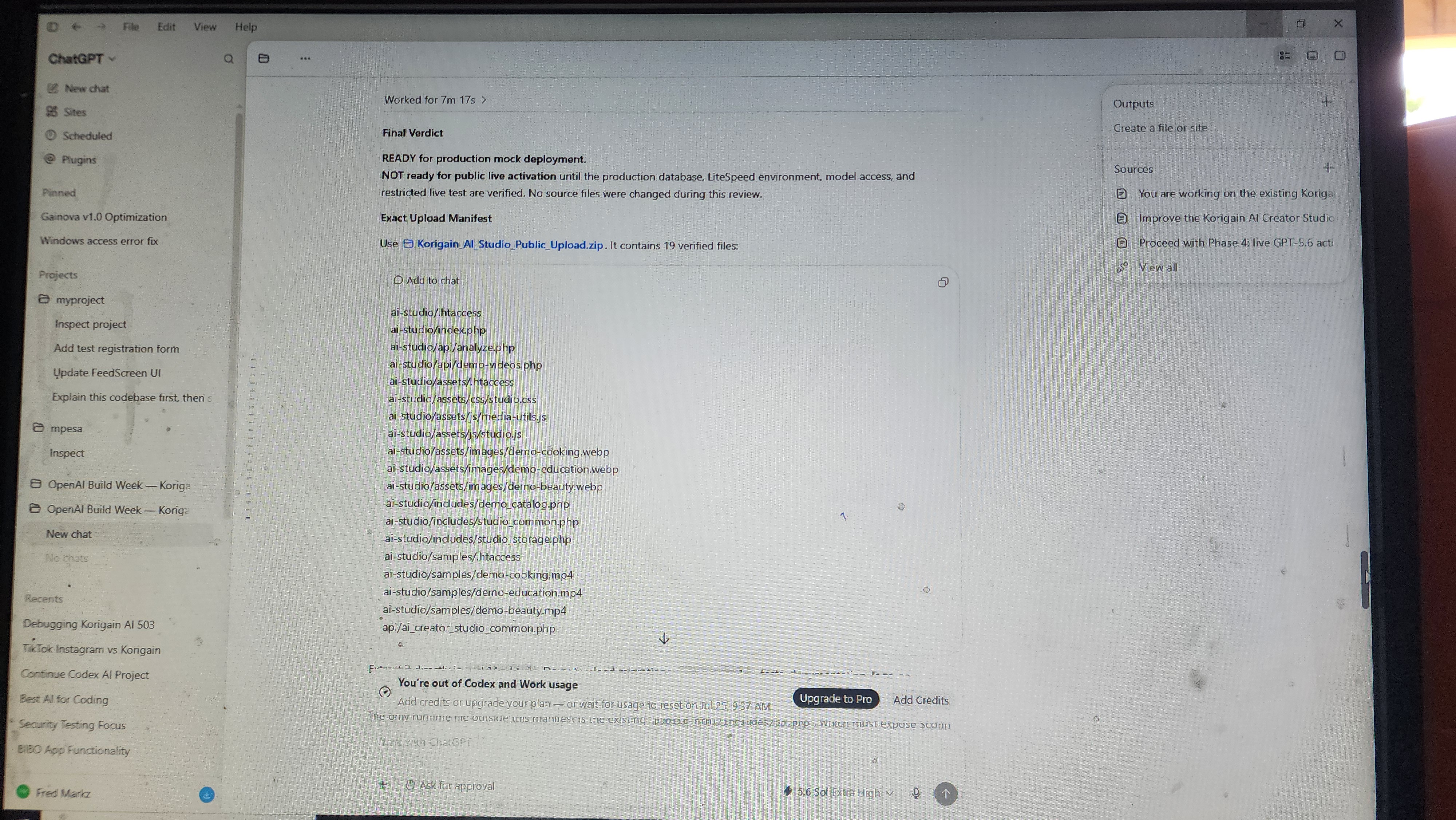
Throughout development, Codex was used extensively to accelerate engineering work, including:
- designing backend architecture
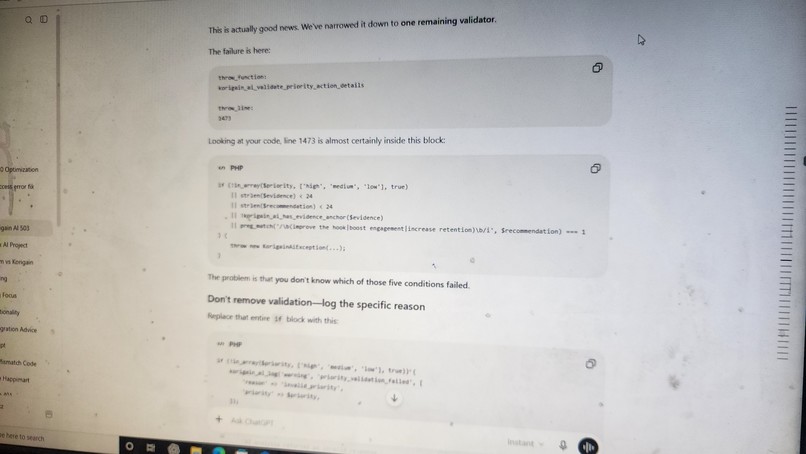
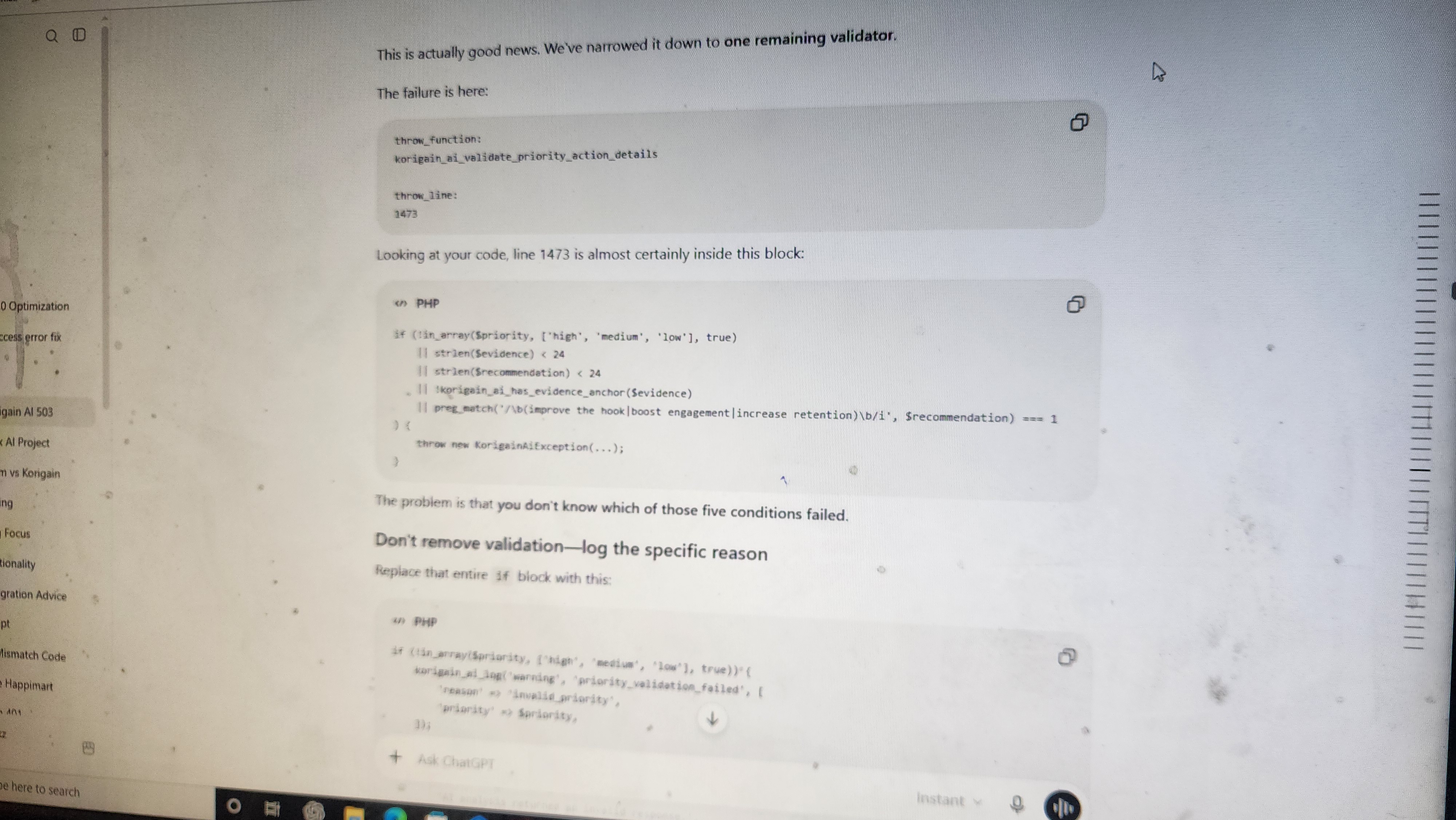
- debugging complex validation issues
- improving security
- refining prompts
- implementing structured outputs
- reviewing production code
- improving UI components
- optimizing the overall development workflow
Challenges we ran into
The biggest challenge was making AI responses reliable enough for production.
Large language models naturally produce flexible responses, but production software requires consistent structured data.
To solve this, I implemented strict JSON Schema validation, structured outputs, normalization, and server-side validation so every successful response follows the same format before being stored.
Another challenge was balancing response quality with latency and cost while keeping the experience responsive for creators.
What we learned
This project showed me that building with AI is much more than calling an API.
Creating a dependable AI product requires careful prompt engineering, structured outputs, validation, error handling, security, and thoughtful user experience design.
I also learned how much developer productivity can improve when using Codex as a collaborative coding assistant throughout the entire software development lifecycle.
What's next for Korigain AI Creator Studio
Future plans include:
- personalized recommendations based on creator history
- trend-aware content suggestions
- multilingual analysis
- improved visual storytelling feedback
- deeper audience insights
- stronger editing recommendations
- integration with the full Korigain creator platform
The long-term vision is to give every creator an intelligent AI assistant that helps them improve their content before they publish it.

Log in or sign up for Devpost to join the conversation.