Projektbericht: Entwicklung von KontextChat.app
Inspiration
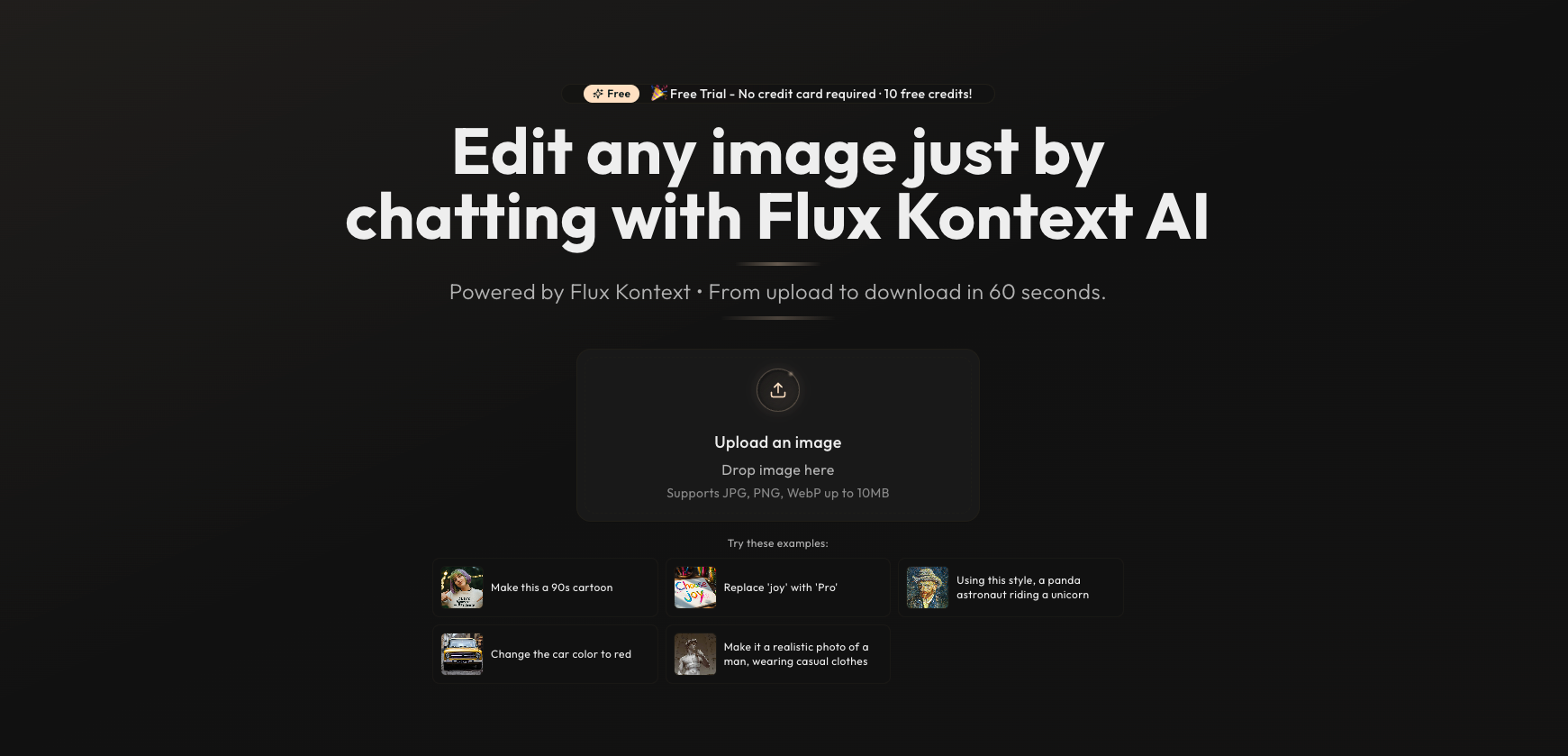
I was fascinated by the idea of conversational image editing after seeing demonstrations of Flux Kontext’s capabilities in transforming images through plain language commands[1]. The simplicity of “upload, chat, download” workflows and the potential to democratize design without complex tools inspired me to build KontextChat.app as a standalone project.
What I Learned
- Natural Language Processing Integration: I explored how Flux Kontext interprets both visual context and textual prompts simultaneously, deepening my understanding of advanced computer vision and NLP synergy[1].
- User Experience Design: Crafting an intuitive interface reinforced best practices in drag-and-drop functionality and real-time chat feedback loops.
- Scalable Deployment: Deploying on modern serverless infrastructure taught me to balance performance (5–10 s edit latency) and cost, mirroring KontextChat’s focus on quick, efficient edits.
Project Architecture
| Component | Technology | Purpose |
|---|---|---|
| Frontend | Next.js + TypeScript + TailwindCSS | Responsive UI, chat interface, image preview |
| Image Engine | Flux Kontext AI | Context-aware image transformations |
| Backend API | Node.js + Express | Proxy requests, manage credits, and handle authentication |
| Storage | Cloudflare R2 | Store uploaded images and edited versions |
| Deployment | Cloudflare Workers + Pages | Global CDN, low-latency serverless execution |
How I Built the Project
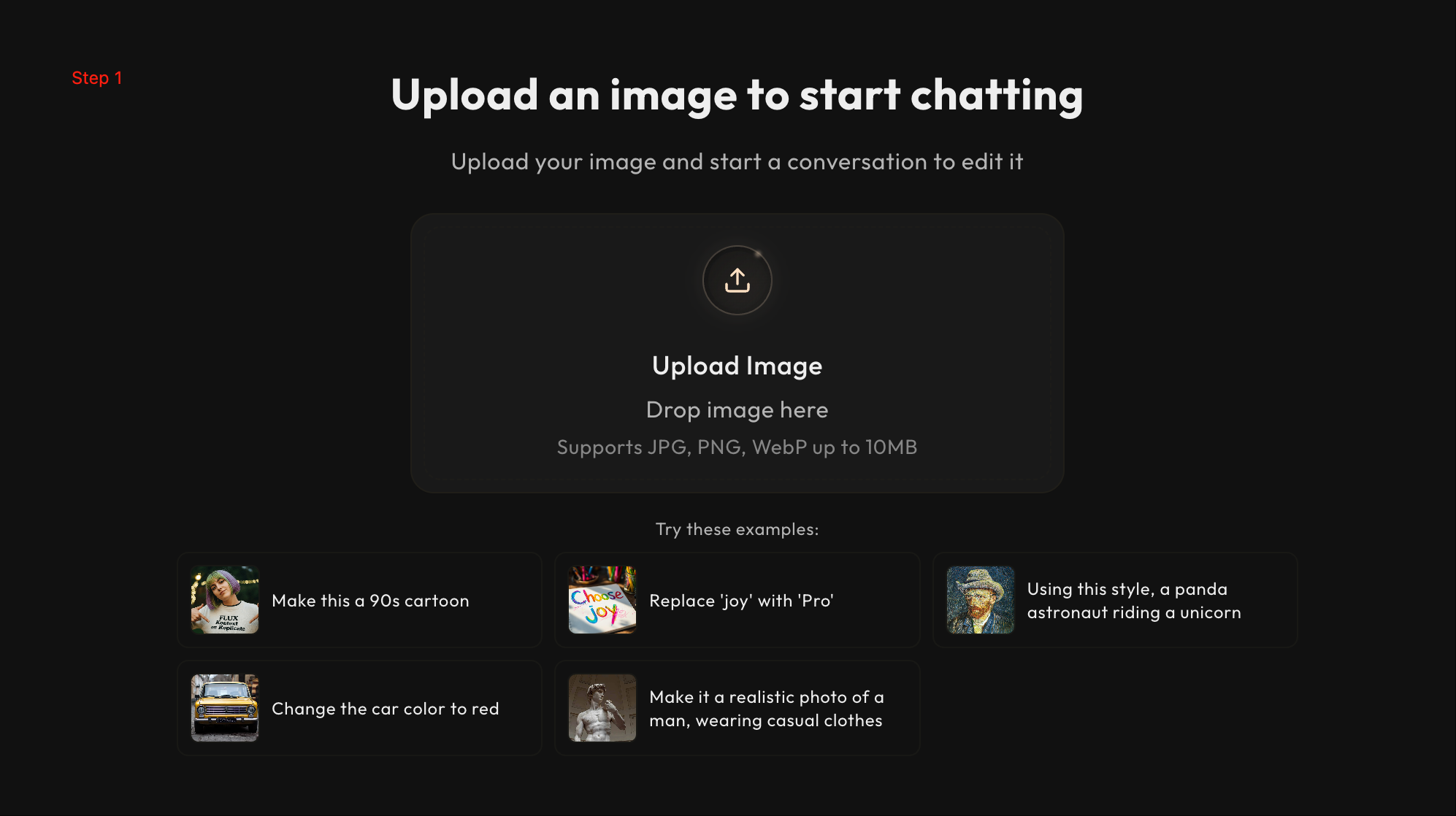
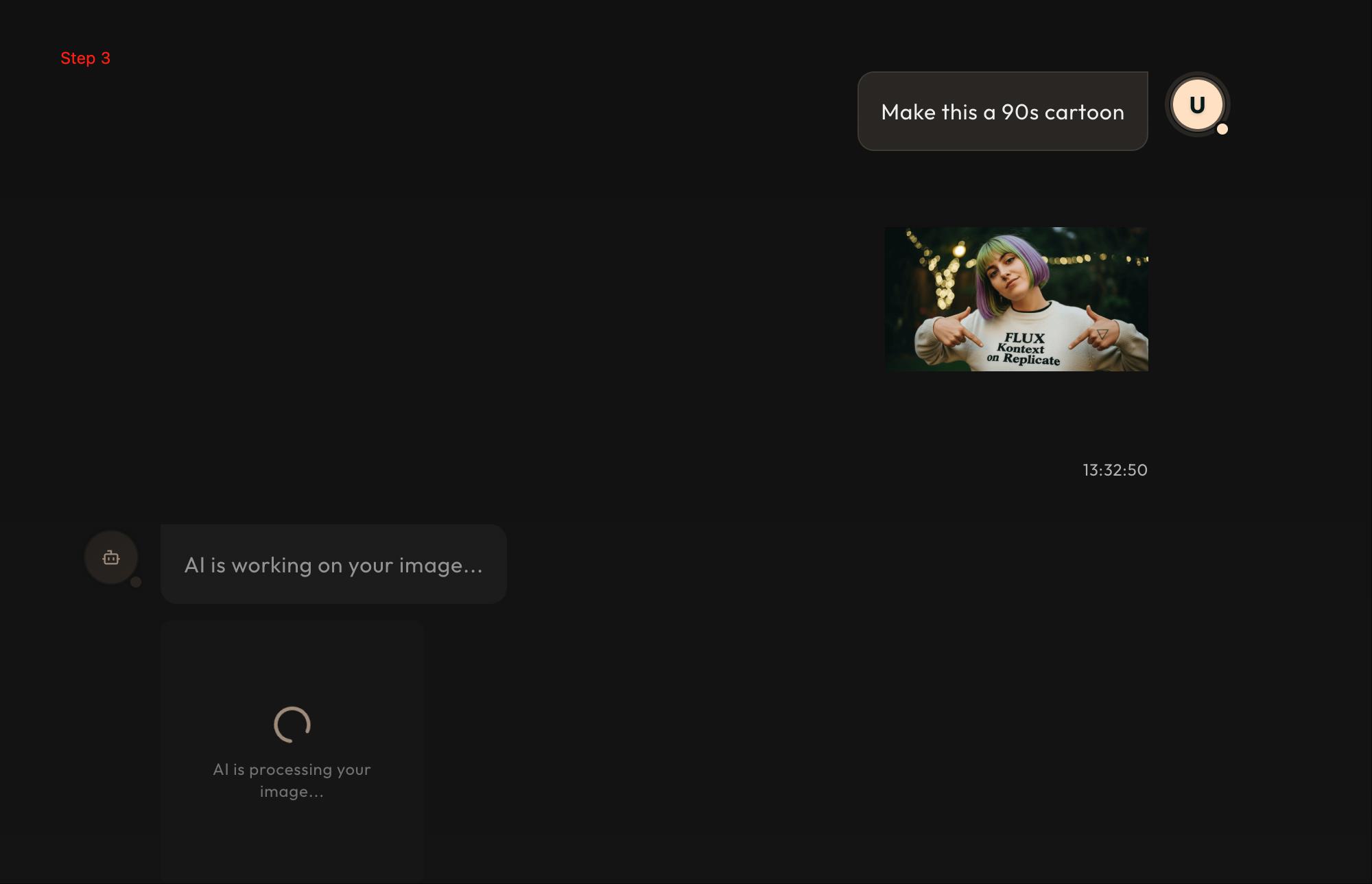
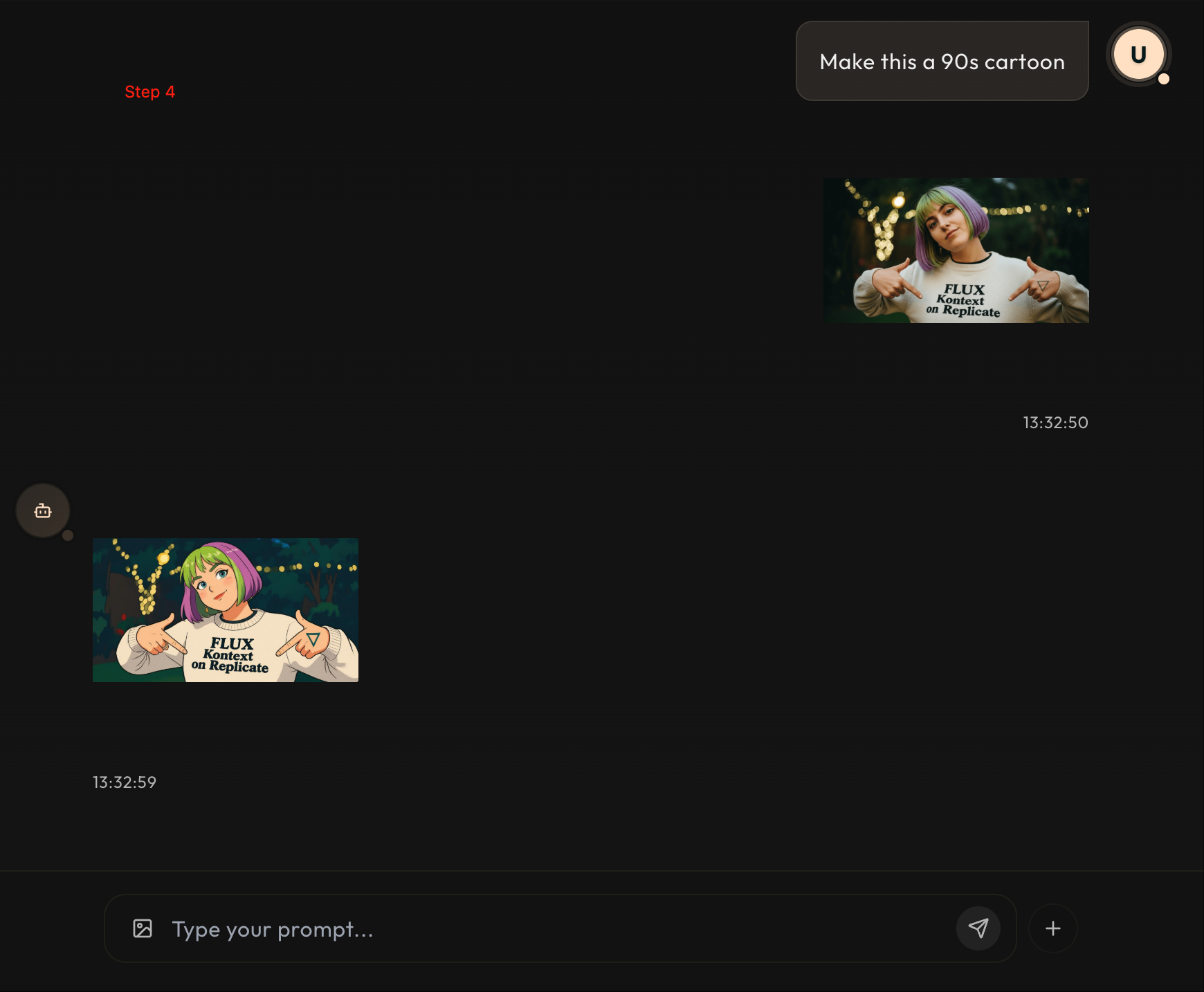
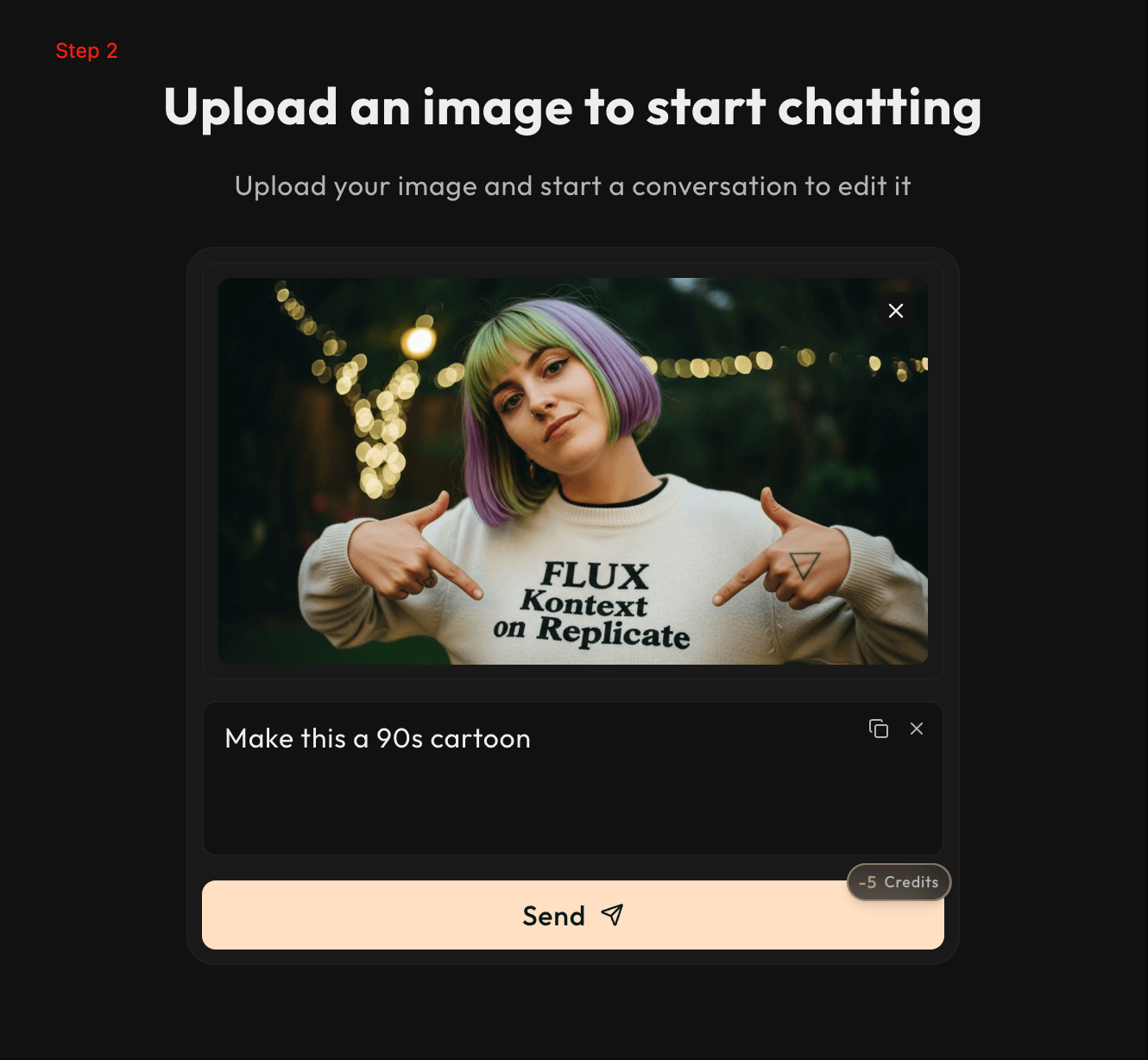
- Prototype the UI: I sketched the three-step flow—upload, chat, download—and implemented it in Next.js with drag-and-drop zones and live chat logs.
- Integrate with Flux Kontext API: Using the Replicate JavaScript client, I connected to the
black-forest-labs/flux-kontext-promodel, sending image URLs and prompts, then streaming back the edited images. - Implement Credit System: I designed a simple credit counter reset monthly, mirroring KontextChat’s plans (e.g., 200–1000 credits), and enforced rate limits on the backend.
- Deploy to Cloudflare: I configured a
wrangler.tomlfile to deploy the API as Workers and served the frontend via Cloudflare Pages for automatic Git-ops deployment.
Challenges Faced
- Latency Optimization: Achieving sub-10 s response times required tuning HTTP caching on R2 and optimizing Worker edge locations.
- Prompt Precision: Users often wrote vague prompts; I added UI tips to encourage concise instructions while preserving Flux Kontext’s “write less, create more” ethos.
- Credit Enforcement: Ensuring accurate credit deduction in a distributed environment led to race conditions, which I resolved by using Cloudflare Durable Objects for centralized counter state.
By completing KontextChat.app, I not only deepened my expertise in serverless deployment and AI integration but also delivered a user-friendly tool that reflects the core promise of Flux Kontext: effortless image editing through conversation.
Built With
- nextjs
- shadcnui
- tailwind
- typescript


Log in or sign up for Devpost to join the conversation.