Inspiration
Childhood MS Paint, MCP's for figma and blender, modelcontextprotocol.io)
What it does
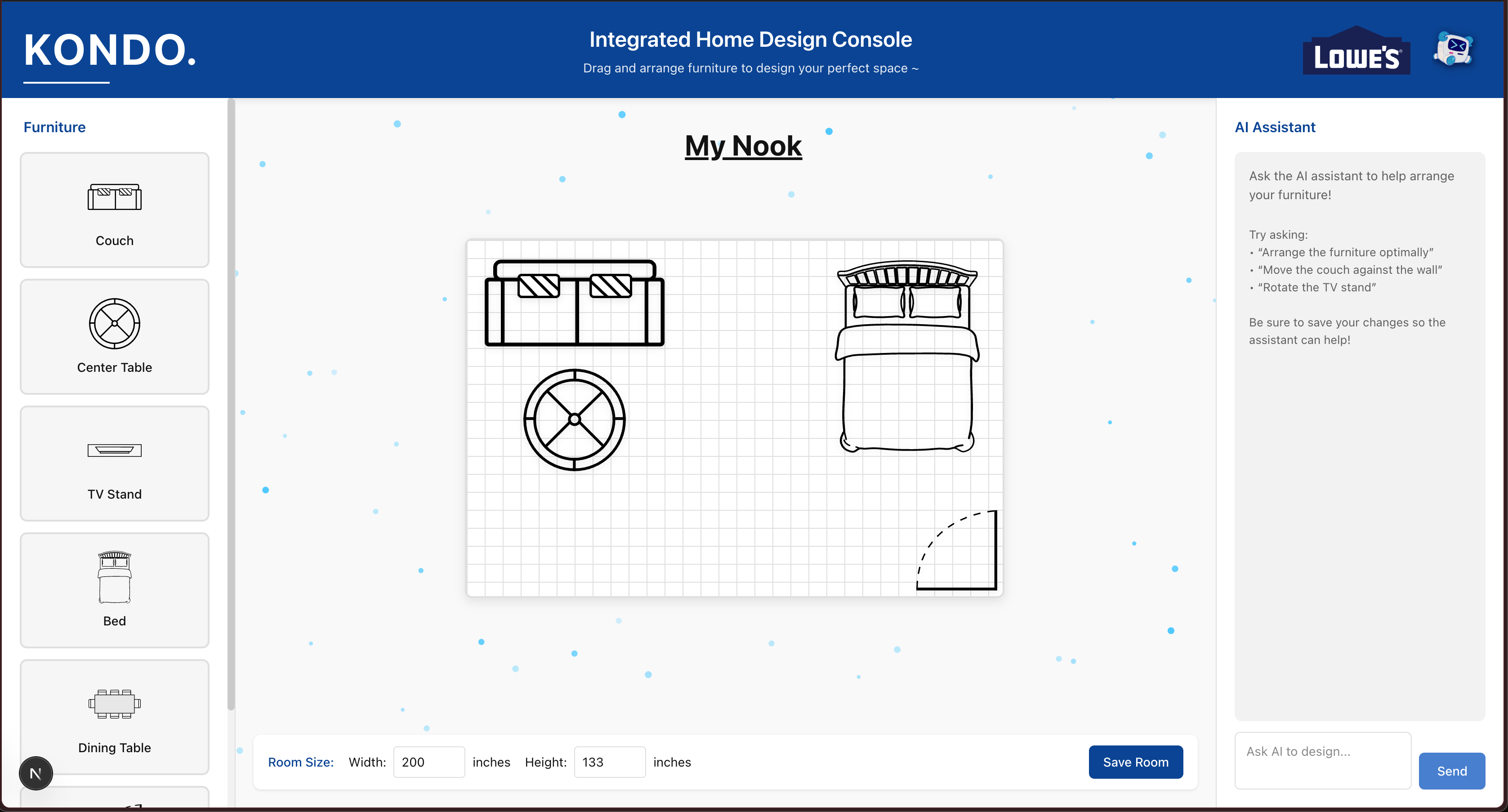
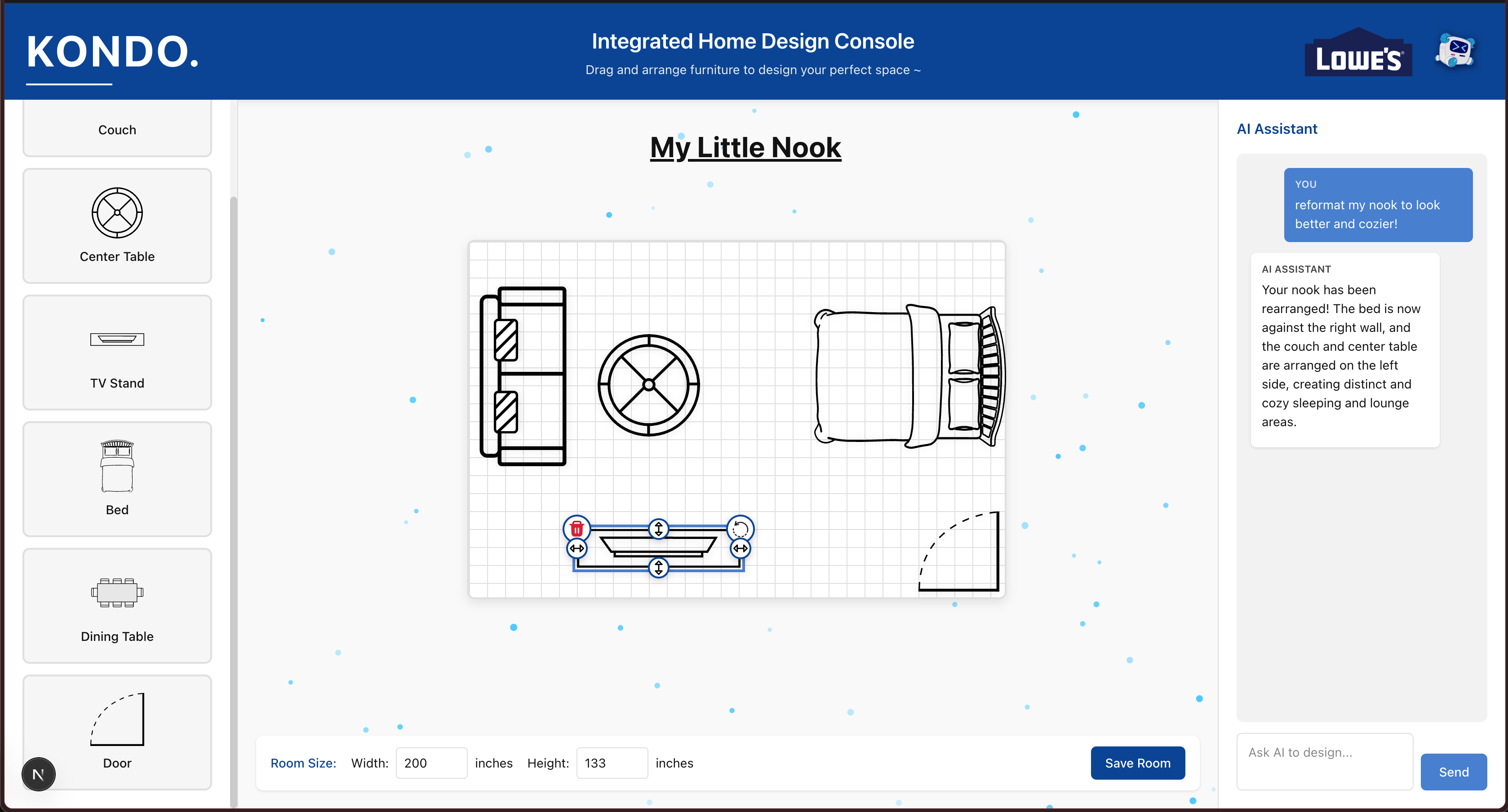
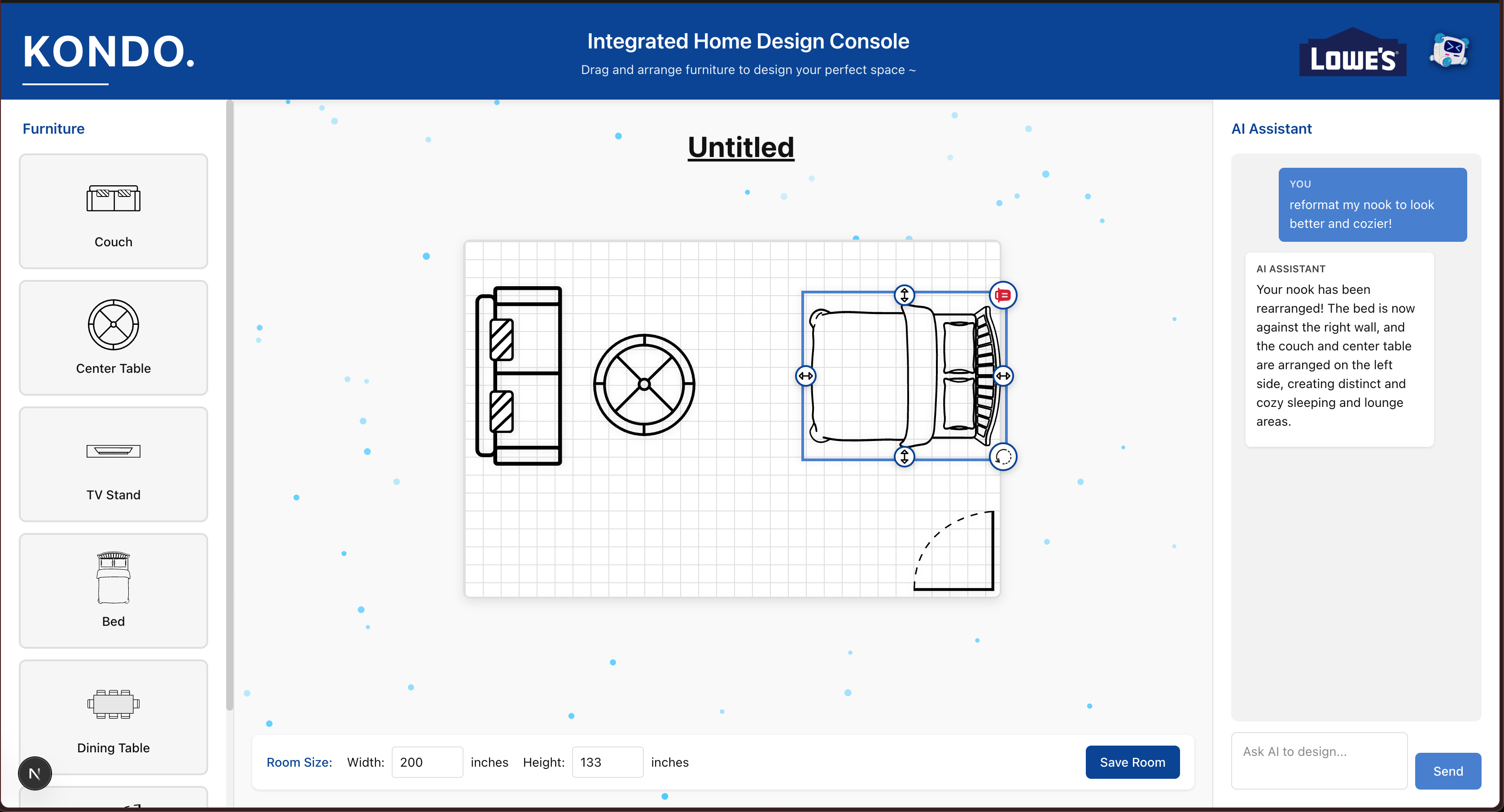
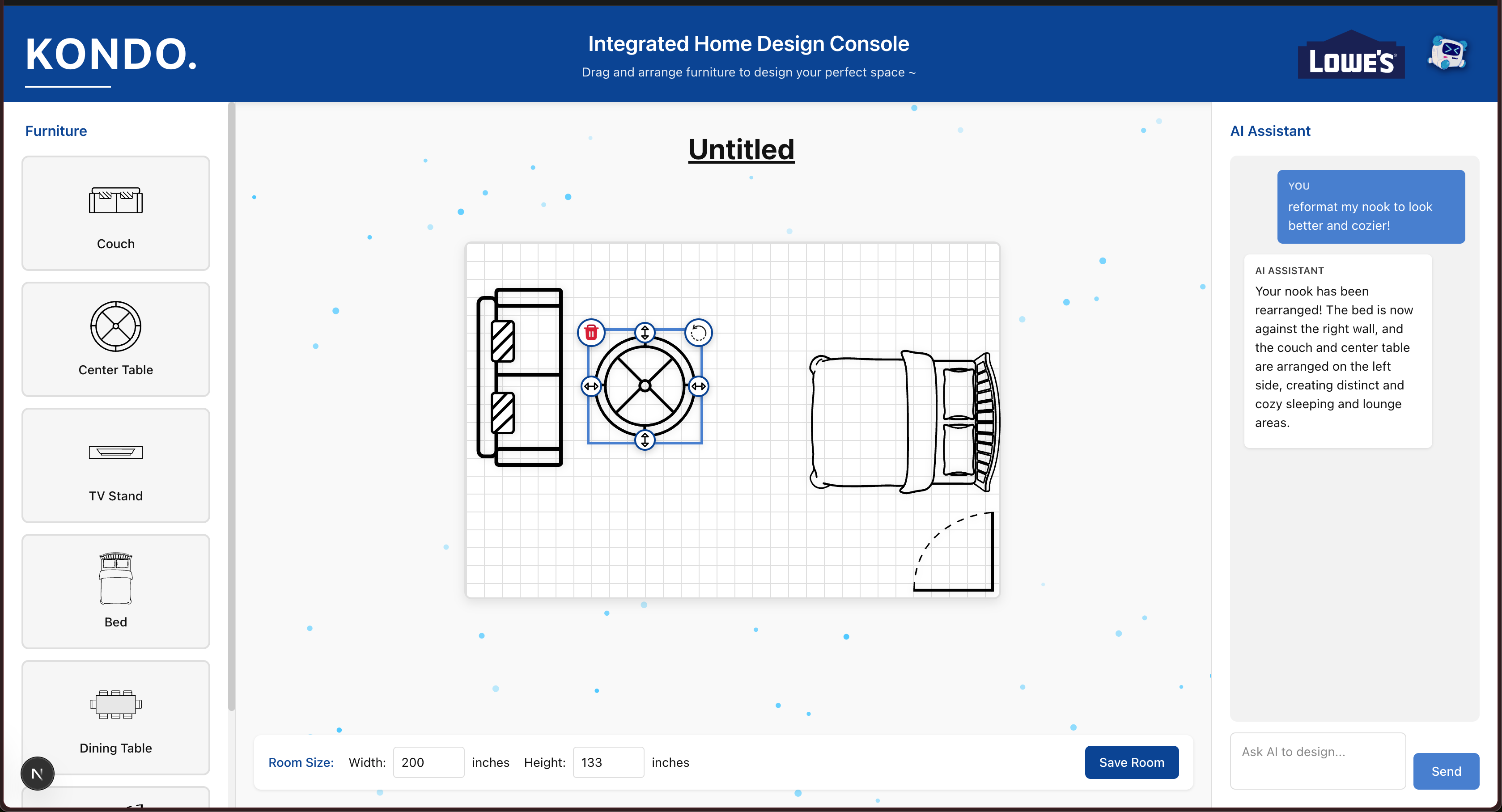
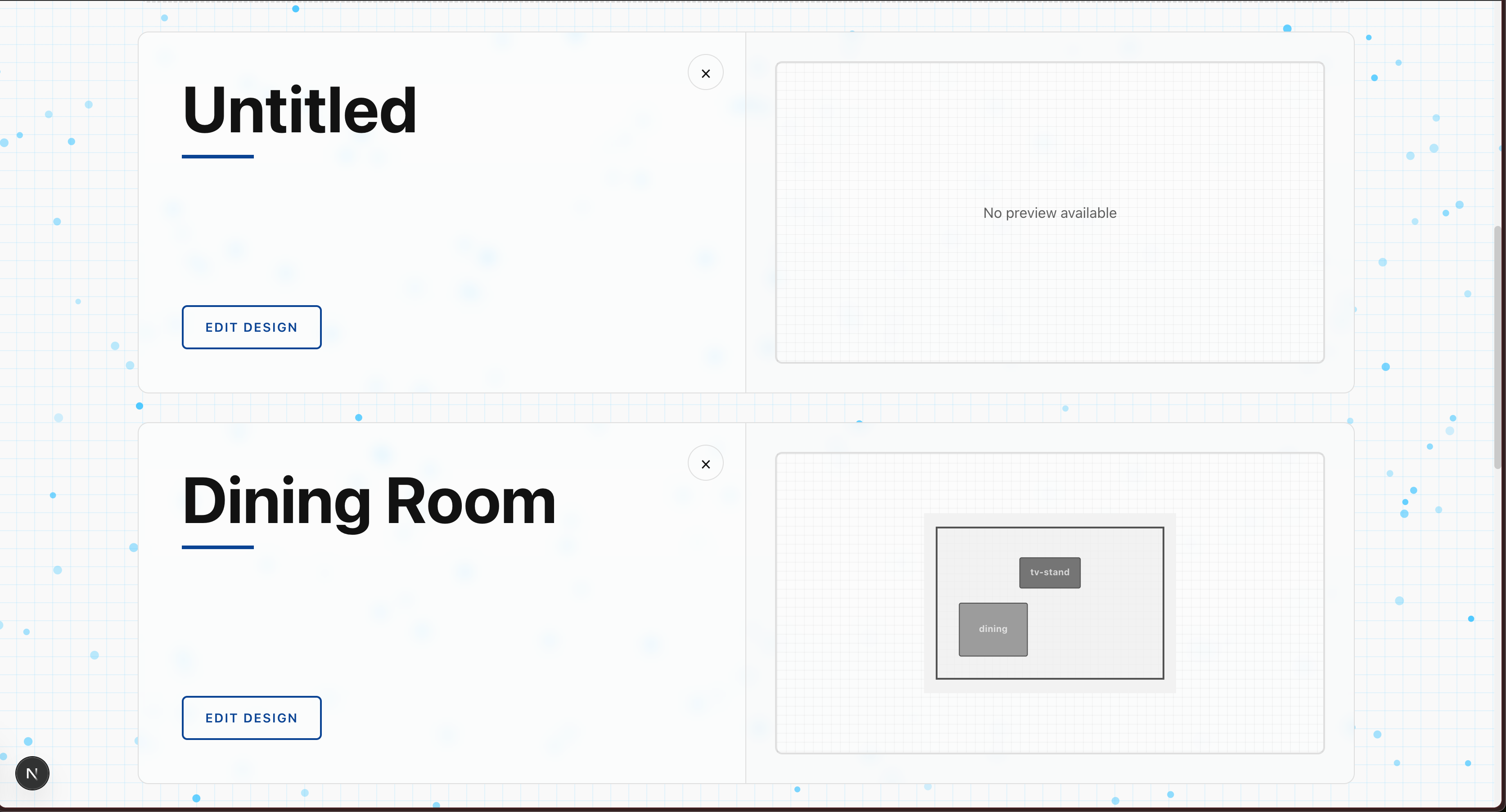
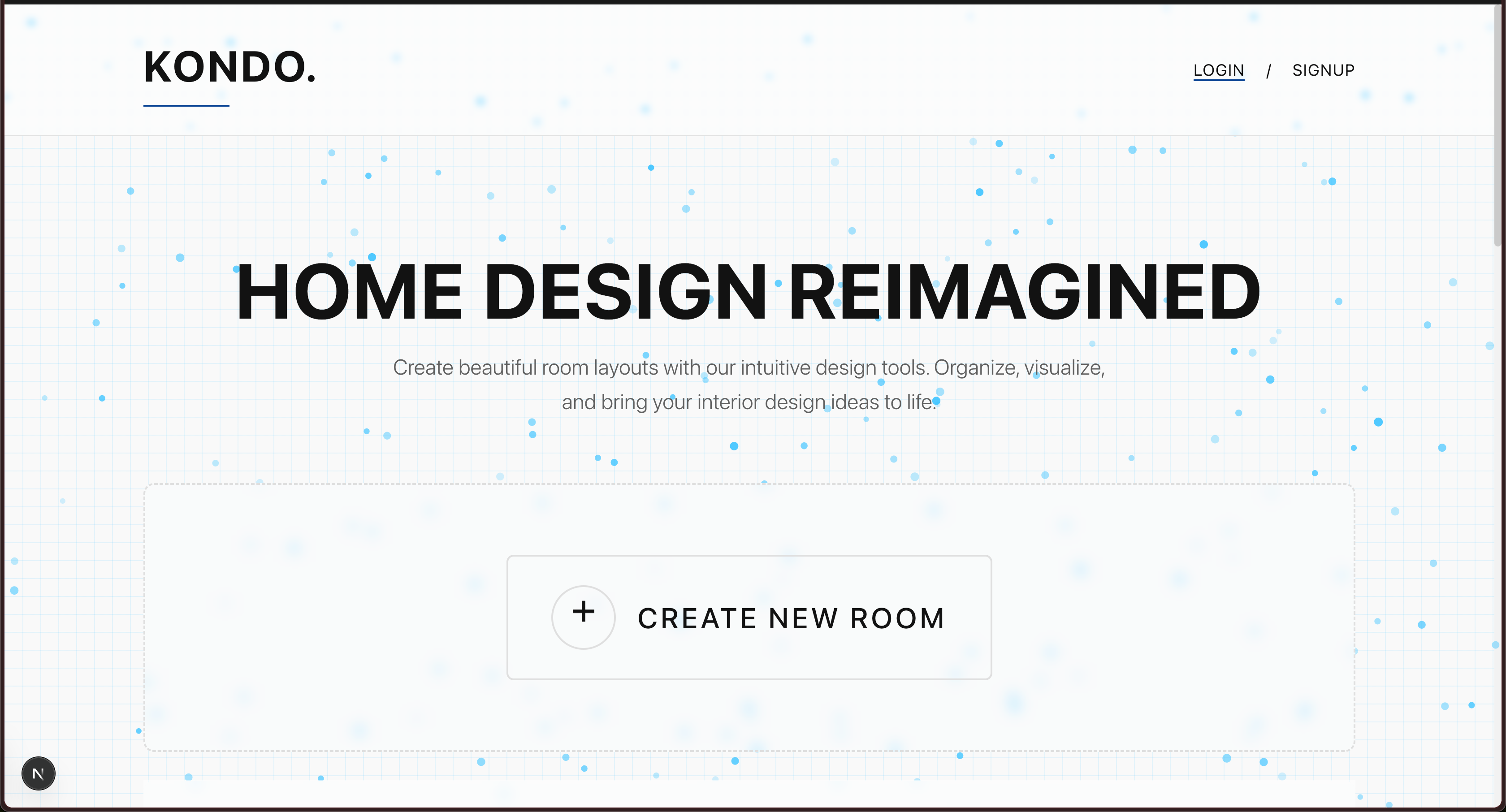
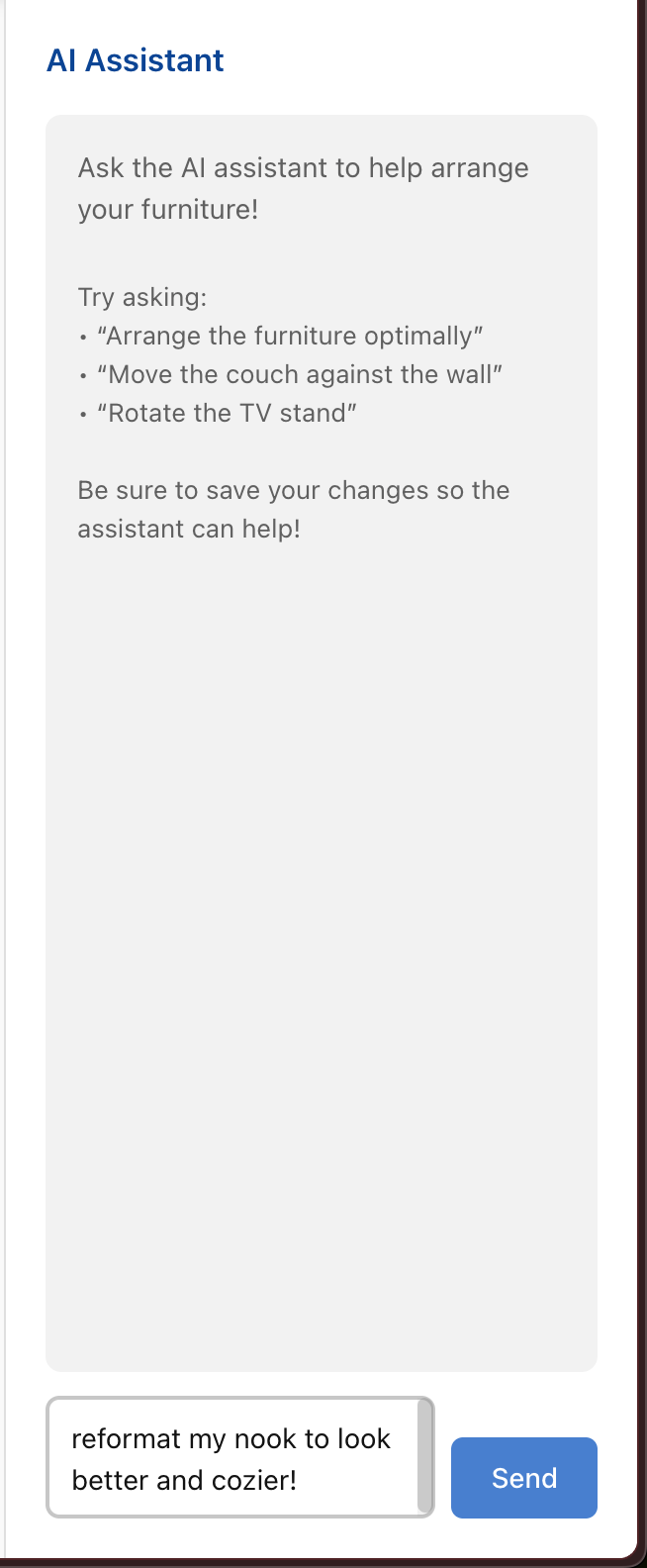
You can either manually design the layout of your home via an intuitive drag and drop canvas, or we can Kondo away the whole process for you via AI powered automated home design where you do natural language prompting to build out the plan for your dream home.
How we built it
Frontend in Next+Typescript, Tailwind with libraries like react-markdown and dnd-kit used to support better appearance
Backend in Python+FastAPI, MongoDB (NoSQL db use), Gemini 2.5 API (an excellent pick for computer use and toolcalling).
Challenges we ran into
Frontend:
Even with a prebuilt library / kit for the core of the drag and drop canvas itself, there were a lot of little nooks and crannies for things to go wrong with placing down furniture in a layout like its orientation, size, anchoring into the space, collisions with other items, collisions with the boundaries. It was an exhausting task to take care of all the unique bugs that came up with all the cases for each of these topics. We also had the task of making a home design tool look likable and intuitive from a UI standpoint, which felt unsurmountable until we put our design brains to work.
Backend:
The Gemini API is technically robust though with prebuilt chat history, and toolcalling functionality. However, there are some issues with more obscure kinds of reasoning, like spatial reasoning. Making the Gemini API do spatial reasoning with the backend data was one of the most grueling tasks on backend. On its own without our modifications, it knew the couch has to face the coffee table but it did not know how to orient the couch to do it properly. This is just an example of how the AI automation feature was incapable at first. We performed calculations with different collisions of the furniture with the walls and each other at different points to manually support the AI's understanding of the space, and fed it data regarding how objects are being anchored in the space and so on. After being provided a full context about how our version of this space worked from a backend standpoint, the Gemini API finally was able to create automations and call the tool successfully enough for the room design for it to be used by people.
Accomplishments that we're proud of
Getting the AI to spatially reason, because that's a software problem applicable to a lot more than our home improvement app
A huge project with a fleshed out frontend, functioning backend (and especially a proper backend to support AI toolcalling), designed with the user in mind and all finished in 24 hours
Learned a lot about programming collaboration in a fast-paced environment with Git, rapidly resolving conflicts to prevent roadblocks in the dev process
What we learned
The scope of projects can never really be too big or too small and its up to us to find the right size to implement for a hackathon and be willing to be dynamic about our results. Realizing when we're tackling a scope too big and how to break it down into actionable pieces that we can individually conquer was a great takeaway, and vice versa tackling a scope that is potentially small and finding out the potential improvements that can be made in the little spaces can help bring out 80 percent more in the app experience in 20 percent of the effort.
What's next for Kondo - Integrated Home Design
We'd like to take the AI and machine learning integration a step further in terms of available use cases via computer vision to take photos of a room, and then transcribe them into layouts in our web app where you can freely modify your layout via the drag and drop canvas or our AI assistant which does it automatically. We'd also like to see how to leverage roomba data to further our AI spatial reasoning context to improve how it sees these rooms.
Built With
- dnd-kit
- fastapi
- gemini
- mongodb
- next
- python
- react-markdown
- shadcn
- tailwind
- typescript


Log in or sign up for Devpost to join the conversation.