Inspiration
Most journaling apps ask too much. They want a daily entry, a mood score, a streak to protect. I kept abandoning them, and every missed day felt like a small failure.
What I actually wanted was much simpler: a way to leave a footprint the moment something felt worth remembering (a good coffee, a train ride, a walk at dusk) and, years later, scroll back through my life as a timeline.
kolog is built around one sentence: "Not managing your life, but seeing the shape it left behind."
kolog 1.0 launched on the App Store with the core recording and timeline experience. Version 1.1 added an optional in-app purchase powered by RevenueCat.
What it does
kolog is a minimal life-log for iPhone.
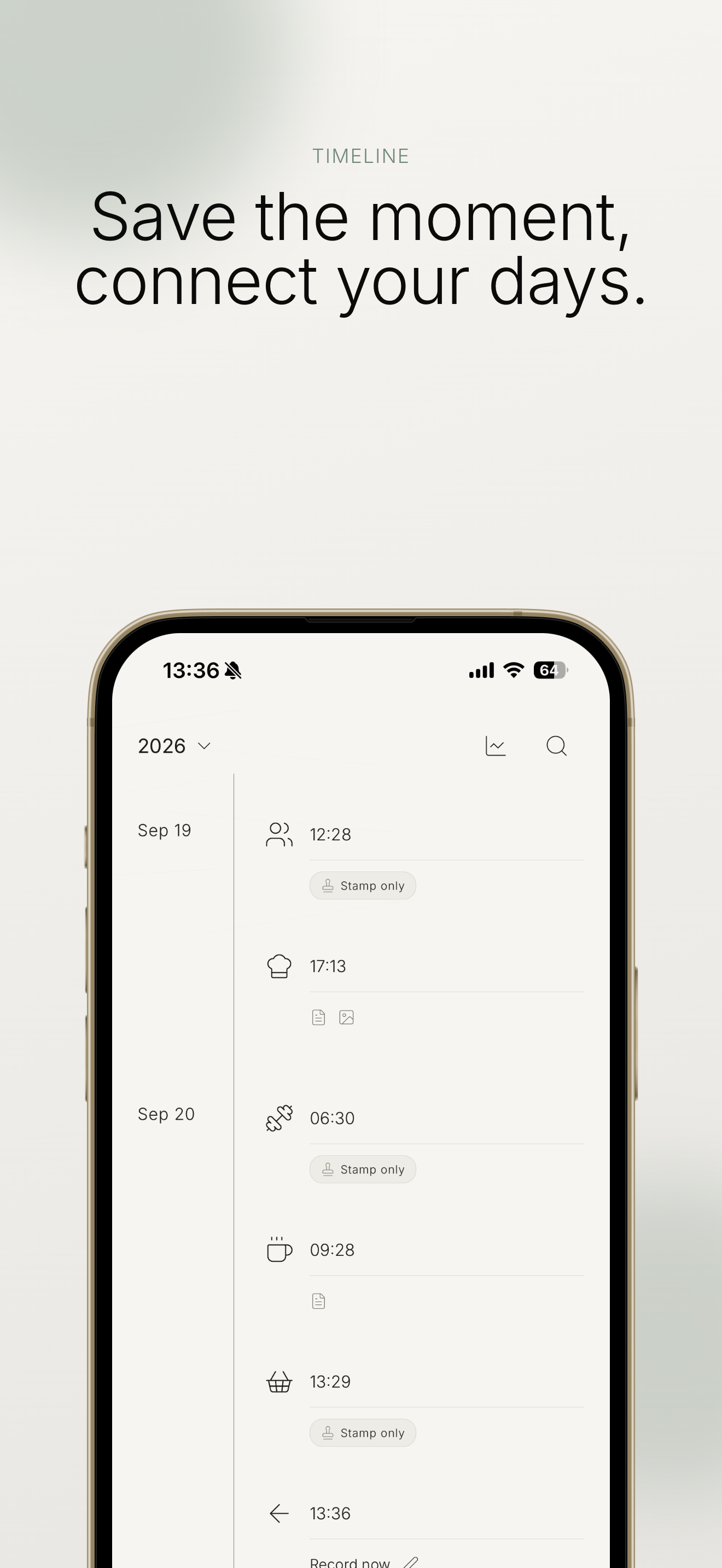
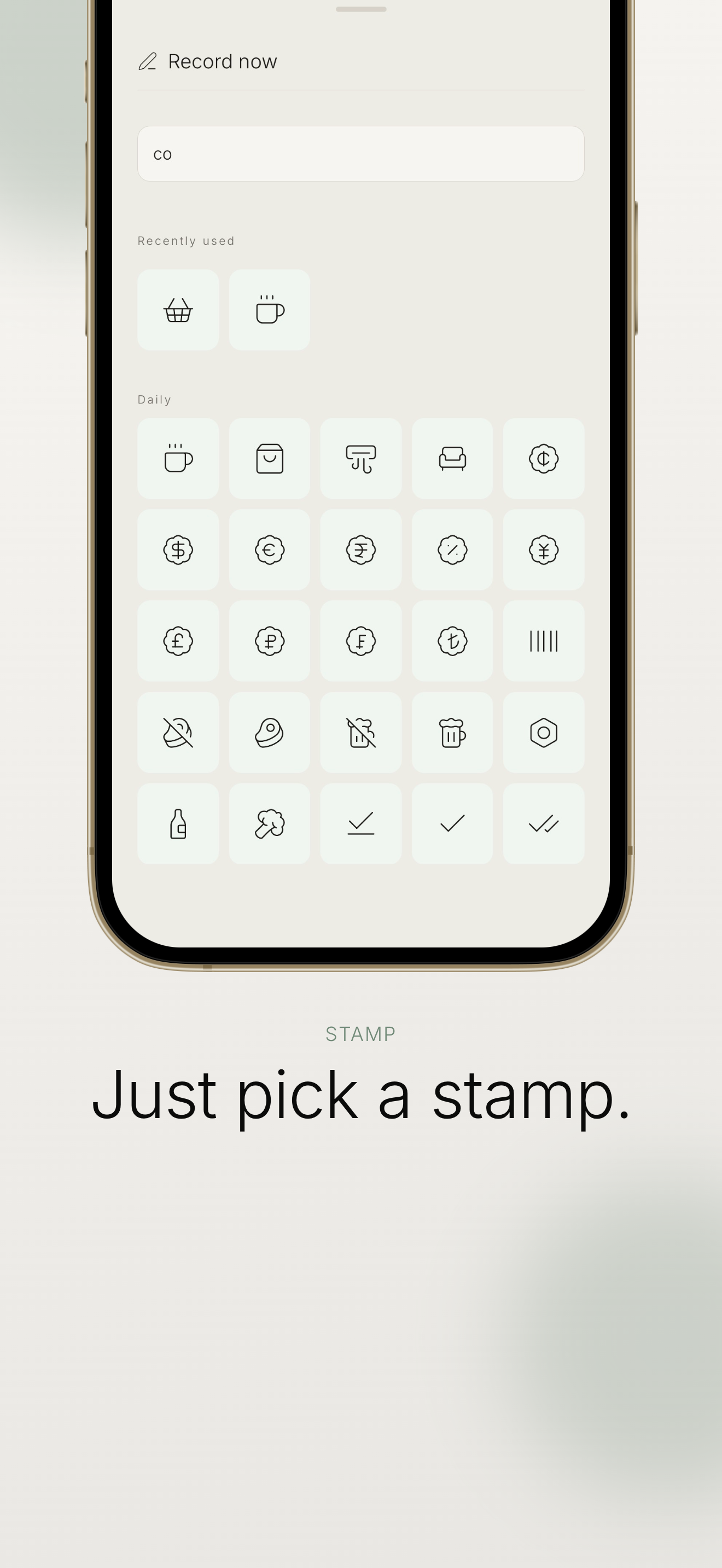
- One tap to record. Open the app, pick a stamp, done. The moment is saved with the current time. No confirmation, no completion screen.
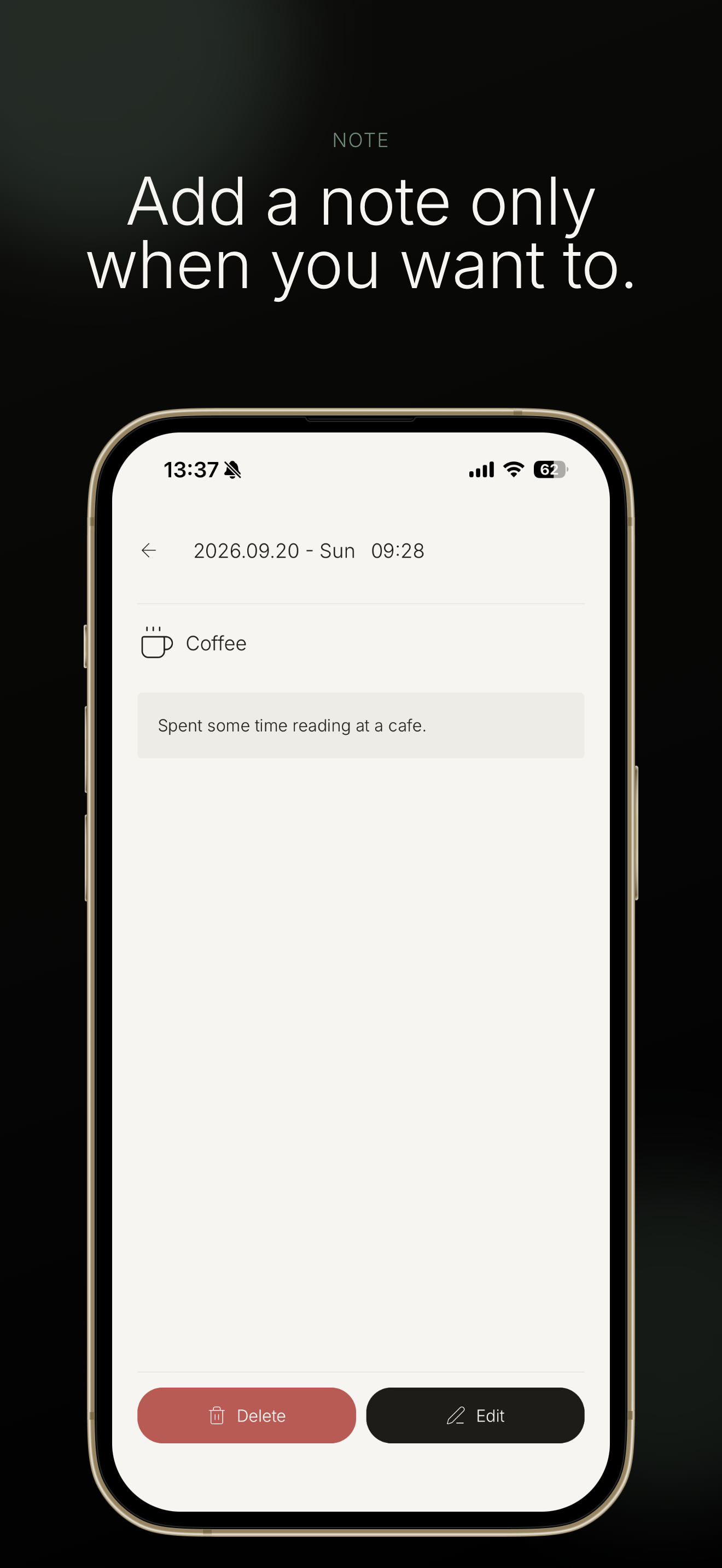
- Text and photos are optional. You can add up to 120 characters and one photo later, from the record's detail view.
- The timeline is the main character. Old records sit at the top and new ones at the bottom, grouped by date along a single vertical axis, like ink building up on one long sheet of paper. Recording and looking back happen on the same page.
- Look back without judgment. Search, jump to any month, and see per-stamp counts and daily summaries over 1, 3, 6 or 12 months. No scores, no goals, no streaks.
- Home screen widget showing today's latest moments, one tap away from a new record.
- Local-first and private. No account. Everything stays on the device and works offline. English and Japanese.
Monetization: a cup of coffee, not a paywall
kolog's core promise is that recording should never feel like an obligation, so I didn't want to lock features behind a subscription or add ads, especially for people already using 1.0.
In 1.1, I introduced a single optional, one-time "support the developer" purchase, priced at the lowest App Store tier and shown in the local currency. It unlocks nothing and removes nothing: it's a thank-you, like buying the developer a coffee. After purchase, the app shows a small thank-you screen and the support entry point quietly disappears from the header.
Purchases run through RevenueCat:
react-native-purchaseswith a non-consumable product fetched viagetProductsand bought withpurchaseStoreProduct- A single
supporterentitlement is the only source of truth (no local purchase flags) - An anonymous App User ID. No records, text or photos ever leave the device
- Restore purchases works after reinstalling with the same Apple Account
I skipped RevenueCat Paywalls on purpose and built the support screen myself, so it matches the app's quiet, paper-like design.
How I built it
- Expo (SDK 57) / React Native / TypeScript, Expo Router with native stack navigation
- SQLite for local storage, with a data model designed for 10 years, 50,000 records and 5,000 photos
- FlashList v2 with
onStartReachedandmaintainVisibleContentPosition, so older history loads while you scroll up without the view jumping - The entire Lucide icon set bundled as an offline stamp catalog, searchable in English and Japanese (including hiragana readings)
- expo-widgets for the iOS widget. The app writes a snapshot and monochrome PNGs to an App Group; the widget never touches the database directly
- A small design system with semantic tokens: one "sheet of paper", no cards or shadows, hierarchy made with type size, weight and spacing instead of color, Gen Interface JP Light as the typeface
- Checked in light and dark mode, at the largest text sizes, and with VoiceOver and Reduce Motion
Challenges
- Monetizing without betraying the concept. The hardest decision wasn't technical. Subscriptions and feature gates felt at odds with "no pressure." A one-time, feature-free support purchase was my answer, and it forced me to be very careful with the wording: optional, one-time, no auto-renewal, no extra features today.
- Adding payments to a live app. 1.0 users already had their records on the device. The purchase code lives in its own module, fully separate from the records database, so adding RevenueCat couldn't put anyone's data at risk, and the app still works fully offline.
- Native SDKs vs. Expo Go. RevenueCat needs a development build, but I iterate in Expo Go. I added a development-only preview mode that simulates the purchase flow in memory, so the UI can be tested in Expo Go while real purchases are verified in Sandbox and TestFlight.
- Never marking someone as a supporter by mistake. Cancelled purchases, pending "Ask to Buy" approvals, network failures and double taps all have to leave the state unchanged, and a network error must never downgrade someone who has already supported.
- A timeline that scrolls into the past. Prepending older data while keeping the scroll position stable, and keeping the "now" row in the right place, took several iterations.
What I learned
- Monetization is part of product design, not something added at the end. The model you pick says what your app values.
- RevenueCat's entitlement model made a "tip jar" surprisingly clean: one entitlement, one check, restore for free.
- Shipping twice, first the app and then its first in-app purchase, taught me that App Store work (review notes, privacy disclosures, in-app purchase setup, offer codes) takes as much care as writing the code.
What's next for kolog
- Android and Google Play
- Listening to early users before adding anything, and keeping the app small

Log in or sign up for Devpost to join the conversation.