-
-
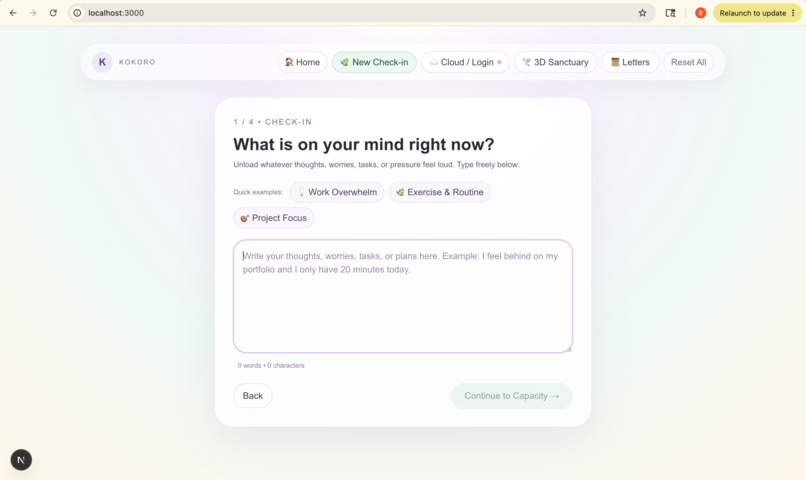
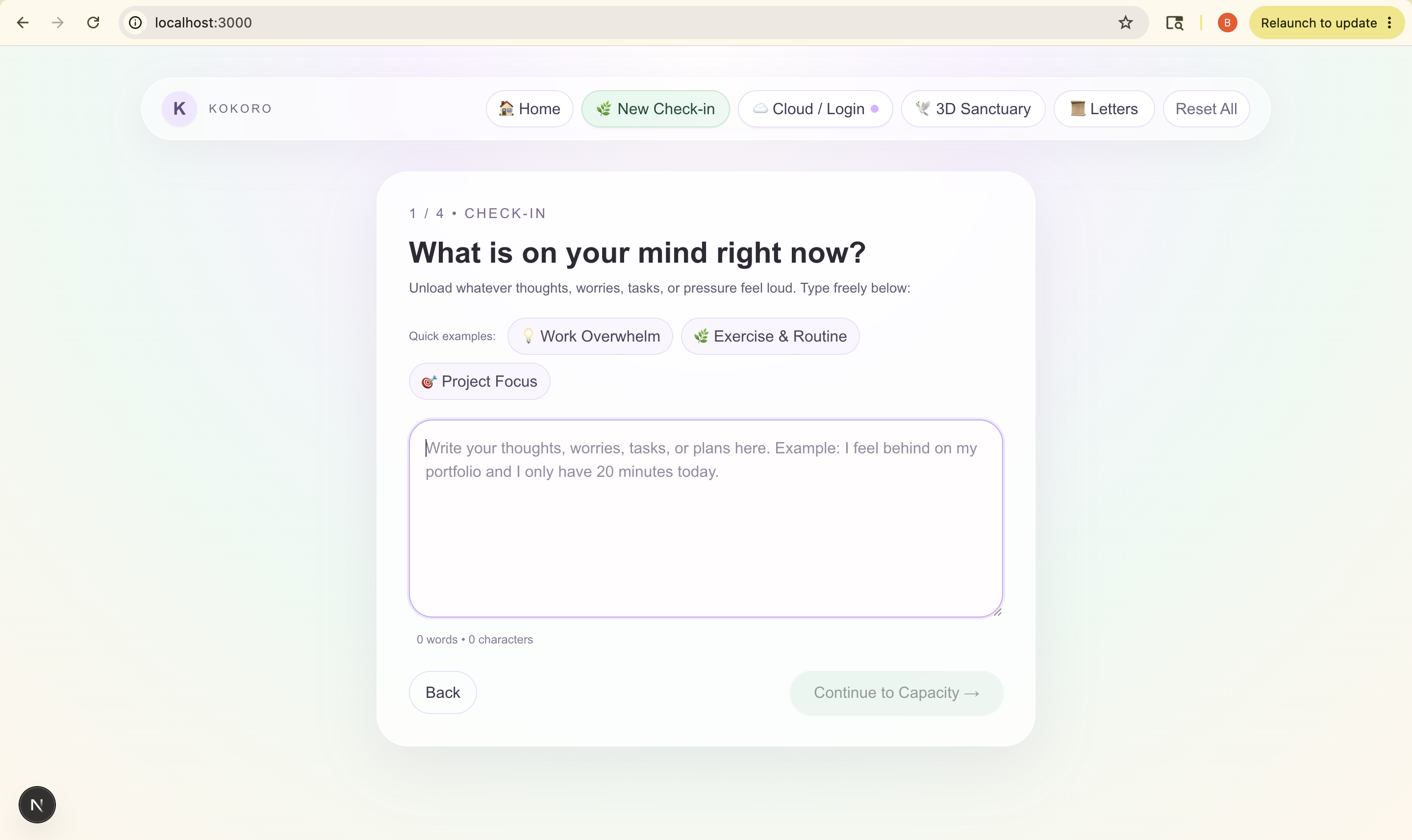
Mind Dump box.
-
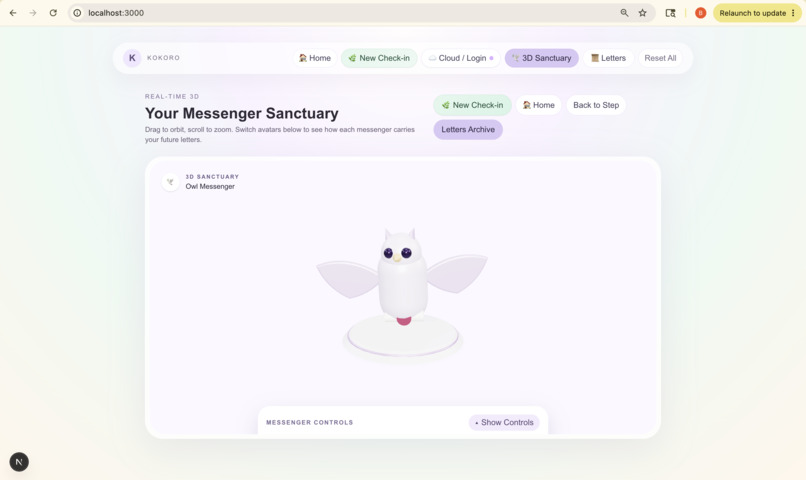
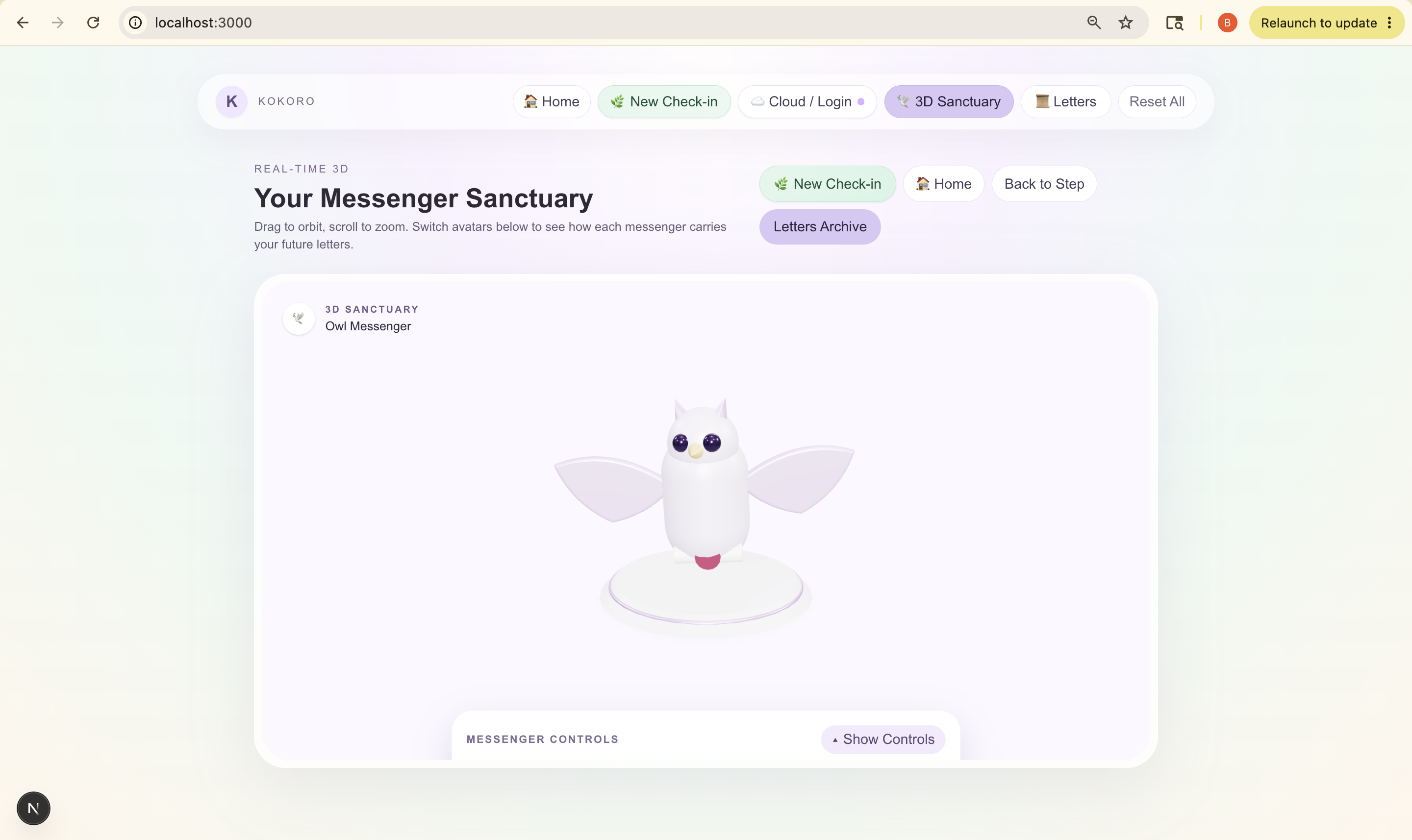
3D Sanctuary
-
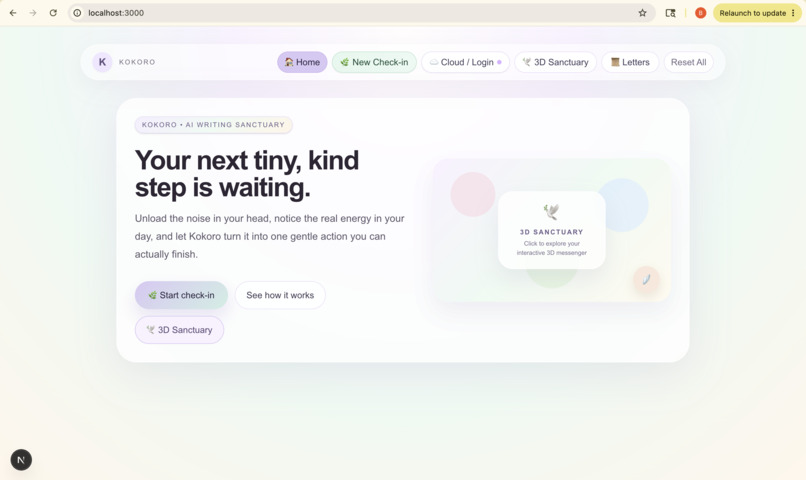
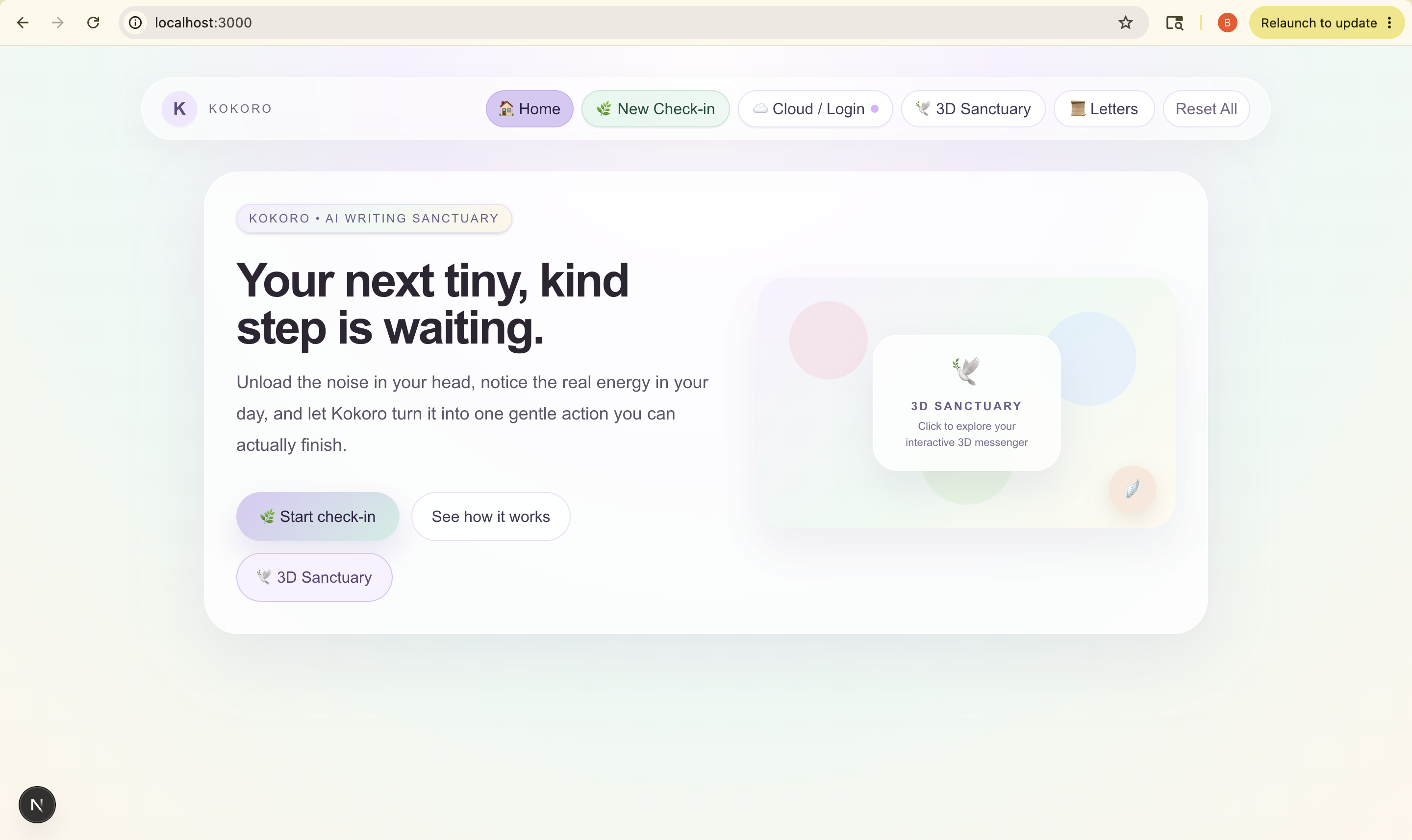
Home Page
-
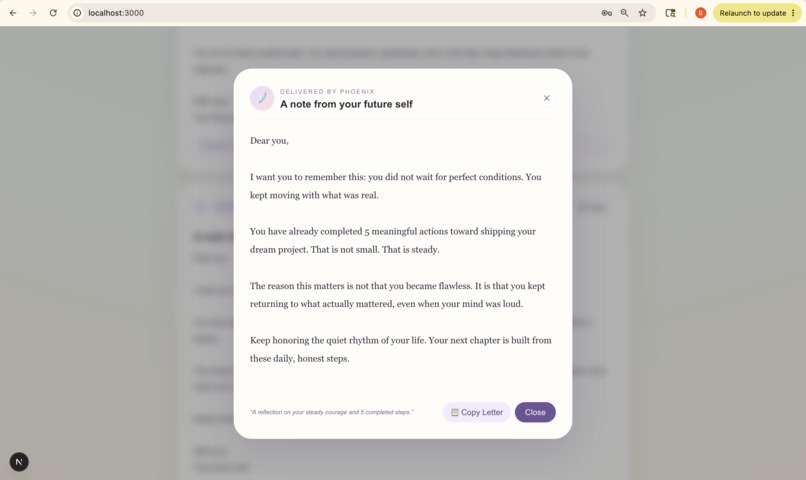
Response
-
App details.
Inspiration
Inspiration
Kokoro comes from my own daily life. Some days my to-do list isn't the problem, but looking at it makes me freeze. Every task app I tried showed me everything I hadn't done yet, and that made a heavy day feel heavier.
I'm not the only one. According to Gallup's State of the Global Workplace 2026, 40% of employees worldwide felt a lot of stress the previous day, and only 20% were engaged at work. I wanted an app that asks "how do you feel right now?" before it asks "what's left to do?"
Another reason is that many of us finish hard things alone. You send the email you were avoiding, or you finally start the task, and there's nobody there to say "well done." I wanted Kokoro to notice those small wins when no one else does.
Kokoro (心) is Japanese for "heart" or "mind".
What it does
Kokoro gives you one kind next step:
- Mind dump: write what feels loud and unsorted.
- Your room: choose how much time and energy you have today.
- One step: get a single action that fits, with a short reason why.
- I did it: a small celebration and a reflection note.
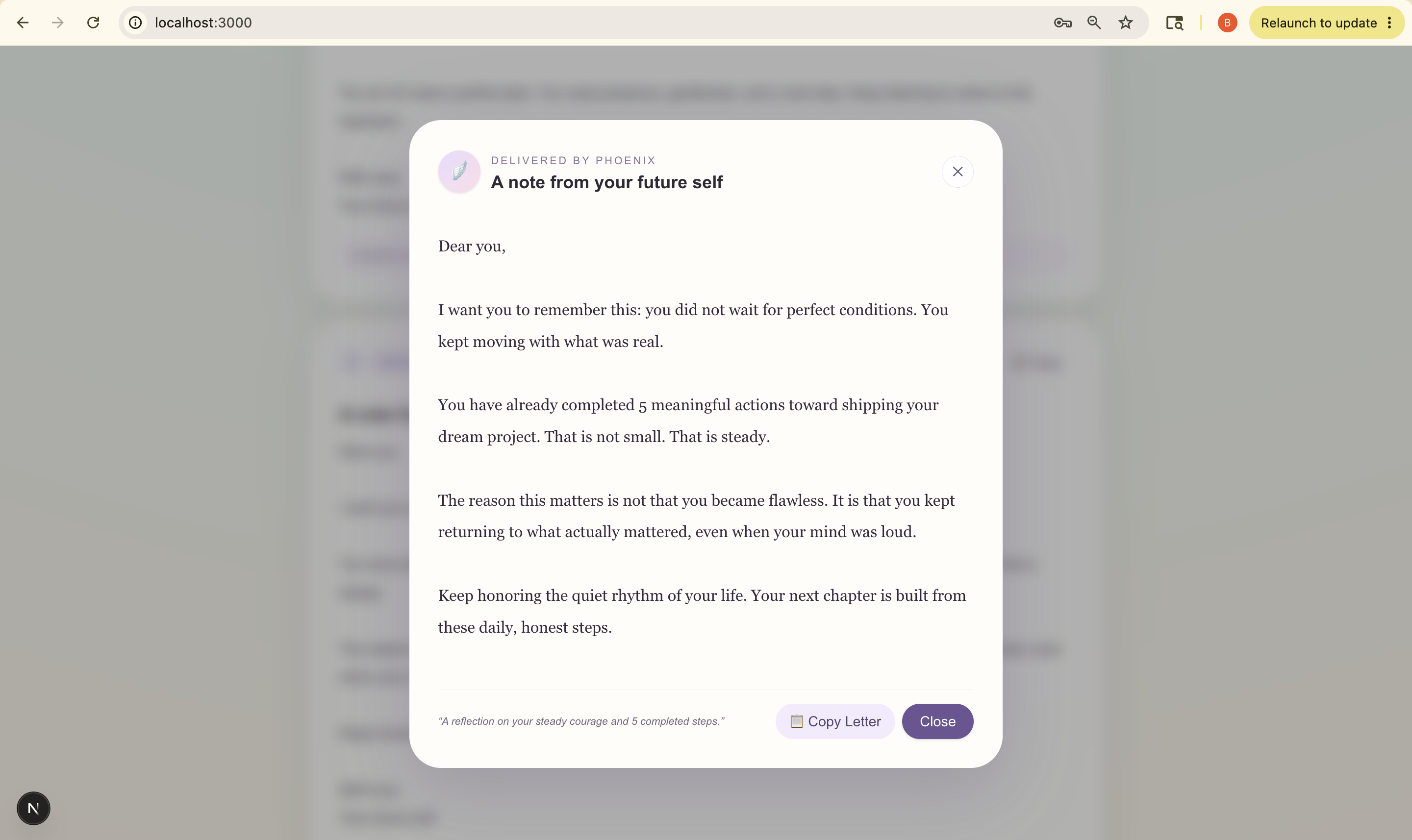
- A letter and a milestone celebration: when there's no one around to celebrate with you, a 3D companion delivers a letter from your future self. It is built from the steps you actually completed, so it celebrates the real progress you made, however small.
Kokoro is not a medical or mental health tool, and it gives no medical advice.
How I built it
I built Kokoro from an empty folder using the Devpost Learn Skill Pack, working through its six steps: start, scope, PRD, spec, build and ship. I planned first, letting the agent interview me, and only then built.
- Frontend: Next.js, React and TypeScript, with Tailwind CSS for the calm look
- 3D companion: Three.js
- AI: [LLM provider], with a rule-based fallback if the AI fails
- Cloud save (optional): Supabase
- Tools: GitHub Copilot, Cursor and Google AI Studio for coding; Claude for planning, prompts and a custom UI-design skill; ChatGPT for first idea sparks
- Tests: [N] automated tests passing
Every prompt carries the same rules: one step, a kind tone, no medical advice. AI output is validated before it reaches the user.
The planning files scope.md, prd.md and spec.md are in the public repo.
Challenges I ran into
- An old Node version blocked the skill installer.
- Saving to the database failed right after I added sign-in.
- My first app name clashed with a trademark, so I had to rename the project.
- Keeping the AI to one small step instead of a long list took careful prompt rules.
- Making the celebration feel warm and personal, not like a generic "Great job!" badge.
What I learned
- Plan before you build. Letting the AI interview you keeps the project from turning into a mess.
- Check runtime versions before installing anything.
- Test database saves right after adding sign-in.
- Check app names for trademark clashes early.
What's next
- Goal tracking and progress over time
- Letters delivered on a schedule
- Blocking time on a calendar for the chosen step
- A quick check-in on mobile
Built With
- agents
- ai
- claude
- gemini
- next.js
- prompt
- skills

Log in or sign up for Devpost to join the conversation.