-
-
01-koko-vr-theater.jpg
-
08-pc-game-streamed
-
02-welcome-sample-library
-
03-library.jpg
-
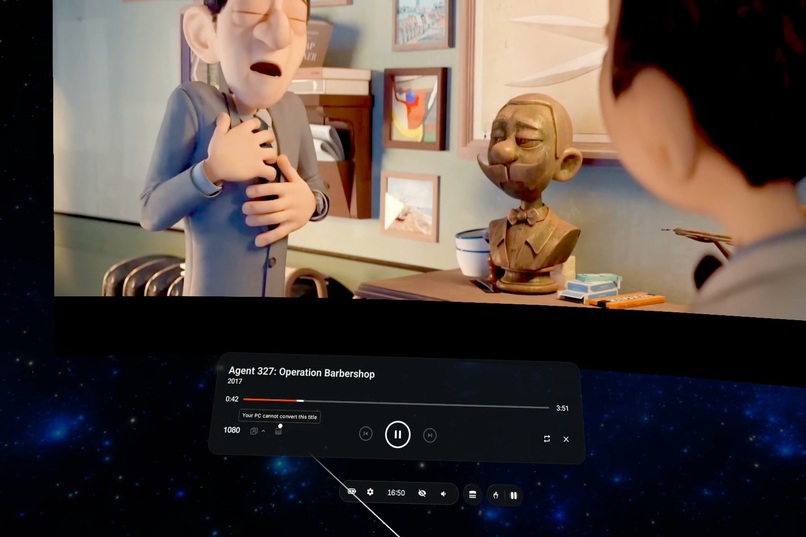
04-film-playing.jpg
-
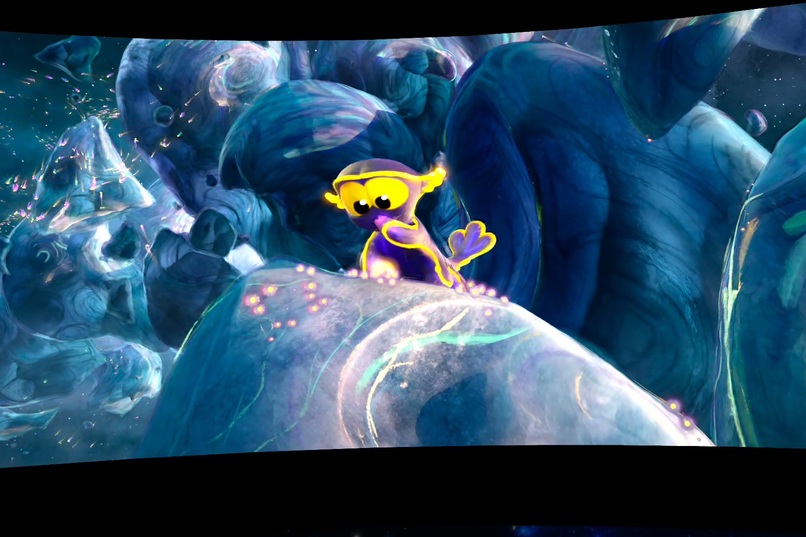
05-singularity-in-3d
-
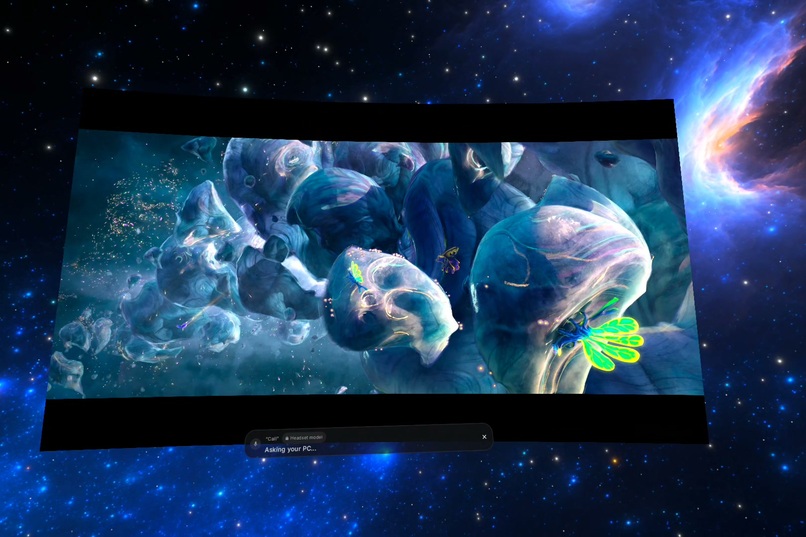
06-watch-among-the-stars
-
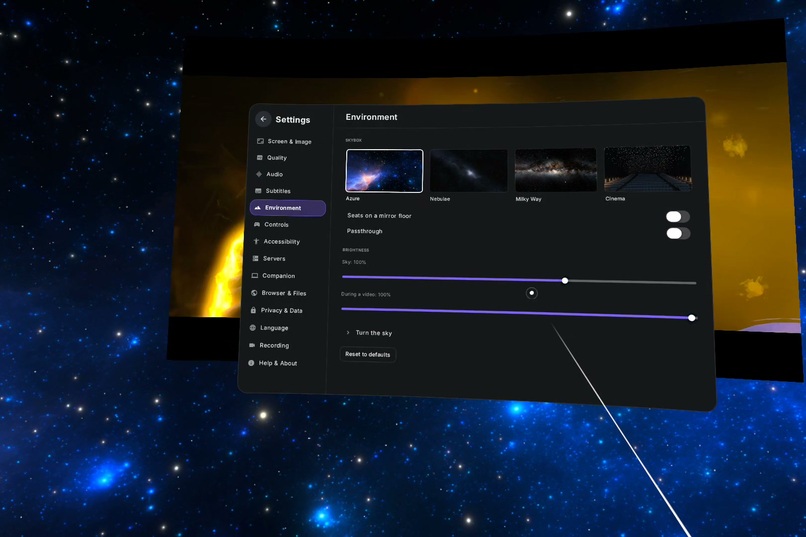
07-choose-environment
-
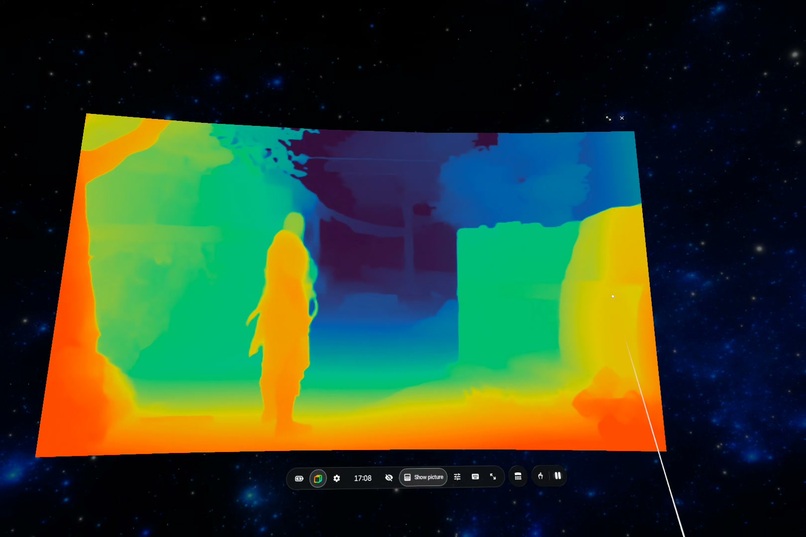
09-2d-to-3d-depth-map
-
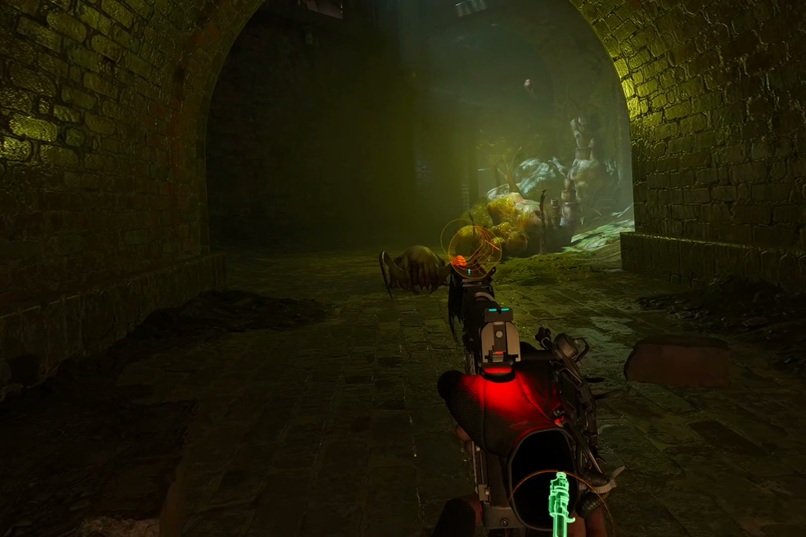
10-pc-vr
Inspiration
The first time I put on a headset, I was struck by the possibilities, and by how much was still missing. VR felt like a new platform where a lot hadn't been figured out yet, and that was exciting: there was room to try things.
What drew me in was the feeling only VR gives you: being somewhere, not just looking at something. Being in the room with the people you share it with, even when they're far away.
Watching films seemed like the most obvious place to start, and also the most underserved. I wanted my own library on a real cinema screen, in a beautiful scene, with my Plex films right there. Then a bigger question kept nagging me: what if every film, and every game streamed from a PC, could be in 3D, even the ones never made that way?
A headset alone can't do it well. But if you own a Quest, there's a good chance you also have a gaming PC or a Mac a few metres away, sitting idle while you watch. So koko lets the headset borrow what that PC can do. The more I built, the more I found that a lot of what VR still lacks, the PC already has. It just needed a way to share it.
Then there were the hands. Putting the controllers down and just reaching out is one of the most natural things VR can offer: pinch to play, grab a screen and pull it closer, rest your palms on your desk and have your screens settle within reach. Making that feel reliable was a challenge I wanted to take on.
What it does
koko is a cinema for everything you already own.
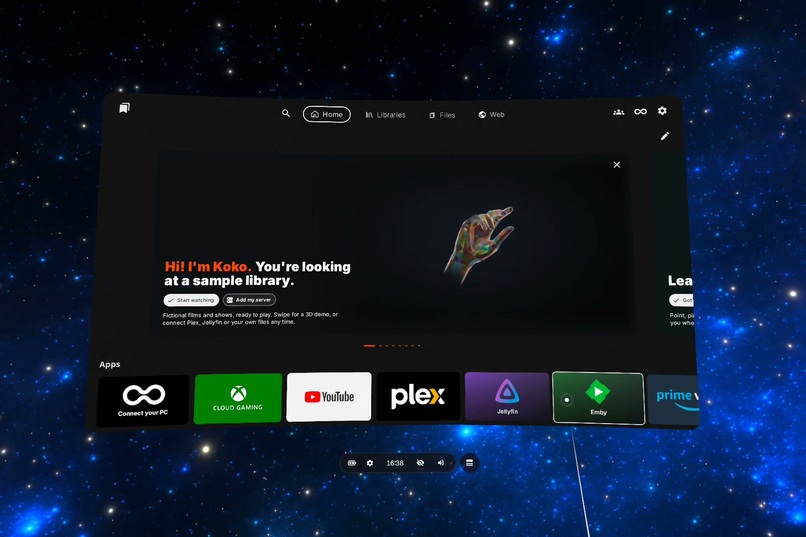
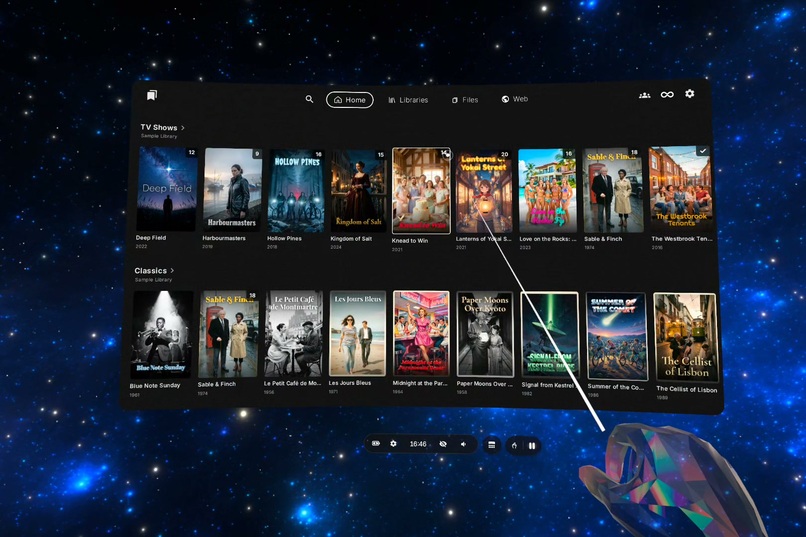
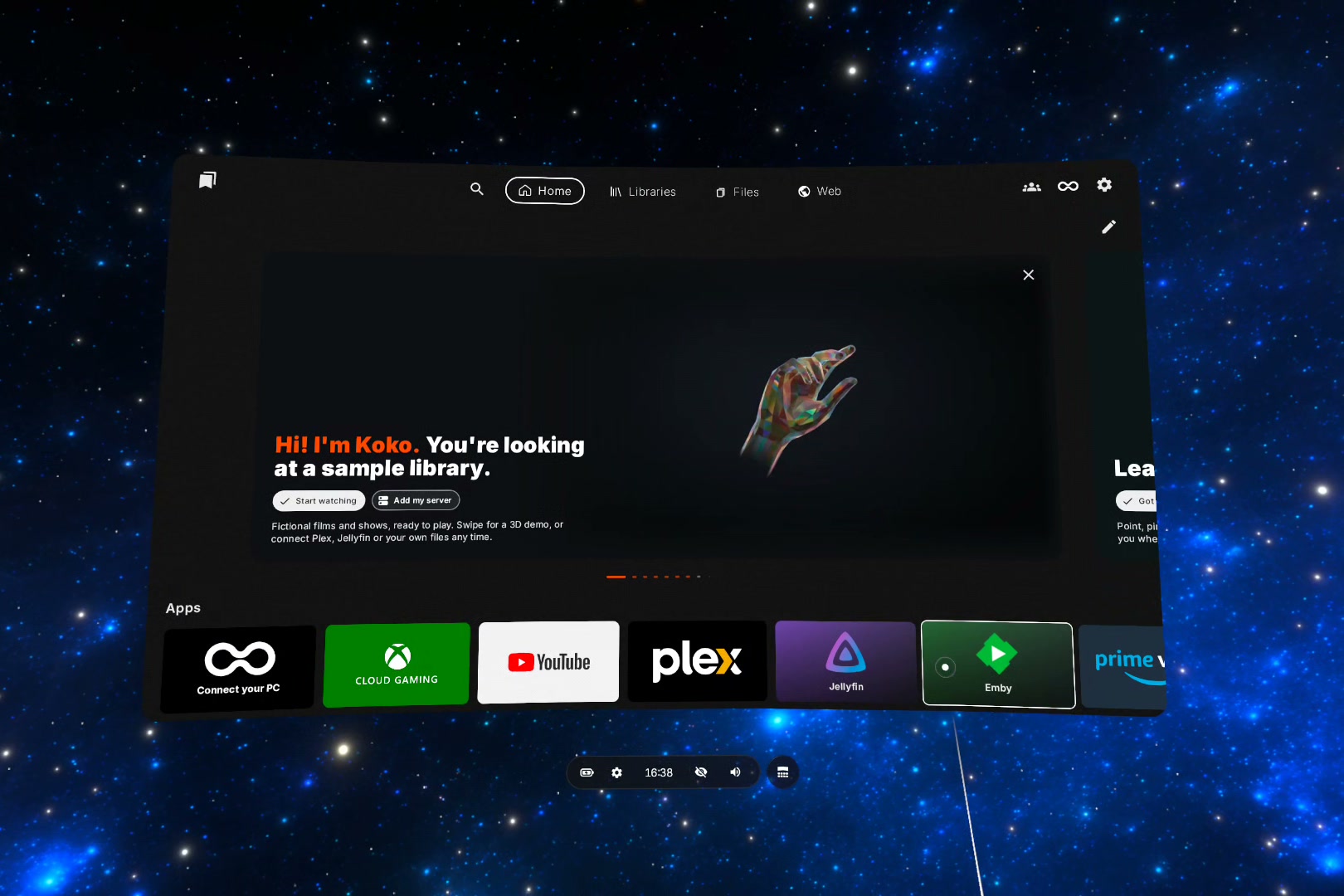
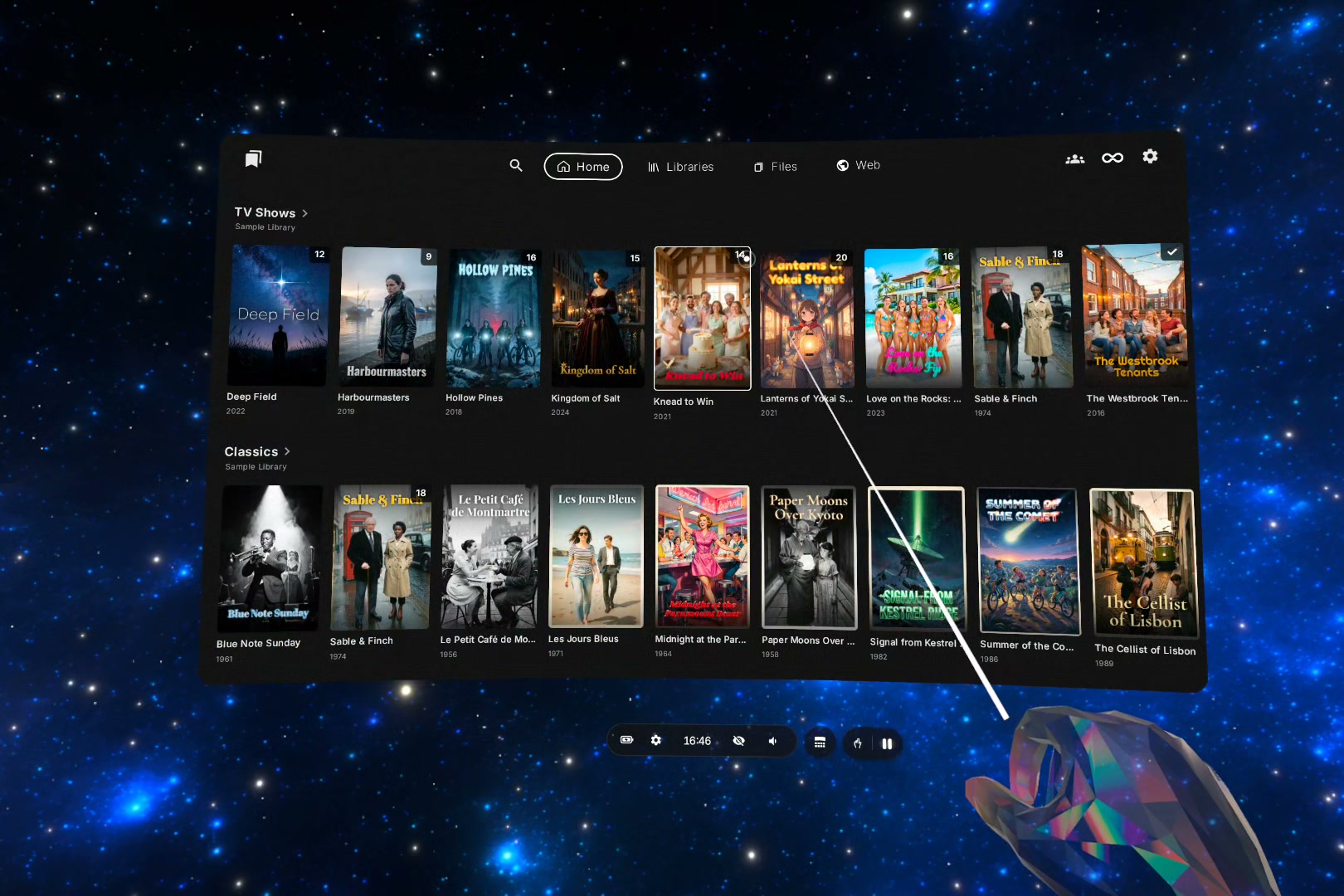
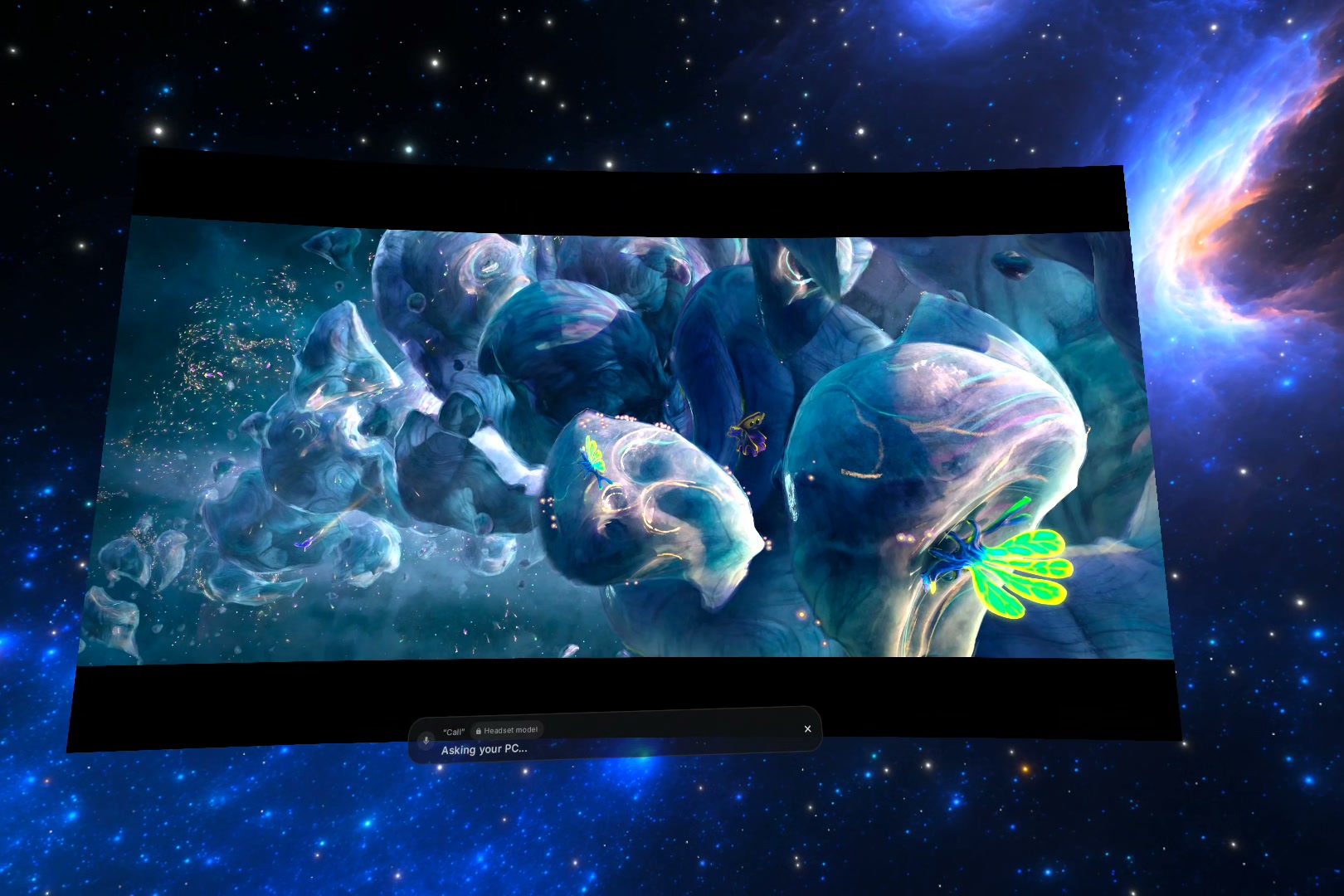
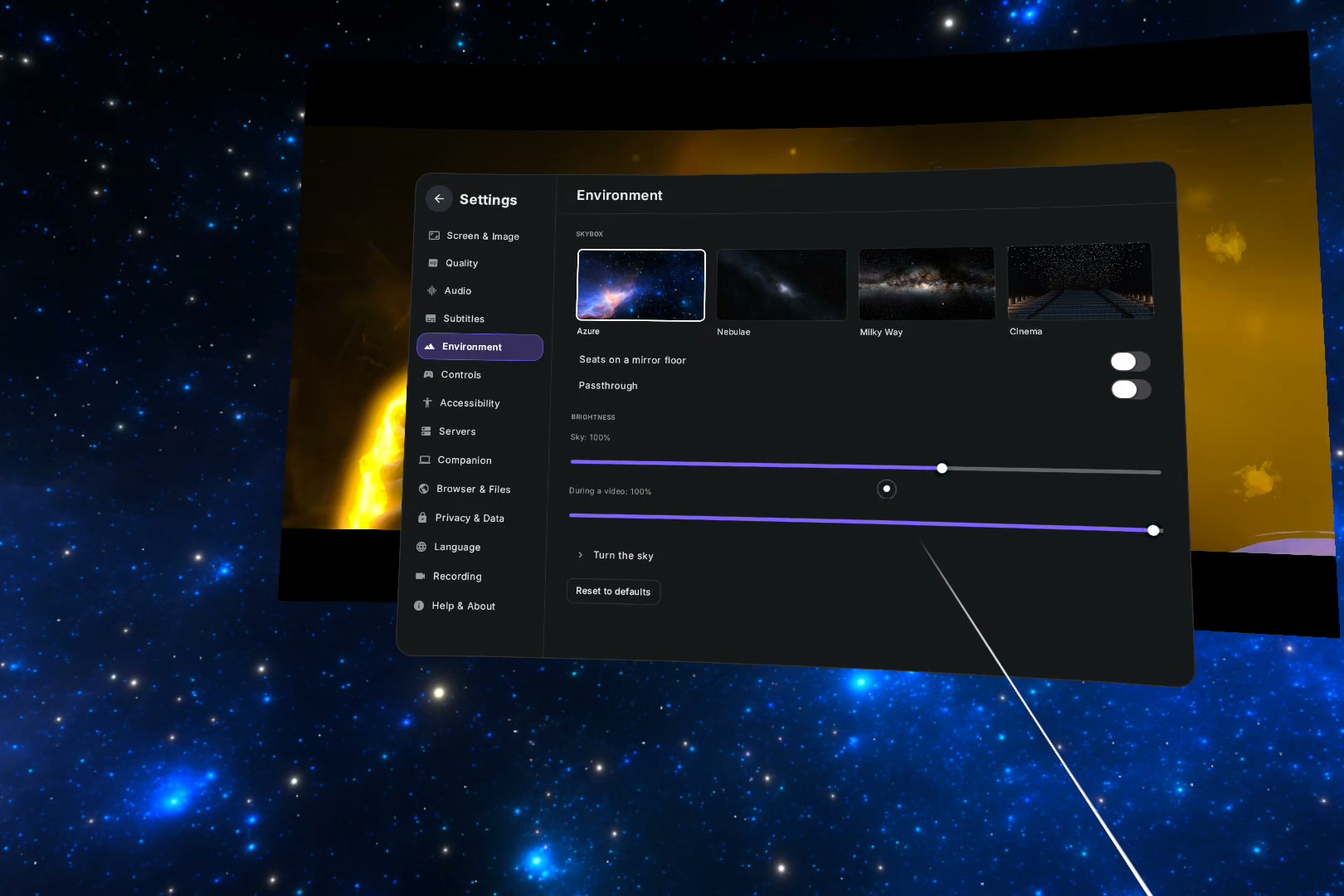
- Your library, on a big screen. Plex, Jellyfin, Emby, network shares, a USB stick or files on the headset, in a starlit cinema with real seats or in your own living room through passthrough.
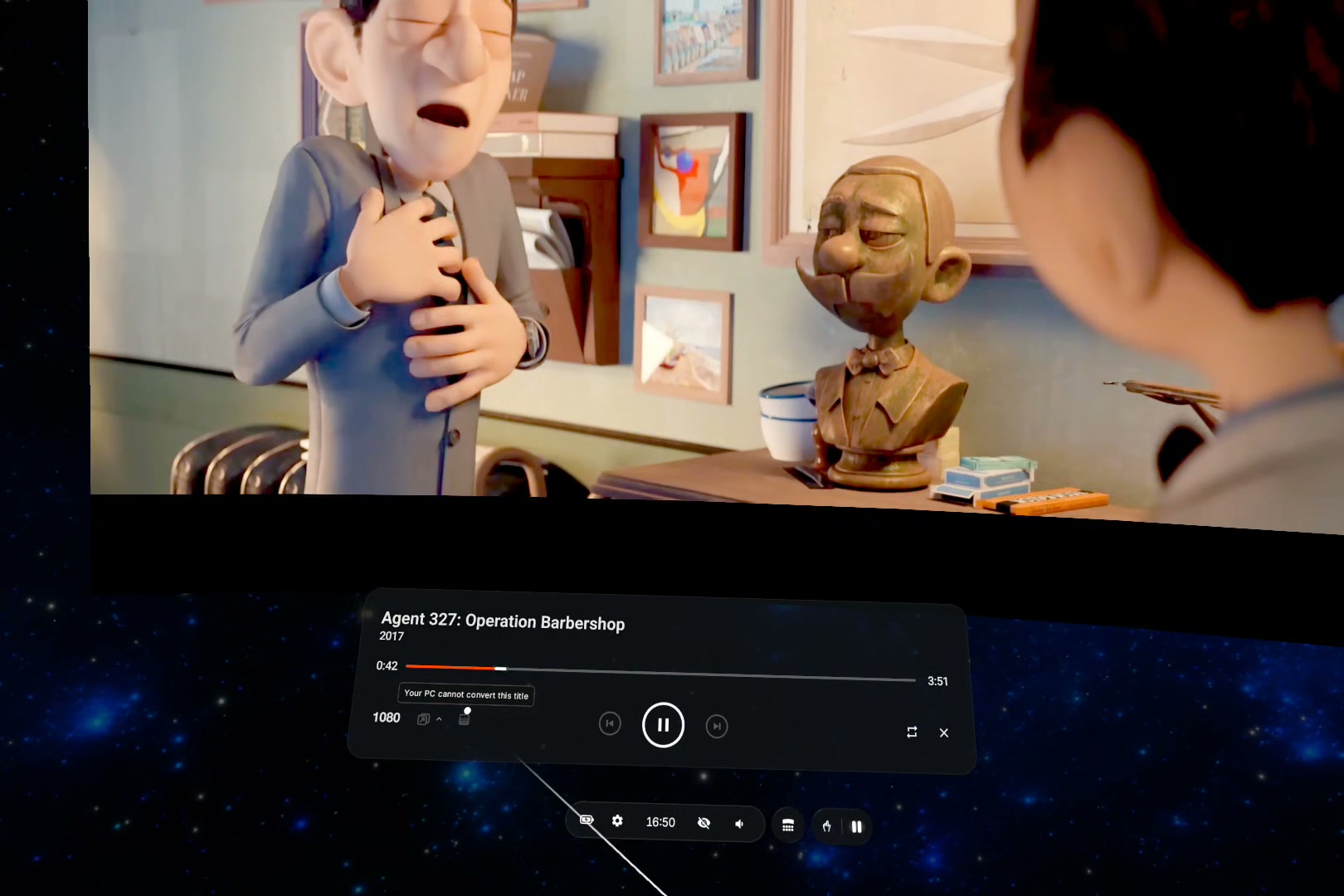
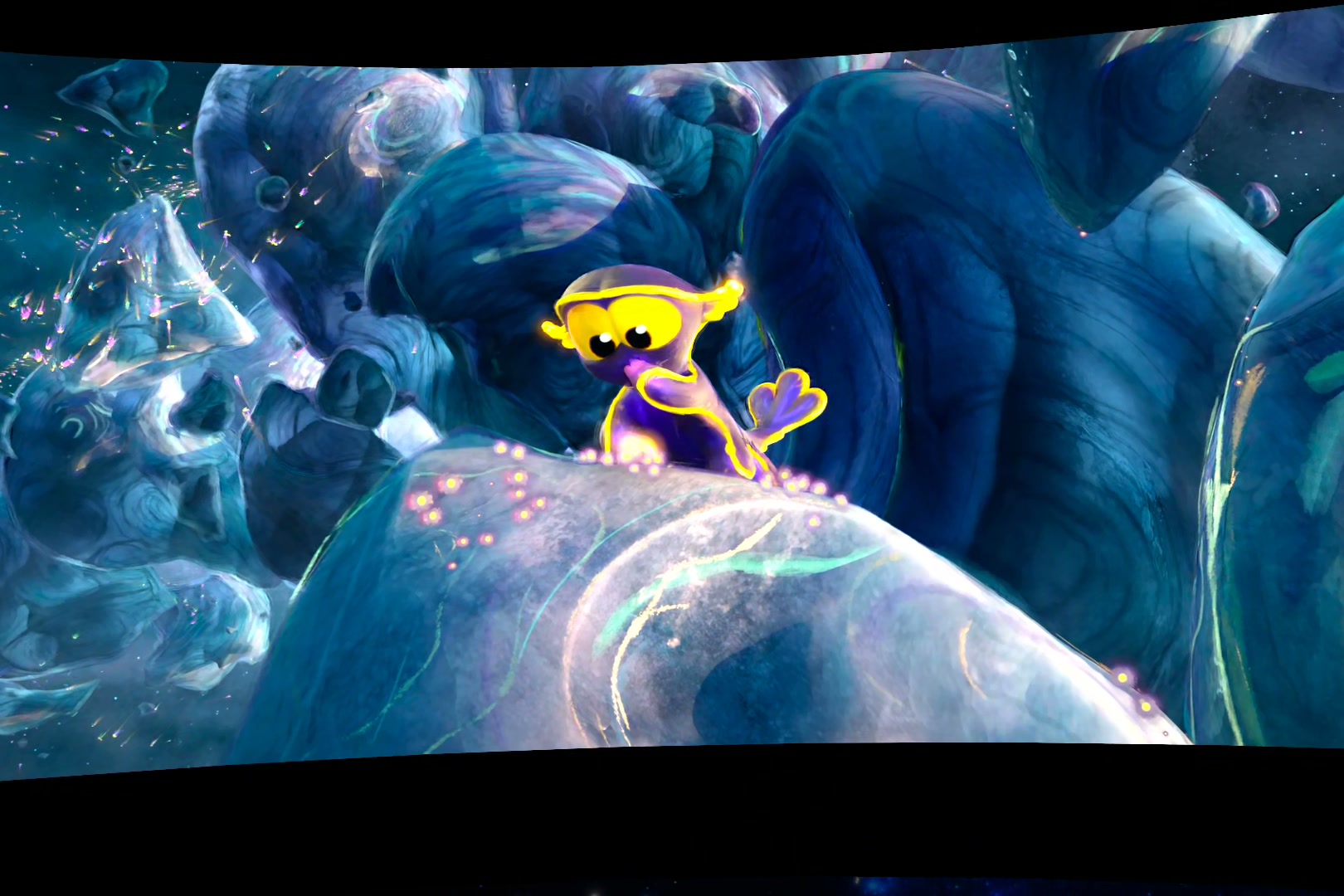
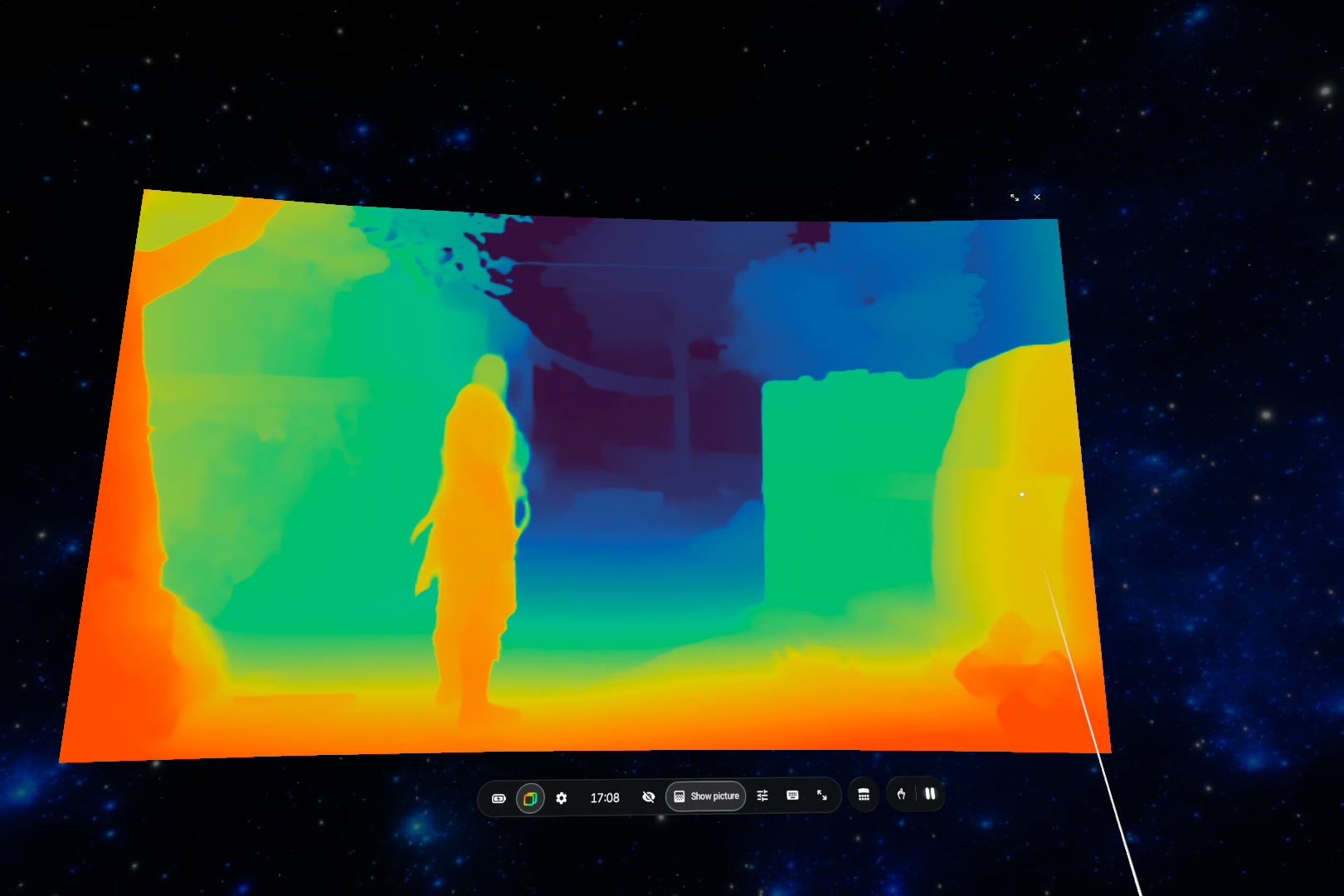
- Any film in 3D. The free PC companion (Windows, Linux, macOS) works out how far away everything in each frame is and sends the headset a true stereo picture, live, while you watch. It can upscale the picture at the same time, so lower-resolution films look sharper on a giant screen.
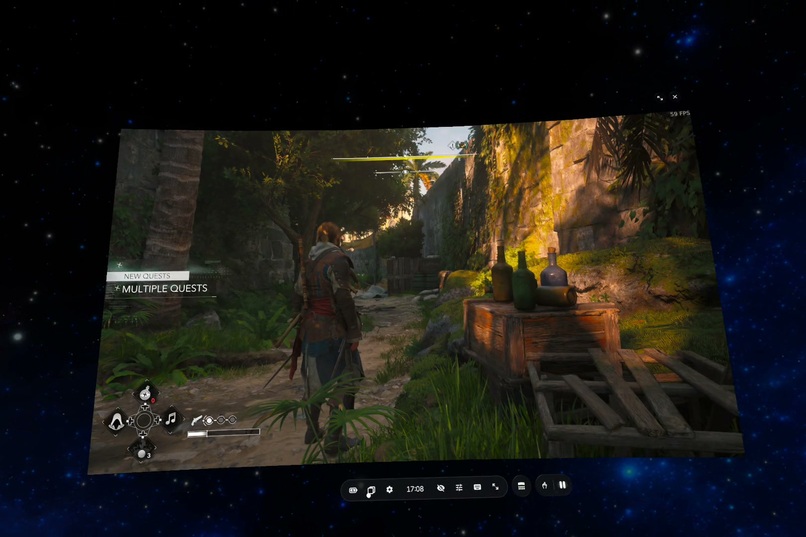
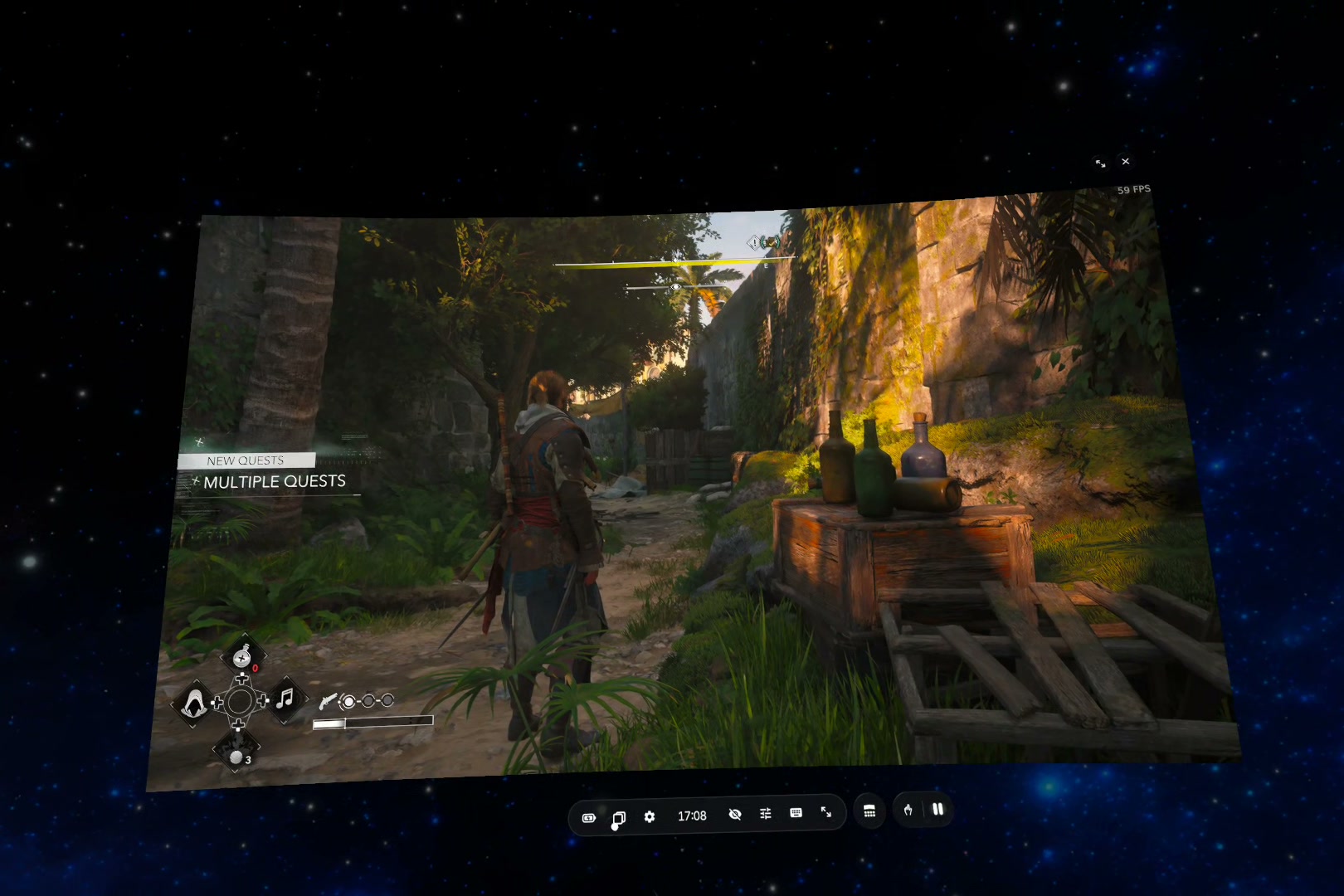
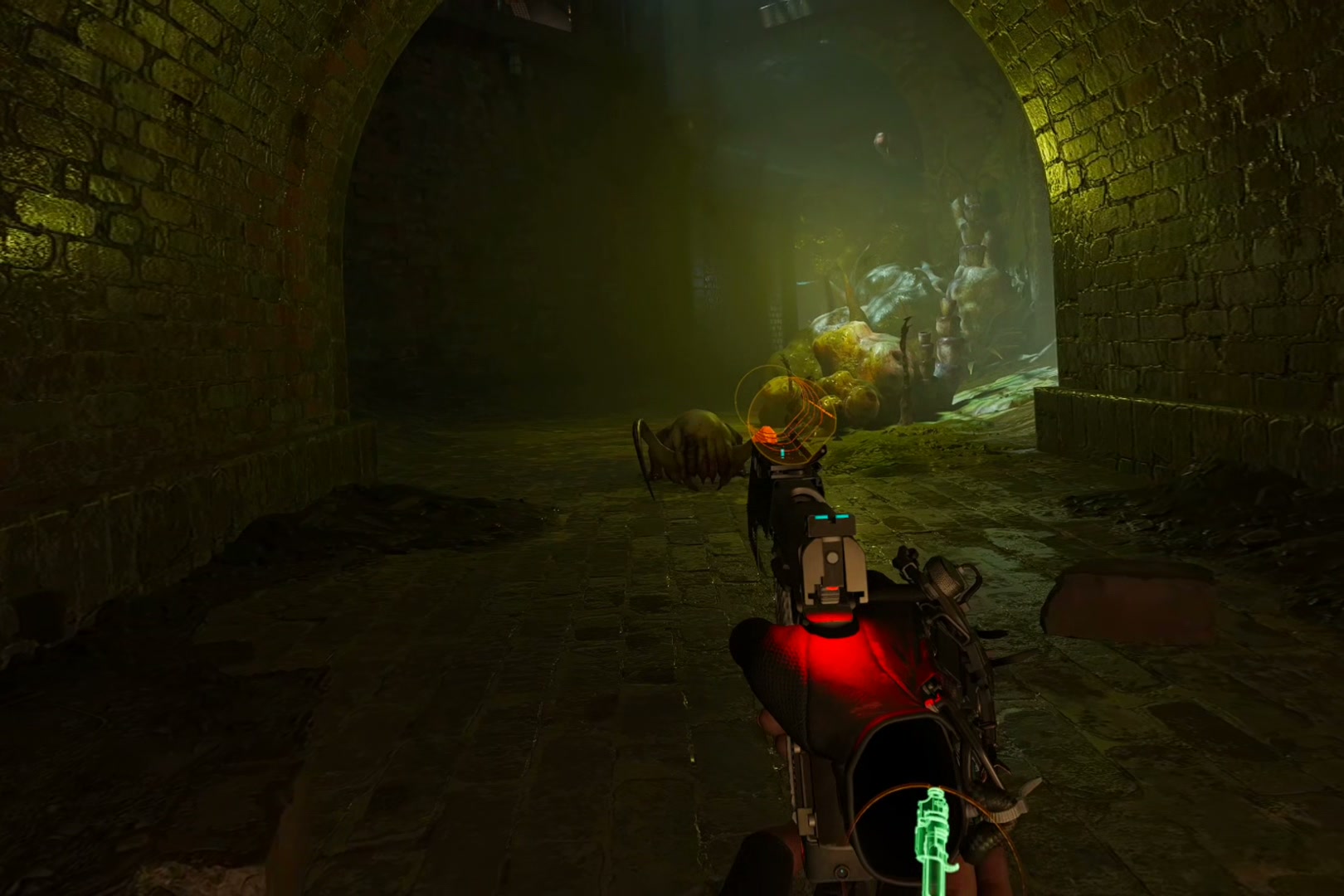
- Any PC game in 3D. Stream a flat game from your PC and koko converts it to 3D as you play. It holds 4K at 120 fps, under 30 ms from your PC's screen to the stream on Linux, so it's fast enough for real games. Play with your Quest controllers working as an Xbox pad, or pair a real Xbox controller.
- Your PC, in the headset. Your desktop on a giant screen, flat or in 3D, with your controllers as a mouse or keyboard.
- Your SteamVR games over Wi-Fi. No cable needed, or plug in a USB cable when you want the best picture quality.
- Watch together. Friends join a private room, sit in the seats beside you, and talk, react and watch in sync.
- Your hands, no controllers needed. Point and pinch to click, hold your thumb on your middle finger to grab a panel, lay both palms on your desk and koko measures it and puts your screens within reach. Your hands are drawn as glass, so they never hide the film behind them.
- Just ask. "Koko, play Inception." Commands run on the headset, and questions about the film go to your own PC, never to us. Hands, voice, Quest controllers or an Xbox pad: use whatever suits you, and switch at any time.
How we built it
koko is two apps working as one: a cinema on your head, and a powerhouse on your PC.
On the headset, a Rust renderer built on OpenXR and Vulkan draws the cinema, and Kotlin menus float on curved glass panels. Your hands are Meta's hand model, skinned to the tracked joints and drawn with a surprisingly cheap glass shader.
On the PC, the companion does the heavy lifting. It streams your SteamVR games, runs depth inference to turn any frame into 3D, and runs the language model behind Koko's answers. It runs great on NVIDIA, AMD and Apple hardware, across Windows, Linux and macOS, using each platform's own capture and encoder: NVENC, AMF, Vulkan Video and VideoToolbox.
In between, frames fly over Wi-Fi as encrypted packets, with forward error correction that grows and shrinks with what the network is actually losing. The same link makes the headset app easier to live with: the companion remembers your connections, shares copy and paste with your PC, and handles downloads and files.
Challenges we ran into
Hands were very hard. Tracking is noisy: a resting hand drifts, fingers flicker, and a stray pinch can stop the film. My first custom gestures confused testers, so I switched to Meta's conventions. Solid hands blocked the screen, so I made them glass, and found that something beautiful catches people's attention far better than a tutorial. Now small cards on your hands teach each gesture the moment you need it.
So was the video tech. Converting every frame to 3D live, at 4K and 120 fps, meant keeping each frame on the GPU from capture through depth inference to the encoder, tuned separately for NVIDIA, AMD and Apple. A setting that sped one graphics API up could slow another down.
Accomplishments that we're proud of
- Today's games in 3D at full speed. A 4K desktop converted to 3D live at 120 frames a second, holding steady over long sessions with Control and Assassin's Creed Black Flag pushing the GPU to 100%, on NVIDIA and on AMD.
- Fast enough to play. On Linux, about 9 ms from a change on the PC's screen to it leaving for the headset on the flat desktop, and under 30 ms with the full 3D conversion in between.
- PC VR that feels local. SteamVR games over Wi-Fi at up to 120 Hz and 200 Mbps, with Half-Life: Alyx holding its full frame rate.
- Hands that disappear into the experience. Glass hands that look like they belong in the room, cost almost nothing to draw, and let you run the menus, the player and the browser without picking up a controller.
- One product everywhere. Three operating systems and three GPU makers.
- Real reactions. The first time a tester saw a flat film suddenly have depth, the reaction was exactly the "wait, what?" I'd hoped for.
What we learned
Measure everything, and write down how you measured it.
Listen to your users' ideas, especially the ones that sound a bit bonkers. Several of koko's best features started that way.
What's next for koko VR Theater
Next, I'll keep polishing the interface until every menu and gesture feels effortless. I'll add cool new environments, from epic to cosy, and keep exploring Gaussian splats and other new techniques.
And I can't wait to see what everyone else here has invented.
Built With
- jetpack
- kotlin
- openxr
- rust
- steamvr
- vulkan
- webgpu
