Pick up any glycolic serum and read the back. It will warn you about the sun. It won't tell you whether it's right for your skin. On the deepest skin tones, a strong exfoliant can leave dark marks for months (JAAD, 2018). On skin that's already red, it can make the redness worse.
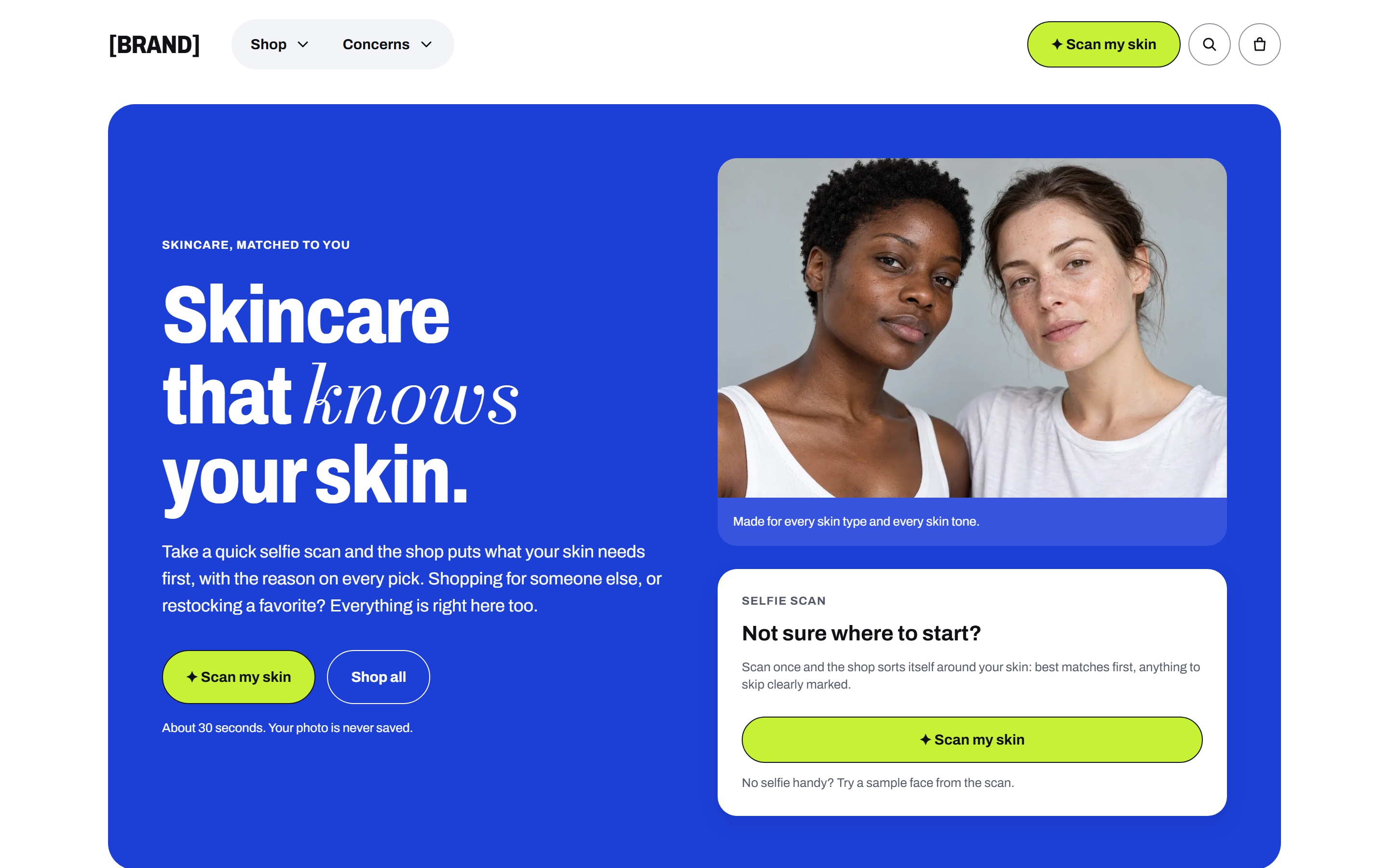
The label can't know who's holding it. Neither can the shelf. A skincare store shows everyone the same products in the same order. Someone with deep skin and breakouts and someone with pale, dry skin walk past the same bestsellers, with the same acid peel at eye level.
Businesses spends lots of time and effort just to explain consumers what might be a good fit for them. And most of the time consumers stay confused and not every time they can visit a specialist for everyday cosmetic usages. Specially in southern Asia, people are unaware of those products and most of the time they endup choosing the wrong fit and sometimes causes serious skin damage.
So, I wanted the shelf to know who's standing in front of it. My solution reduces time, hassle and confusions for both parties.
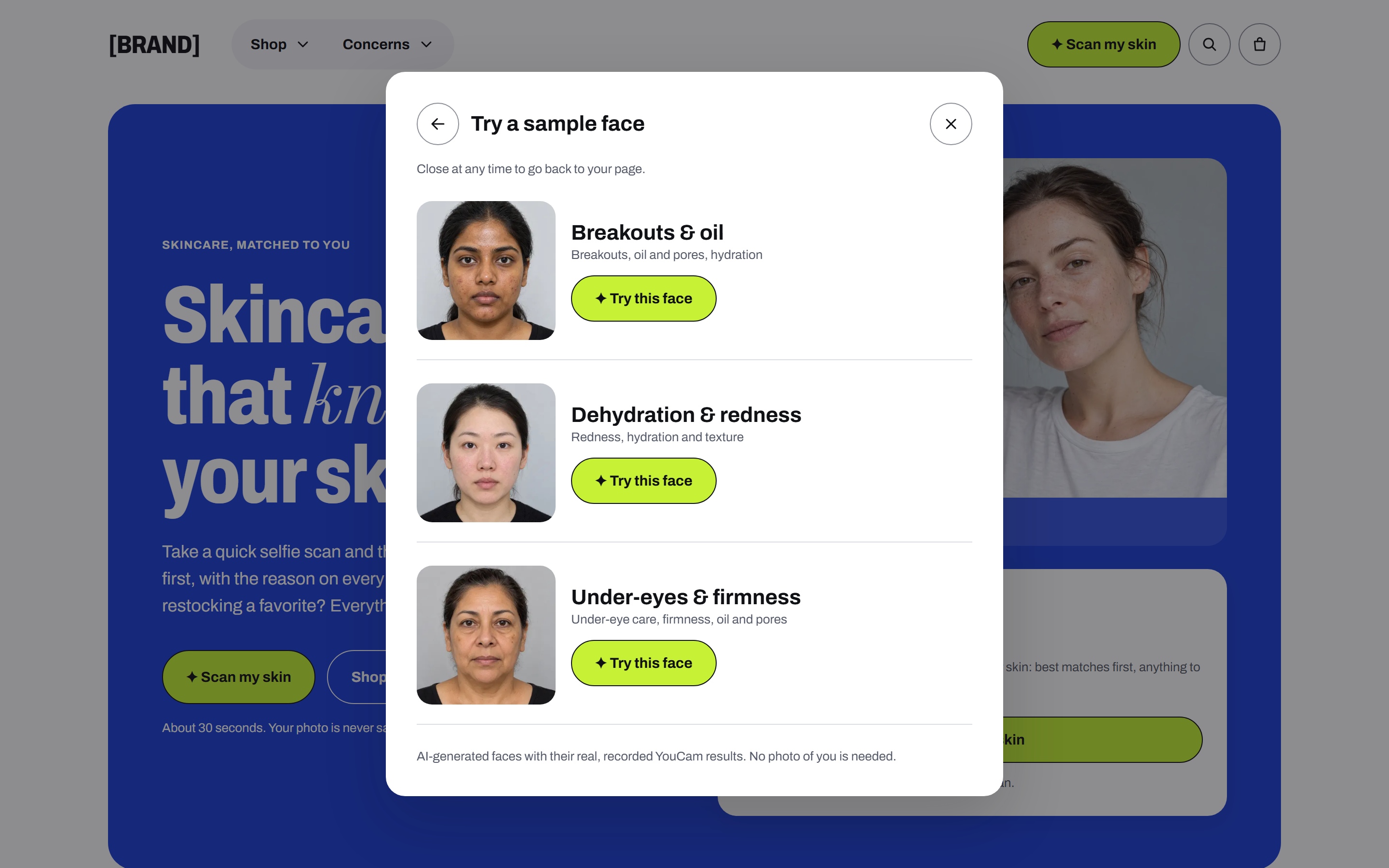
Try it with a sample face. No photo, account or payment needed. · GitHub repository
What it does
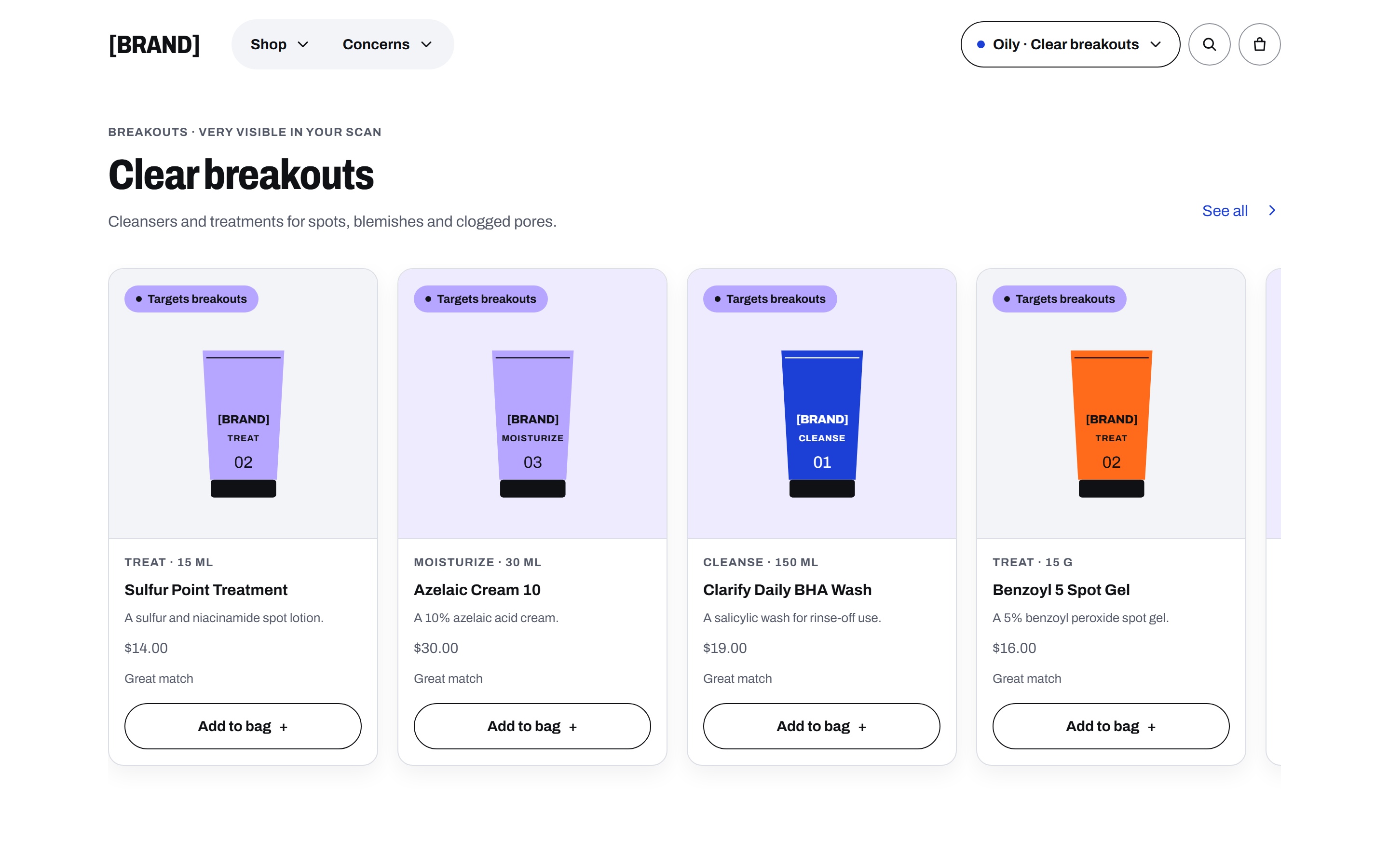
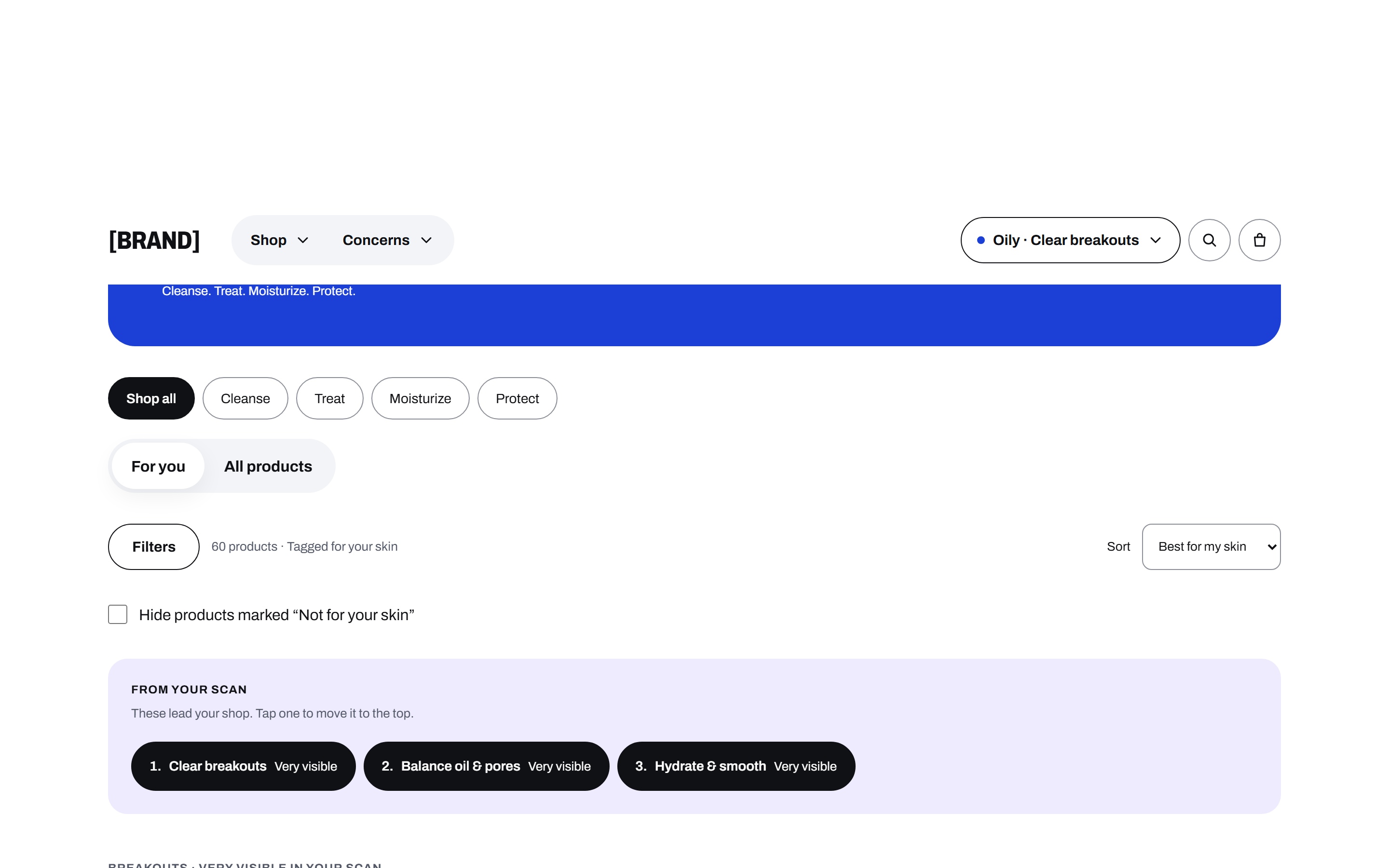
One selfie and the whole store re-sort to match user's skin type and skin issues.
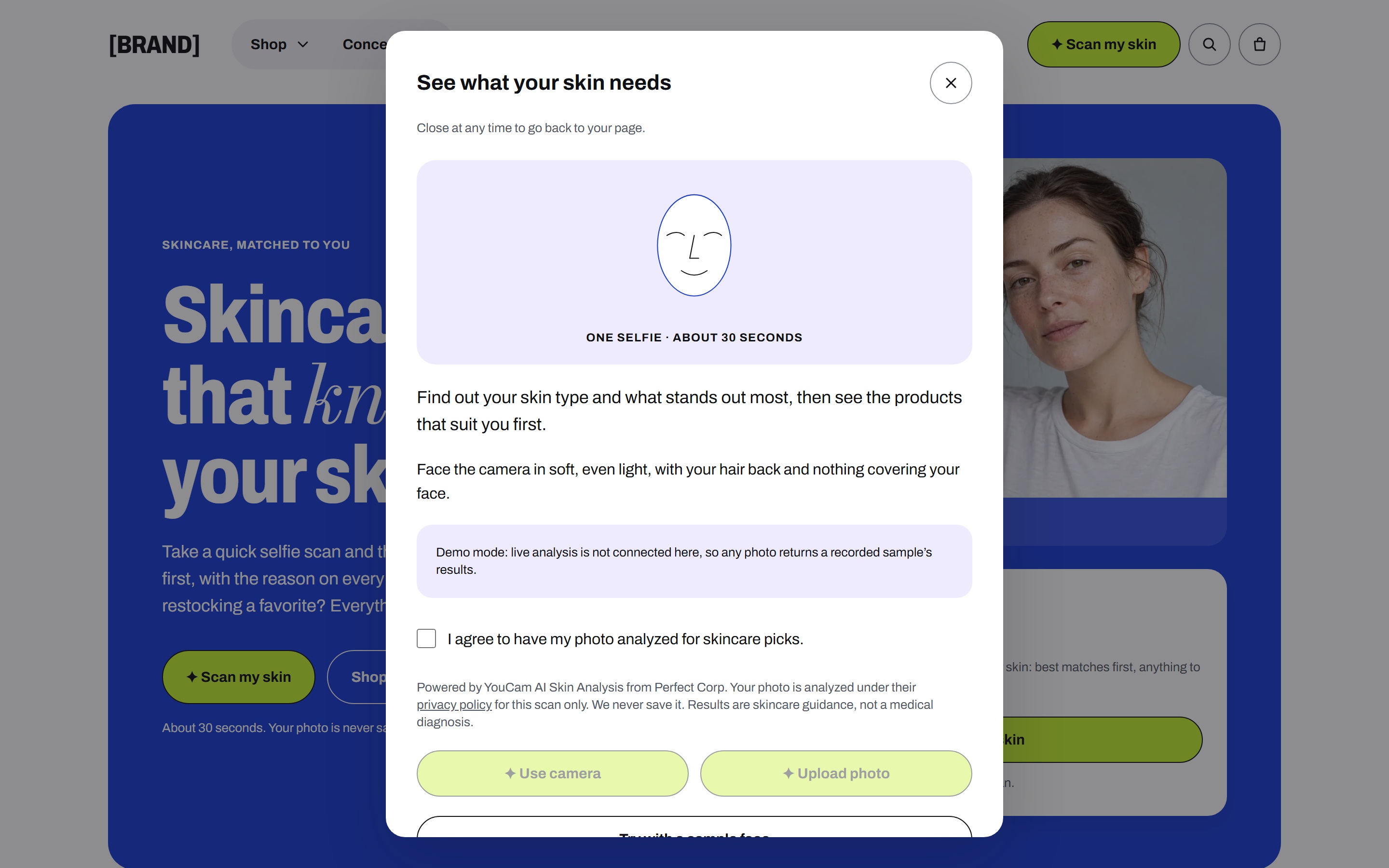
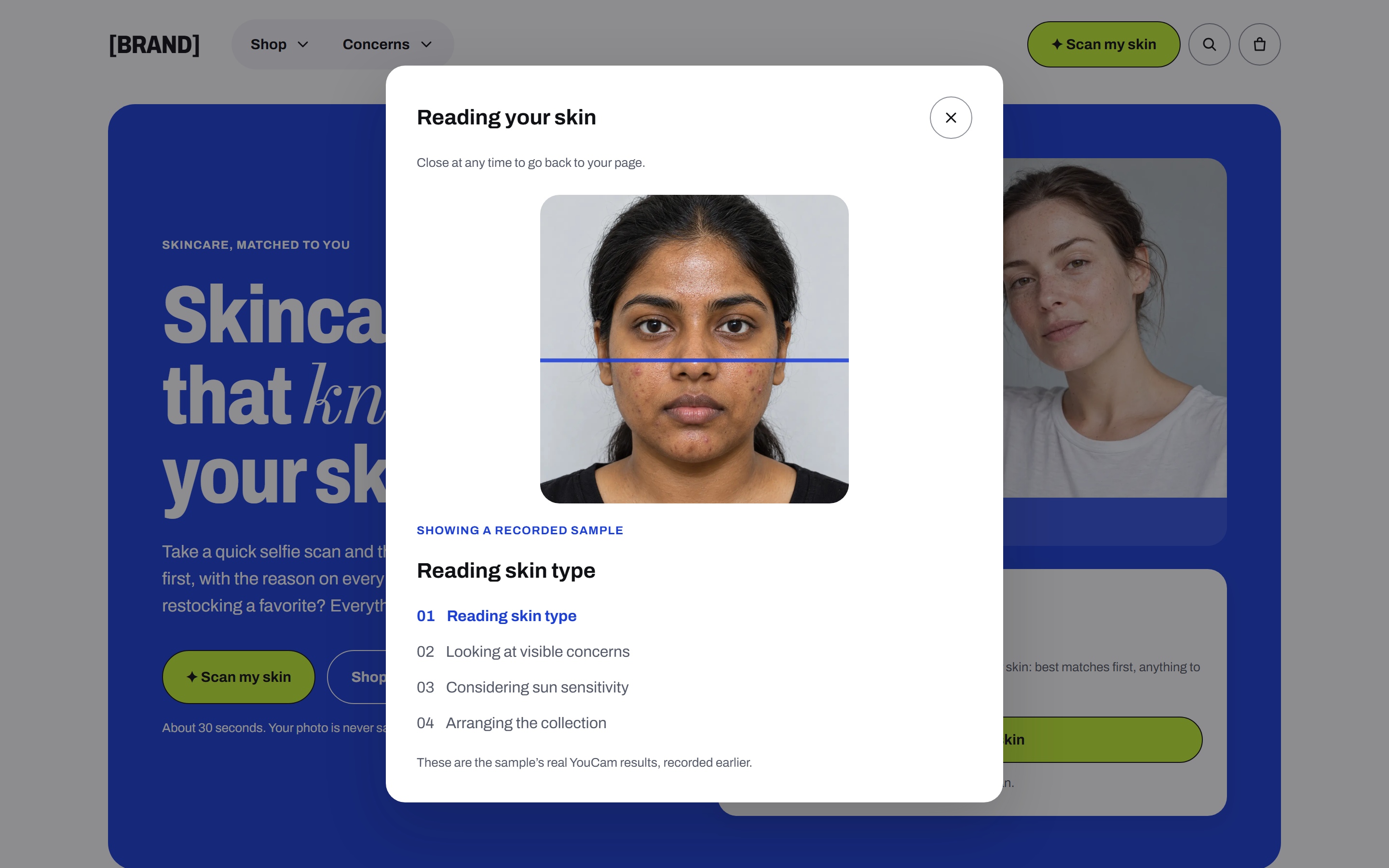
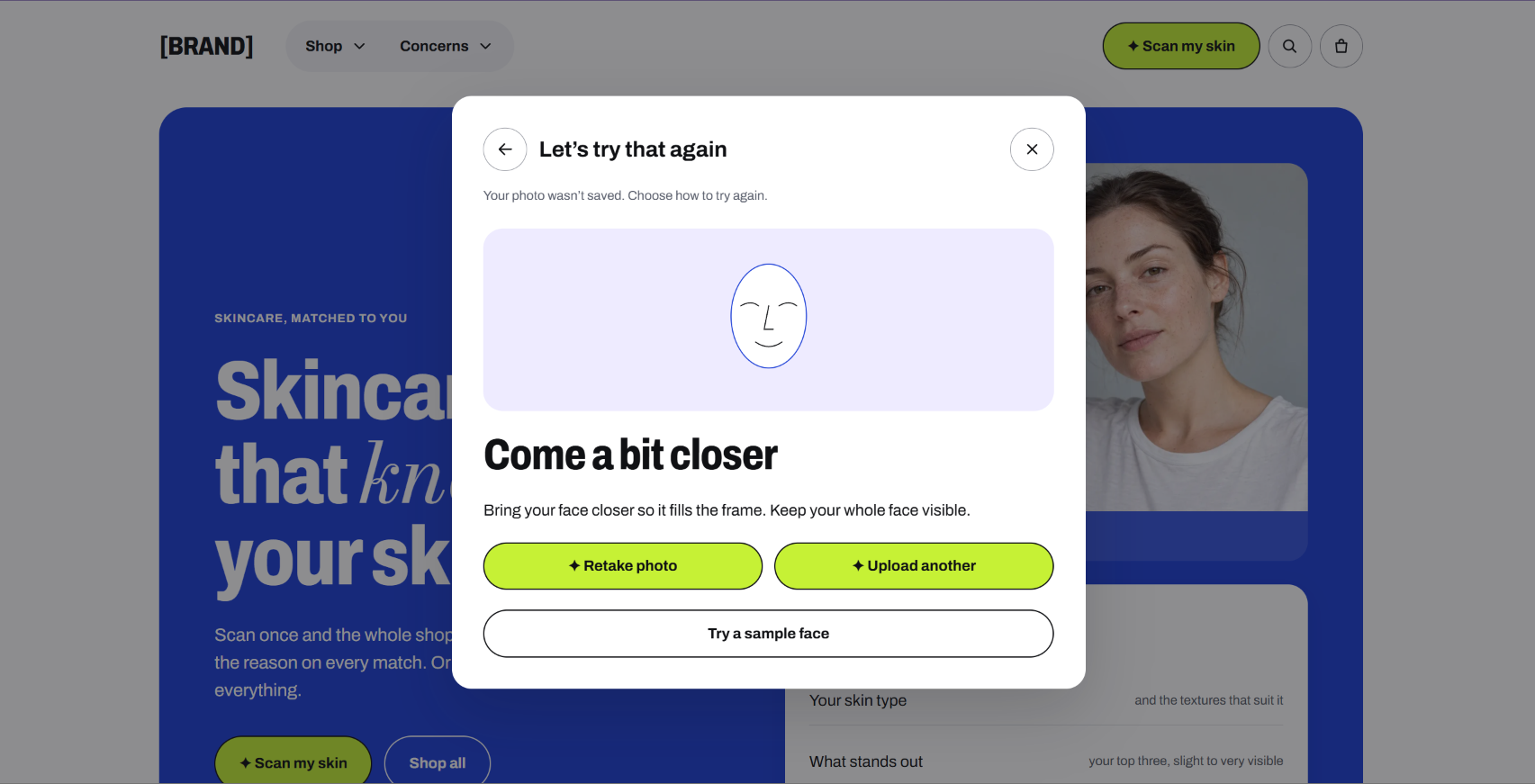
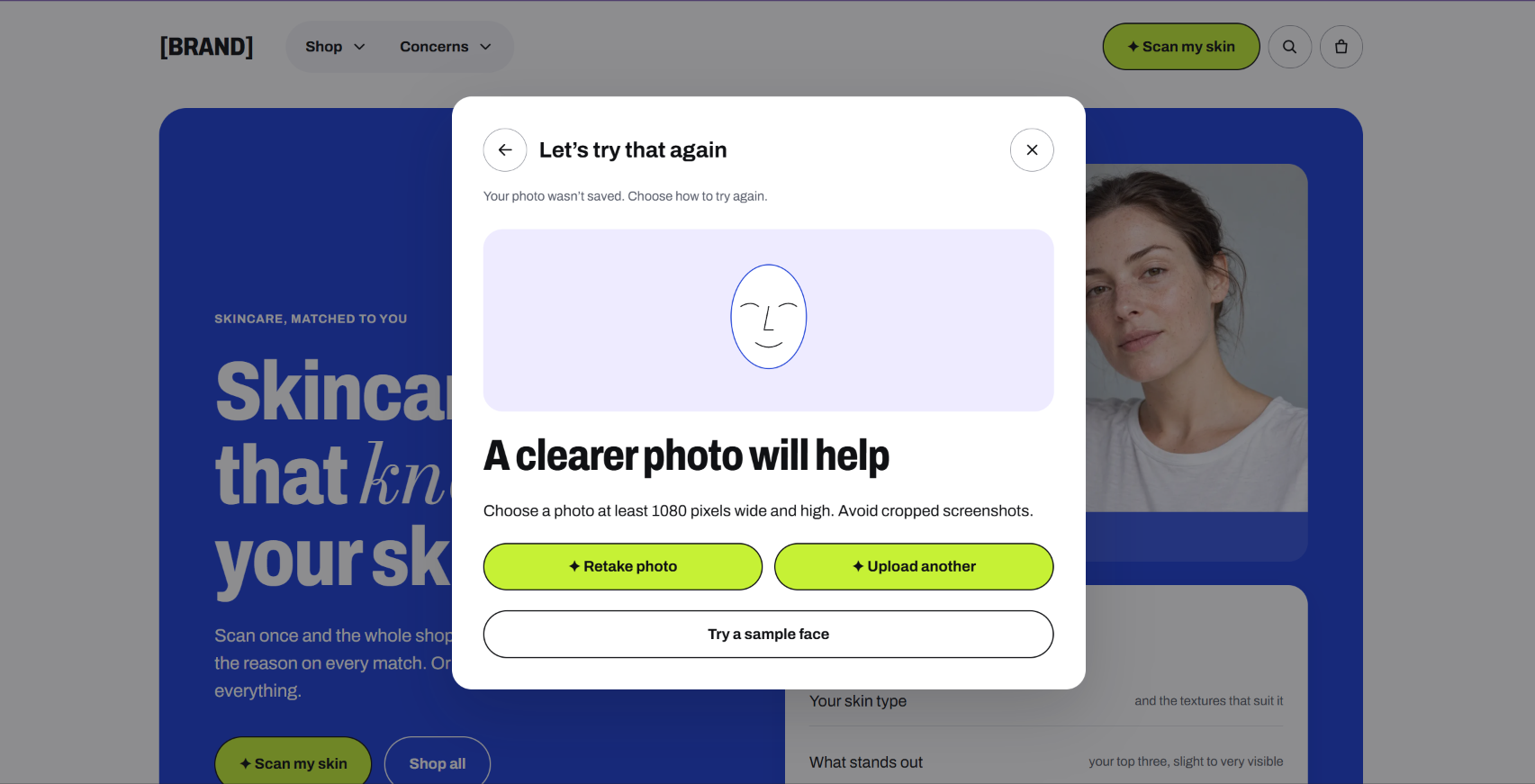
- Scan. Upload a photo or use the camera. YouCam reads 15 visible concerns, skin type and a Fitzpatrick type.
- Reveal. The leading concerns become plain goals like Clear breakouts or Even tone & glow, with the scanned areas marked on the photo. Tap another goal to see its areas. You choose which goals lead.
- The shelf moves. All products re-sort. Every card gets one of five labels (Great match, Good match, Everyday pick, Use with care, Not for your skin) and a one-line reason.
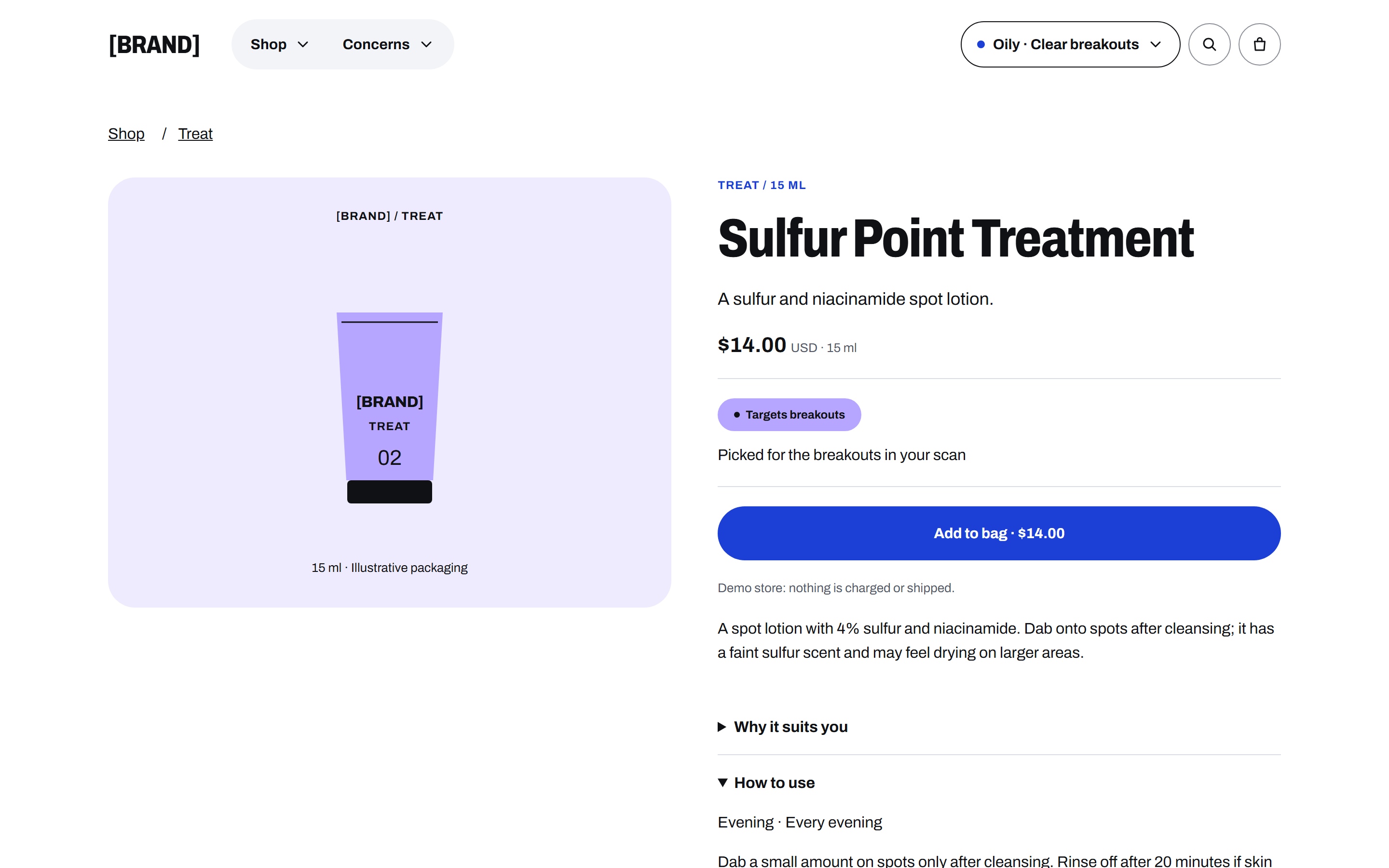
- Why it suits you. The product page lists every point behind the label: which concern, which ingredient, which caution.
- Your call. Change your goals, switch recommendations off, or delete the results. Products marked Not for your skin are still in the store, just further down.
And that Not for your skin tag actually saves user from the wrong product and build trust between the business.
Why re-sort the whole store
In short- Convenience
I could have built a results page. It's what most beauty scans end with: concerns, scores, a short routine, done. But nobody shops on a results page. People scroll a category, search for "moisturizer", open the cleanser a friend mentioned. A list of four can't follow them there.
So the scan changes every surface: category pages, concern shelves, search, product pages, the bag. Open a cleanser from a search result and it already knows your skin.
The second decision was to move products down instead of hiding them. A hidden product means the store decided for you. A product at the bottom marked Not for your skin: strong actives can upset skin that shows redness tells you something worth knowing. You might buy it anyway. At least this time the label told you something.
How I used the YouCam APIs
Three YouCam products, each doing a job the store can't do without it.
| API | What the store does with it |
|---|---|
| Skin Analysis (SD) | Scores for 15 concerns, skin type for the whole face, T-zone and U-zone, and a mask image per concern. Scores become goals and fit; masks become the reveal overlay. |
| Fitzpatrick Scale Analyzer | A type from I to VI. It decides the sun advice: for I–II, SPF 50+ moves up; for III–VI, daily and tinted SPF move up for dark marks, and strong exfoliants get Start slowly. |
| JS Camera Kit | Live checks on face size, position, angle and light before capture, inside the scan dialog. Loaded only when someone picks the camera. |
How a scan travels:
- The browser checks and resizes the photo, asks my server for an upload slot (
POST /s2s/v2.0/file) and uploads the JPEG straight to YouCam. My server never receives the photo, and closing the scan cancels the upload and discards the preview. - The server starts Skin Analysis and Fitzpatrick in parallel (
/s2s/v2.0/task/skin-analysis,/s2s/v2.0/task/fitzpatrick-scale-analyzer) and hands back a short-lived signed token. - The browser polls with that token. The server polls YouCam, validates both responses and returns one normalized profile.
- Ranking runs in the browser from that profile. Only derived scores are kept: in your browser once you continue, and in a 24-hour server cache that never holds the photo.
Challenges and Issues
It would be more helpful if YouCam could output medical resources directly. I used publicly available data and rule based matching in my app. There are some other issues that I had reported in the additional info section for judges.
Try it
- Open you-cam-x-ecom.vercel.app, choose Try with a sample face, then Breakouts & oil.
- On the reveal, tap another goal, then See my matches.
- On For you, open a product and expand Why it suits you. The bag, demo checkout and the skin menu (hide matches, delete results) are all live.
Live scans work but are capped to protect the credit budget. The sample faces replay recorded YouCam results and are the reliable path for judging.
What's next
- Collab with real brands and distribute this awesome feature.
Description written by me and edited and formatted with AI (Fair use of ai and transparency) I had put a lot of effort in designing the website end to end in detail. Please do explore it!
Built With
- docker
- next.js
- react
- tailwind-css
- typescript
- upstash-redis
- vercel
- youcam-api
- youcam-camera-kit
- youcam-fitzpatrick
- youcam-skin-analysis

Log in or sign up for Devpost to join the conversation.