
Inspiration
Robot learning runs on human demonstrations. Research like UMI and Dobb·E showed you don't need the robot in the room to collect them, but you still need special hardware: a 3D-printed handheld gripper, a reacher-grabber with a camera, or a leader arm.
When Apple opened up the iPhone Duo's hinge, we noticed something: folding a phone is a squeeze, the same motion as closing a gripper. The hinge is a knuckle. So we asked: what if the special hardware is just a phone?
What it does
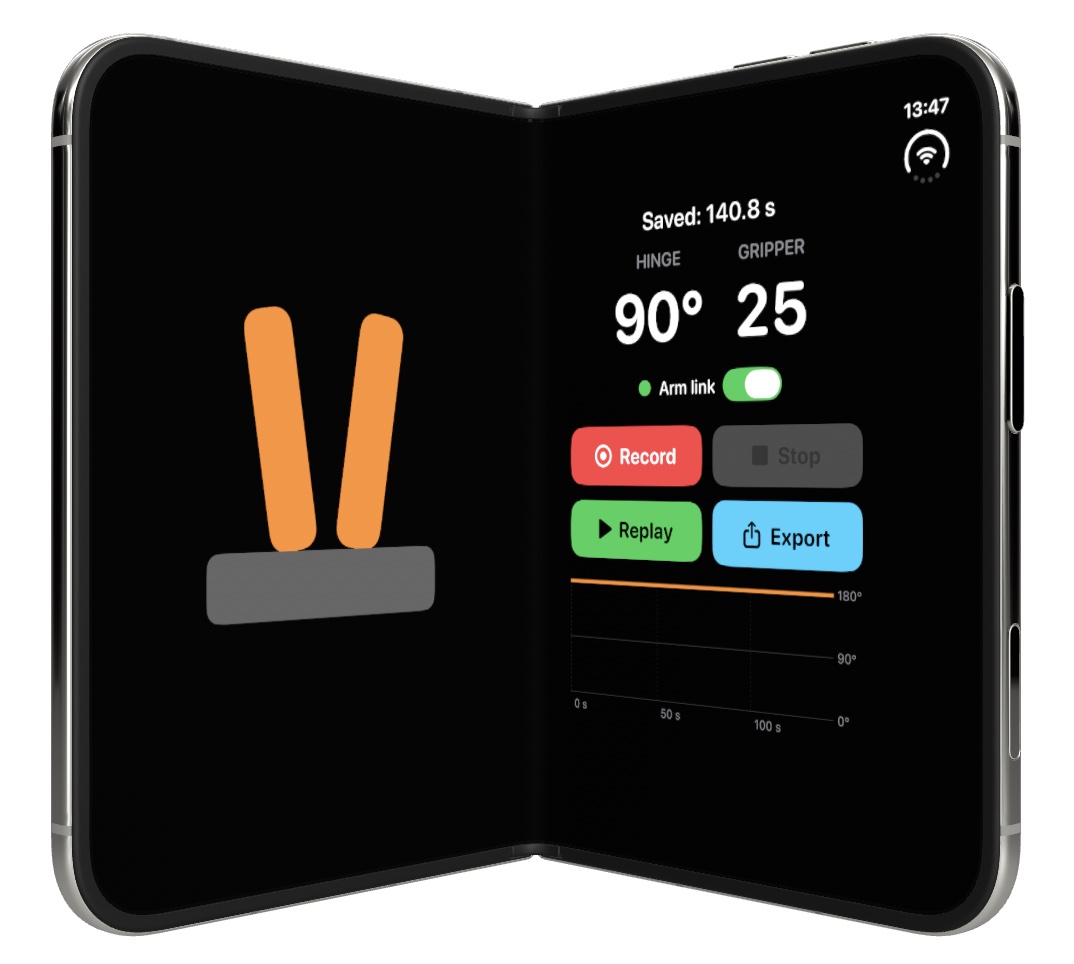
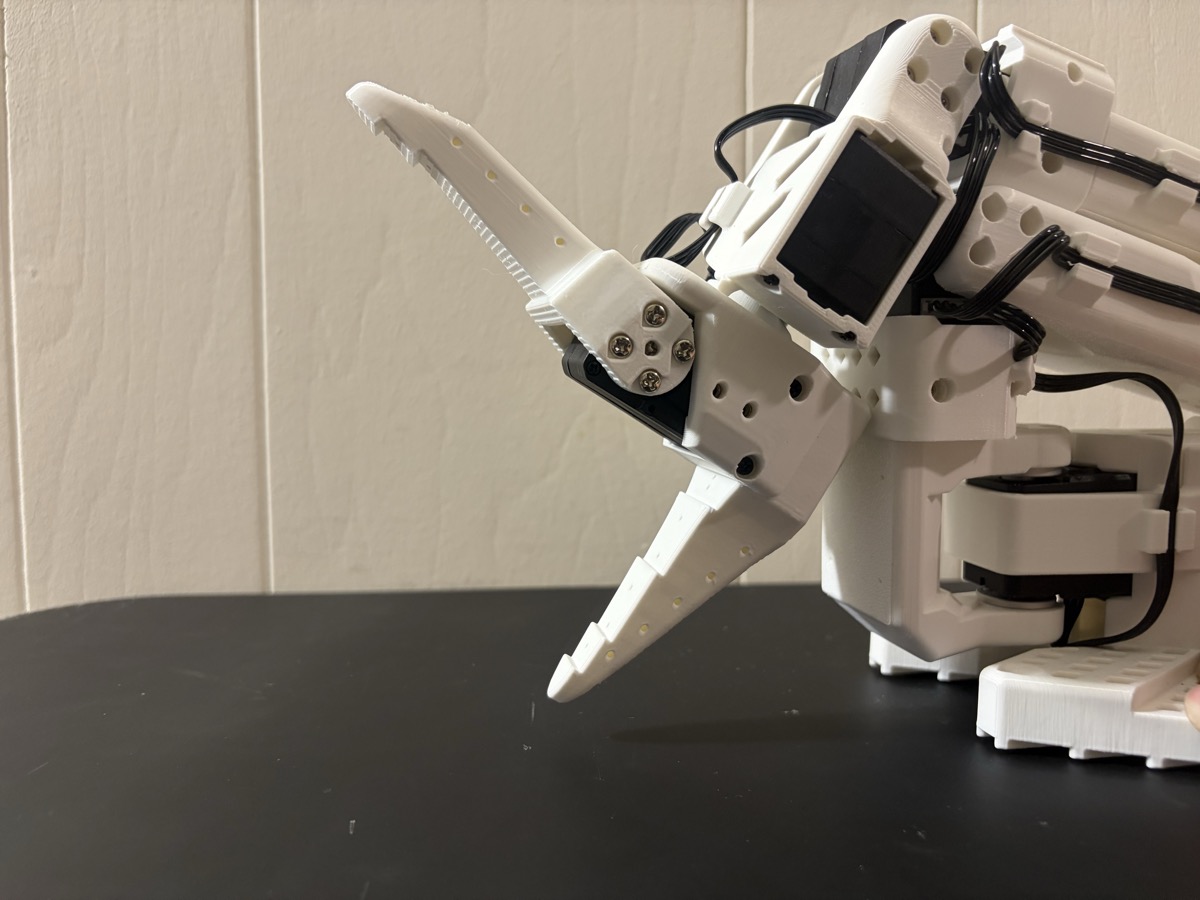
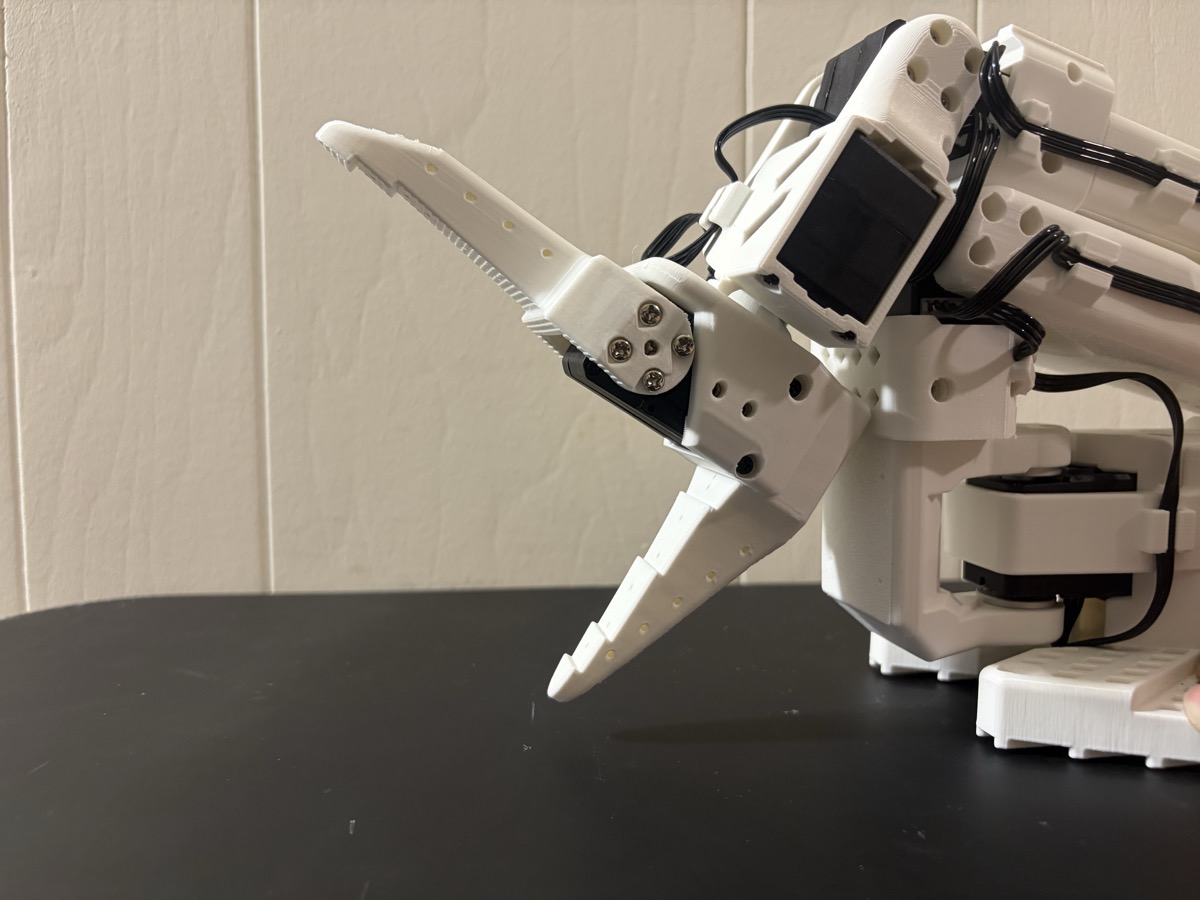
- Live control: fold the Duo and the gripper closes; open it and it opens — on screen and on a real SO-101 robot arm on our table.
- Record & replay: record a demonstration, take your hands off, and the robot repeats it exactly.
- Export: every demonstration is saved as JSON robot training data.
How we built it
We built the entire iOS app today solely in Bitrig, using the new iPhone Duo APIs:
onHingeChange(DeviceHingeangle + status): the hinge angle drives the gripper. Closing the phone auto-stops recording.onHingeChange(isEnabled:): live hinge input is paused during replay, so playback is exact.ArrangementView(.split): the gripper and the controls split along the real crease in every pose — half-folded, flat, portrait and landscape.reservedRegions(kind: .division, options: .includeInactive)and.occlusion: keep every control off the crease and the status bar.
The hinge angle $\theta$ maps to a gripper value $g$:
$$g = \mathrm{clamp}\left(\frac{\theta - 60^\circ}{120^\circ} \times 100,\ 0,\ 100\right)$$
Recording samples at a fixed 30 Hz with strictly increasing timestamps. Replay runs on a 60 fps clock with linear interpolation, so the gripper, the numbers and the Swift Charts cursor all move smoothly. Each episode exports as {episode_id, created_at, sample_rate_hz, samples: [{t, hinge_deg, gripper}]}.
For the real arm, the app POSTs the gripper value (≤ 20 Hz) to a small local Python bridge, which drives only the gripper servo of a Hiwonder SO-101 follower arm through a LeRobot fork.
Challenges we ran into
- The crease moves. In portrait the fold is horizontal; in landscape it's vertical. Our first layout hard-coded one direction and put the gripper right on the fold.
- The fold "disappears" when flat. When the Duo is fully open, the fold is reported as an inactive region, so a plain
reservedRegionsquery returns nothing. Adding.includeInactivefixed it. - Honest data. Sampling only when the hinge moved left gaps; a naive catch-up created duplicate timestamps. We switched to fixed-rate sampling that skips missed slots instead of faking samples.
- Driving a robot from a Mac. The arm's vendor supports Windows and Linux, not macOS. We verified the serial link read-only first, measured the gripper's safe range, then moved one servo at a time with torque safety on exit.
Accomplishments that we're proud of
A phone fold drives a real robot, and a recorded demonstration replays on the robot with nobody touching anything.
What we learned
- Hinge data is for interaction; layout belongs to
ArrangementViewand reserved regions. - Replaying data is not learning. Knuckle collects demonstrations — the data imitation learning trains on — it doesn't train a model.
What's next for Knuckle
The hinge is one of three signals robots learn from. On a real Duo (launching Oct 23), the camera adds vision and the phone's motion adds trajectory — one phone, all three signals. The outer screen could also show the gripper to a second person while you demonstrate.
Note on code
The iOS app was written entirely at the hackathon in Bitrig. The ~100-line Python bridge that drives the arm was prototyped the night before to confirm the arm works with a Mac; disclosed to and approved by the organizers.

Log in or sign up for Devpost to join the conversation.