-
-
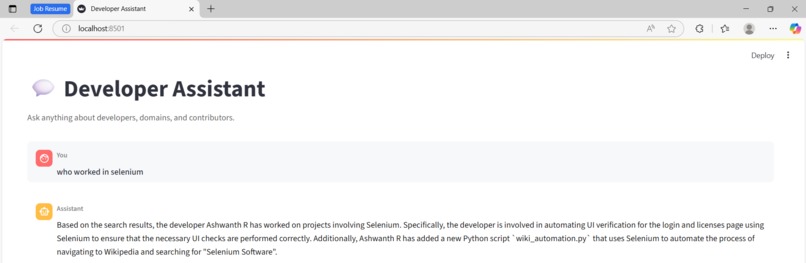
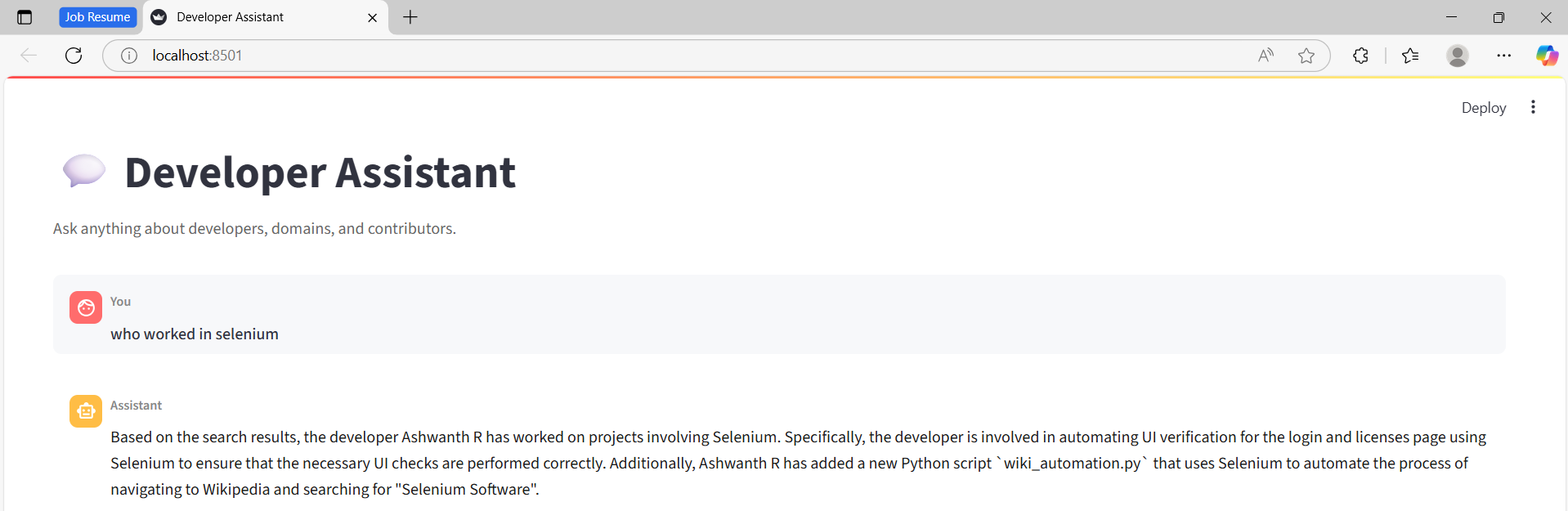
User Interaction 1
-

User Interaction 2
-
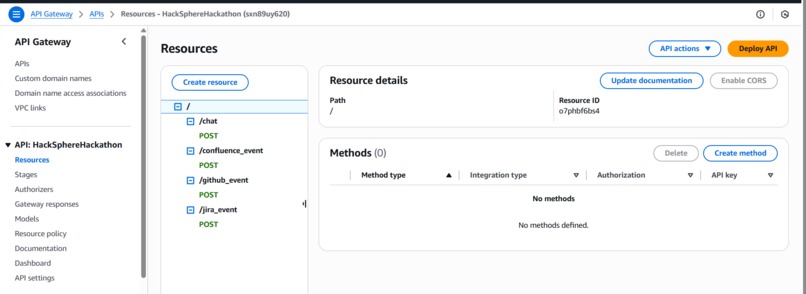
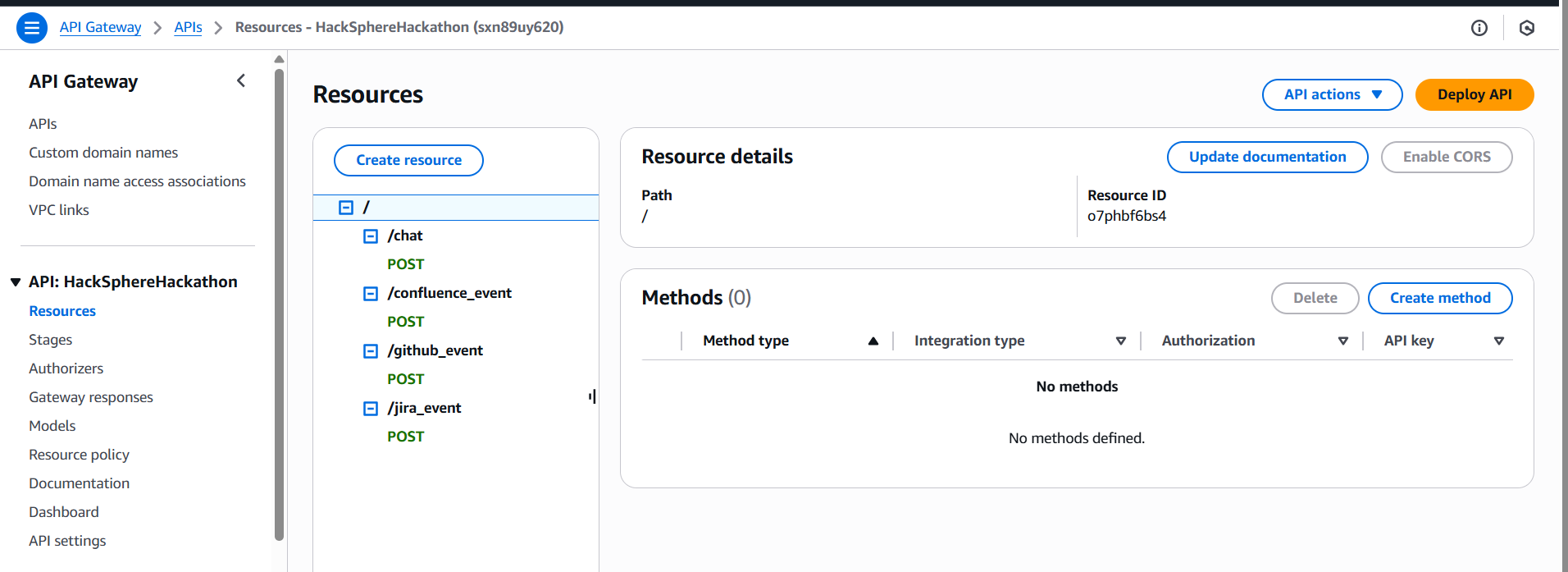
API Gateway - Rest API's
-
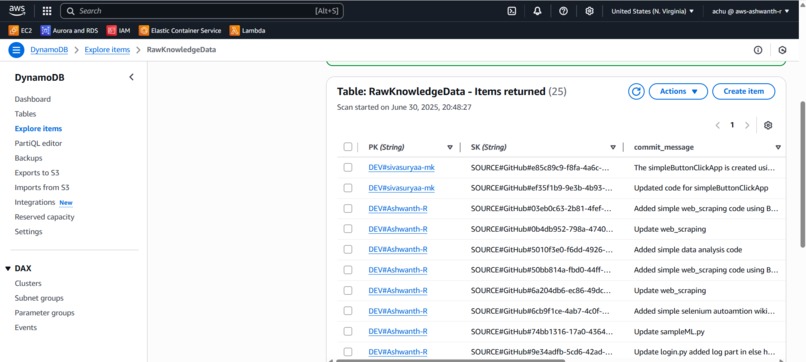
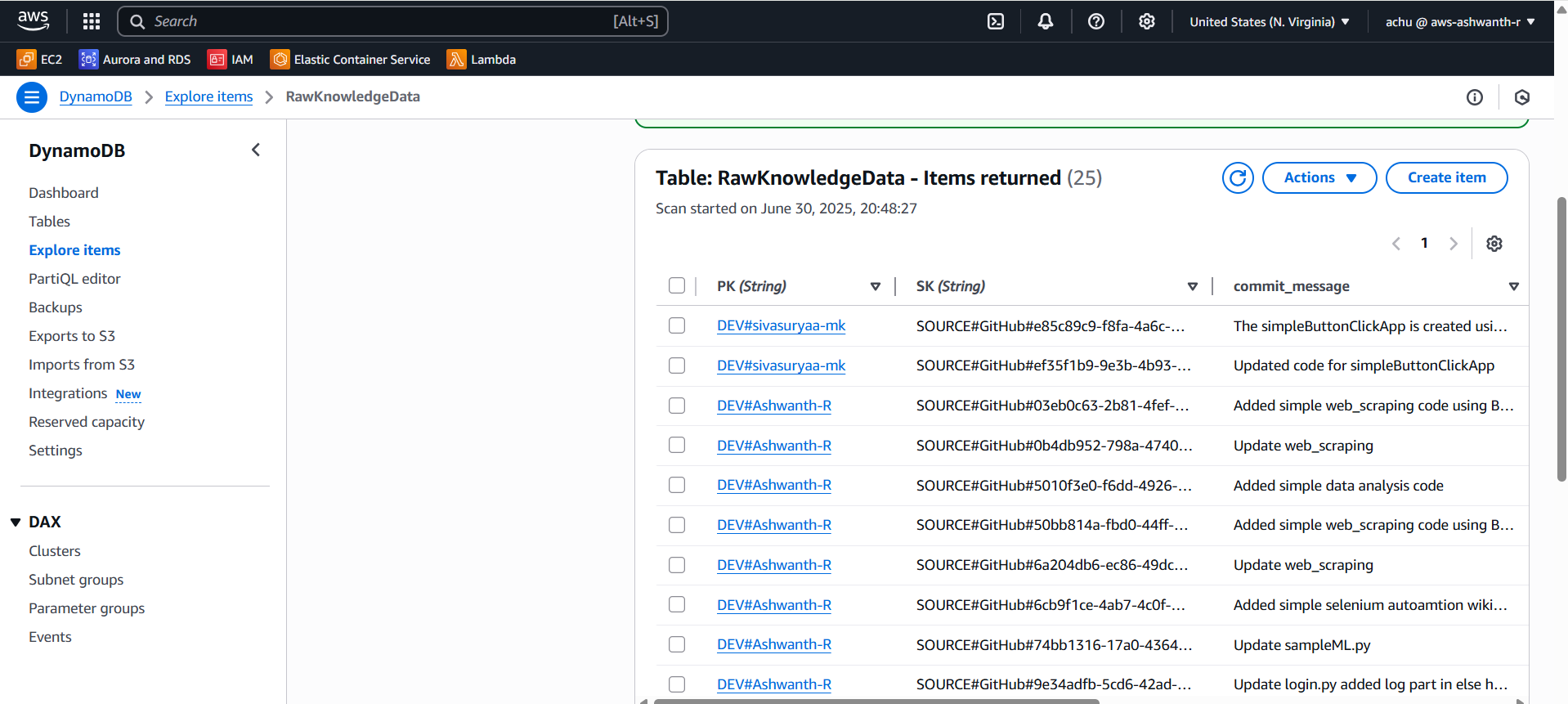
DynamoDB Entries
-
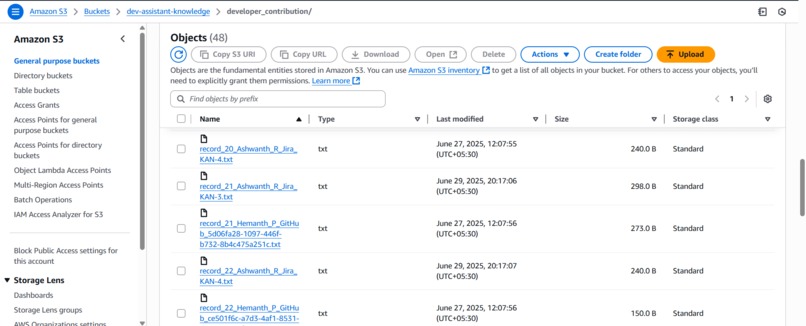
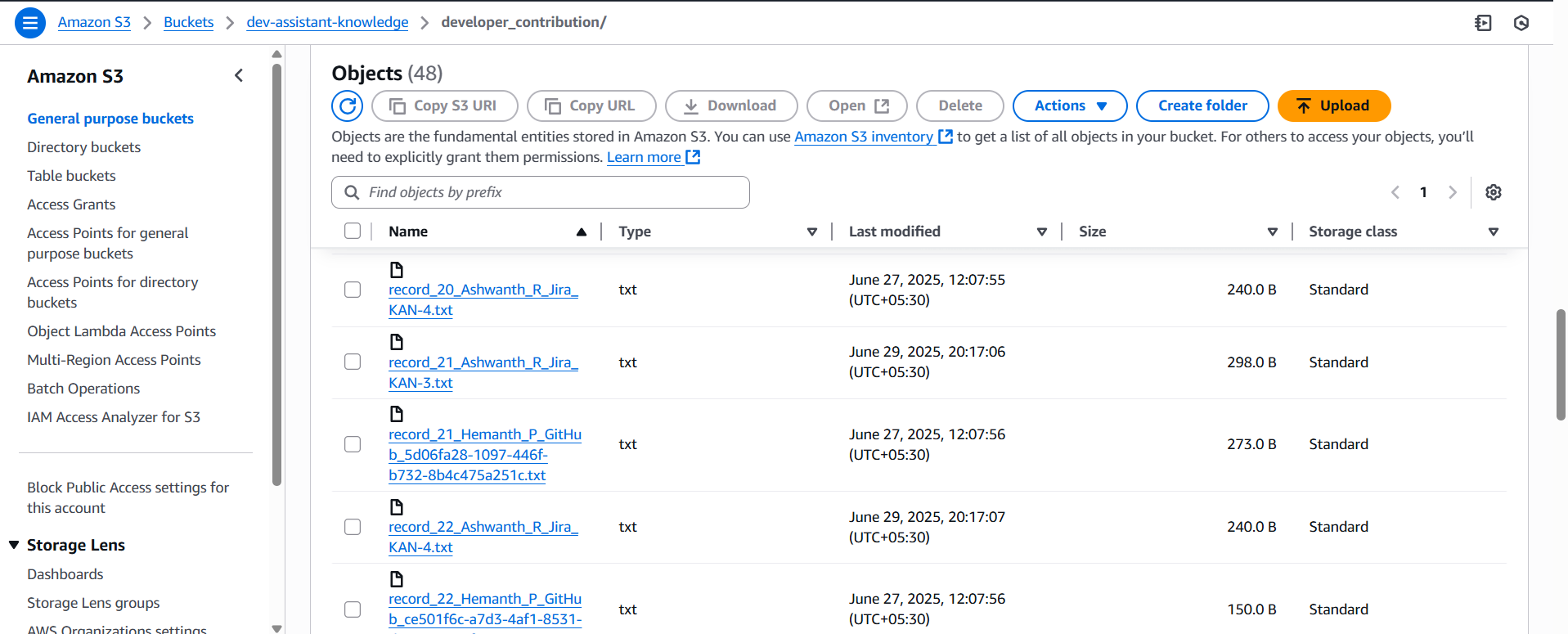
Amazon S3
-
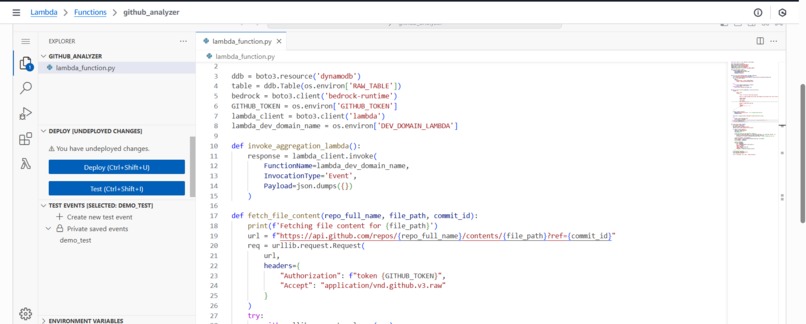
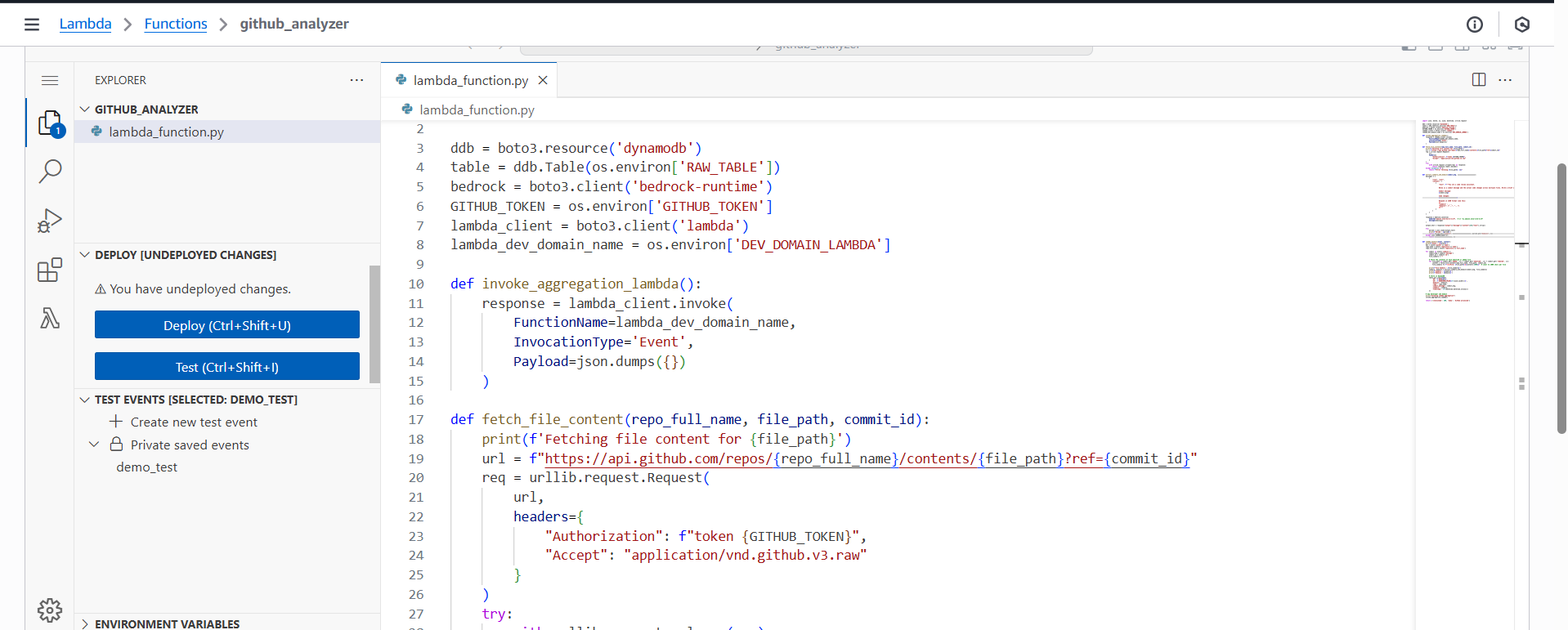
Sample Lambda Function
-
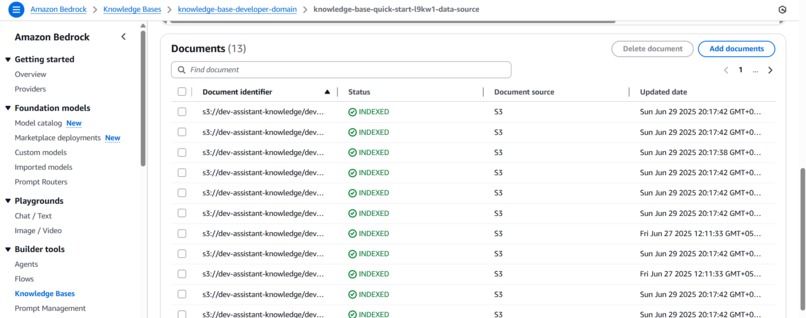
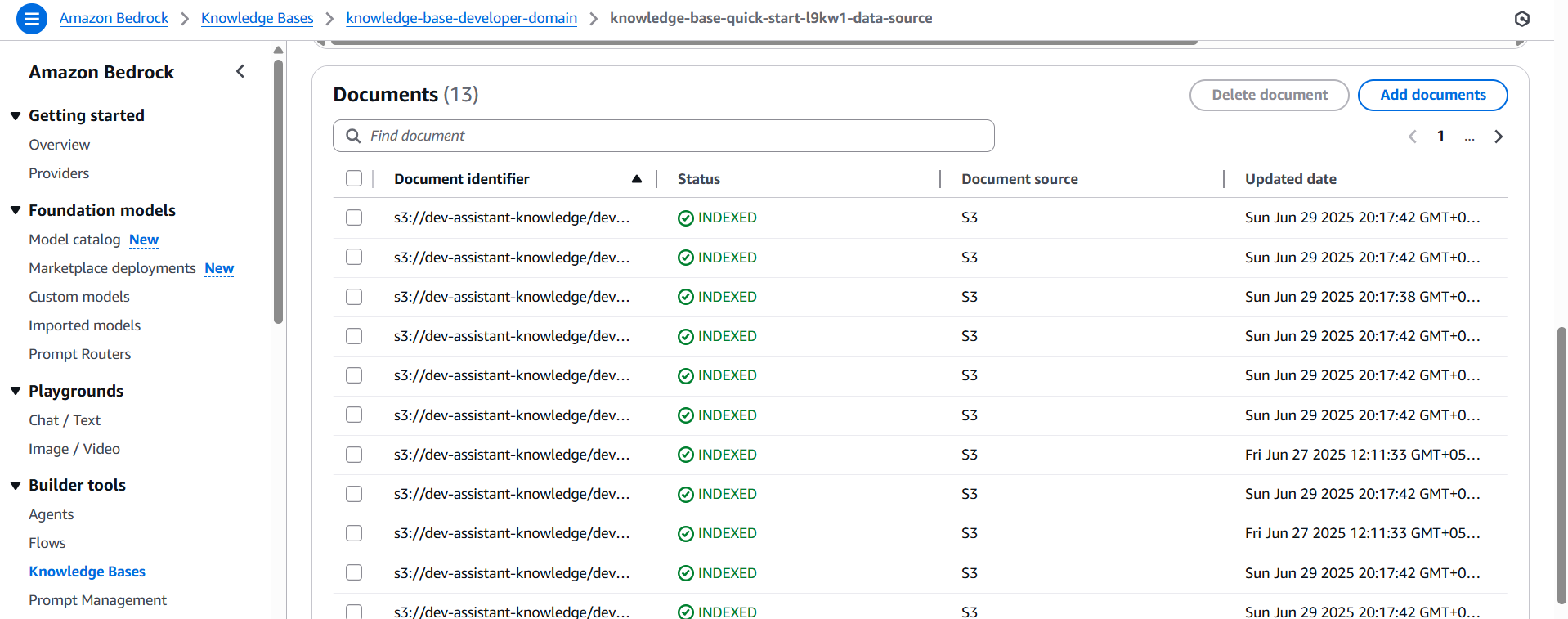
Amazon Bedrock - Knowledge base

Inspiration
As a new intern, I faced difficulty getting knowledge transfer (KT) from developers and didn’t know whom to approach for doubts.
What it does
It is a dev-to-domain mapping tool. It contains information about all employees and the projects they have contributed to within the organization. When a new team member joins, they can use this tool to identify the right person to approach for their specific requirements.
How we built it
We used:
- Streamlit for the UI
- AWS Lambda for serverless compute
- AWS DynamoDB as the database
- AWS S3 for storing data
- AWS API Gateway for managing REST APIs
- Amazon Bedrock for LLM and knowledge base
- GitHub, Confluence, Jira webhooks for collecting contributions
Challenges we ran into
- Configuring IAM policies for various AWS services
- Confluence does not provide webhooks, so we had to use Confluence automation to mimic webhook functionality
Accomplishments that we're proud of
- There is currently no tool that tracks all developer contributions (GitHub, Jira, Confluence) across the organization
- Real-time, production-ready solution
- Enables managers to track their team’s productivity, contributions, and progress
What we learned
- How to use AWS services (completely new to us)
- Working with webhooks
- Deploying a real-time, production-level application on AWS
- Prompting techniques, AI, LLMs, etc.
What's next for KnowSphere - Developer Knowledge Mapping
- Add more metadata to developer contributions to improve responses in the RAG pipeline
- Deploy the solution in the future so that it can be used by organizations globally
Built With
- amazon-apigateway
- amazon-bedrock
- amazon-dynamodb
- amazon-lambda
- amazon-web-services
- confluence-webhook
- github-webhook
- jira-webhook
- streamlit
