Inspiration
A conversation should not stop every time someone needs a translation. Knowless is built around a simple idea: let people speak, keep the meaning easy to read, and make the experience work without an internet connection after setup.
What it does
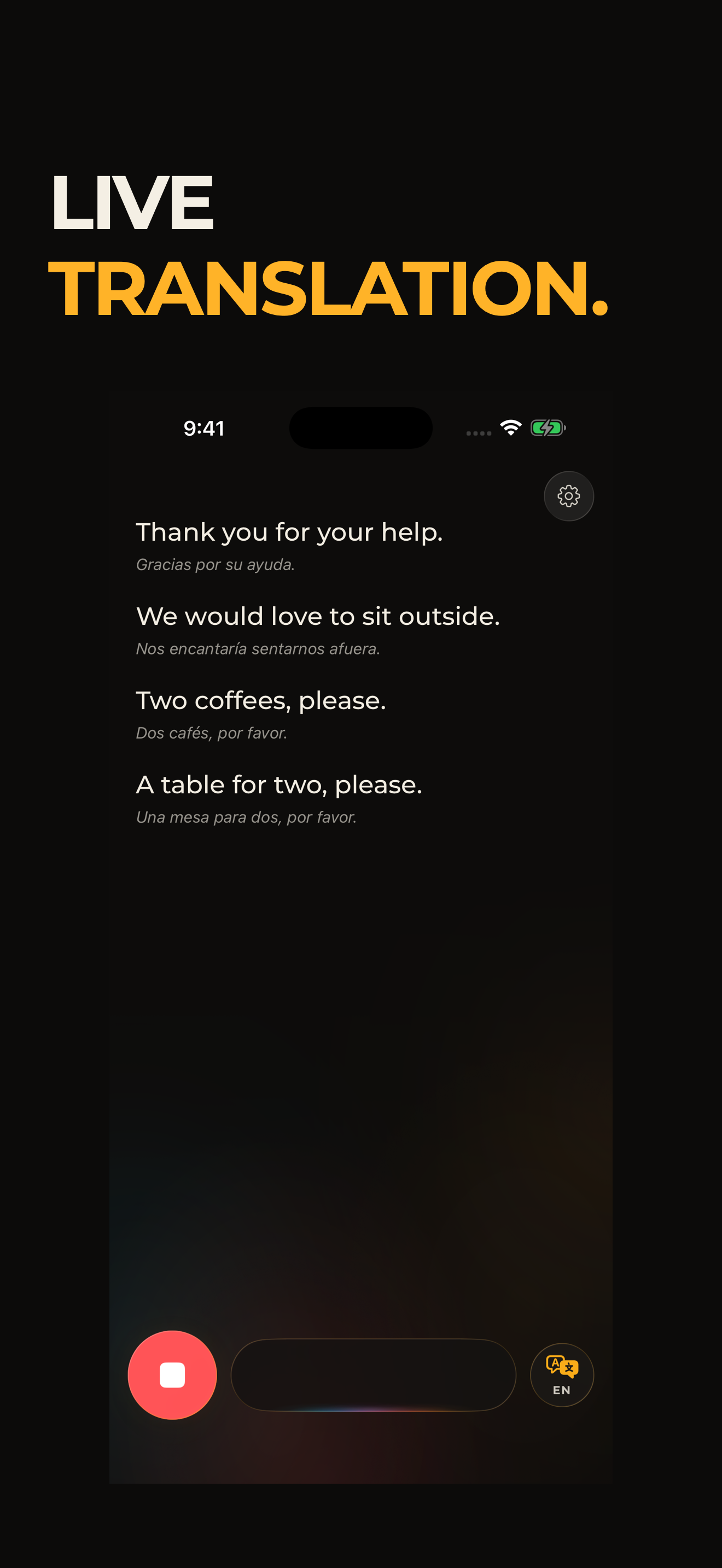
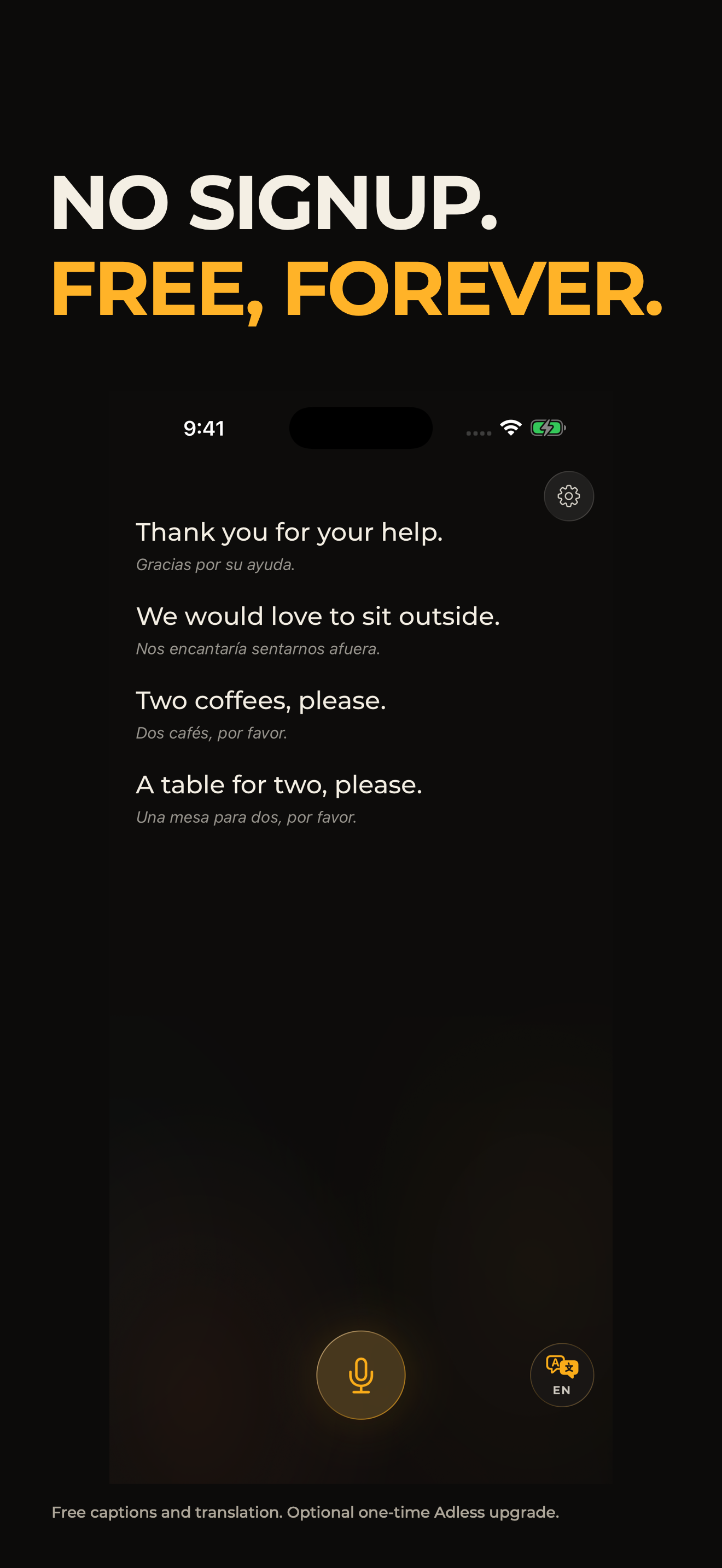
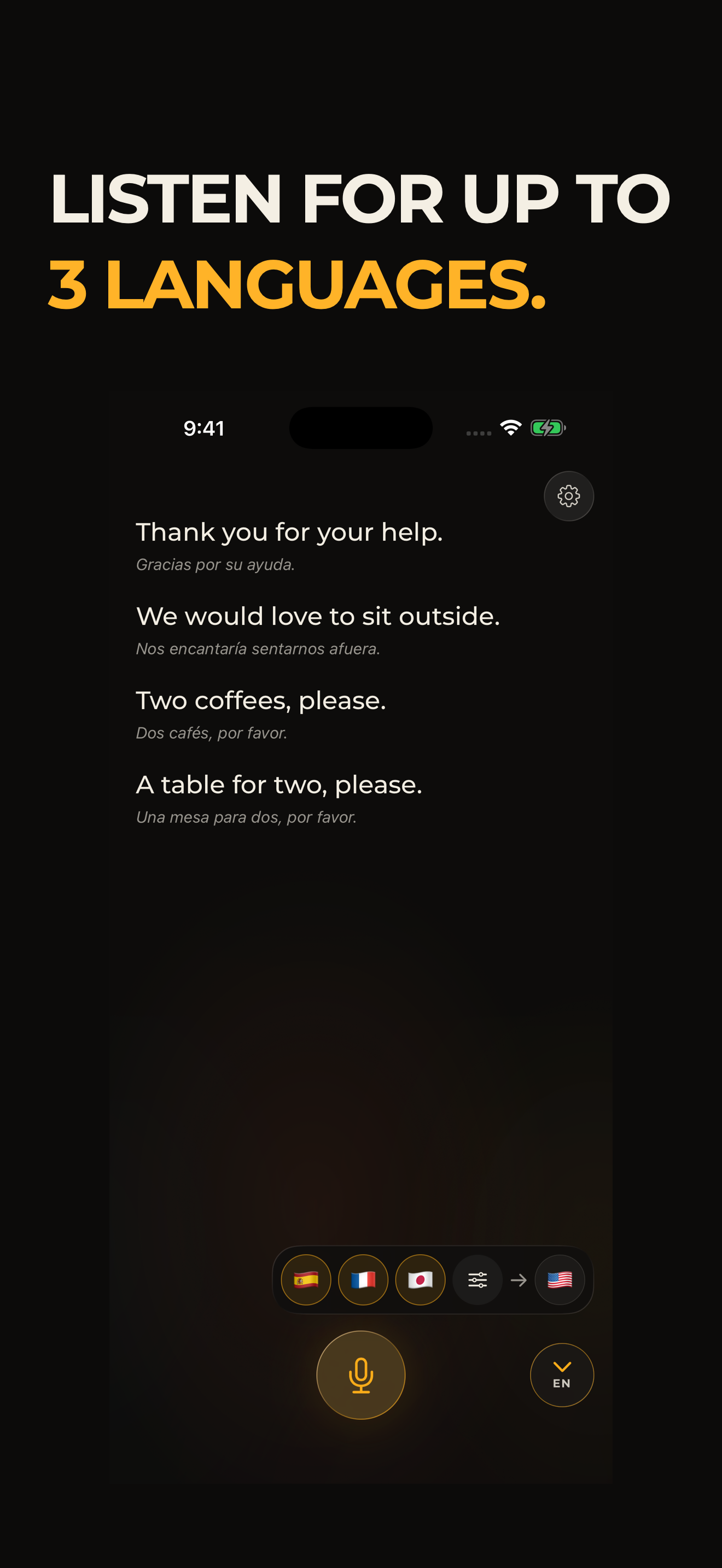
Knowless transcribes and translates conversations on iPhone. Choose up to three listening languages and one reading language. Translations appear prominently, with the original text underneath.
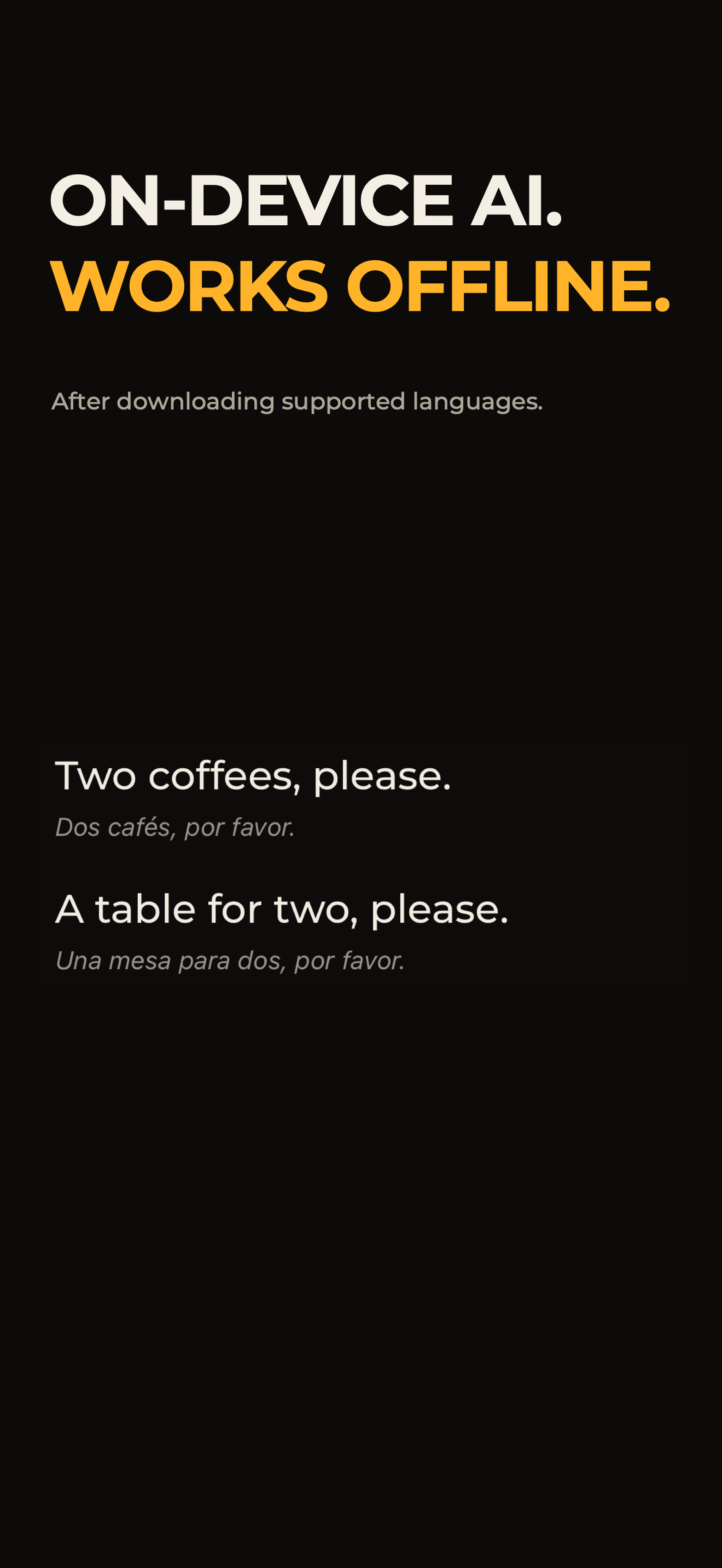
- Download supported language packs once, then transcribe and translate offline.
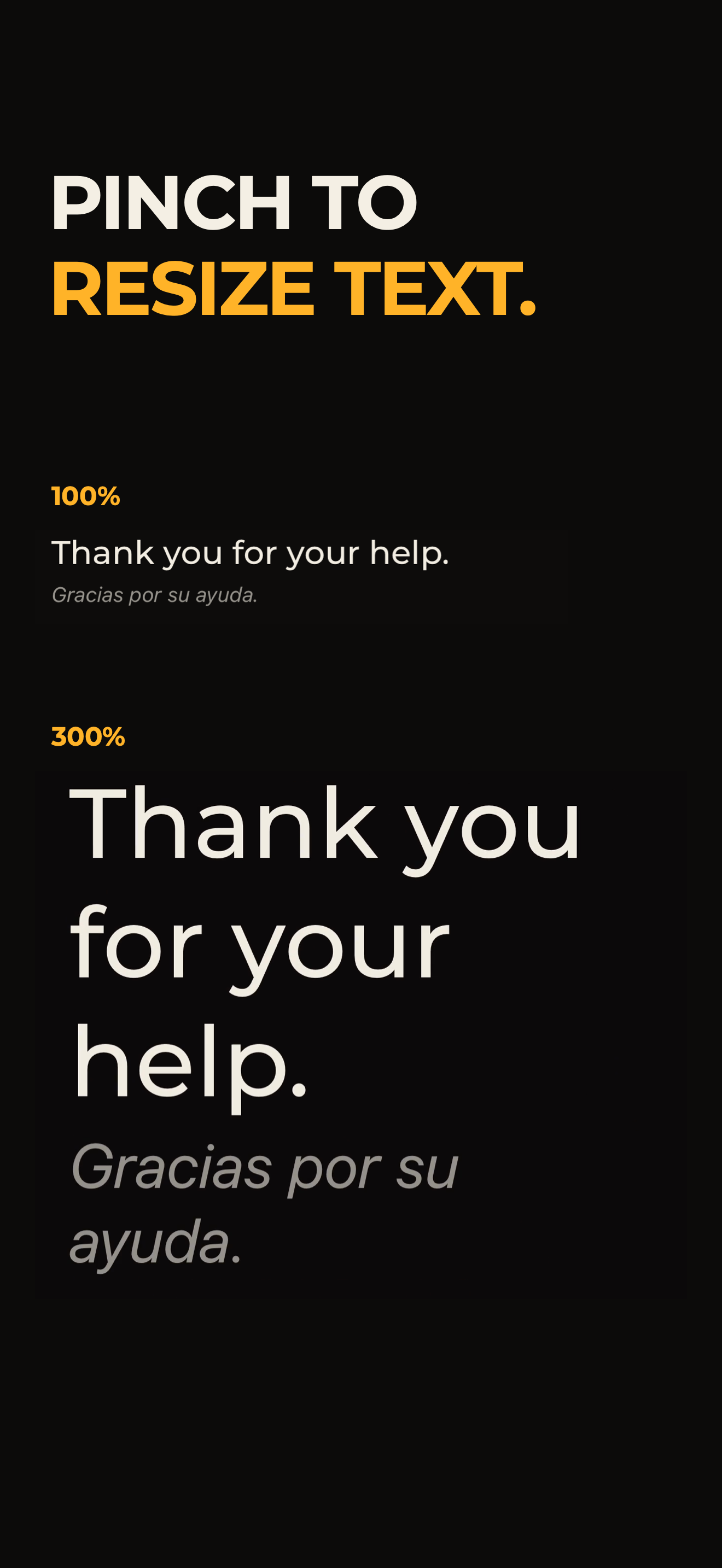
- Pinch to resize conversation text from 50% to 300%.
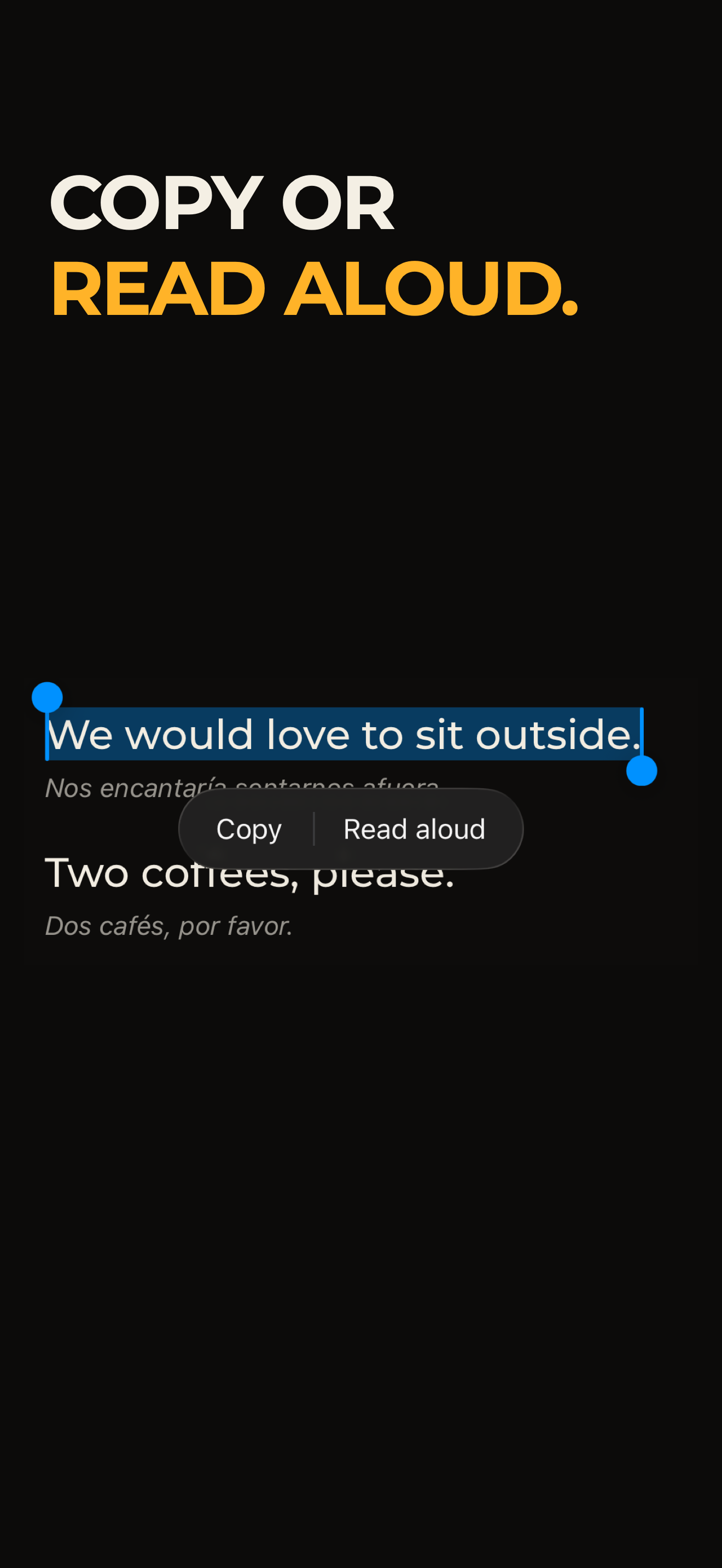
- Select text to copy it or use Read aloud.
- Choose light or dark appearance, High Contrast or Colorblind palettes, and Reduce Motion.
- Use the interface in 35 languages. Speech and translation availability depend on the supported language packs.
No signup. Core transcription and translation are free. Conversation audio is processed on device, not uploaded for cloud inference or saved as recordings. Adless is an optional one-time purchase that removes sponsor and ad placements; it does not unlock translation features.
How it is built
Knowless is a native Swift and SwiftUI app. AVAudioEngine captures microphone audio, and on-device speech recognition turns speech into text. Translation uses Apple's Foundation Models when available, with Apple Translation as the fallback for supported installed languages.
RevenueCat manages the optional Adless purchase, entitlement updates and Restore Purchases. The core conversation tools stay free.
Challenges
Speech is not a finished document. New words arrive, earlier words are corrected, and translations change. Reanimating everything makes the conversation harder to follow. Knowless keeps unchanged text stable and applies its amber Signal Resolve effect only to new or changed text. Processing cues sit beside the text instead of dimming sentences that are already readable.
Another challenge is preparing for offline use: supported language resources need to be ready before someone relies on the app without a connection.
Accomplishments
A focused, native conversation screen brings translation, original-text context, read-aloud and adjustable text together without requiring an account. Knowless is published on the App Store; the latest 1.0.1 update has been submitted for review.
What we learned
Speed is both processing time and what people see while they wait. Show progress where the text is changing, and leave finished sentences alone. Readability also needs choice: bigger text, different contrast, the original wording, or a voice reading it back.
Next steps
Test more real conversations across supported language pairs, devices and noisy settings, then use that feedback to improve recognition, caption readability and language-pack setup.
Built With
- revenuecat
- swift
- swiftui

Log in or sign up for Devpost to join the conversation.