-
-
SOS Page
Inspiration
HackHer 413, promotes diversity and inclusion in tech, we were inspired by the Diversity Panel.
The panel sparked a lot of questions for us: What does it mean to build tech for the common good? How can we design systems that protect people, not power structures?
Here are some of the notes that really stuck with me: -Tech should protect people, not power. -Speed and power aren’t everything—can we build toward fairness and lack of bias instead? -Public interest tech matters—especially when it helps people thrive and stay safe.
This made me think about legal rights and how complicated they are for everyday people to access and understand. Knowing your rights should be easy, clear, and accessible for everyone. That's why we built Know Your Rights.
What it does
Know Your Rights provides simple, reliable information about what to do if you're detained or questioned by law enforcement. It takes complex, intimidating legal concepts and turns them into clear, actionable steps—so people can advocate for themselves with confidence.
It includes a profile recollection feature that tailors potential questions and answers based on the user's location and legal context. By collecting minimal, non-identifiable information, it ensures that users get the most relevant, accurate guidance for their specific situation—while prioritizing privacy and security at every step.
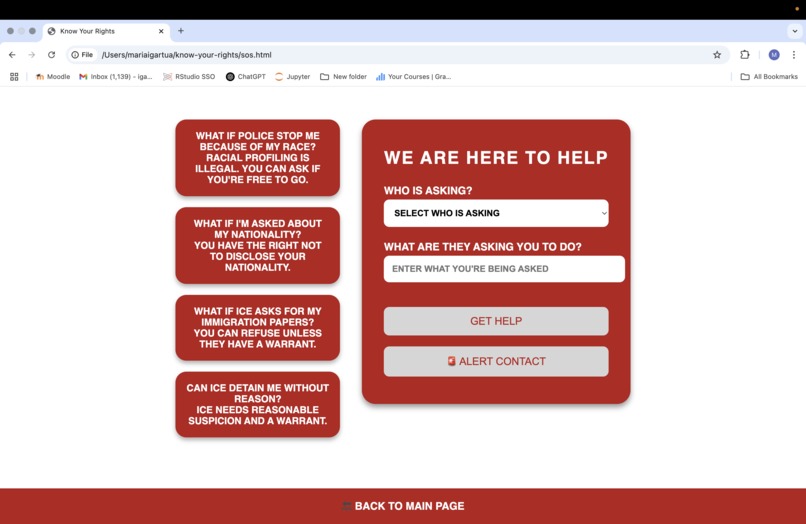
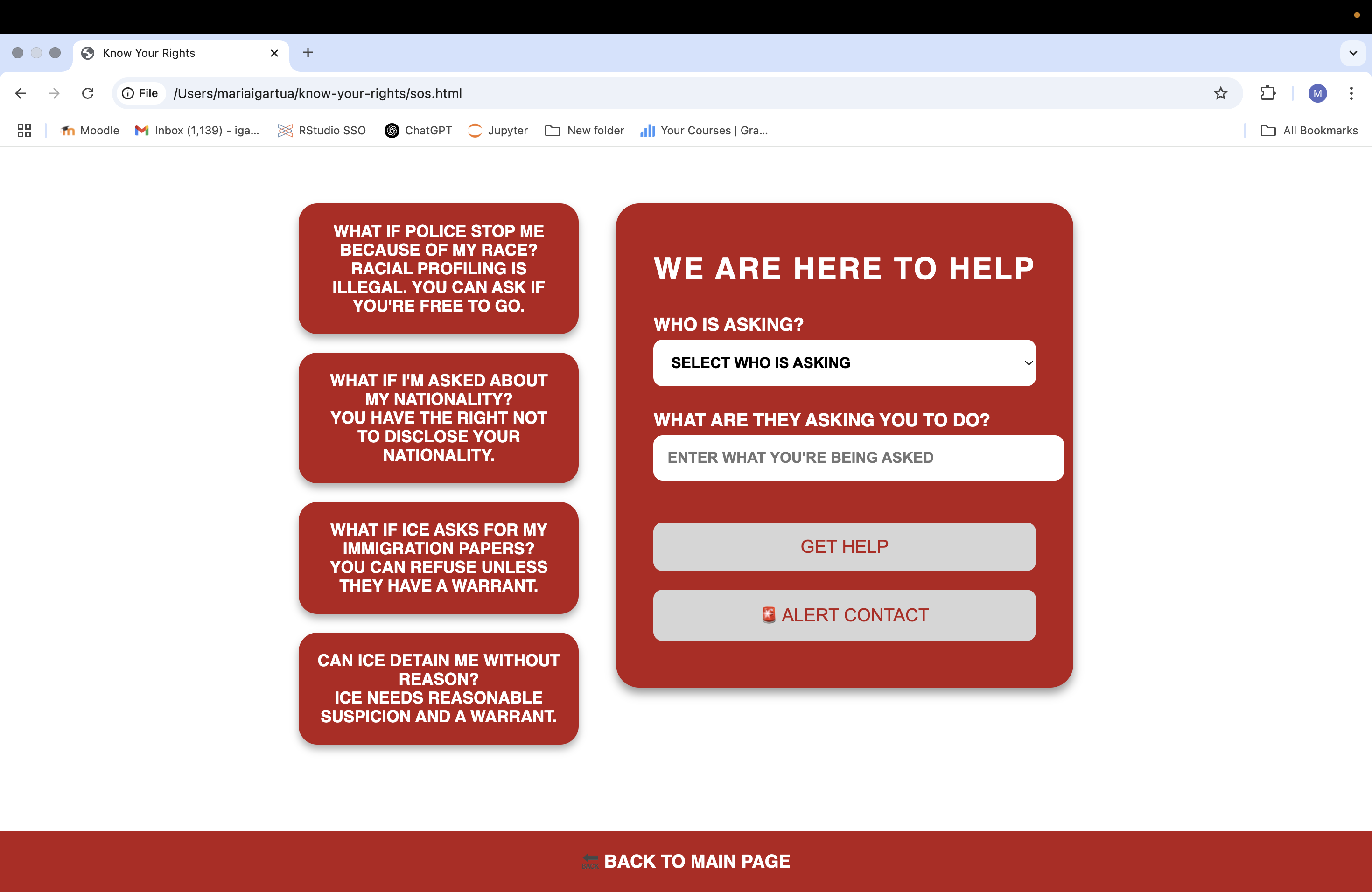
The SOS Page is designed to offer quick, easy-to-understand responses to potential law enforcement interactions. Users can view pre-generated answers based on their profile or input their own queries to get immediate guidance.
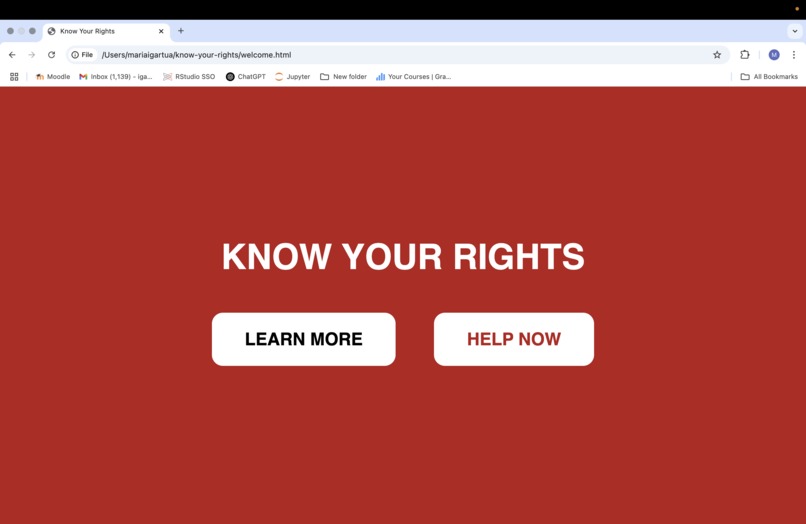
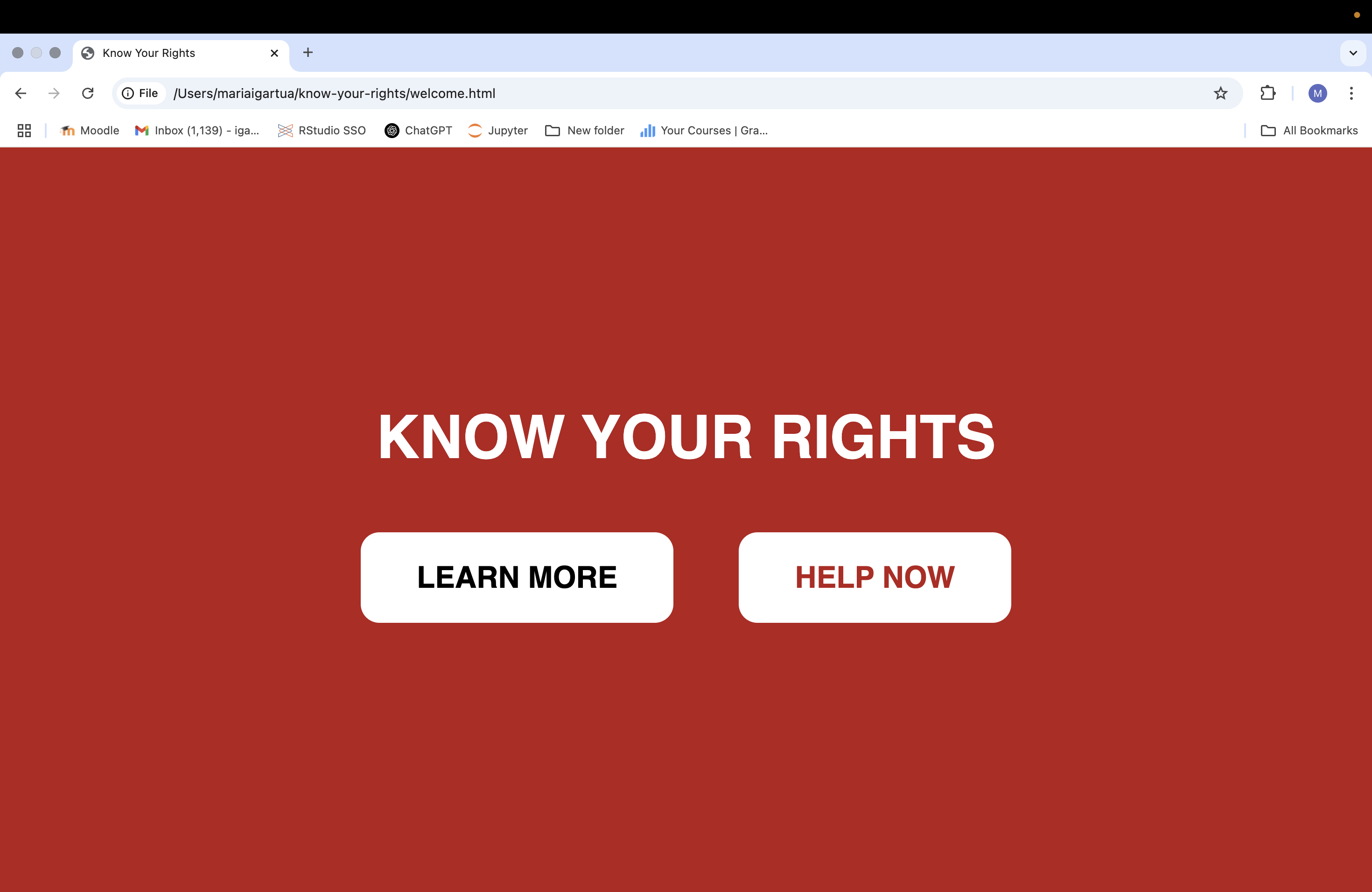
The Learn Page provides essential, easy-to-understand information about what to do when interacting with law enforcement. Whether you're stopped by police, approached by ICE, or questioned in public, knowing your rights can help protect you.
How we built it
Frontend: HTML, CSS (Flexbox for responsiveness) Database: MongoDB (to store user profiles and tailor questions) Server: Node.js and Express (to handle requests and serve dynamic content) The project follows a simple architecture, with static frontend files interacting with a server that queries MongoDB to provide personalized information based on user profiles.
We prioritized accessibility and clarity in both our UI and our content. Our color scheme, fonts, and layout were all designed to make information as easy to read and use as possible—especially in stressful situations.
Challenges we ran into
AI Integration: We initially tried to integrate an AI chatbot using APIs from OpenAI and Hugging Face. However, we ran into authentication issues and rate-limiting problems that prevented the chatbot from functioning properly.
Responsive Design: Making the SOS cards interactive while maintaining text clarity during hover events was more challenging than anticipated.
MongoDB Integration: Setting up the local database correctly with user profiles required extra time due to environment issues.
Accomplishments that we're proud of
Building a fully functional, responsive web application in under 24 hours. Designing an interface that makes legal information more accessible and less intimidating. Successfully implementing tailored questions based on user profiles. Overcoming initial database and CSS challenges
What we learned
Design for Accessibility: Simplifying legal information while maintaining accuracy was a key learning experience.
API Integration: Troubleshooting API-related issues with OpenAI and Hugging Face taught us about authentication, rate limits, and the importance of reading API documentation thoroughly.
MongoDB: We strengthened our understanding of how to structure collections and access dynamic content from the database.
What's next for Know Your Rights
Improve SOS Interaction: Develop a more dynamic, responsive experience by refining the hover interaction on SOS cards.
Add More Scenarios: Expand the database with additional questions and answers tailored to different demographic profiles.
Integrate AI (Properly): Revisit the AI chatbot idea with better API key management and potentially switch to a more accessible provider.
Deploy the App: Host the app on a platform
Accessibility Audit: Run an accessibility audit to ensure the application is usable by people with disabilities.


Log in or sign up for Devpost to join the conversation.