-
-
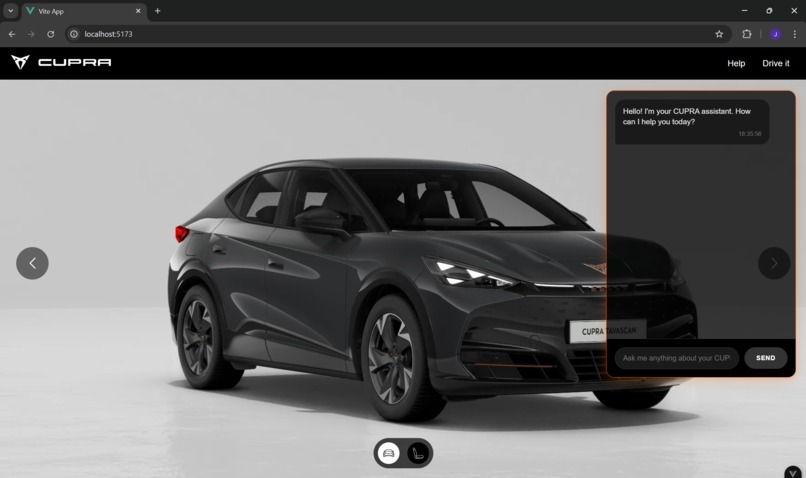
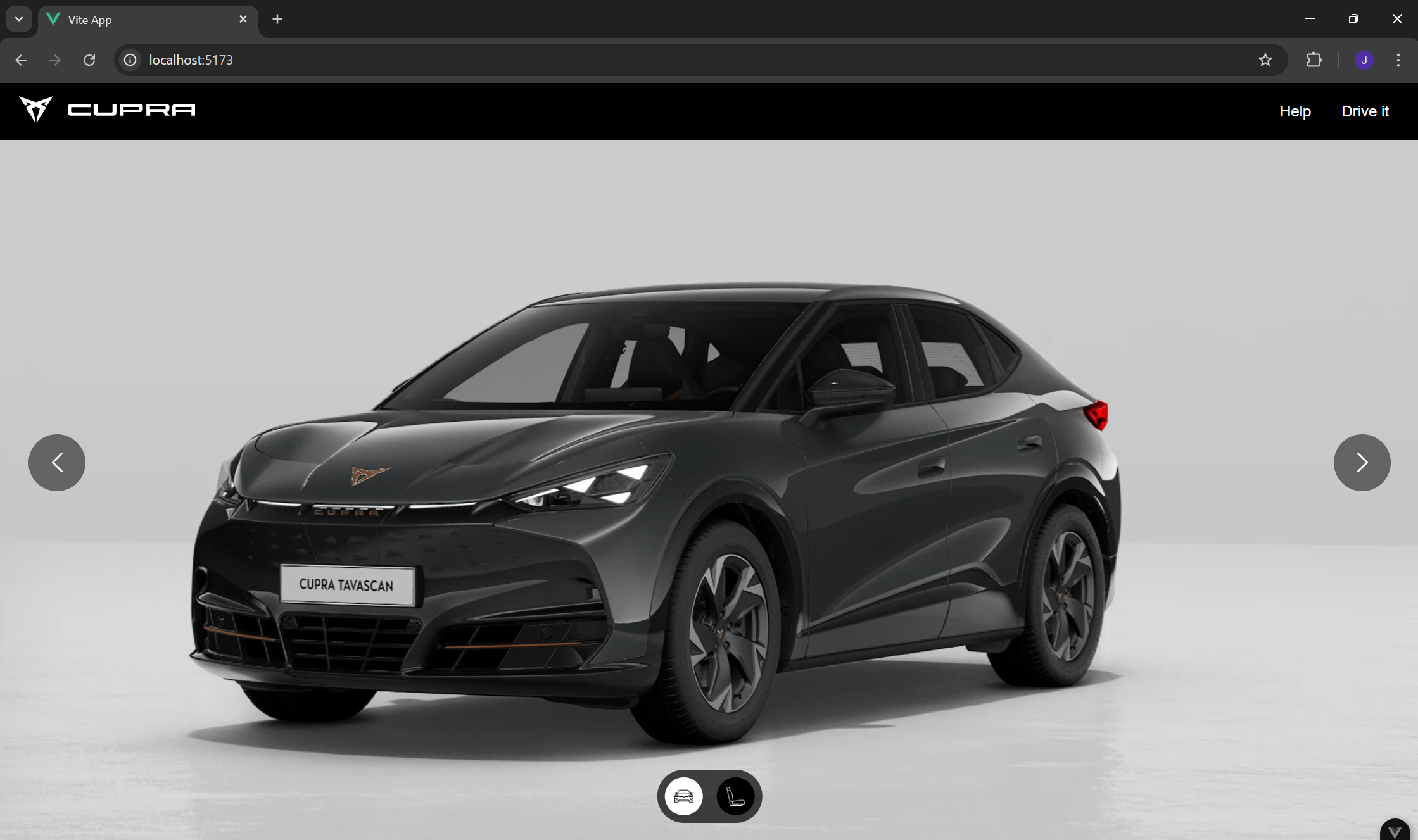
Car Outside View 1
-
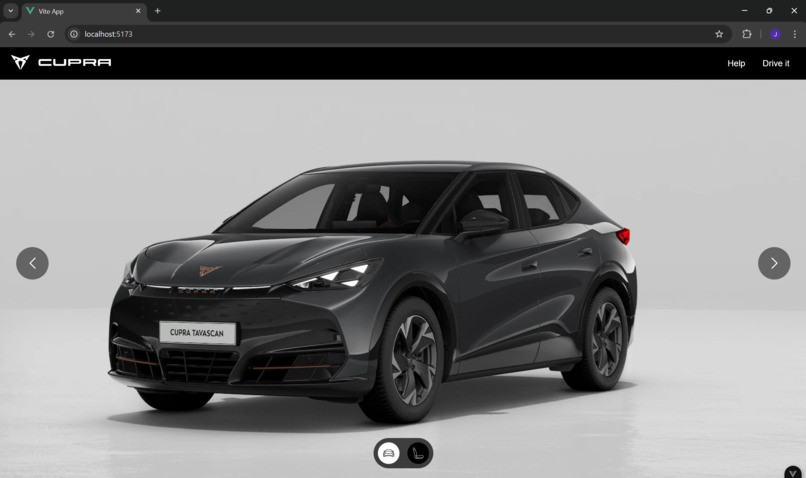
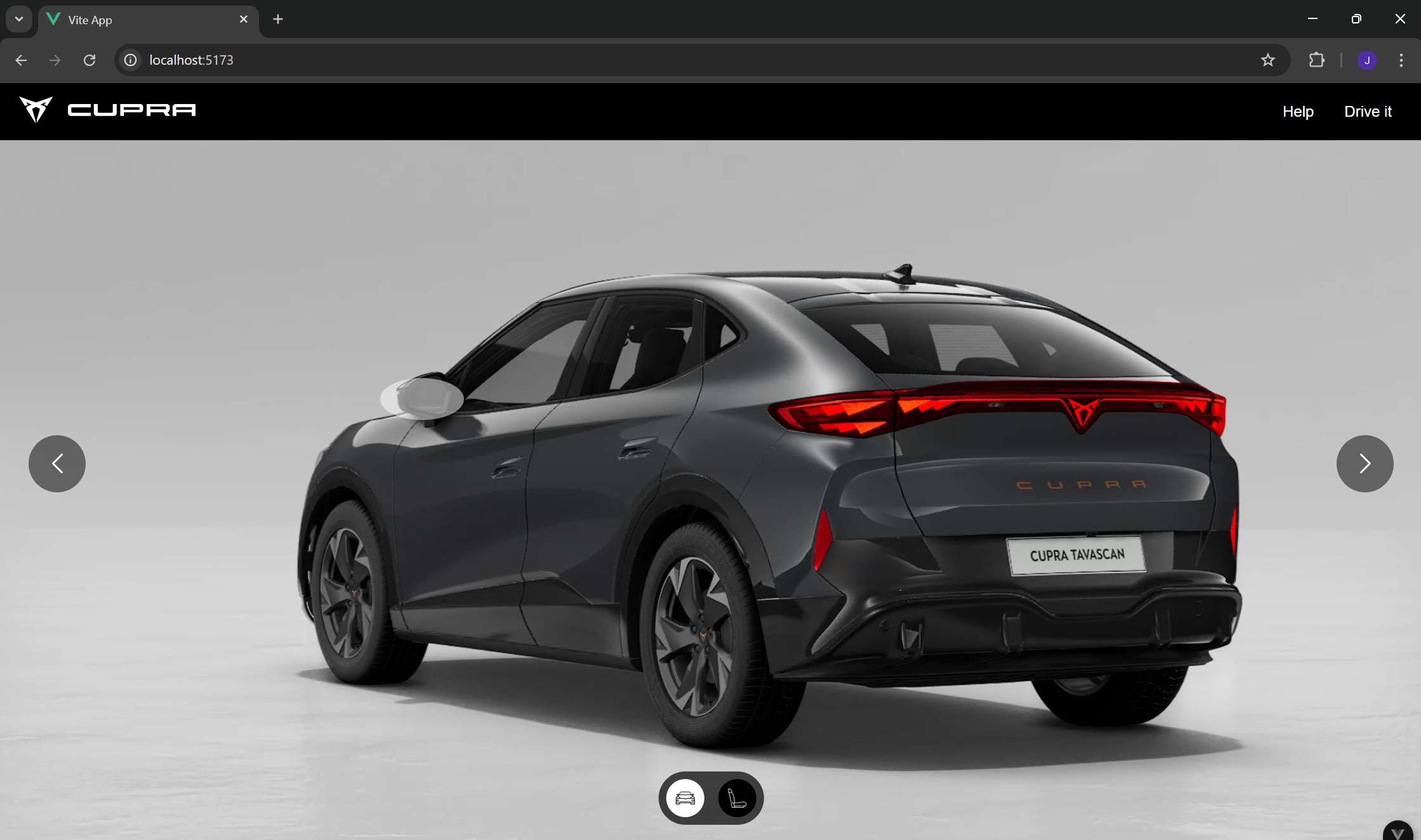
Car Outside View 2
-
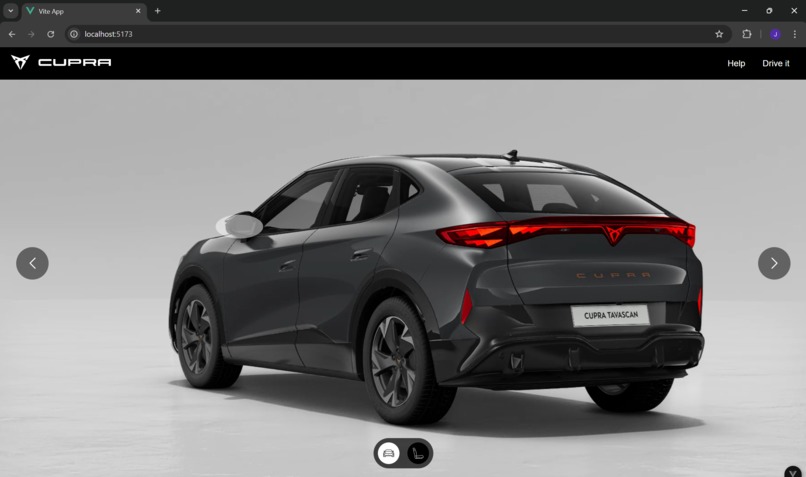
Car Outside View 3
-
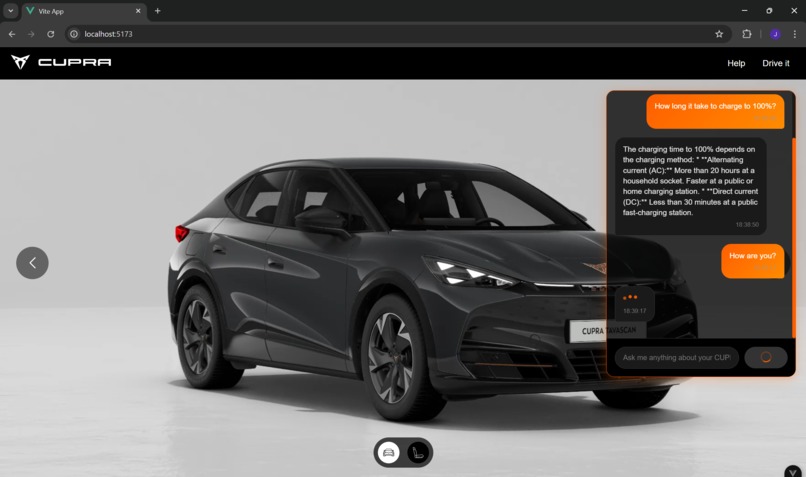
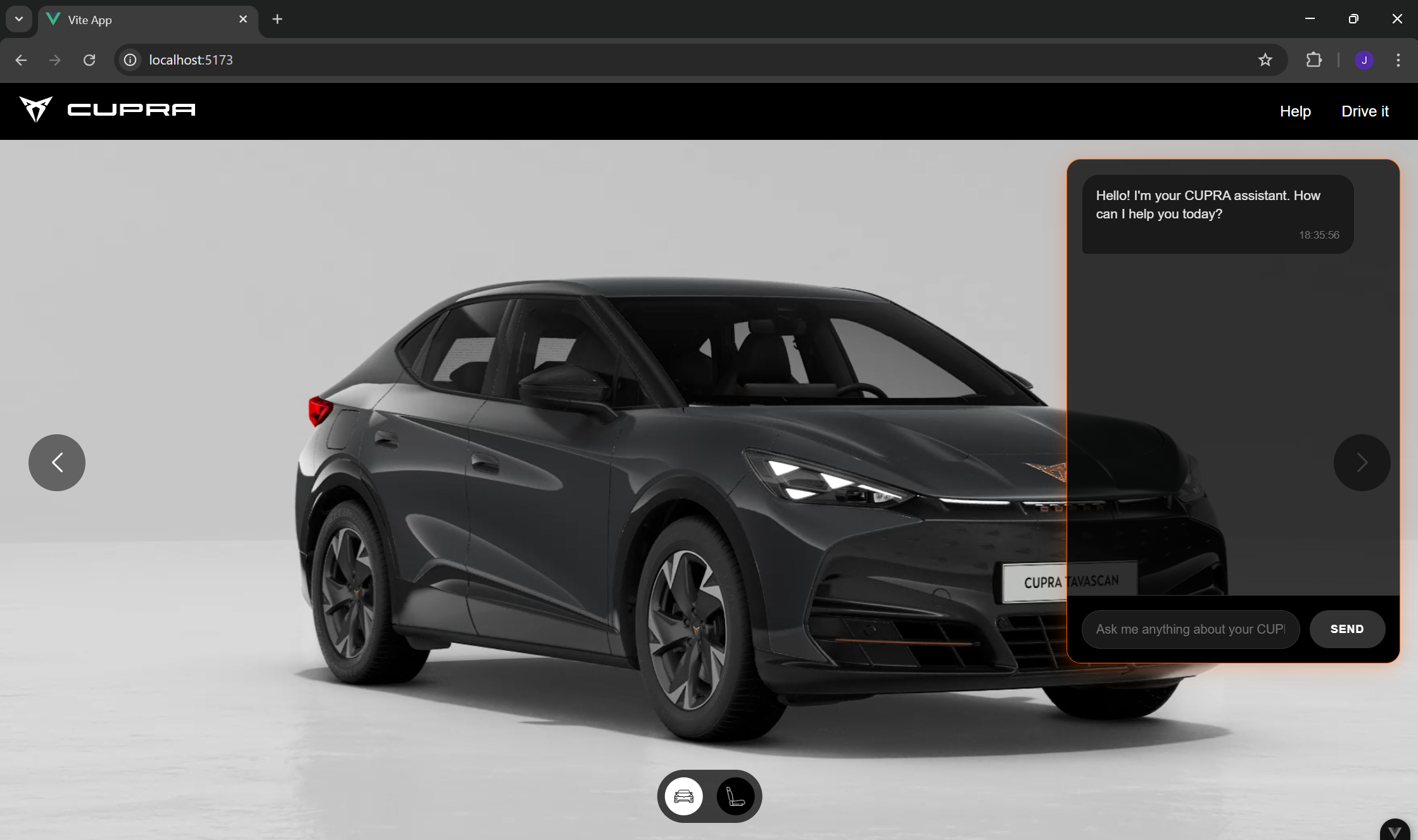
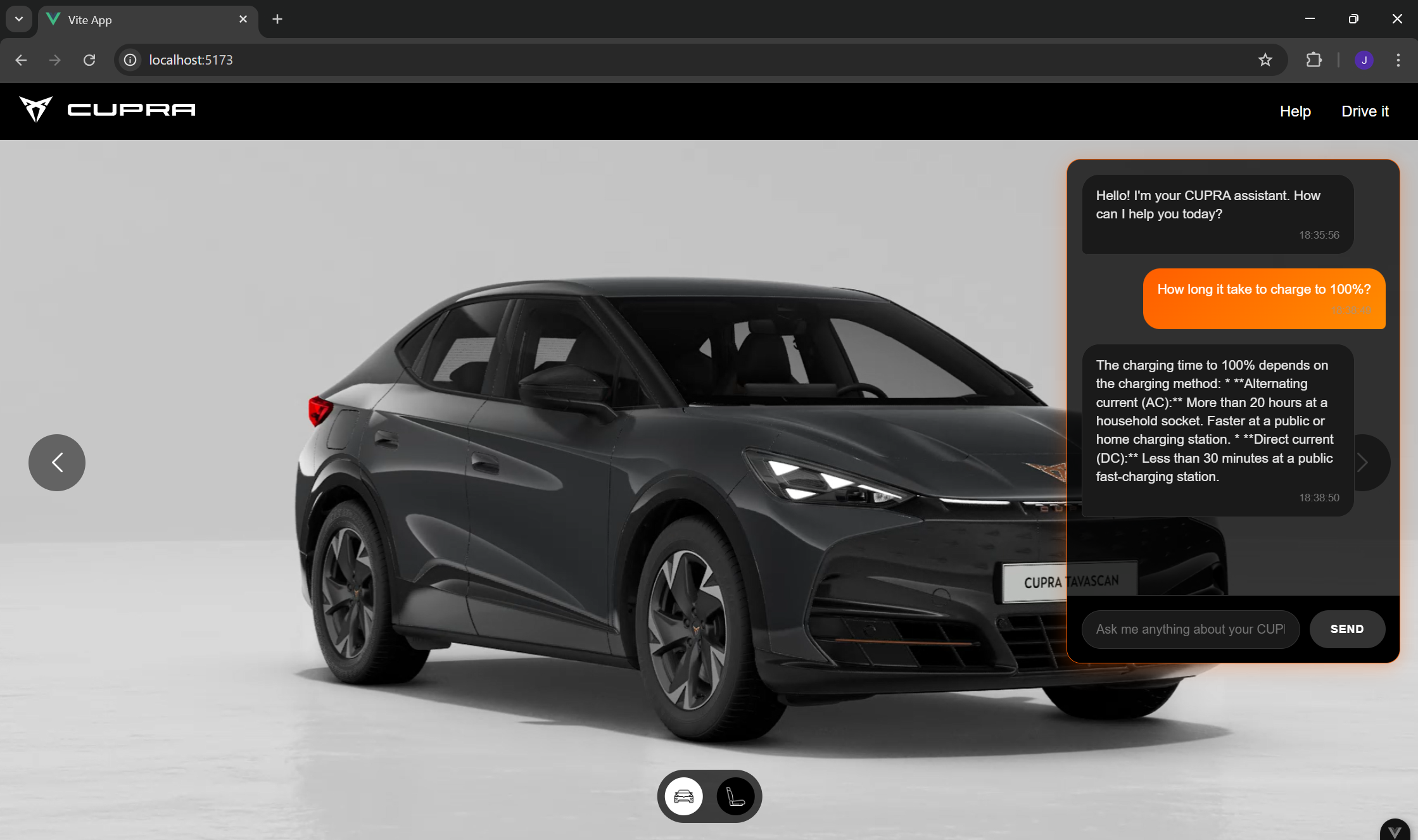
Help- ChatBot 1
-
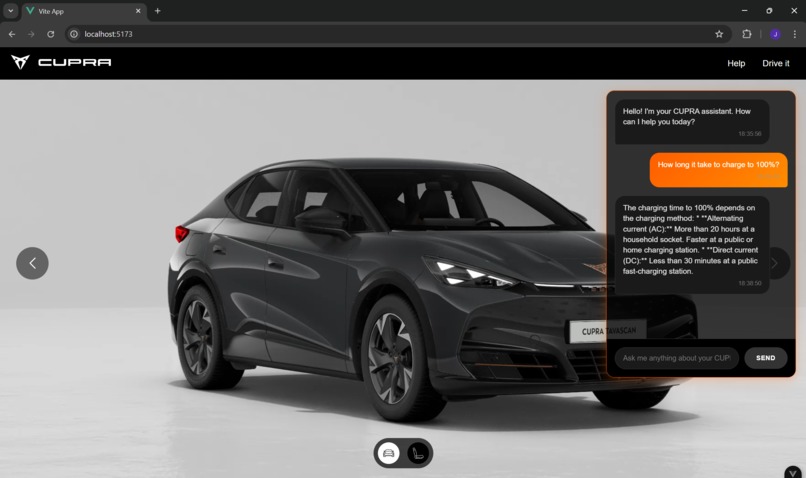
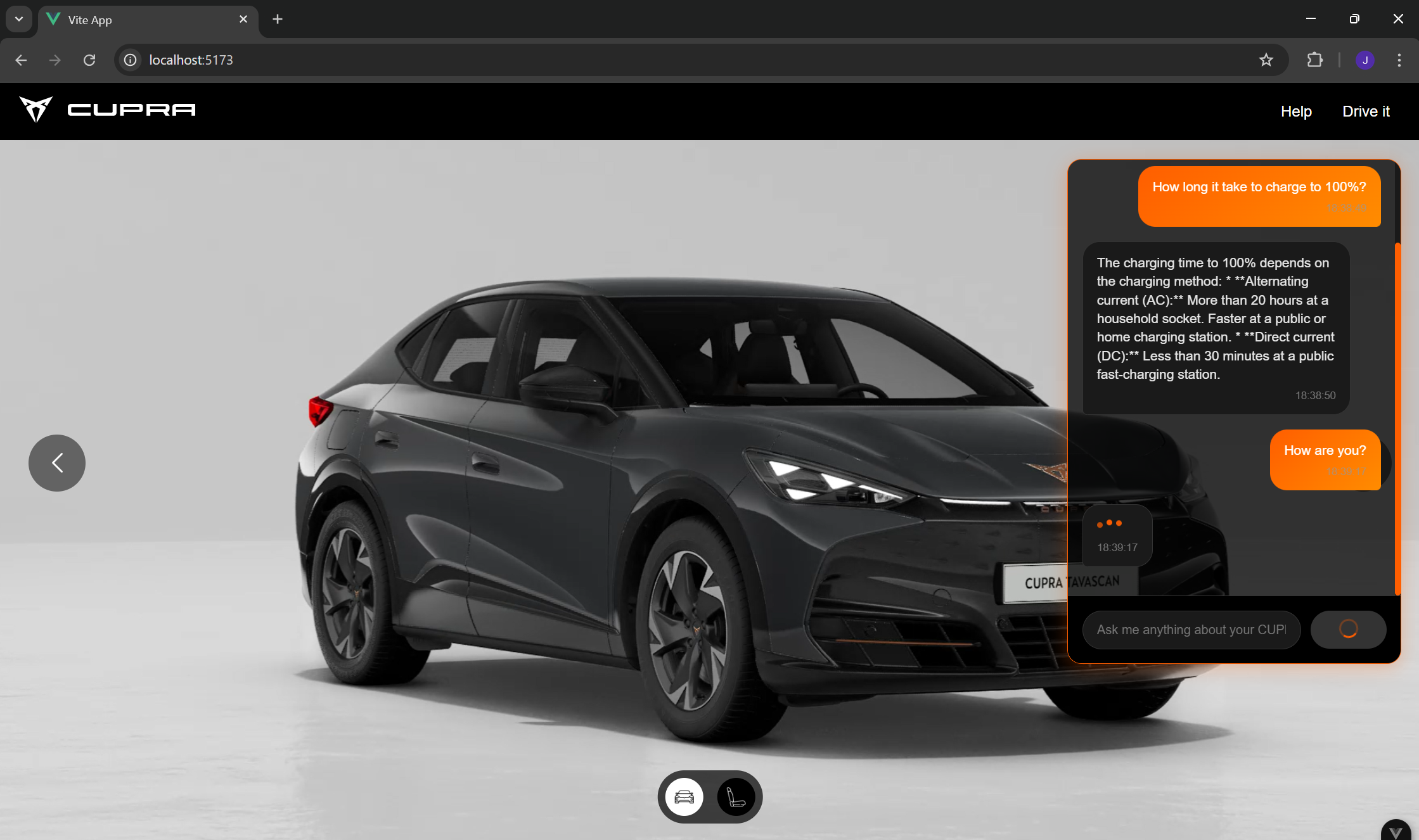
Help - ChatBot 2
-
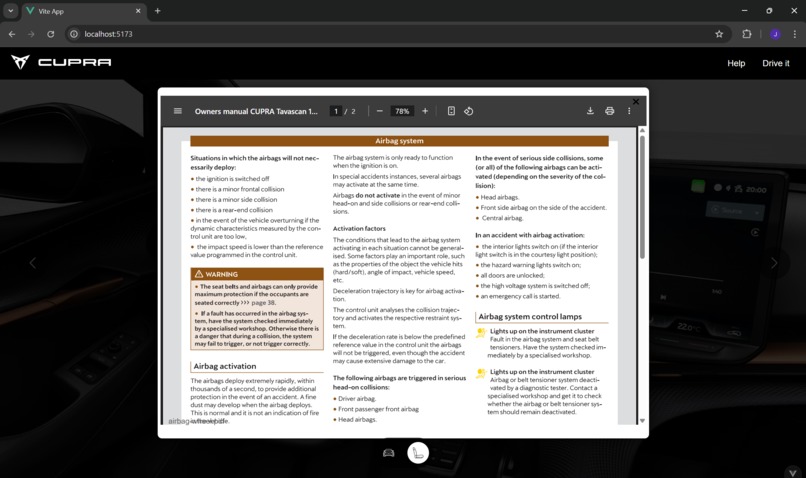
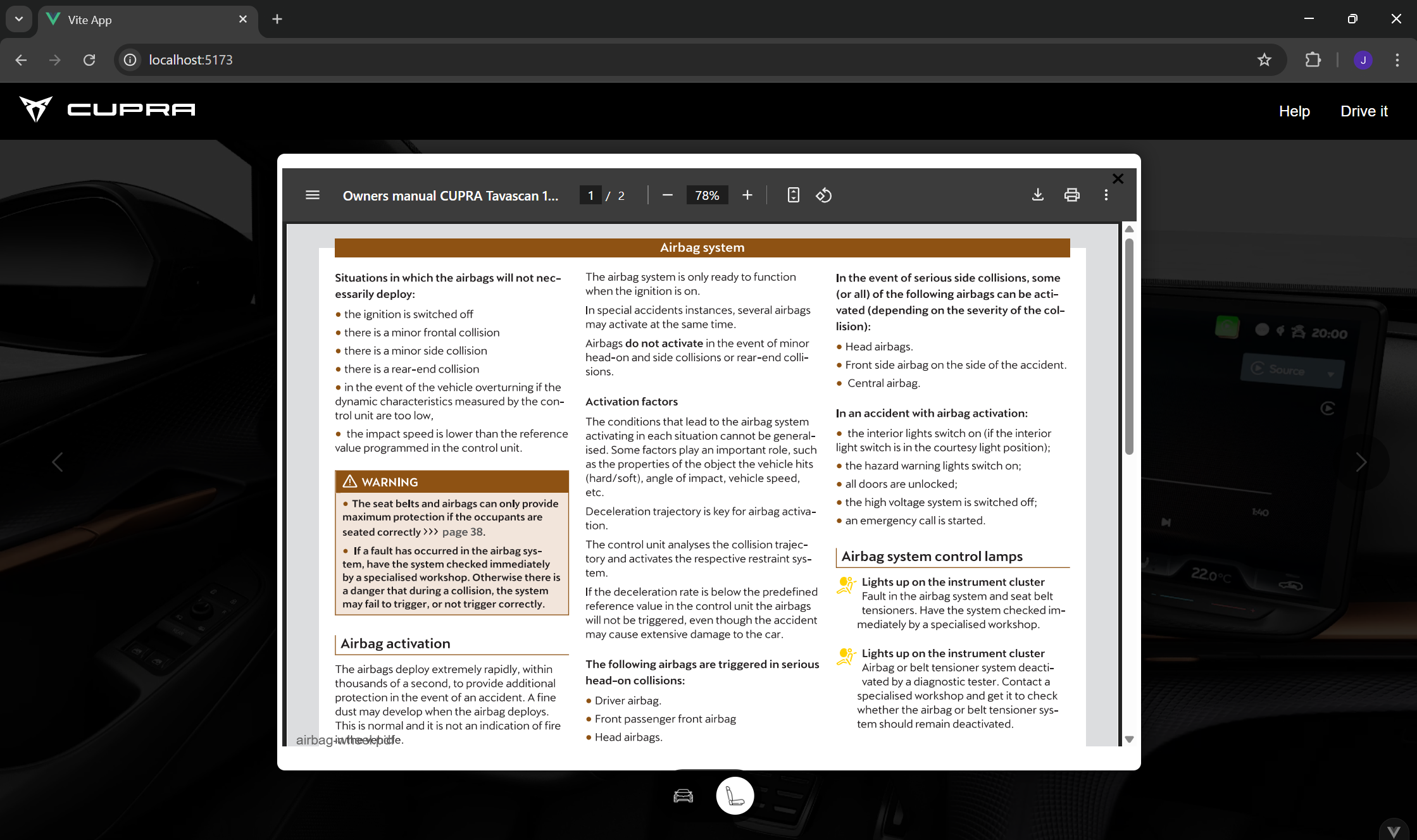
Manual Page
-
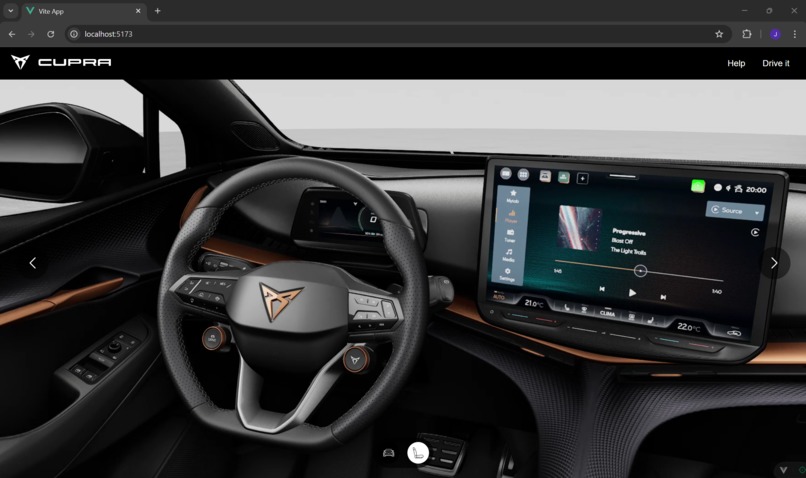
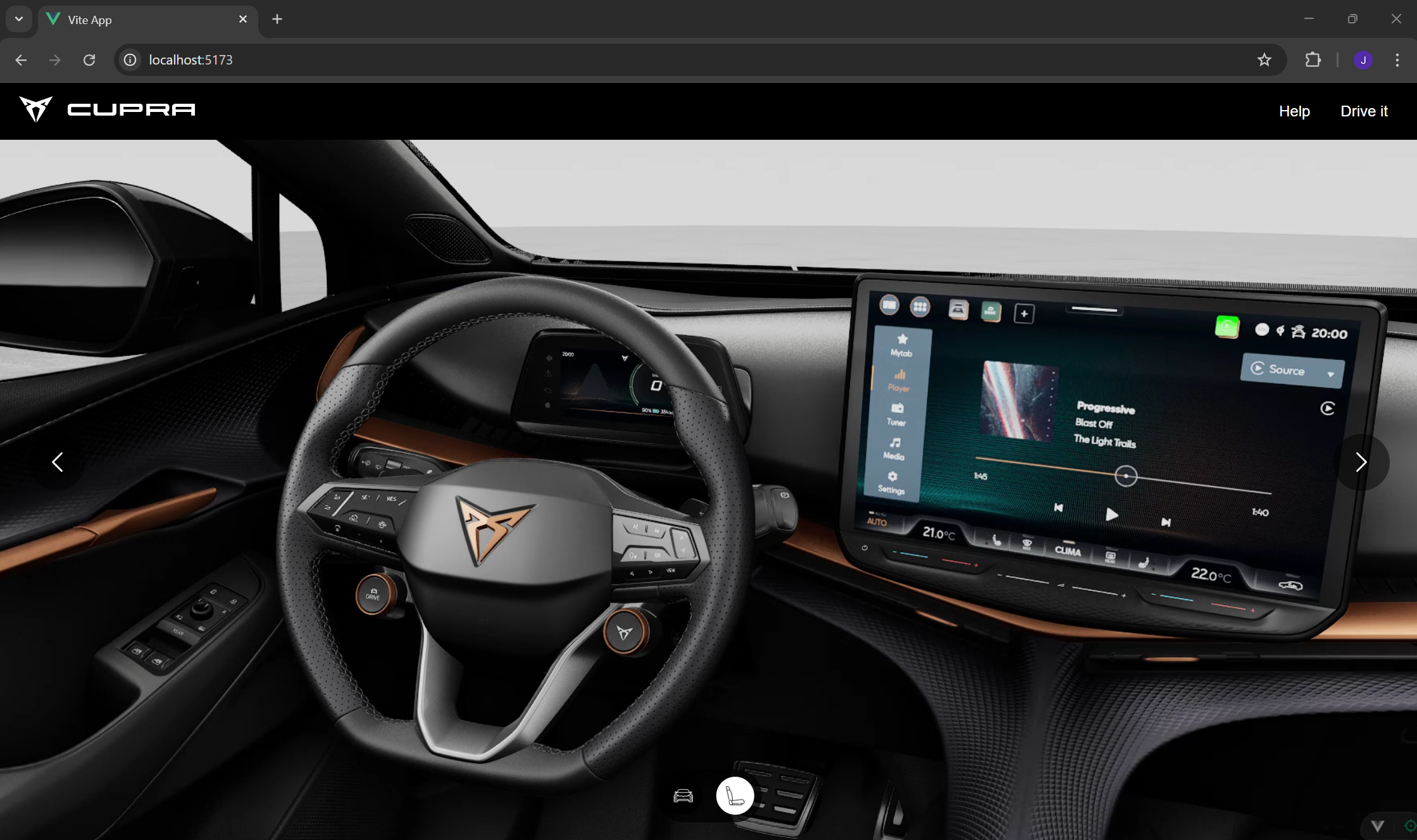
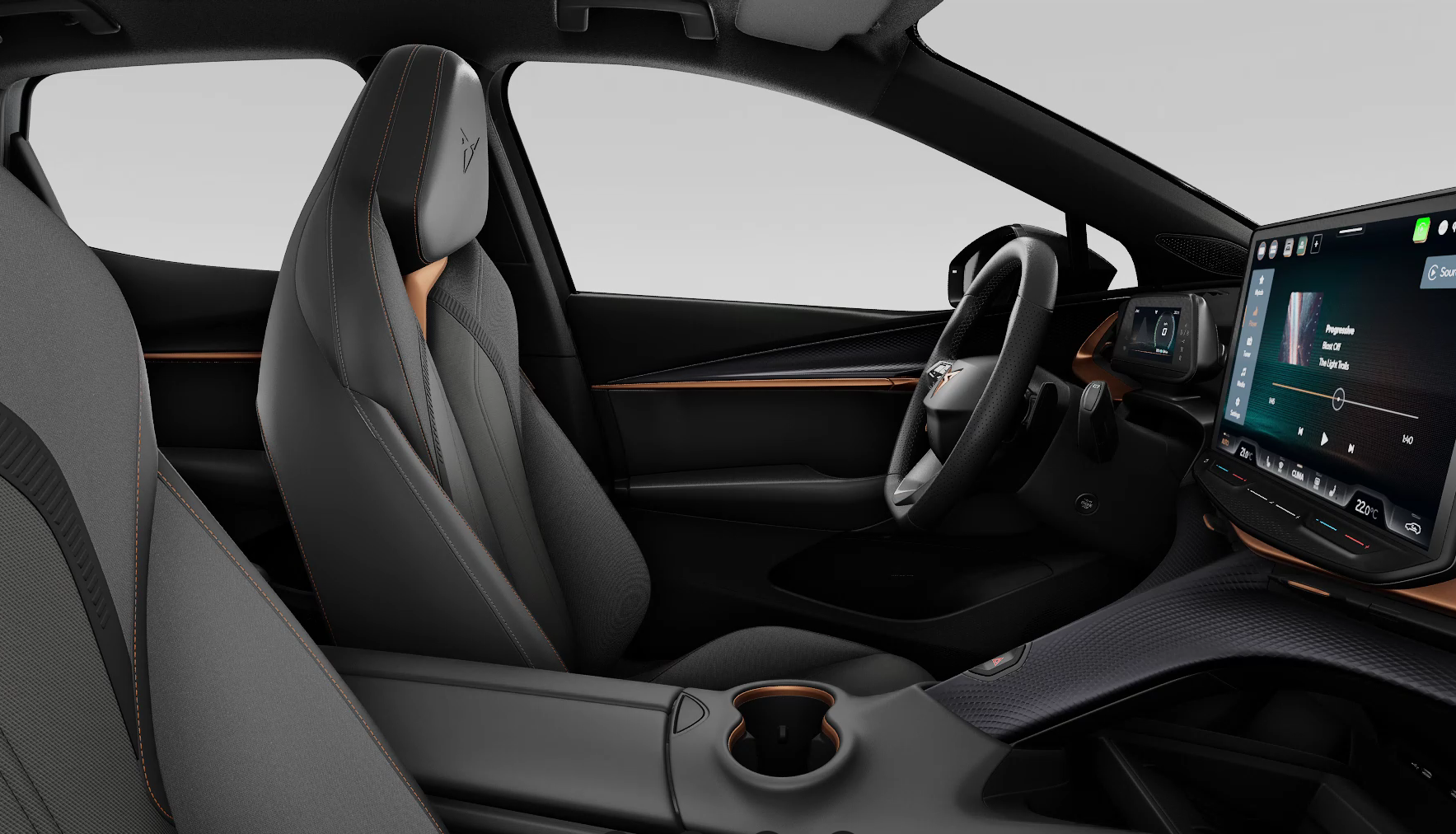
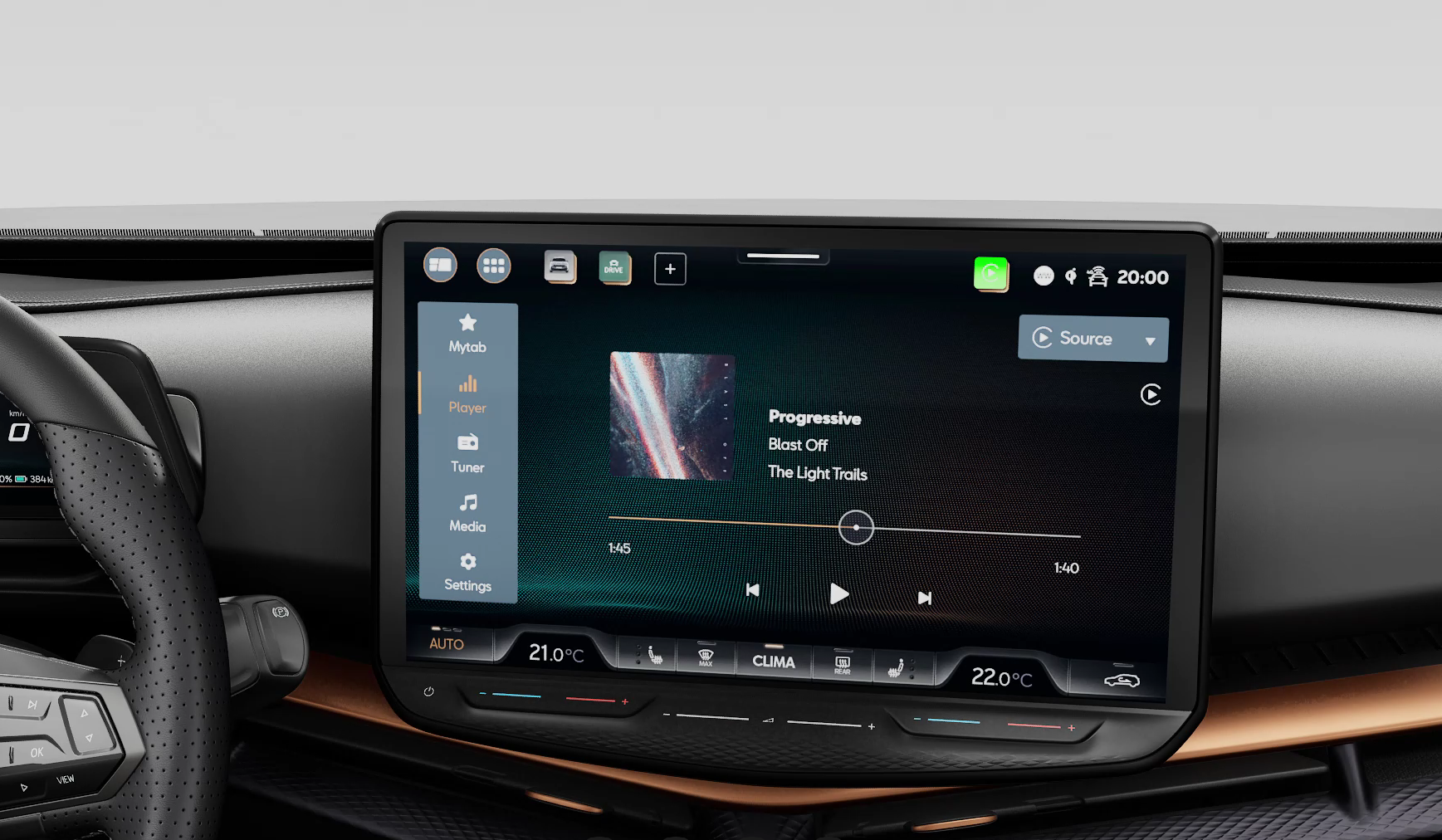
Car Inside View 2
-
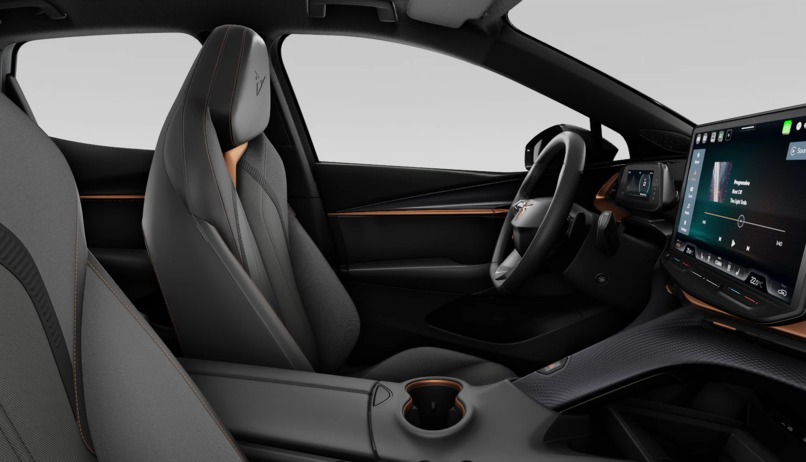
Car Inside View 3
-
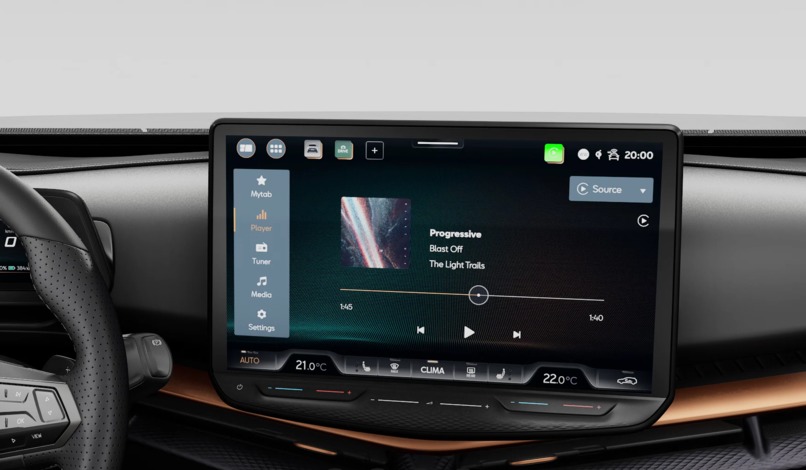
Car Inside View 2
Know Your CUPRA – Interactive Car Manual
🚗 Explore your CUPRA’s features through immersive visuals and an AI-powered chatbot
📌 Overview
A web app for future CUPRA owners to learn about their car interactively. Users can:
- Browse high-resolution images of the car (exterior/interior)
- Click on car parts to view official manual pages in a pop-up
- Ask questions via a Gemini-powered chatbot trained on the car's manual
Built for the SEAT/CUPRA HackUPC 2025 Challenge using Vue.js and Flask.
✨ Key Features
1. Car Explorer
- 360° views (exterior/interior) with clickable hotspots
- Select a part (e.g., infotainment screen, headlights) to view its manual page
2. AI Chatbot Assistant
- Powered by Google Gemini API
- Ask natural-language questions (e.g., "How do I enable adaptive cruise control?")
- Answers extracted from the CUPRA manual (provided as context)
3. User-Friendly UI
- Vue.js frontend for smooth navigation
- User-friendly design
🛠️ Tech Stack
| Frontend | Backend | AI/APIs |
|---|---|---|
| Vue.js | Python (Flask) | Gemini API |
| Axios (HTTP calls) | Flask-CORS | Manual PDF/Text |
| CSS3/Animations | RESTful routes | Prompt Engineering |
🚀 Setup & Run
Prerequisites
- Google Gemini API key (store in
.env) - Python 3.10+, Node.js 18+
Backend (Flask)
- Install dependencies:
bash pip install flask flask-cors google-generativeai python-dotenv - Add your Gemini API key to
.env:python GEMINI_API_KEY=your_key_here - Run the server:
python
python app.py  # Default port: 5000
### Frontend (Vue.js) - Install dependencies:
sh npm install - Run the server:
sh
npm run dev
---
📂 Project Structure
├── backend/
│   ├── app.py                 # Flask server (Gemini queries)
│   ├── .env                   # API keys
│   └── manual_cupra.pdf       # PDF of CUPRA manual
├── chatbot/
│   └── main.js                # Chat default text
├── public/                    # Car Manual
├── src/
├── assets/                    # Main CSS/Car images
│   ├── components/            # CarOutised, CarInside, VideoPro
│   ├── App.vue                # Root component
│   └── main.js                # Vue init
└── README.md
└── index.html                 # Main index of Vue project
🔍 How It Works
- User clicks a car part → Frontend shows the manual page
- User asks chatbot → Flask forwards query + manual context to Gemini → Displays response
🎯 Challenges & Solutions
| Challenge | Solution |
|---|---|
| Gemini token limits | Chunked manual text |
| Clickable hotspots | Interactive area with buttons |
| CORS issues | Flask-CORS middleware |
🌍 Future Improvements
- 3D Model Integration: Replace images with Three.js
- Voice Commands: "Hey CUPRA, how do I open the trunk?"
- Multi-language Support: Use Gemini's multilingual capabilities
- Implement "Drive it" button: Interactive view of the car
👥 Team
- Jan Peix Iglesias
- Natàlia Cortés Danés
- Nicolás García Iglesias
- Lucas Vilanova González


Log in or sign up for Devpost to join the conversation.