-
-
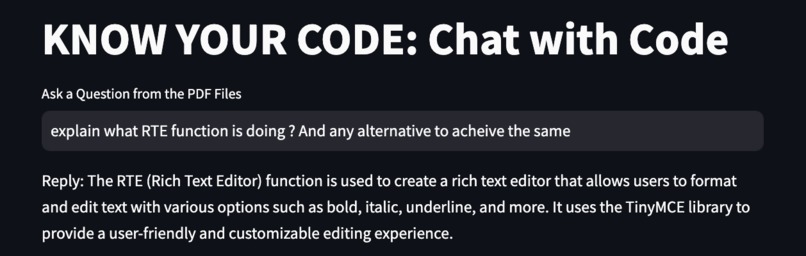
Ask Queries from the Entire Repository.
-
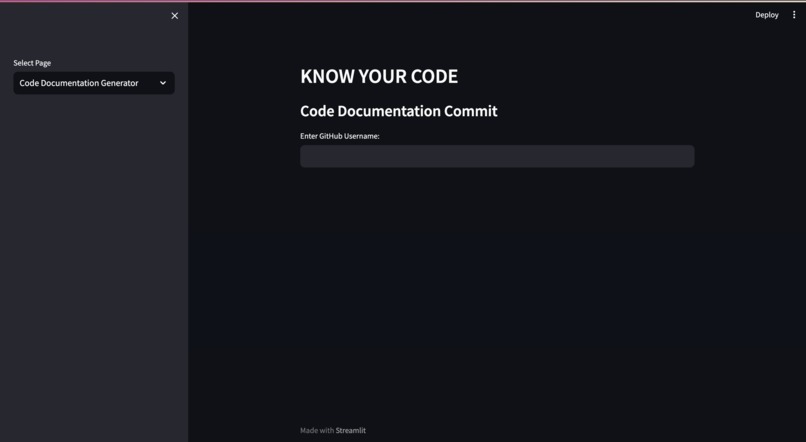
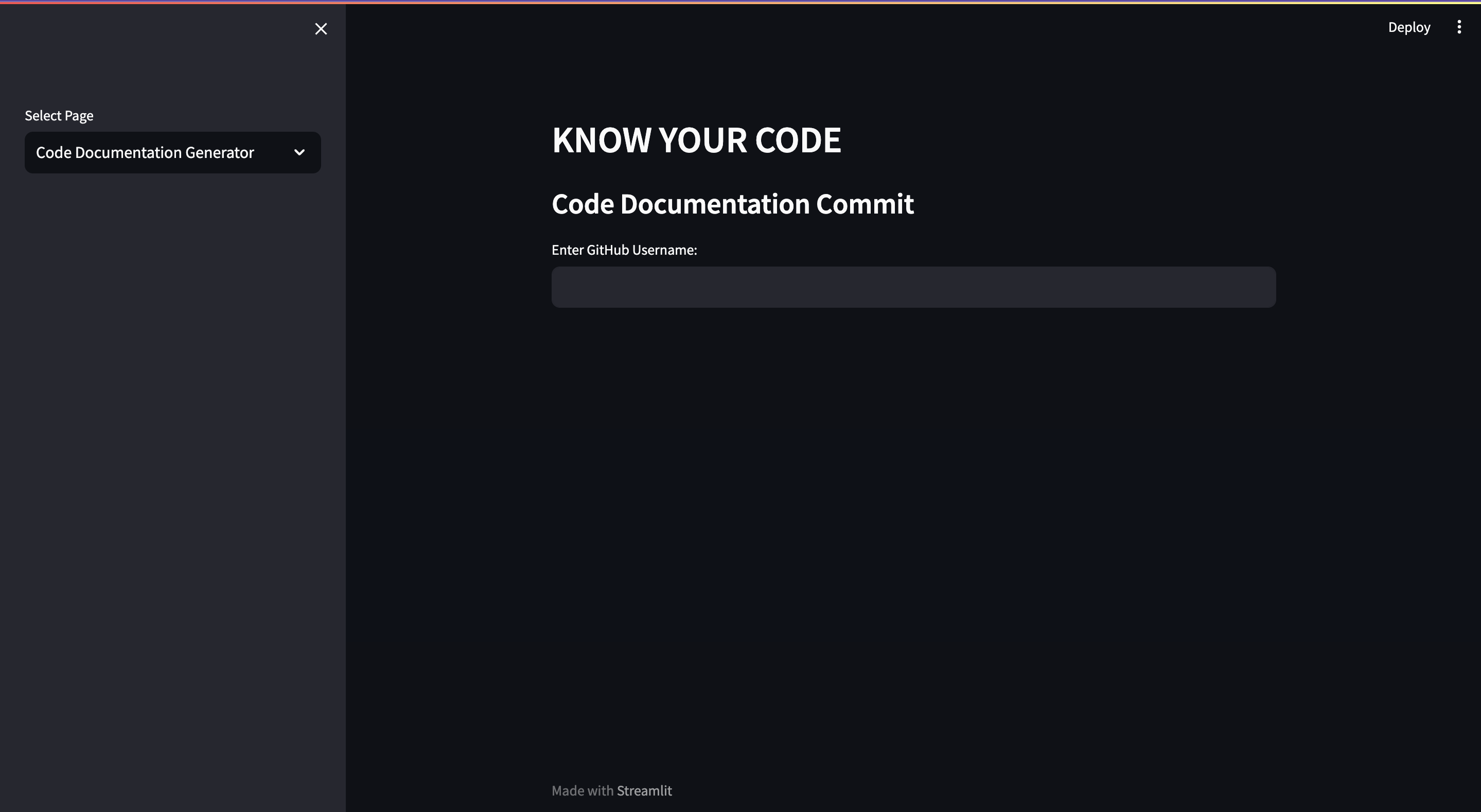
Home Page
-
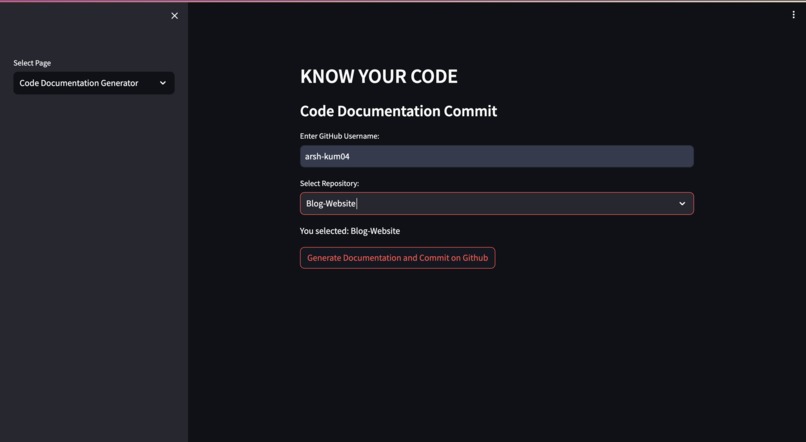
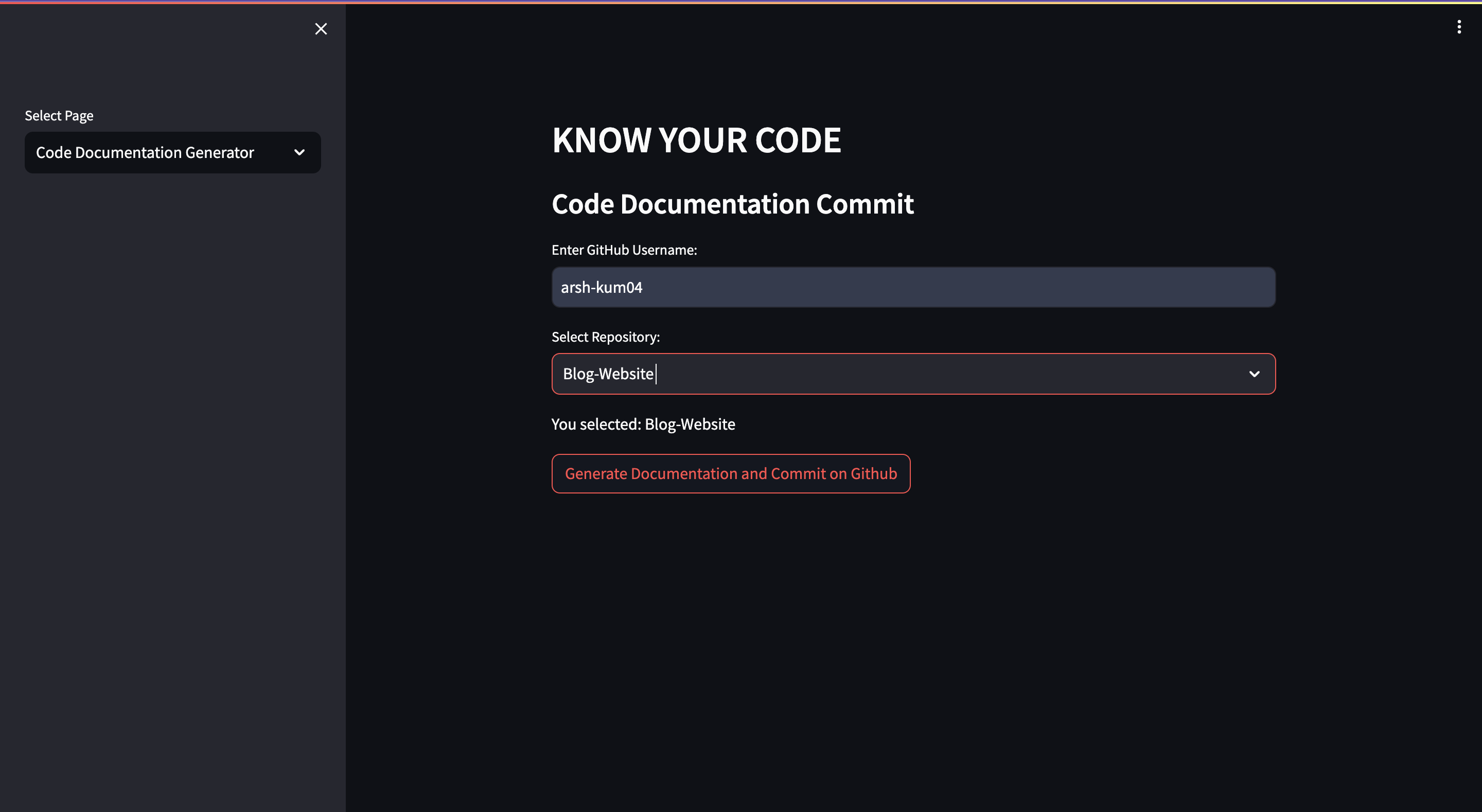
Fetching & Selection of Repositories
-
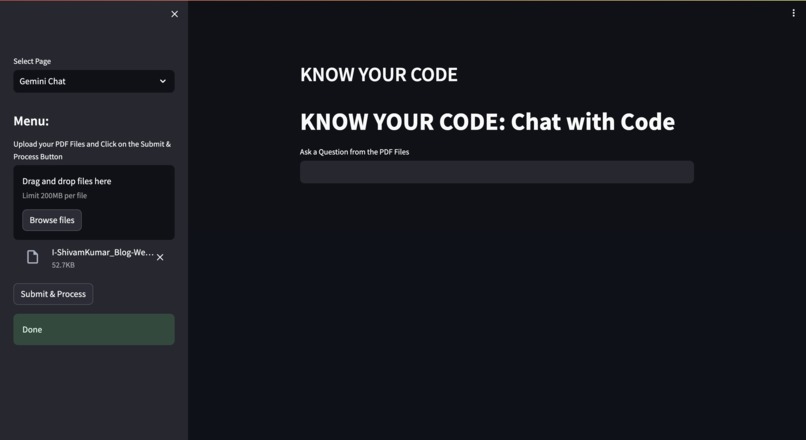
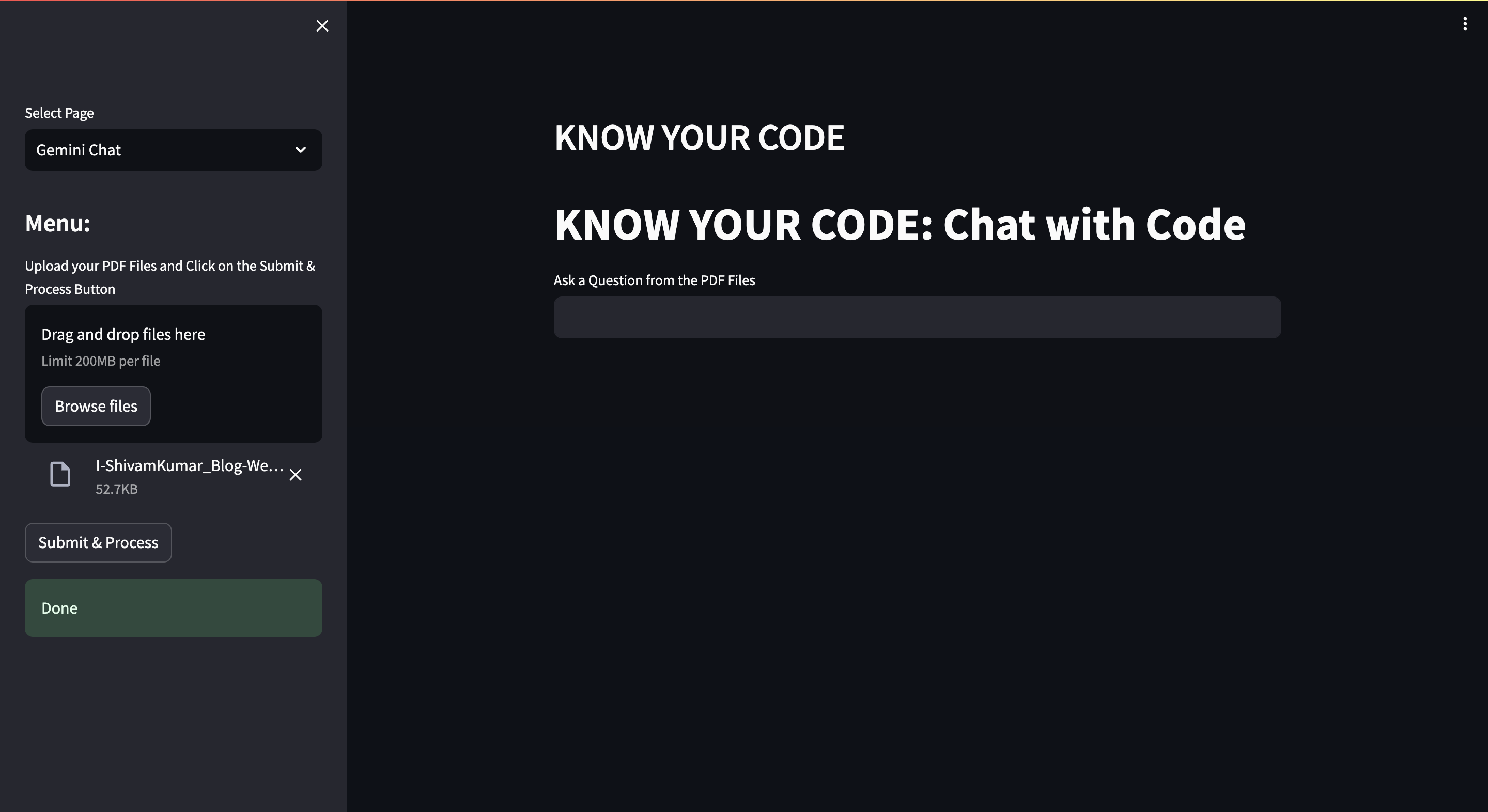
Upload Documented PDF
-
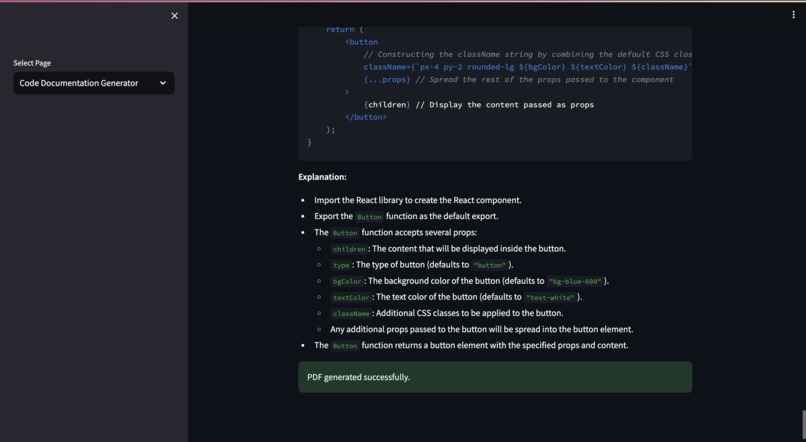
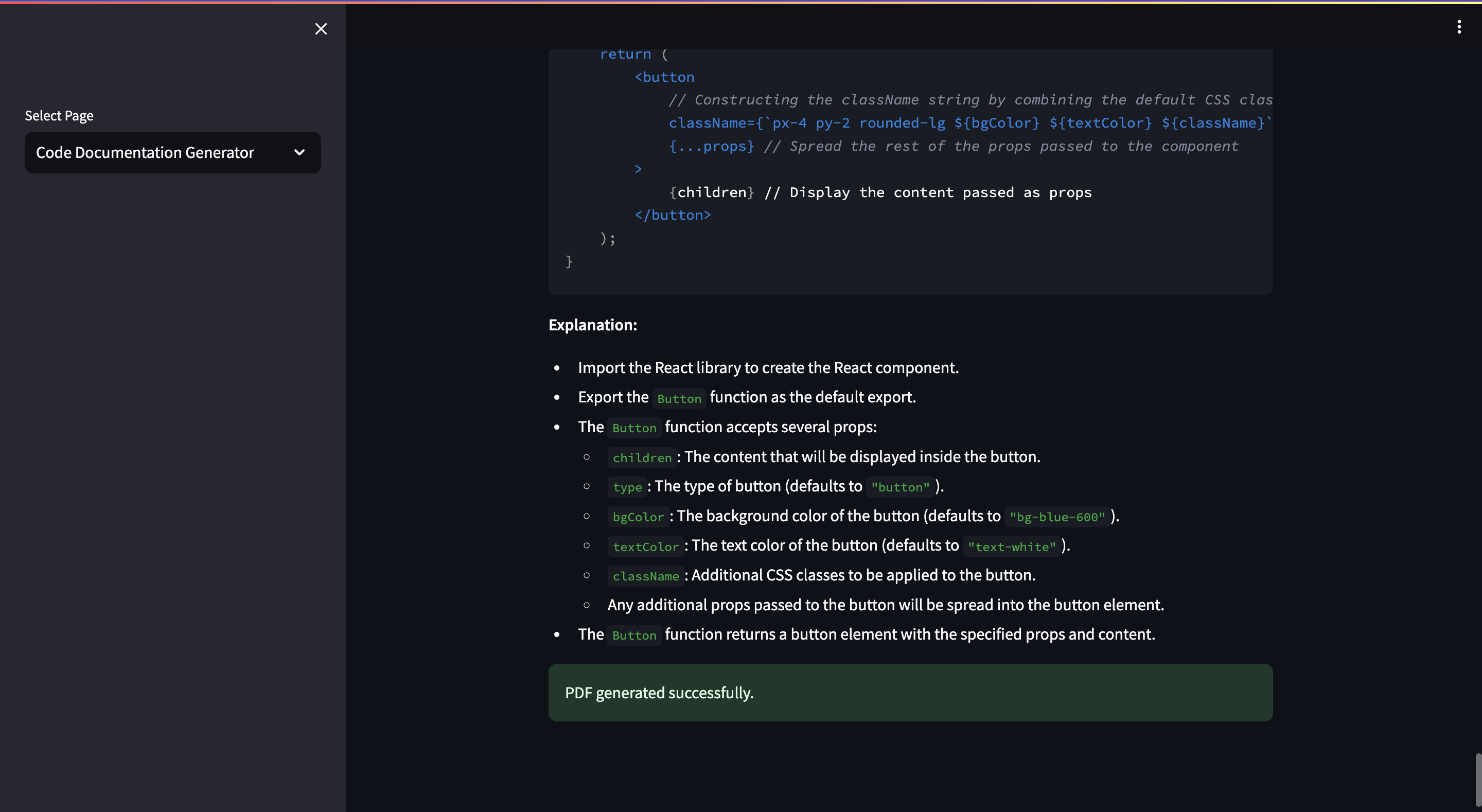
Code documentation and Pushing Successfull
-
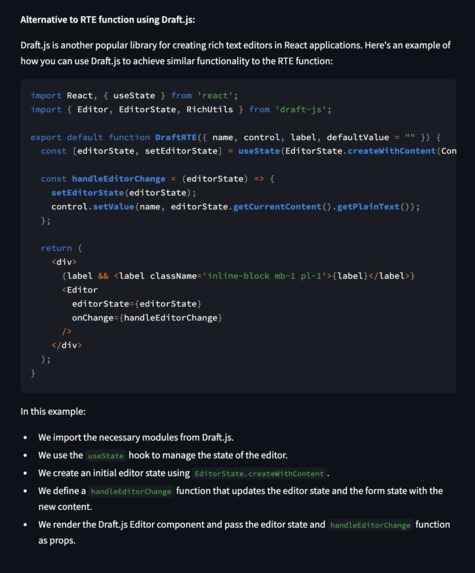
Successfully generated response for the query.
-
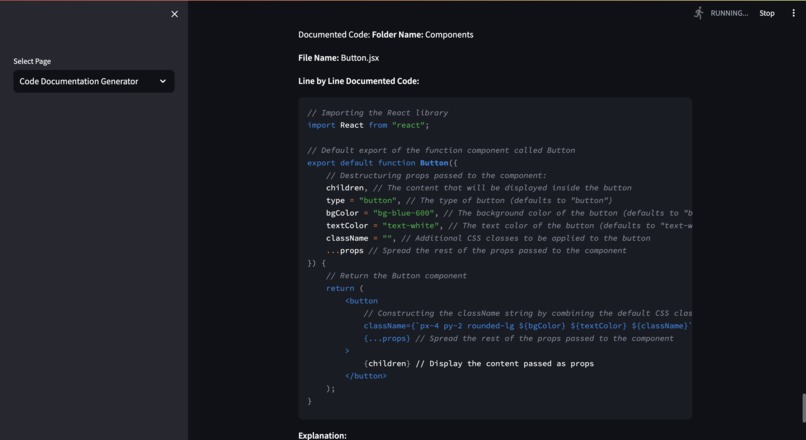
Code Documentation and Pushing to Github started.
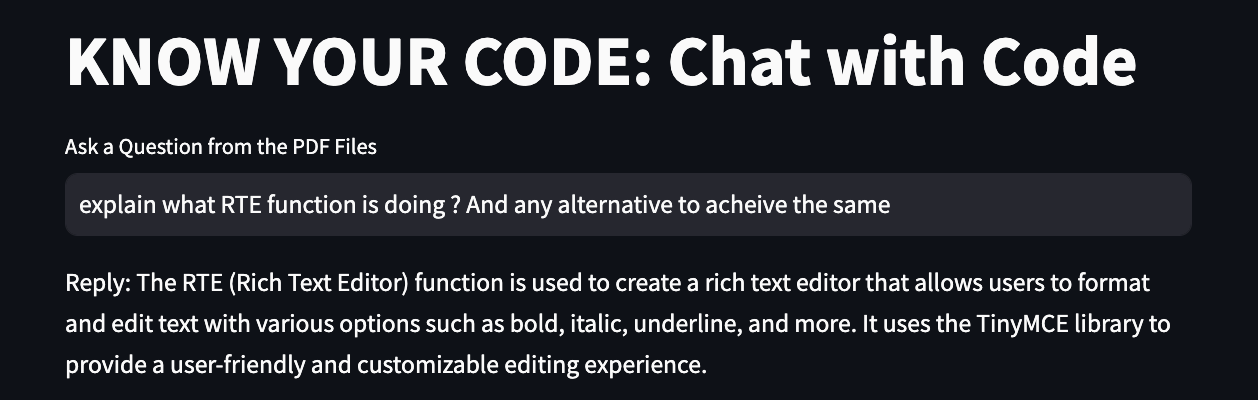

Know Your Code
Inspiration
Contributing to open-source projects is an exciting journey, but it comes with its own set of challenges, especially for newbies. One of the most daunting tasks is understanding a codebase that lacks proper documentation. It's frustrating to sift through poorly commented code, struggling to grasp the logic, and resorting to tedious workarounds like manually copying and pasting code snippets into AI tools for explanation. Thus, the idea for "Know Your Code" was born—to create a tool that automates documentation, makes it easier to ask questions about the entire codebase, and even commits changes to GitHub.
What it does
"Know Your Code" automates the documentation process for entire codebases. It fetches code files from a GitHub repository, generates detailed documentation for each file using AI, and provides a user-friendly interface to ask questions about the codebase. The project also includes functionality for codebase owners or maintainers to automate documentation and commit changes back to GitHub, ensuring better documentation for future contributions.
How we built it
The journey to build "Know Your Code" was filled with challenges and breakthroughs. As a newbie, I faced several obstacles, from choosing the right technologies to designing the project architecture. Here's a glimpse of the struggles and how I overcame them:
Starting Point: The first challenge was figuring out where to start. I had a general idea of what I wanted to achieve, but translating that into a concrete project plan was daunting. I began by sketching out the project's core functionalities, focusing on automating code documentation and GitHub integration.
Choosing the Right LLM: Selecting a Large Language Model (LLM) for text analysis and code documentation was a critical decision. I considered various options and eventually chose Google Generative AI for its advanced capabilities and ease of integration.
Code Logic and API Integration: Implementing the logic to parse code, generate documentation, and interact with the GitHub API required careful planning. I encountered issues with API authentication, error handling, and ensuring seamless communication between different components. To overcome these challenges, I relied on extensive research and sought help from online developer communities.
Streamlit Integration: Using Streamlit to build an interactive web application presented its own set of challenges. Learning the intricacies of the framework, handling user interactions, and ensuring a smooth user experience required patience and practice. However, Streamlit's simplicity made the learning curve manageable.
Challenges we ran into
Throughout the project, I faced numerous setbacks. There were times when the code didn't work as expected, or the API integration failed. To overcome these challenges, I embraced a mindset of continuous learning, seeking feedback from peers, and iterating on the project until it met my expectations.
One of the significant challenges was designing a user-friendly interface that could handle complex interactions with code. Streamlit made this easier, but integrating AI tools and managing large codebases presented additional difficulties. We also faced issues with FAISS integration, specifically regarding vector store generation and handling deserialisation securely.
Another challenge was ensuring the correct setup and configuration of environment variables, such as API keys, which are critical for secure communication with external services like Google Generative AI and GitHub.
Accomplishments that we're proud of
We are proud of successfully creating a tool that streamlines the code documentation process and enables users to interact with a codebase more efficiently. By automating documentation, "Know Your Code" reduces the time and effort required to understand code and contribute to open-source projects. The ability to commit documented code back to GitHub also ensures that codebases remain well-documented for future contributions.
What we learned
Building "Know Your Code" was a significant learning experience. We explored various technologies, frameworks, and best practices to achieve our goals. Here's a detailed breakdown of what we used and why:
Streamlit: We chose Streamlit as the front-end framework for its simplicity and ability to create interactive web applications quickly. It allowed us to focus on the logic without getting bogged down in complex UI design.
FPDF: To generate PDF documentation, we used the FPDF library. This choice provided a straightforward way to create and manipulate PDFs, enabling us to automate the documentation process.
**FAISS: **FAISS was used for creating a vector store to enable semantic search and question answering. This choice allowed us to build an intelligent system that could understand and respond to queries about the codebase.
Google Generative AI: We used Google Generative AI for generating embeddings and natural language understanding. This allowed us to integrate advanced AI capabilities into our project, providing users with a powerful tool for code analysis and documentation.
GitHub Integration: We implemented GitHub API integration to automate code commits. This feature allowed developers to commit documented code directly from our platform, streamlining the development workflow.
What's next for Know Your Code
Our next steps for "Know Your Code" include expanding the AI-based functionality to provide more detailed and context-aware documentation. We aim to improve the accuracy of documentation generation and add more customisation options for users. We also plan to enhance the integration with GitHub, providing more features for codebase maintainers, such as automatic pull requests for documentation updates.
We envision "Know Your Code" becoming a staple tool for open-source contributors, helping them understand codebases faster and encouraging better documentation practices across the community.


Log in or sign up for Devpost to join the conversation.