-
-
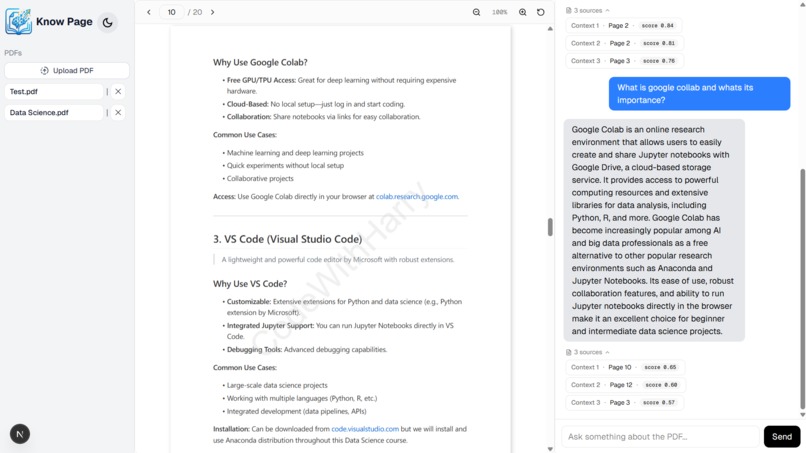
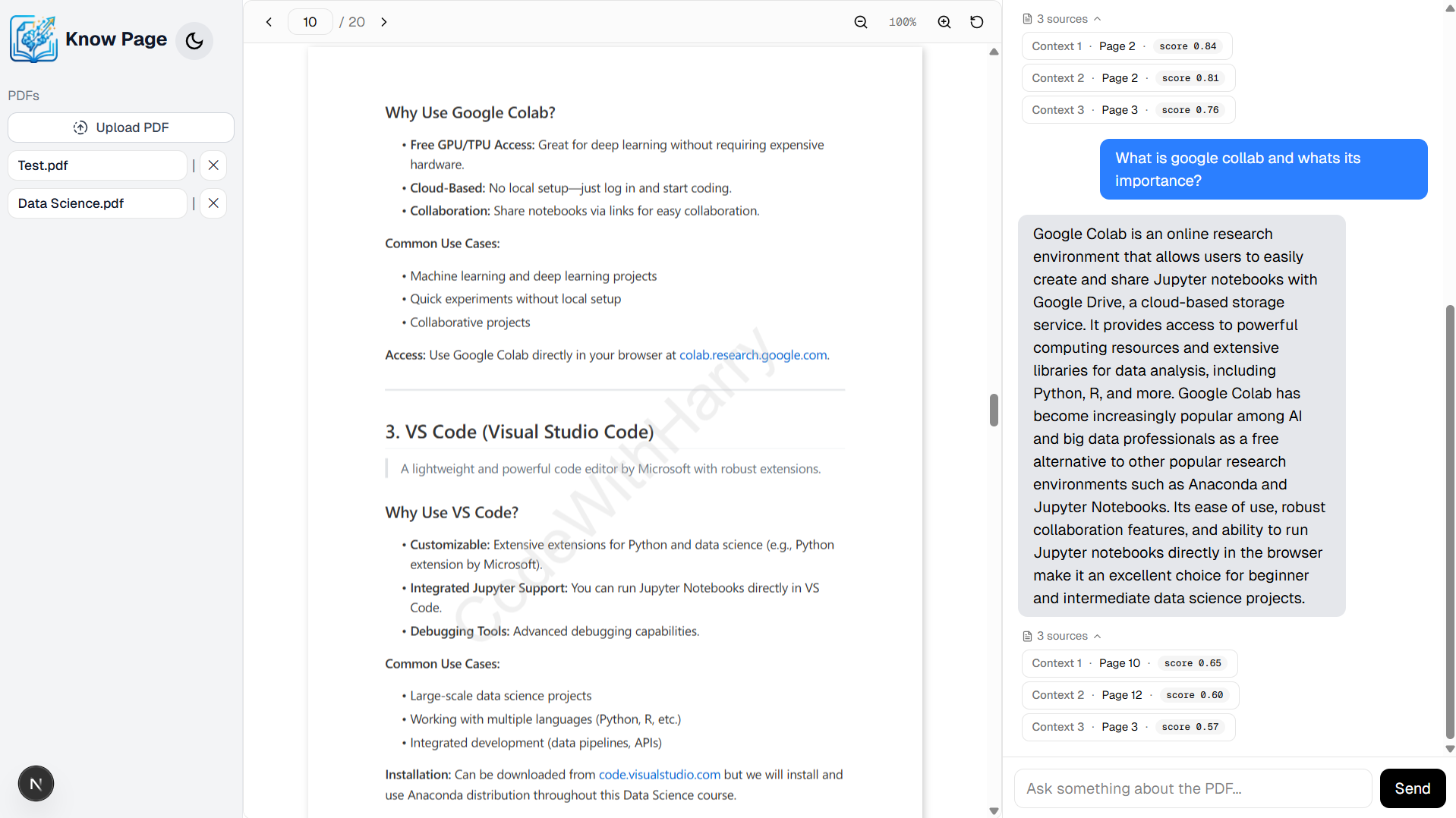
Dashboard -> PDF page (Light)
-
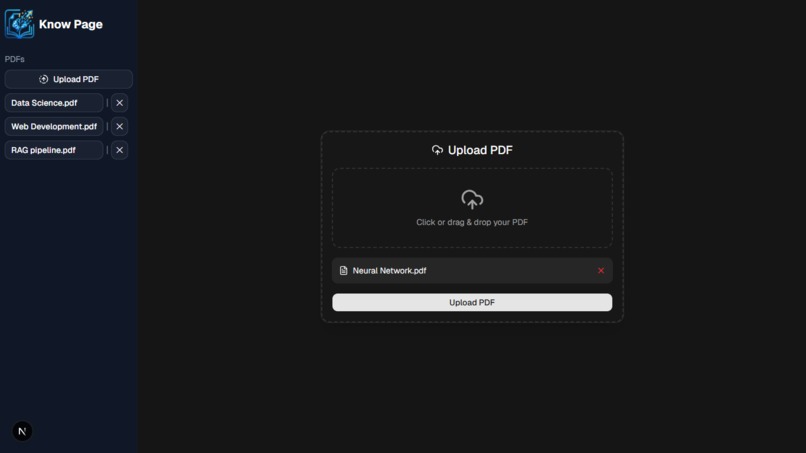
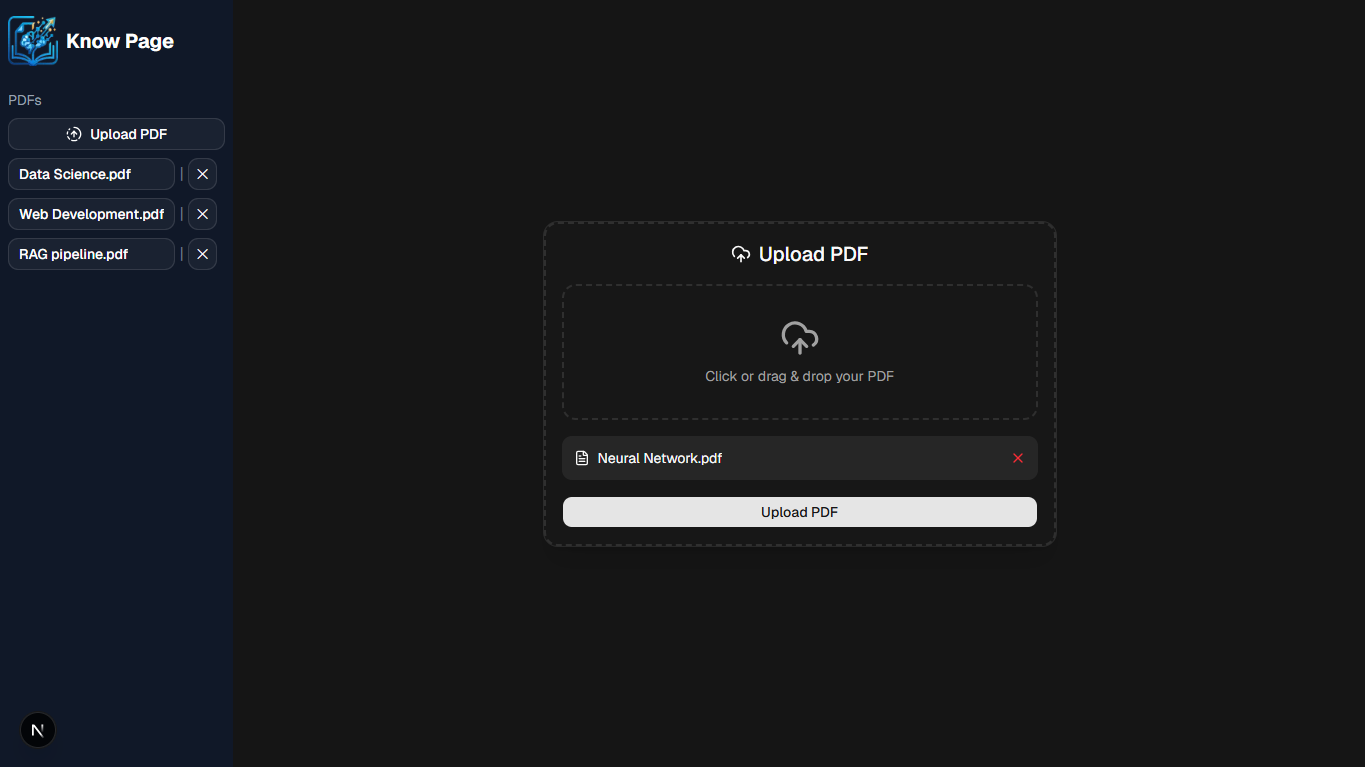
Dashboard -> Upload page (Dark)
-
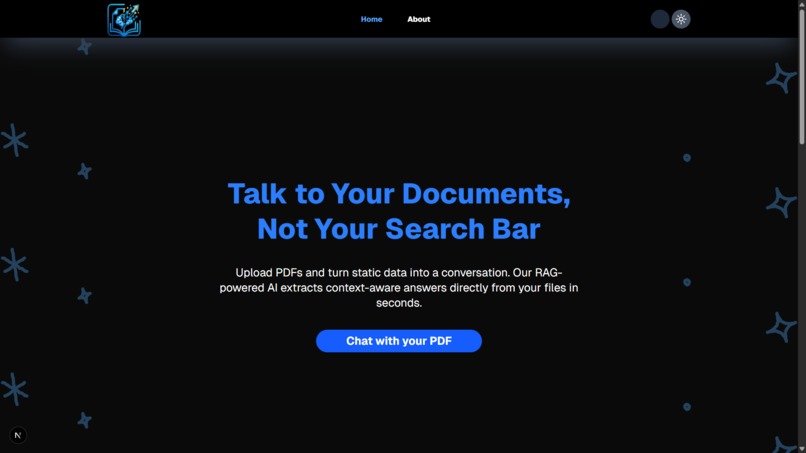
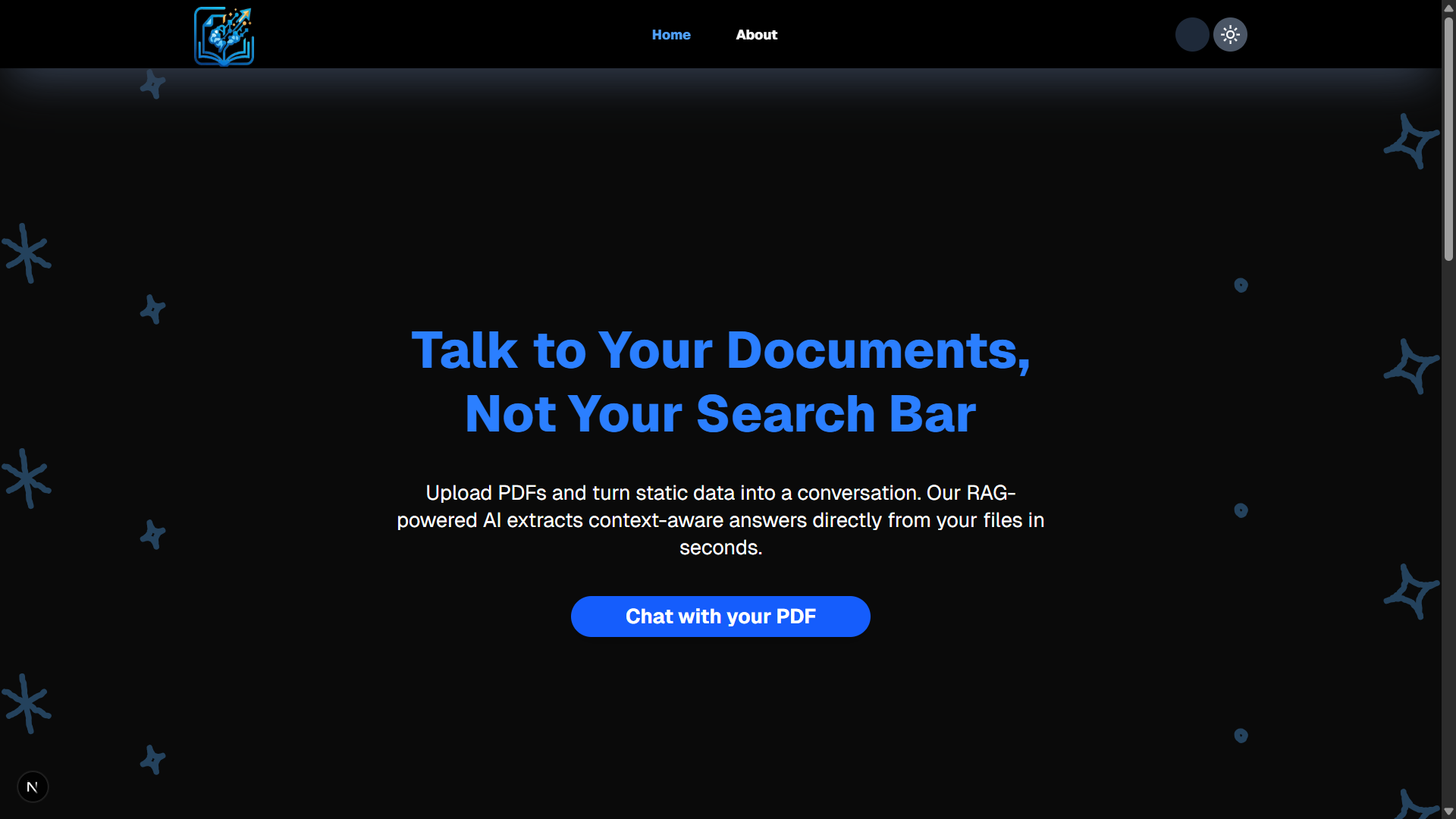
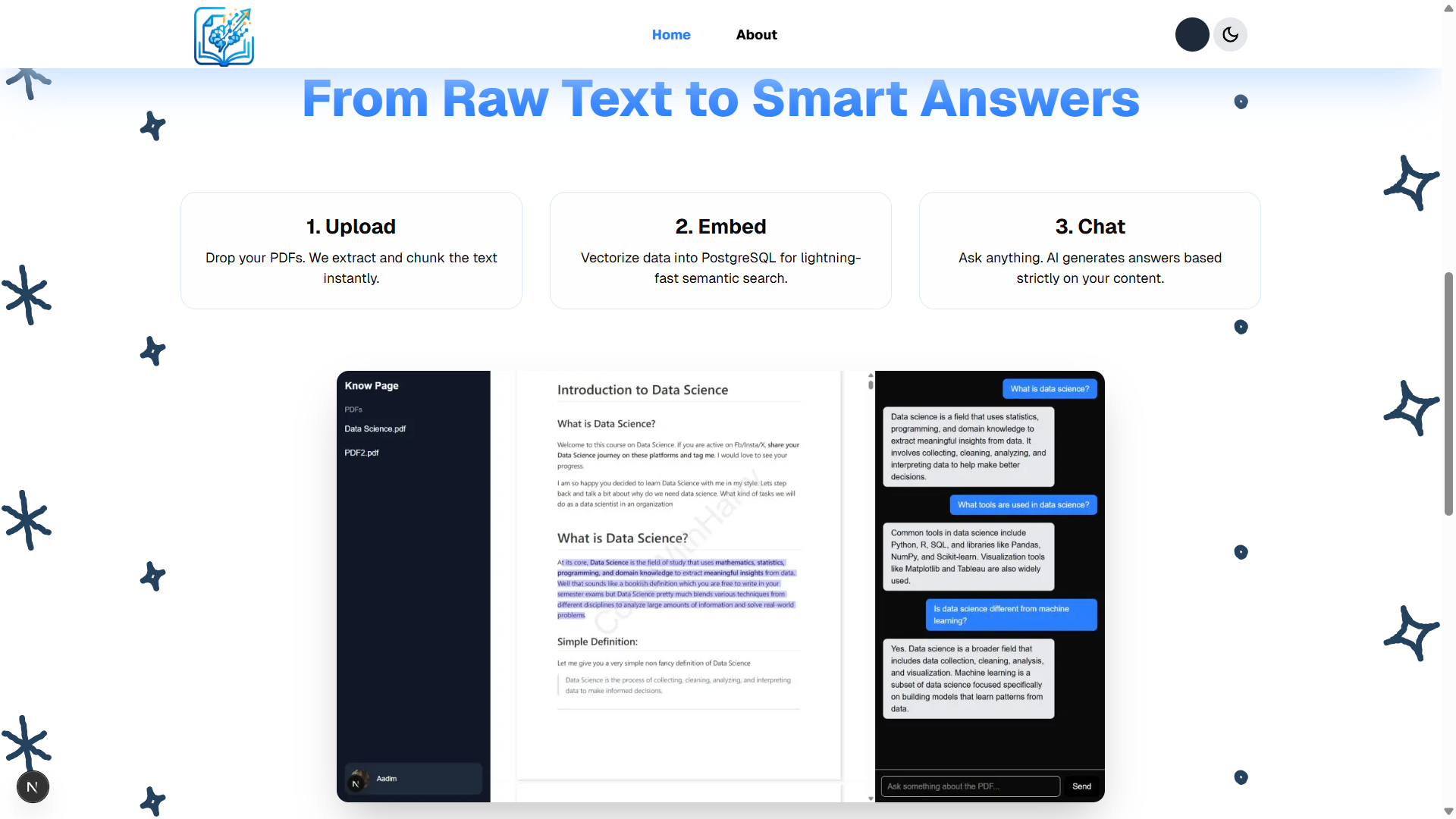
Landing Page 1 (Dark)
-
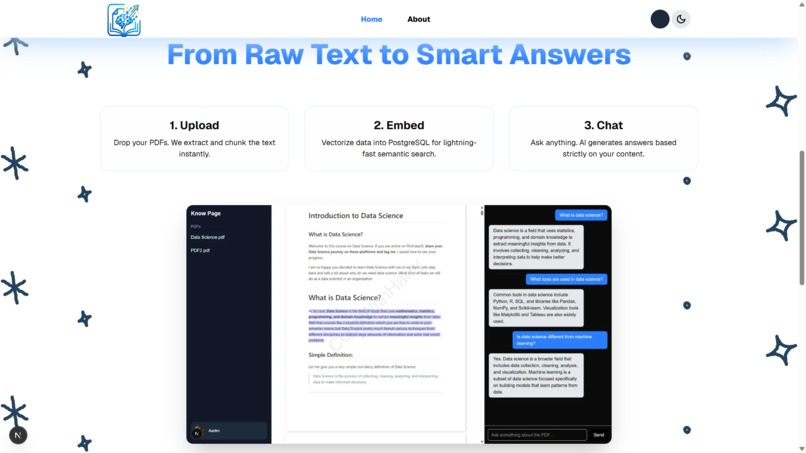
Landing Page 2 (Light)
-
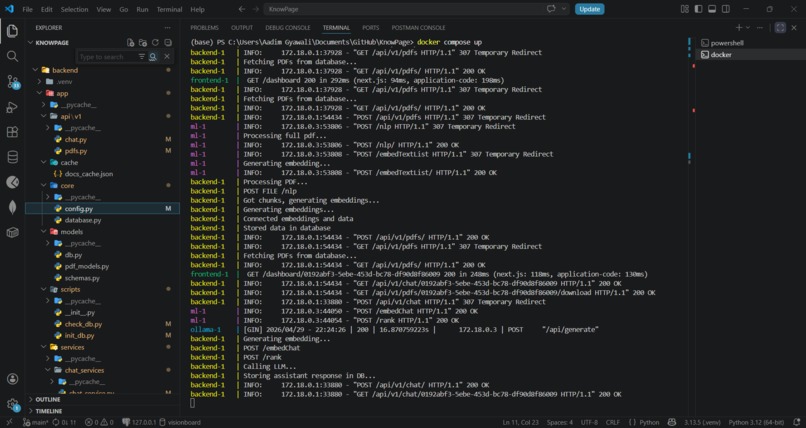
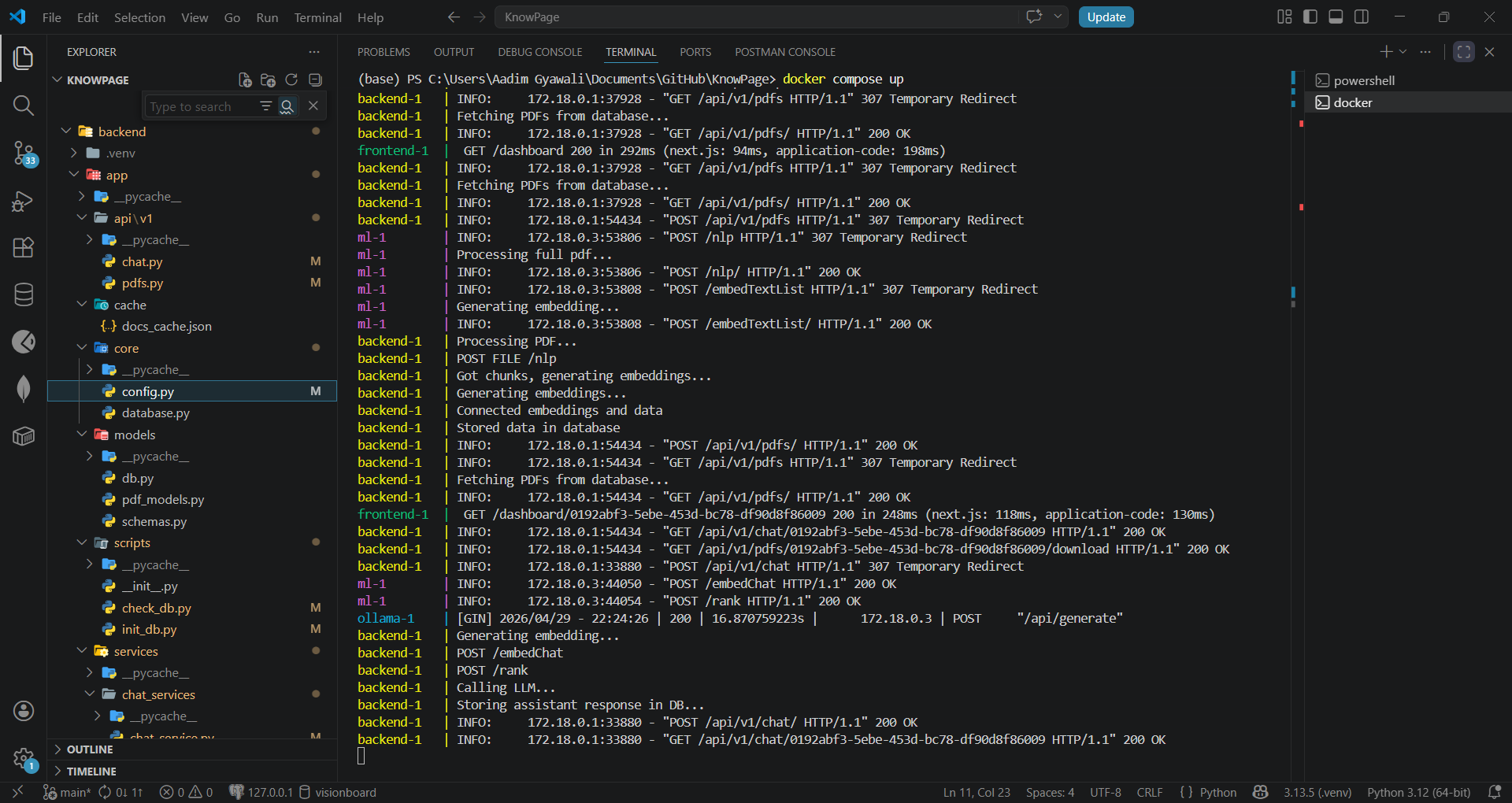
Docker terminal
📖 KnowPage
Turn any PDF into a conversational knowledge base, powered by AI.
KnowPage is a Retrieval-Augmented Generation (RAG) application that lets you upload PDFs and interact with them through natural language. Instead of manually skimming long documents, you ask questions and get precise, sourced answers, grounded in your actual content, not generic AI guesses.
🏆 Built for the Hackspire Hackathon
🌟 Why KnowPage?
Most PDFs are static and hard to interact with. We wanted to build something where instead of reading documents, you can talk to them.
As students trying to learn, we found that most AI PDF tools either cost money or feel painfully slow, so we built something better:
| Benefit | Description |
|---|---|
| 🆓 Free to use | No subscriptions, no API costs |
| 🔒 Runs locally | No internet dependency once set up |
| ⚡ Fast responses | No waiting on slow servers |
| 🛡️ Privacy-friendly | Your data stays on your device |
| 📚 Works with your files | Personalized to your own notes |
| 🌐 Offline access | Study anytime, anywhere |
| ♾️ No usage limits | Ask as much as you want |
Basically: your own personal AI tutor, no paywall, no lag.
✨ Features
- 📄 Upload & index any PDF instantly
- 💬 Ask questions in natural language
- 🎯 Context-aware answers grounded in your document, not hallucinated
- 🔍 Source transparency, every answer links back to the exact page and chunk it came from
- ⚡ No fine-tuning needed, just upload and go
🧠 How It Works
PDF Upload → Text Extraction → Chunking → Embeddings (Vector Store)
                                                        ↓
User Query → Query Embedding → Semantic Search → Top Chunks
                                                        ↓
                                          Reranking + LLM Generation
                                                        ↓
                                         Answer + Source References
| Step | What Happens |
|---|---|
| 1. Upload | User uploads a PDF via the UI |
| 2. Processing | Backend extracts text, splits it into chunks, and stores metadata (page number, chunk index) |
| 3. Embeddings | Each chunk is converted into a vector; semantically similar content maps to nearby positions in vector space |
| 4. Retrieval | On each query, the user's question is embedded and the most semantically relevant chunks are retrieved |
| 5. Generation | Retrieved chunks are reranked, then sent alongside the query to an LLM, which generates a grounded answer |
💡 Why RAG?
Traditional LLMs answer from their training data, which is static, potentially outdated, and unaware of your private documents. RAG solves this by:
- Grounding responses in your actual content
- Citing sources so you can verify every answer
- Staying current, no retraining needed when documents change
Think of it like a smart librarian: you ask a question, it finds the most relevant pages, and explains the answer using exactly those pages.
🏗️ Architecture
knowpage/
├── frontend/          # Next.js app (UI, PDF viewer, chat)
└── backend/
    ├── app/           # FastAPI server (REST API, PDF management)
    └── ml/            # ML service (embeddings, retrieval, generation)
Services
| Service | Technology | Port |
|---|---|---|
| 🖥️ Frontend | Next.js | 3000 |
| ⚙️ Backend API | FastAPI | 8000 |
| 🤖 ML Service | FastAPI + Uvicorn | 8001 |
Request Flow
Browser (Next.js)
      │
      ▼
FastAPI Backend (:8000)  ──────►  ML Service (:8001)
      │                           (embed, retrieve, rerank, generate)
      ▼
   SQLite
🚀 Getting Started
Prerequisites
- Node.js 18+
- Python 3.10+
pipollamawithtinyllama
Option A, Manual Setup (Recommended)
1. Clone the repository
git clone https://github.com/gyawaliaadim/KnowPage
cd KnowPage
2. Start the Frontend
cd frontend
npm install
npm run dev
3. Start the Backend API
# In a new terminal, from the project root
cd backend
pip install -r requirements.txt
uvicorn app.main:app --reload --port 8000
4. Start the ML Service
# In a new terminal, from the project root
cd backend
uvicorn ml.main:app --port 8001
5. Start Ollama
ollama run tinyllama
⚠️ All three services must be running simultaneously. Once up, open http://localhost:3000 in your browser.
Option B, Docker Setup
1. Update config for Docker networking
In ./backend/app/core/config.py, change:
LLM_URL = "http://ollama:11434"
MODEL_URL = "http://ml:8001"
2. Start the containers
docker compose up
# Once running, stop it to install the model
docker compose stop
3. Install the TinyLlama model
docker ps
docker exec -it knowpage-ollama-1 ollama pull tinyllama
4. Initialize the database
docker exec -it knowpage-backend-1 python -m app.scripts.init_db
5. Start again
docker compose up
📸 Screenshots
🏆 Hackathon Reflections
Challenges
- Handling large PDF files efficiently
- Designing a clean upload → process pipeline
- Managing multiple services without constant restarts
- Keeping frontend and backend in sync during development
Accomplishments
- ✅ Built a working end-to-end upload + processing pipeline
- ✅ Clean UI with smooth user flow
- ✅ Proper separation of frontend, backend, and ML services
- ✅ System ready for full RAG integration
What We Learned
- Real-world AI systems are more about pipelines than models
- Separation of services = faster development
- Importance of containerization with Docker
- Embeddings + vector search are the backbone of modern AI apps
- Building systems > just writing code
🗺️ Roadmap
- [ ] Improve performance, scaling, and deploy to web
- [ ] Turn it into a full AI document assistant
- [ ] Add authentication and user management
- [ ] Support more file types beyond PDF
🤝 Contributing
Pull requests are welcome! For major changes, please open an issue first to discuss what you'd like to change.
📄 License
This project is licensed under the MIT License.
Made by Aadim Gyawali with ❤️ for Hackspire Hackathon
Built With
- fastapi
- next.js
- pydantic
- python
- react
- shadcn/ui
- sqlalchemy
- sqlite
- tailwindcss
- tanstackquery
- typescript
- uvicorn
- vectorembeddings

Log in or sign up for Devpost to join the conversation.