Inspiration
We noticed that many students get frustrated when homework relies on complex, abstract language. However, when a teacher explains a concept using a real-life comparison—like comparing a plant cell to a city—the idea instantly clicks. We were inspired to build a tool that uses AI to break down difficult concepts into relatable everyday ideas.
What it does
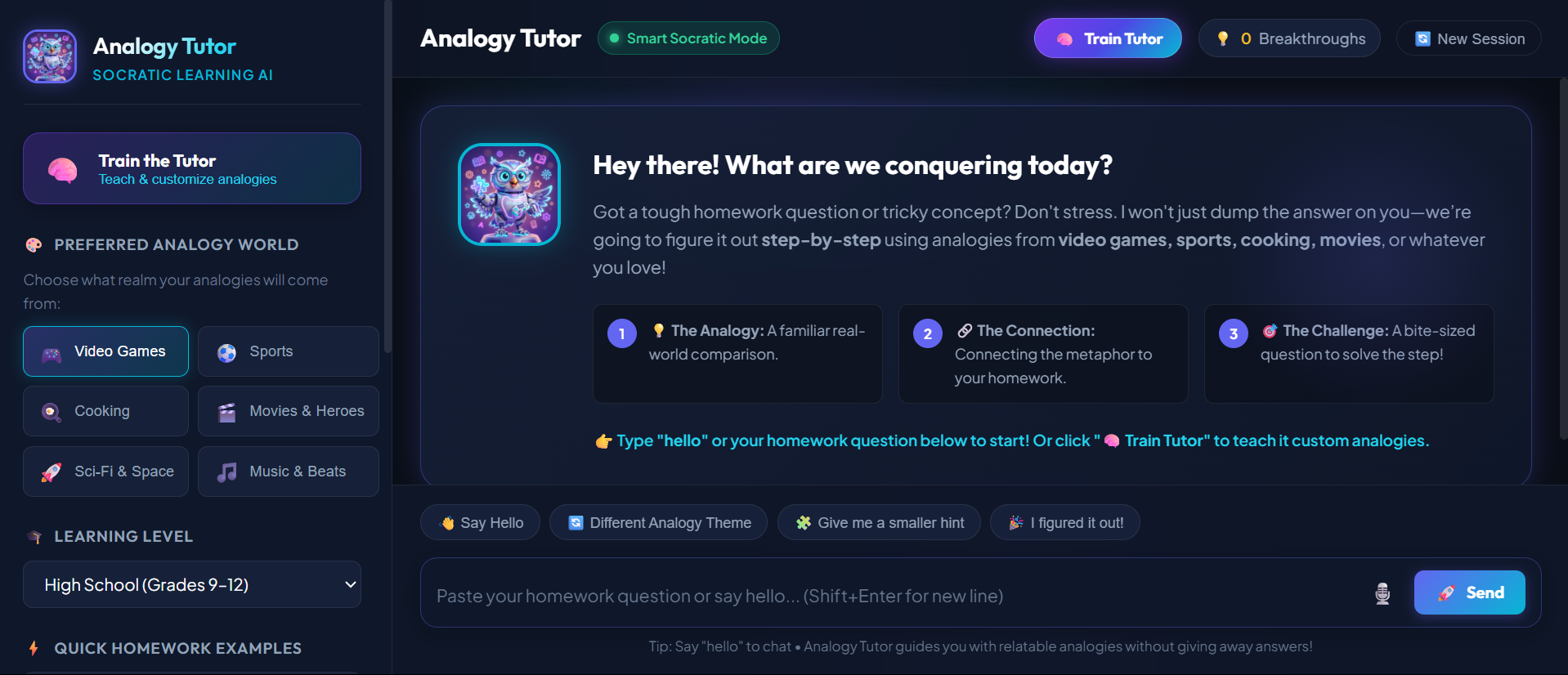
KnotToDot untangles tough homework topics by connecting them to themes students already understand and enjoy. Students type in a confusing topic, and KnotToDot instantly creates custom, real-world analogies to make the material easy to grasp.
How we built it
We built the frontend website using HTML, CSS, and JavaScript for a smooth, user-friendly design. We used Anti-Gravity to power the core framework of our application. For the intelligence behind the app, we integrated Google Gemini to handle prompt design and generate our analogies. We can model our system's process as:$$A = f(P, T)$$ where the analogy output ($A$) is created by processing the student's prompt ($P$) through a chosen relatable theme ($T$).
Challenges we ran into
Our biggest obstacle was training the AI and perfecting our prompt engineering. Early on, the AI often generated analogies that were either too complex or missed the core concept. We spent a lot of time testing and fine-tuning our prompts to make sure every comparison was accurate, creative, and age-appropriate.
Accomplishments that we're proud of
We are proud of creating a functional, full-stack application that successfully translates hard academic ideas into easy-to-understand concepts. Seeing the AI consistently generate clear and fun analogies that make learning easier for students was a huge milestone for us.
What we learned
We gained hands-on experience in fine-tuning AI prompts for education and connecting AI tools like Google Gemini into a working web project. We also learned how to use Anti-Gravity effectively to build robust web applications.
What's next for KnotToDot
Interactive Diagrams: Adding visual drawings alongside the text analogies so visual learners can see the comparison in action.
Quiz Mode: Creating short, fun mini-quizzes after an analogy to help students test if they understood the topic.
Multi-Language Support: Translating analogies into different languages so non-native speakers can learn complex subjects more easily.
Teacher Dashboard: Allowing teachers to generate custom analogy worksheets for their whole classroom.


Log in or sign up for Devpost to join the conversation.