-
-
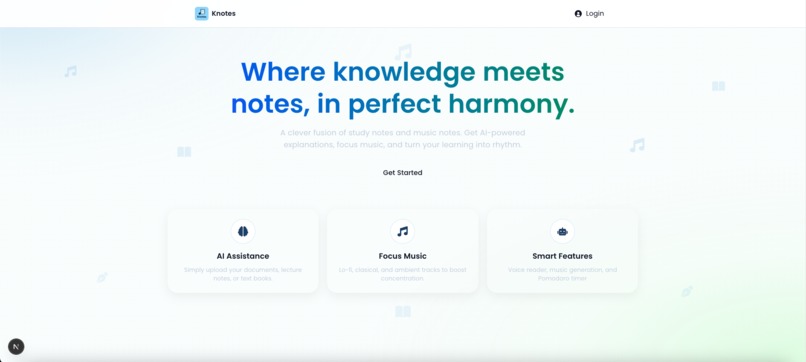
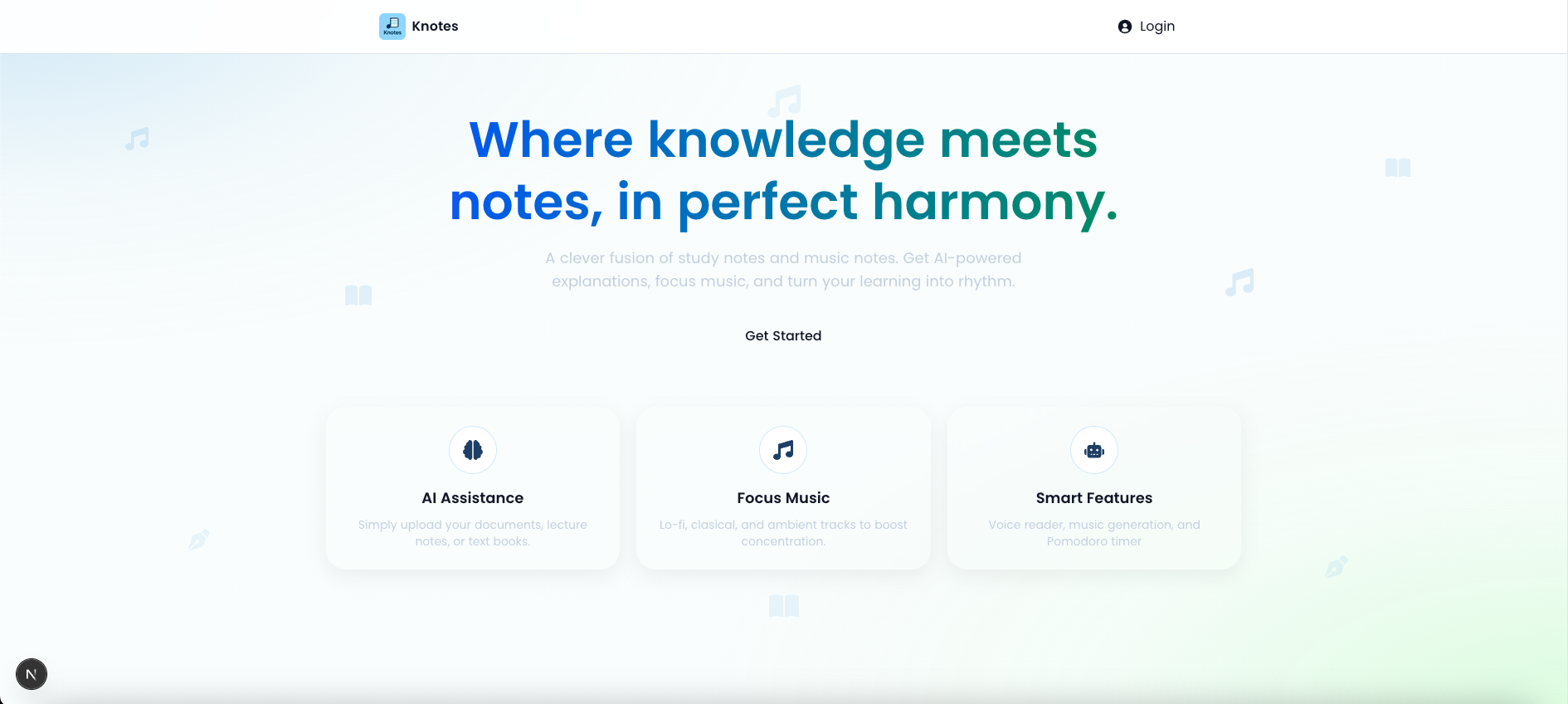
Landing page
-
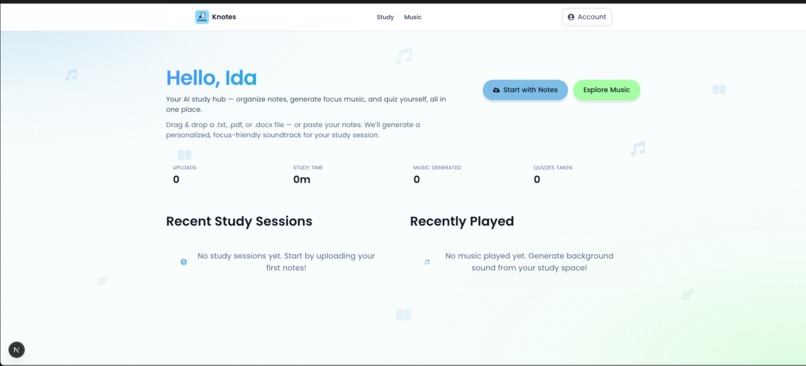
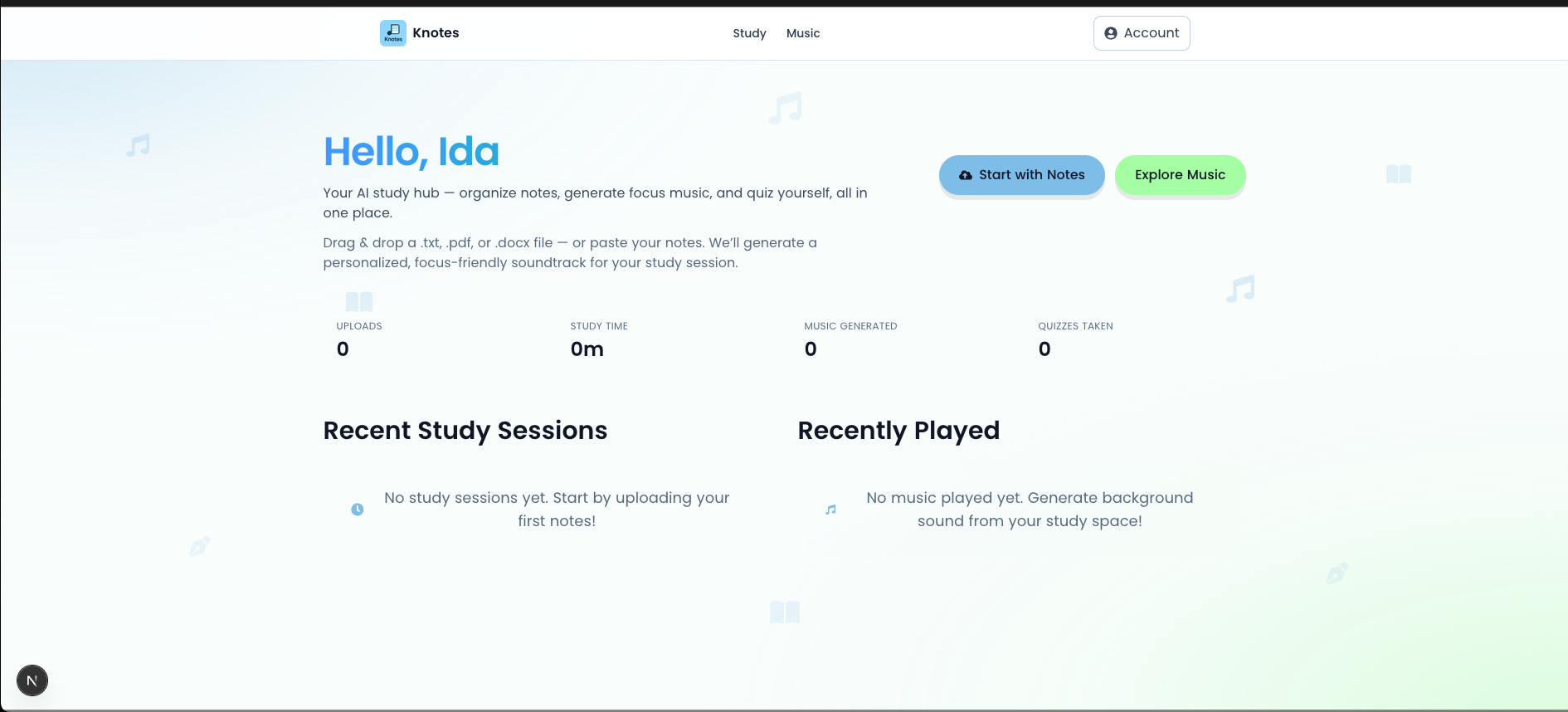
Home page
-
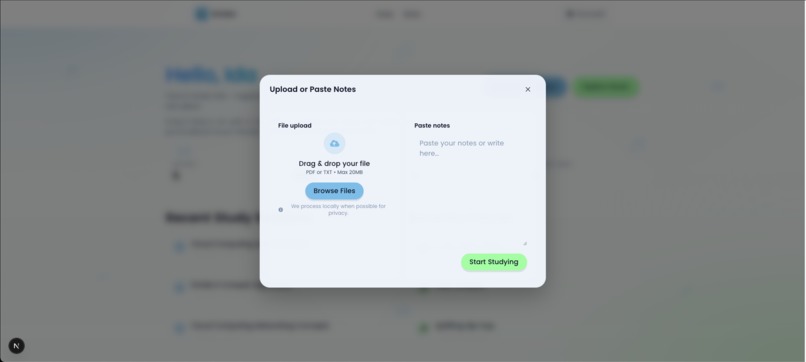
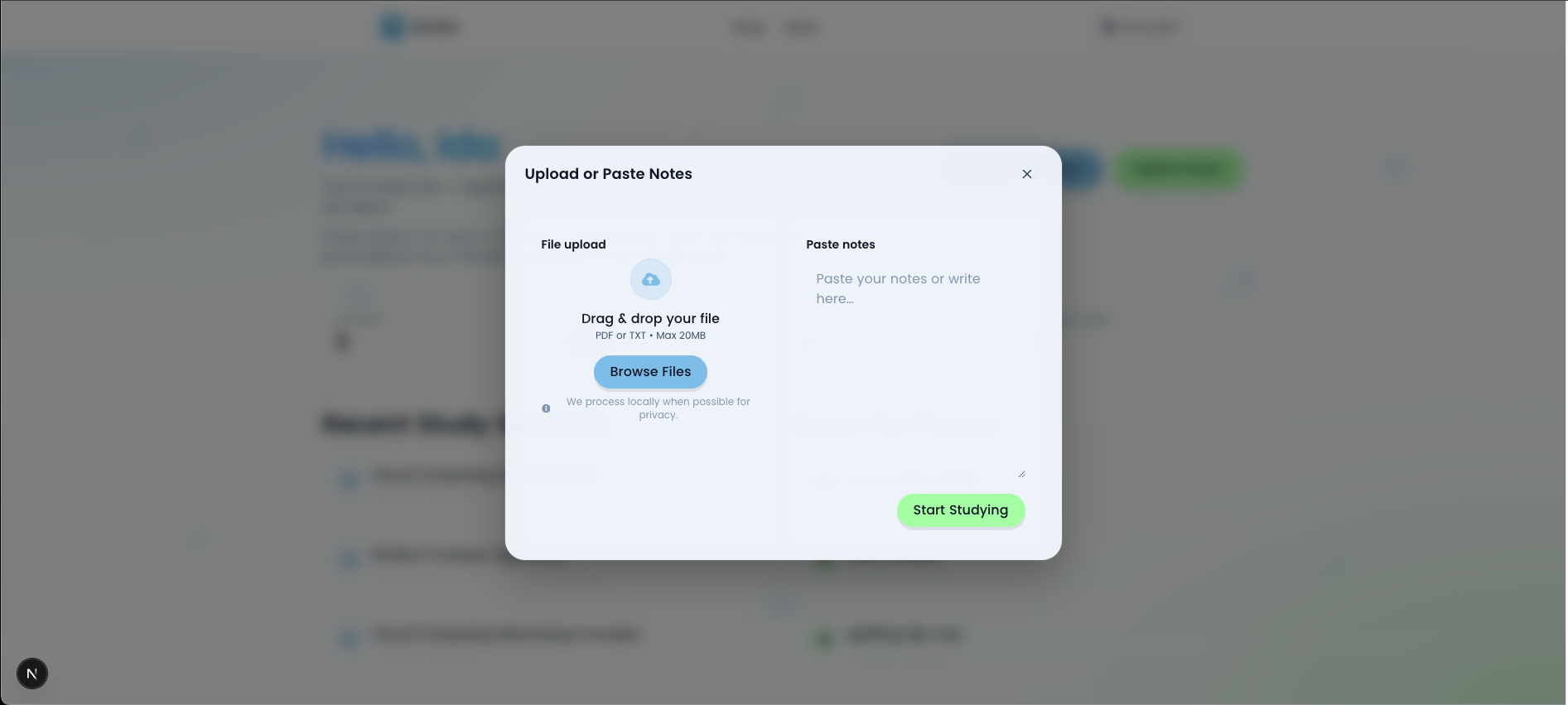
Upload file
-
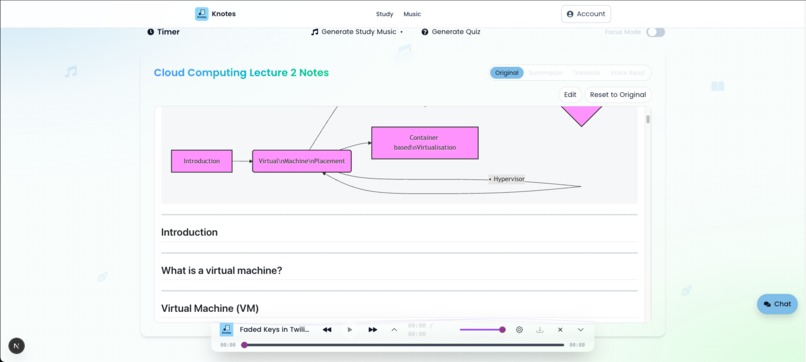
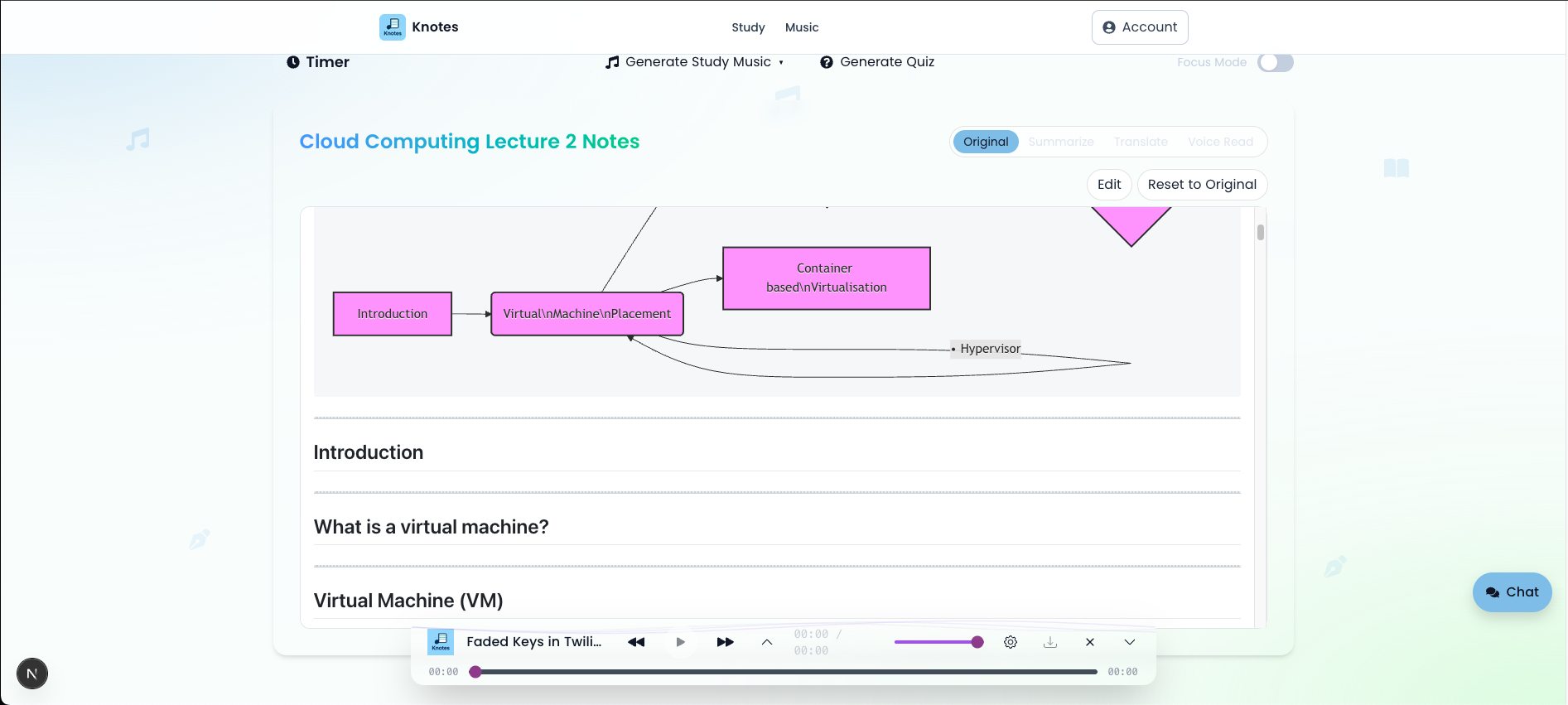
Study workspace
-
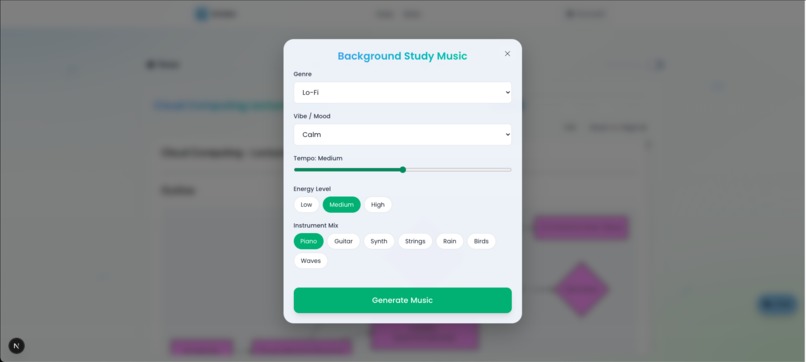
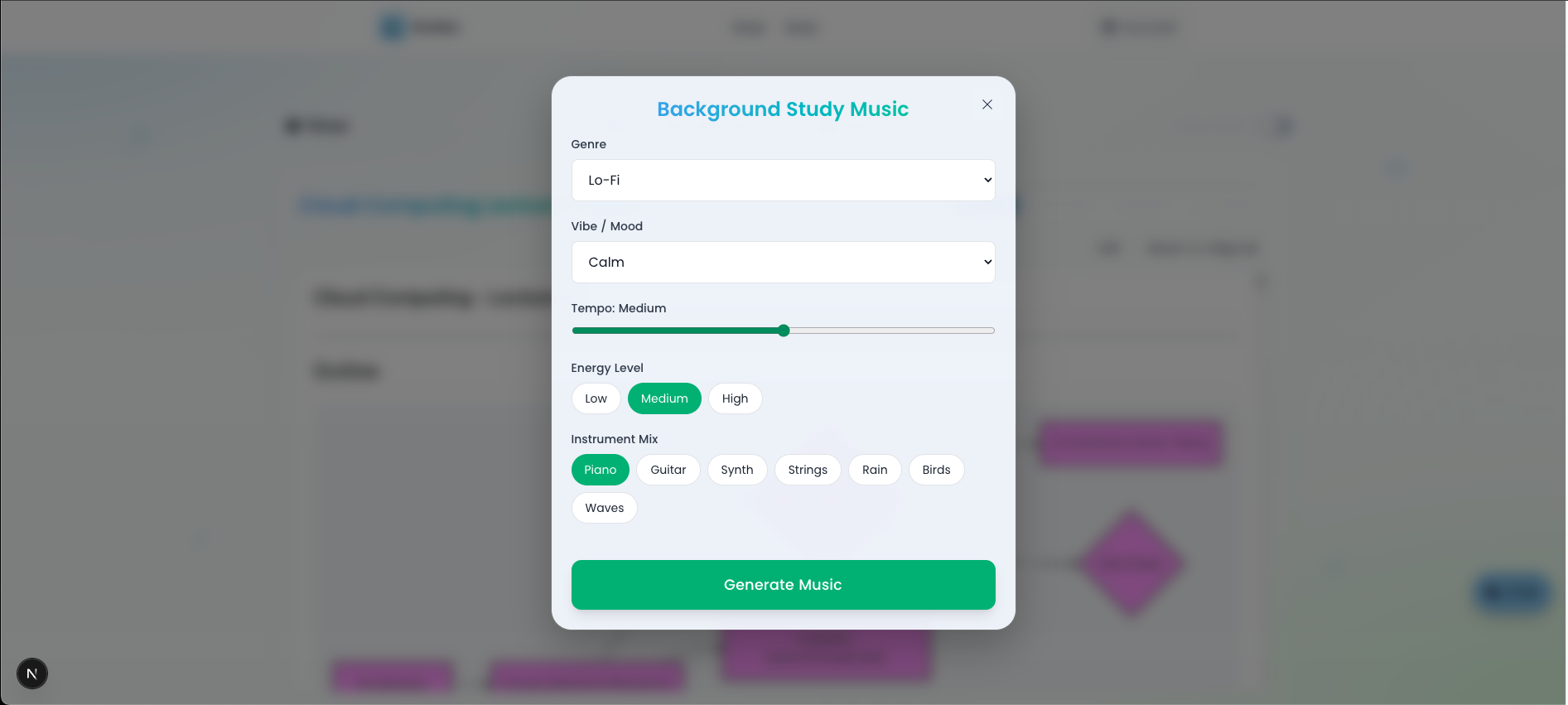
Generate background music
-
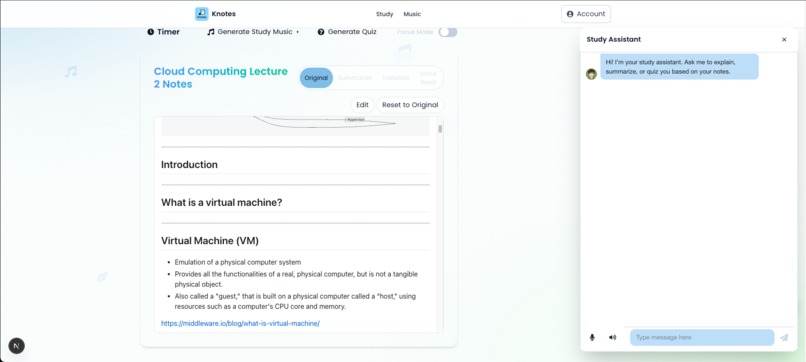
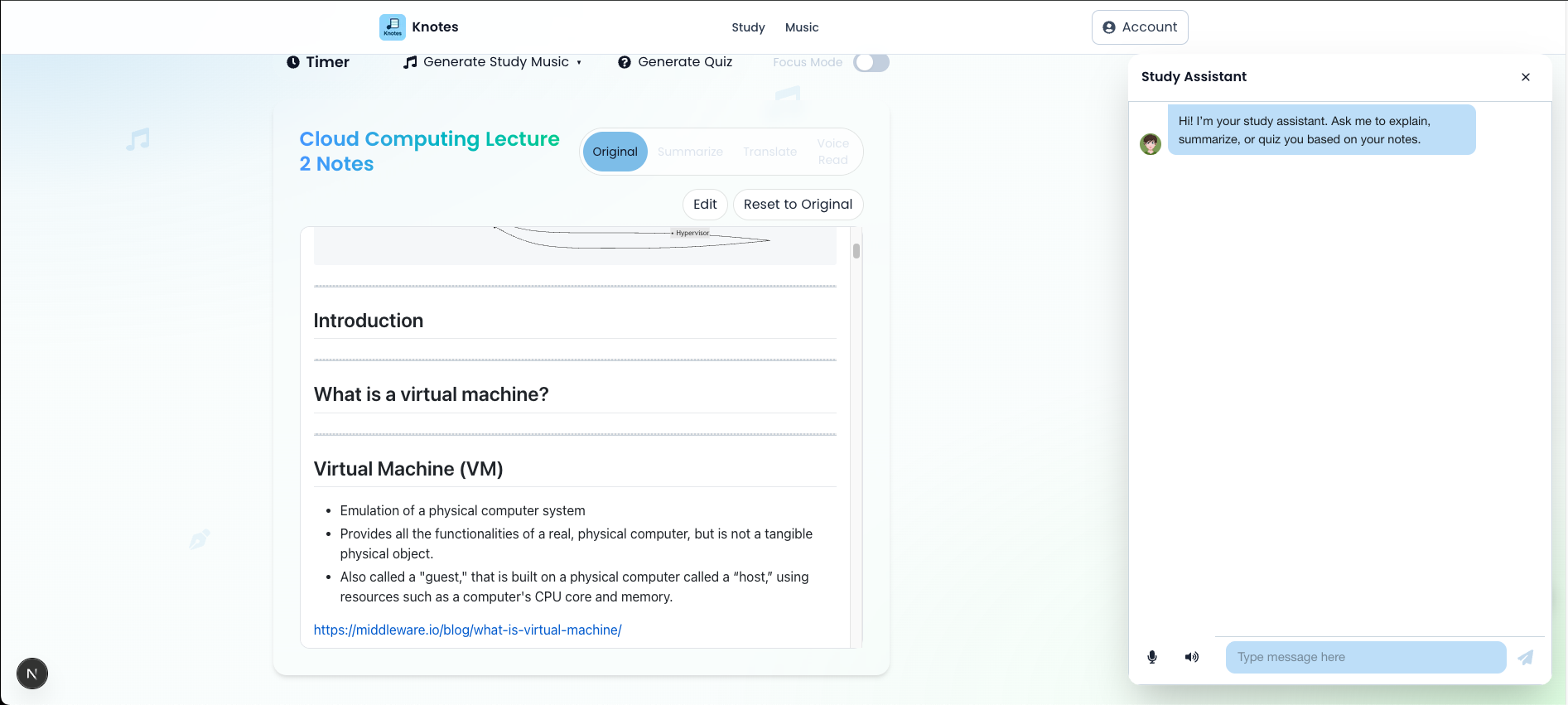
Study workspace with chatbot
-
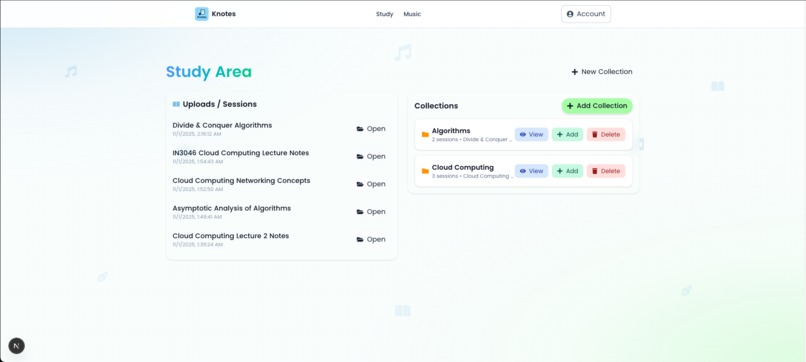
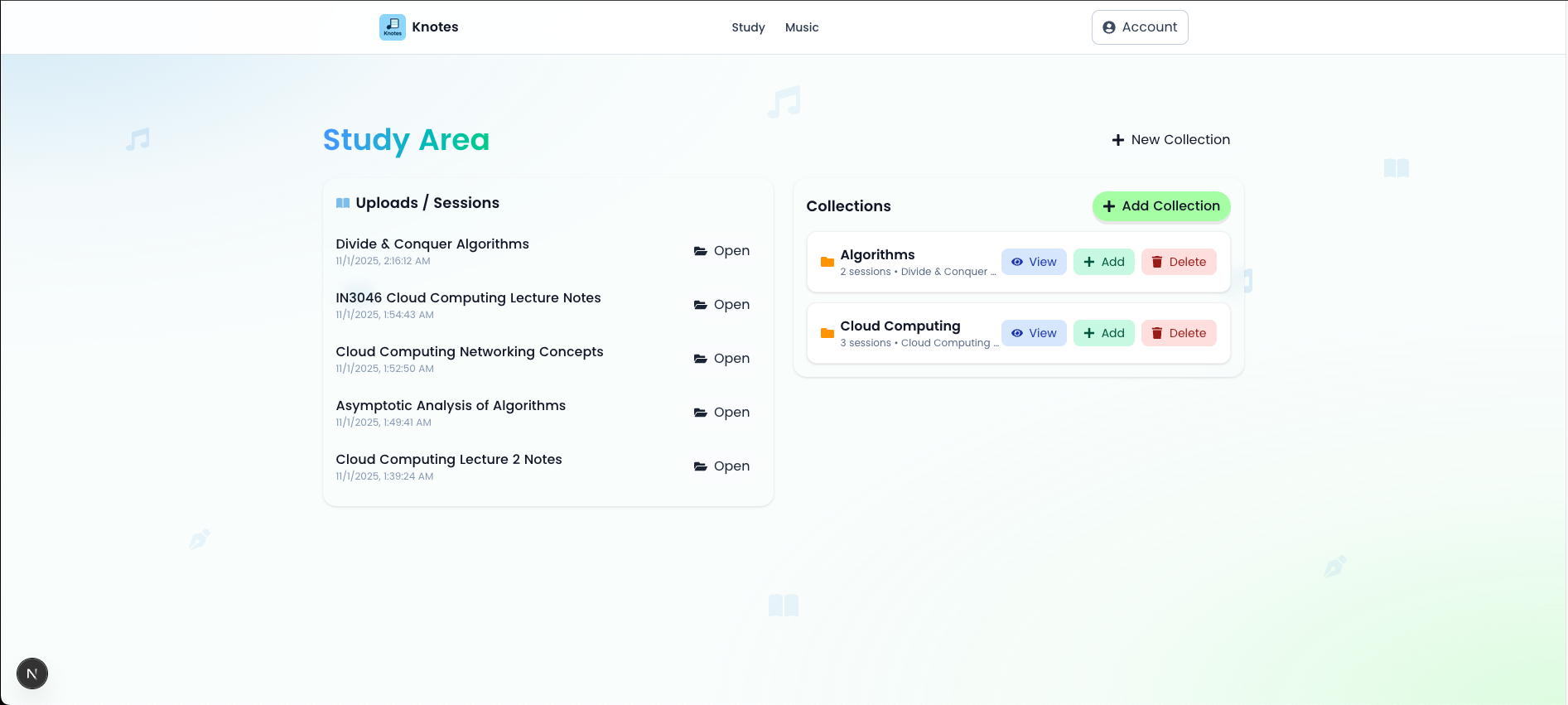
Study page
-
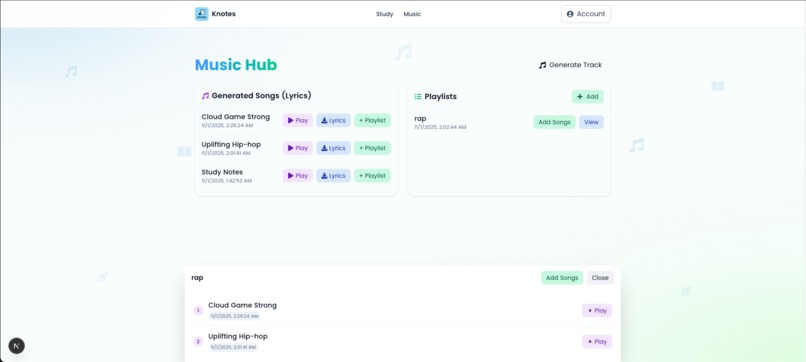
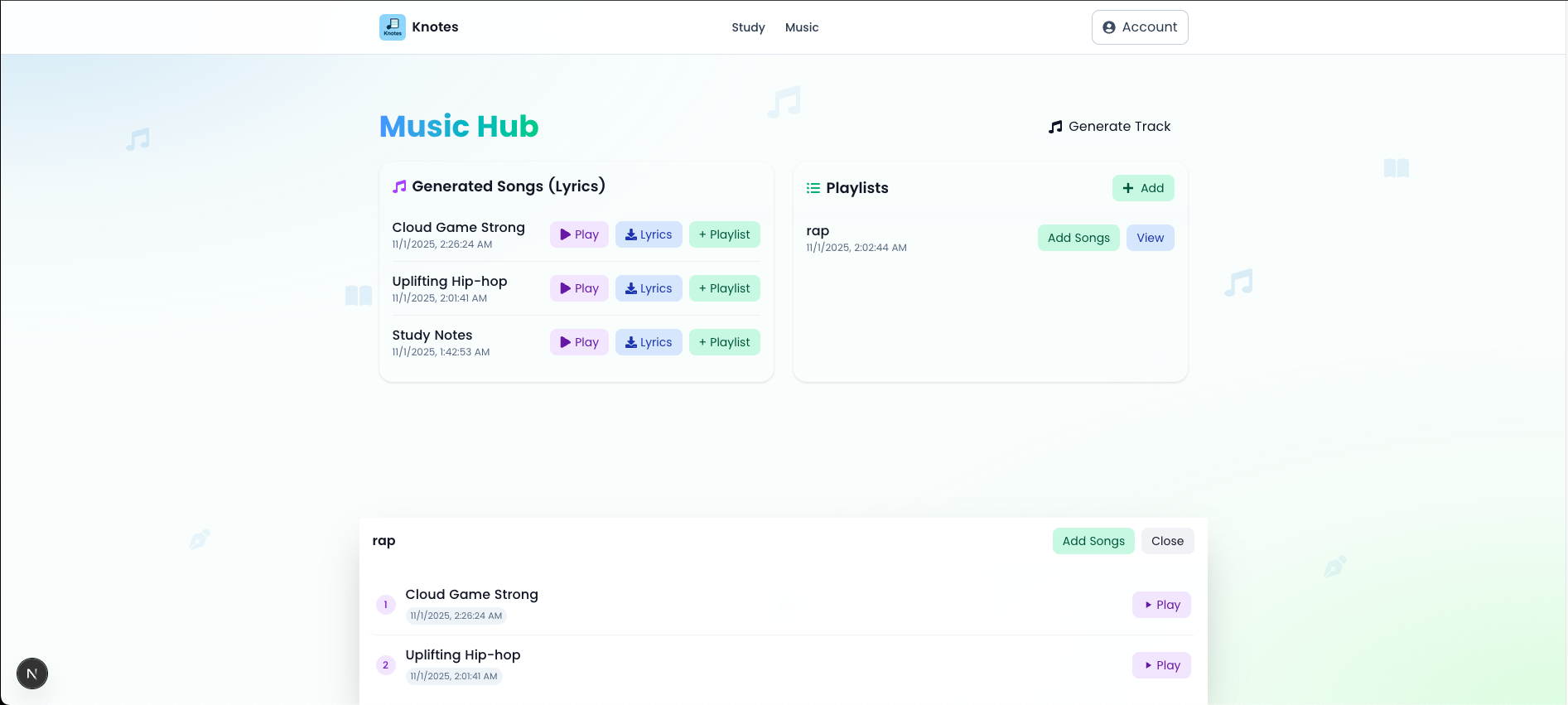
Music Page
-
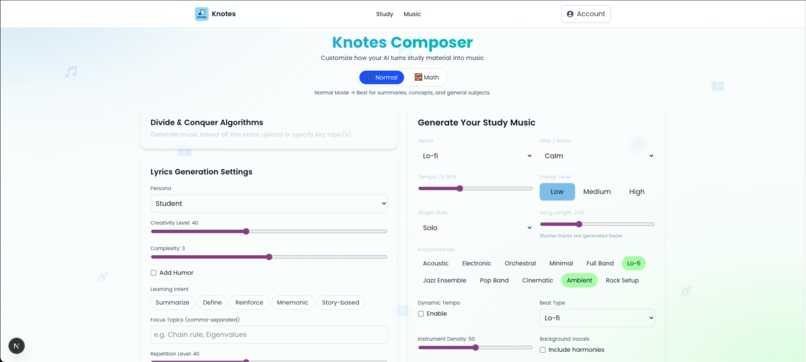
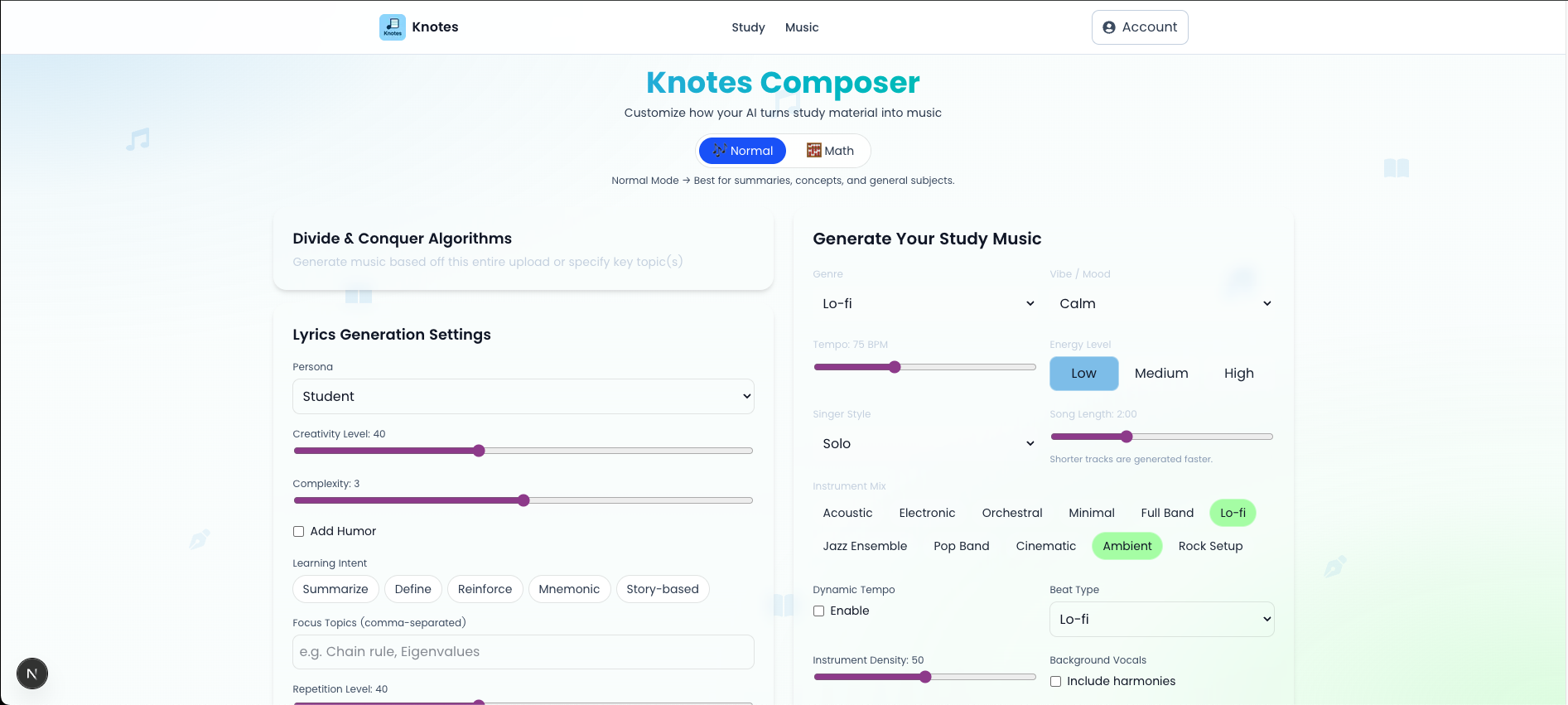
Music composer page
-
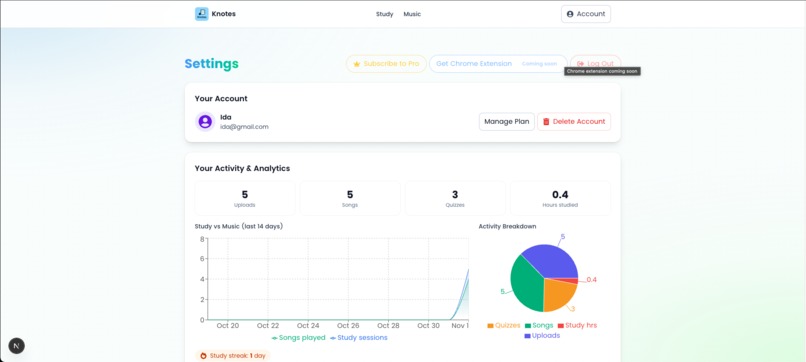
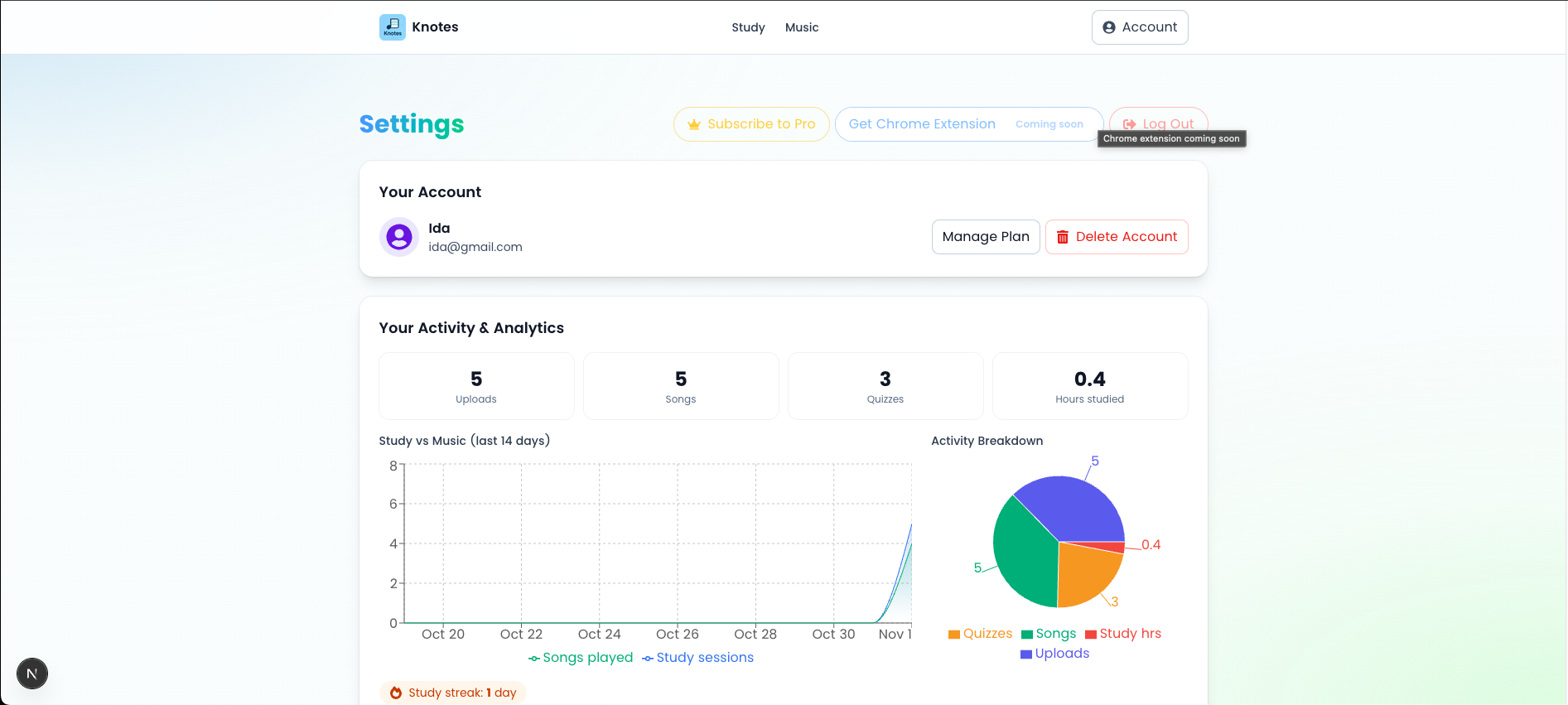
Settings/Account page
Inspiration
As a student, my biggest battle isn't with complex subjects, but with focus. I find myself, like many others, literally doing anything but studying. The traditional study loop is broken. I'll have a dense lecture PDF open, get confused by a concept, and open a new tab to search for an explanation. That new tab leads to YouTube, then Reddit, and suddenly an hour is gone. The workload piles up, and the week before exams becomes a stressful, overwhelming crunch.
I realized the problem wasn't just me. It was the tools. Studying is a solitary, often boring, task. What if it could be an experience? What if it could be more engaging, soothing, and immersive? What if I could study in a way that doesn't feel like studying?
This is the core idea behind Knotes: to transform studying from a chore into a focused, creative, and auditory experience.
The Problem: Studying from dense notes is demotivating. Switching between apps for explanations, summaries, or translation breaks focus. Relying only on cloud AI is slow, costly, and raises major privacy concerns for personal study notes.
My Solution: Knotes is an offline-first, AI-powered PWA that runs key AI tasks locally in Chrome using the built-in Gemini Nano models. Users import notes and get instant, private, and network-resilient study tools. For more complex creative tasks, like music generation, Knotes seamlessly shifts to a Hybrid AI model using Firebase AI Logic.
What it does
Knotes is your all-in-one study companion. Here's a typical user journey:
Upload & Transform: A student uploads a 50-page PDF lecture. Knotes processes it locally, and the user can instantly clean the extracted text into perfect study-ready Markdown using the
Rewriter API.Highlight-to-Learn (Client-Side AI): While reading, the student highlights a complex term. A floating toolbar appears.
- Click "Explain": The
Prompt APIprovides a simple, inline explanation. - Click "Summarize": The
Summarizer APIcondenses a long section into key bullet points. - Click "Translate": The
Translator APImakes the content multilingual. - All these actions are instant, private, and work 100% offline. In addition, there's the
Searchfeature which implements grounding with Google search. The goal if to make sure the user stays truly focused in their study workspace and have fewer reasons to leave the tab which could lead to distraction.
- Click "Explain": The
Test Your Knowledge: Before an exam, the student clicks "Generate Quiz" The
Writer APIgenerates a set of practice questions from the notes, and thePrompt APIgrades their answers in real-time.Engage Multimodally: Instead of typing, the student can ask the AI assistant questions using their voice. This audio input is processed via the hybrid setup for a natural, conversational Q&A session.
Focus with Music: The user can generate "Focus Music" - calm, instrumental lofi beats, to create a soothing study environment.
Learn with Music: This is the flagship feature. The student can select their notes and click "Generate Song." Knotes uses the
Writer APIto draft creative, lyrical summaries of the material, then sends these lyrics first to the proofreader API to make sure it contains no offensive language, and finally passed to the Firebase AI Logic backend to compose a full, studio-quality song in the user's preferred genre (pop, lofi, rap) and other settings they chose. In addition, there is a "Math Mode" setting aimed which adds extra settings and controls aimed at breaking down those hard math concepts and make Math literally be music to one's ears.
Students can now study by listening to their notes as a playlist on the train, at the gym, or on a walk; turning wasted time into productive, enjoyable learning.
How I built it
Knotes is a Next.js PWA built with Tailwind CSS. It uses Firebase Authentication for user accounts and Firebase App Hosting for deployment. For the core experience, IndexedDB to store all notes, ensuring a true offline-first "Network Resilient UX."
Our most critical design choice was implementing a Hybrid AI Strategy to perfectly balance privacy, speed, and power.
1. The Client-Side Core
We used the Chrome Built-in AI APIs for all high-frequency, text-based tasks. This means the user's notes never leave their device for core study functions.
- Summarizer API: Powers our one-click "Summarize" feature.
- **`Rewriter API`**: Used to "Rephrase" complex text and, most importantly, to clean messy extracted PDF text into clean, readable Markdown.

- **`Writer API`**: The creative engine. It generates both the **quiz questions** and the **song lyrics** for the music-generation feature.

- **`Prompt API`**: The most versatile. It powers our text-based "Explain" feature and also acts as the "grader" for the quizzes generated by the `Writer API`.

- **`Translator API`**: For on-demand translation of notes.

- **`Proofreader API`**: Checks lyrics are not offensive.
2. The Hybrid AI Bridge
For features not possible on-device, we use Firebase AI Logic.
- Multimodal Chat: While text chat uses the client-side
Prompt API, audio input is streamed to a Gemini Live model via a secure Firebase function. This gives the user a rich, conversational experience without compromising the speed of text interactions. - Note-to-Music Generation: This is our proudest hybrid feature.
- Client-Side: The
Writer APIgenerates clever lyrics from the study material. - Server-Side: These lyrics are sent to a Firebase AI Logic function. This function uses Google's powerful Gemini models to orchestrate the entire music generation process---composing the melody, generating the instrumental, and syncing the vocals to create a complete, downloadable song.
- Client-Side: The
Challenges I ran into
- Markdown Formatting: Getting the
Writer APIto consistently output clean and correct Markdown (especially for things like tables or code blocks) from messy text required a lot of prompt engineering. - Hybrid UX: The biggest challenge was designing a seamless UI. Client-side AI is instant, while server-side music generation takes time. We had to build optimistic UI patterns, clear loading states, and a notification system so the user understands what is happening locally vs. in the cloud.
- Firebase App Hosting: As a newer service, the documentation for environment variable setup in a Next.js context required some trial and error, but we got it working smoothly for our backend functions.
- Lyria doesn't generate vocals: It took me a while to realize Lyria generates music but without vocals.
Accomplishments that I'm proud of
The "Oh, wow" Moment: Hearing a catchy, studio-quality song generated from my own boring "Cellular Respiration" notes for the first time was actual magic.
It's Genuinely Helping Me: This isn't just a hackathon project; it's a tool I built because I desperately needed it. The fact that I'm already using it to study for my own classes is the biggest accomplishment.
A True Hybrid, Offline-First App: We're incredibly proud of our architecture. All core study features are 100% private, free to run, and work offline, which perfectly honors the spirit of this challenge.
What I learned
Firebase AI Logic is a Game-Changer: It's incredibly powerful to call complex Gemini models directly from our web app without building and managing a separate backend server.
The Power of On-Device AI: The Chrome Built-in APIs are not a gimmick. They are fast and fundamentally change how we can design apps, prioritizing user privacy and offline access from day one.
PWA > Native (for this): Building a PWA with service workers and IndexedDB was the right call. You get a native-app feel and offline capabilities, all from a single, accessible web URL. Perfect to even serve students in remote communities with little to no internet access.
What's next for Knotes
Chrome Extension: The #1 next step. A browser extension that lets users clip articles, websites, or YouTube transcripts directly into their Knotes collections.
Community Hub: A place where users can share their generated songs. Imagine searching for "Photosynthesis" and finding a dozen catchy pop songs and lofi tracks created by other students. It's like Spotify for study notes.
Pro Model: I plan to add a "Pro" tier (using Firebase) that grants more credits for the (costly) server-side music generation, while keeping all client-side AI features 100% free forever.
Upload Data: None of the user's data is currently stored online because the main goal was to make it offline-first. I plan on adding the option to store/sync your data online (with Firebase) so that users can access it from anywhere
Add music to Spotify: Integrate with Spotify for users to add music to their Spotify playlist.
Note: Even though the app works offline some features do not work offline. Uploading, music, voice read and quiz generation do not work offline. Once material has been uploaded it can be accessed (for studying), summarized, translated. The chatbot also works when offline. You can also play generated music when offline.
Built With
- chrome
- elevenlabs
- firebase
- geminiapi
- javascript
- lyria
- nextjs
- promptapi
- proofreaderapi
- react
- rewriterapi
- tts
- typescript
- writerapi

Log in or sign up for Devpost to join the conversation.