-
-
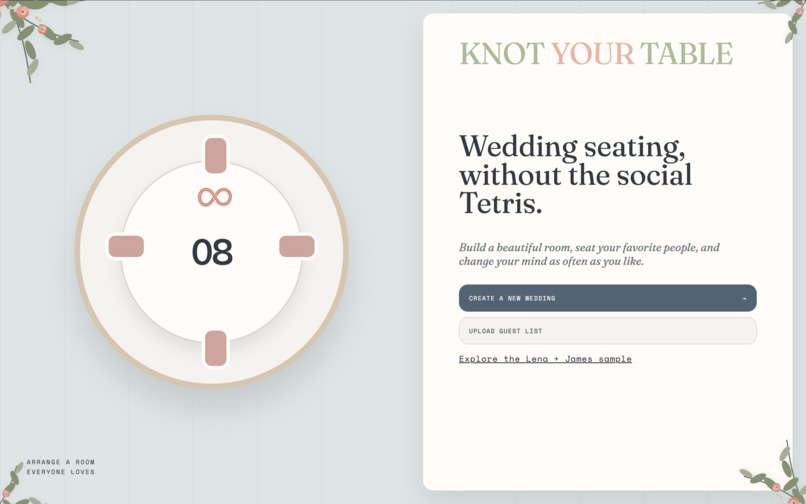
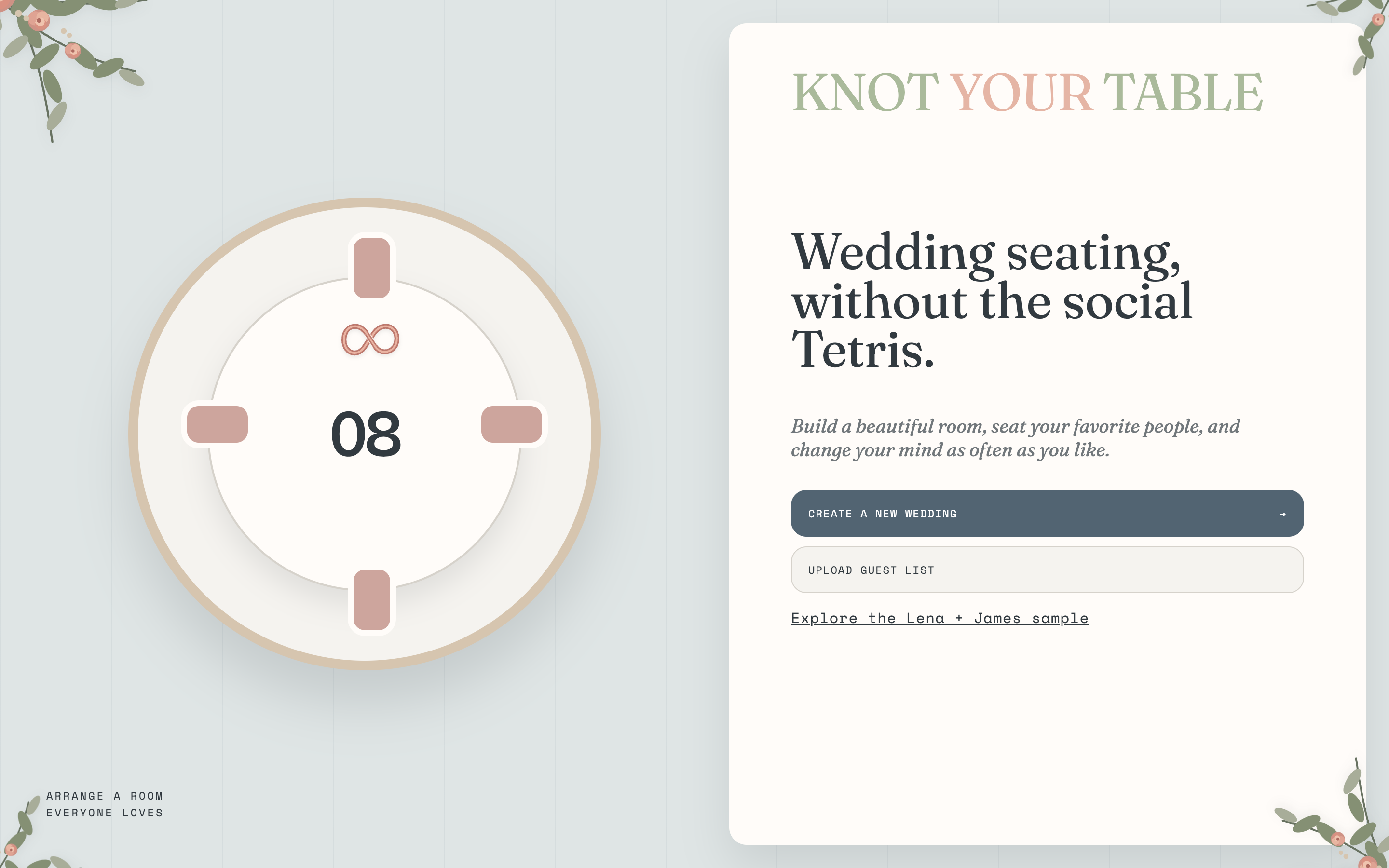
Front Page
-
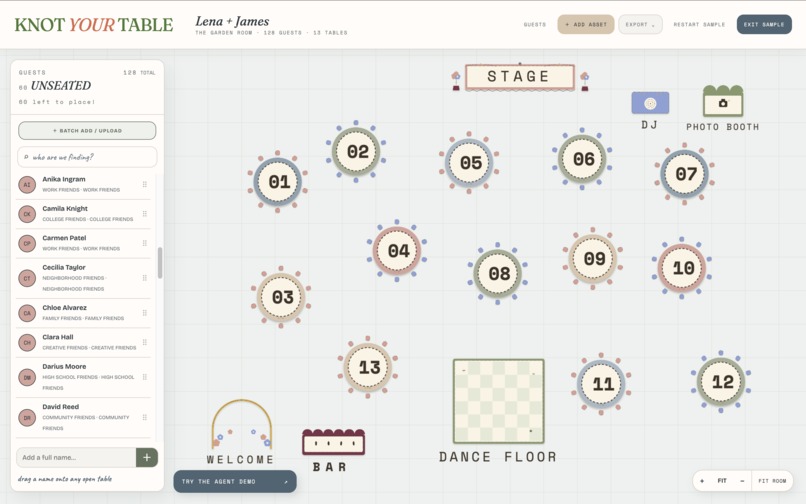
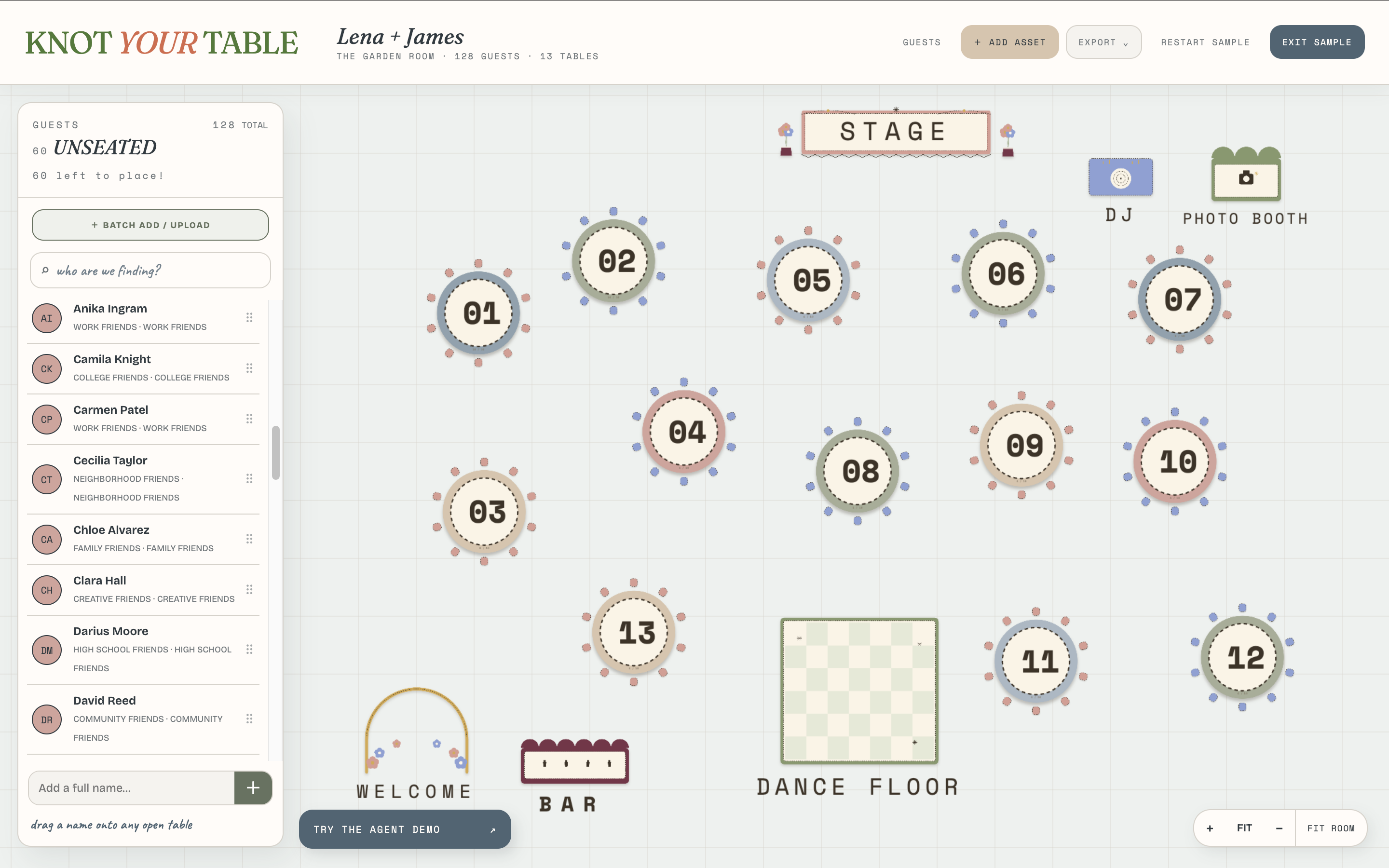
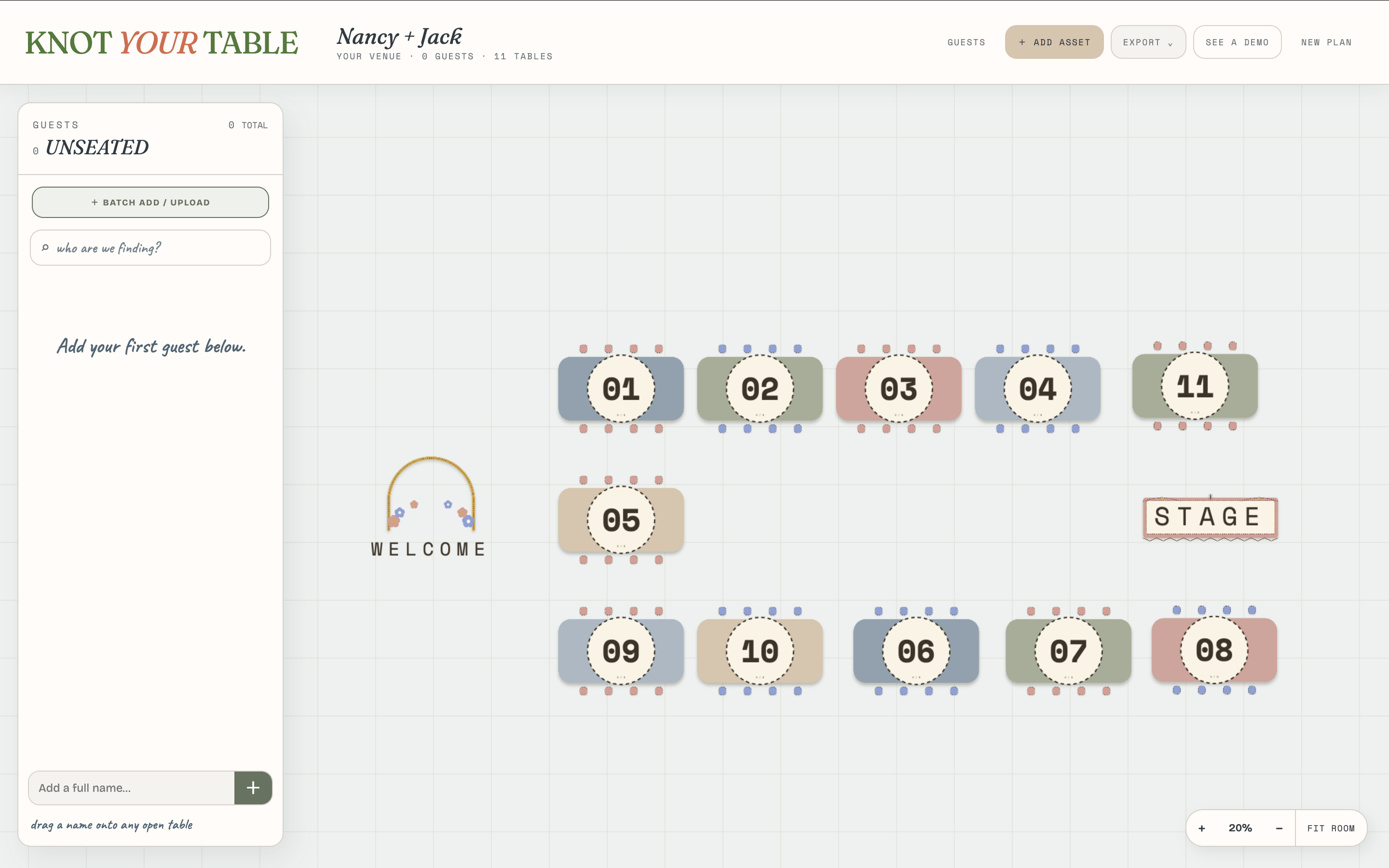
Demo
-
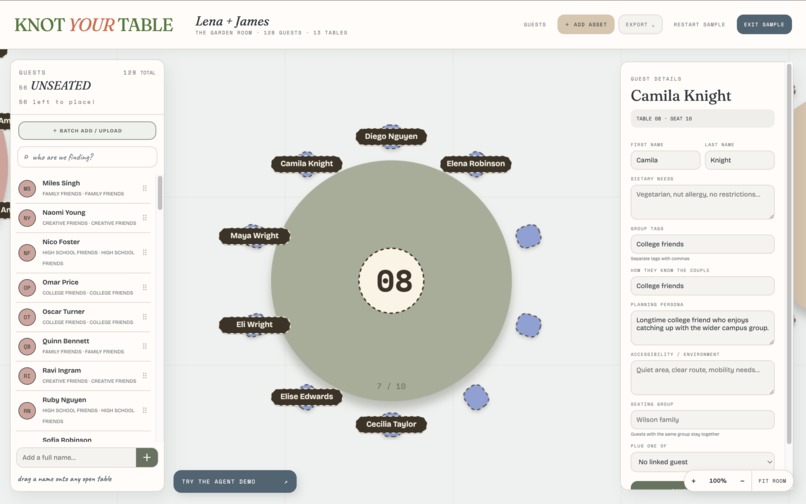
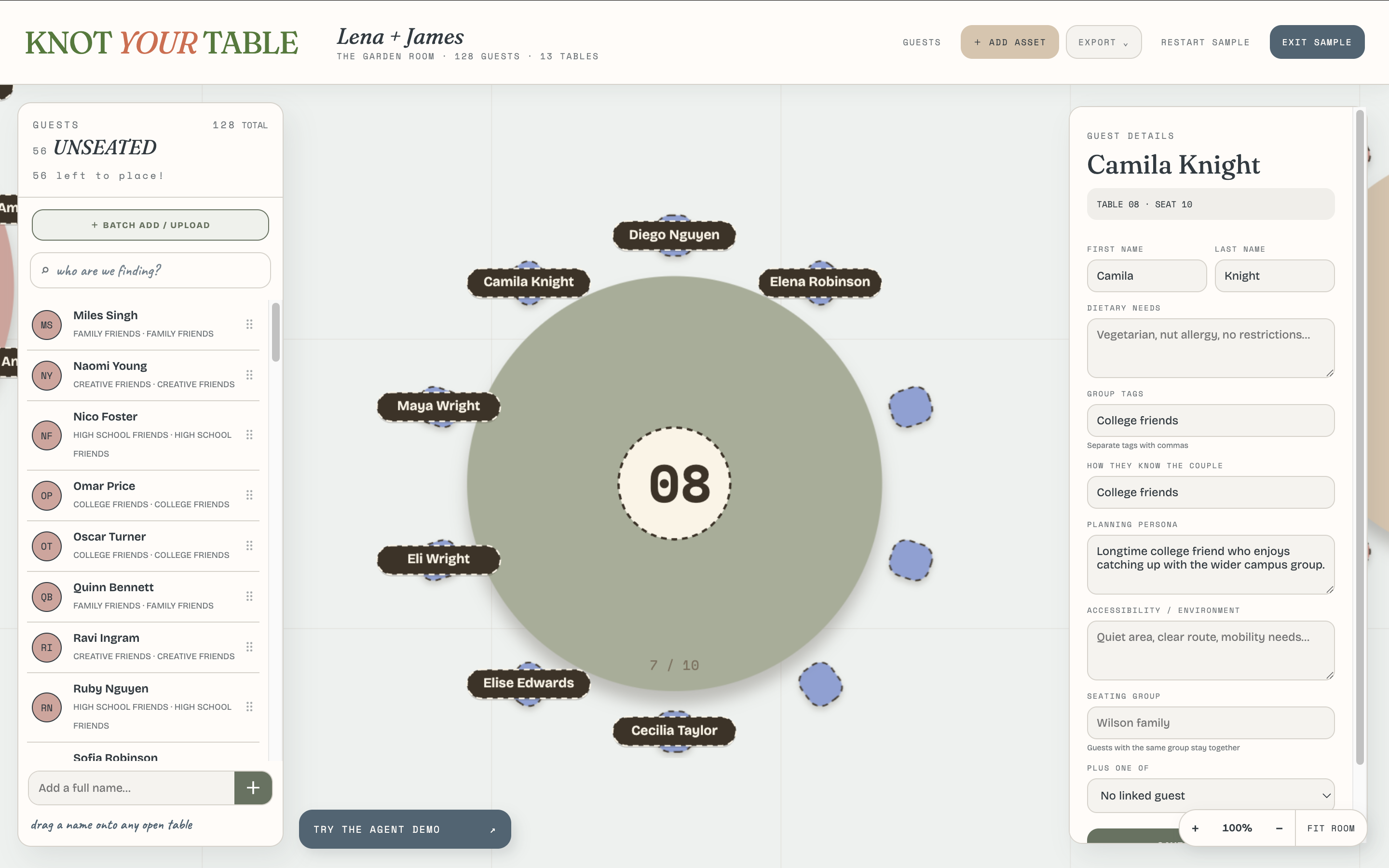
Table Zoomed-in View
-
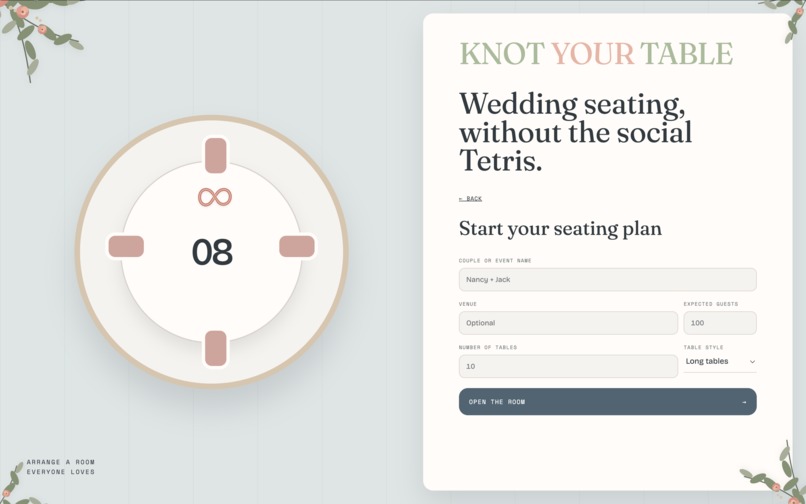
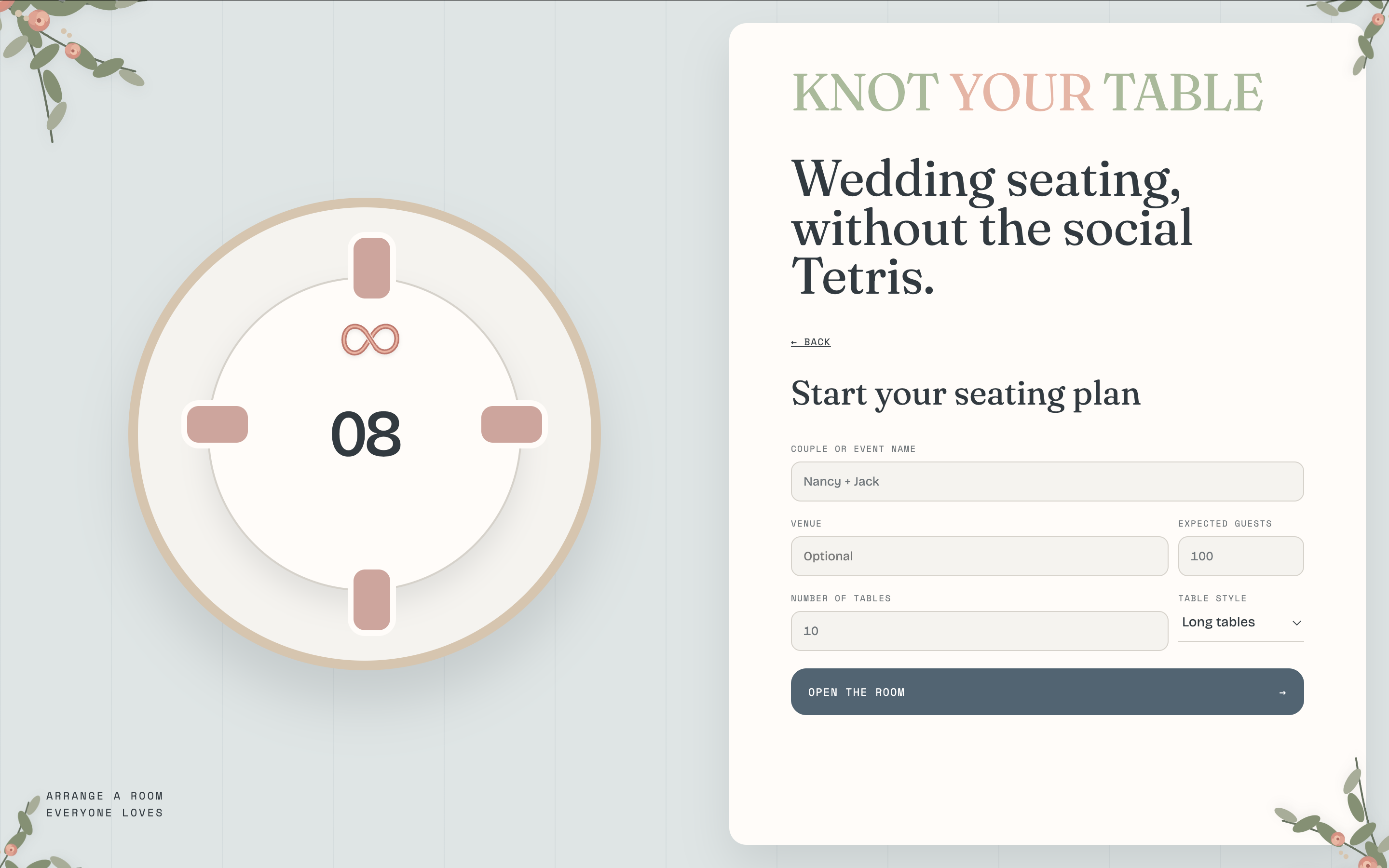
Create New Wedding Plan
-
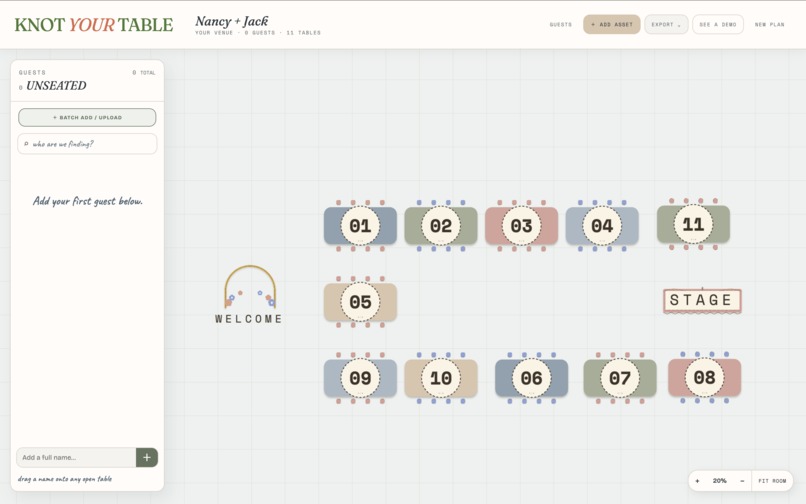
New Venue Plan
Inspiration
Knot Your Table came from 2 problems I ran into recently.
At work, while building an ERD tool with an infinite canvas, I realized how awkward large canvases are for agents. Once something is outside the viewport, the agent has very little idea what is out there or which direction to explore. I even had to build extra navigation UI just to help humans find far-away objects. For AI bulk editing, the usual approach was a dedicated LLM call through something like OpenRouter: package up some context, ask for one transformation, apply the response. It works, but it is still basically an isolated LLM call, not an agent continuously working with the live app state.
Recently, my best friend has been planning a wedding with 80+ guests and kept complaining about seating. The painful part was not dragging names onto tables. It was keeping all the invisible rules in her head: these people are vegetarian, these friends should sit together, these 2 people should not sit together, and then something changes at the last minute and you have to reshuffle everything again.
That felt like a very natural problem to explore with a canvas app + WebMCP.
What it does
Knot Your Table is a visual wedding seating planner where the human gets a clean, playful canvas and the agent gets access to the structured data underneath it.
A user can say:
“Keep the vegetarians mostly together, keep my college friends together if possible, and family tables should be closest to the stage.”
The agent can reason across the whole wedding, including guests and tables that are completely offscreen, make coordinated changes, validate the result, and summarize what changed.
The key idea is that the user should not have to see every relationship, dietary preference, constraint, table capacity, or room coordinate at once. That information is useful for the agent, but overwhelming for the human. The user gets to focus on visual arrangement, judgment calls, and checking whether the result feels right, while the agent handles the grunt work.
How I built it
I built Knot Your Table as a client-side visual planner with a shared application state that both the canvas and WebMCP tools use.
I registered a set of WebMCP tools that let the agent:
- understand the seating plan
- manage planning rules
- modify guests and seating
- verify and present seating changes
The agent is not clicking pixels or dragging from one coordinate to another. It is operating on the actual data underneath the UI in verifiable ways.
Human edits and agent edits also stay in sync. If I manually move someone because I prefer where they are, the agent immediately sees that new state and can work around it without me having to explain what I just changed.
Challenges I ran into
One of the hardest parts was deciding what not to expose.
It would have been easy to create dozens of tiny overlapping WebMCP tools, but that not only increases the initial build complexity, it also gives the agent too many similar choices to make. A larger, overlapping toolbox introduces more variance into the agent’s decisions, which can make the same user request behave differently over time and ultimately make the product feel less predictable and trustworthy. The challenge was finding a small set of semantic actions that were broad enough to handle different requests while still being clear and predictable.
The other challenge was visual design. I do not have an art background, and I wanted the app to feel more like a fun wedding-decorating experience than an AI dashboard. Getting the canvas to feel playful, readable, and still functional took a lot of iteration.
Accomplishments that I'm proud of
The human and agent are actually working on the same live plan. A person can manipulate the room visually, while the agent can reason over information that may be hidden or far outside the current viewport. That makes the interaction feel much more natural than either manually doing everything in the canvas or sending a one-off LLM request and trying to merge the result back into the app afterward or filling out and managing complex forms of rules.
I am also happy with how much complexity we were able to keep out of the visible interface. The product can support fairly rich operations without turning into a wall of filters, rule builders, and bulk-edit controls.
What I learned
The biggest thing I learned is that WebMCP can change how we think about web interfaces.
A functionally rich app does not need to expose every operation visually. The visible UI can be the tip of the iceberg: the human sees the part that is useful and enjoyable, while the agent handles much of the operational complexity underneath.
That creates a cleaner division of labor. The human focuses on judgment, visual thinking, and verification. The agent handles the tedious coordination needed to make the whole plan work.
What's next for Knot Your Table
Next, I want to share Knot Your Table more broadly as a free tool and see how real couples actually use it. I’m especially interested in which seating problems come up repeatedly, where the agent is genuinely useful, and where the interaction still feels confusing or unpredictable.
From there, I’d like to gradually expand it beyond seating into a fuller wedding planning suite, while keeping the same idea: let the human focus on the visual, social, and creative decisions they care about, and let the agent handle the repetitive coordination underneath.
Built With
- html5
- konva
- netlify
- react
- typescript
- vite
- webmcp
- zustand

Log in or sign up for Devpost to join the conversation.