Inspiration
Every one of us has sat in a lecture copying what's on the board and missed what the professor was saying while we wrote. Or we listened instead, and the board got erased before we copied the one equation we needed.
Lecture recordings exist, but they're usually a wide shot of the room with muddy audio, and nobody wants to scrub through 75 minutes of video at 1 AM to find a single explanation.
We wanted something a professor could quickly set up and that a student could easily ask questions to afterward. It should know what was said and what was written, and answer like a classmate who never missed a day. It should also only reference material allowed by the professor, not the internet.
What it does
KnightScribe has three main parts.
1. The Capture Device
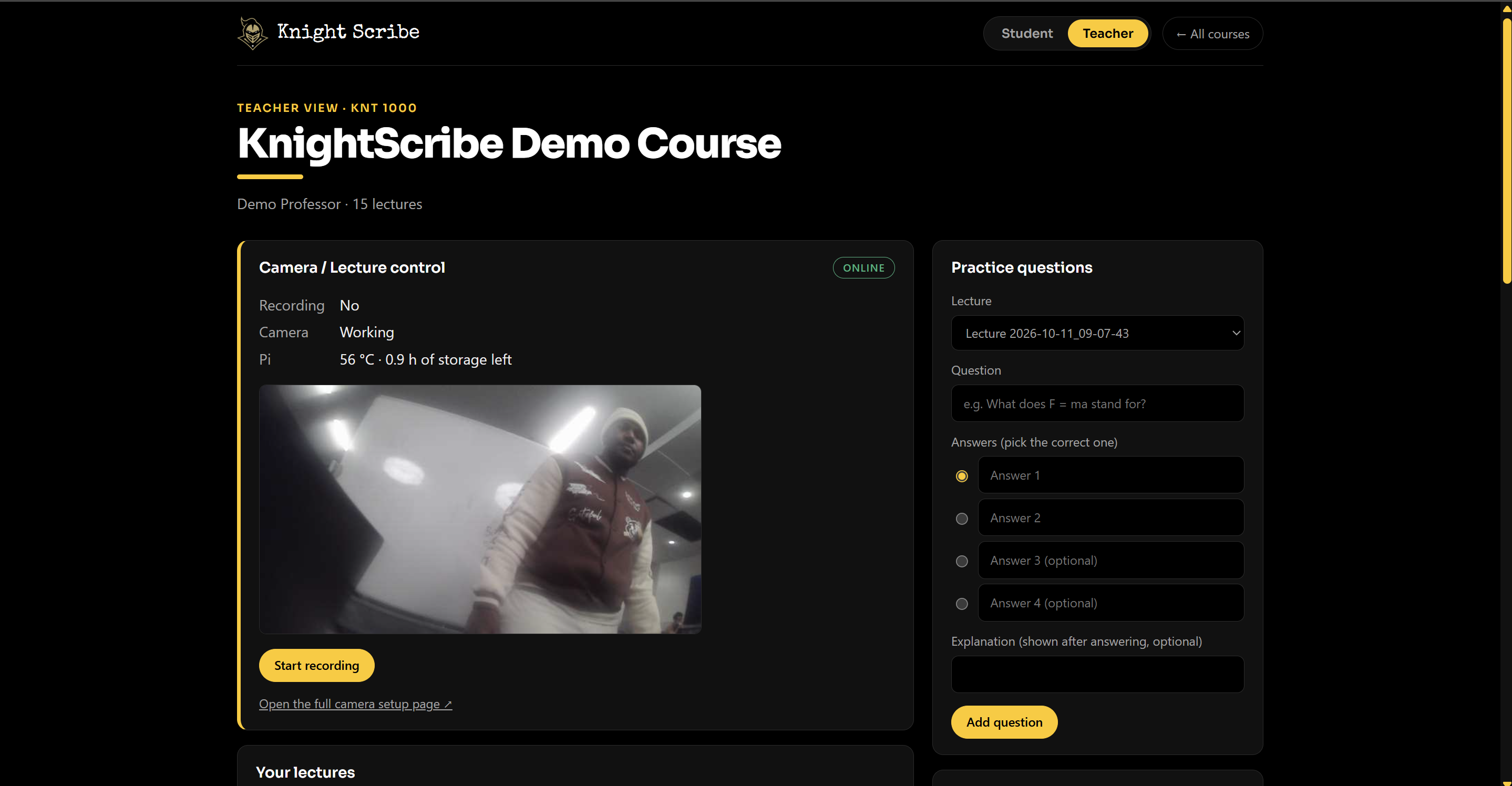
It's a Raspberry Pi 4 with a camera and a wireless mic. The teacher selects the teaching area and hits record.
From there, the Pi:
- Records video and audio on the same clock so they stay in sync.
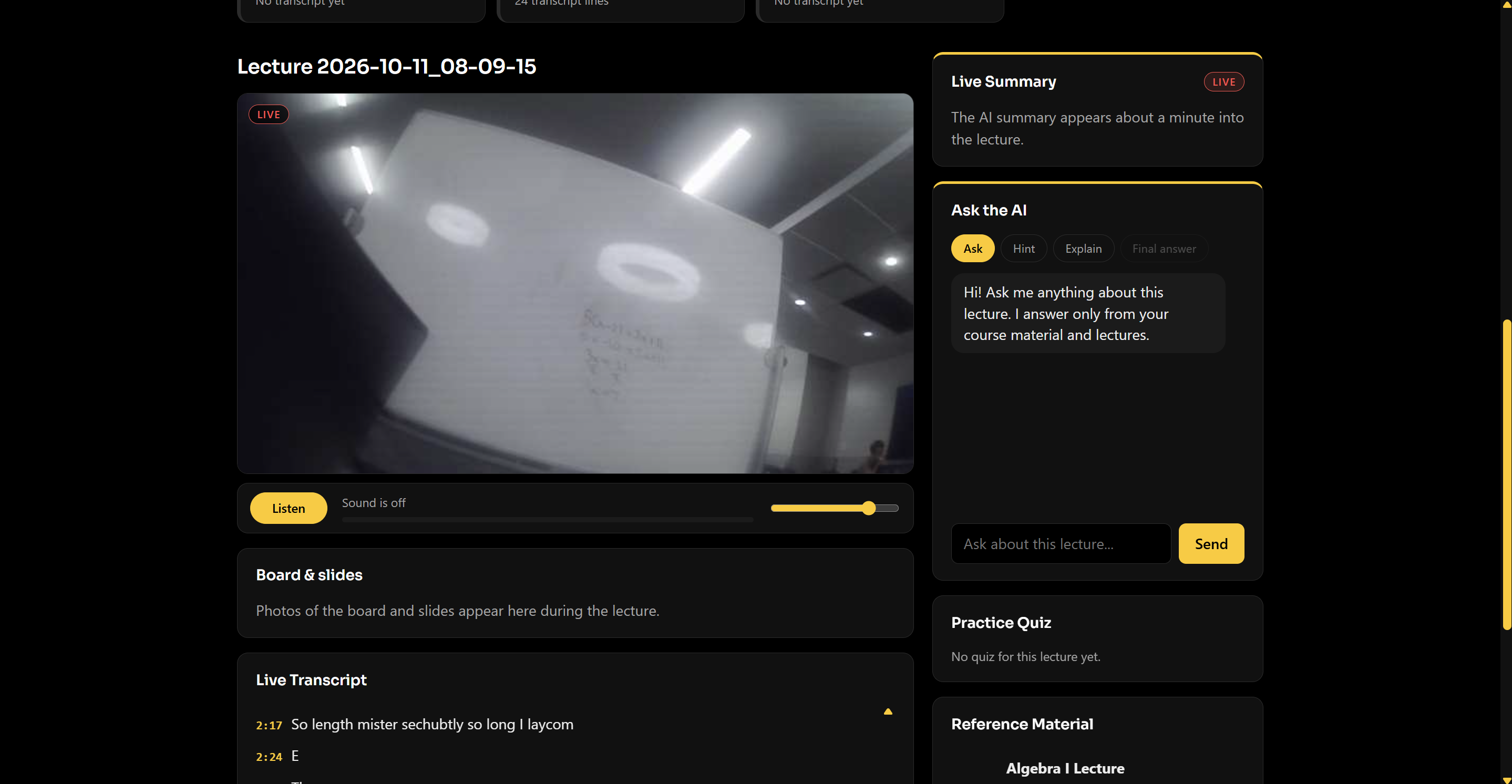
- Transcribes speech live, with captions showing up within a few seconds.
- Watches the board and saves a cleaned-up, higher-contrast snapshot once the teacher stops writing.
- Checks whether a person is standing in front of the board and holds off on the snapshot if the board is blocked.
- Runs snapshots, transcription, and detection only while a recording is active.
2. The Website
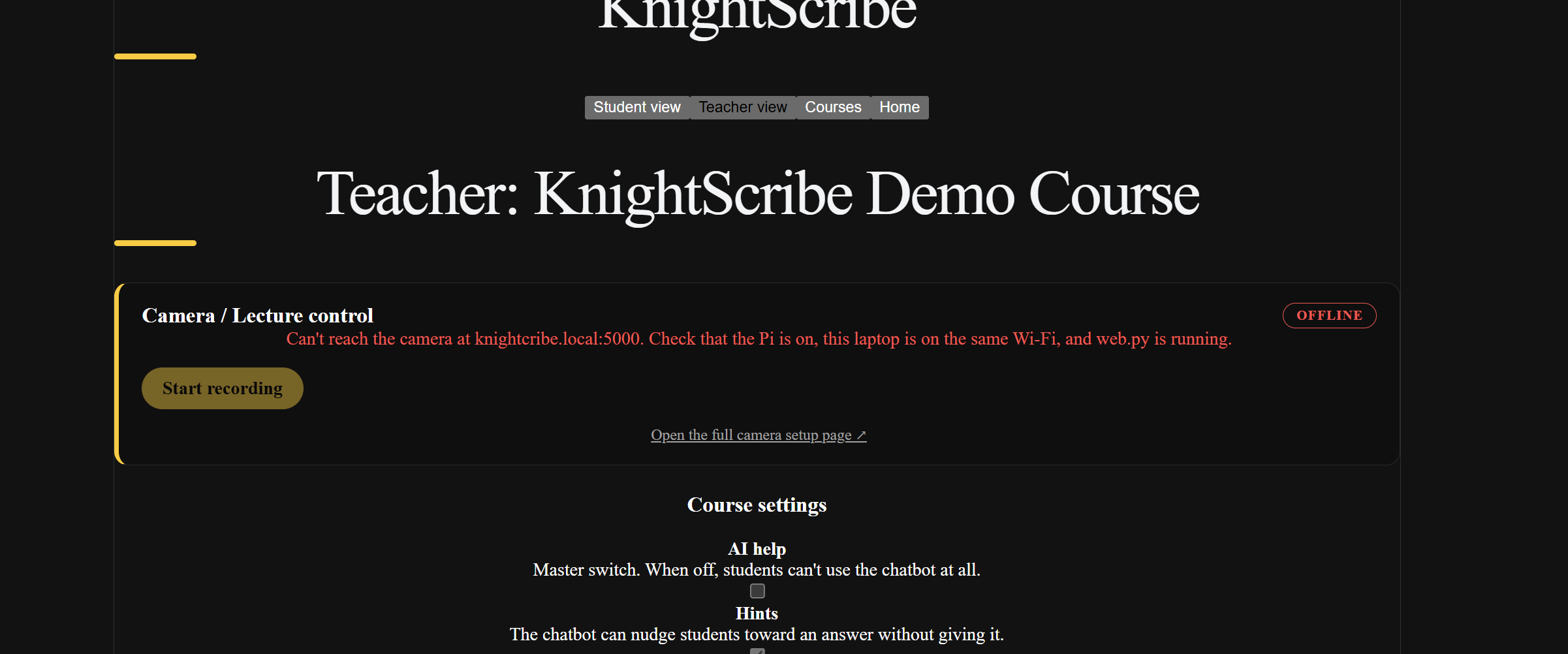
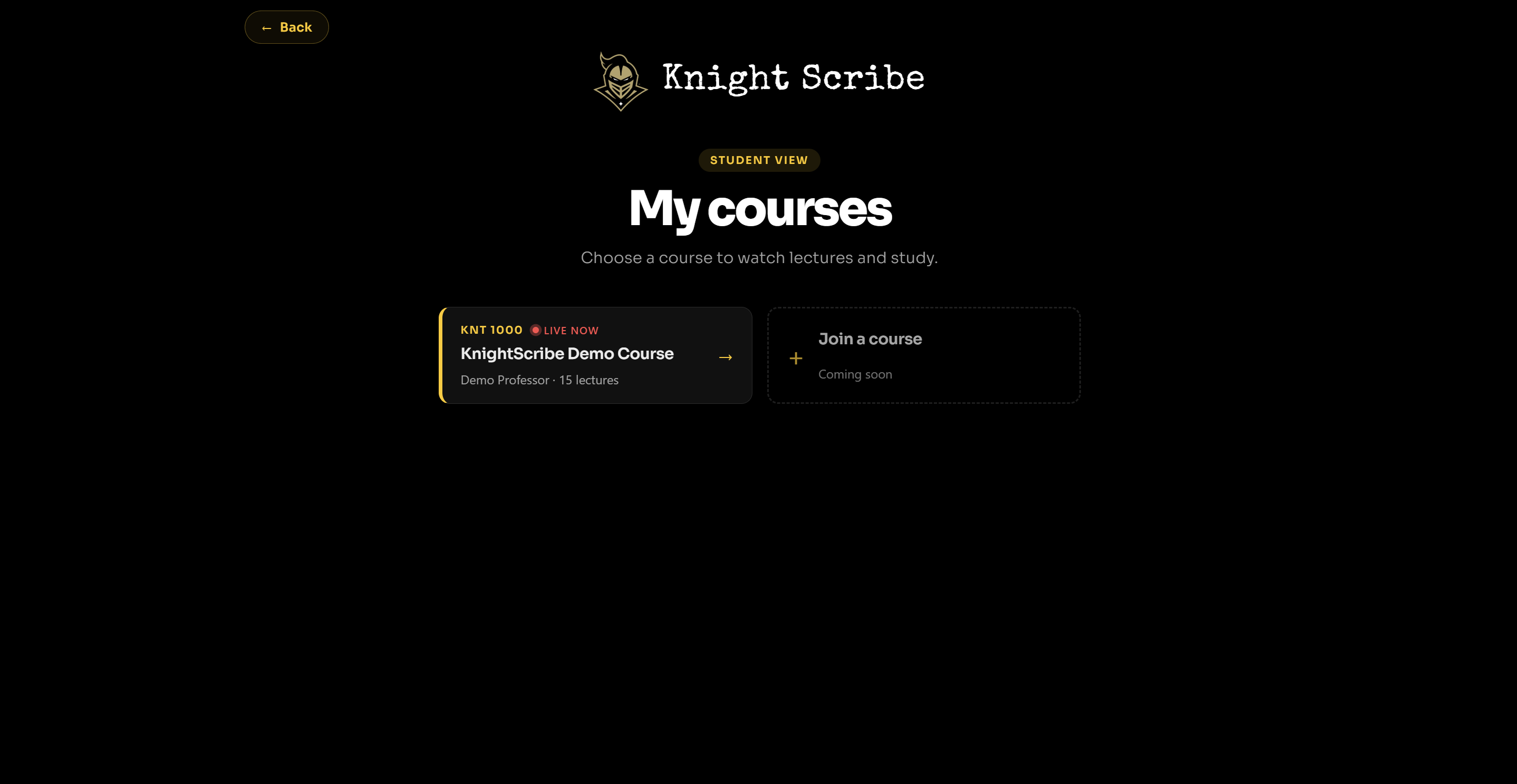
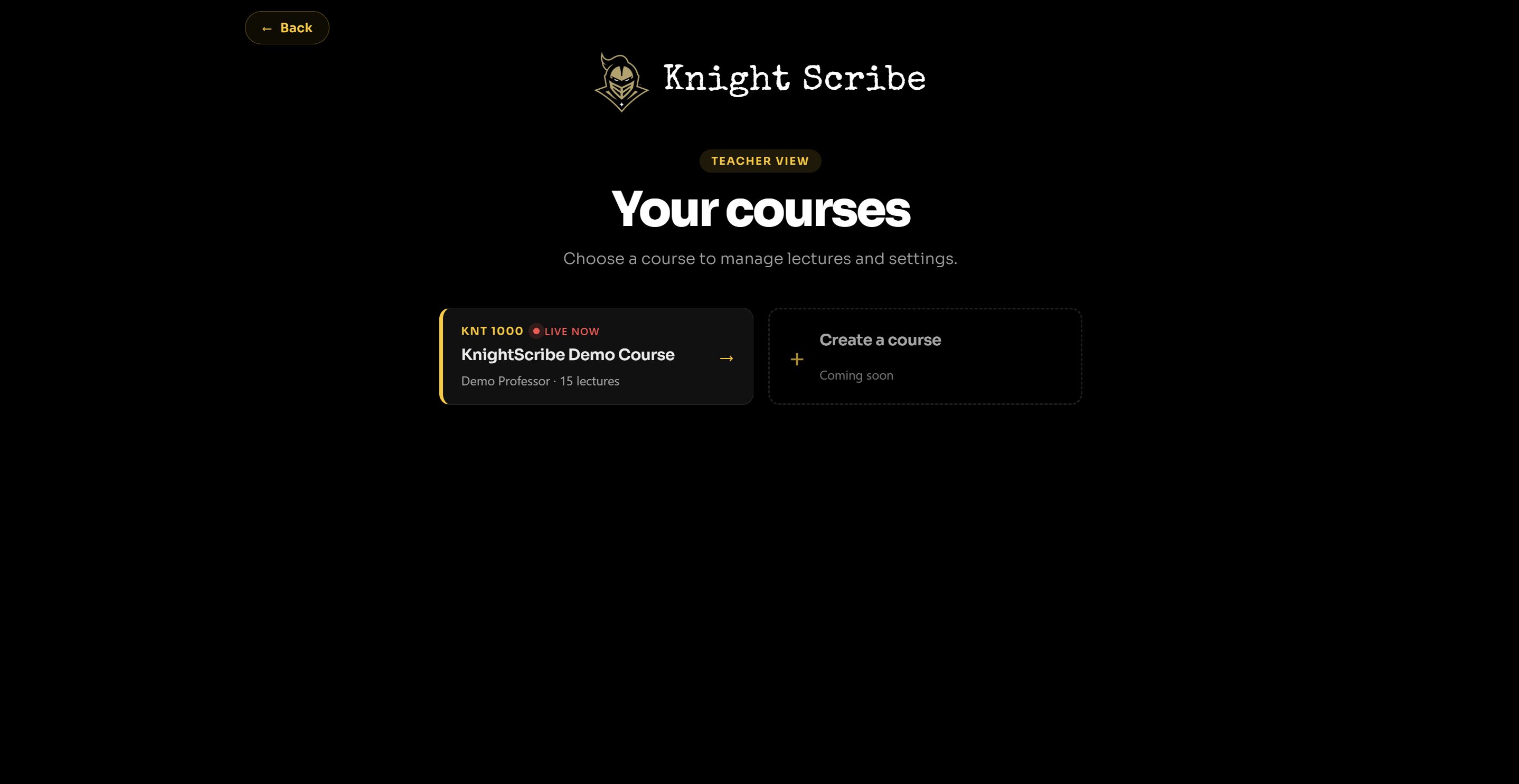
Teachers get a lecture library, course materials, and settings for how the chatbot behaves. Students can see board snapshots alongside a timestamped transcript.
3. The "Class Peer" Chatbot
The chatbot doesn't answer from only one lecture at a time. It can search across lectures in the course, including transcripts and board snapshots, so a student can ask about something that was explained earlier and get relevant context.
Teachers can also set limits on what the chatbot is allowed to help with.
How we built it
We split the project across the team, with Jack working on the hardware, Gustavo on the backend, Larry on the frontend, and Yoni on the AI integration.
On the Pi, video and audio capture is written in C/C++, while transcription and board processing are handled in Python. Video goes through the Pi's hardware H.264 encoder at 720p30, and audio is saved as FLAC. For live captions, we show instant streaming drafts and then correct them with Whisper on short pieces of audio. OpenCV handles the board cleanup and person detection.
Gustavo built the FastAPI backend that connects the Raspberry Pi, website, database, and AI features. It handles lecture data, transcripts, whiteboard events, search, quizzes, course settings, and the context used for features like "What Did I Miss?" and the chatbot.
We originally used Render and Neon for the backend and database, but near the end of the hackathon we wanted to get the most complete version of the project working together. We moved the demo to a local database so the Pi, frontend, backend, and AI could all run on the same network and be easier to test and connect.
Challenges we ran into
The Pi only has 4 GB of RAM, and we asked a lot of it. We started at 1080p so board writing would be easy to read, but the Pi couldn't keep that up while also transcribing, so we dropped to 720p30 and moved some of the heavier transcription work off the device.
Early on, the snapshot code would happily photograph the professor's back. Getting the board check and person detection to agree that the board was clear and finished took a lot of testing.
Whisper by itself was too slow to feel live, which is why we ended up using streaming drafts that Whisper corrects afterward.
3D modeling was another challenge. We initially tried using Meshy AI to create our models, but our first print was estimated to take around 22 hours. We had to scale down the design significantly to fit our time constraints. We also had to work around the limits of the 3D printer, which changed how our hardware fit into the final enclosure.
Having four people build different parts of the system also meant we had several pieces that worked well individually before they worked well together. Getting the hardware, backend, frontend, database, and AI onto one network at the event became its own challenge, and in the end we ran the demo locally to reduce extra dependencies and network hops.
Accomplishments that we're proud of
- Recording, live transcription, and clean board snapshots all running on a Raspberry Pi 4.
- Snapshots that skip themselves when someone is blocking the board.
- Captions that show up within a few seconds of speech.
- A chatbot that can answer using material from across the course.
- Hardware, backend, frontend, and AI connected together over one weekend.
What we learned
A real-time pipeline gets tight fast when everything shares one small processor. A lot of the hardware work turned out to be deciding what not to run.
We also learned how important integration is when several people are building different parts of the same system. Something can work perfectly on its own and still need a lot of work once it has to communicate with everything else.
Most importantly, you should build the demo for the network and environment you'll actually be using.
What's next for KnightScribe
- A proper mount so the camera stays still and upright in a real classroom.
- Testing on real whiteboards and projectors during actual lectures.
- Starting automatically on boot, with the Pi creating its own Wi-Fi network so setup is as simple as plugging it in.
- A physical record button and status light.
- More storage, since an hour of lecture can take a few gigabytes.
- Better reading of board text and more teacher controls for the chatbot.


Log in or sign up for Devpost to join the conversation.