Inspiration
It began with curiosity. After reading an article about blind software engineers, one of our teammates blindfolded himself for a day to experience their world. He couldn’t find his keyboard, coffee, or even his phone without help. That brief experiment revealed how many daily interactions depend on vision—and how fragile that independence can feel.
A classmate then shared that her grandfather had lost his eyesight. She’d always wished for a tool that could “describe the room” to him. These experiences converged into the inspiration for KLR, short for Knowledge, Location, Recognition—but also a tribute to Helen Keller, who embodied the power of communication beyond sight.
What it does
How we built it
We built KLR using a hybrid architecture: React Native on the frontend and a Python Flask backend running our computer vision and language models.
Frontend (React Native):
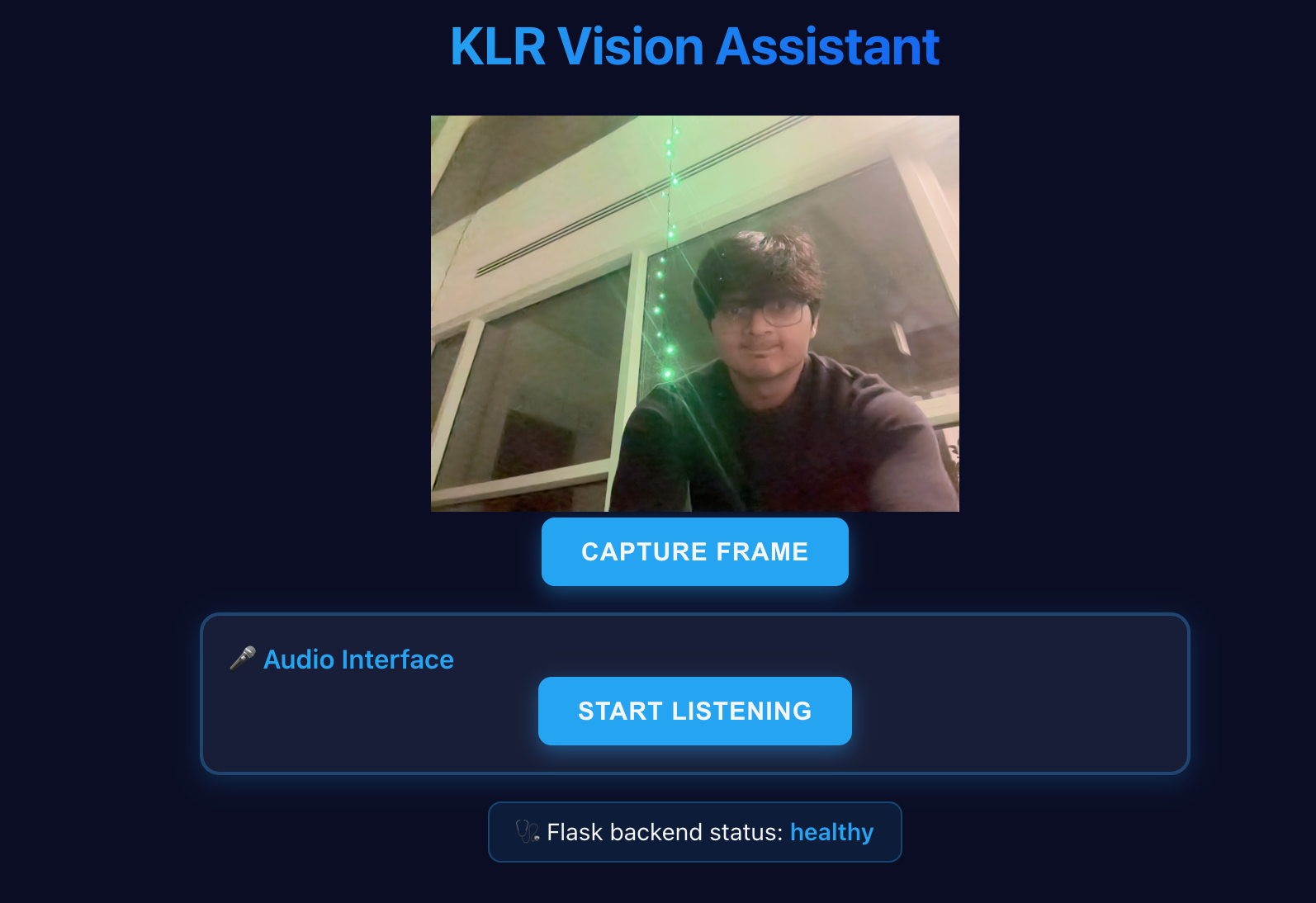
Captures camera frames and stores temporary image paths locally on the device.
Sends those image paths to our backend as lightweight requests, minimizing network payload.
Backend (Flask + Computer Vision):
Flask exposes API endpoints that receive the image path.
For each frame request, we run two core CV models:
MiDaS (depth estimation): generates a distance map so we can say “object ahead, 2 feet.”
YOLO (object detection): draws bounding boxes and identifies objects in real time.
The model outputs are structured into a scene description (object names, confidence, and estimated spatial direction).
Generative AI Layer (Azure LLM):
We pass the structured CV results into Azure GPT-5 Mini to convert raw detection data into natural speech instructions tailored for visually impaired navigation.
Example: Instead of “chair: 84% confidence, depth 1.8m,” the LLM generates:
“There’s a chair two feet ahead slightly to your left.”
Speech Output (ElevenLabs API):
The final LLM-generated instruction string is streamed to ElevenLabs for natural text-to-speech.
The React Native app plays the audio immediately to the user.
Challenges we ran into
Getting depth + object detection to run fast enough on a mobile device.
Converting CV model output into structured, LLM-friendly input.
Maintaining low latency from camera snapshot → CV → LLM → audio output.
Debugging cross-platform permissions (camera / audio playback).
Accomplishments that we're proud of
The entire end-to-end pipeline works in real time.
We combined CV, depth estimation, LLM reasoning, and TTS into a single flow.
The app generates actionable spatial guidance, not just object labels.
For many users, this was our first time integrating MiDaS + YOLO + LLM + TTS.
What we learned
How to optimize model inference under tight latency constraints.
Prompt engineering for structured → natural language transformations.
Building modular AI pipelines so any component (YOLO, MiDaS, TTS) can be swapped without breaking the system.
What's next for KLR.ai
Live continuous mode (detect + narrate autonomously without tapping).
Gesture-based controls instead of relying on touch.
Edge model deployment (on-device inference for speed + privacy).
Built With
- elevenlabs
- flask
- gpt
- midas
- react-native
- yolo


Log in or sign up for Devpost to join the conversation.