-
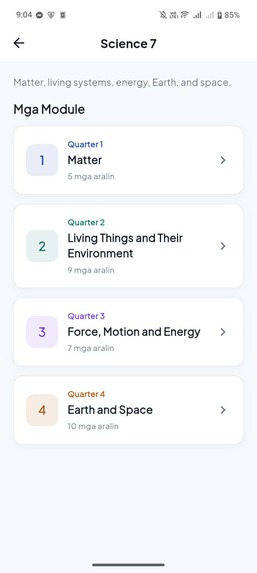
modules
-
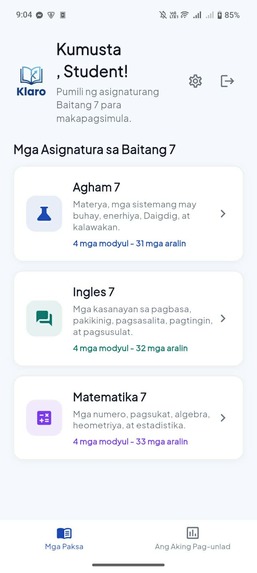
subjects
-
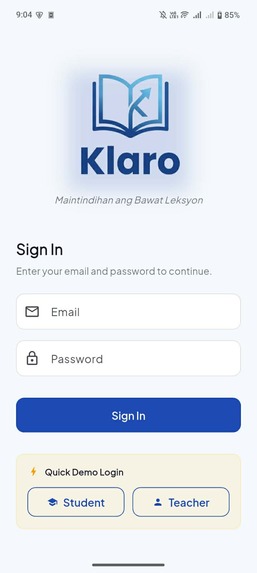
login
-
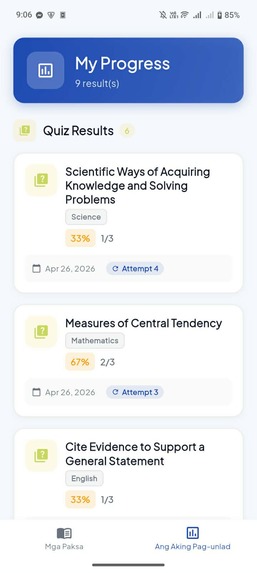
progress tracking feature
-
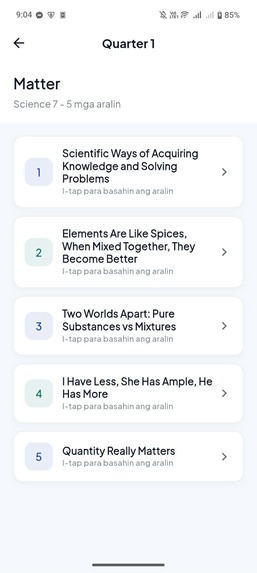
lessons
-
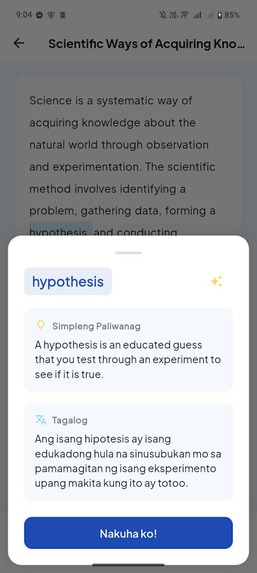
definition & translation feature
-
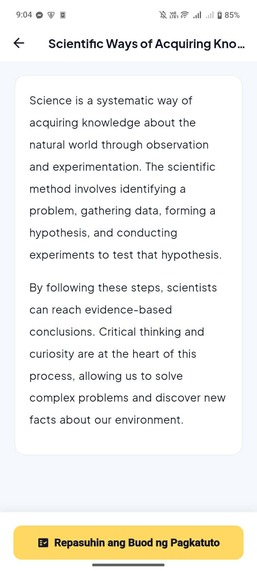
lesson content
-
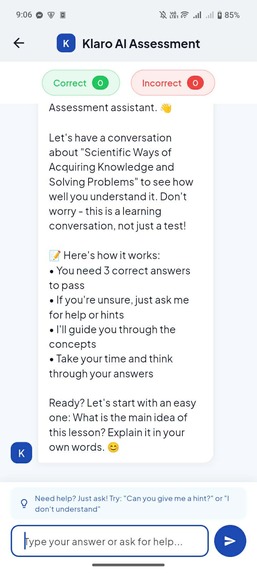
conversational assessment feature
-
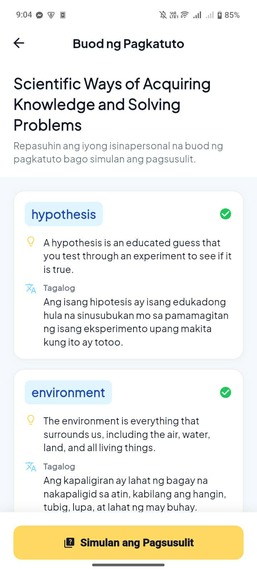
recap feature
-
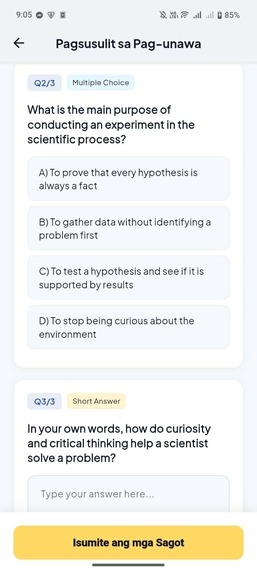
quiz feature
Inspiration
Klaro was inspired by a common learning problem among Filipino students: even when learning materials are available, students may still struggle to understand lessons because of difficult words, academic language, unfamiliar concepts, or language barriers. We wanted to build an app that helps students understand lessons more clearly without simply giving them the answers.
For InnOlympics 2026 Track A: Pangarap sa Pagkatuto, we focused on Filipino Grade 7 learners because this level introduces more subject-specific lessons and vocabulary in Science, English, and Mathematics. Klaro was designed to support students by making lessons easier to understand through simple explanations, dialect support, learning recaps, quizzes, and AI-guided assessment conversations.
What it does
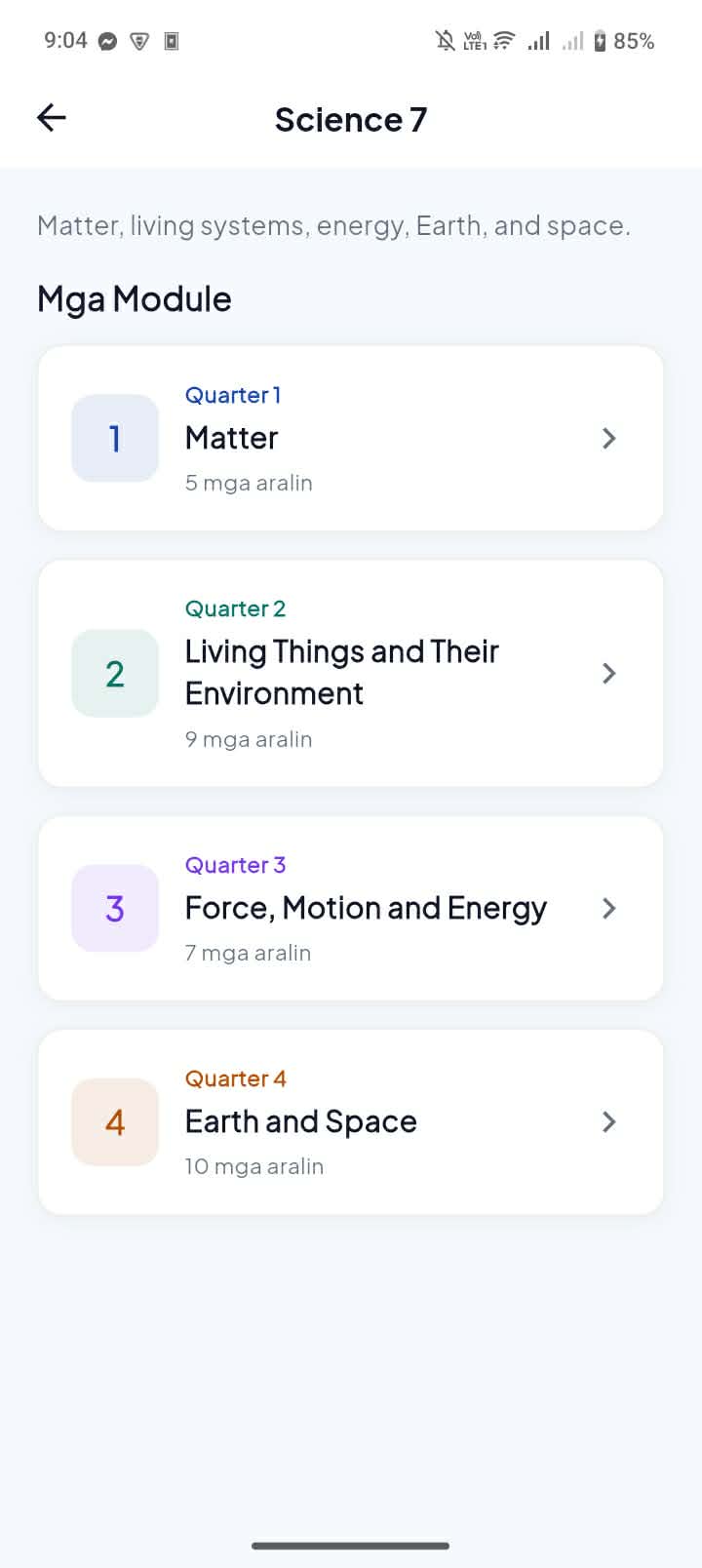
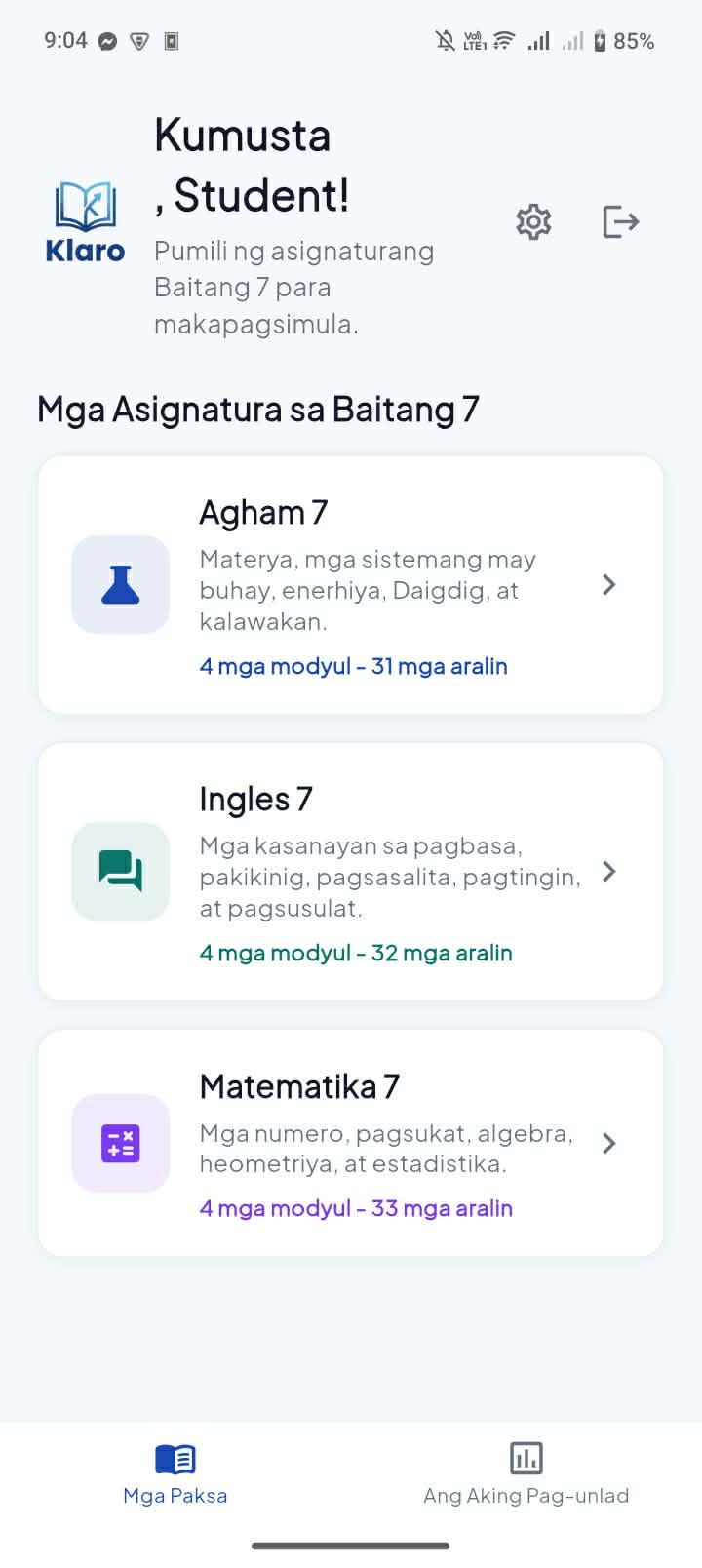
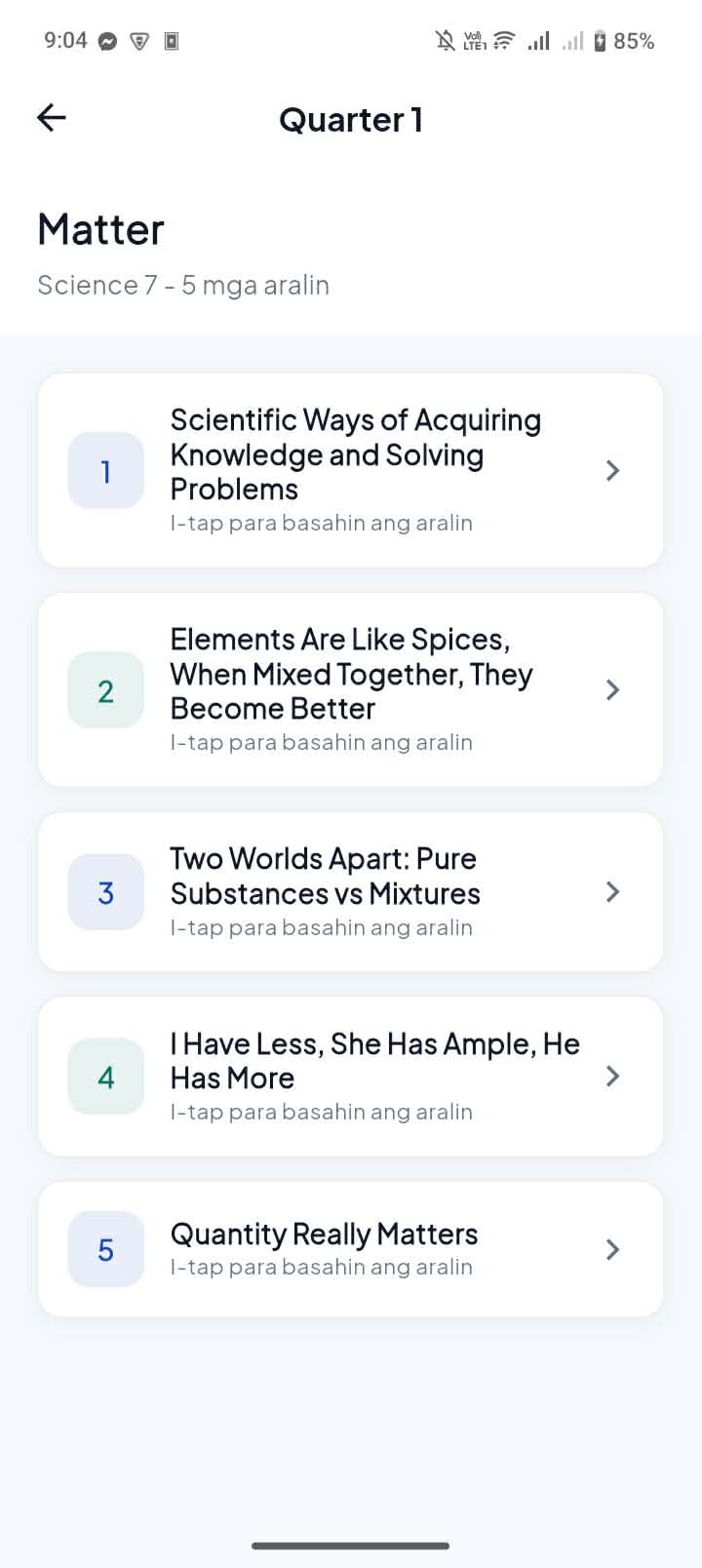
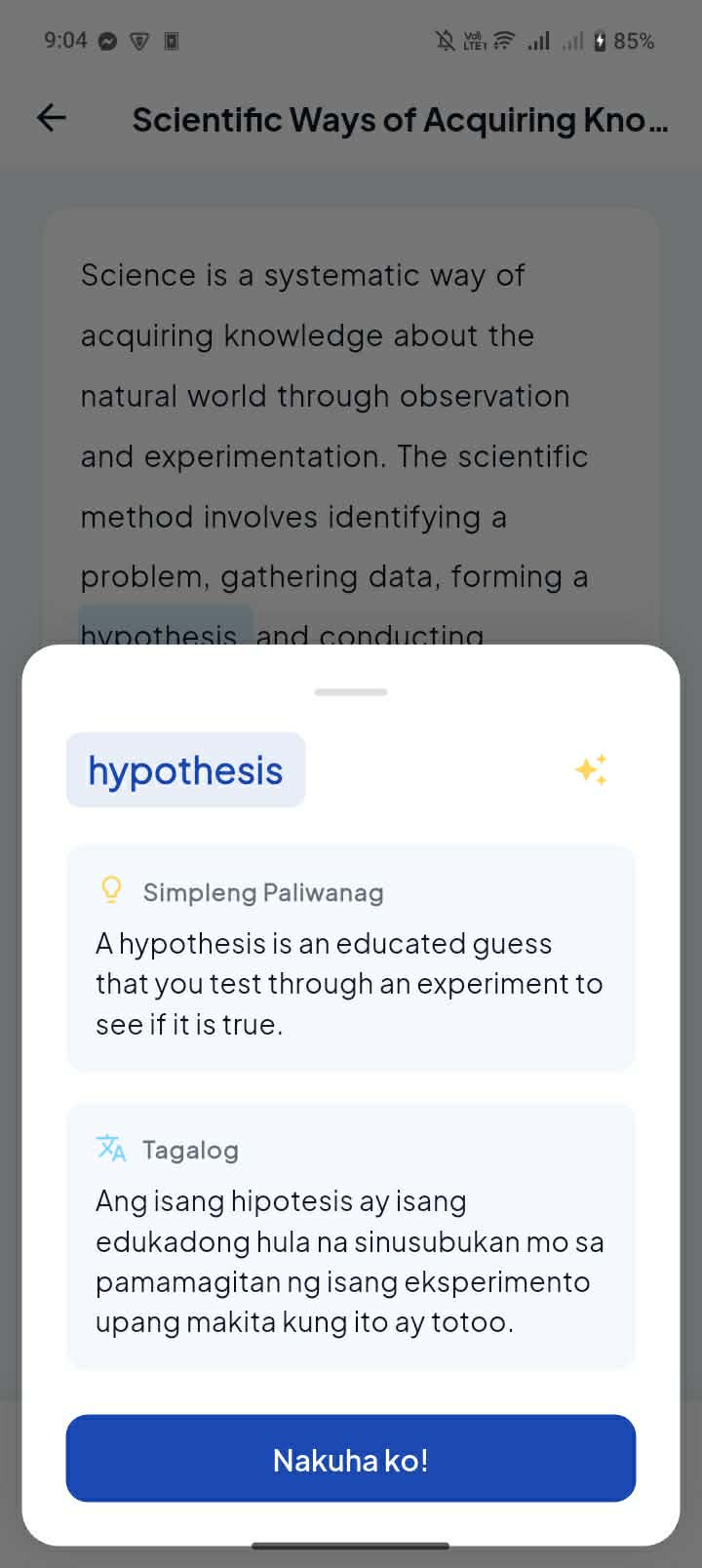
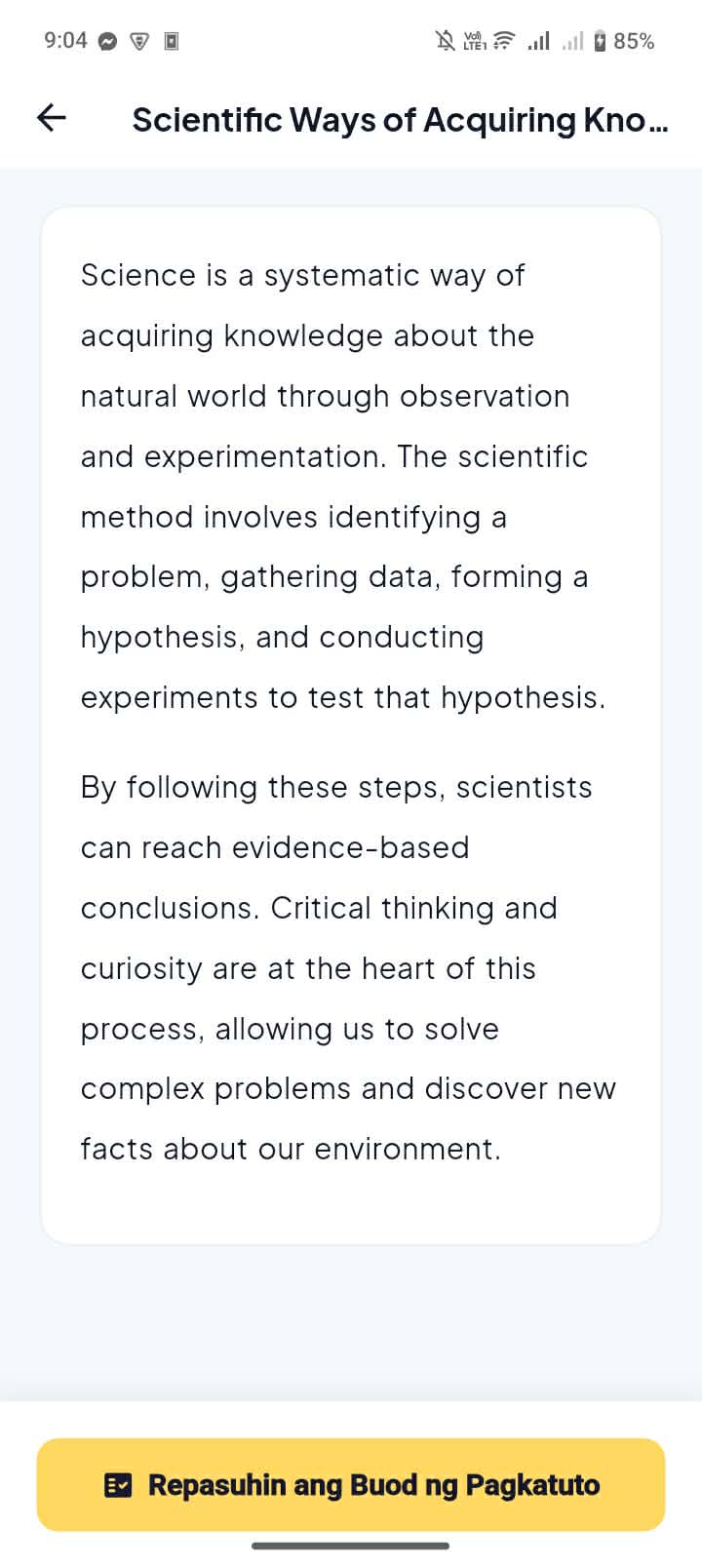
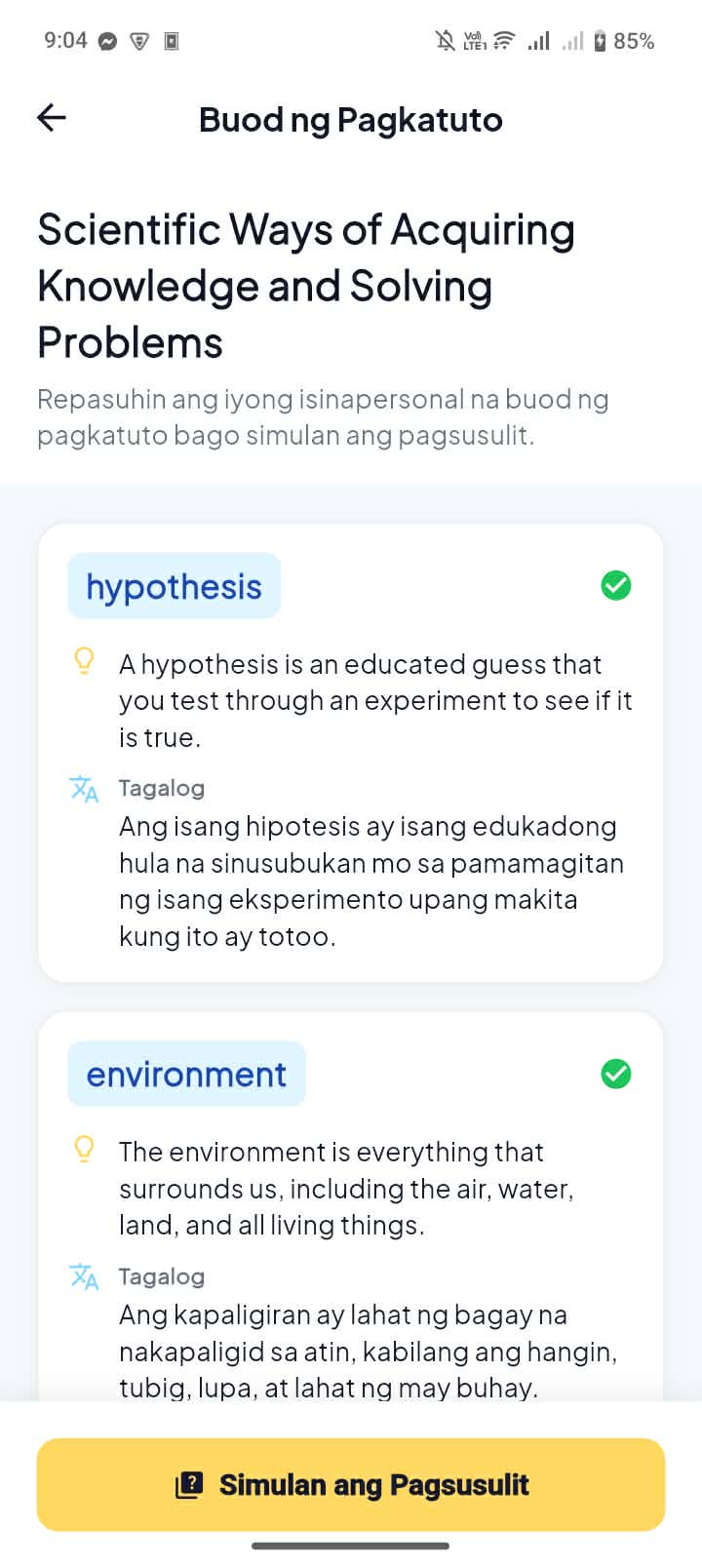
Klaro is a Flutter learning app for Filipino Grade 7 students. It organizes lessons through a simple curriculum structure: Subject → Module → Lesson. Students can browse Grade 7 Science, English, and Mathematics, open a lesson, read the content, and tap unfamiliar words. When a student taps a word, Klaro provides a simple explanation in English and support in the student’s selected Filipino dialect.
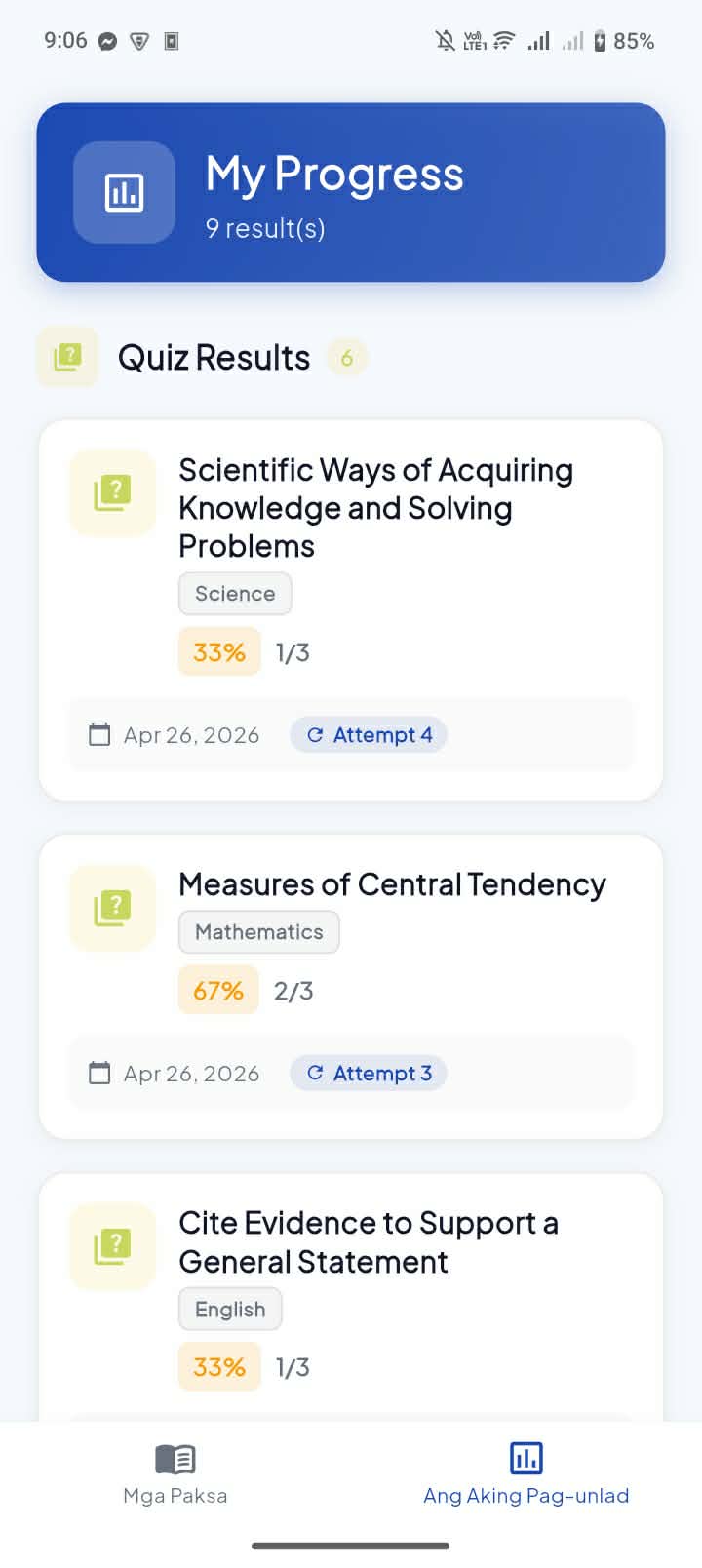
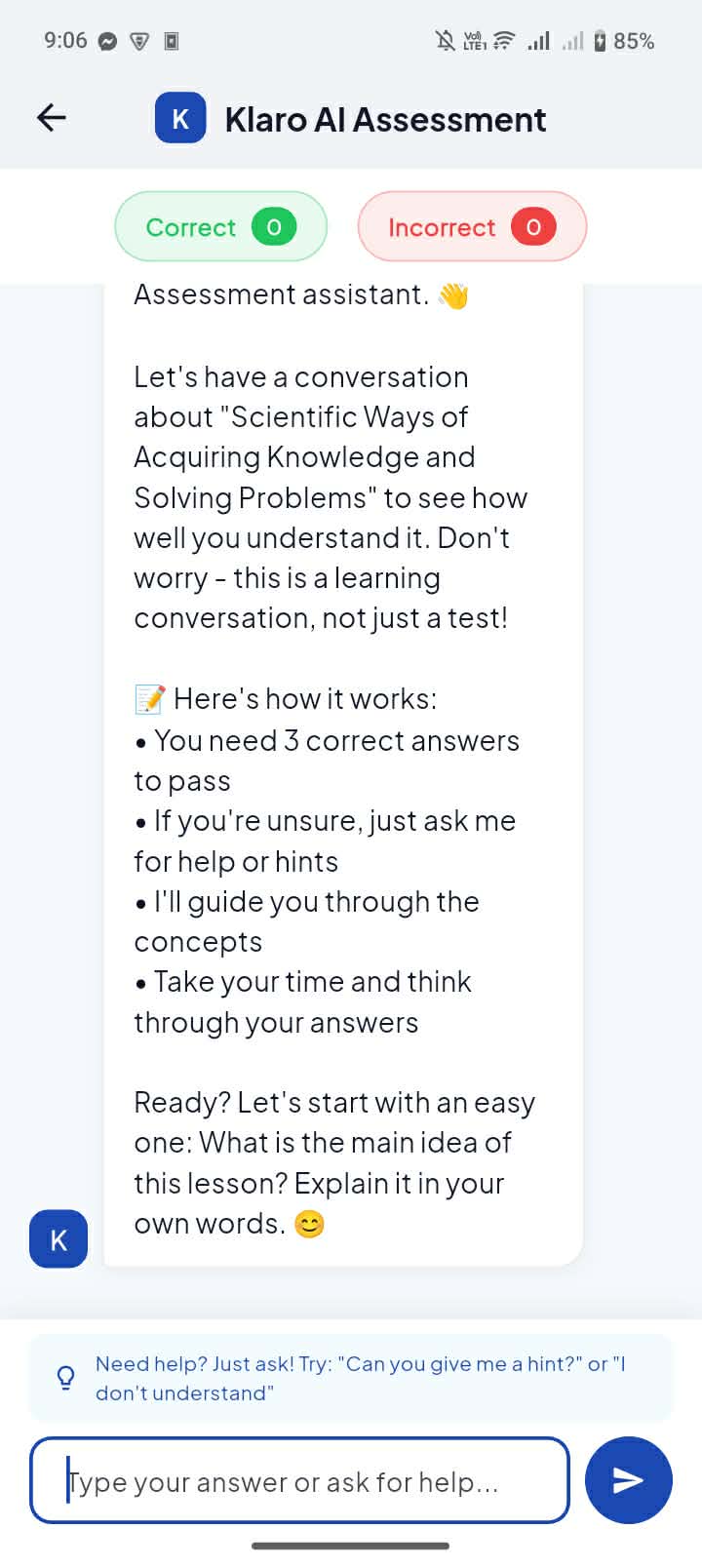
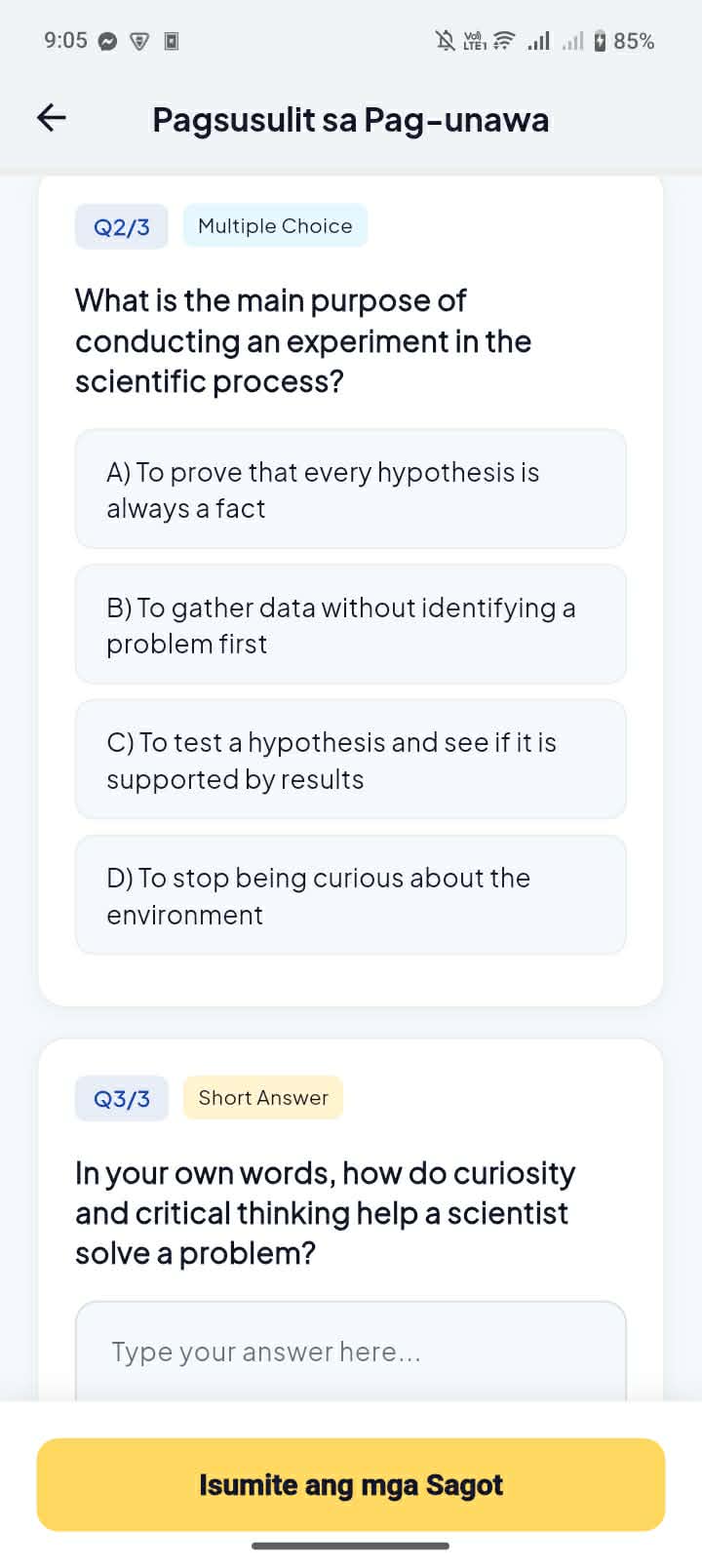
After reading, students review their selected words and concepts in a learning recap. They then take an AI-generated quiz with fallback questions in case AI is unavailable. After the quiz, students complete an AI assessment conversation to further check whether they understood the lesson. Their quiz results, learned concepts, and AI assessment results can be saved and used for progress tracking.
Klaro also includes teacher features. Teachers can view a dashboard, manage students, manage modules, upload teacher-created modules, and receive AI lesson suggestions for struggling topics. This makes Klaro useful not only for students, but also for teachers who want to identify which lessons, words, or topics need more support.
How we built it
We built Klaro as an Android-first Flutter app using Dart. The app uses Material 3, Google Fonts, Flutter Animate, and Shimmer to create a clean and student-friendly interface.
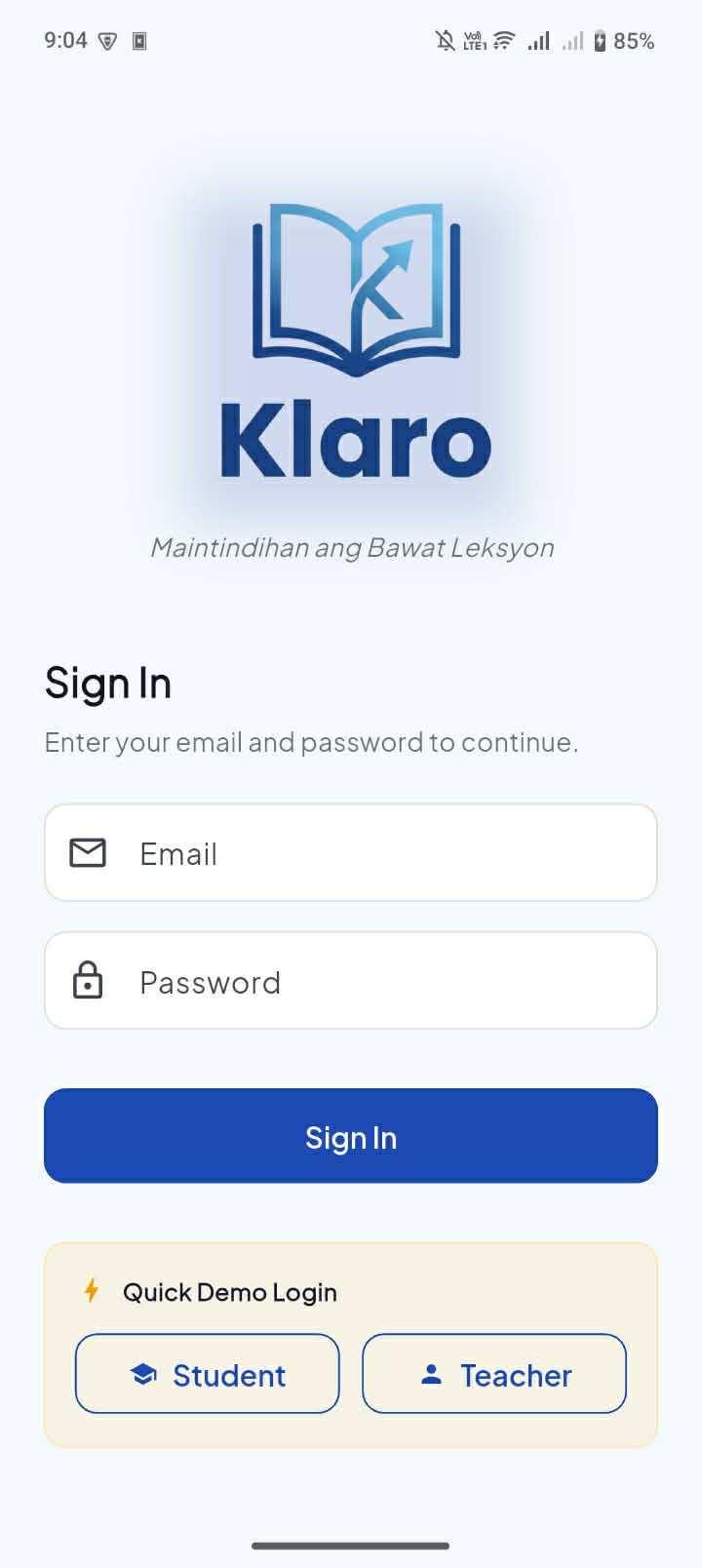
For authentication, Klaro uses Firebase Auth with local demo fallback accounts for both student and teacher roles. The app initializes Firebase through lib/firebase_options.dart and Android google-services.json. It also uses Cloud Firestore to store user profiles, quiz results, AI assessment results, learned concepts, teacher-student records, and teacher-created modules.
For AI features, we used Firebase AI Logic with the firebase_ai package. Gemini powers word simplification, dialect explanations, quiz generation, quiz evaluation, AI assessment conversations, UI translation, and teacher lesson suggestions. The app currently uses the gemini-3.1-flash-lite-preview model configured in AppConstants.geminiModel.
For local storage, we used Hive and Hive Flutter. Local storage handles lesson progress, quiz responses, AI conversations, user data, cached word explanations, cached UI translations, and dialect preferences. We also added Google Cloud Translation API support through TranslationService, with a local static translation fallback when Cloud Translation is unavailable.
Challenges we ran into
One challenge was making sure Klaro stayed focused on learning support instead of becoming an answer-generating tool. Since students may use AI to get shortcuts, we designed the app around reading, tapping unfamiliar words, reviewing learned concepts, taking quizzes, and completing an AI assessment conversation. This keeps the experience focused on understanding rather than copying answers.
Another challenge was supporting Filipino learners with different dialect preferences. We had to design the app so students could choose a dialect while still keeping the internal data compatible with existing language preference fields. Some internal names still use “language,” but the user-facing copy uses “dialect” to better match how the feature is presented to students.
We also had to balance Firebase and local fallback behavior. Some features depend on Firebase AI Logic, Firestore, or Google Cloud Translation API, but the app still needs to remain usable in demo mode when some services are unavailable. To handle this, we added local demo accounts, Hive storage, cached explanations, fallback quiz questions, fallback quiz evaluation, and fallback translation behavior.
Accomplishments that we're proud of
We are proud that Klaro now has a complete student learning flow. A student can log in, choose a dialect, browse a Grade 7 subject, open a module and lesson, tap unfamiliar words, review a learning recap, take a quiz, complete an AI assessment conversation, and check progress.
We are also proud that Klaro is not just a chatbot. The app gives students structured learning support through tappable lesson content, AI word explanations, recaps, quizzes, and assessment conversations. Students do not need to write prompts because the app guides them through the learning process.
We are also proud of the teacher-side features. Teachers can manage students, view progress, manage modules, upload teacher-created content, and receive AI lesson suggestions for struggling topics. This makes Klaro a two-sided learning support tool for both students and teachers.
What we learned
We learned that building an AI-powered education app is not only about connecting to an AI model. The learning flow matters. If the app only gives students an open chatbot, it may encourage shortcuts. But if the app guides students through reading, word understanding, recap, quiz, and AI assessment, it becomes a better tool for comprehension.
We also learned how important fallback behavior is in a hackathon project. Firebase AI, Firestore, and translation services can fail because of setup, quota, or network issues, so we added local storage, cached explanations, fallback quiz questions, fallback evaluation, and local demo accounts to make the app more resilient.
Finally, we learned how Flutter, Firebase Auth, Cloud Firestore, Firebase AI Logic, Gemini, Google Cloud Translation API, and Hive can work together to create a mobile learning experience for Filipino students.
What's next for Klaro
Next, we want to improve Klaro by expanding the curriculum beyond Grade 7 and adding richer lesson content. The current seed lessons are realistic app content based on curriculum module and lesson titles, but they are not full official DepEd module text. Future versions can support more complete teacher-created lessons, official learning resources where permitted, images, diagrams, and PDF-based materials.
We also want to improve the teacher dashboard with deeper analytics, such as commonly tapped words, repeated struggling topics, quiz trends, AI assessment summaries, and suggested intervention activities. Another future goal is to strengthen dialect support by improving translations, caching, and teacher-verified explanations for difficult words.
In the future, Klaro can become a broader learning support platform for Filipino students and teachers, helping make lessons clearer, more accessible, and easier to understand.

Log in or sign up for Devpost to join the conversation.