-
-
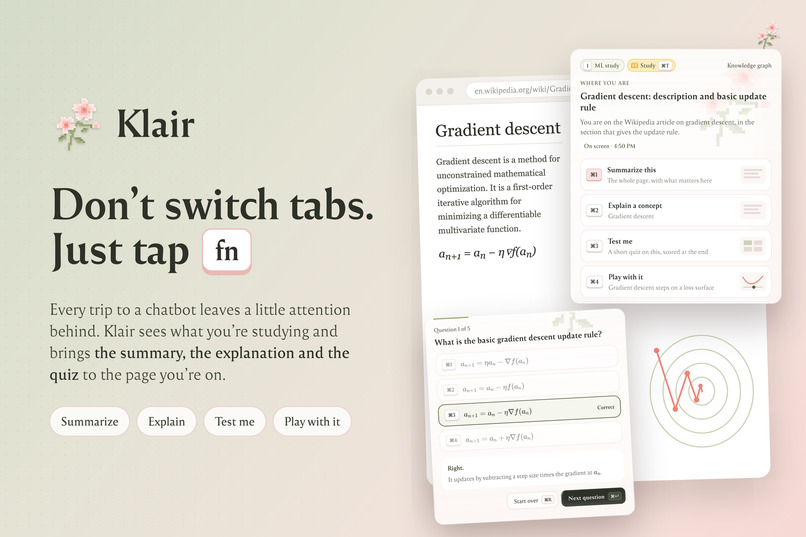
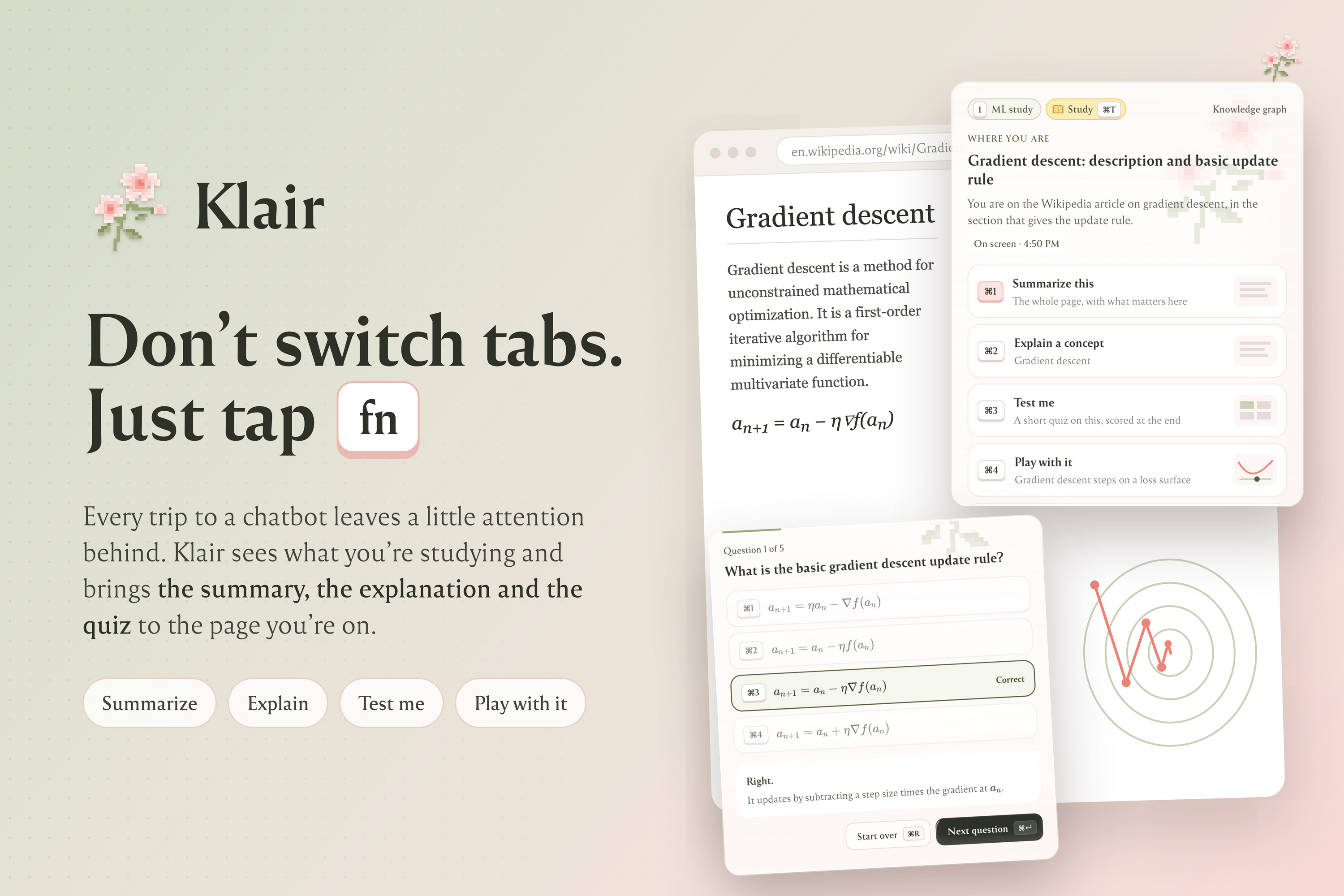
Klair Banner!
-
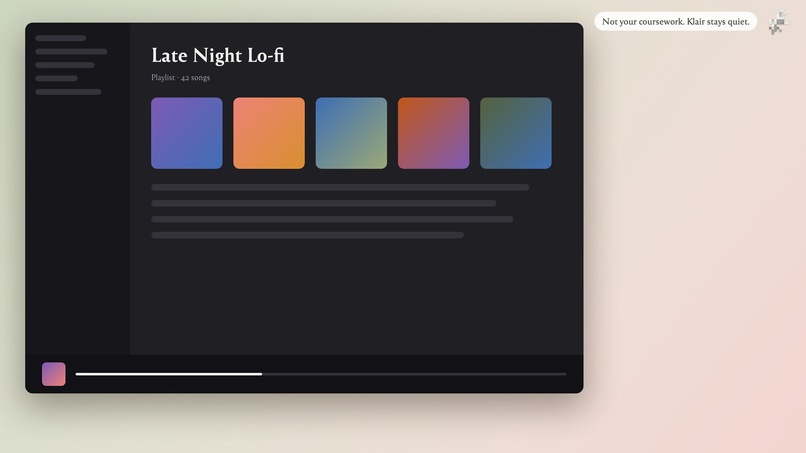
Does not record noise, unrelated screens
-
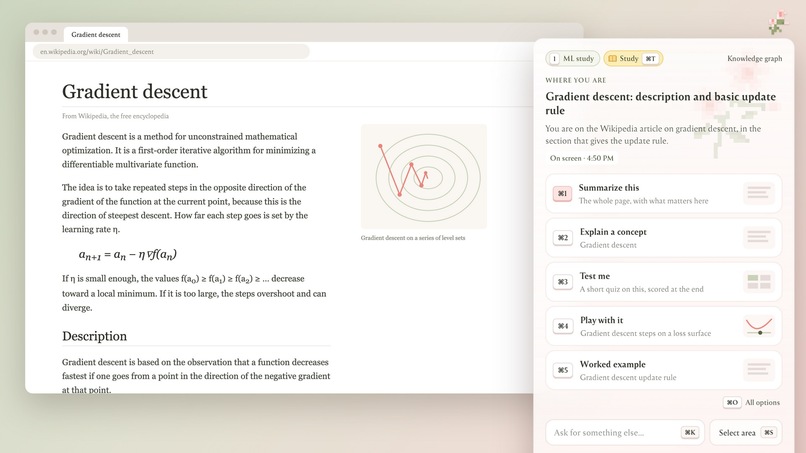
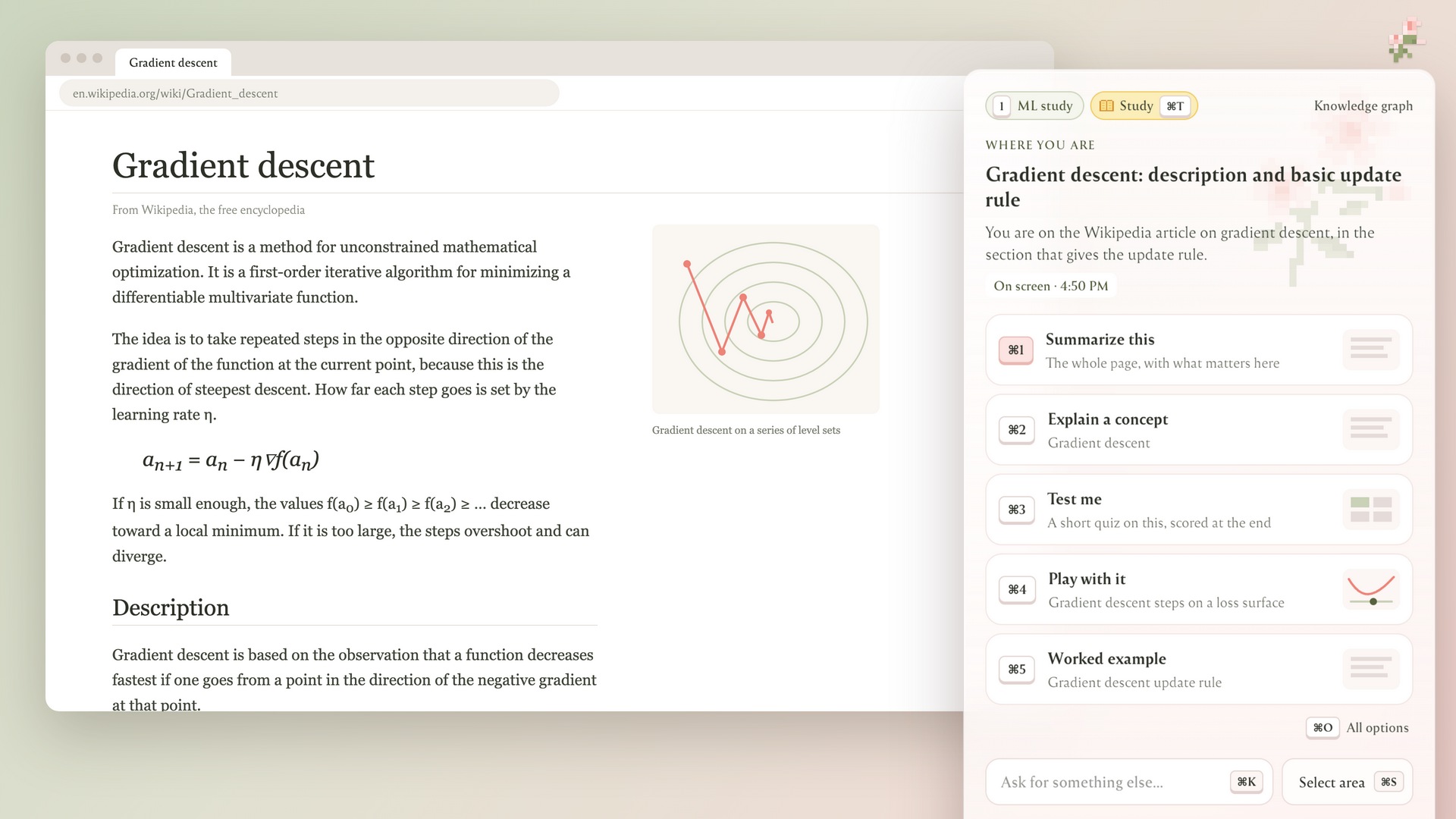
Shows relevant options to aid you while studying.
-
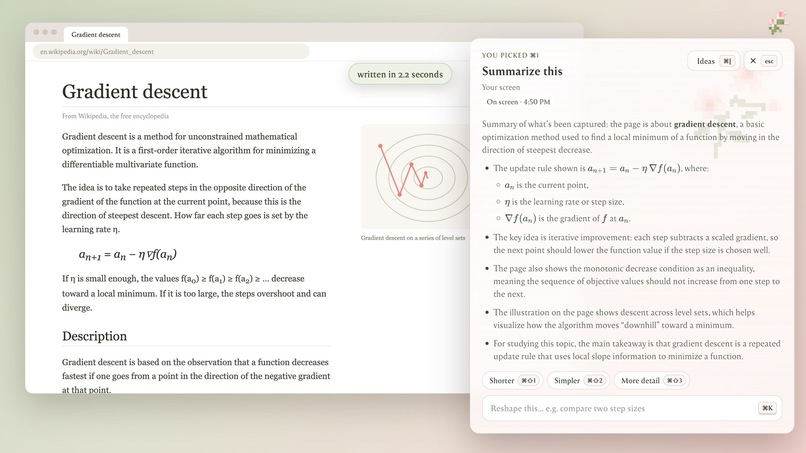
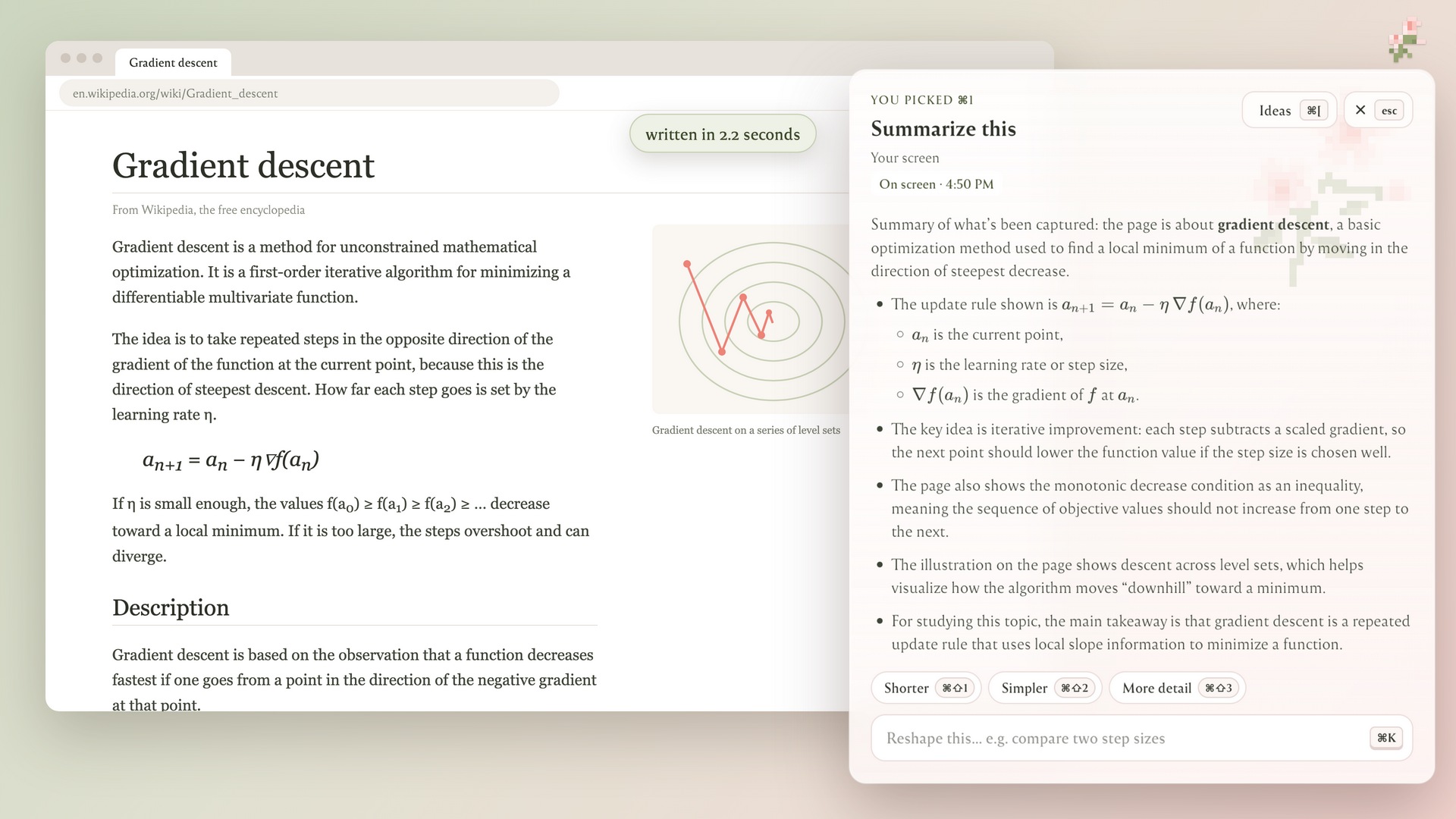
Summary
-
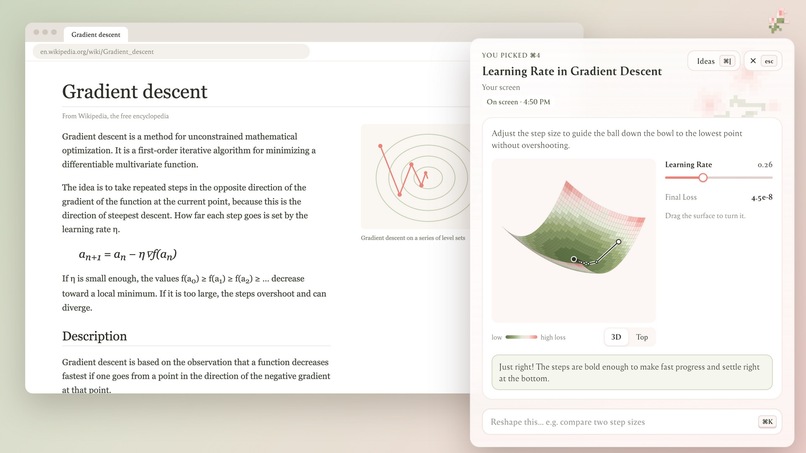
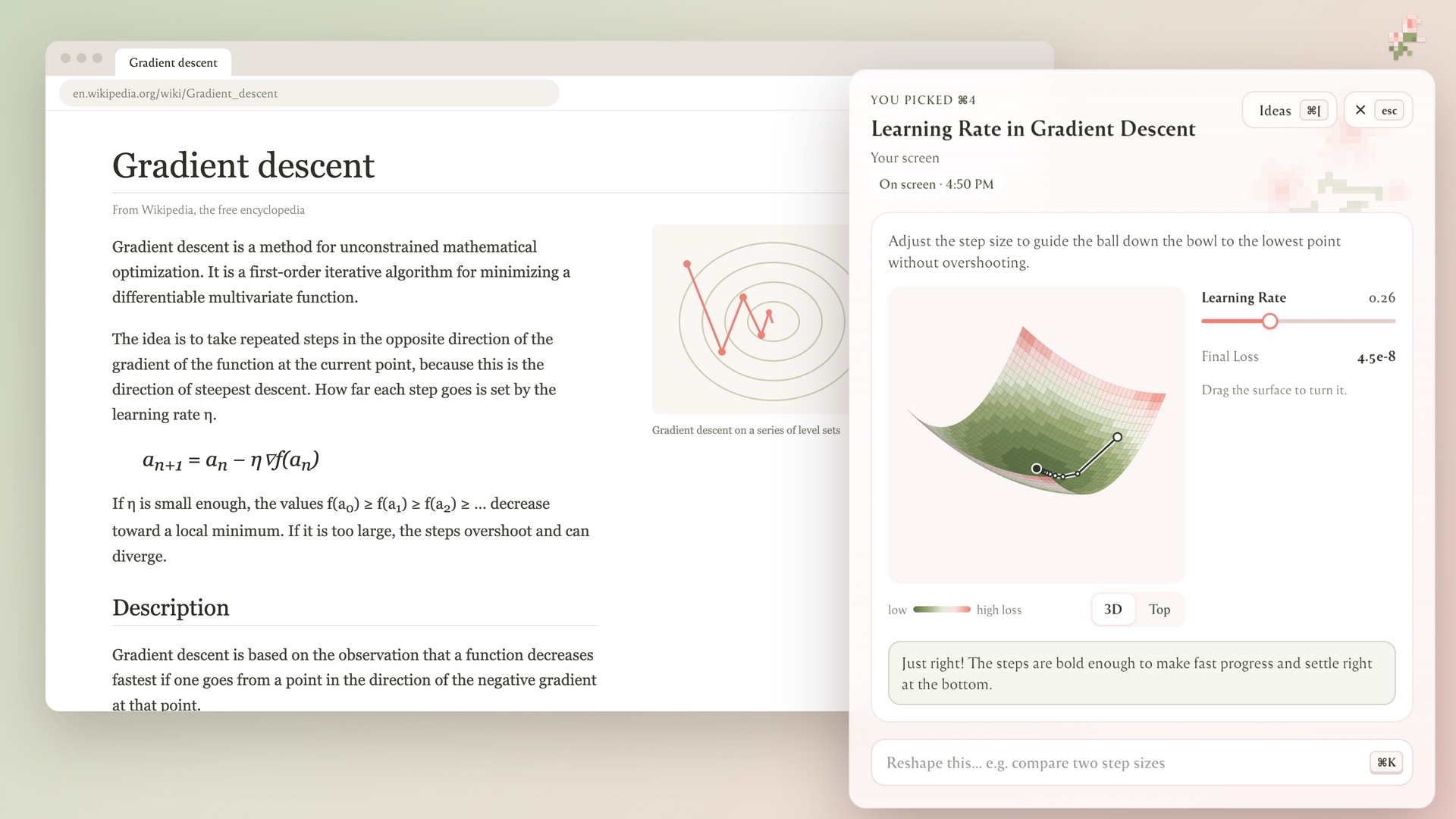
Interactive Explainer
-
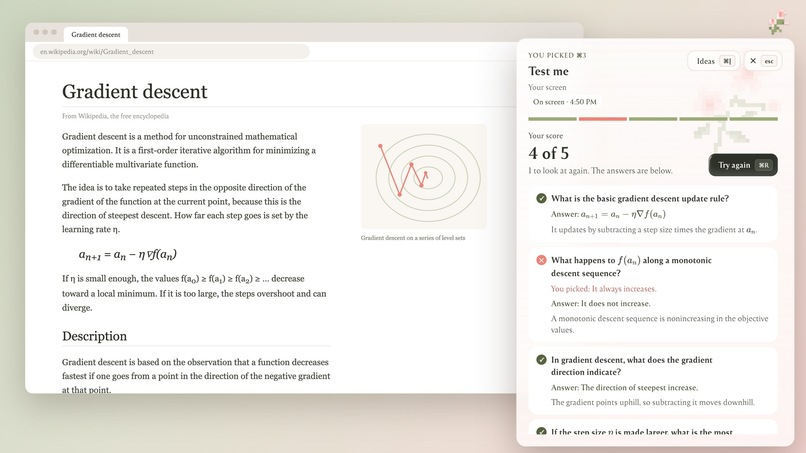
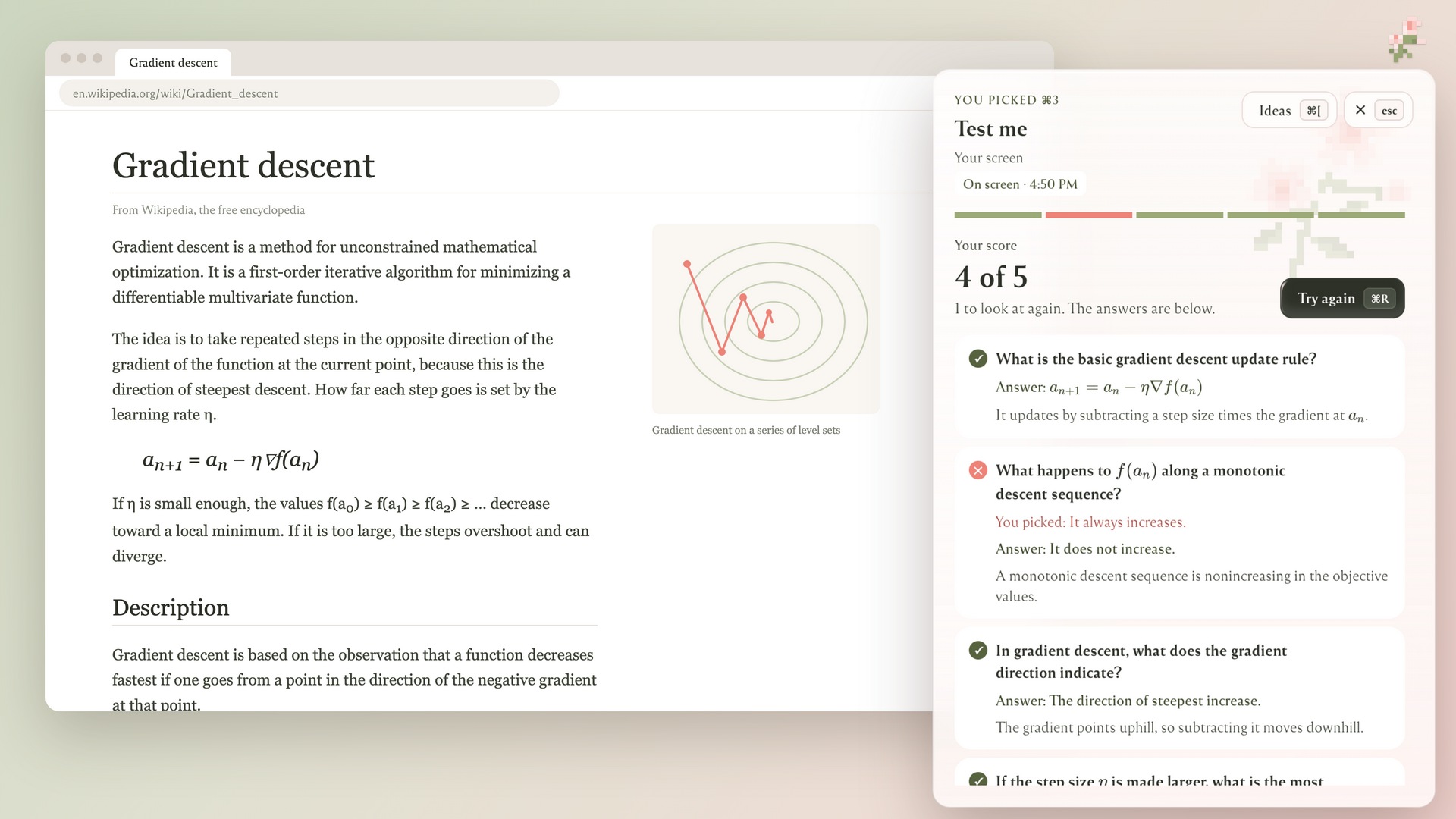
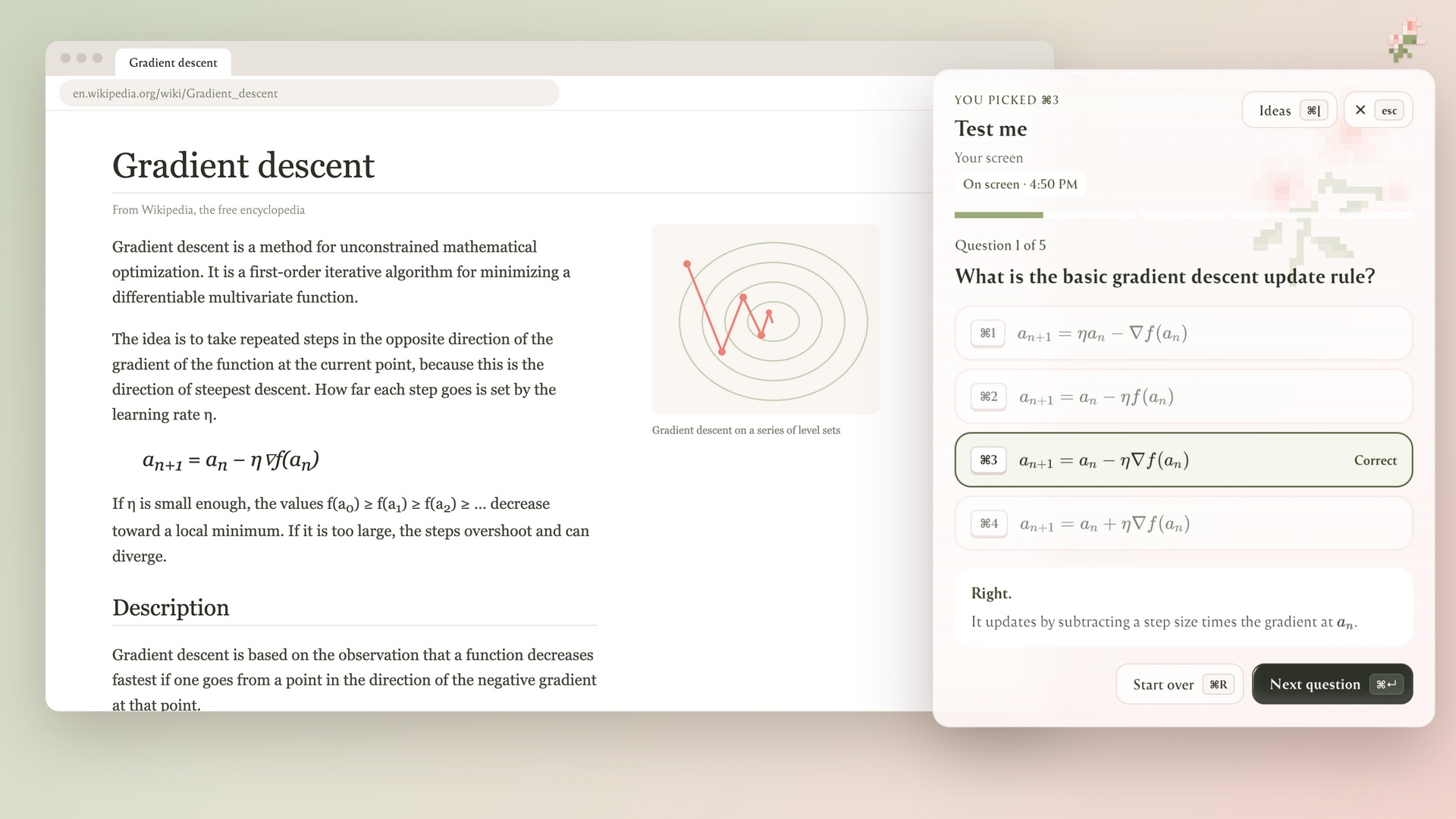
Quiz score
-
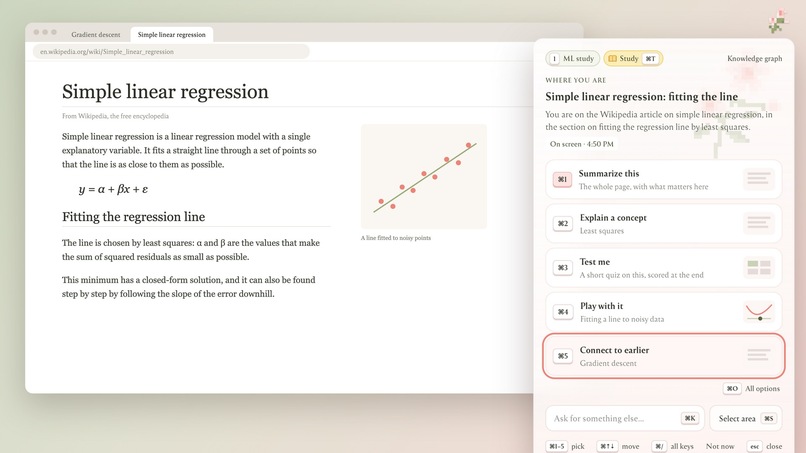
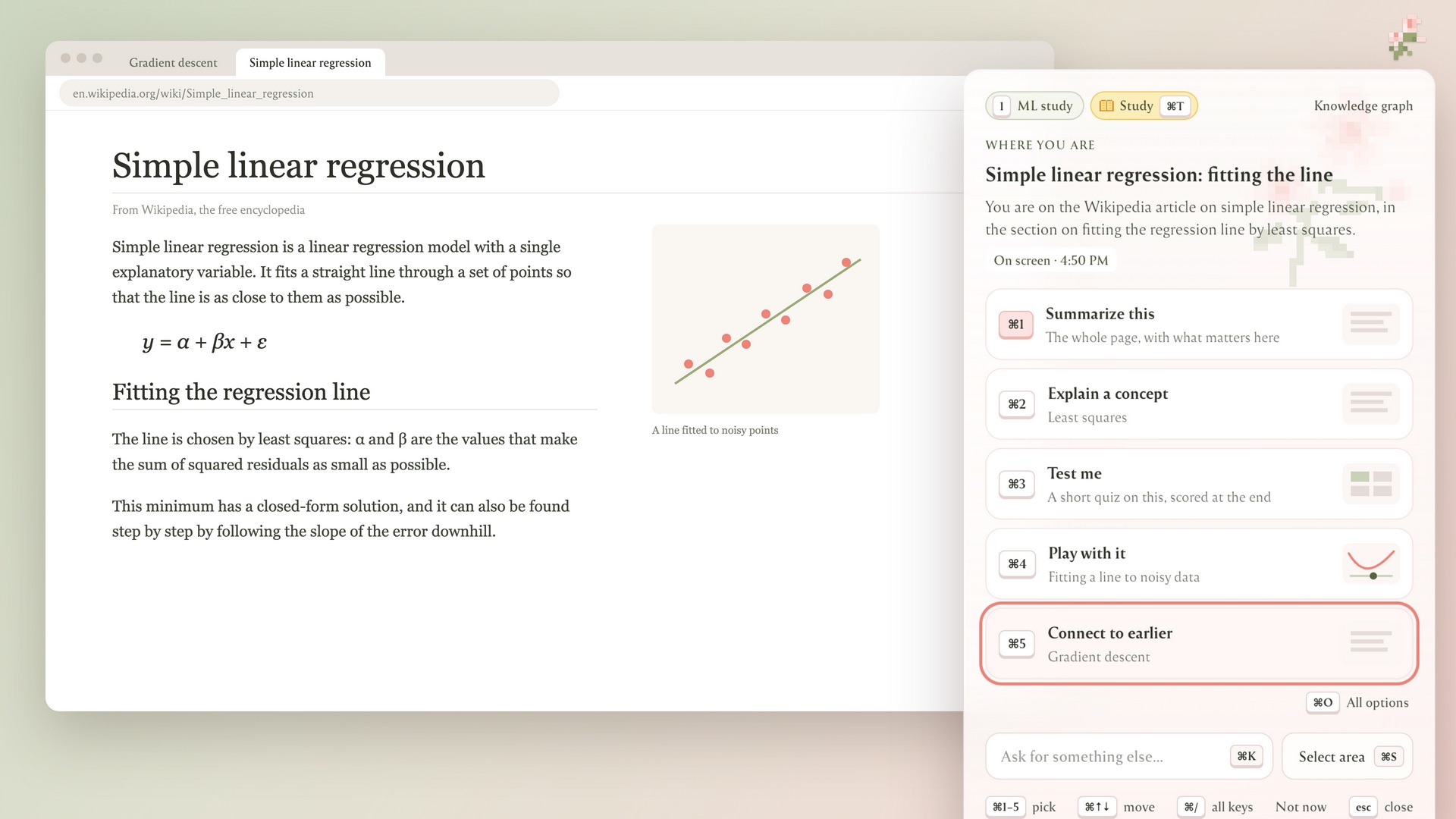
Connect to earlier concepts you were looking at
-
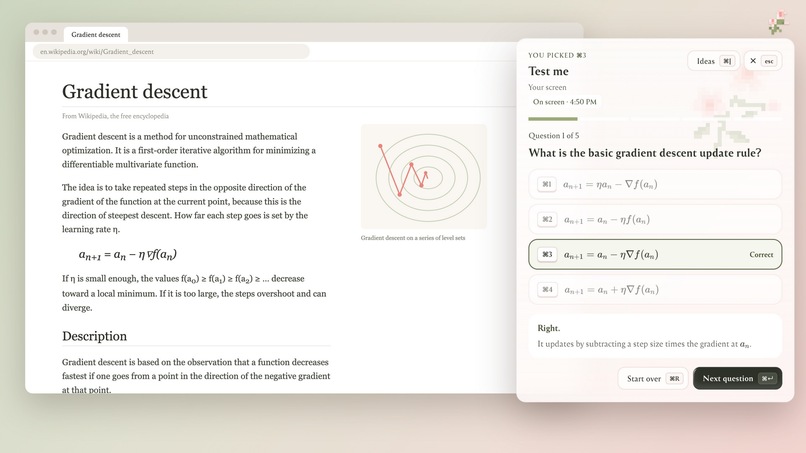
Quiz
-
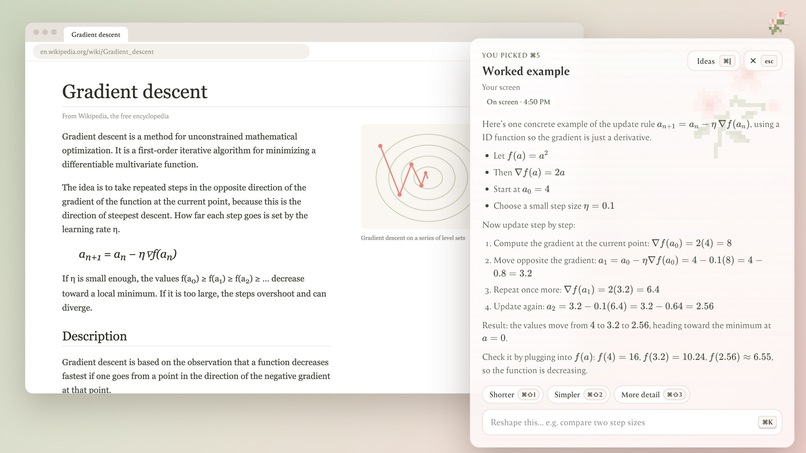
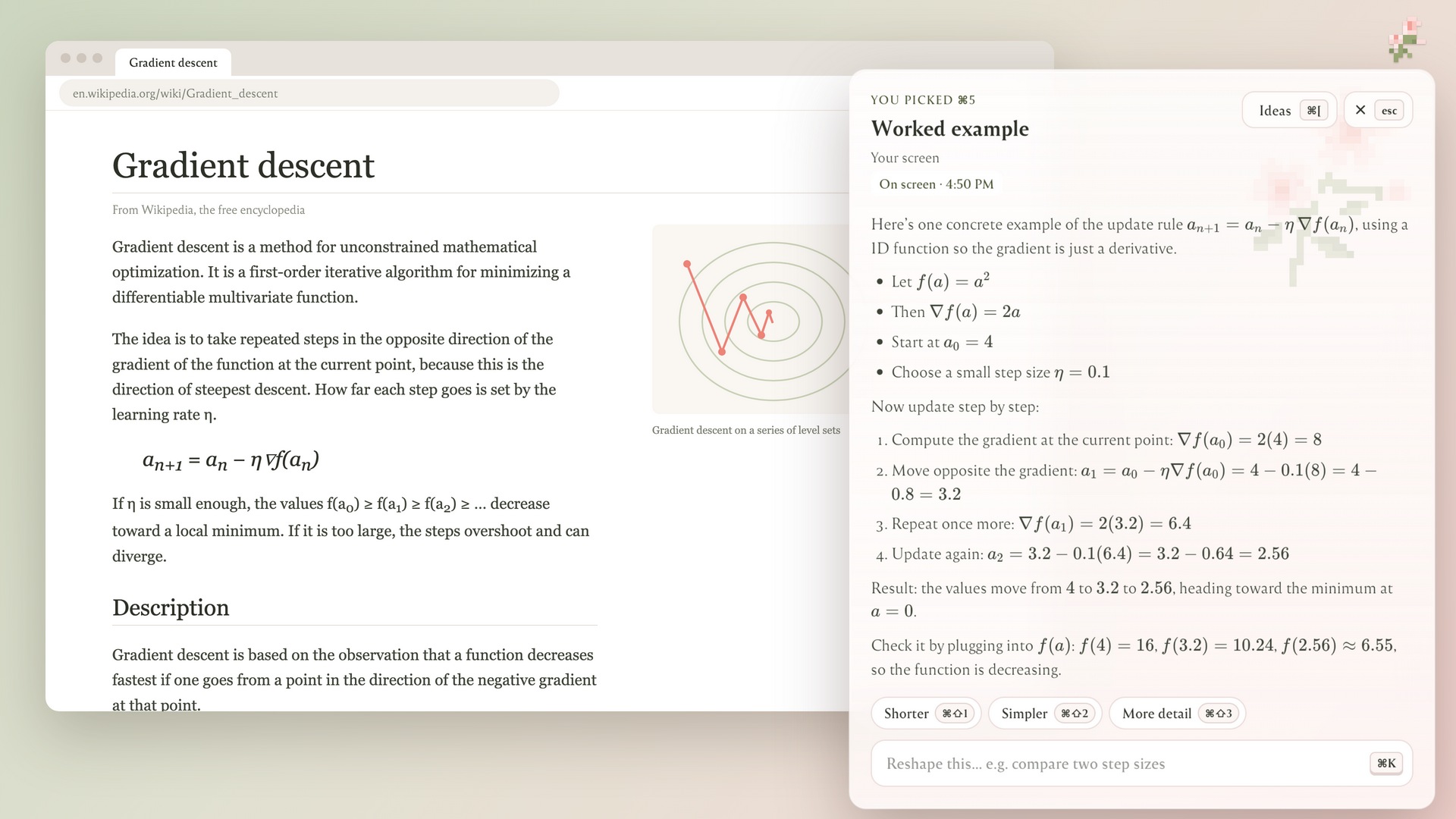
Worked Example
Inspiration
Both of us are psychology minors and while in our seminar class together we read tons of research on attention residue. 2026 is the time for multitasking more than ever and this is proven inefficient after a certain threshold. For Eg. every time we got stuck while studying or coding, the same thing happened. We'd copy the problem, open a new tab, paste it into a chatbot, explain what we were looking at, read the answer, and then try to find our place again. Each time, the help cost us our focus.
We built Klaire exactly for this reason. its an assistant that already knows what's on screen, waits until you actually pause, and answers right where you're working.
Klair: a small pixel flower in the corner of your Mac that takes notes on what you're reading and has ideas ready when you need them.
What it does
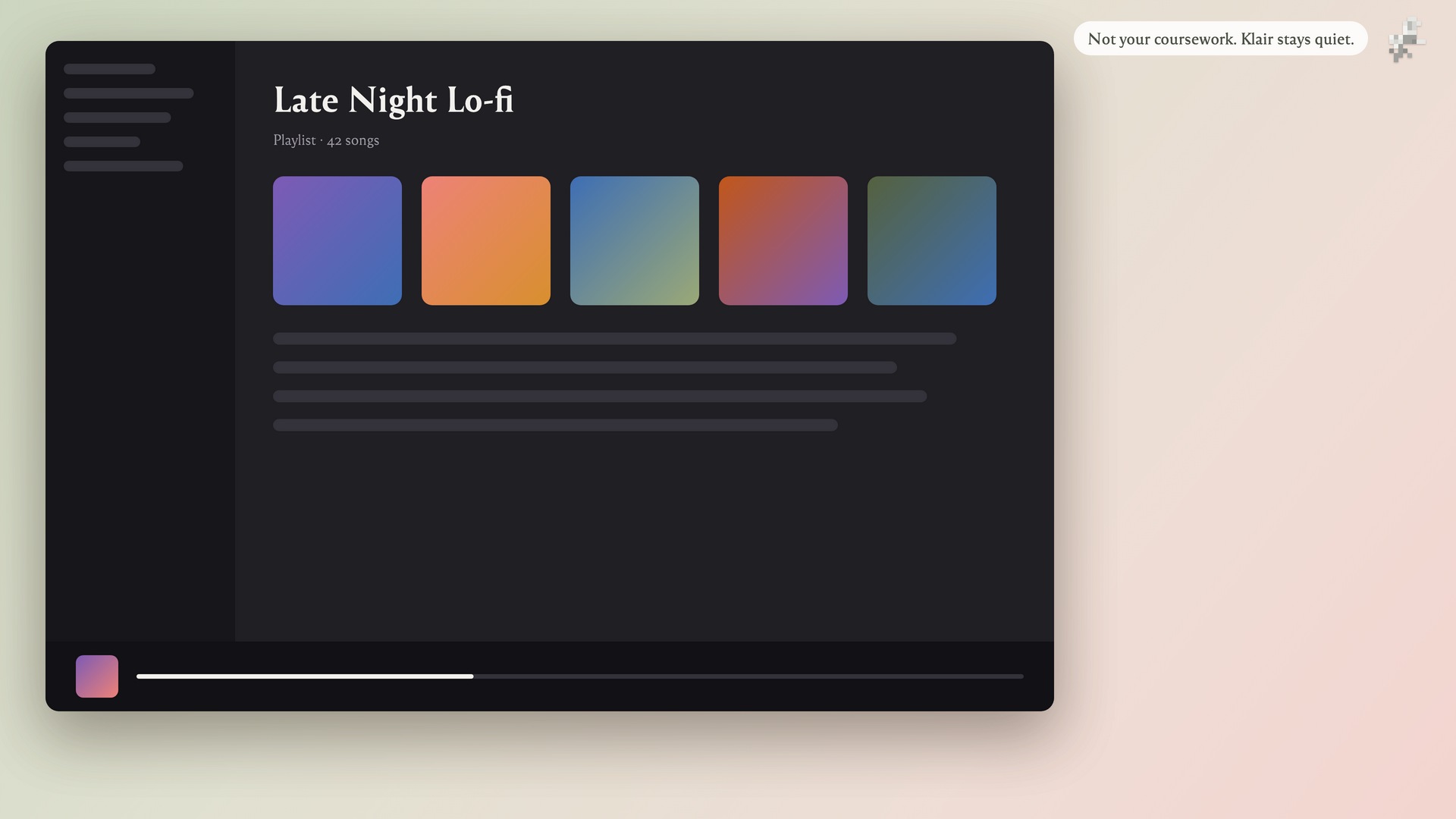
- Watches, quietly. During a session, Klair checks the screen every 4 seconds and writes a short note about each genuinely new screen.
- Offers ideas when you pause. If you stay on one screen for a while, three ideas appear beside the flower. The first is always a summary, and up to three more build on what the project has covered so far.
- Answers in place. Tap
fn, press⌘1–9to pick an idea or⌘Kto ask your own question, and a grounded answer streams into a glass panel. You never leave the app you're in. - Projects keep context separate. "ML", "OS" and "SWE" each keep their own notes and their own knowledge graph.
fn 1–9switches between them, and context never leaks from one project into another. - More context when you want it: select part of the screen (
⌘S), send whole web pages with the Chrome extension, or add files as they finish downloading. - Marks up the page. After an answer about a web page, Klair highlights the passages the answer relied on, right in Chrome, with a note beside each one.
How we built it
- Electron + React + TypeScript + Tailwind v4, with native macOS vibrancy for the glass panels and a native addon (
CGEventTap) so thefnkey works as a global shortcut. - AI SDK via OpenRouter: Gemini 3.5 Flash-Lite writes screen notes and ideas, GPT-5.4 mini writes answers, and a small judge model filters out screens that didn't really change or don't belong to the project.
- Graphify builds one knowledge graph per project from its notes. Answers query that graph plus SQLite FTS5 keyword search, within a fixed token budget.
- SQLite (
node:sqlite) stores everything locally. TigerData (Postgres + TimescaleDB) gets a copy of each project after every session, along with activity time series and retention. - A pure state machine (
controller-core.ts, unit-tested) decides when anything may happen: dwell time, cooldowns, dismissals, and holding a screen change while the panel is open. - A Manifest V3 Chrome extension sends full page text over a local bridge that only accepts requests from the extension's pinned origin and checks the Host header to block DNS rebinding.
Deciding when a screen has "changed"
Sending every frame to a vision model would be slow and expensive. We shrink each frame to a $64 \times 40$ grid of grey cells and store a new screenshot only when enough cells moved:
$$ \frac{1}{N}\sum_{i=1}^{N} \mathbf{1}\big[\,|g_i - g_i'| > 24\,\big] \;\ge\; 0.05, \qquad N = 2560 $$
On real pages, switching pages and scrolling changed 17–45% of cells, while the pointer and clock changed less than 0.5%. A small judge model then checks the screens that pass, so a terminal that keeps printing or a looping animation doesn't count as new.
Spending fewer tokens on context
We don't send a project's whole history with each question. Klair queries the project's graph instead. On a real 29-note project, graph queries returned 1.7–3.9k characters of context, compared with 19k for all the notes:
$$ 1 - \frac{3.9}{19} \approx 79\% \quad\text{to}\quad 1 - \frac{1.7}{19} \approx 91\% \text{ less context per answer} $$
The gap grows as a project gets bigger.
Challenges we ran into
- Graphify never built a graph, and nothing told us. We reach OpenRouter through Graphify's OpenAI backend, which needs an optional extra (
graphifyy[openai]). Without it, every graph came out empty with no error. The health check now tests for it directly. - Ideas shifting under you. At first, ideas followed the screen while the panel was open, so you could pick an idea about the previous page. Now a screen change is held while the panel is open and applied when it closes.
- macOS permissions. In development, macOS files the Screen Recording grant under the terminal app, not under Klair, and ignores a new grant until the app restarts. We signed a dev build and made the Start window explain exactly which app to allow.
- Changing the data model mid-hackathon. We split "sessions" into projects (which hold context) and sessions (which are just time). That meant migrating both SQLite and TigerData. One migration bug quietly created three empty "SWE" projects before we caught it.
- Not making things up on the page. The highlight model sometimes paraphrased instead of quoting. Now Klair only marks a passage if the quote is actually found in the page text.
What we learned
- Timing matters as much as the model. An assistant that interrupts at the wrong moment is worse than none, so a small, testable state machine was the most important part of the app.
- Less context can give better answers. A focused slice of the project's graph beat dumping in everything, and it cost far fewer tokens.
- Privacy has to be built in from the start. Capture runs only during a session, Klair's own windows are excluded from capture, and the browser bridge refuses requests from any origin except the extension.
What's next
- Interactive answer blocks (code, sliders, quizzes)
- Resuming a project from TigerData on another Mac
- More actions that do things on the page, not just explain them

Log in or sign up for Devpost to join the conversation.