-
-
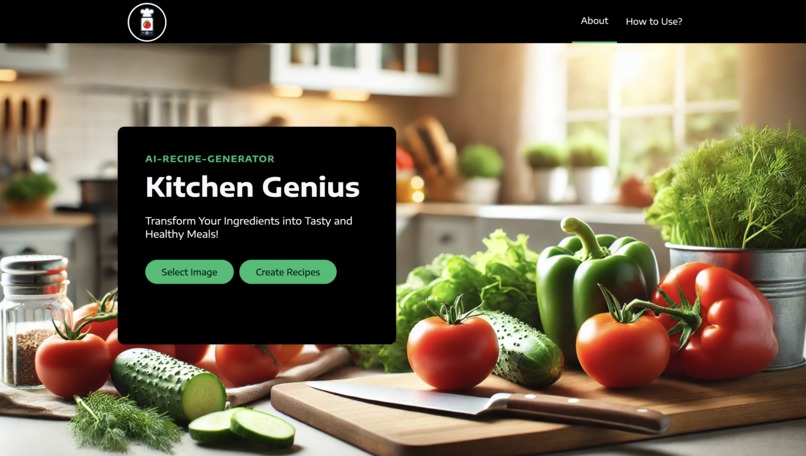
Landing Page
-
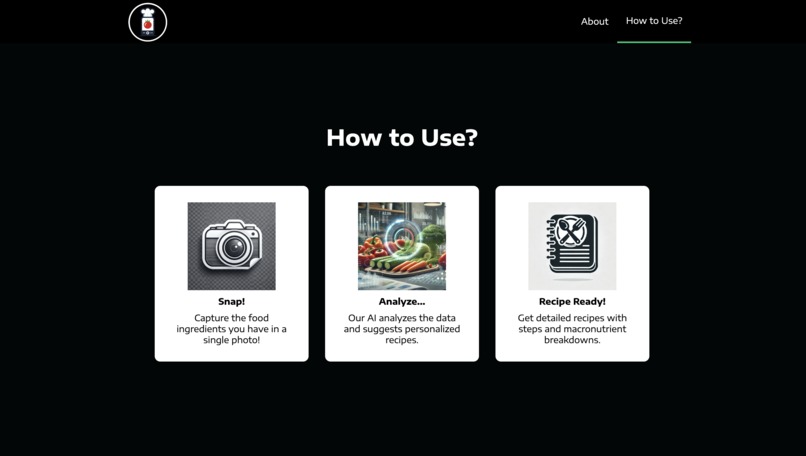
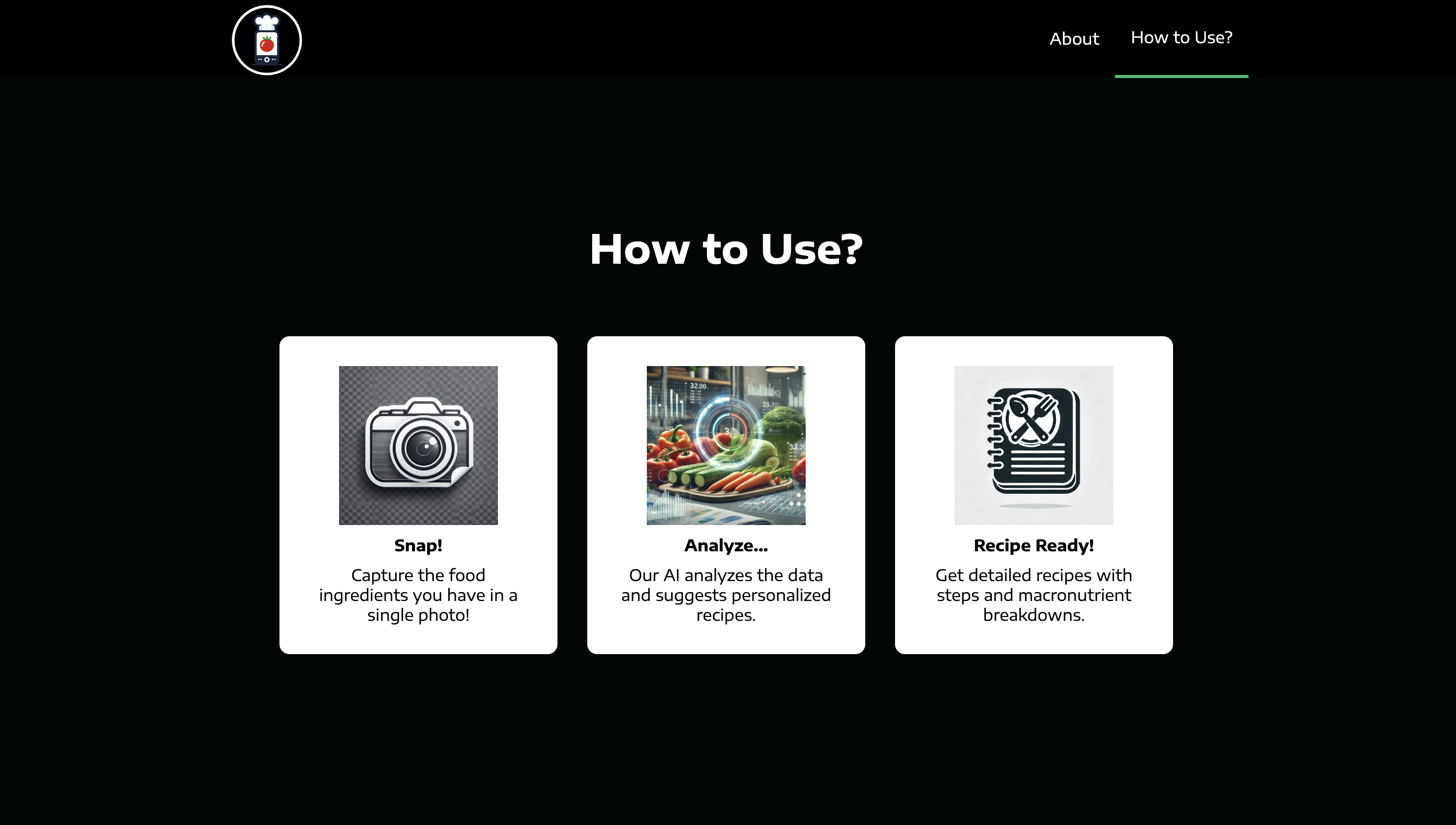
How to Use?
-
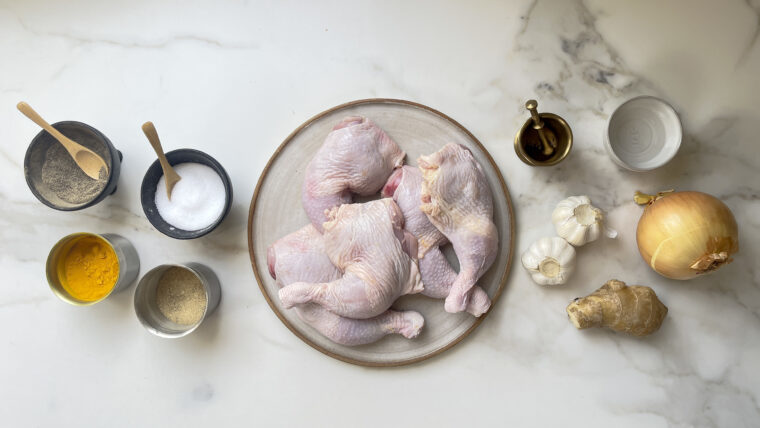
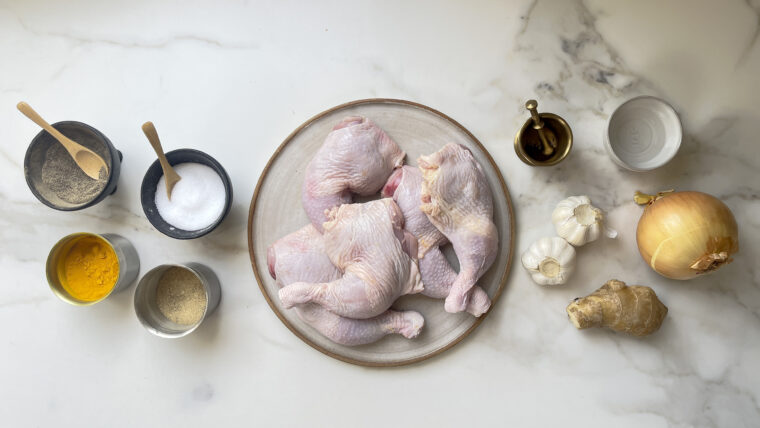
Upload a food ingredients picture, and our ML model detects the ingredients, passing them to OpenAI to generate recipes.
-
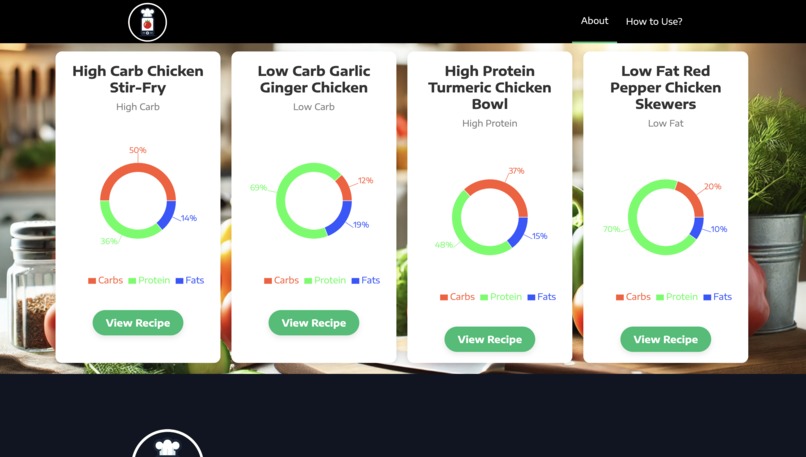
Recipes data given by ML + AI Model
-
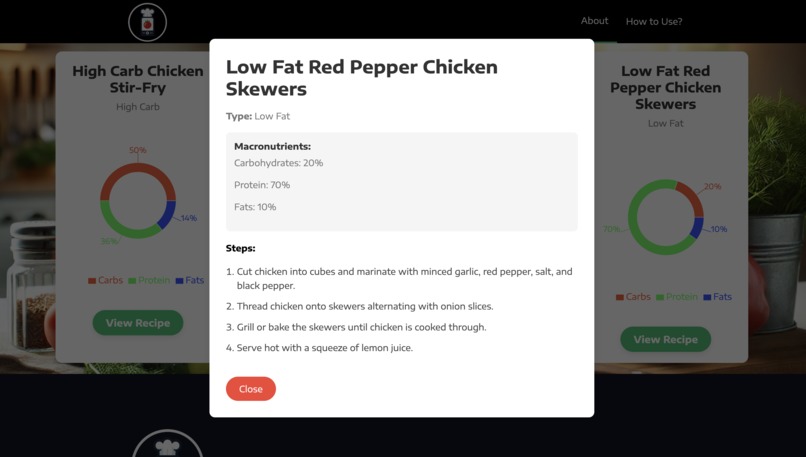
Selecting your preferred recipe!
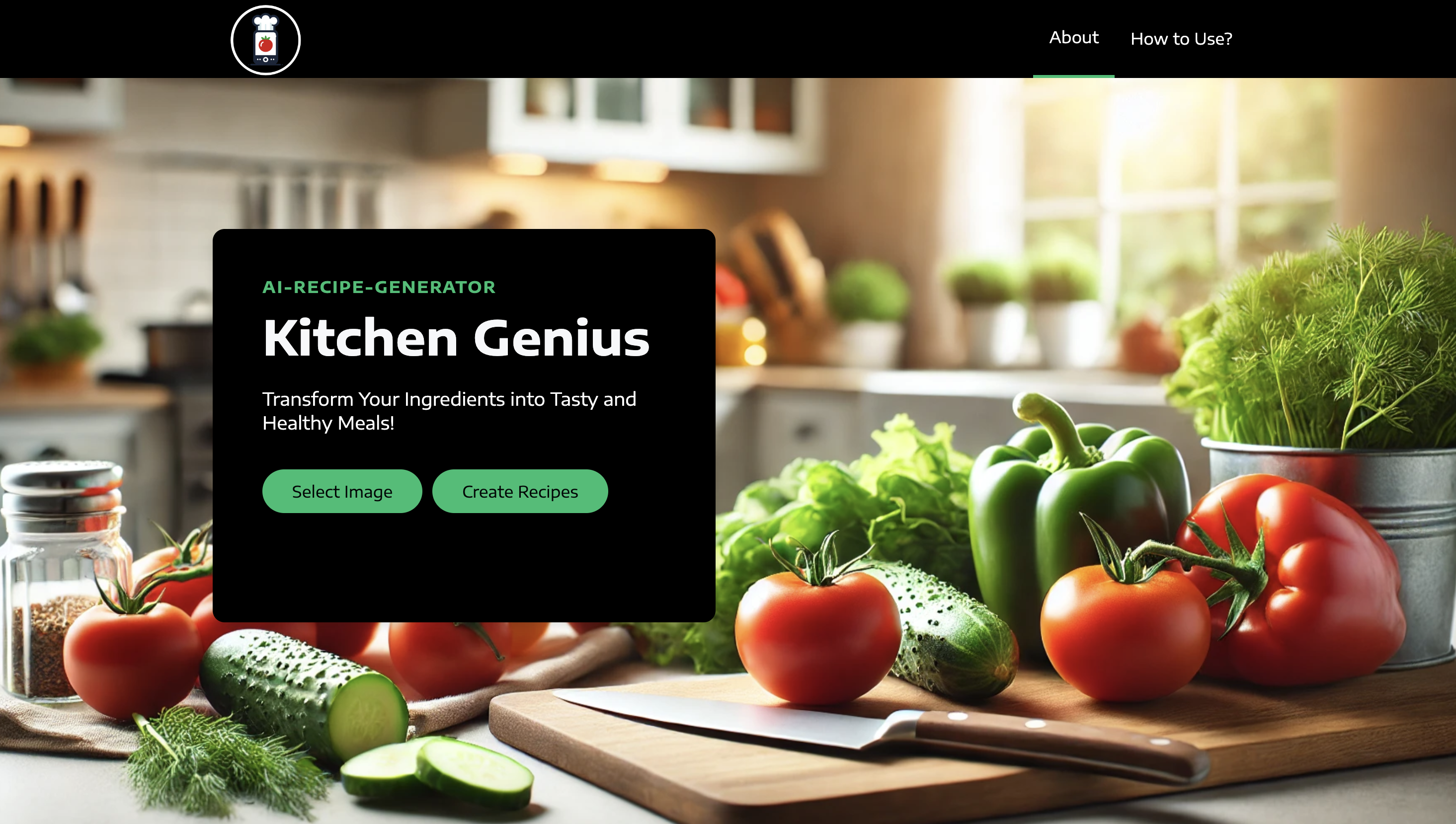

Kitchen Genius - AI Recipe Assistant
Inspiration
The inspiration for Kitchen Genius came from the need to simplify the cooking process for busy individuals such as international students, professional chefs, home cooks, and anyone with a hectic lifestyle. Many people struggle to find quick recipes or waste time searching through online videos and documents. Kitchen Genius solves this problem by providing users with personalized recipe suggestions based on the ingredients they already have, saving time and helping people prepare meals that meet their dietary preferences.
What it does?
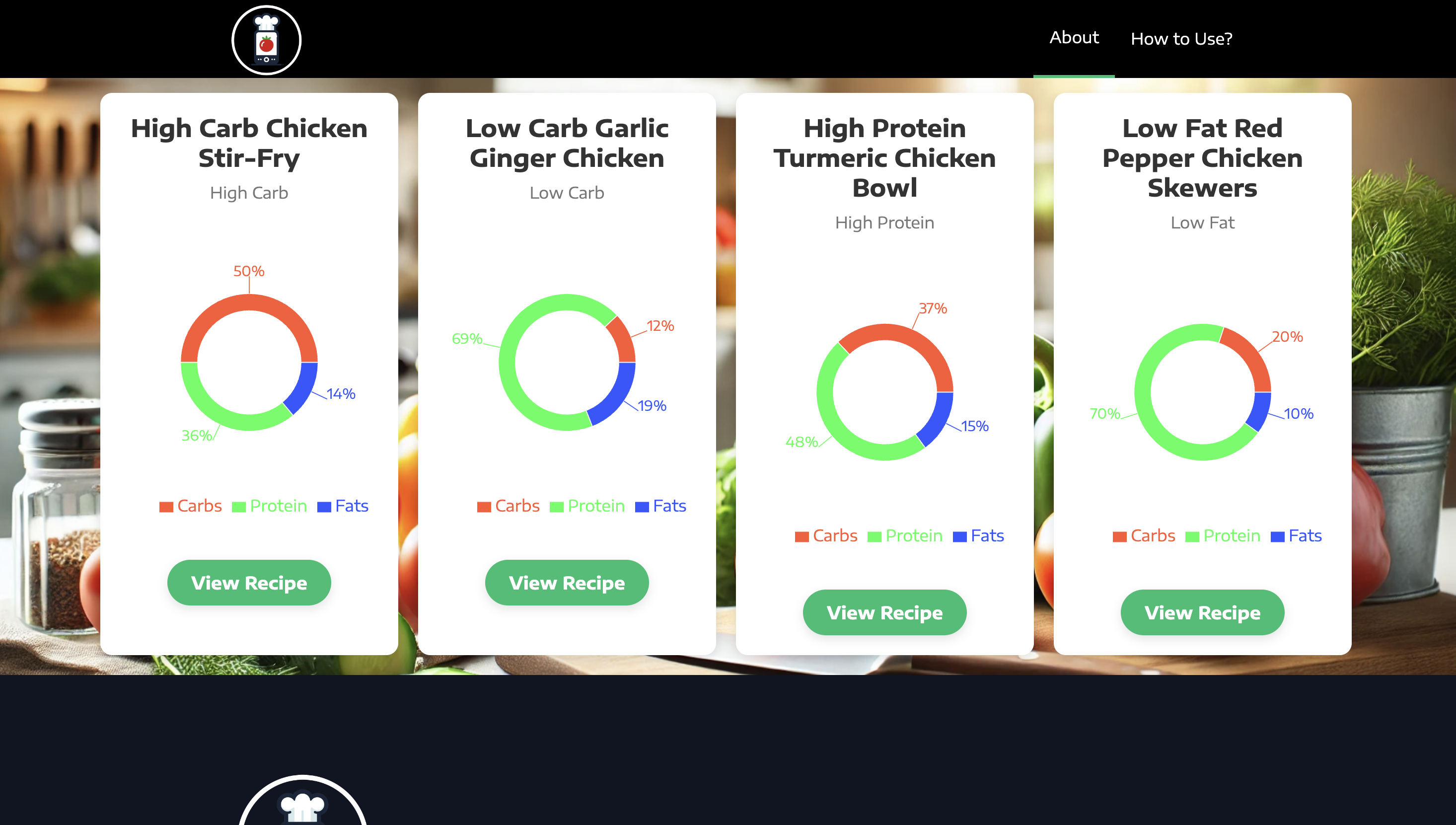
Kitchen Genius is an AI-powered recipe assistant that takes a photo of ingredients and generates recipe suggestions based on them. The app identifies the food items in the photo using a machine learning model and then uses OpenAI's GPT model to suggest various recipes (such as high-carb, low-carb, or high-protein) that can be made from those ingredients. It also provides the nutritional macros (carbs, protein, fats) for each recipe, allowing users to make informed decisions based on their dietary goals.
How we built it?
We built Kitchen Genius as a full-stack application using React.js for the frontend and Flask for the backend. Here's how we built it:
Frontend (React.js):
- The frontend is a React application that allows users to upload a photo of their ingredients.
- It communicates with the Flask backend to process the image and fetch the recipes and nutritional data.
- The user can view and select recipes based on the ingredients they have.
Backend (Flask):
- The Flask backend handles image processing using OpenCV2 for ingredient recognition.
- A TensorFlow and Keras machine learning model is used to identify food items in the image.
- The list of identified ingredients is passed to OpenAI's GPT-3 to generate recipes, which are returned in a structured JSON format containing recipe steps and nutritional information.
Machine Learning:
- OpenCV2: Used for image preprocessing and to detect objects in the food photo.
- TensorFlow/Keras: For the food image classification model to identify ingredients.
- OpenAI API: For generating recipes based on the identified ingredients and dietary preferences.
Challenges we ran into
Accurate Ingredient Recognition:
- Identifying ingredients from a wide variety of foods in different lighting and image qualities was a challenge. Fine-tuning the image classification model to ensure accurate ingredient detection required a lot of effort.
Recipe Generation:
- Integrating OpenAI to generate appropriate recipes based on identified ingredients posed challenges in formatting and ensuring the responses were both relevant and realistic for the user.
Real-time Performance:
- Ensuring that the system could process the image, identify ingredients, and return the recipe in a short amount of time was crucial for user experience. Optimization was necessary for a seamless and efficient experience.
User Interface Design:
- Making the UI intuitive for users, especially for those unfamiliar with AI-powered applications, required careful thought. We wanted to keep it simple while also providing enough information about the recipes and nutritional details.
Accomplishments that we're proud of
Image Recognition Integration:
- We successfully integrated computer vision (OpenCV2, TensorFlow, and Keras) to recognize ingredients from user-uploaded images, enabling a fully automated process of ingredient detection.
AI-Powered Recipe Generation:
- The integration with OpenAI's GPT-3 to generate relevant recipes based on the identified ingredients was a major accomplishment. The app is able to deliver a variety of recipes tailored to dietary preferences such as low-carb, high-protein, or high-fat.
Full-Stack Implementation:
- We built a robust full-stack application where the frontend and backend work seamlessly together. The app delivers an end-to-end experience that takes an image upload to recipe suggestions with nutritional data.
Real-Time User Interaction:
- The app allows users to upload ingredients and receive recipe suggestions in real-time, improving the overall user experience.
What we learned
Machine Learning Integration:
- We gained experience in integrating machine learning models for image recognition, and learned how to work with tools like OpenCV2 and TensorFlow to process and identify food ingredients.
API Integration:
- Learning how to use OpenAI’s GPT-3 API to generate recipes and integrate it with our app was an invaluable experience, especially for working with natural language processing.
Frontend-Backend Communication:
- We strengthened our understanding of building full-stack applications, particularly focusing on how the frontend (React) communicates with the backend (Flask) and handles real-time data processing.
UI/UX Design:
- We improved our skills in designing user-friendly interfaces, ensuring that the app is intuitive and efficient for users of all experience levels.
What's next for Kitchen Genius
Voice Integration:
- We plan to add voice input, so users can speak the names of ingredients or request recipes hands-free.
User Profiles & Personalization:
- Adding user profiles that track past recipes, preferences, and dietary restrictions to provide more personalized recommendations in future sessions.
Barcode Scanning:
- Implementing barcode scanning to allow users to automatically add ingredients from grocery store products into the app.
Mobile App Version:
- Extending the application to mobile platforms to allow users to easily upload pictures of ingredients using their phones.
Improved Machine Learning Model:
- Continuously improving the ingredient recognition model to handle more food items and produce better results in various real-life conditions.
Built With
- cv2
- flask
- javascript
- keras
- machine-learning
- ml
- numpy
- openai
- pandas
- prompt
- python
- react
- tensorflow


Log in or sign up for Devpost to join the conversation.