-
-
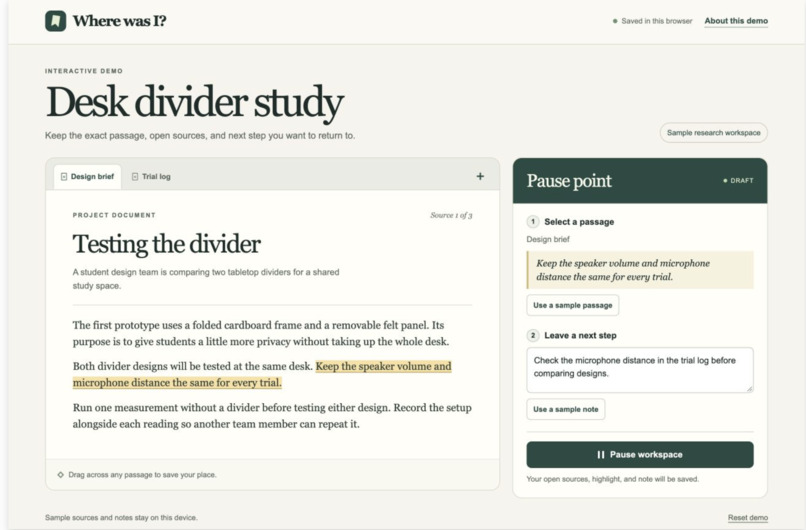
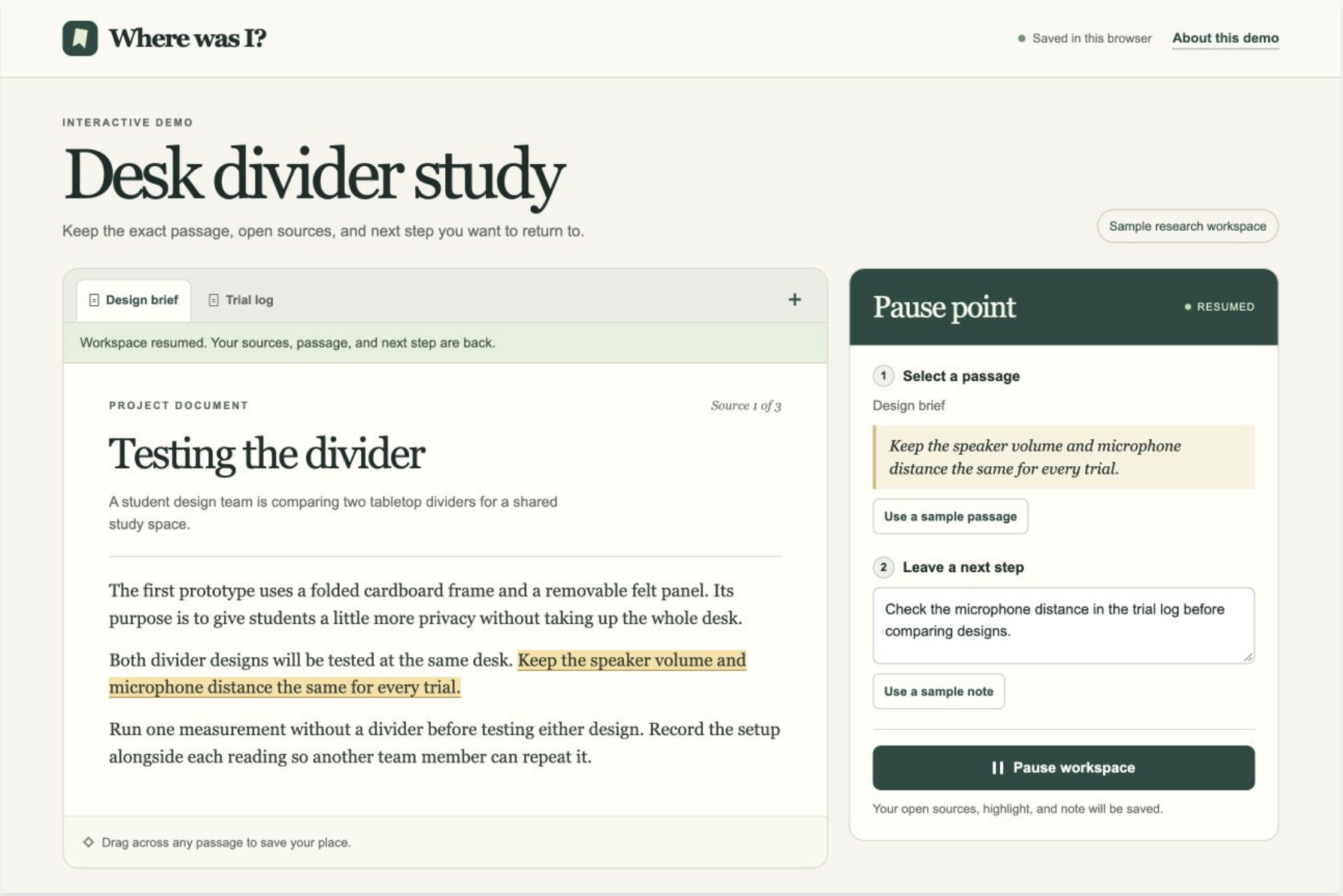
01-save-a-passage.jpg Highlight the sentence you’ll need later and leave yourself a quick note about what to do next.
-
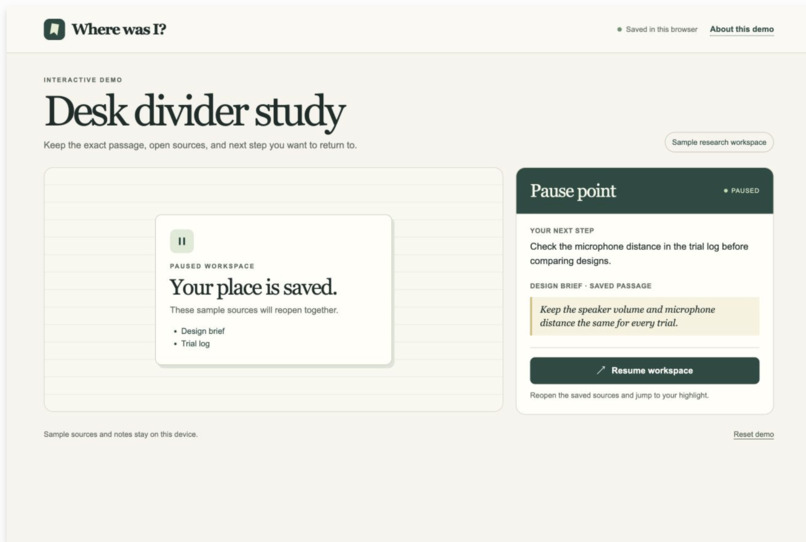
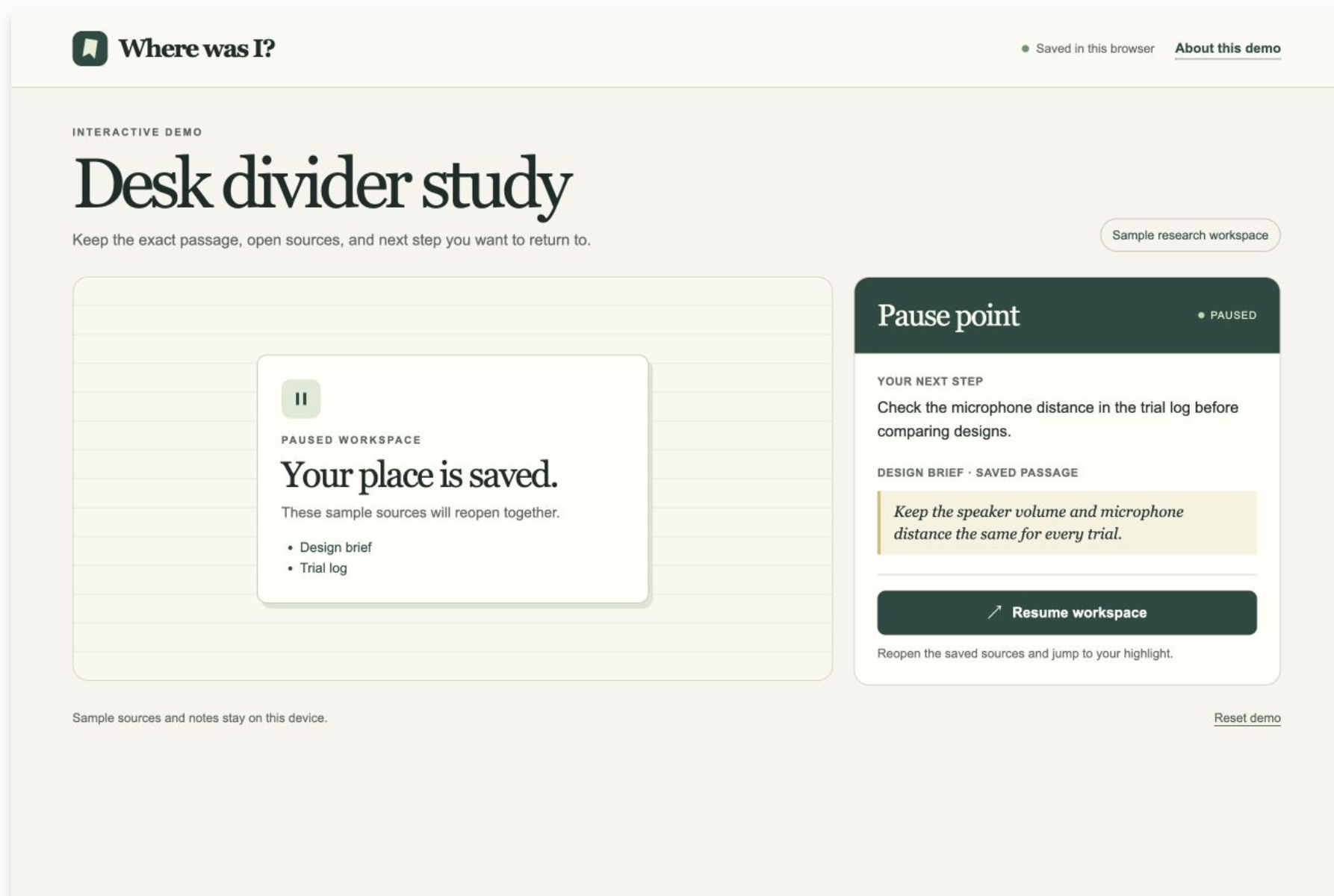
02-pause-workspace.jpg Keep your open sources, highlighted passage, and note together while you step away.
-
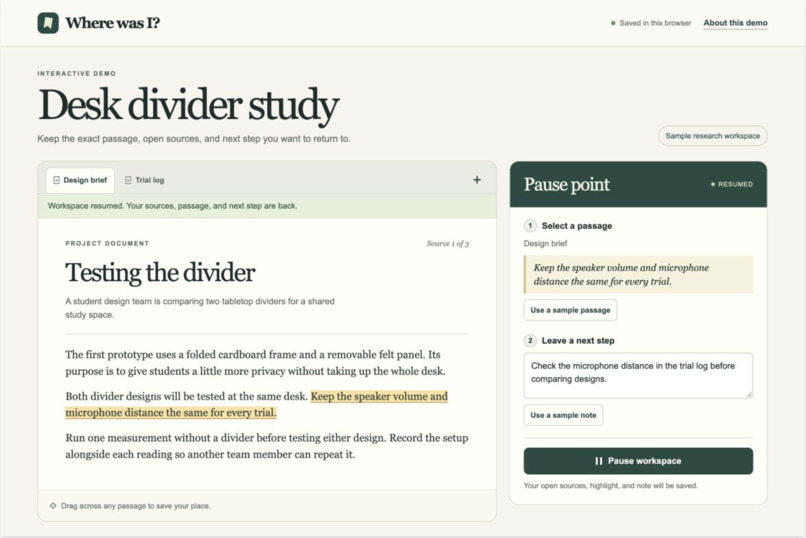
03-resume-workspace.jpg Even after a refresh, Resume brings you back to the highlighted sentence with your next step beside it.
Inspiration
Picture finding the exact sentence you need for a lab report just as the bell rings. That night, you reopen the article and spend five minutes trying to remember what you wanted to say about it. That’s the moment that inspired Where Was I?
What it does
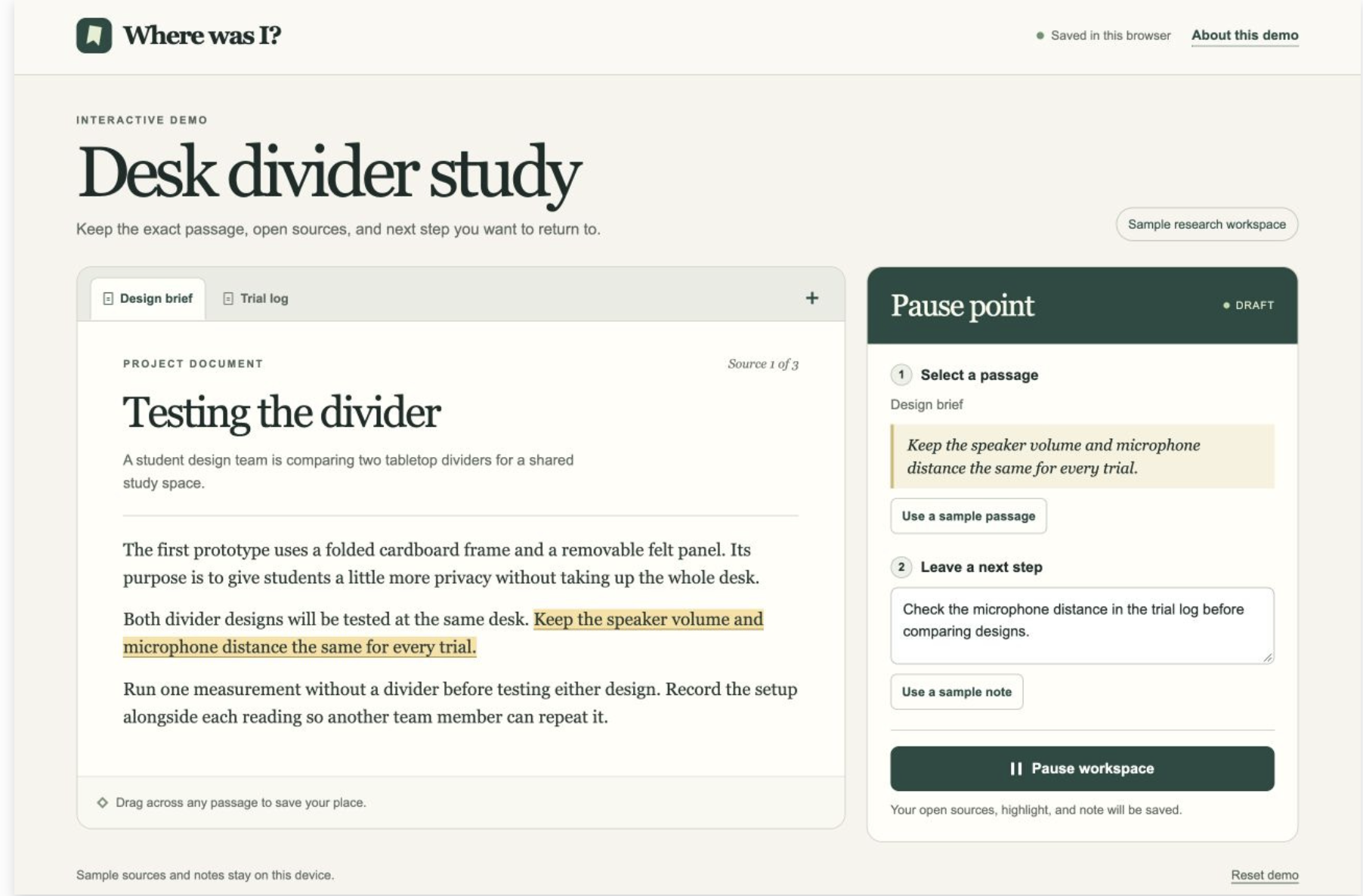
Where Was I? lets you pause a research task and leave a note for yourself. Highlight a sentence, jot down something like “Use this to explain why the graph levels off,” and click Pause. The idea is that when you click Resume, your tabs reopen, the passage is highlighted, and your note is right there.
How we built it
We started by mapping out what someone would need when they came back to an assignment. We narrowed it down to three things: the tabs they were using, the passage they had selected, and their next step. We designed a browser extension around two buttons, Pause and Resume. For the first prototype, we plan to save that information on the user’s device.
Challenges we ran into
One design challenge was figuring out how much to ask someone to do when they’re already rushing out the door. Typing a summary would take too long. Our solution was to let the highlighted passage capture the details and keep the note short enough to write in a few seconds.
Accomplishments that we're proud of
We’re proud of one small design choice: putting the note right beside the passage. “Explain why the graph levels off” is much more useful when you can see the evidence you meant to use.
What we learned
Reopening a source is only half the job. You can be on the right page and still have no idea why you opened it. Designing Where Was I? made us pay attention to that moment between finding your place and actually getting back to work.
What's next for Where Was I?
We want to build the first working version and test it with classmates. We’ll give them two similar research tasks, interrupt each one, and time how long it takes them to write their next sentence. That will help us see whether Where Was I? saves more time than it takes to leave the note.
