Inspiration
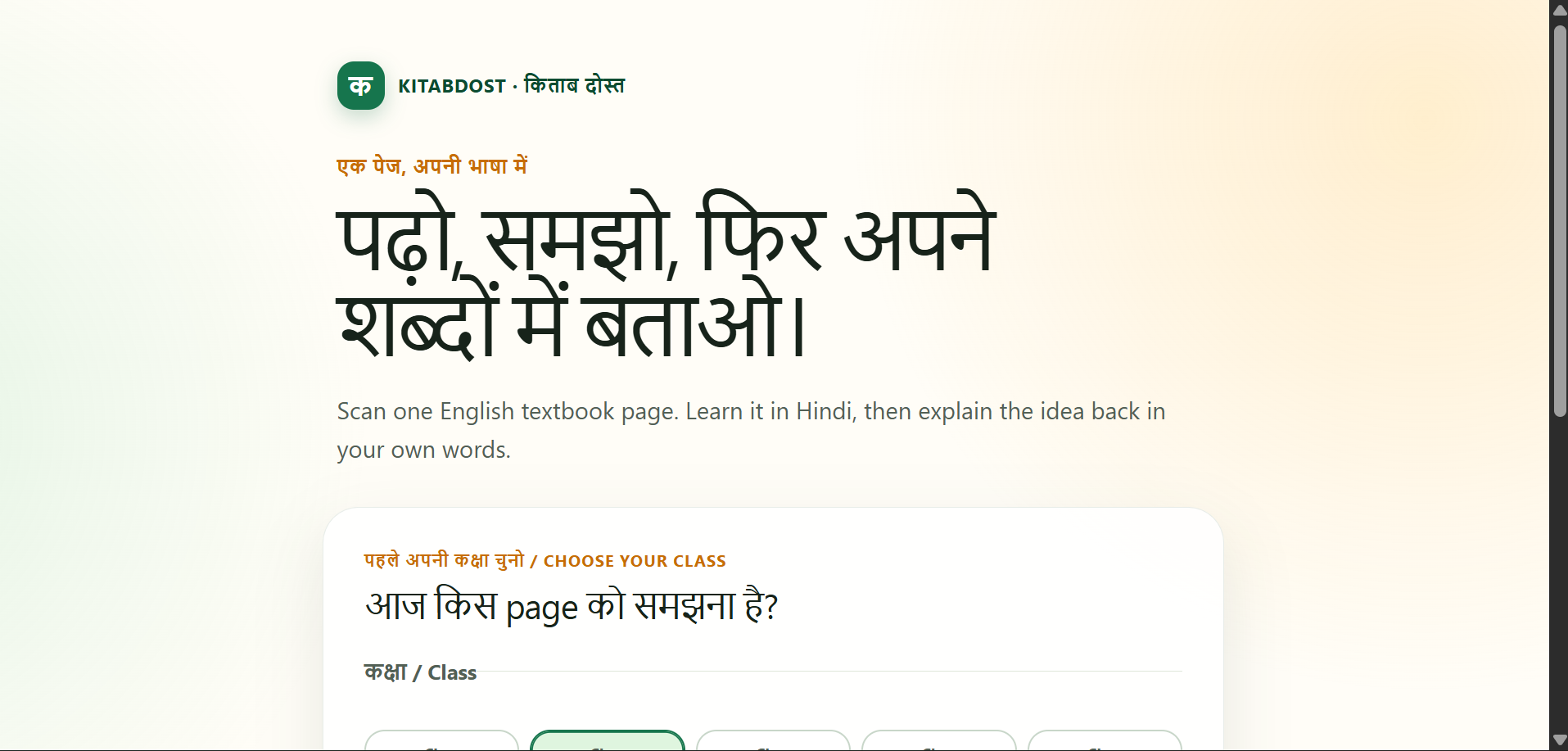
Many class 6–10 students use English textbooks but understand Hindi more naturally at home. They may read a page without being able to explain its main idea, while parents may not be comfortable with the textbook language either.
KitabDost is built for that gap: understanding should be demonstrated, not assumed.
What it does
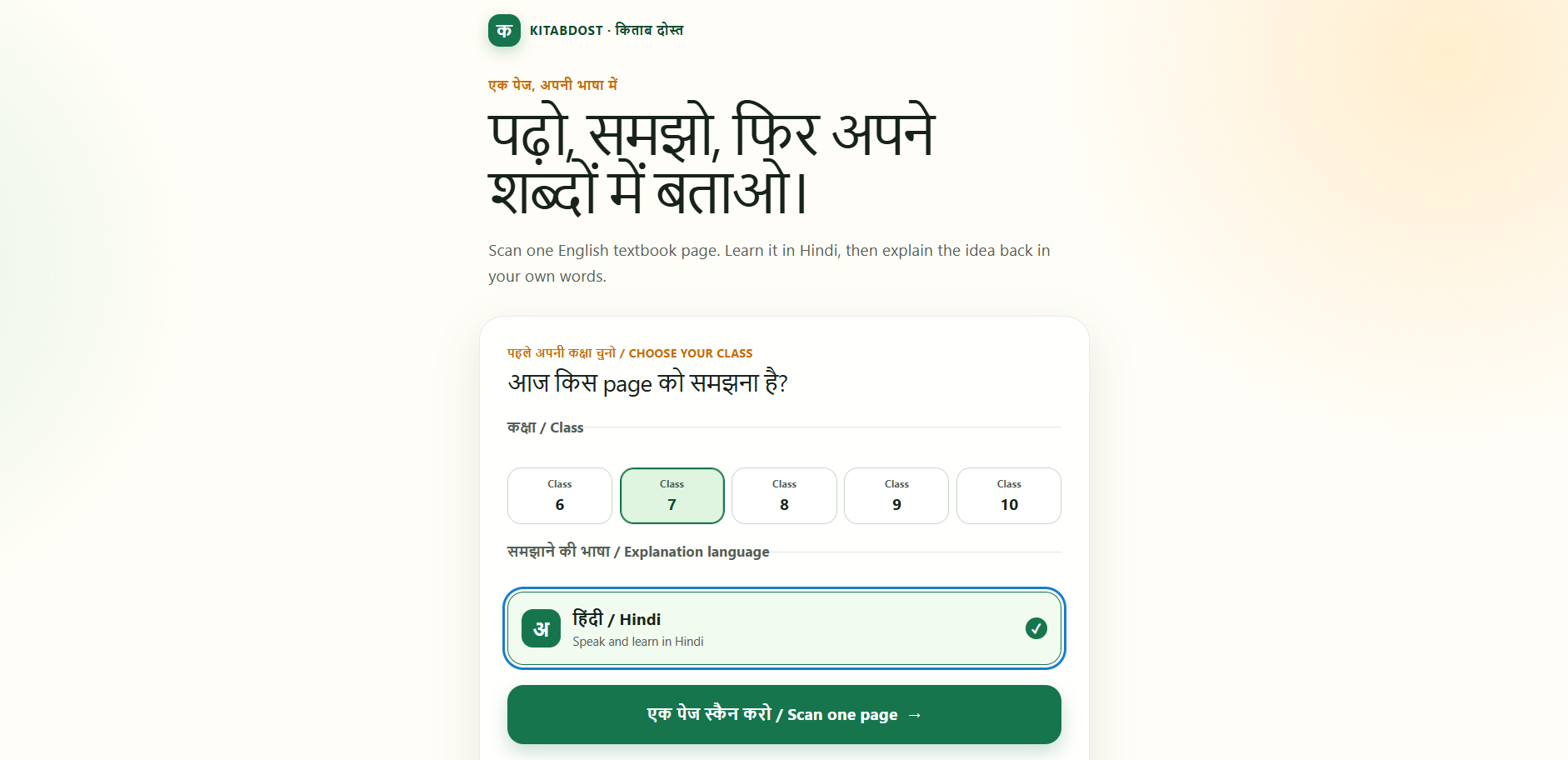
KitabDost turns one English textbook page into a structured Hindi learning loop:
- A learner captures, uploads, or opens a sample textbook page.
- The app creates page-specific learning objectives and a simple Hindi explanation.
- The learner listens to the explanation or reads it on screen.
- The learner explains the idea back aloud, with a visible text fallback.
- KitabDost identifies concept-level understanding, partial understanding, or a plausible misconception.
- A mastery card gives a warm correction and one clear revisit action.
It is not a generic camera tutor or open-ended chatbot. Its focus is page-grounded oral teach-back and mastery evidence.
How we built it
KitabDost uses Next.js, TypeScript, Tailwind CSS, and Vercel. Browser-native speech synthesis reads explanations aloud, while browser speech recognition supports Hindi voice input with typed answers always available as a fallback.
Gemini is the runtime provider for page analysis, oral-check creation, and assessment. Photos are compressed in the browser before upload, and only final mastery cards are saved locally. Raw photos, audio, and answer transcripts are not retained.
Codex and GPT-5.6 were used meaningfully during development to shape the product loop, build the mobile interface, implement image compression and speech fallback, create the provider boundary and validation, improve error states, and prepare deployment and documentation.
Challenges we ran into
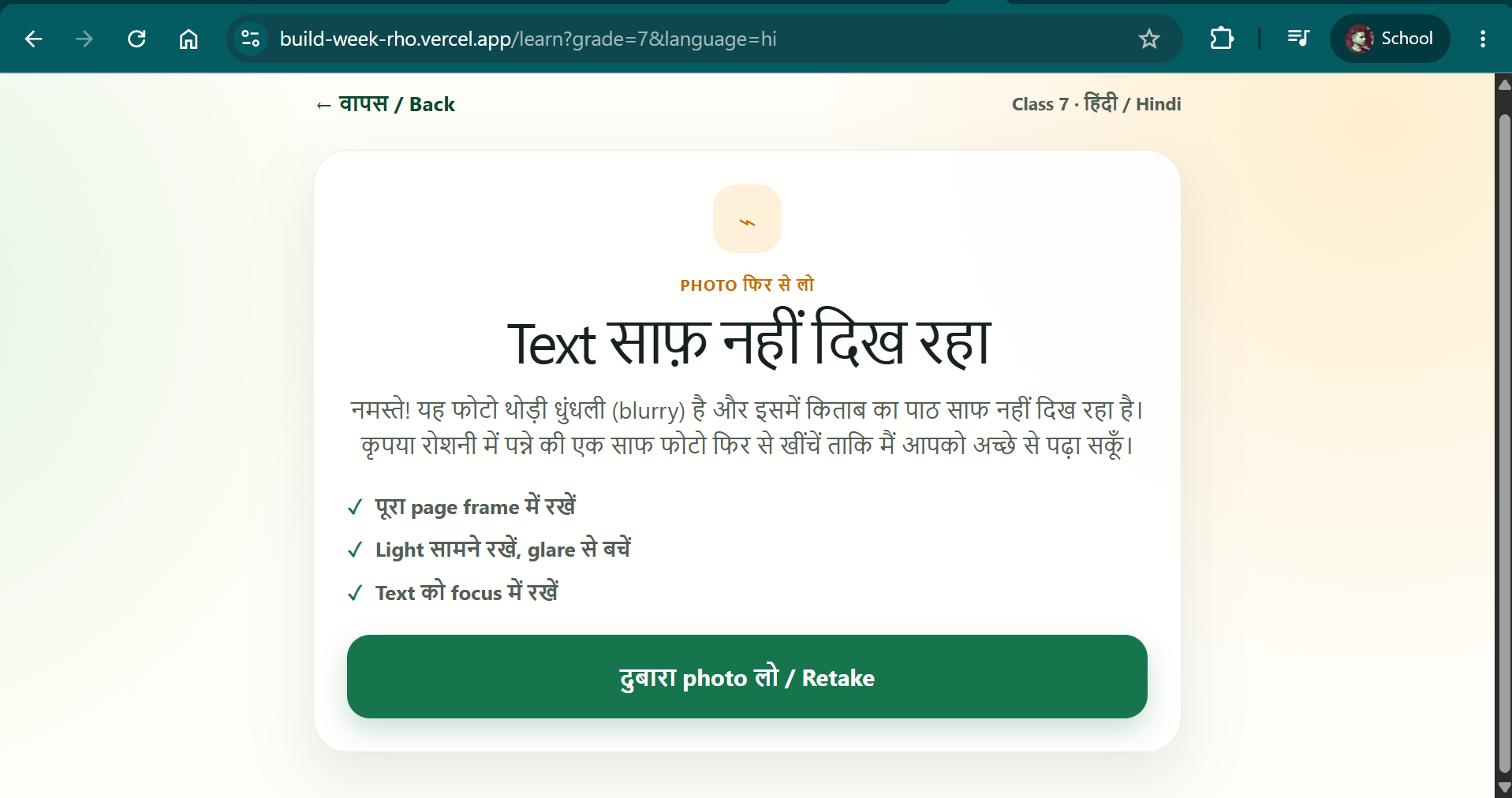
The hardest technical constraint was making the flow reliable on a phone while keeping it focused. Vision requests can fail because of blurry photos, unsupported pages, or provider quotas, so KitabDost includes clear retake and retry states rather than inventing a lesson.
Voice recognition also differs across browsers and devices. That is why text input remains visible throughout the oral teach-back flow.
Accomplishments that we're proud of
We built a complete demonstrable loop from one page to explanation, oral teach-back, misconception detection, and a revisit card.
The most important outcome is that the final screen answers two learner-centred questions: “What did I understand?” and “What should I revisit?”
What we learned
We learned that the best educational AI experience is not necessarily the most open-ended one. A tightly structured flow can make feedback clearer, kinder, and more actionable for a learner.
We also learned that honest provider communication, local-first privacy choices, and humane failure states are essential for a real student-facing product.
What's next for KitabDost
Next, we would improve runtime reliability, test with more students and real textbook pages, expand carefully beyond Hindi, and refine the revisit-card experience based on learner feedback. We would keep the core loop unchanged: one page, a spoken explanation, evidence of understanding, and a clear next step.
Built With
- codex
- gemini-api
- google-gemini
- localstorage
- next.js
- react
- speech-recognition
- speech-synthesis
- tailwind-css
- typescript
- vercel
- web-speech-api

Log in or sign up for Devpost to join the conversation.