-
-
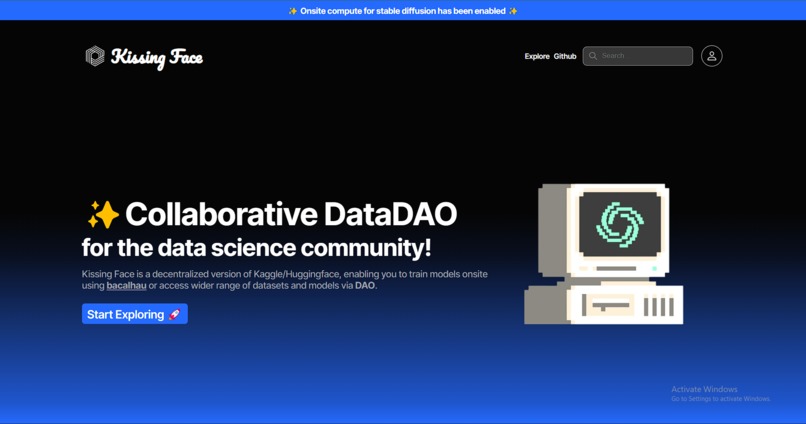
Home Page
-
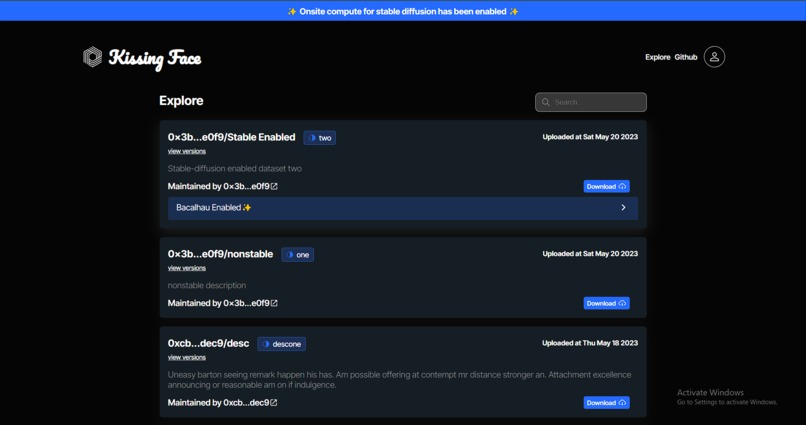
Explore
-
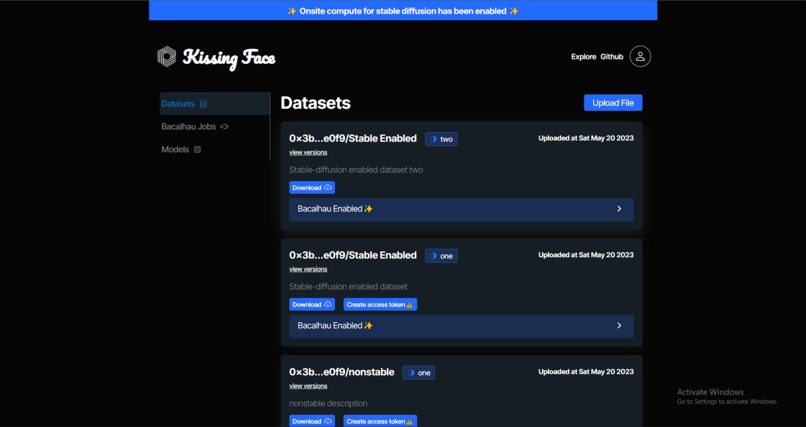
Profile
-
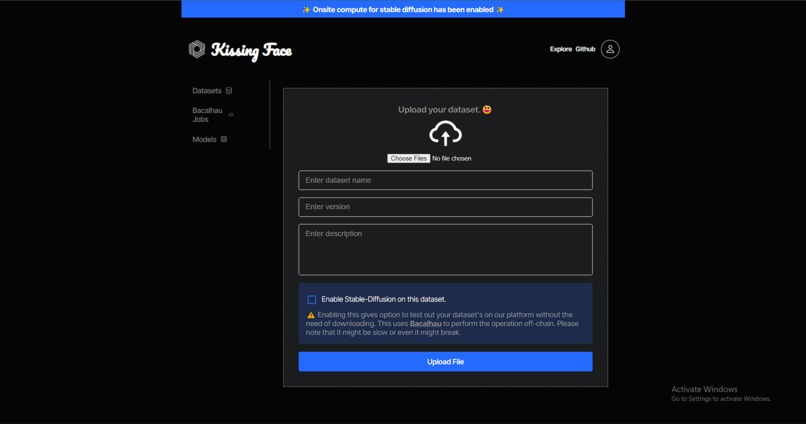
Upload


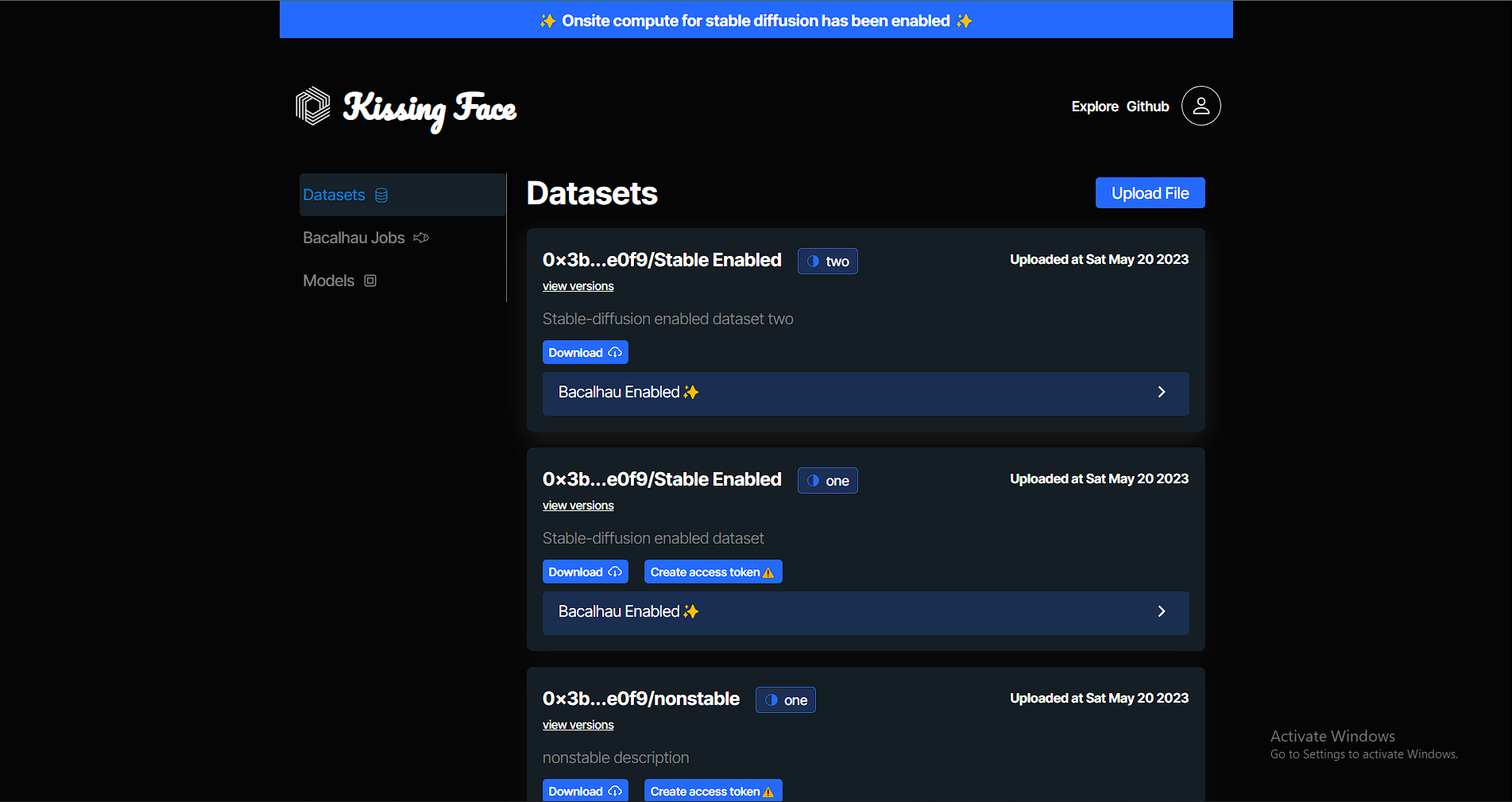
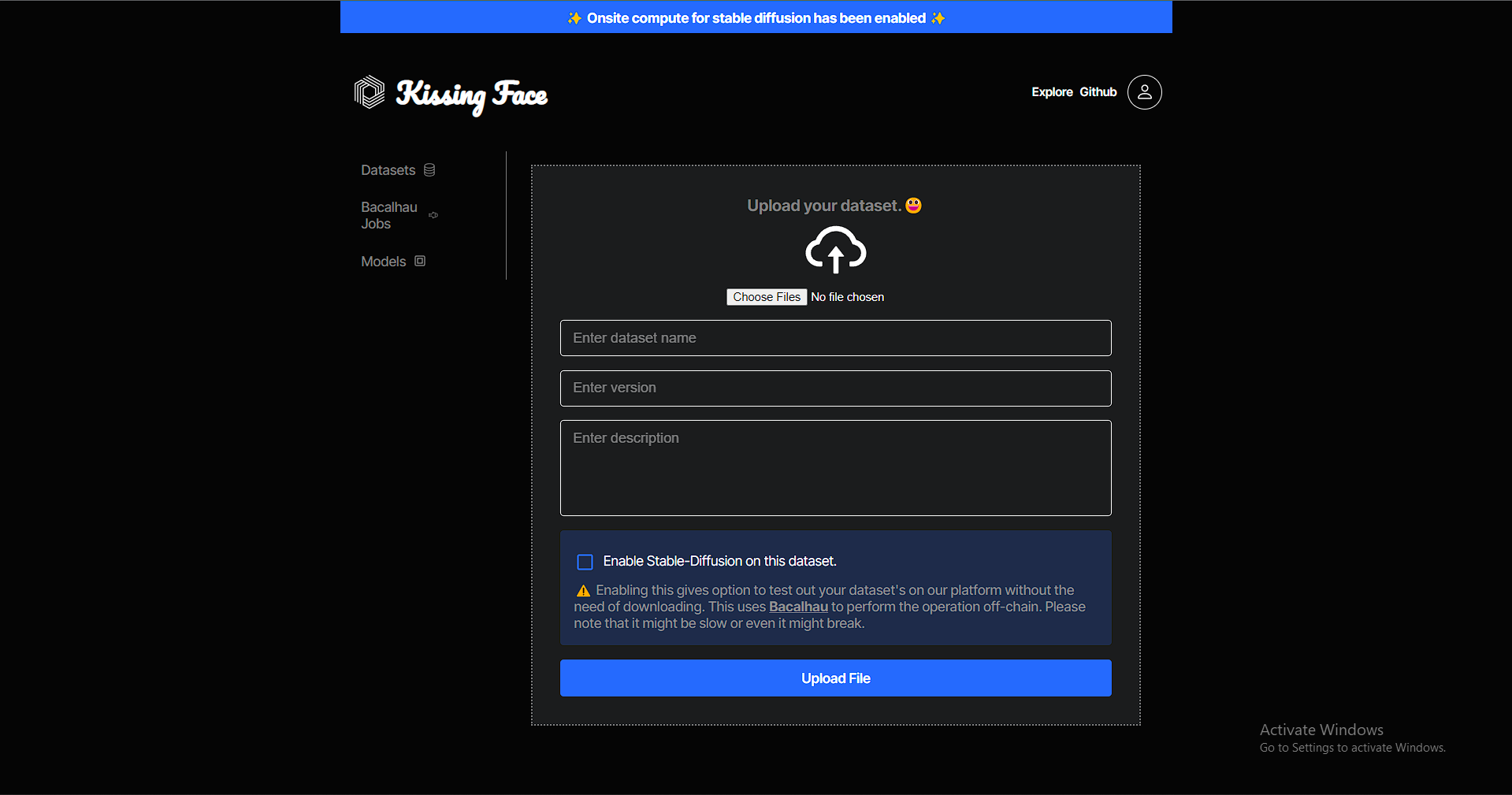
Kissing Face😘
Kissing Face is a decentralized version of Hugging Face/Kaggle, enabling you to train and test your datasets and models onsite using Bacalhau, and or access wider range of datasets and models via DAO.
https://kissingface.xyz
Get Started
The product contains three code bases, Server to serve Bacalhau commands and Client, a GUI code base, and Solidity code to manage and handle DAO. Database is handled by Polybase, a database for web3.
Website
API API KissingFace
Technology
- Bacalhau hosted on Spheron Decentralized Compute [know more], served using Node.js and Express.js server through APIs.
- Find bacalhau and other API logics here.
- Database, Polybase is the database for web3. [know more]
- Find schemas and logic here.
- Datasets and models are stored in Decentralized storage using Spheron Storage SDK, [know more]
- React.js, hosted on Spheron Decentralized Hosting [know more]
Follow the below steps to run it locally.
Server⚙️
⚠️ Make sure you have installed Bacalhau Client. Know More
- Clone Repo. > $ git clone https://github.com/leostelon/kissingface-server kissingface-server > $ cd kissingface-server
Add the .env file in the root directory. Add the below variables and replace them with your tokens, respectively.
SPHERON_TOKEN= < spheron-webapp-token > Know More POLYBASE_NAMESPACE= < polybase-namespace > Know More JWT_SECRET= < your-secret >
Run server!
Run independently
$ npm run start
Run using Docker🐟
$ docker build -t kissingface:latest .
Client💻
- Clone Repo. > $ git clone https://github.com/leostelon/kissingface-client kissingface-client > $ cd kissingface-client
Add the .env file in the root directory. Replace the value accordingly.
REACT_APP_SERVER_URL=http://localhost:3000Run the client!
$ npm run start
Note: It may prompt to run on a different port, hit enter.
What next?👨💻
- [x] MVP
- [x] Datasets
- [x] Stable-Diffusion
- [ ] Add models
- [ ] Add context to the polybase, the user controls the data.
Built With
- bacalhau
- express.js
- fvm
- node.js
- polybase
- react.js
- spheron


Log in or sign up for Devpost to join the conversation.