Project Name
KisanAI Live – The Future of Smart Farming
Project Story
💡 Inspiration
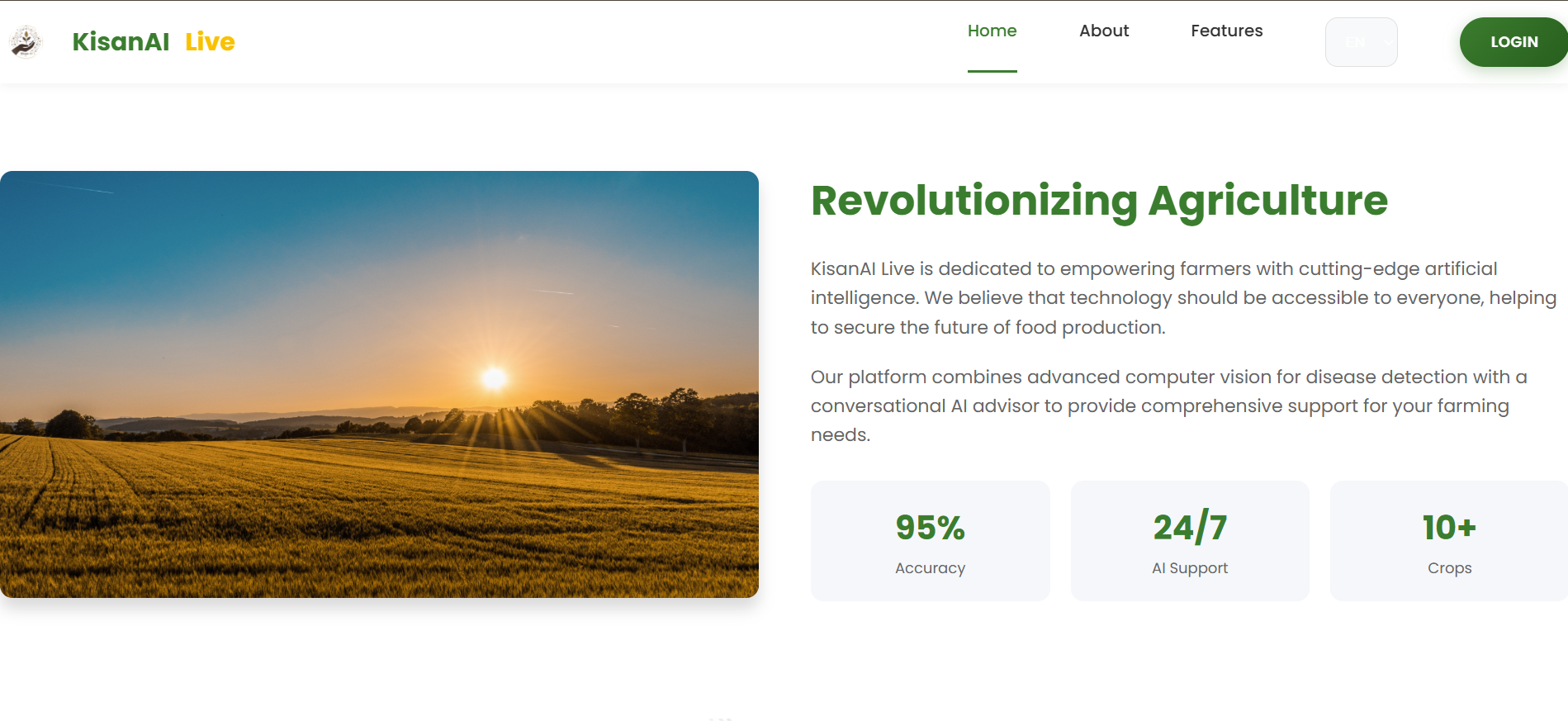
Agriculture is the backbone of our economy, yet millions of farmers struggle with crop diseases, lack of timely advice, and language barriers. We saw farmers losing entire harvests because they couldn't identify a disease in time or didn't know which fertilizer to use.
We wanted to build a bridge between cutting-edge AI and traditional farming. Our goal was simple: Create an intelligent, accessible, and multilingual companion that every farmer can carry in their pocket. That's how KisanAI Live was born.
🚜 What it does
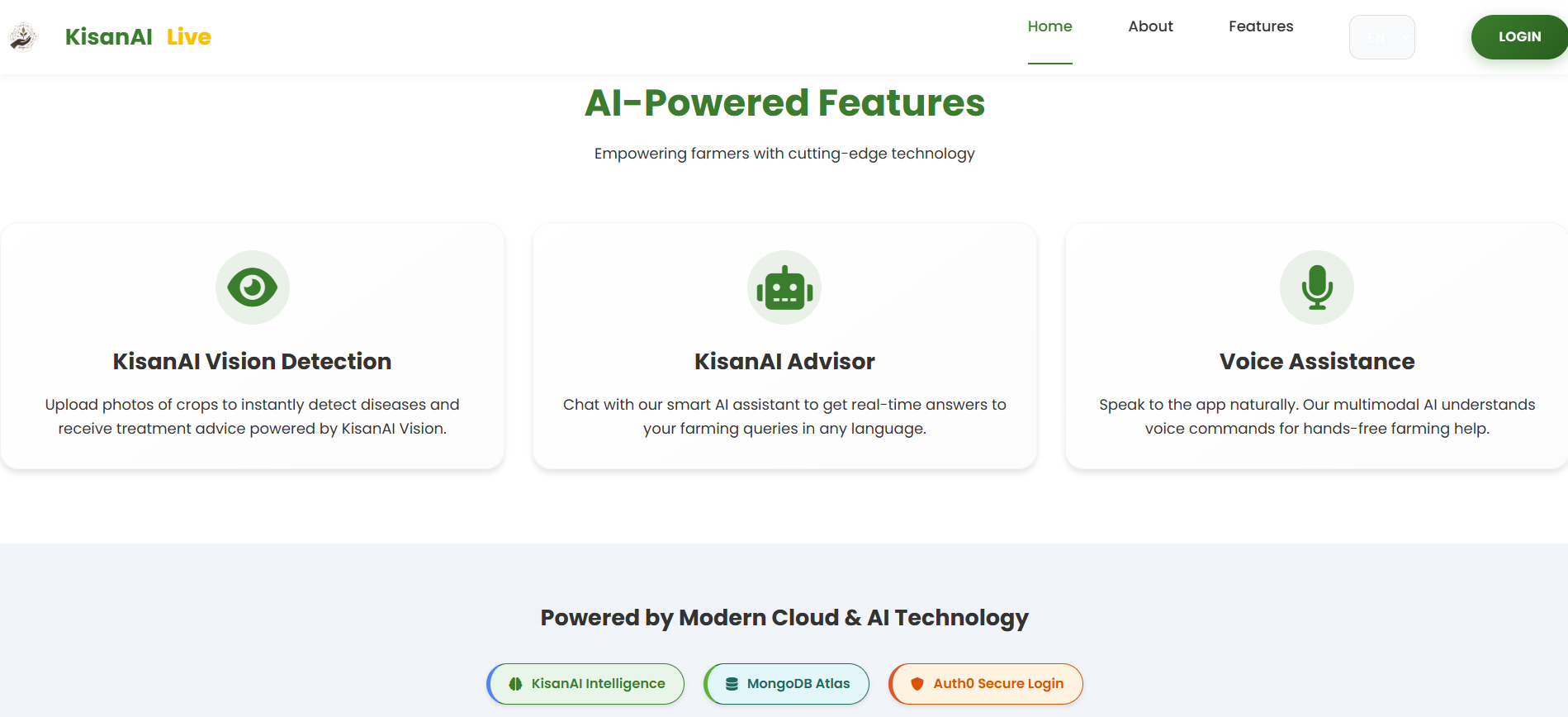
KisanAI Live is an all-in-one smart agricultural assistant that empowers farmers with:
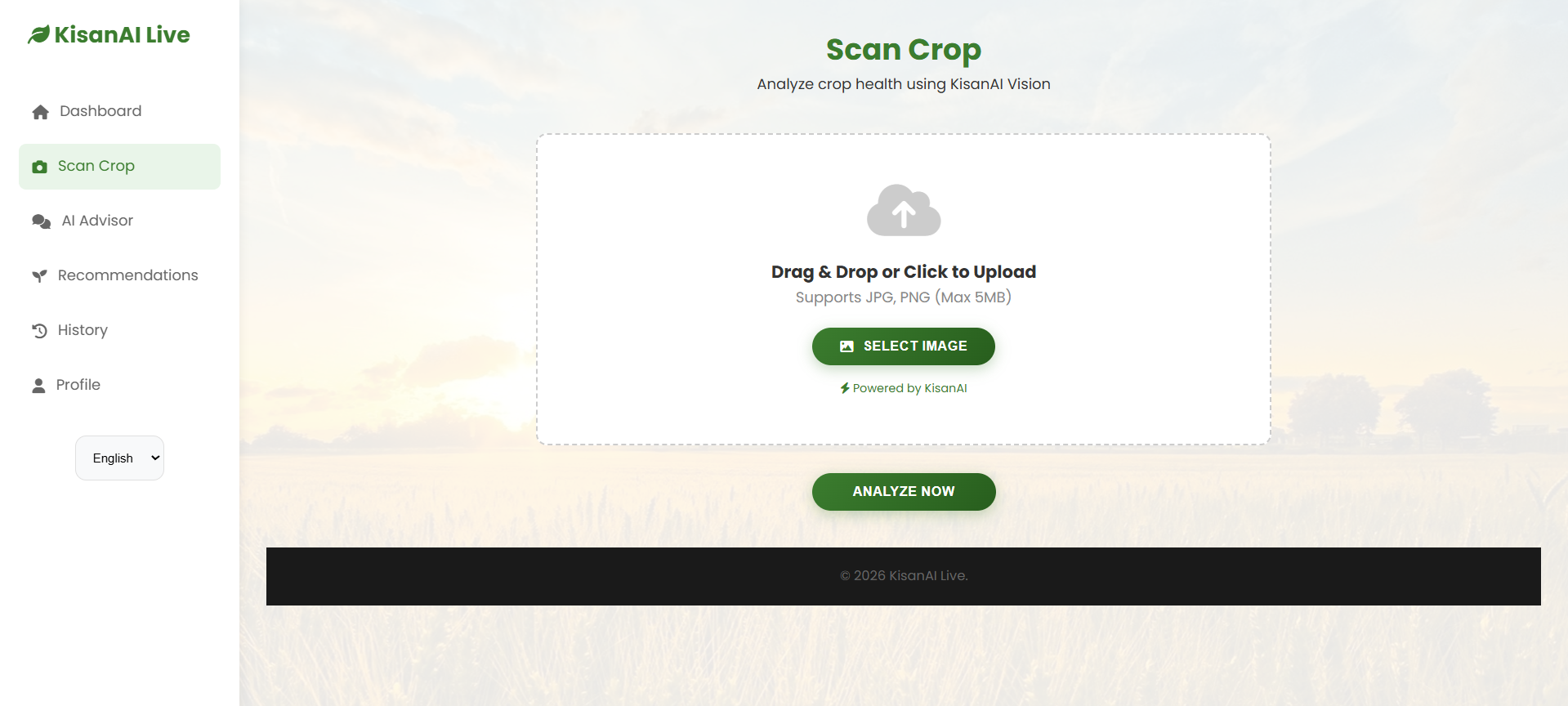
- AI-Powered Disease Detection: Farmers can simply upload a photo of a sick plant. Our Vision AI analyzes it instantly, identifies the disease (e.g., "Tomato Early Blight"), and prescribes a cure.
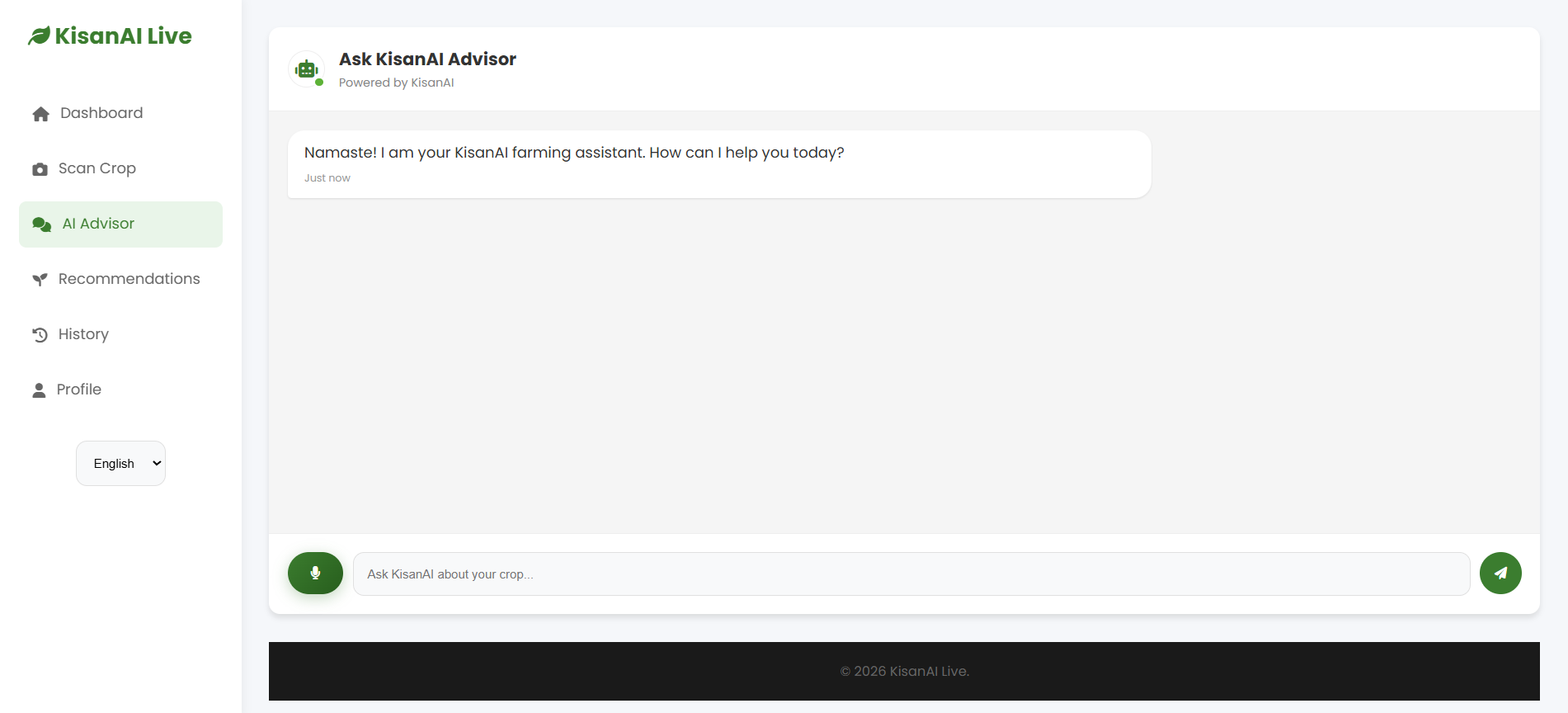
- Multilingual Chat Advisor: A voice-activated chatbot that understands and speaks Hindi and English. Farmers can ask, "Meri fasal kyu kharab ho rahi hai?" and get an instant answer.
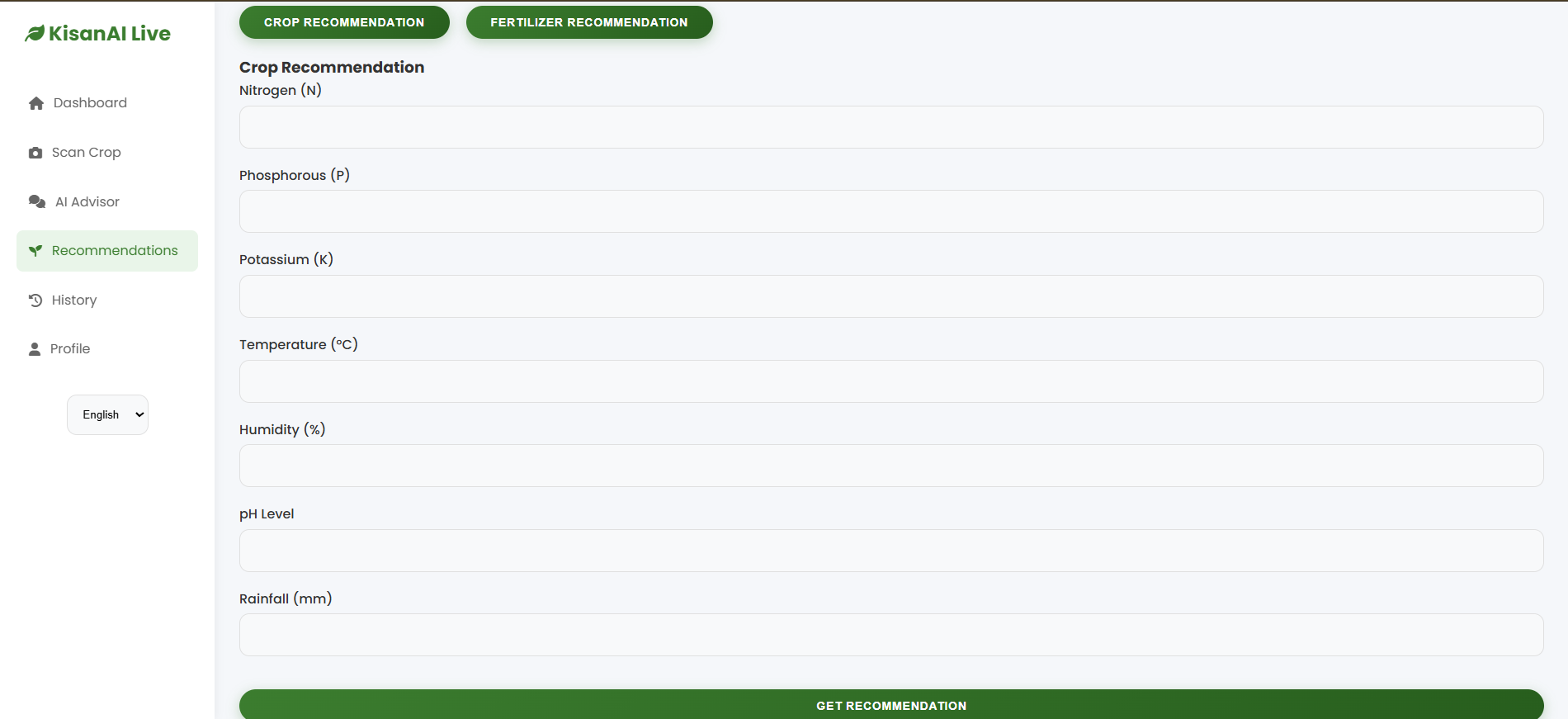
- Smart Recommendations: Based on soil conditions (Nitrogen, Phosphorus, Potassium levels), the app recommends the most profitable crops and the right fertilizers.
- Instant Reports: Generates professional PDF reports of disease analysis for record-keeping or sharing with experts.
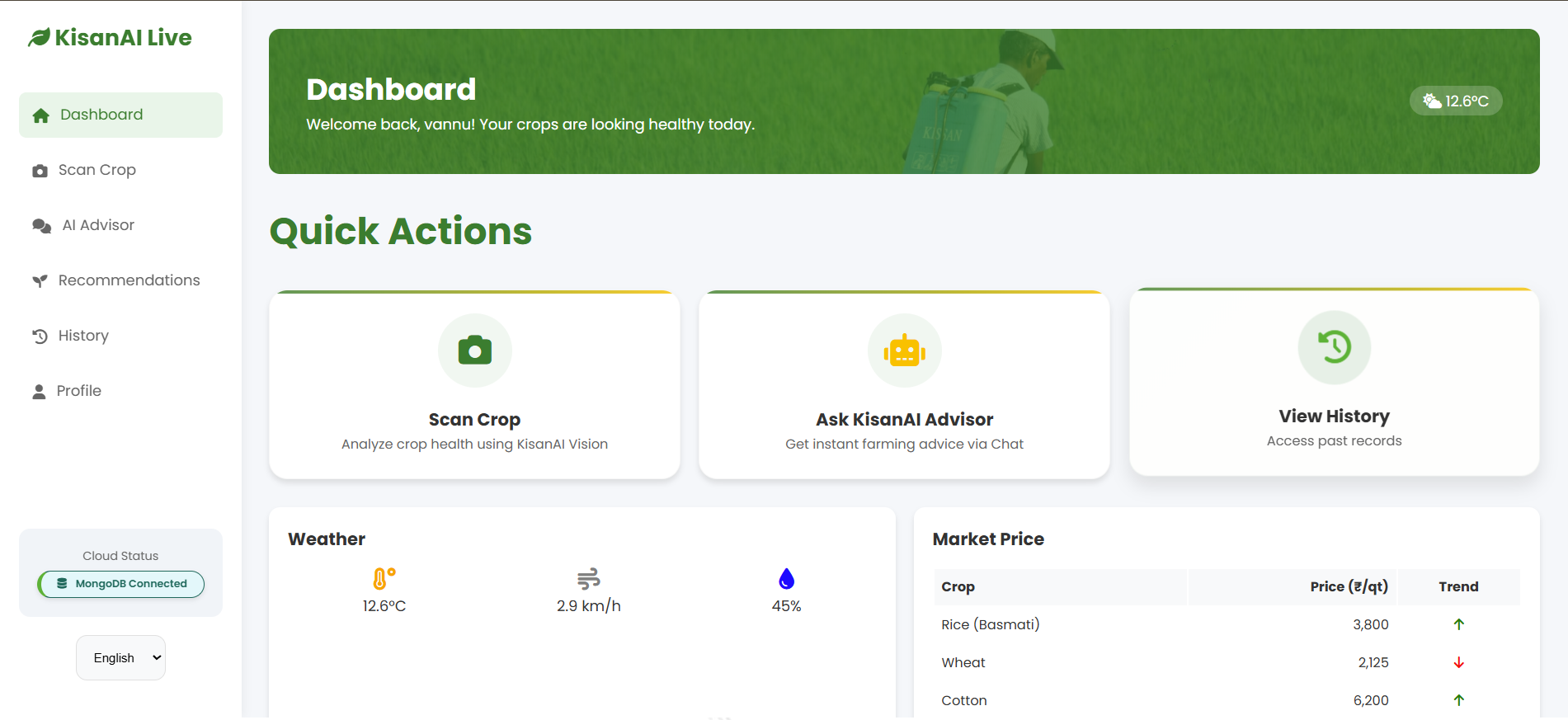
- Weather & Market Insights: Real-time updates to help plan sowing and harvesting.
⚙️ How we built it
We built KisanAI Live using a robust, modern tech stack:
- Frontend: We designed a glassmorphism-inspired UI using HTML5, CSS3, and JavaScript. We focused heavily on mobile responsiveness because most farmers use smartphones.
- Backend: Powered by Python Flask, which serves as the API gateway for all requests.
- AI Engine:
- Google Gemini Pro Vision: For analyzing crop images with high precision.
- Google Gemini Pro: For the conversational NLP engine that powers the chatbot.
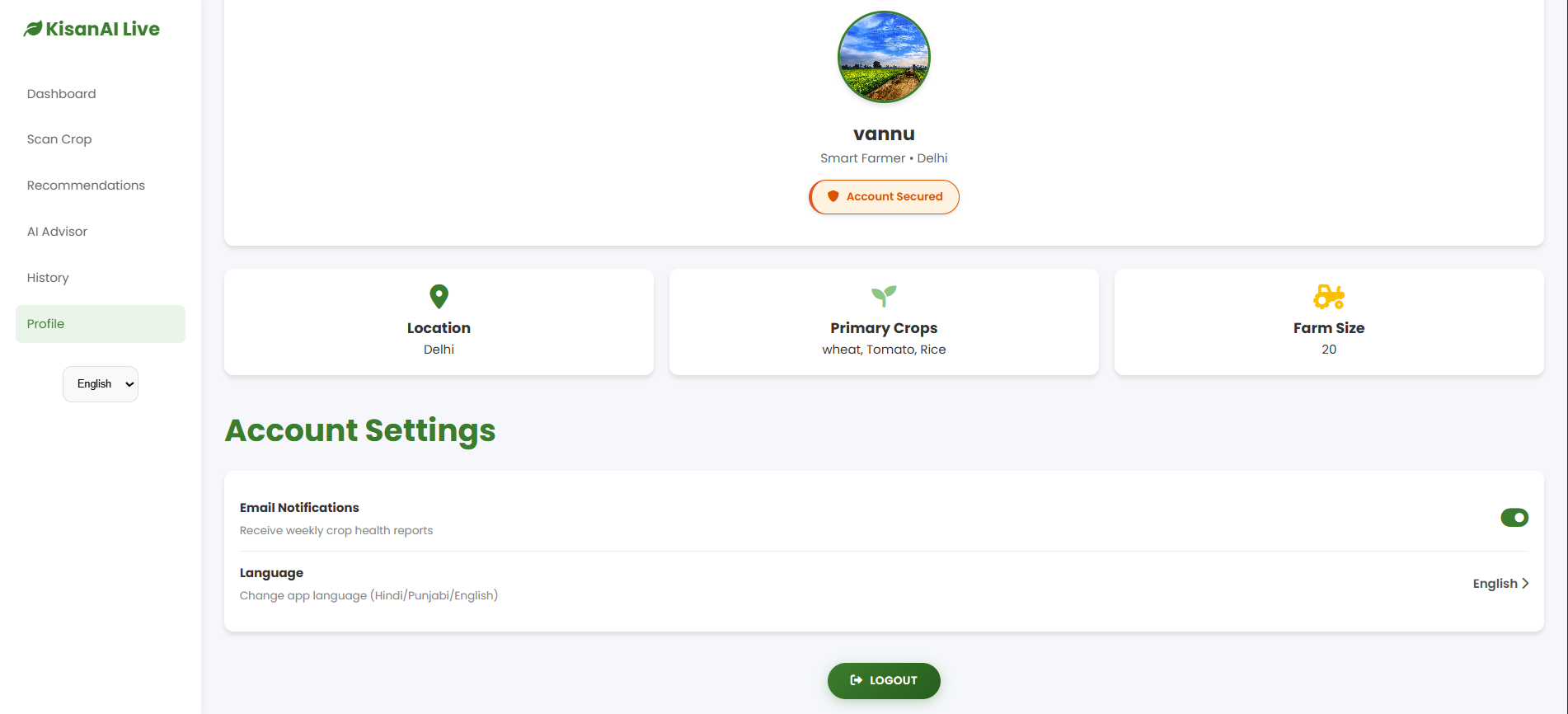
- Database: MongoDB Atlas stores user profiles, scan history, and chat logs securely in the cloud.
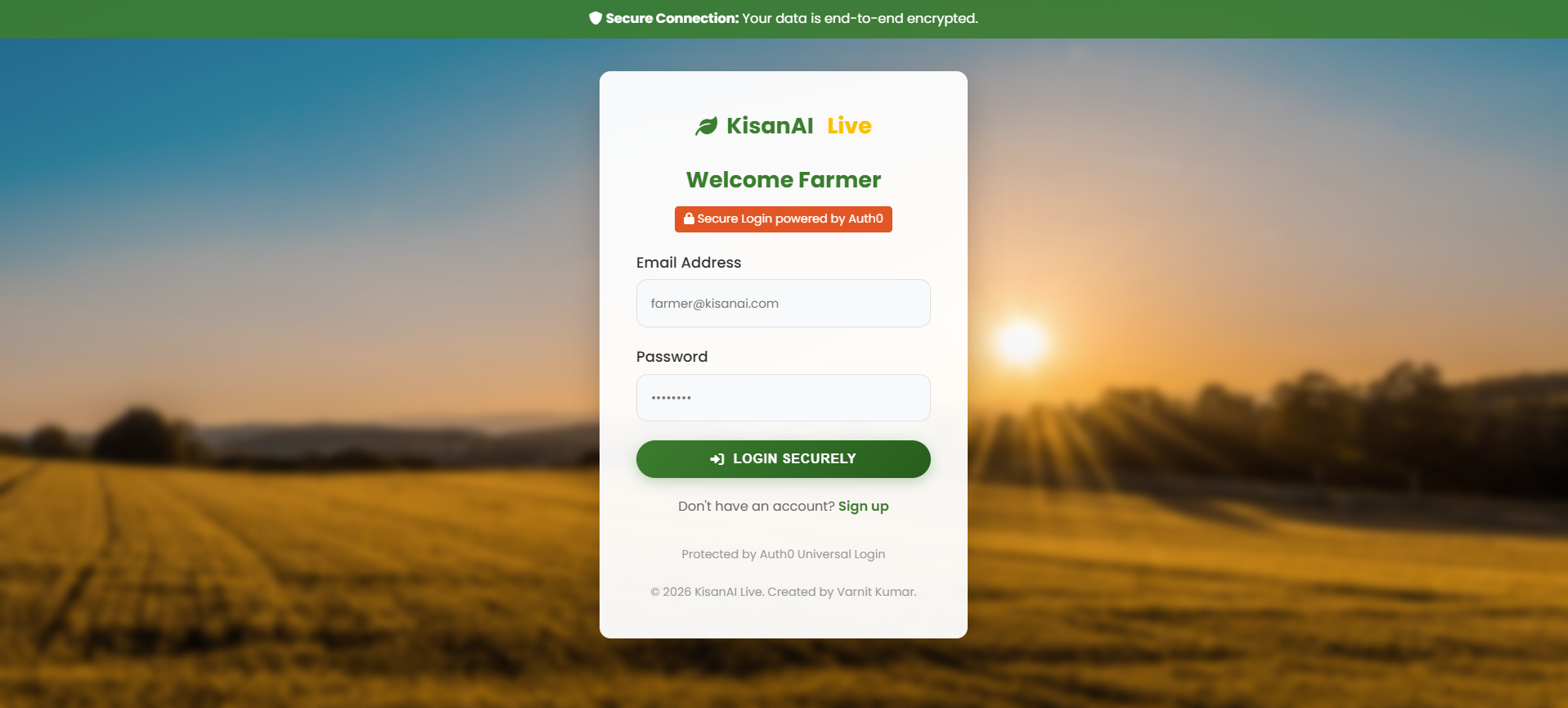
- Authentication: Integrated Auth0 for enterprise-grade security, ensuring user data is safe.
- Deployment: The app is container-ready and deployed on Render/Vercel for high availability.
🚧 Challenges we ran into
- Multilingual Support: Translating dynamic technical agricultural terms into Hindi accurately was difficult. We implemented a custom client-side translation engine to handle this seamlessly.
- Latency: AI image analysis can be slow. We optimized our image preprocessing pipelines to reduce payload size and improve response times.
- Prompt Engineering: Getting the AI to act like an "Agricultural Expert" rather than a generic bot required extensive fine-tuning of our system prompts.
🏆 Accomplishments that we're proud of
- Successfully integrating Voice Input so illiterate farmers can still use the app.
- Creating a Mock-free ML Pipeline that actually connects to a real LLM for inference.
- Designing a Professional UI that looks modern but is simple enough for non-tech-savvy users.
- Implementing PDF Export logic entirely on the client side to save server resources.
📚 What we learned
- We learned the importance of Accessibility (a11y) in design—making buttons larger and using voice commands makes a huge difference.
- We deepened our understanding of Prompt Engineering and how to structure context for Large Language Models.
- We gained hands-on experience with NoSQL Databases (MongoDB) and handling unstructured data.
🚀 What's next for KisanAI
- Offline Mode: Using TensorFlow Lite for on-device disease detection without internet.
- IoT Integration: Connecting with soil moisture sensors for automated irrigation advice.
- Marketplace: A direct farmer-to-buyer platform to eliminate middlemen.
Built with
- python
- flask
- google-gemini-api
- mongodb
- auth0
- javascript
- html5
- css3
- vercel
- git
Try it out
- GitHub Repo: https://github.com/vannu07/Kisan-AI
Project Media (Suggestions for Upload)
- Image 1: The Dashboard (showing the 4 main cards).
- Image 2: The "Scan Crop" result page showing a detected disease.
- Image 3: The Multilingual Chat interface.
- Video: A 1-minute walkthrough showing a user logging in, scanning a photo, and asking a voice question.
Built With
- auth0
- css3
- flask
- google-gemini-pro-api
- google-gemini-pro-vision-api
- html5
- javascript
- jwt
- mongodb-atlas
- python
- rest-api


Log in or sign up for Devpost to join the conversation.