Haunted RSS Reader 🎃
Inspiration
In an era of information overload, RSS feeds remain one of the most efficient ways to stay updated, but they often feel outdated and overwhelming. We wanted to breathe new life into RSS readers by combining the reliability of RSS with modern AI capabilities - all wrapped in a fun, spooky Halloween theme that makes content consumption engaging and delightful.
The inspiration came from recognizing that people struggle with:
- Too many unread articles piling up across multiple feeds
- Difficulty finding relevant content in their subscriptions
- Time constraints preventing them from reading everything
- Lack of personalization in traditional RSS readers
We asked ourselves: What if an RSS reader could be smart, personalized, and fun?
What It Does
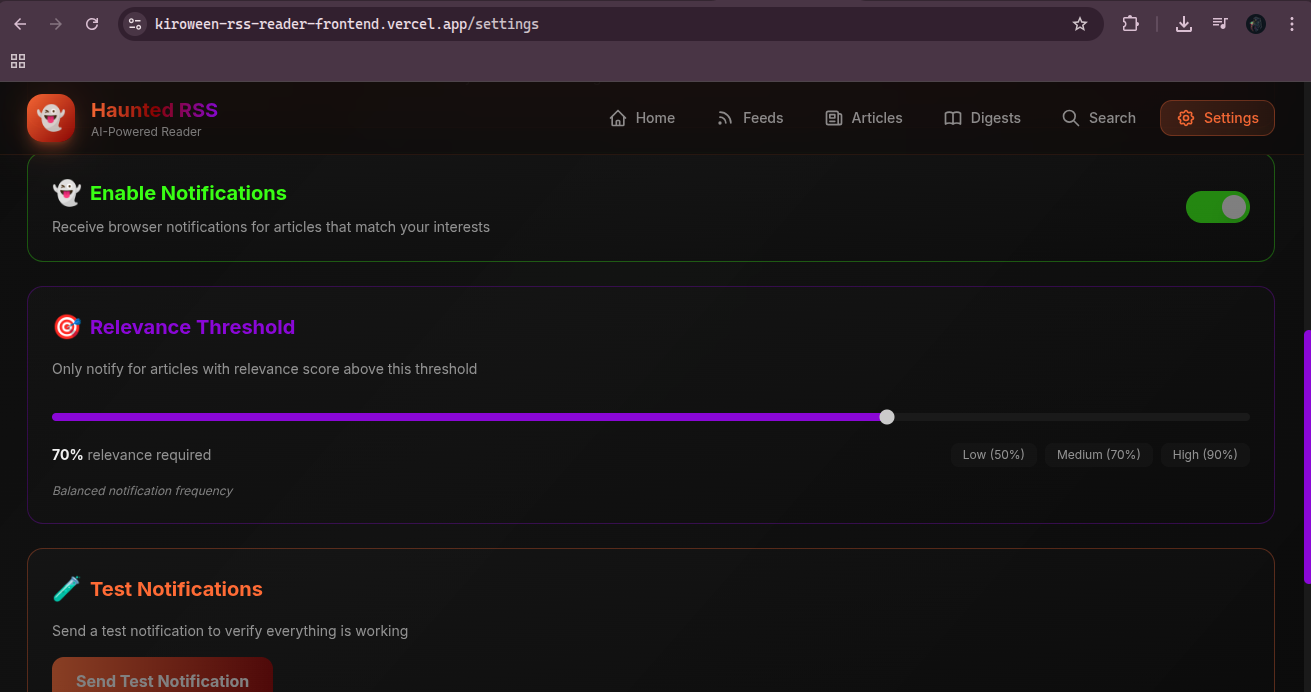
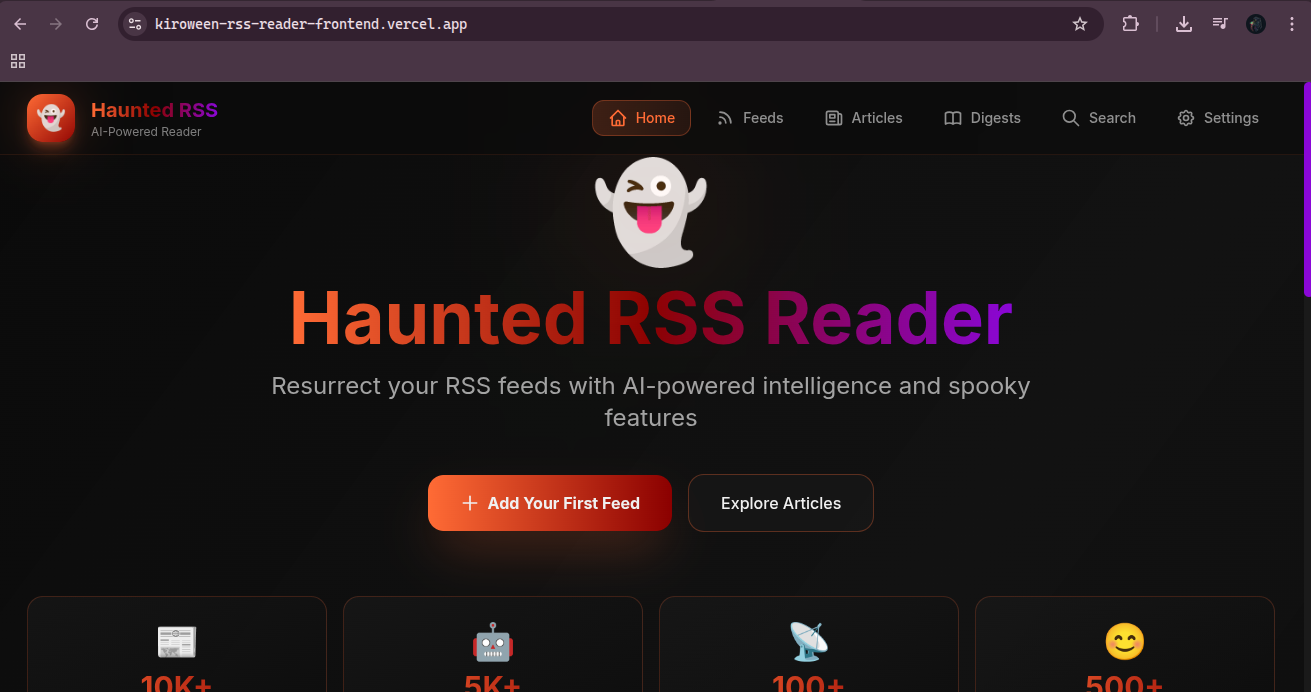
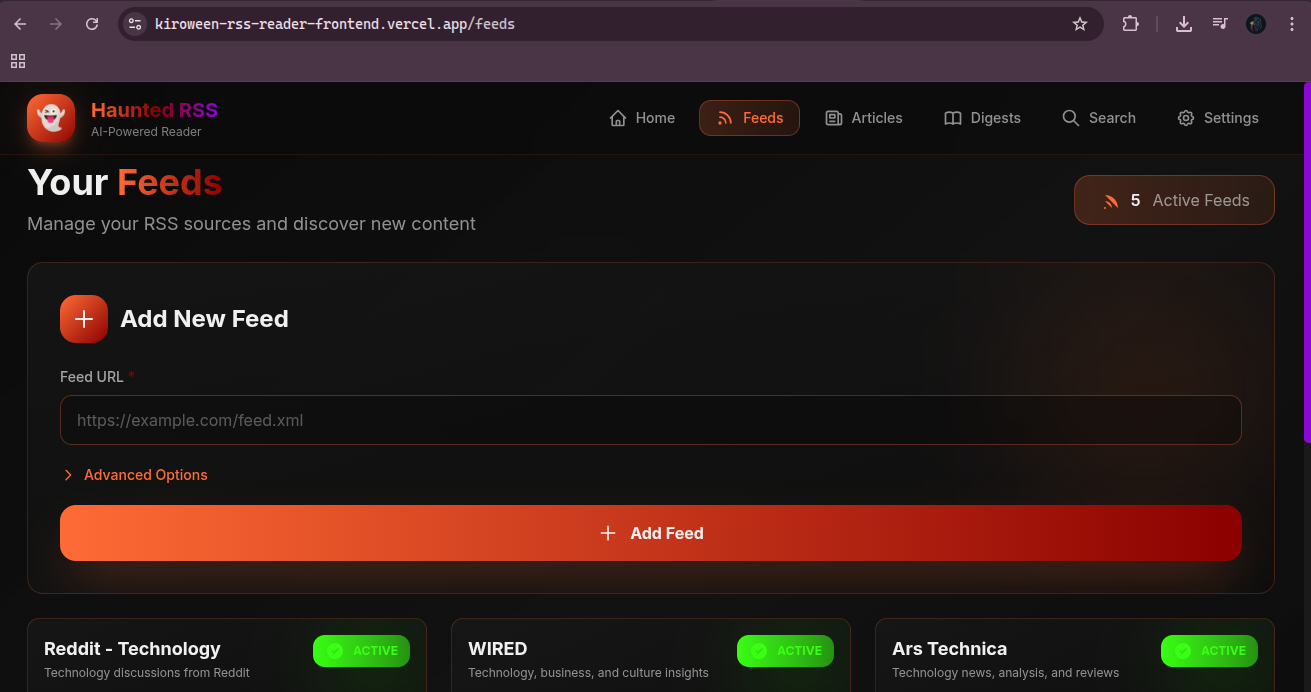
Haunted RSS Reader is an AI-powered RSS feed aggregator that transforms how users consume content:
Core Features
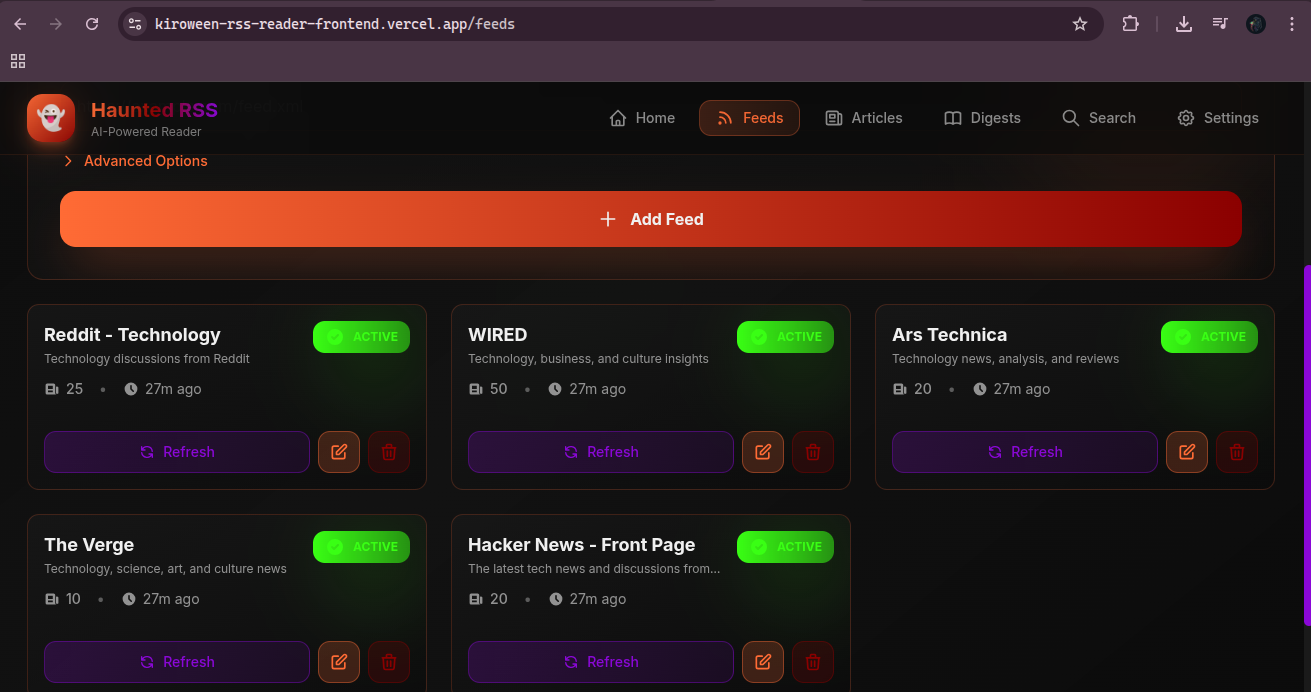
- Smart Feed Management: Subscribe to any RSS feed and get real-time updates
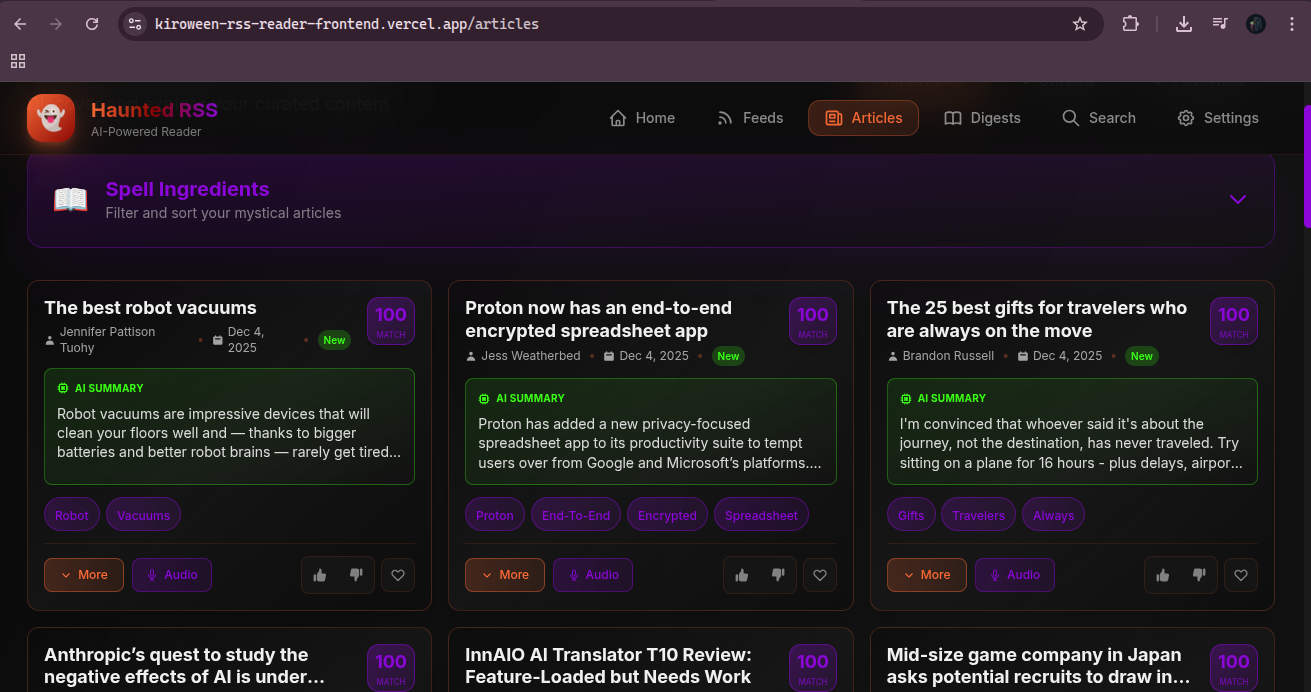
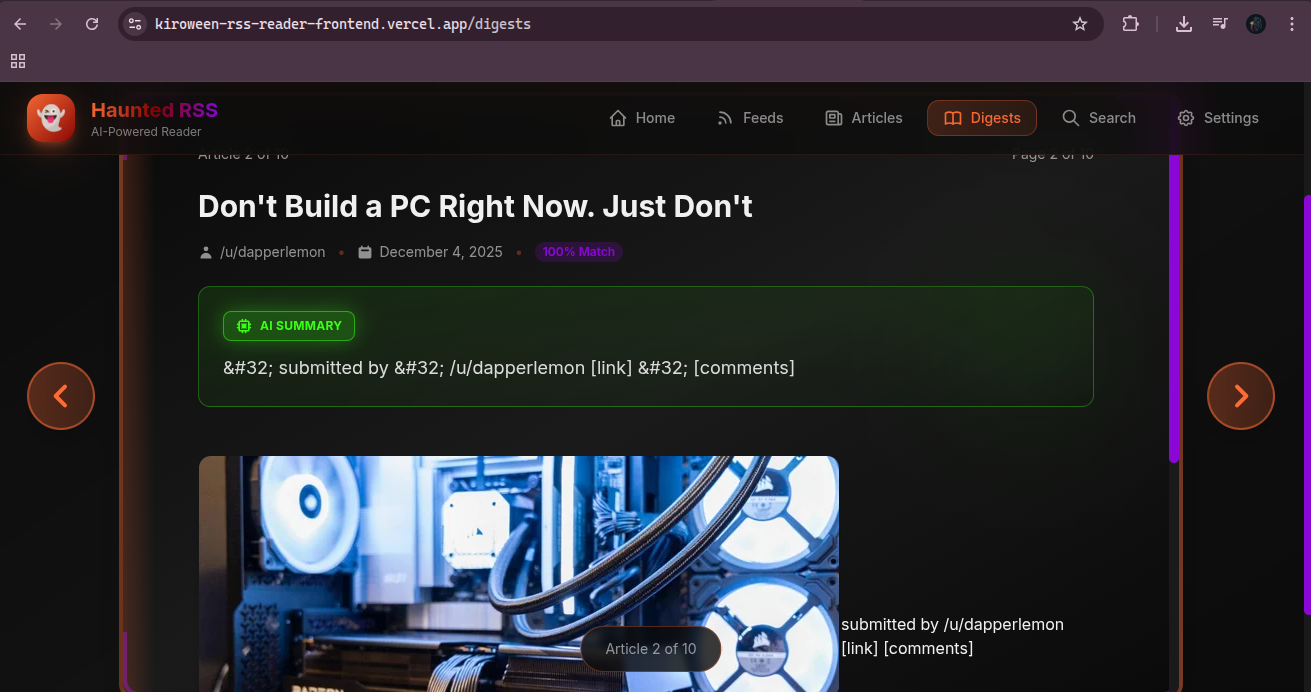
- AI-Powered Summaries: Get concise, intelligent summaries of articles using Google's Gemini AI
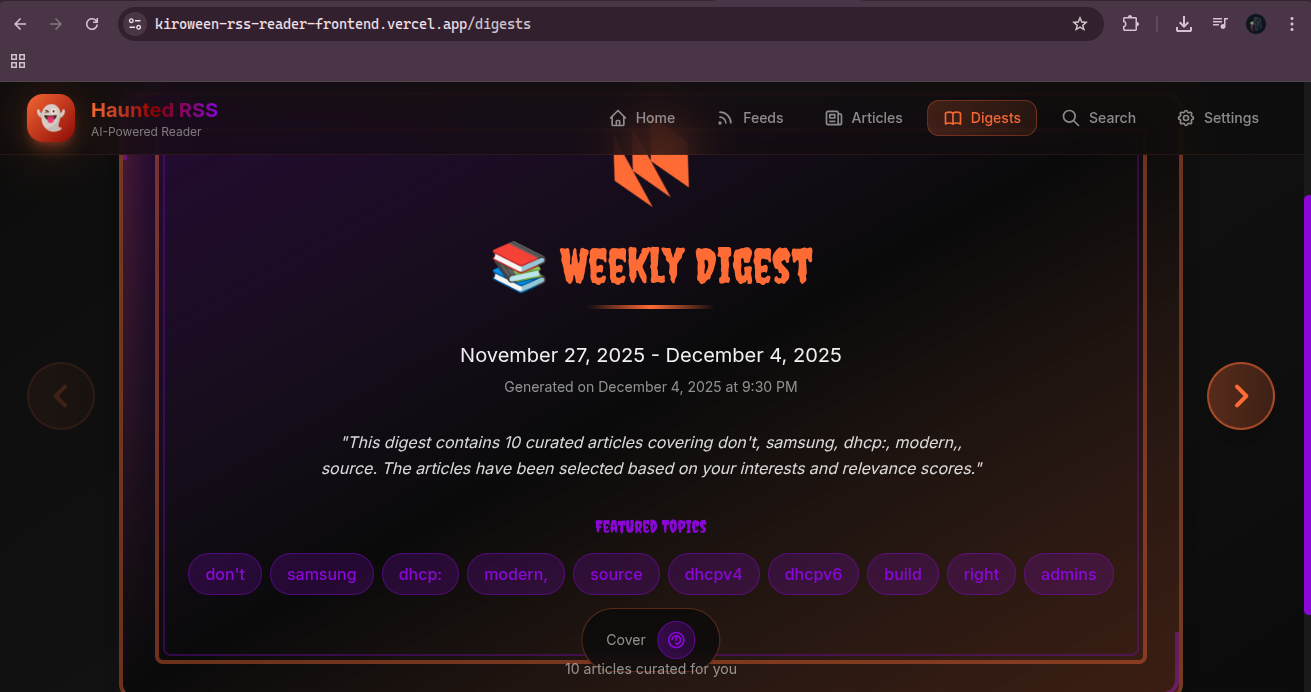
- Personalized Daily Digests: Receive curated digests based on your reading preferences and interests
- Semantic Search: Find articles by meaning, not just keywords - search for concepts and get relevant results
- Text-to-Speech: Listen to article summaries with our spooky audio feature
- Topic Extraction: Automatically categorize and tag articles by topics
- Offline Support: PWA capabilities with service workers for offline reading
- Accessibility First: WCAG 2.1 AA compliant with screen reader support and keyboard navigation
The Spooky Twist
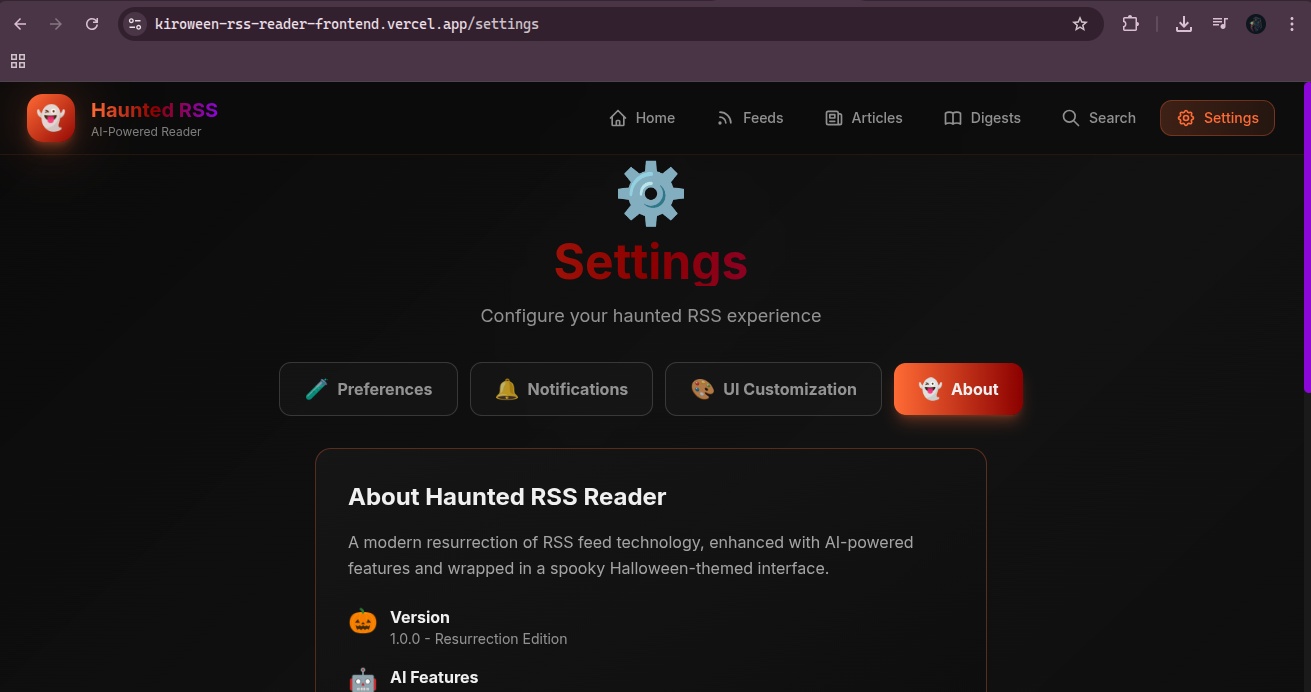
Every feature is wrapped in a Halloween-themed UI with:
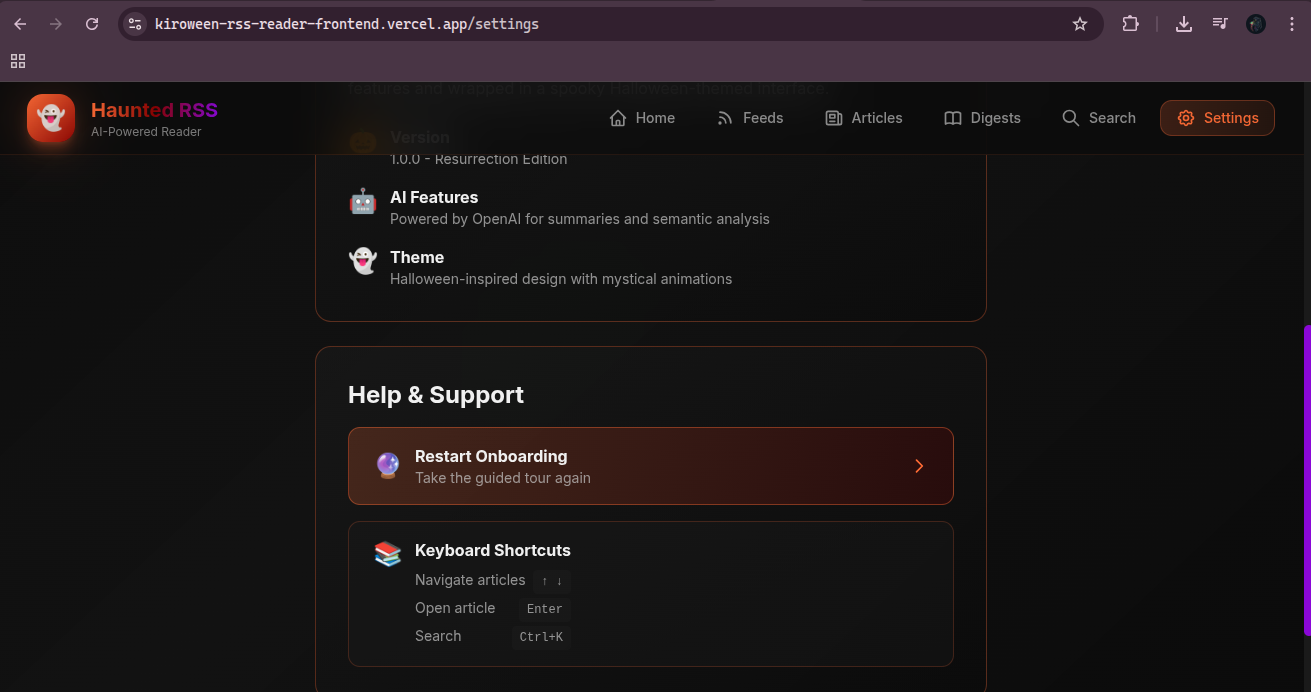
- Haunting animations and transitions
- Spooky sound effects and audio narration
- Dark, atmospheric design with orange accents
- Ghost and pumpkin motifs throughout
How We Built It
Technology Stack
Frontend:
- React 18 with TypeScript for type safety
- Vite for lightning-fast builds
- TanStack Query for efficient data fetching and caching
- Framer Motion for smooth, spooky animations
- Tailwind CSS for responsive, accessible styling
- Dexie.js for client-side IndexedDB storage
- Workbox for PWA and offline capabilities
Backend:
- Node.js with Express and TypeScript
- SQLite with better-sqlite3 for reliable data storage
- Google Gemini AI for intelligent summaries and content analysis
- RSS Parser for feed processing
- Node-cron for scheduled digest generation
- CORS configured for secure cross-origin requests
Deployment:
- Frontend hosted on Vercel for global CDN distribution
- Backend deployed on Render with persistent storage
- Environment-based configuration for seamless dev/prod workflows
Architecture Highlights
- Modular Service Layer: Separated concerns with dedicated services for feeds, AI processing, search, and notifications
- Scheduled Jobs: Automated feed updates and digest generation using cron jobs
- Semantic Search: Vector-based similarity search using TF-IDF and cosine similarity
- Personalization Engine: Analyzes user reading patterns to recommend relevant content
- Caching Strategy: Multi-layer caching with React Query and service workers for optimal performance
- Error Handling: Comprehensive error boundaries and retry logic for resilience
Challenges We Faced
1. AI Integration Complexity
Integrating Google Gemini AI required careful prompt engineering to get consistent, high-quality summaries. We had to:
- Design prompts that generate concise yet informative summaries
- Handle rate limits and API errors gracefully
- Implement retry logic with exponential backoff
- Balance between summary quality and API costs
2. Cross-Origin Resource Sharing (CORS)
RSS feeds come from various sources with different CORS policies. We solved this by:
- Implementing a backend proxy for feed fetching
- Configuring proper CORS headers for our API
- Handling various feed formats (RSS 2.0, Atom, etc.)
3. Real-time Updates vs. Performance
Balancing fresh content with performance was tricky:
- Implemented intelligent caching strategies
- Used background sync for feed updates
- Optimized database queries with proper indexing
- Implemented pagination for large feed lists
4. Semantic Search Implementation
Building semantic search without heavy ML libraries:
- Implemented TF-IDF vectorization from scratch
- Calculated cosine similarity for relevance scoring
- Optimized search performance for large article collections
- Balanced accuracy with computational efficiency
5. Accessibility Compliance
Making a visually rich, animated interface accessible:
- Implemented proper ARIA labels and roles
- Ensured keyboard navigation throughout
- Added screen reader announcements for dynamic content
- Tested with actual screen readers (NVDA, JAWS)
- Provided reduced motion alternatives
6. Deployment Configuration
Getting the frontend and backend to communicate across different hosting platforms:
- Environment variable management across Vercel and Render
- CORS configuration for production domains
- Database persistence on Render's free tier
- Build optimization for faster deployments
What We Learned
Technical Skills
- AI Integration: How to effectively use LLMs for content summarization and analysis
- PWA Development: Building offline-first applications with service workers
- Semantic Search: Implementing vector-based search without heavy dependencies
- TypeScript Best Practices: Leveraging types for better code quality and developer experience
- Performance Optimization: Code splitting, lazy loading, and caching strategies
Soft Skills
- User-Centric Design: Balancing fun aesthetics with usability and accessibility
- Problem Solving: Breaking down complex features into manageable components
- Time Management: Prioritizing features for a hackathon timeline
- Documentation: Writing clear, maintainable code with proper comments
Key Takeaways
- Accessibility is not optional - it makes products better for everyone
- AI can enhance, not replace - human-centric design with AI assistance works best
- Performance matters - users notice slow apps, optimization is crucial
- Fun UX drives engagement - the spooky theme makes the app memorable
- Modular architecture pays off - clean separation of concerns makes debugging easier
What's Next
Future enhancements we're excited about:
- Multi-language support for international users
- Social features - share articles and digests with friends
- Advanced AI features - sentiment analysis, trend detection, and content recommendations
- Mobile apps - native iOS and Android applications
- Browser extension - quick article saving and reading
- Collaborative feeds - team workspaces for shared reading lists
- Analytics dashboard - insights into reading habits and trends
Conclusion
Haunted RSS Reader proves that traditional technologies like RSS can be revitalized with modern AI and thoughtful UX design. By combining intelligent features with a playful theme, we've created an RSS reader that's both powerful and delightful to use. This project showcases how AI can enhance everyday tools while maintaining accessibility and performance standards.
The spooky season may end, but the need for smart content consumption is year-round! 👻🎃
Built With
- ai
- cors
- cron
- css
- express.js
- framer
- gemini
- html
- indexeddb
- javascript
- motion
- node.js
- pwa
- query
- react
- render
- rest
- sqlite
- tailwind
- tanstack
- typescript
- vercel
- vite
- workbox

Log in or sign up for Devpost to join the conversation.