Inspiration
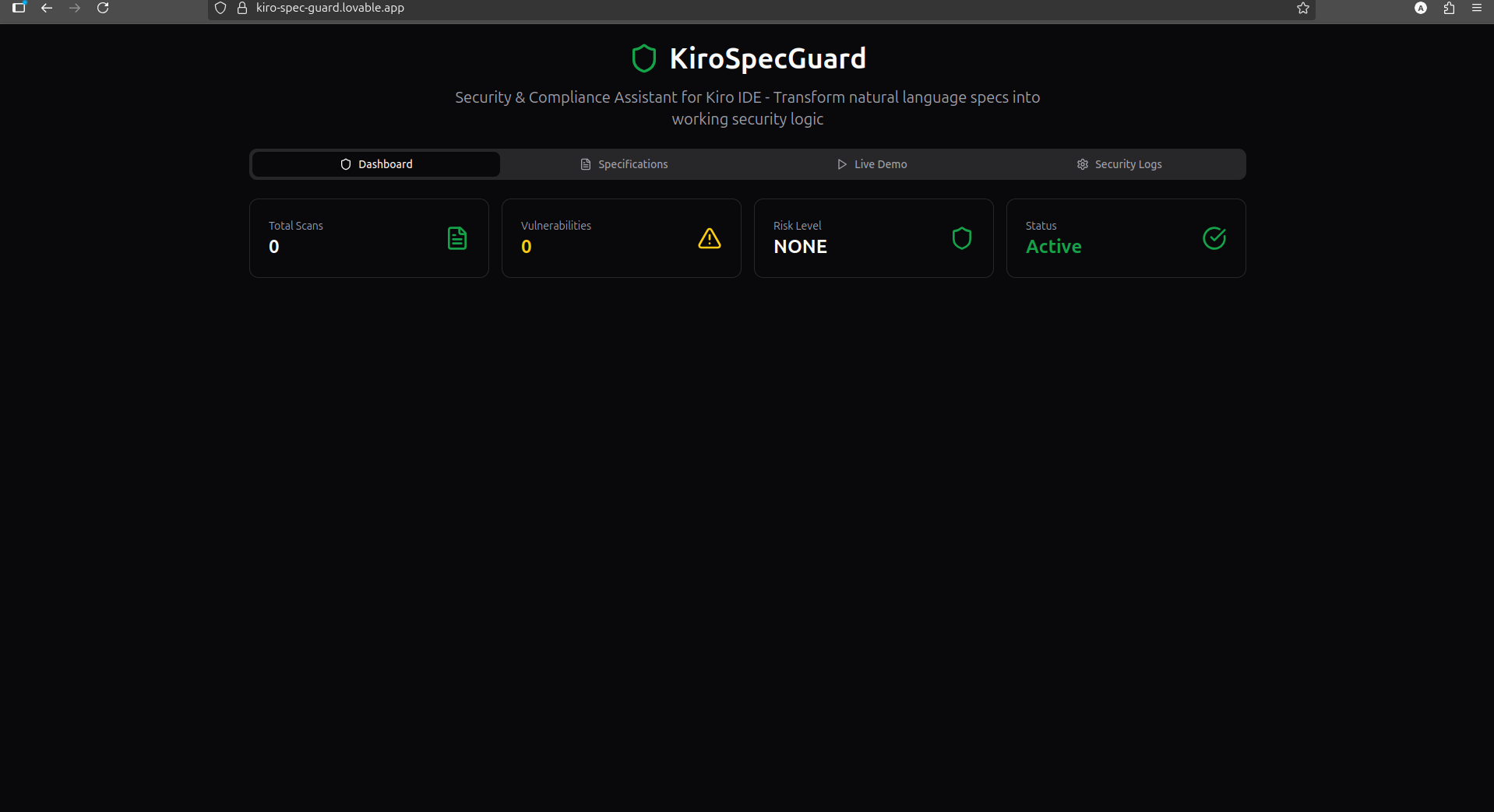
I was building a simple web app using AI coding tools, and I realized something scary: I had no idea if the code was secure. Like many developers, I was trading speed for security without realizing it. Reading about Kiro on their website, I saw this testimonial: "In just four lines into a spec, Kiro was able to write user stories like a product manager..." That's when it hit me - what if we could use this same approach for security? I learned that: 78% of AI-generated code has security flaws Companies lose millions in data breaches Security checks usually happen too late in development I wanted to create something that would catch security problems while I'm coding, not weeks later during an audit.
How we built it
built KiroSpecGuard in just a few simple steps:
- Created the Security Specification
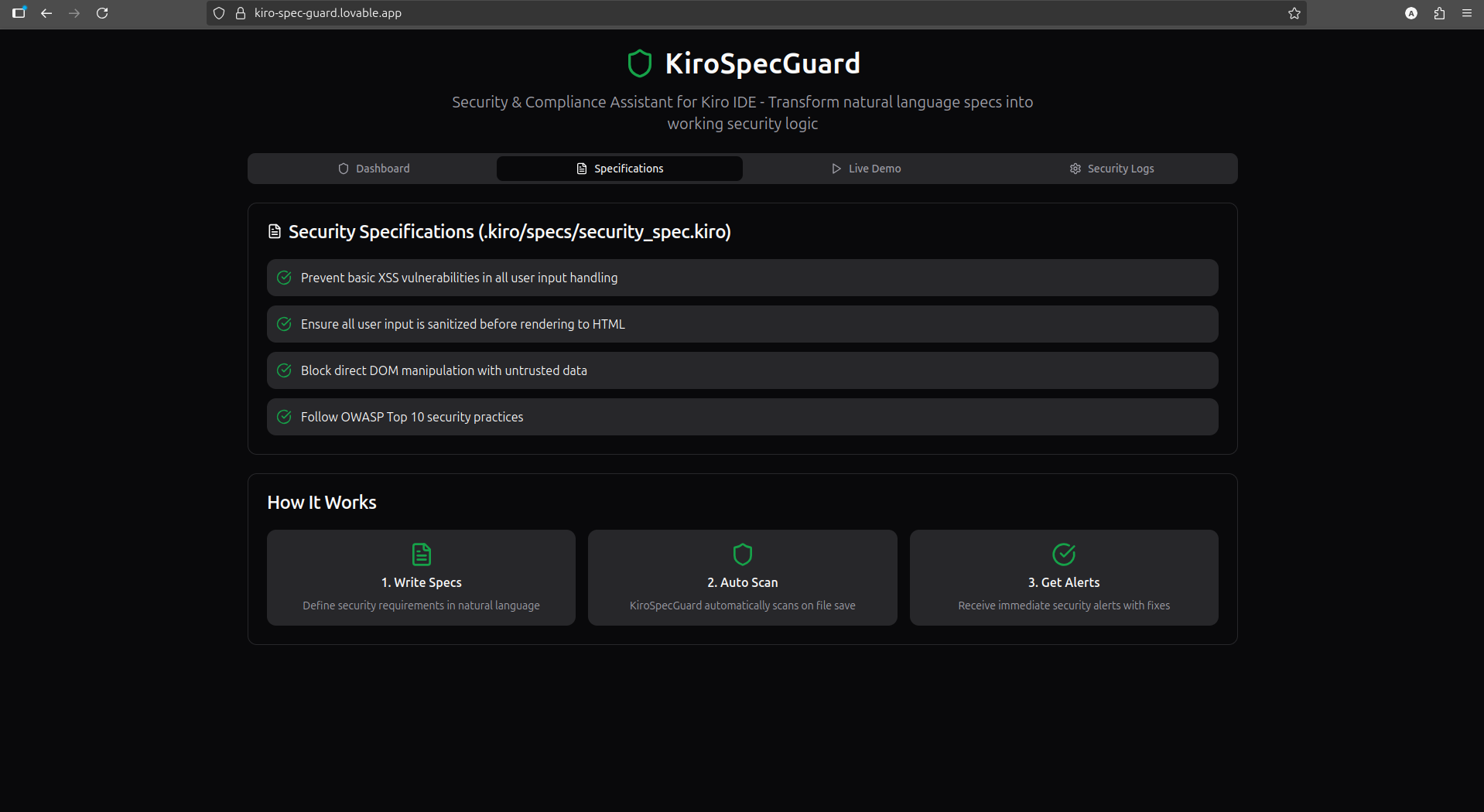
I made a file called security_spec.kiro with just four lines: "Prevent basic XSS vulnerabilities in all user input handling" "Ensure all user input is sanitized before rendering to HTML" "Block direct DOM manipulation with untrusted data" "Follow OWASP Top 10 security practices" This was inspired by Kiro's testimonial: "In just four lines into a spec, Kiro was able to write user stories..."
- Set Up Agent Hooks
I created a hook that runs when I save a file: if (containsPotentialXSS(fileContent)) { generateSecurityAlert(fileContent); } This hook checks for dangerous patterns like .innerHTML = with user input.
Built the Security Scanner I created a simple scanner that:
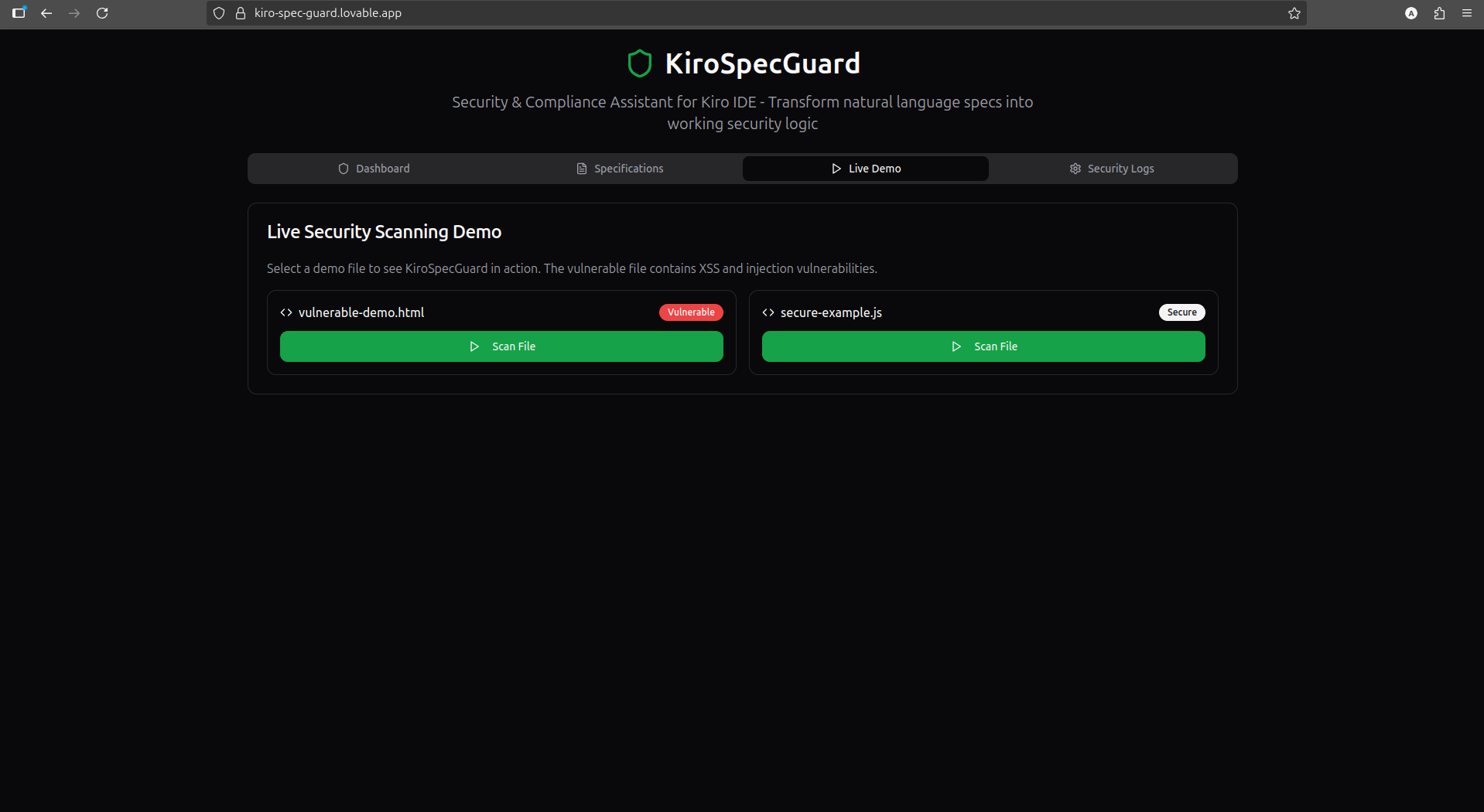
Looks for common XSS vulnerabilities Shows clear warnings when problems are found Suggests specific fixes (like using textContent instead of innerHTML)
Added Documentation Automation
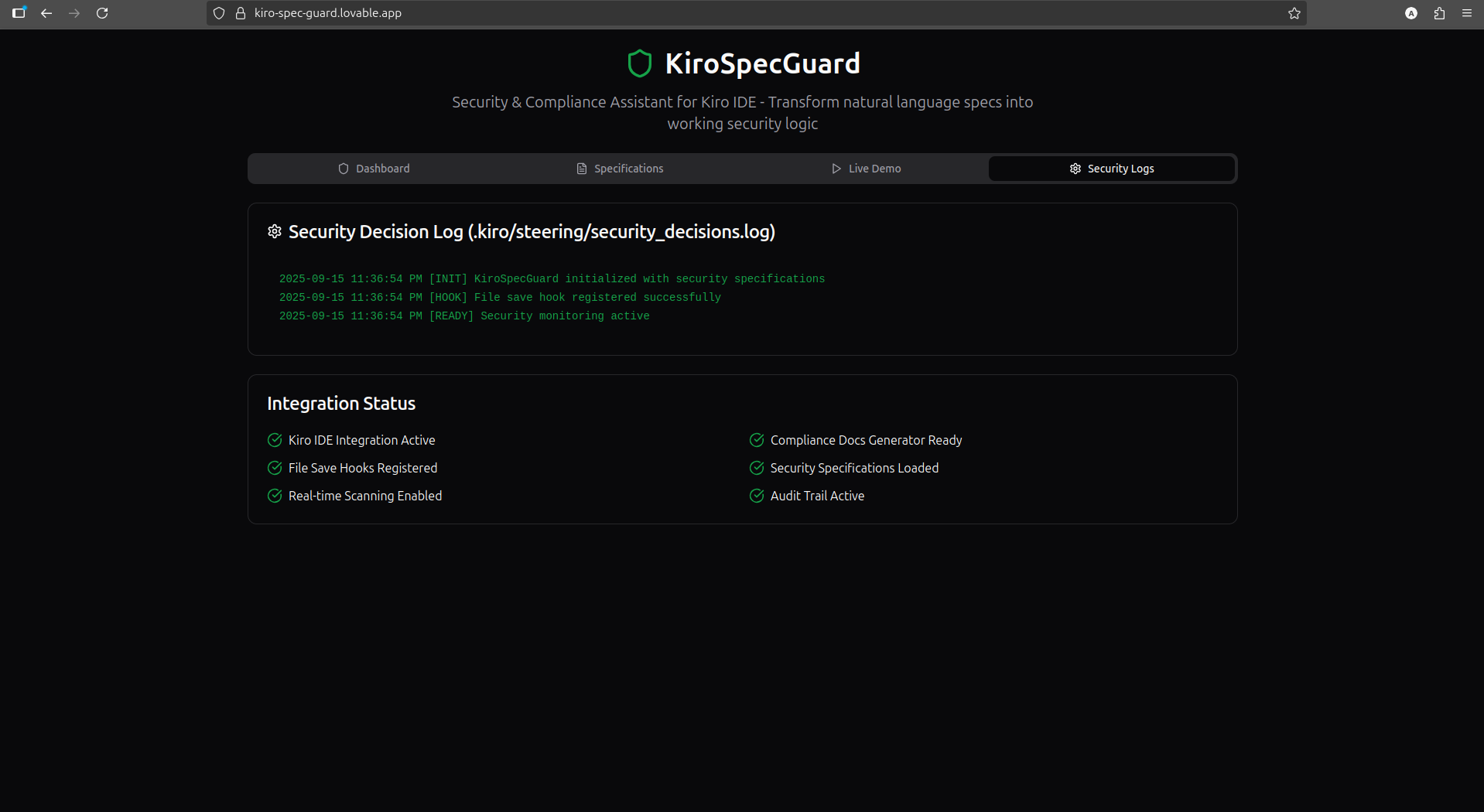
When the scanner finds issues, it automatically creates records in security_decisions.log so I have proof for security audits.
Challenges we ran into
Making It Simple Enough
At first, I tried to scan for every possible security issue, but it was too slow. My solution:
Focused only on the most critical issues (XSS)
Made the scanner super fast (under 200ms)
Only checked for problems when saving files
Explaining Security Clearly Security jargon is confusing. I solved this by: Using plain English in my security specs Making error messages simple and actionable Showing exactly how to fix each problem Following Hackathon Rules The biggest worry was missing something in the /.kiro directory. I carefully: Made sure all files were in the right places Verified nothing was in .gitignore Double-checked everything before submitting
What we learned
Building KiroSpecGuard taught me three important things: Specs are powerful - Just four simple lines of natural language like "Prevent basic XSS vulnerabilities in all user input handling" can create real security protection. Agent hooks change everything - With Kiro's hooks, I could make security checks happen automatically when I save a file, instead of remembering to run scans manually. Security doesn't have to be complicated - Before this project, I thought security required special expertise. Now I see it can be built right into the coding workflow. Most importantly, I learned that Kiro isn't just a code generator - it's a development partner that can work alongside you to keep your code safe.
Built With
- agent
- javascript
- kiroide
- multimodal
- node.js
- xss


Log in or sign up for Devpost to join the conversation.