Inspiration
We've all been there: joining a new project or returning to an old one and spending hours - sometimes days - just trying to understand the architecture. "Where does the frontend connect?" "How do I integrate this new service?" This friction is a universal pain point for developers, leading to onboarding delays, integration errors, and massive inefficiencies. We were inspired to build a tool that makes understanding software architecture as intuitive as using any map.
What it does
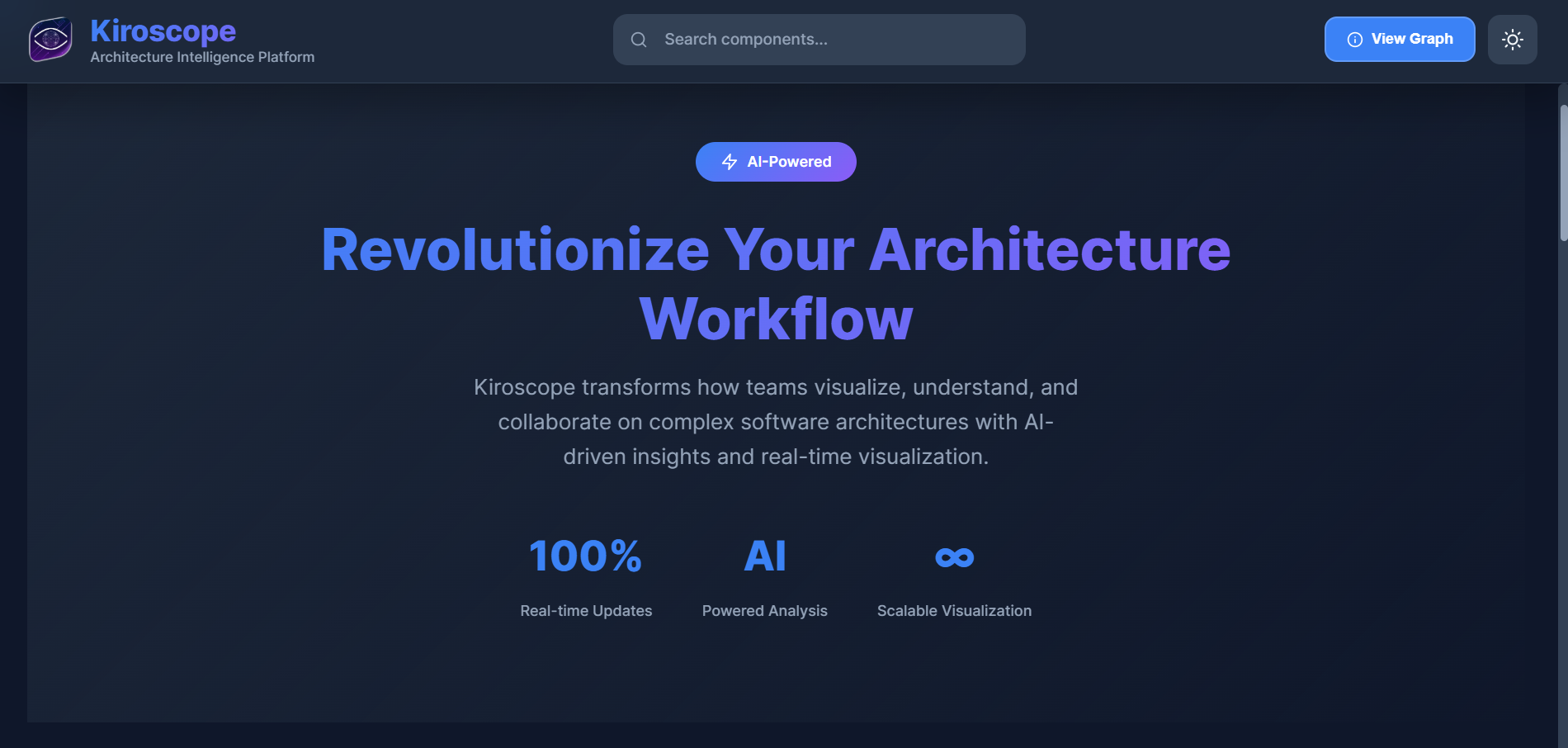
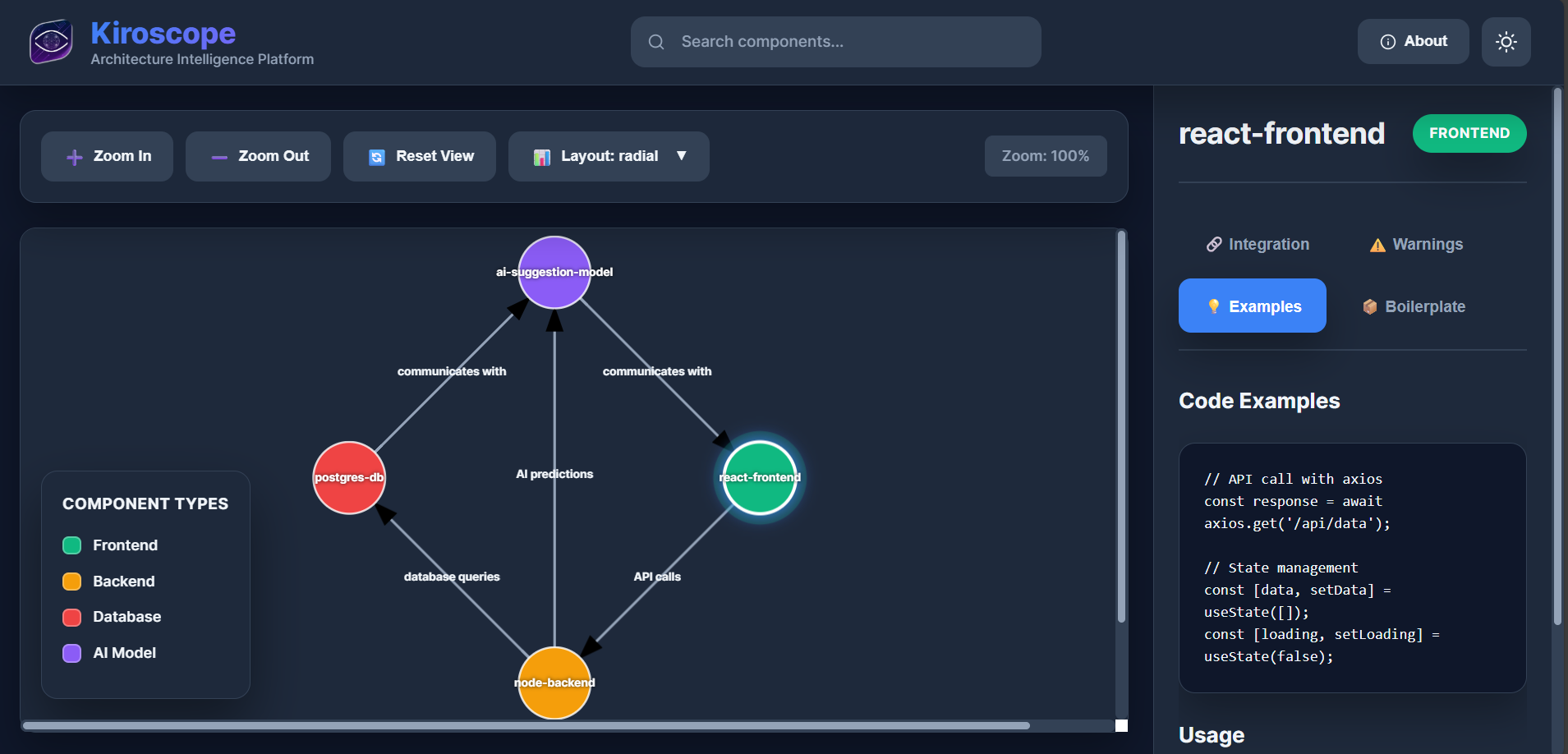
Kiroscope is an intelligent architecture visualization platform. It turns your project specification into an interactive, real-time graph of your software components. You can:
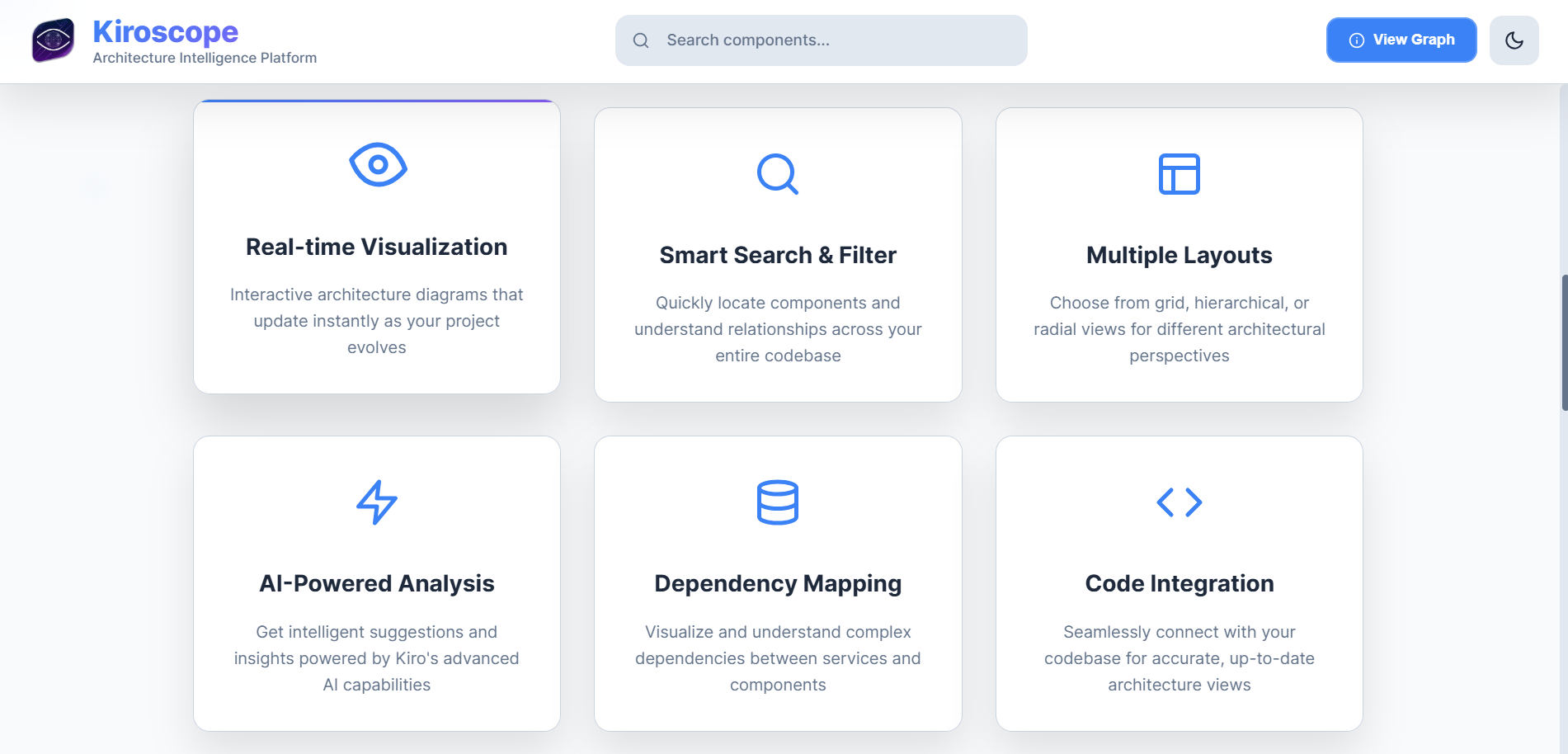
Visualize: See your frontend, backend, databases, and AI models as interconnected nodes.
Explore: Click on any component to get detailed integration instructions, code examples, and best practices.
Search: Instantly find components and understand their relationships.
Plan: Use the insights to seamlessly add new features or onboard new team members. It's like having a senior architect guiding every developer on your team.
How we built it
We built Kiroscope using a spec-driven development approach with Kiro, which was fundamental to our workflow.
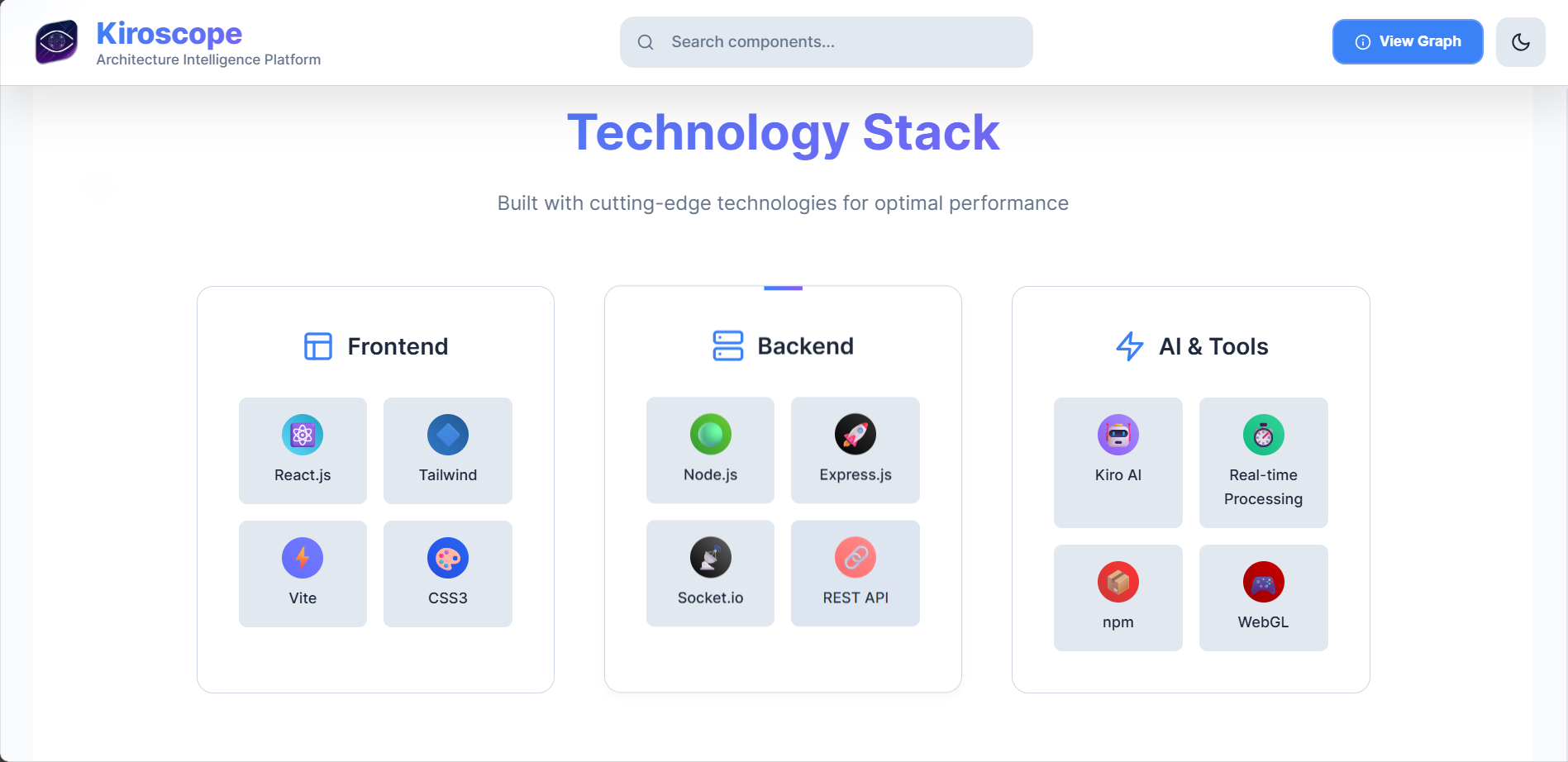
Frontend: A responsive React application using modern CSS with dark/light theming. We used SVG for the interactive graph rendering.
Backend: A Node.js/Express server that parses project specs and manages real-time updates.
Real-time Communication: Socket.io to push live graph updates to the frontend whenever the project spec changes.
The Magic (Kiro): We started by writing a detailed .spec.md file within Kiro. This spec described our entire vision - the parser, the graph data structure, the UI components, and the WebSocket communication. Kiro then helped us generate the foundational code and logic for these complex systems.
Challenges we ran into
Real-time Graph Synchronization: Ensuring the graph UI updated smoothly and instantly via WebSockets without performance lag was a significant challenge.
Dynamic Layout Algorithms: Implementing multiple layout engines (Grid, Hierarchy, Radial) that could handle an arbitrary number of nodes required careful mathematical planning.
Kiro Context Management: Initially, we had to learn how to structure our conversations with Kiro to maintain context over a large, complex project. Breaking the project into smaller, well-defined specs was the key to success.
Accomplishments that we're proud of
Creating a Truly Useful Tool: We built something that solves a real, painful problem we've personally experienced.
Seamless Kiro Integration: We successfully used Kiro not just for code snippets, but as a true architectural partner, from spec to deployment.
Beautiful & Functional UI: Achieving a modern, professional design that is both intuitive and powerful.
Real-time Architecture: The moment you update your spec, the graph updates live - it feels like magic.
What we learned
The Power of Spec-Driven Development: Writing a detailed spec first forces you to think through the architecture thoroughly, leading to cleaner, more maintainable code.
Kiro is a Collaborator, Not Just a Tool: The quality of Kiro's output is directly proportional to the quality of your input. Learning to "talk" to Kiro effectively is a skill that pays massive dividends.
WebSocket Communication: Deepened our understanding of real-time, bi-directional communication between client and server.
What's next for Kiroscope
Direct Codebase Integration: Connect Kiroscope to a GitHub repo to auto-generate the spec and graph from actual code.
Collaborative Features: Allow multiple developers to comment on and edit the architecture graph simultaneously.
AI-Powered Analysis: Use Kiro's AI to proactively suggest architectural improvements and detect anti-patterns.
Export Formats: Allow users to export their architecture to PDF, PNG, or other standard formats for documentation.

Log in or sign up for Devpost to join the conversation.