-
-
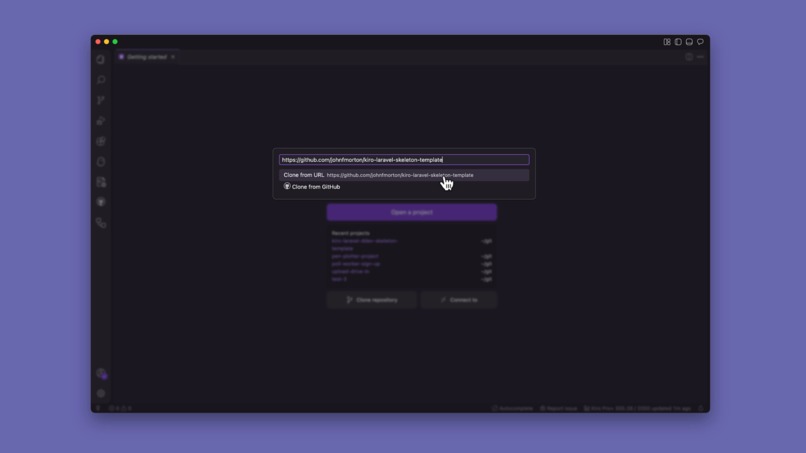
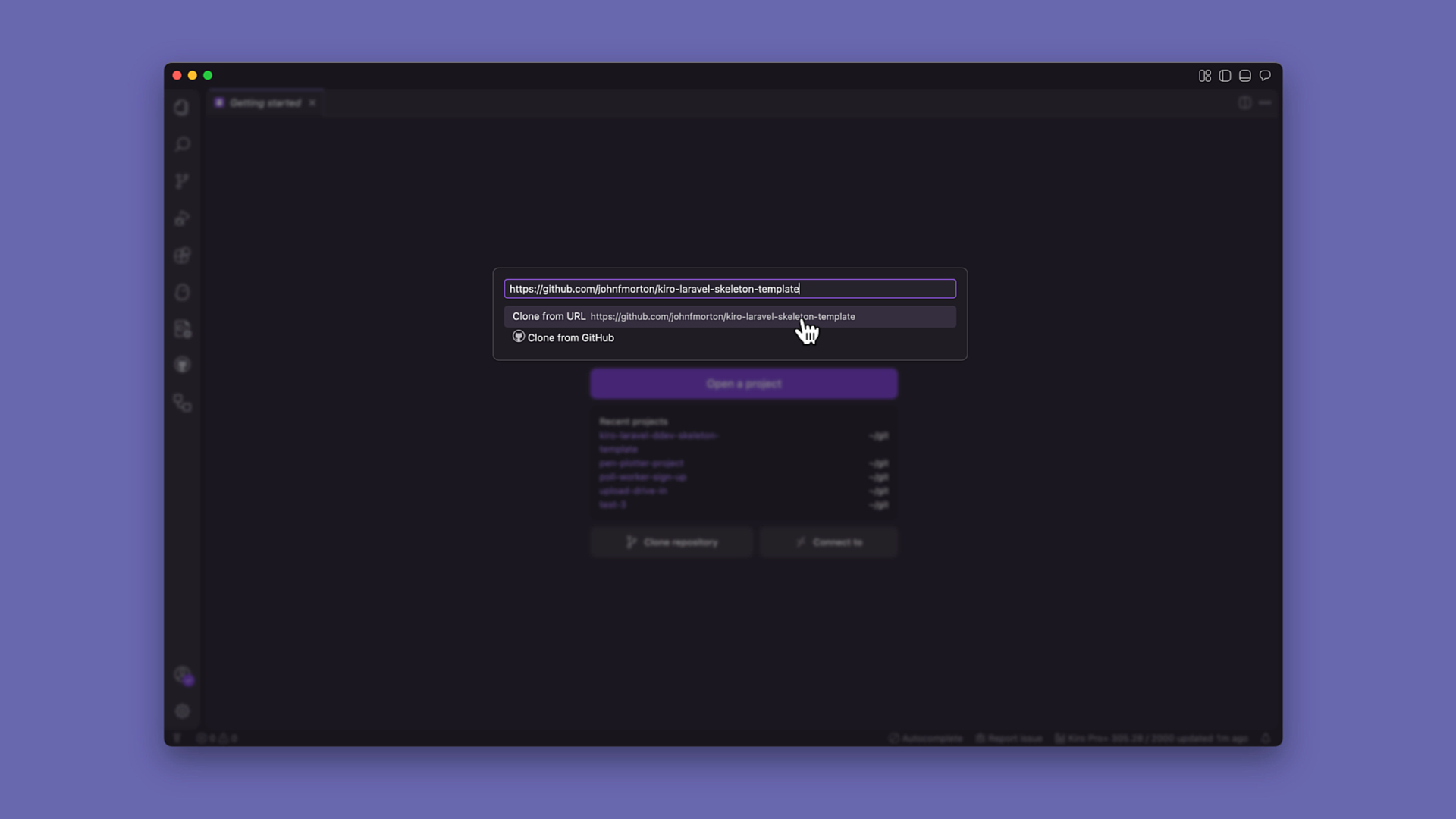
Step 1 - Clone the the Kiro Laravel Skeleton git repo
-
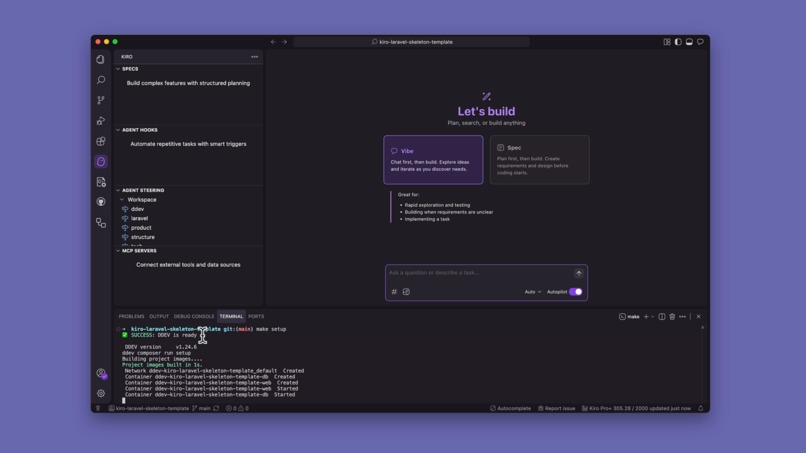
Step 2 - Run `make setup`
-
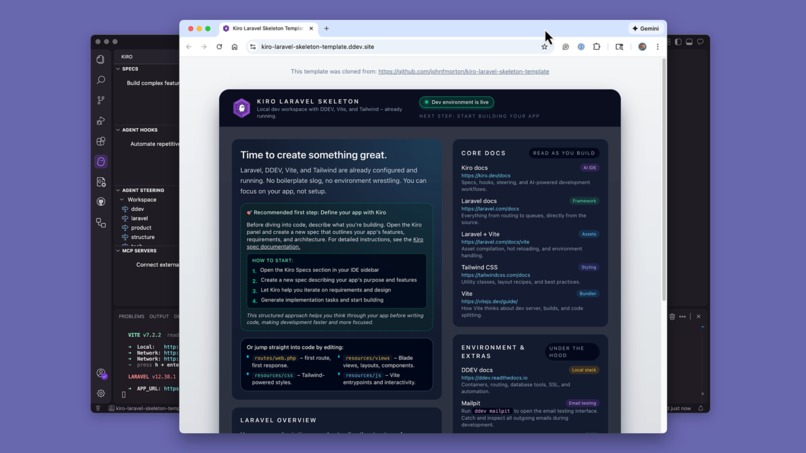
Step 3 - Ready to go!
-
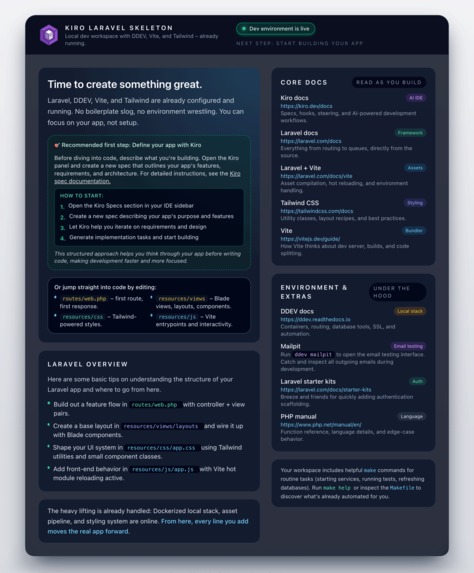
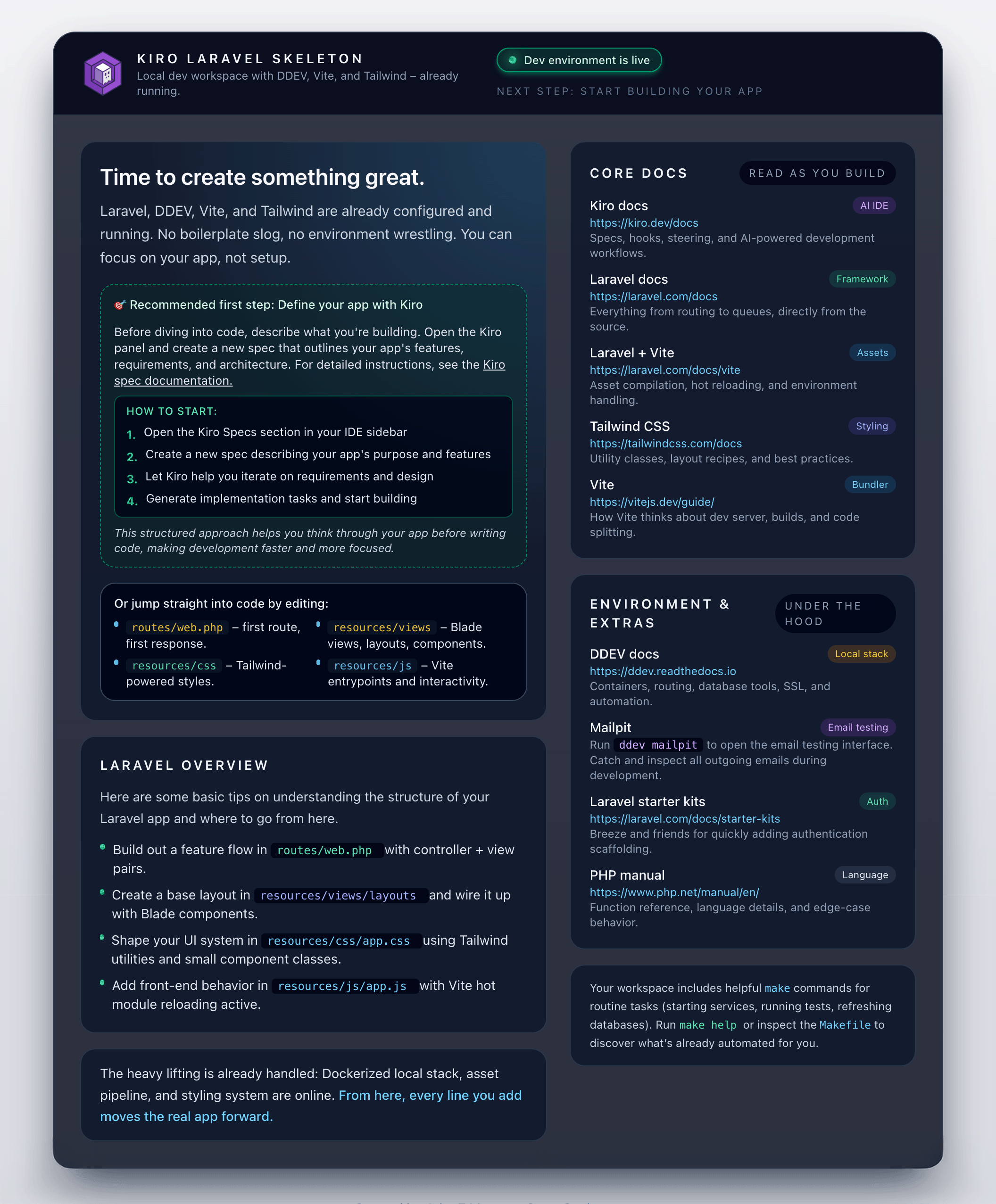
Start-up screen to help the developer kick off a new project (enlarge to see)
-
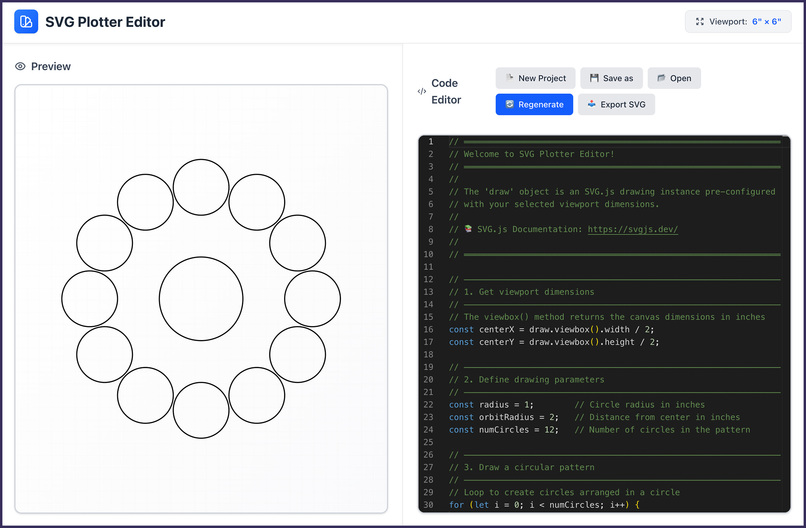
Pen Plotter Playground, built with the Kiro Laravel Skeleton
-
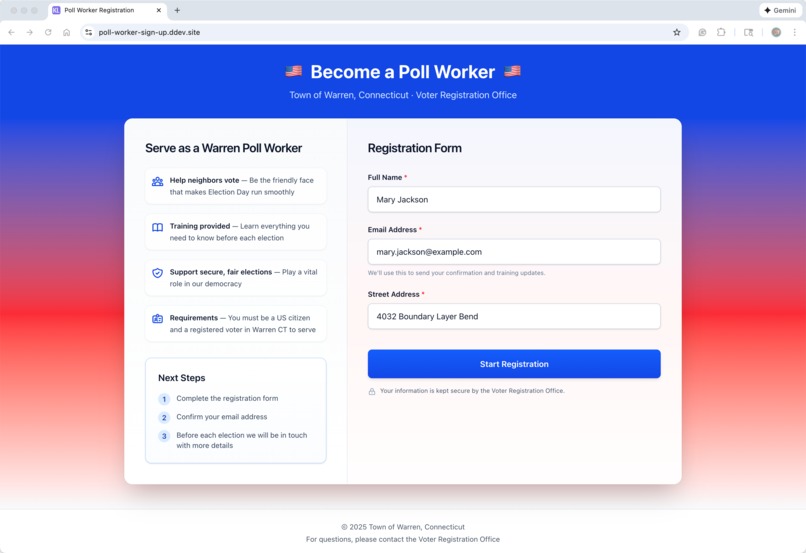
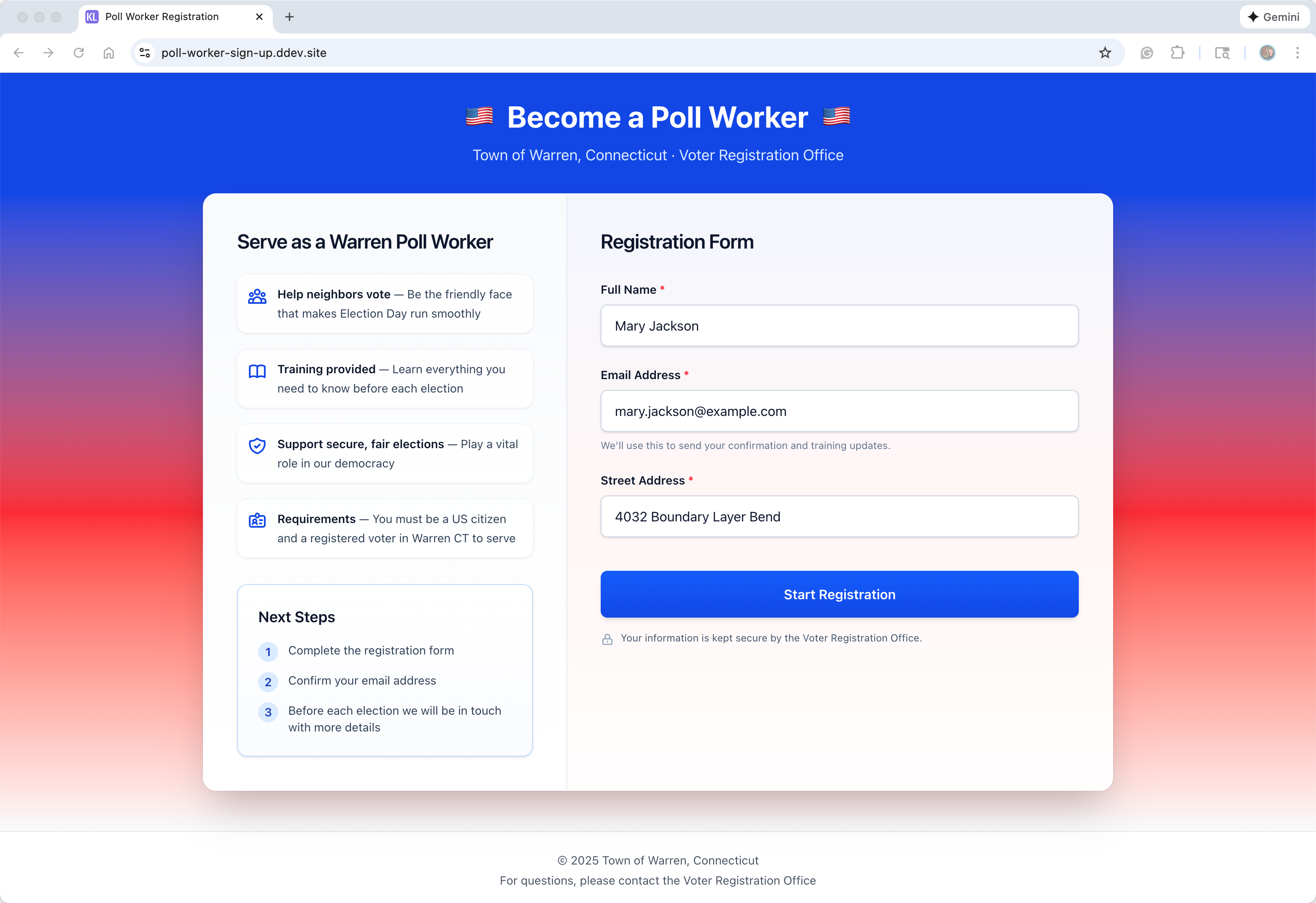
Poll Worker Sign Up, built with the Kiro Laravel Skeleton
-
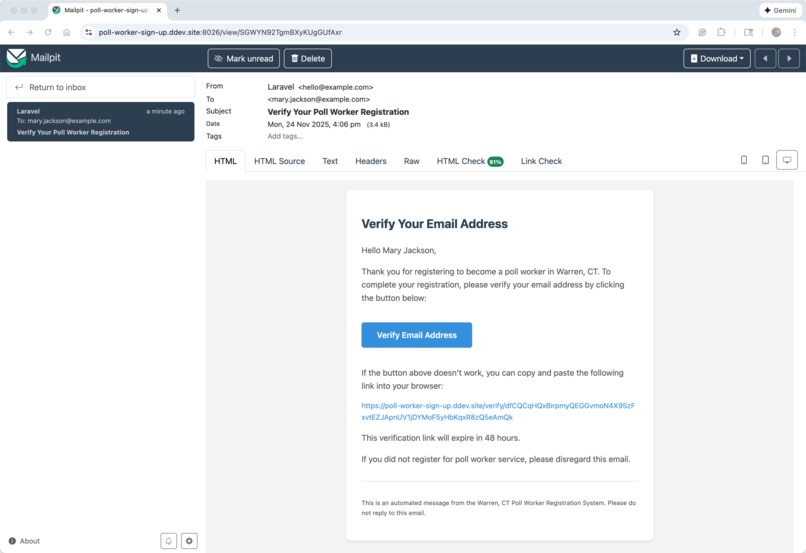
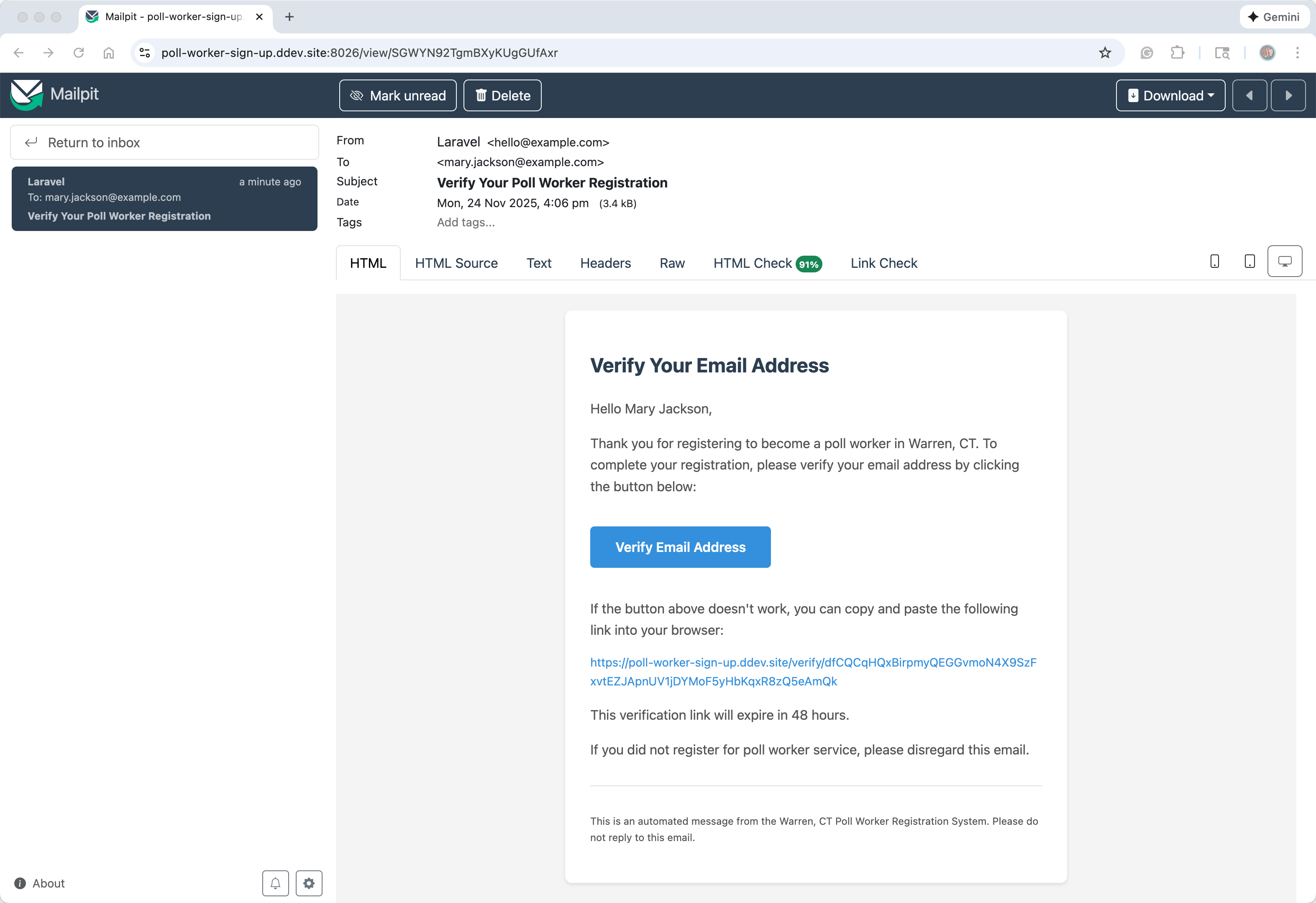
Poll Worker email to verify address
-
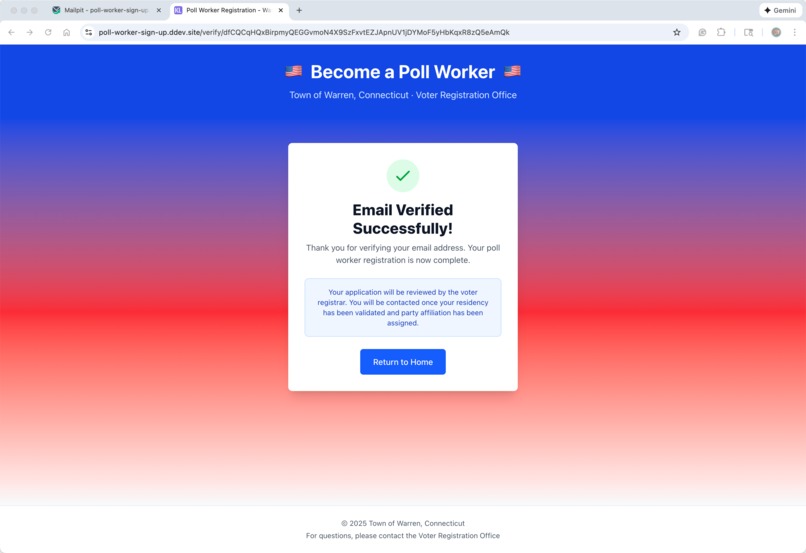
Poll Worker verification screen
-
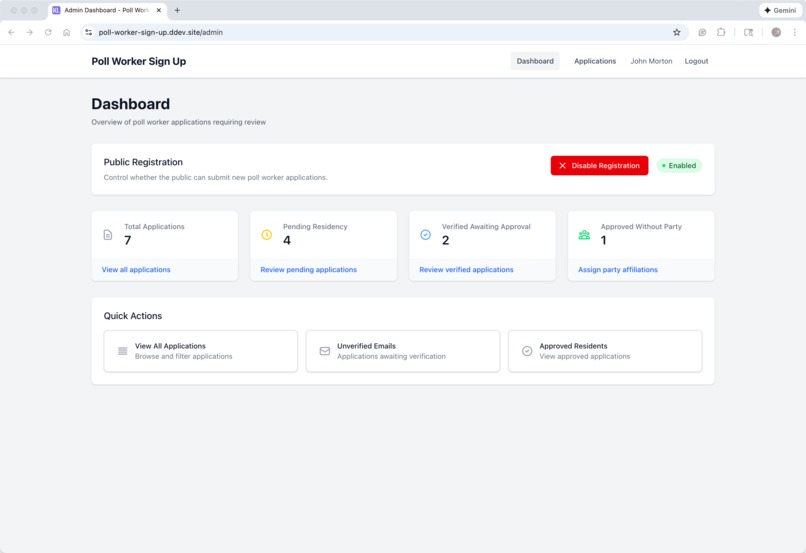
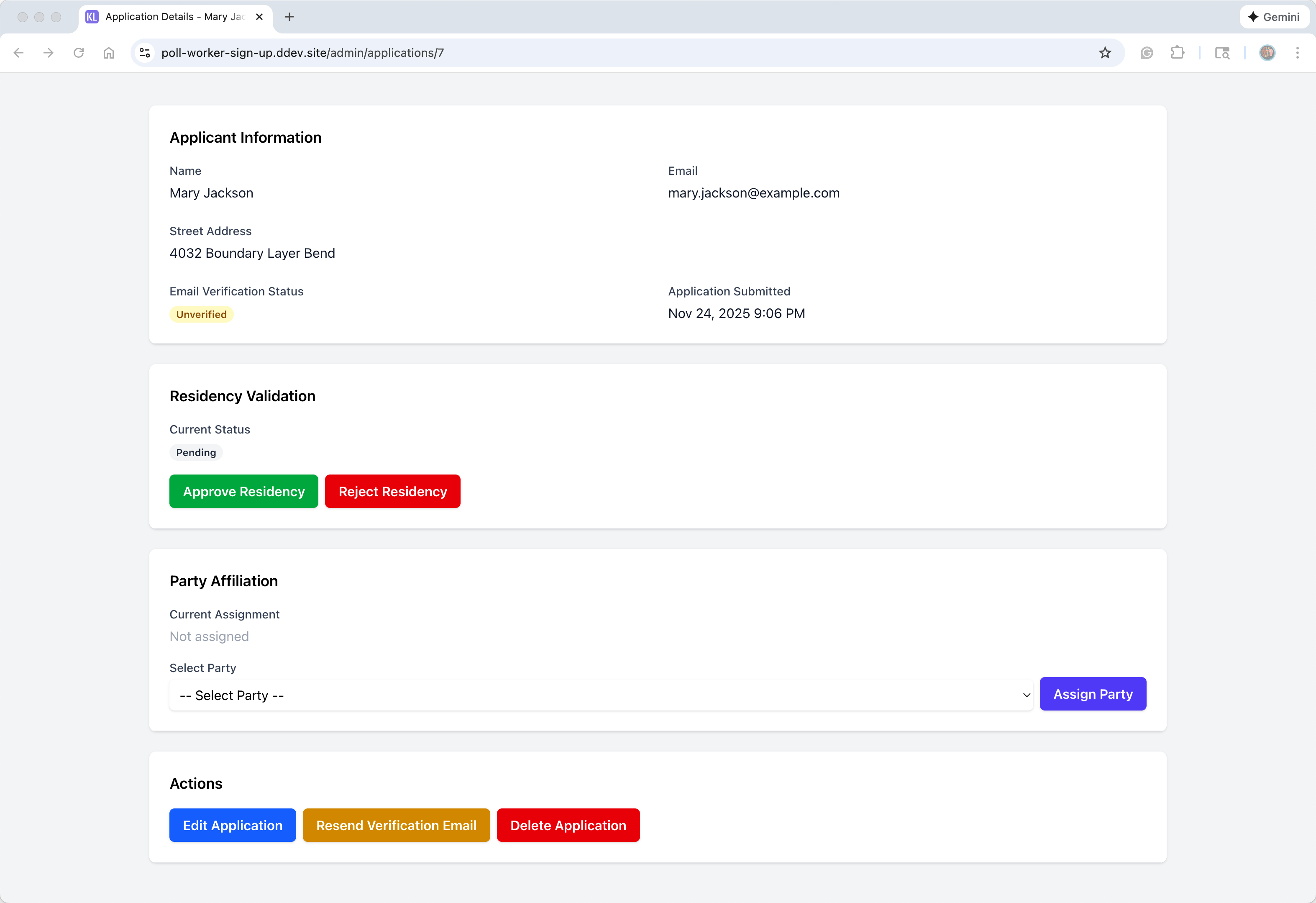
Poll Worker admin home
-
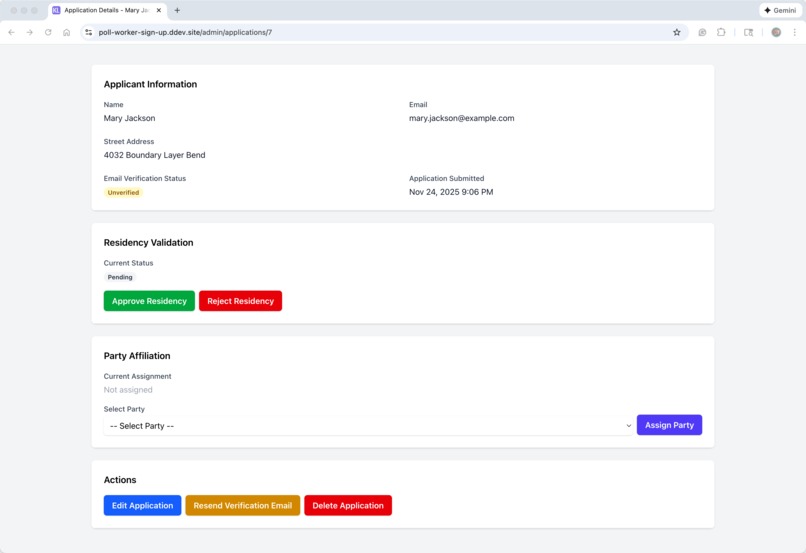
Poll Worker acceptance screen
-
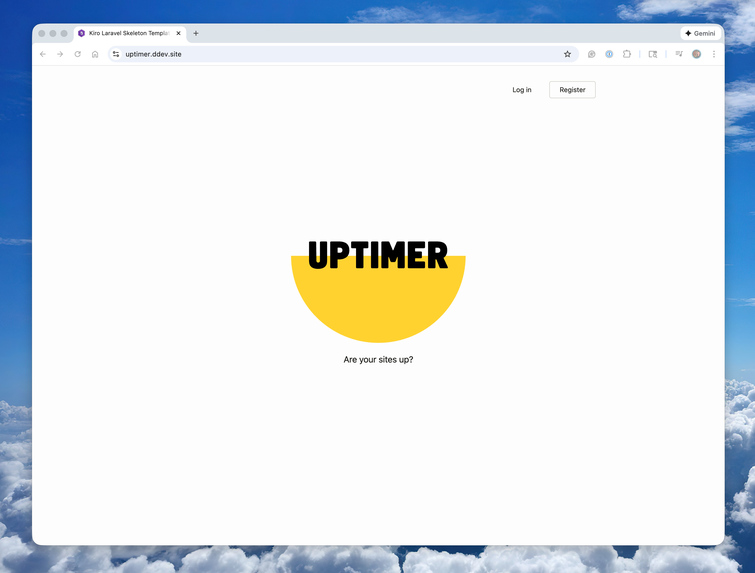
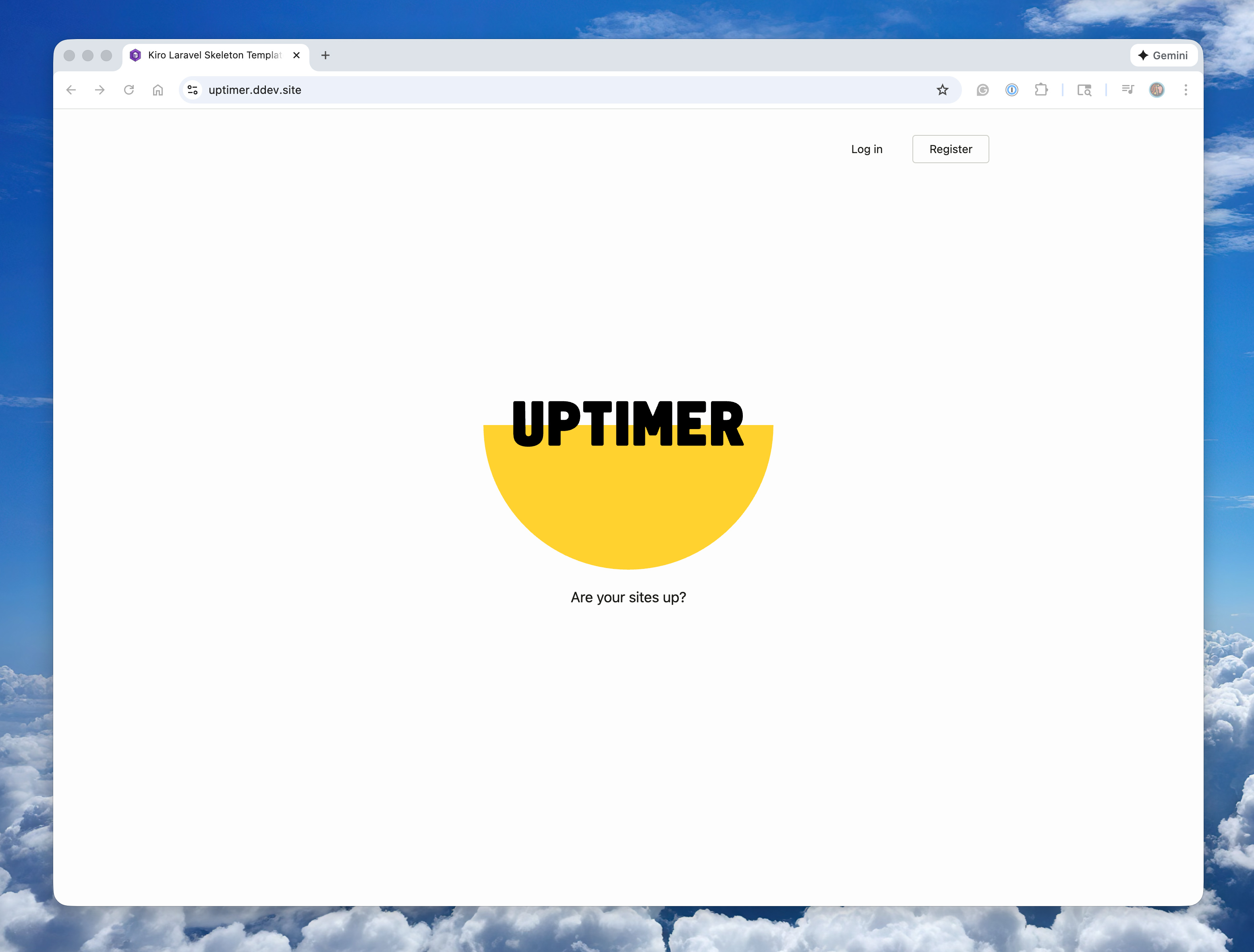
Uptimer home page
-
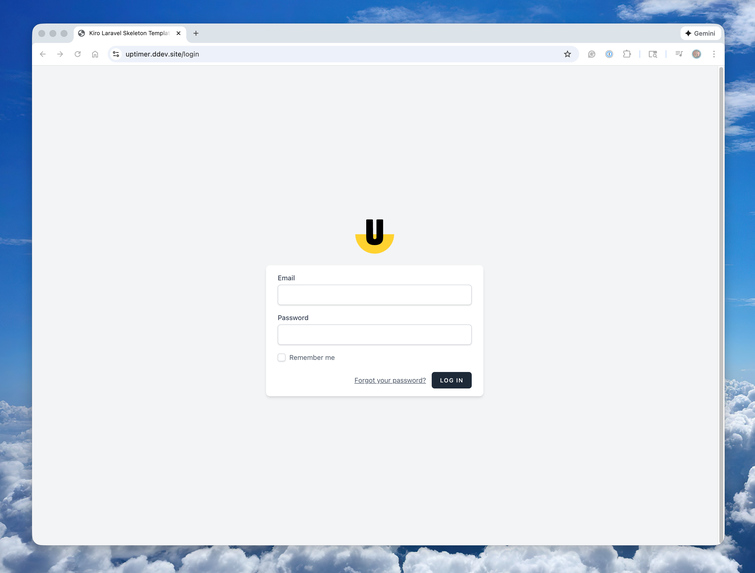
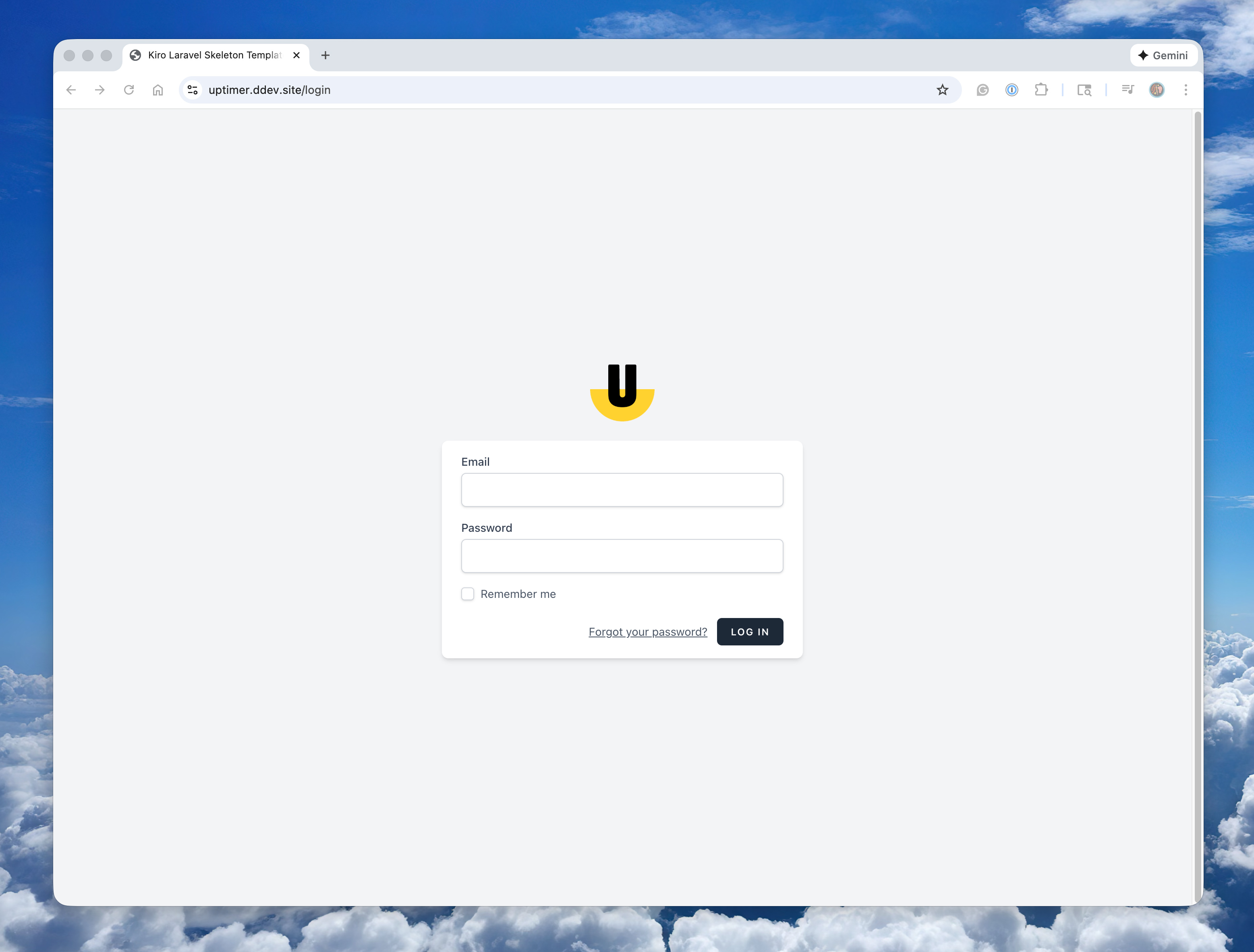
Uptimer log in page
-
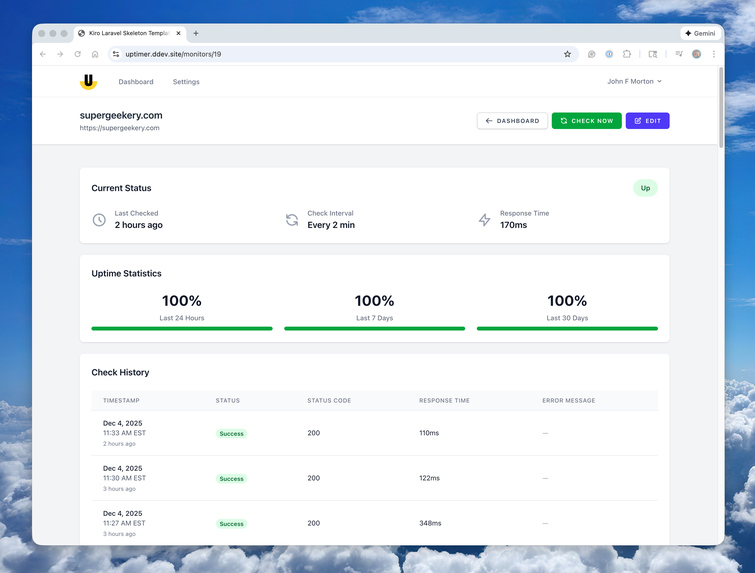
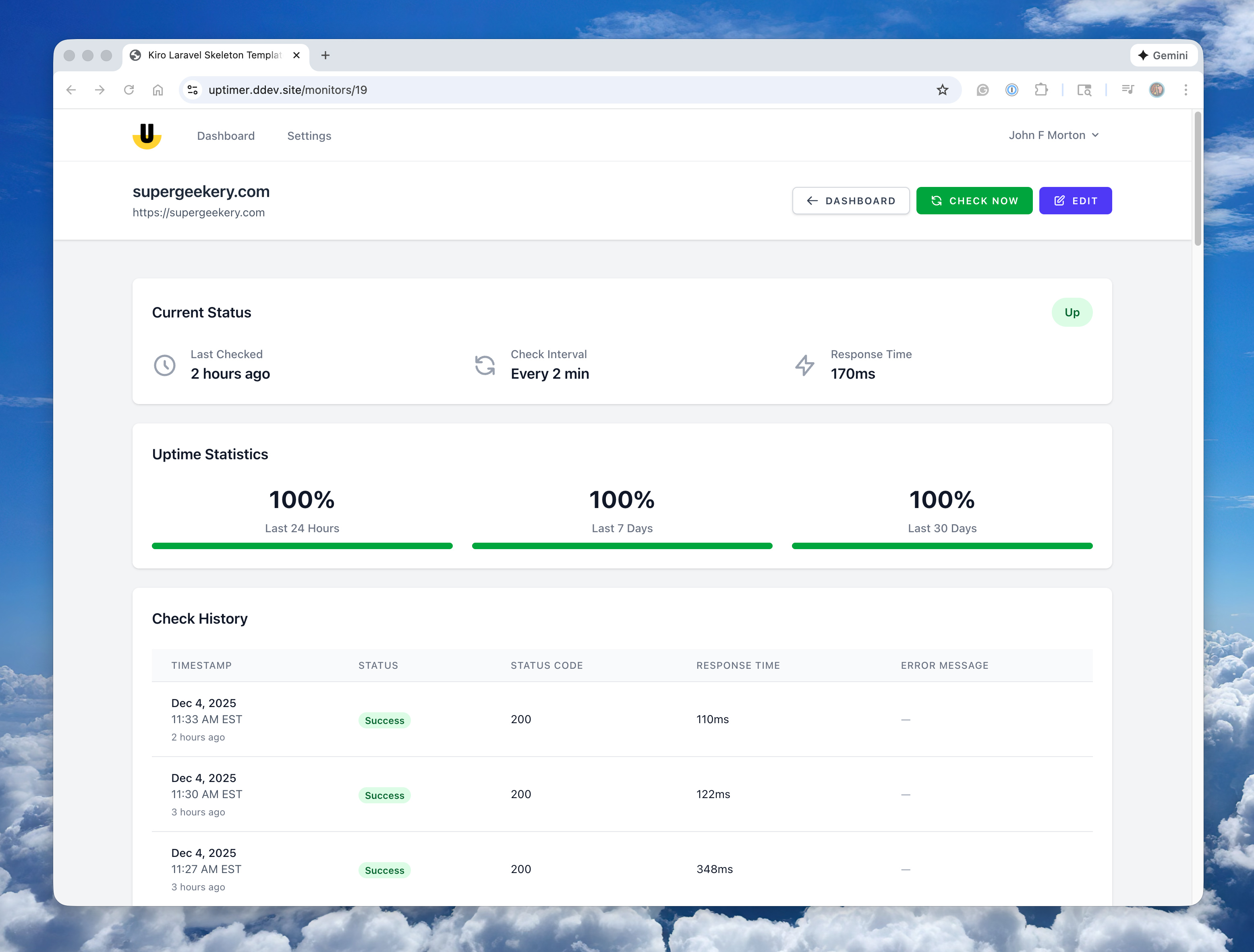
Uptimer monitor detail page
-
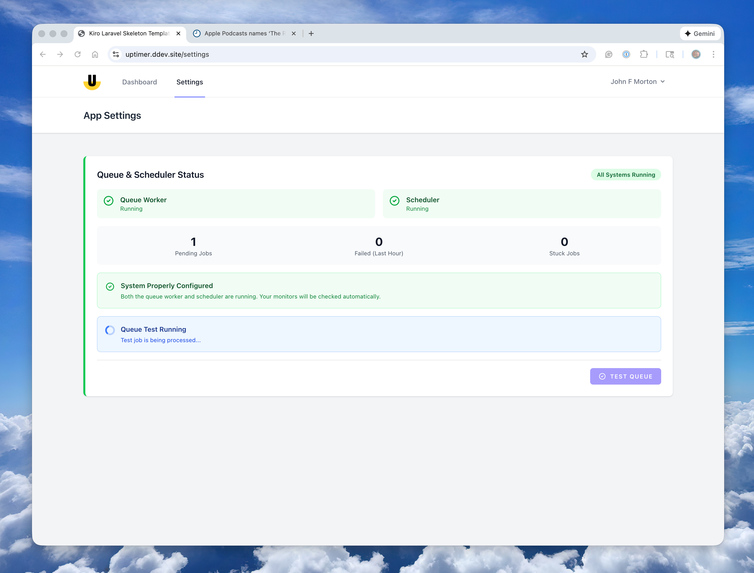
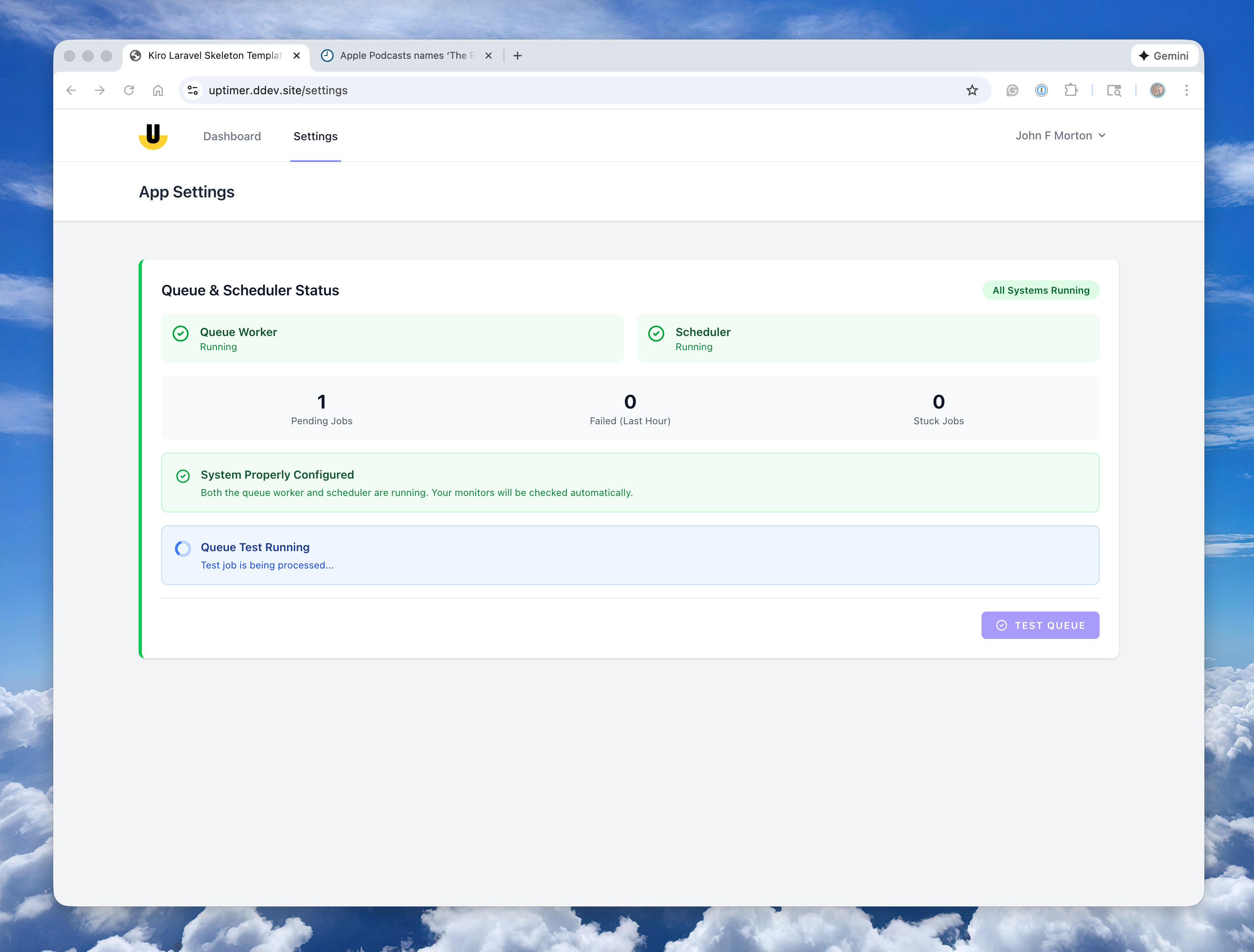
Uptimer includes useful debugging tools to help server configuration
-

Kiro Laravel Skeleton logo






Inspiration
The Kiro Laravel Skeleton exists because of a web app I built earlier this year using the Laravel PHP framework with Kiro as my code editor/partner. While building the app, I kept tightening up my Kiro spec documents so the generated code stayed clean, clear, and predictable.
When I shared the project with a friend, he pointed out that the structure of my app was noticeably more organized and well-documented than what he’d been able to produce with a similar workflow. He specifically complimented my Kiro spec docs.
His reaction stuck with me.
If refining those specs made my project more organized, easier to understand, and, in turn, easier to build upon, then other developers should be able to start from that same foundation. That impulse led me to create the Kiro Laravel Skeleton.
⸻
What it does
The Kiro Laravel Skeleton provides a fully configured Laravel development environment fine-tuned to work with Kiro.
It bundles polished Kiro specs together with many features:
- Laravel - the gold standard PHP framework
- DDEV - lets you use containers with zero required Docker skills
- Vite - the best-in-class Javascript and CSS bundler
- Tailwind CSS - the popular utility-first CSS framework
- hot-module reloading - a system that makes JS and CSS changes appear instantly in your dev environment
- Mailpit - a small, fast email testing tool & API for developers
- Plus, a handy Makefile.
You can clone the repo, type make setup into your terminal, and immediately feel like the rails are already laid down for you.
As I mentioned earlier, the project includes tuned spec documents in the .kiro directory that guide Kiro toward producing clean, readable Laravel code. This keeps the project consistent as it grows.
The onboarding homepage introduces you to the development environment and links to essential docs, and the best first steps to working with Laravel and Kiro.
The goal is to make starting a new Laravel project with Kiro fade into the background so you can skip the boilerplate and get right to building your app.
⸻
How it was built
I started the skeleton by reviewing the Kiro specs that I had refined while building my original app that produced the well-organized Laravel codebase that my friend mentioned.
From there:
- I created a fresh Laravel installation and configured it for DDEV with SSL, databases, Mailpit, and a simple Makefile.
- Once the basic dev environment worked properly, I added the revised Kiro spec documents to the project. I used Kiro's vibe coding to clean those up.
- I configured Vite with hot-module reloading inside Docker, along with Tailwind and the JS/CSS entrypoints.
- I used Kiro’s vibe-coding approach to iterate on the onboarding homepage and its copy.
- I repeatedly spun up new projects from the template to ensure the workflow remained reliable across environments.
I built three projects with the Kiro Laravel Skeleton to "dog food" the template:
- Poll Worker Sign up: A web app signing up poll workers to work at elections in my home town.
- Pen Plotter Playground: A workspace I use as part of my art-studio.
- Uptimer: A self-hosted site monitor that includes email and phone notifications when problems occur. (This is a last-minute addition that didn't make the video presentation.)
The result is that the Kiro Laravel Skeleton is a cohesive setup designed for immediate productivity.
⸻
Challenges
In my first iterations of the skeleton, Kiro did not always install new dependencies inside the Docker containers. I created DDEV-specific spec documents to ensure Kiro used the dev server properly. For example, new JavaScript libraries and PHP libraries should always be installed within the Docker container, not directly on the dev machine.
Also, Docker port configuration can be tricky. Working with multiple Docker containers can pose challenges to a developer (i.e., specifically, me!). Kiro helped me expose the correct ports and configure the host settings to make hot-module reloading “just work” when spinning up a new project.
Another challenge was making sure DDEV could automatically start the necessary Laravel background queue processes. The default DDEV configuration doesn’t handle that out of the box. A few vibe coding requests in Kiro helped me set that up, and now it works properly every single time.
⸻
Accomplishments that I'm proud of
The streamlined developer experience is the accomplishment I’m most proud of. Cloning the repo, running a single command, and immediately having a modern Laravel environment ready to build on is helpful to me, and I hope it's helpful to other devs.
I’m also proud of the preinstalled Kiro specs and how they carry forward the clarity that my friend initially pointed out to me. Now, any developer starting with the template can benefit from that structure.
Finally, the onboarding screen gives the project a welcoming, confident starting point that helps developers know exactly where to begin.
⸻
What I learned
The process highlighted the value of a simple onboarding experience when starting a new app. The skeleton lets me focus on bringing a new idea to life rather than getting bogged down with configuration.


Log in or sign up for Devpost to join the conversation.