-
-
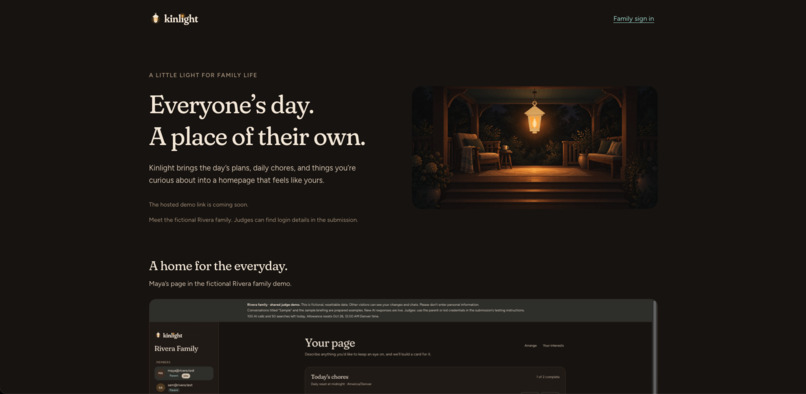
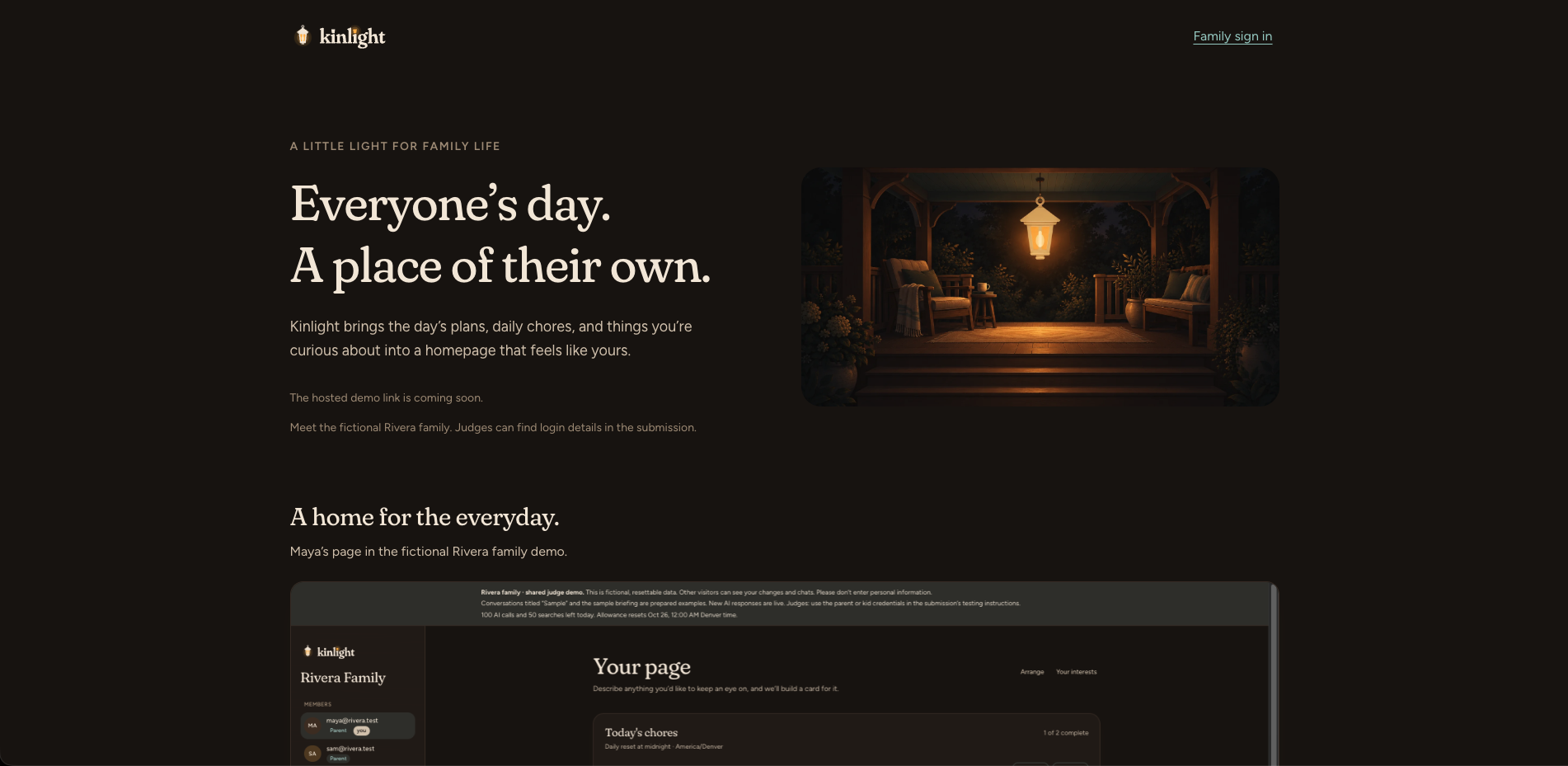
Kinlight landing page
Inspiration
I'm a dad with a busy family, and I've always wanted to build a great “family app.” With the help of the Devpost skill pack, I was finally able to turn that idea into Kinlight.
My kids have sports, school activities, and their own interests, and it can be hard to keep track of everything. I wanted to bring the everyday features we use across several apps into one place, while giving each family member a page that feels like their own.
I also wanted to experiment with AI agents and see how I could introduce my kids to AI chatbots with appropriate guidance, boundaries, and involvement from parents. Learning sites like Khan Academy inspired me to focus on helping kids work through questions and understand what they're learning.
The porch and lantern became the visual theme for Kinlight because I wanted it to feel welcoming and familiar. I plan to keep improving it for my own family and run it through my homelab, just like the demo.
What it does
Kinlight gives each family member a personalized homepage with their calendar, weather, interests, daily chores, and a short briefing.
One of its central features is creating a card from a sentence. Type something like “show me upcoming space launches,” and Kinlight selects a supported data source, finds relevant information, and builds a card you can keep on your page. Members can rearrange their cards and make the page their own.
Kids have two chat modes: Homework help and Explore. Homework help is designed to guide them through a problem with questions and hints. Explore supports curiosity, ideas, and projects. Responses use age-aware guidance, and parents can review conversations and messages flagged for attention.
Parents also have an assistant for researching questions and checking the family’s schedule. They can assign daily chores and see everyone’s progress from their own homepage.
How we built it
I used the Devpost Learn skill pack to work through the idea, scope, product requirements, technical plan, and build checklist. That gave me a manageable starting point: prove that a sentence could become a useful card, then build the family features around it.
Kinlight uses a Go backend, SQLite for storage, and a React and TypeScript frontend with Vite and TanStack Router and Query. OpenRouter provides access to AI models, Brave Search supplies search results, and Genkit supports the chat agents and briefing generation.
I worked with AI coding assistants to develop, review, and test the implementation. As the project grew, I used OpenSpec to define additional features and keep their requirements clear.
The demo runs in Docker on my homelab, managed through Coolify and reached through a Cloudflare Tunnel.
Challenges we ran into
Keeping the project focused was a recurring challenge. A “family app” can quickly become a long list of unrelated features. I started with personalized pages and natural-language card creation to keep the scope manageable.
The AI features needed more than a good prompt. I had to consider what each agent could access, how parent and kid permissions differed, how homework guidance should behave, and how concerning messages would reach a parent for review. Parental involvement remains part of the design.
I also had to keep cards fresh without making unnecessary paid API calls, handle unavailable services, and make the interface work on phones, smaller windows, and in both themes (at least for this MVP as best I could).
Accomplishments that we're proud of
I'm proud that Kinlight grew from an idea I've had for years into a working app with separate family accounts, personalized pages, live information, chores, and separate AI chat tools for parents and kids.
The “describe a card” feature captures what I wanted to explore: letting someone shape their homepage using ordinary language.
I'm also proud of the app's visual identity, clear loading and error states, and a demo with fictional family data that people can try when judging.
What we learned
This project gave me a practical way to learn Go backend development while building something I want to use. I mostly lived in the world of Node, PHP, Ruby on Rails, and Python, so getting into Go was fun.
I learned how much the quality of an AI feature depends on the data it receives and the Brave api helped a ton.
Working with AI coding assistants reinforced why I need to write spec requirements and check the work in small steps. I needed to plan the work, review the results, and try the interface myself, and often ask for lots of revisions! Even when doing spec driven development, the amount of code review is wild.
What's next for Kinlight
My next step is to use Kinlight with my own family in our self-hosted environment and learn which parts we actually use day to day.
I want to refine the mobile experience, improve calendar (support multi calendars or even a full google auth flow), and continue evaluating the kids’ chat guidance and parent review tools. It will be interesting to see if my kids actually like this or they dont end up using it.
For now, I want to make it useful enough that my own family wants to use it every day, and maybe one day I will open source it or make it easy to self host for other nerdy dads like me.
Judges please see - Tell us more about the value your project provides for you? section for more info on the demo site.
Built With
- claude
- codex
- fontsource
- genkit
- go
- puck
- react
- sqlite
- tailwind
- tanstack
- typescript
- vite

Log in or sign up for Devpost to join the conversation.